Best WordPress Development Service
Wbcom Designs are the best and very knowledgeable WordPress Development Service, as I was stuck and didn't know how to resolve the issue. Go for it Guys, without any second thoughts.


WB Member Blog lets members write posts from the front end, with your review before anything goes live. Start Here covers the settings and a first post; later series cover writing, review, readers and Pro.
Start Here · video 1 of 6
2:45
Full guide and transcriptPick any video below to play it here.
Find your way around the settings, set the writing and dashboard pages, choose who can write and publish your first post.
 2:45 01 How to Find Your Way Around the Member Blog Settings in WB Member Blog
 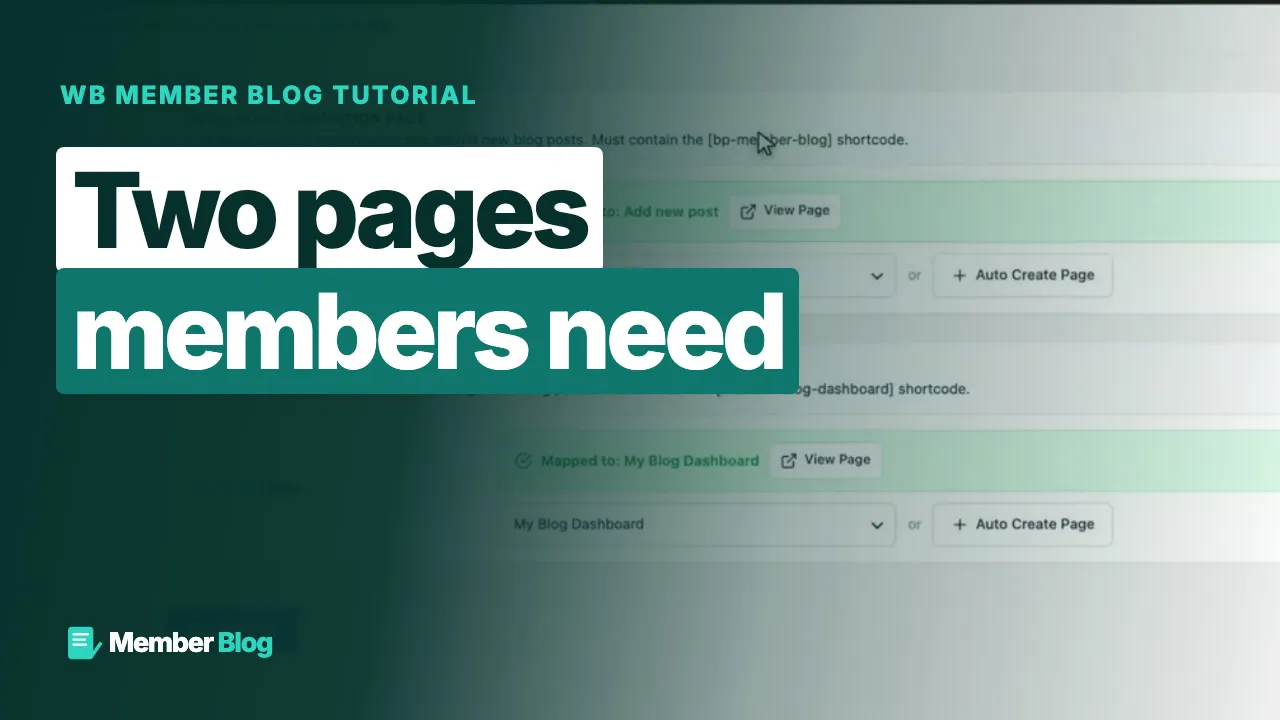 2:35 02 How to Set the Writing Page and the Dashboard Page in WB Member Blog
 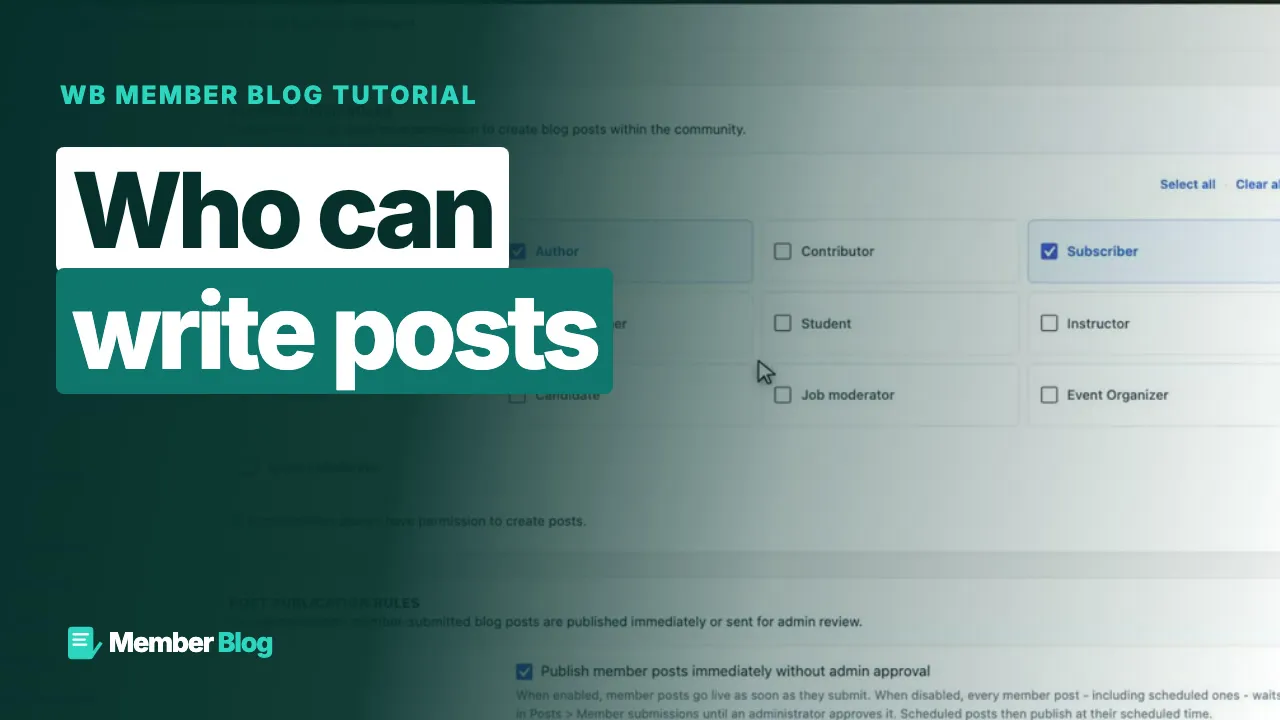 2:05 03 How to Choose Who Can Write Blog Posts in WB Member Blog
 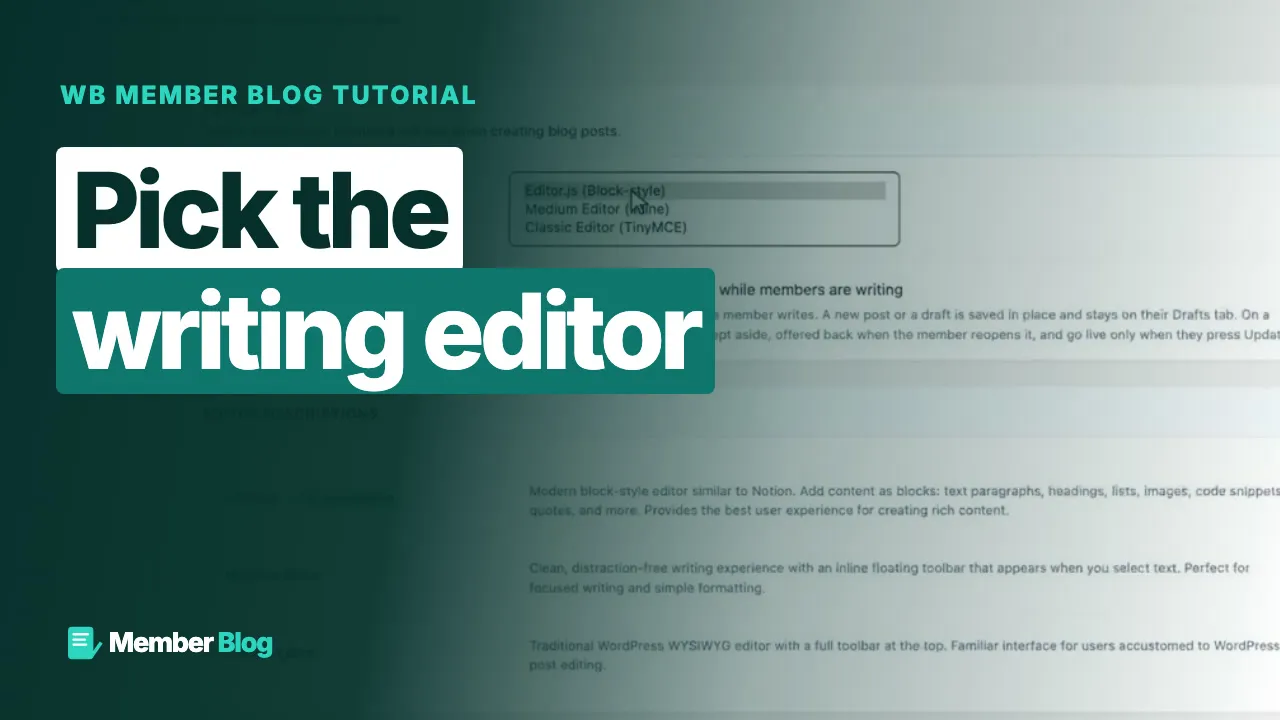 2:19 04 How to Choose the Editor and Turn On Autosave in WB Member Blog
 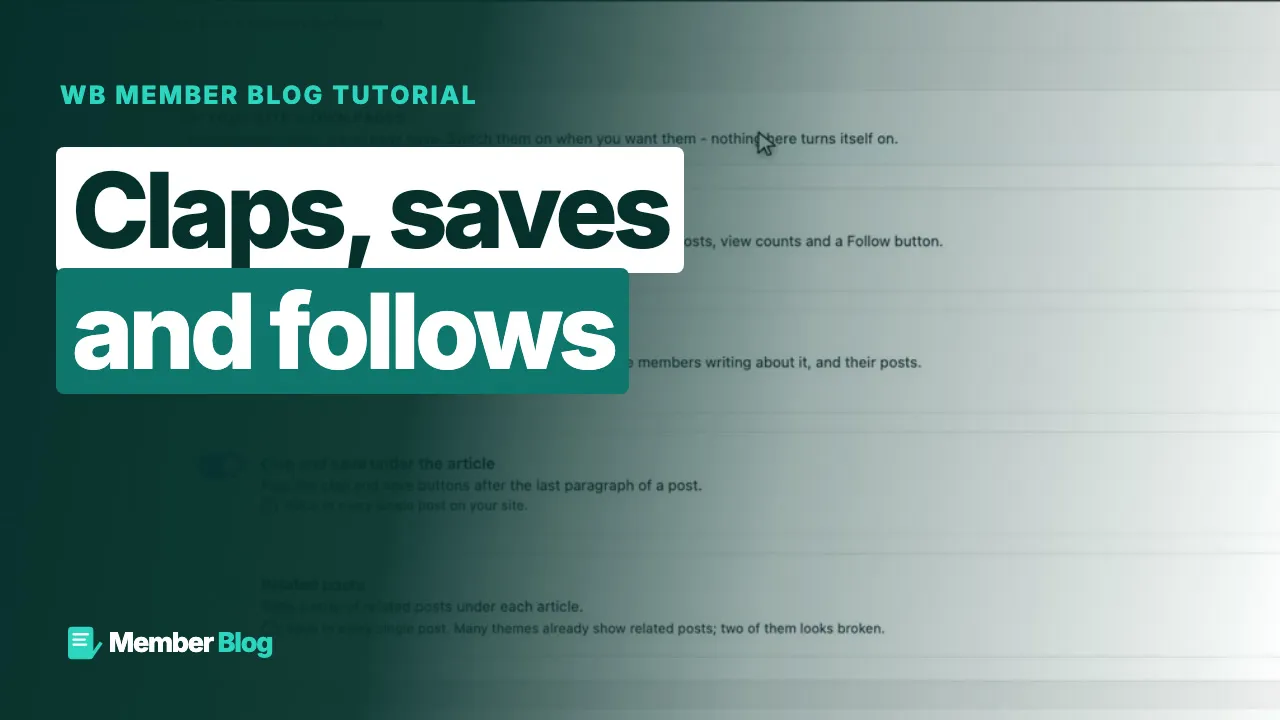 2:43 05 How to Turn On the Reader Features in WB Member Blog
  2:31 06 How to Write and Publish Your First Post in WB Member Blog
 Drafts, categories, tags and images, who can read and comment, share summaries, preview, editing and unpublishing.
 1:59 01 How to Save a Draft and Finish It Later in WB Member Blog
  2:08 02 How to Add a Category, Tags and a Featured Image in WB Member Blog
  2:01 03 How to Control Who Can Read and Comment on a Post in WB Member Blog
  1:55 04 How to Write the Summary Shown When a Post Is Shared in WB Member Blog
  1:55 05 How to Preview a Post and Write Without Distractions in WB Member Blog
  1:57 06 How to Edit a Post That Is Already Published in WB Member Blog
  2:00 07 How to Unpublish or Delete a Post in WB Member Blog
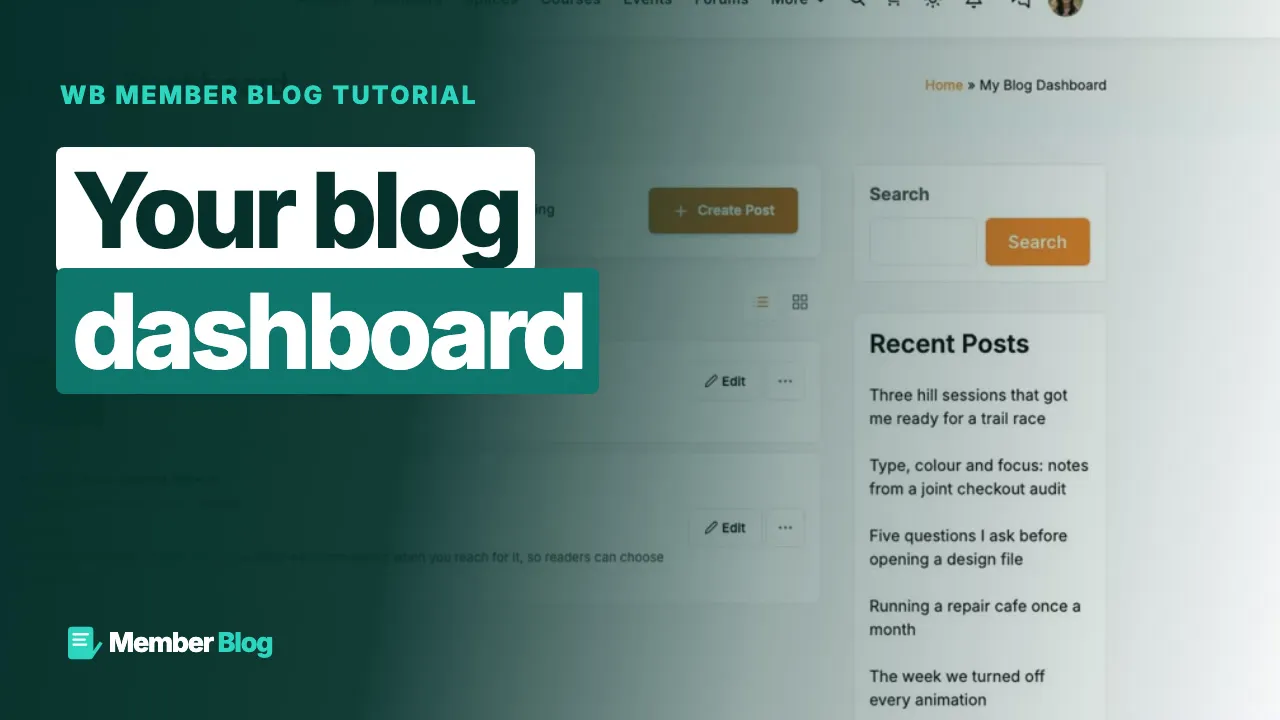
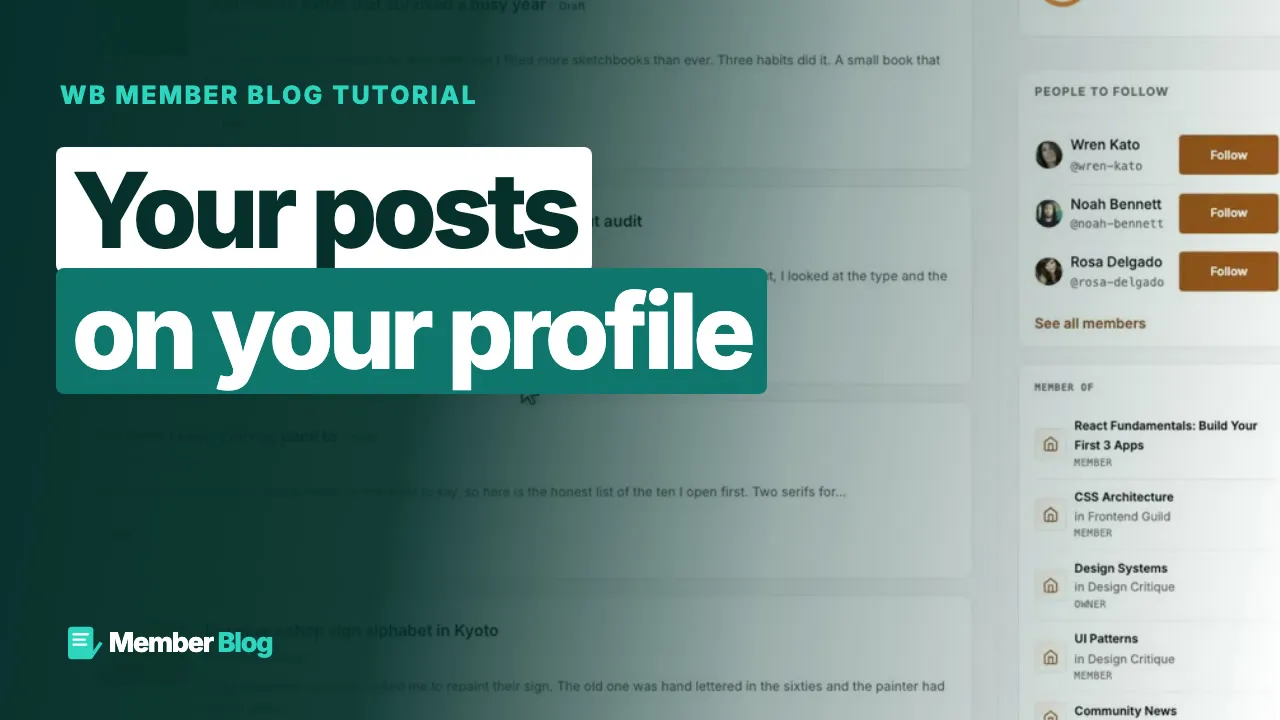
 The member's blog dashboard and the articles tab on a BuddyNext profile.
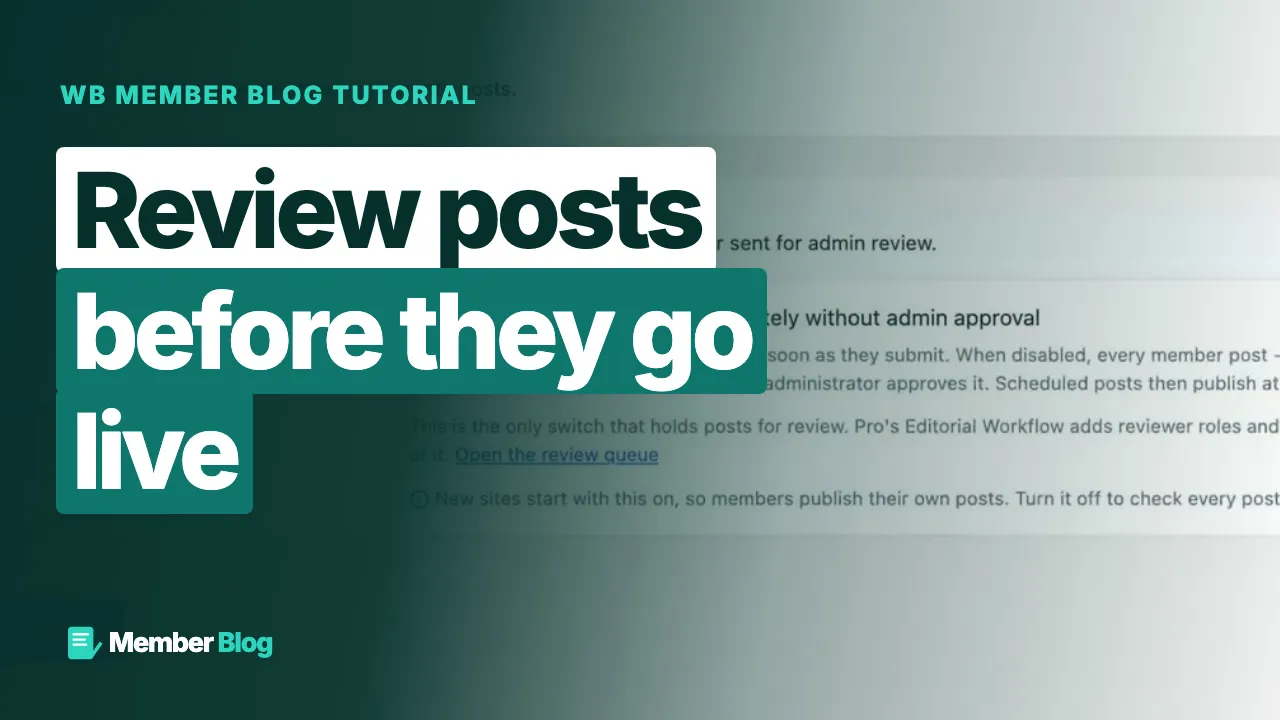
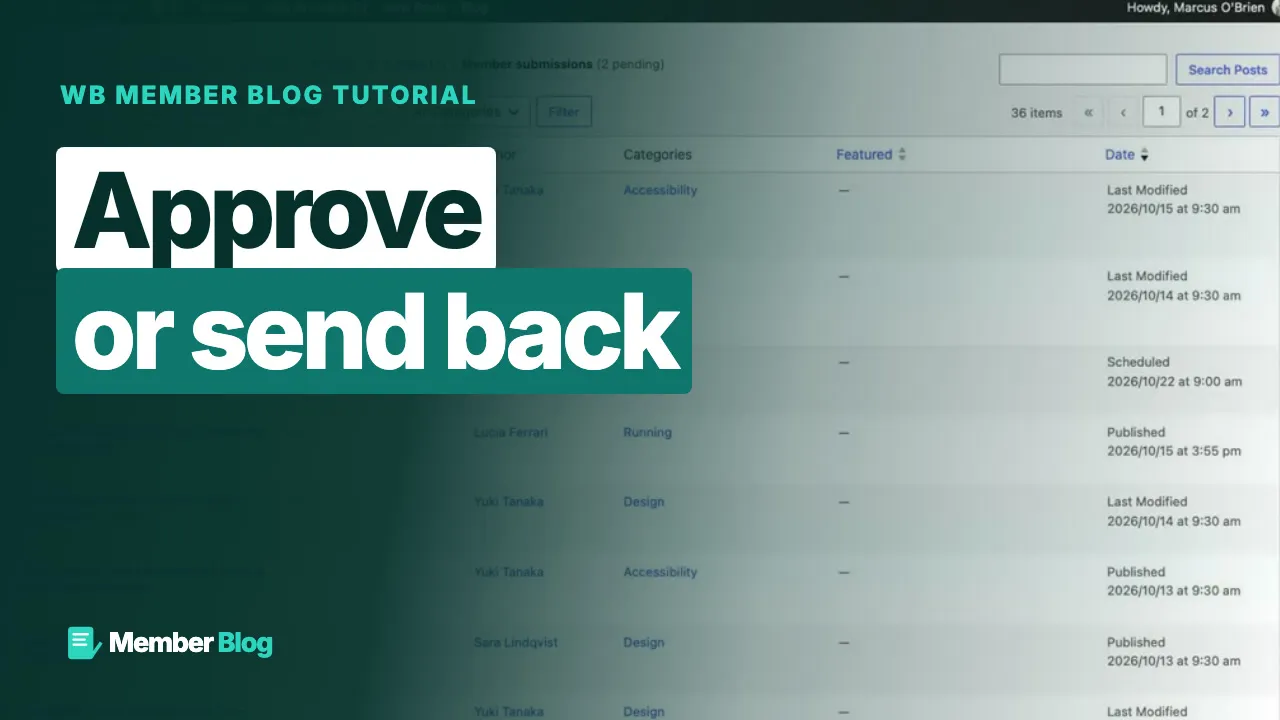
Hold posts for review, approve or send back, fix a sent-back post and feature the best ones.
Claps, reading lists, following writers, comments, topic hubs, writer profiles, related posts and digest emails.
 1:56 01 How to Read a Post and Clap for It in WB Member Blog
  1:55 02 How to Save Posts to Your Reading List in WB Member Blog
  2:04 03 How to Follow a Writer and See Their New Posts in WB Member Blog
  1:45 04 How to Comment on a Member's Post in WB Member Blog
  1:44 05 How to Browse a Topic Hub in WB Member Blog
  2:02 06 How to Open a Writer's Profile Page in WB Member Blog
  2:00 07 How to Show Related Posts Under Each Article in WB Member Blog
  1:59 08 How to Send Followers a Digest Email in WB Member Blog
 Categories members can use, image sizes and types, and member posts on any page.
Pro modules, emails, posting and word limits, custom fields, analytics, co-authors, scheduling, series and credits.
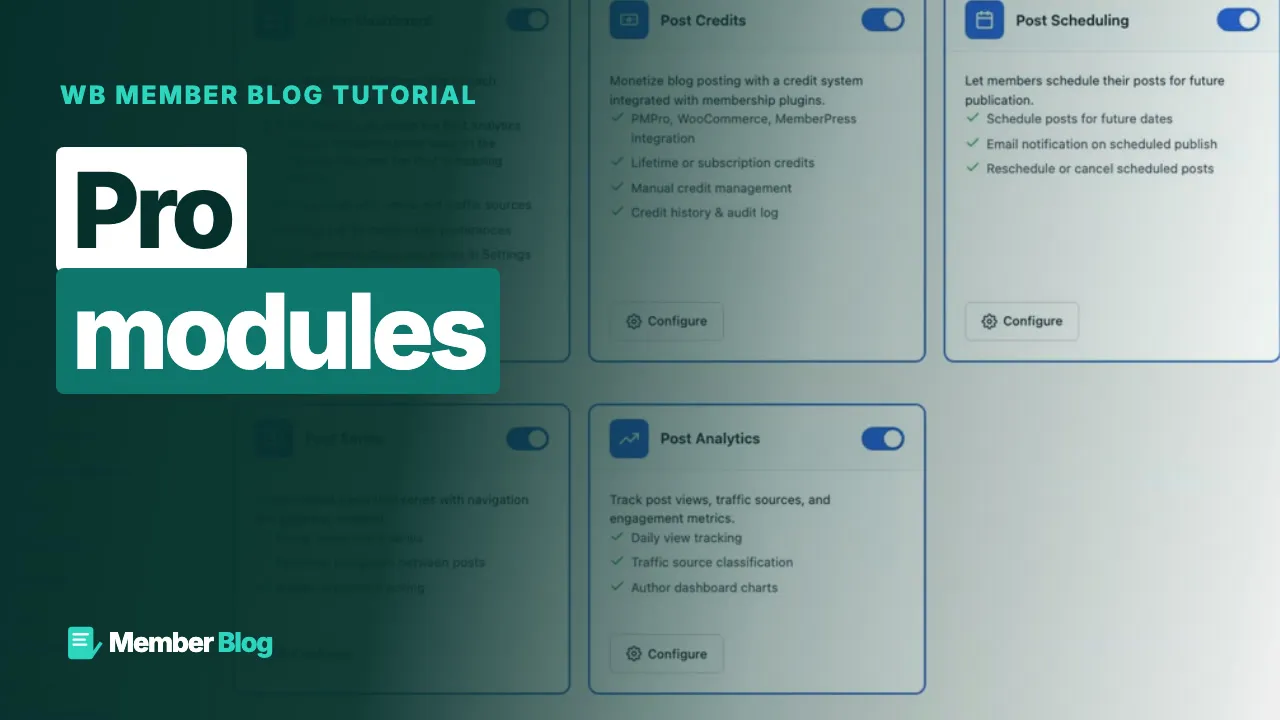 1:57 01 How to Turn Pro Modules On and Off in WB Member Blog
  1:57 02 How to Edit the Emails Member Blog Sends in WB Member Blog
 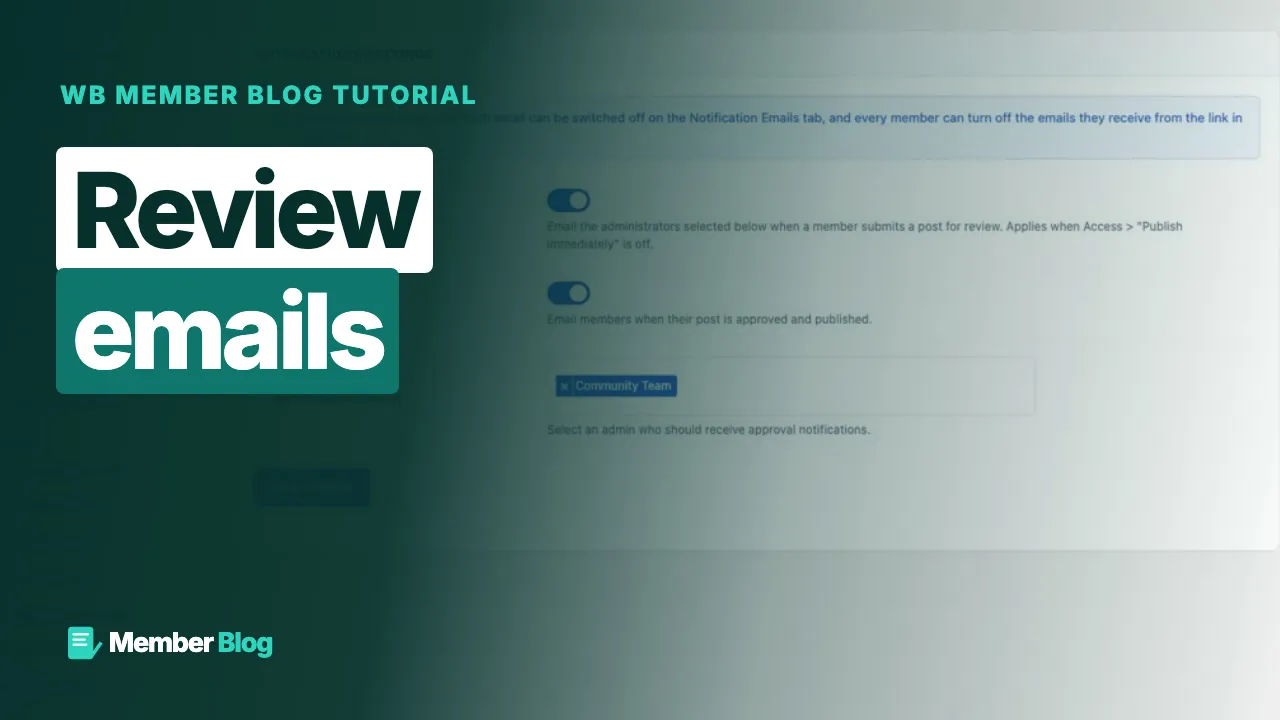 1:50 03 How to Choose Who Hears About Posts Awaiting Review in WB Member Blog
 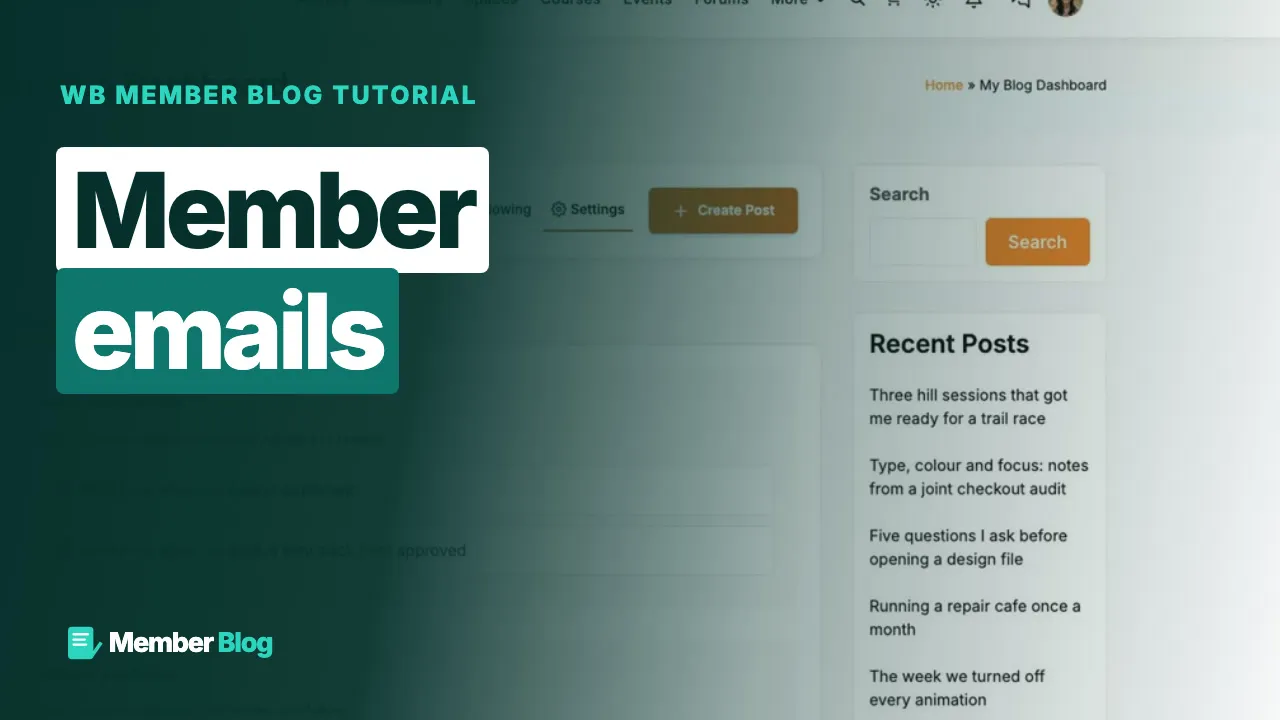 1:50 04 How to Let Members Choose Their Emails in WB Member Blog
 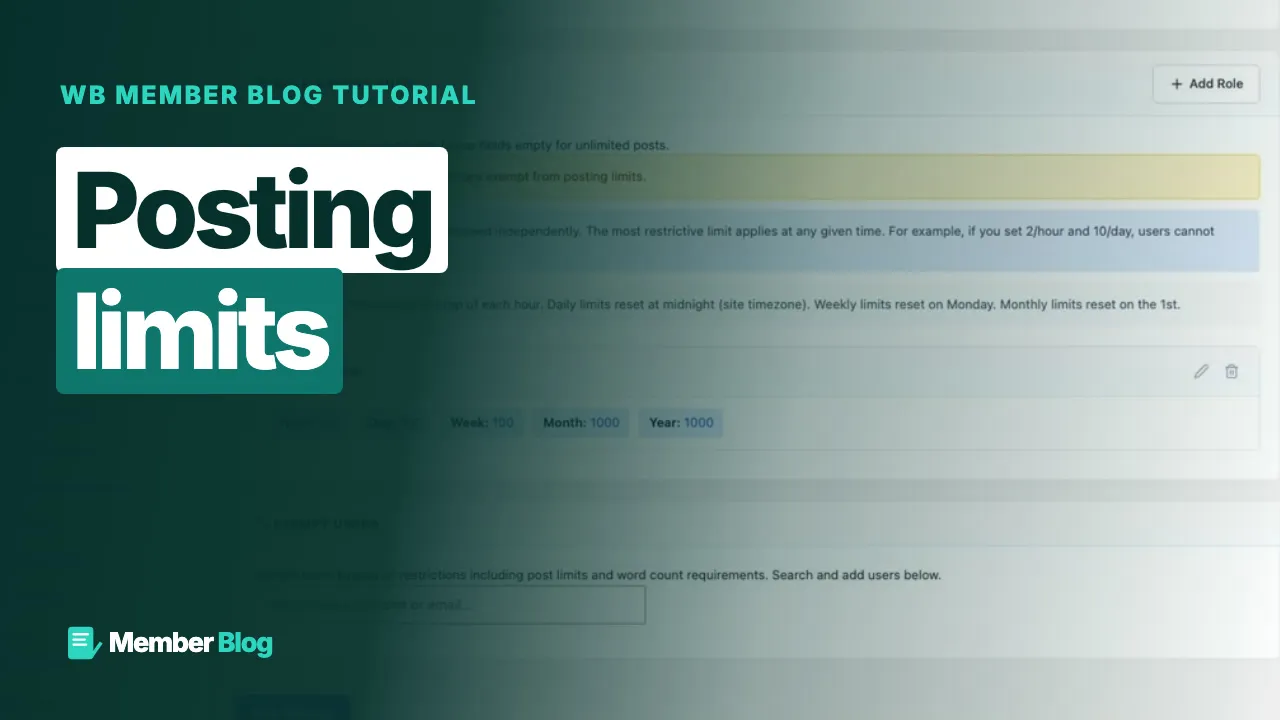 2:00 05 How to Limit How Many Posts a Member Can Publish in WB Member Blog
 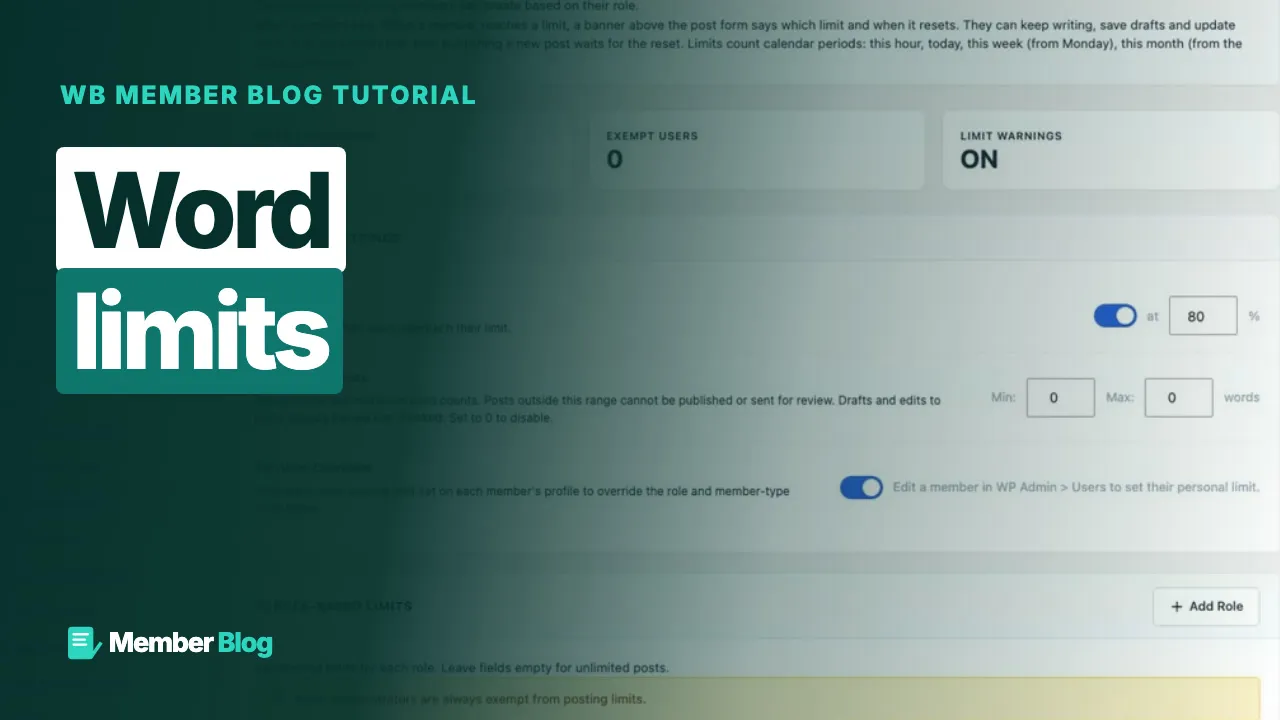 1:50 06 How to Set a Minimum and Maximum Word Count in WB Member Blog
  1:44 07 How to Give One Member Their Own Limit in WB Member Blog
  1:52 08 How to Add Custom Fields to the Writing Form in WB Member Blog
  1:54 09 How to Read Your Post Views and Traffic in WB Member Blog
  1:53 10 How to Read Views for the Whole Site in WB Member Blog
  1:38 11 How to Choose the Dashboard Tabs Members See in WB Member Blog
  2:08 12 How to Invite a Co-Author to a Post in WB Member Blog
  1:54 13 How to Let Editors Review Posts on the Front End in WB Member Blog
  2:09 14 How to Schedule a Post and Use the Calendar in WB Member Blog
  2:01 15 How to Group Posts Into a Series in WB Member Blog
  2:09 16 How to Charge Credits to Publish in WB Member Blog
 More tutorials: BuddyNext · Learnomy · Jetonomy · Eventonomy · WPMediaVerse · WB Listora · WP Career Board · All videos
Built for you
We plan, build and launch sites on our plugins, then look after them. Tell us what you want to run.
Wbcom Designs are the best and very knowledgeable WordPress Development Service, as I was stuck and didn't know how to resolve the issue. Go for it Guys, without any second thoughts.