Exceptional WordPress Expertise & Support by Wbcom Designs!
A huge thanks to Wbcom Designs for their unparalleled support and cooperation. Their WordPress expertise truly shines through in their work. Highly appreciated and recommended!


Learnomy is a learning platform for WordPress: courses, quizzes, certificates and payments in one plugin. The Start Here series takes a fresh install to a first paid course; the rest go deep on each part.
Start Here · video 1 of 13
2:40
Full guide and transcript on learnomy.appPick any video below to play it here.
Set up Learnomy from a fresh install: the wizard, your first course, lessons, a quiz, a price, a certificate and payments.
 2:40 01 How to Find Your Way Around the Admin in Learnomy
  2:28 02 How to Create a Course in Learnomy
  2:35 03 How to Add Sections and Lessons in Learnomy
  2:35 04 How to Add a Quiz to a Course in Learnomy
  2:26 05 How to Set a Course Price or Make It Free in Learnomy
  2:25 06 How to Turn On a Course Certificate in Learnomy
  2:01 07 How to Take a Course as a Student in Learnomy
  2:33 08 How to Connect a Payment Gateway in Learnomy
  2:44 09 How to Create a Membership Plan in Learnomy
  3:13 10 How to Run the Setup Wizard in Learnomy
  2:45 11 How to Read Your Admin Dashboard in Learnomy
  2:38 12 How to Turn Modules On or Off in Learnomy
  3:00 13 How to Know Who Can Do What in Learnomy
 Catalog, categories, completion rules, prerequisites, enrollment, lesson types, drip, assignments, paths and cohorts.
 2:40 01 How to Set Up Your Course Catalog in Learnomy
  2:19 02 How to Organize Courses with Categories and Tags in Learnomy
  2:26 03 How to Set Course Completion Rules in Learnomy
  2:29 04 How to Moderate Course Reviews in Learnomy
  2:27 05 How to Set Course Prerequisites in Learnomy
  2:15 06 How to Set Course Difficulty and Target Audience in Learnomy
  2:28 07 How to Enroll Students in a Course in Learnomy
  2:18 08 How to Enroll a List of Students at Once in Learnomy
  2:23 09 How to Sell a Course on Another Site in Learnomy
  2:30 10 How to Make a Course Invite Only in Learnomy
  2:48 11 How to Choose a Lesson Content Type in Learnomy
  2:35 12 How to Add a Video to a Lesson in Learnomy
  2:19 13 How to Set a Course's Search and Sharing Details in Learnomy
  2:19 14 How to Add Courses to Any Page in Learnomy
  3:19 15 How to Release Lessons on a Schedule in Learnomy
  2:53 16 How to Set and Grade an Assignment in Learnomy
  3:21 17 How to Build a Learning Path in Learnomy
  2:51 18 How to Run a Cohort in Learnomy
  3:05 19 How to Enrol Students from Another System in Learnomy
 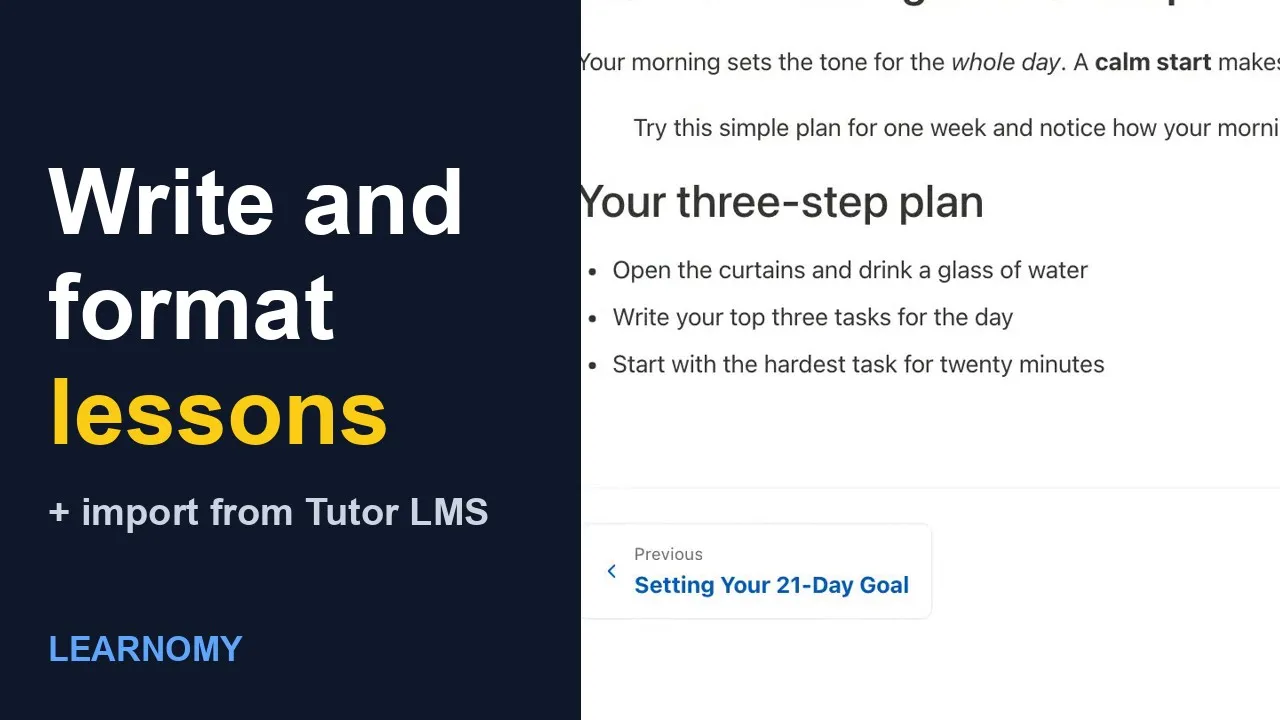 3:21 20 Learnomy: How to Write and Format Lessons, and Import Courses from Tutor LMS
 Question banks, quiz modes and layouts, timers, attempts, resume, proctoring and exam integrity.
 2:21 01 How to Add a Question to the Question Bank in Learnomy
  2:04 02 How to Grade Quiz Submissions in Learnomy
  2:05 03 How to Choose a Quiz Mode in Learnomy
  2:12 04 How to Choose a Quiz Layout in Learnomy
  2:24 05 How to Group Quiz Questions by Subject in Learnomy
  2:07 06 How to Add a Reading Passage to a Quiz Question in Learnomy
  2:35 07 How to Lock a Quiz with an Access Code in Learnomy
  2:18 08 How to Limit Quiz Attempts in Learnomy
  2:46 09 How to Use the Conversational Quiz Layout in Learnomy
  2:59 10 How to Use the Review Board Exam Layout in Learnomy
  3:10 11 How to Use the Sectioned Exam Layout in Learnomy
  3:12 12 How to Draw Questions from a Pool and Time Each One in Learnomy
  3:33 13 How to Use the Question Map and Flag Questions in Learnomy
  2:52 14 How to Resume a Quiz Where You Left Off in Learnomy
  2:17 15 How to Set Up Quiz Proctoring in Learnomy
  2:30 16 How to See Your Exam Integrity Signals in Learnomy
  3:30 17 How to Use Advanced Quiz Types in Learnomy
 The student account, managing students, wishlist, notifications, orders, notes, journeys and spaces.
 2:17 01 How to Use the Student Account in Learnomy
  2:22 02 How to Manage Your Students in Learnomy
 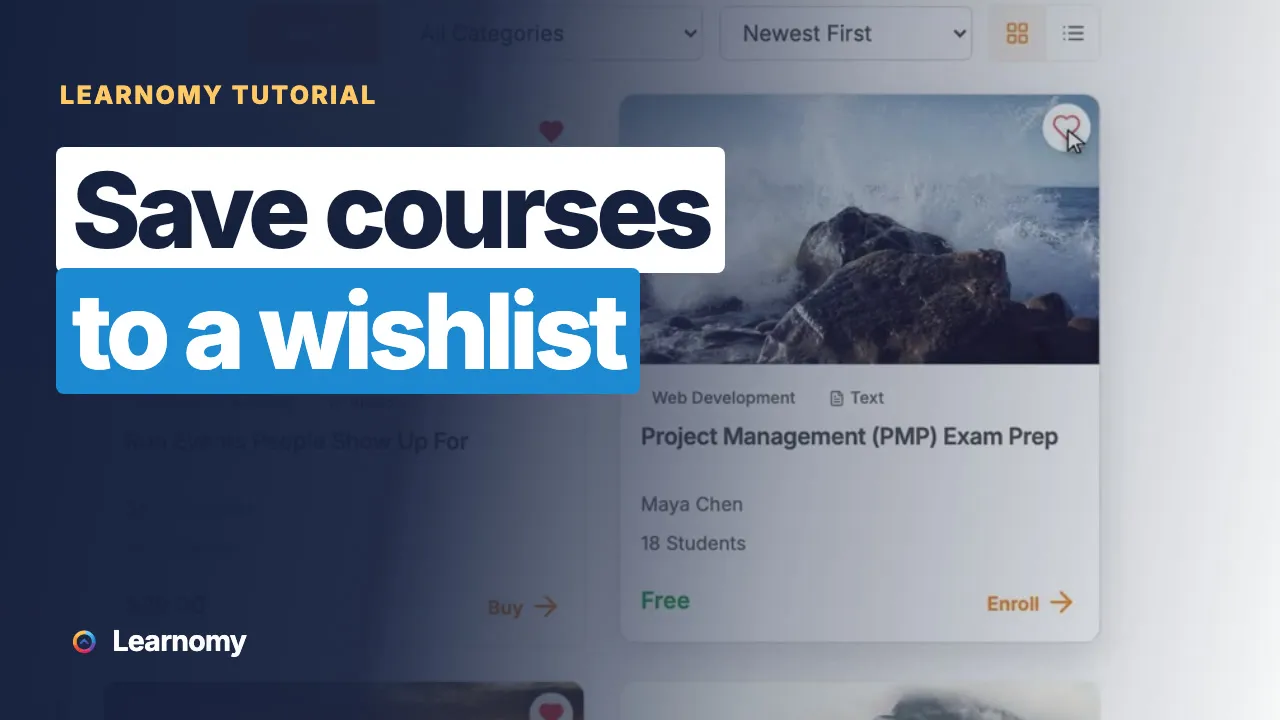 1:52 03 How to Save Courses to a Wishlist in Learnomy
 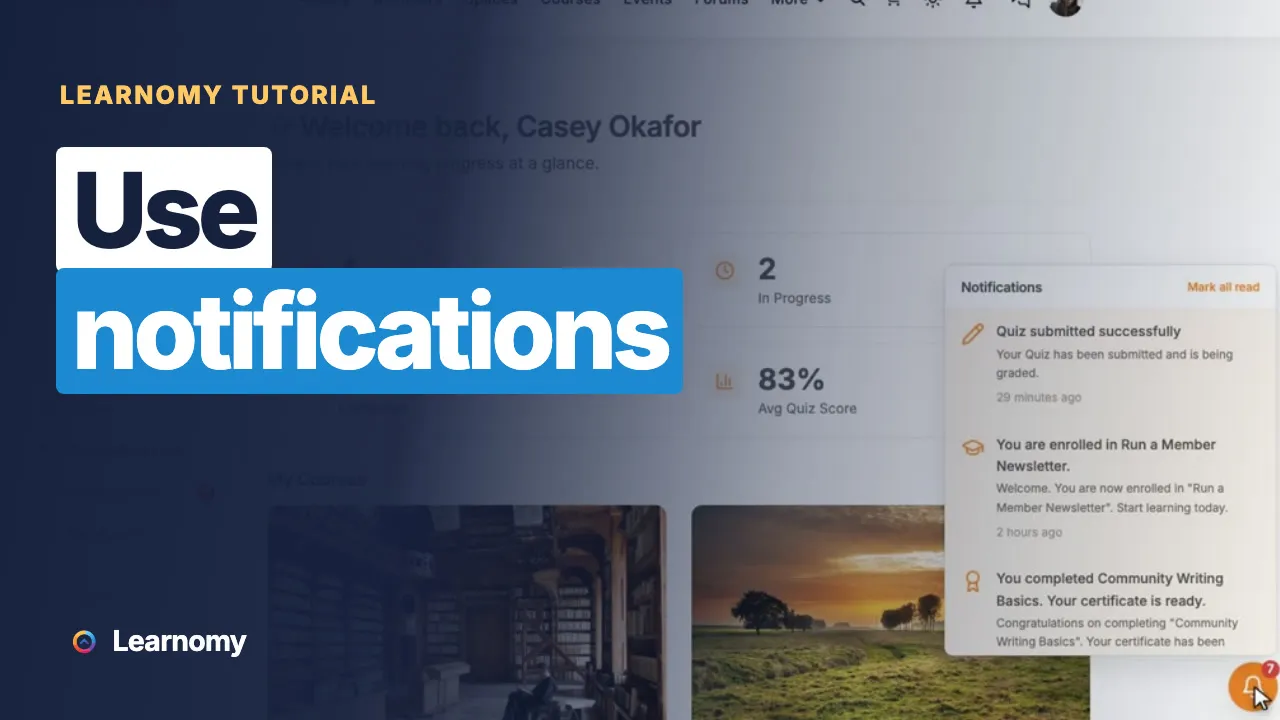 2:00 04 How to Use Notifications in Learnomy
 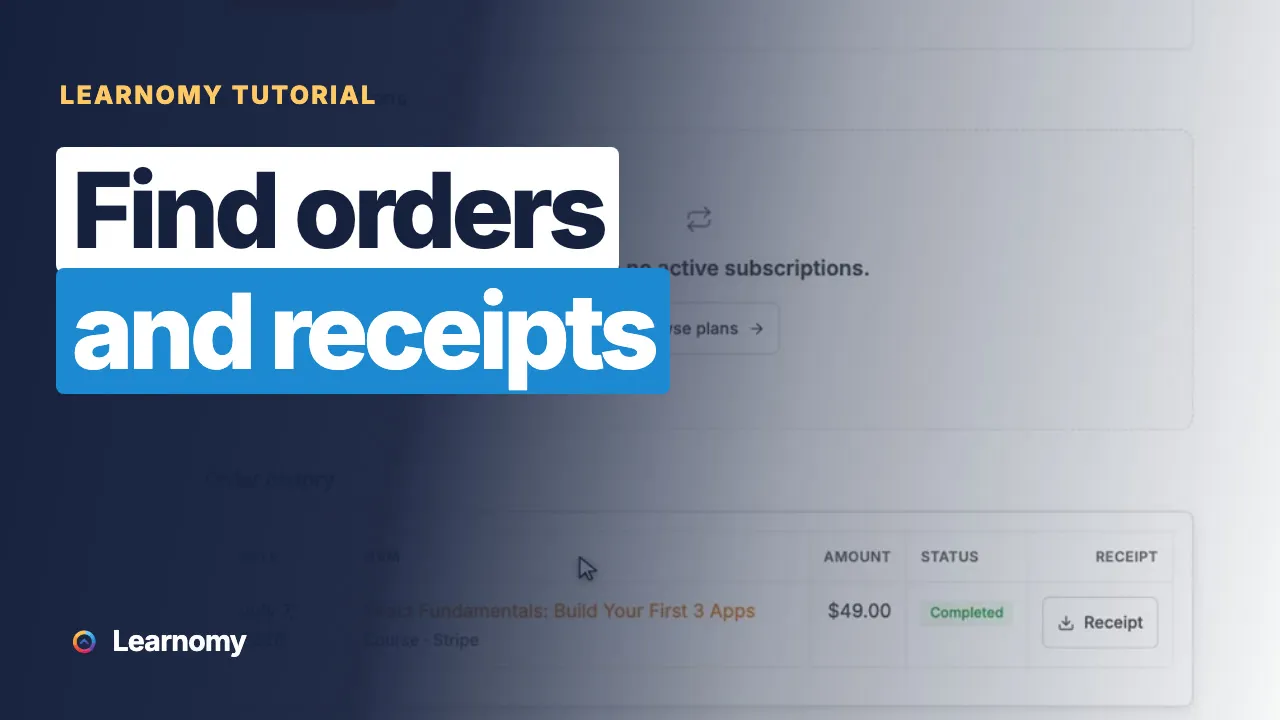 2:05 05 How to Find Orders and Receipts in Learnomy
  3:02 06 How to Take Notes and Bookmark Lessons in Learnomy
  3:18 07 How to See Each Student's Learning Journey in Learnomy
  3:20 08 How to Set Up a Learning Space for a Team in Learnomy
 Download, share to LinkedIn, Open Badges and certificates anyone can verify.
Coupons, checkout, tax, transactions, gift codes and subscriptions.
 3:17 01 How to Create a Coupon in Learnomy
  2:37 02 How to Follow a Purchase Through Checkout in Learnomy
  2:21 03 How to Add a Flat Tax Rate in Learnomy
 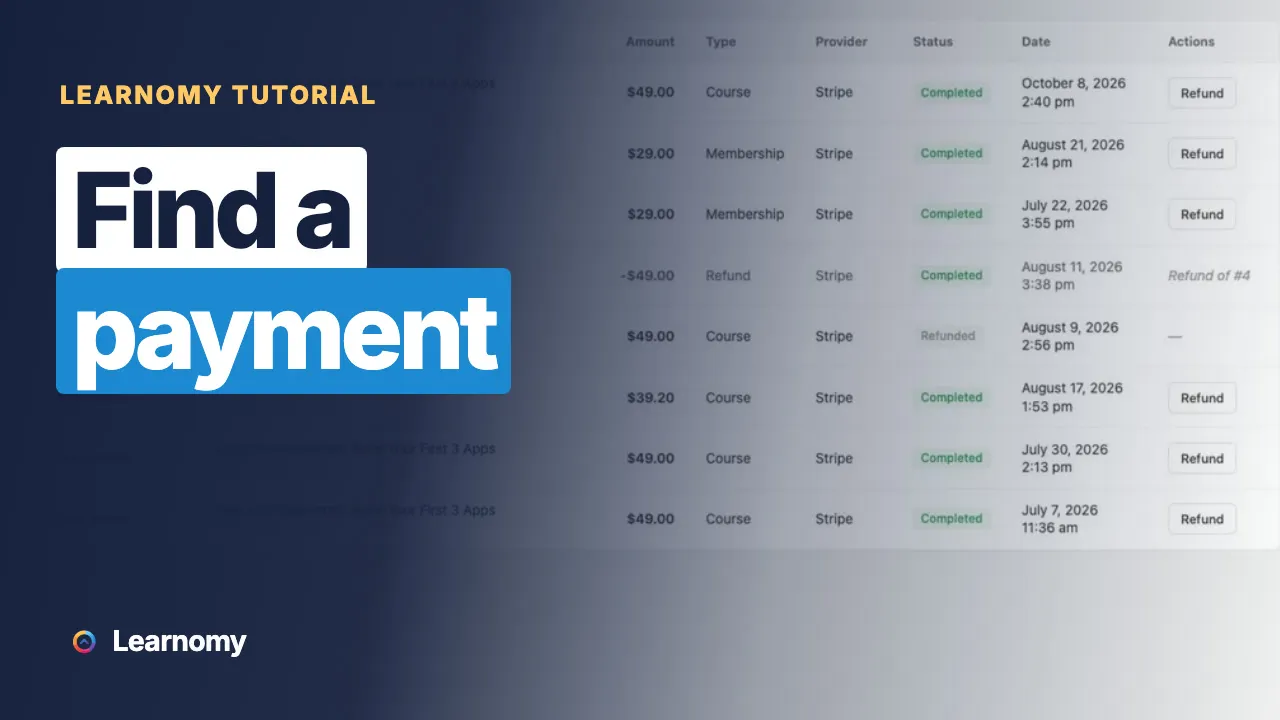 2:44 04 How to Find a Payment in Transactions in Learnomy
  2:10 05 How to Read the Commerce Overview in Learnomy
  3:16 06 How to Give a Membership with a Gift Code in Learnomy
  2:56 07 How to Manage a Subscription After Sign-Up in Learnomy
 Instructor applications, dashboards, commissions, approval, profiles and the front-end course builder.
 2:41 01 How to Review an Instructor Application in Learnomy
  2:40 02 How to Use the Instructor Dashboard in Learnomy
  3:27 03 How to Set Instructor Commissions in Learnomy
  2:28 04 How to Manage Your Instructors in Learnomy
  2:10 05 How to Edit an Instructor Profile in Learnomy
  2:30 06 How to See Your Students as an Instructor in Learnomy
  3:04 07 How to Approve Courses Before They Go Live in Learnomy
  2:44 08 How to Run a One-Teacher Academy with Solo Mode in Learnomy
  2:58 09 How to Build a Course from the Front End in Learnomy
  2:35 10 How to See Your Instructor Reports in Learnomy
 Exports, quiz statistics, the gradebook and the analytics dashboards.
 3:24 01 How to Export Your Data as a Spreadsheet in Learnomy
  2:46 02 How to Read a Quiz Score by Subject in Learnomy
  2:17 03 How to Read Your Quiz Statistics in Learnomy
  3:25 04 How to Use the Gradebook in Learnomy
  2:45 05 How to Read the Analytics Dashboard in Learnomy
  3:05 06 How to Read Your Membership Analytics in Learnomy
 Every settings screen: email, sign-up fields, pages, labels, layouts, comments, moderation, data, API, white label, webhooks.
 3:00 01 How to Find Your Way Around Settings in Learnomy
  2:57 02 How to Set Up Your Emails in Learnomy
  3:22 03 How to Add Your Own Sign-Up Fields in Learnomy
  3:20 04 How to Set Up the General Settings in Learnomy
  3:25 05 How to Change Your Page Addresses in Learnomy
  2:53 06 How to Rename Courses, Lessons and Students in Learnomy
  3:24 07 How to Choose Your Page Layouts in Learnomy
 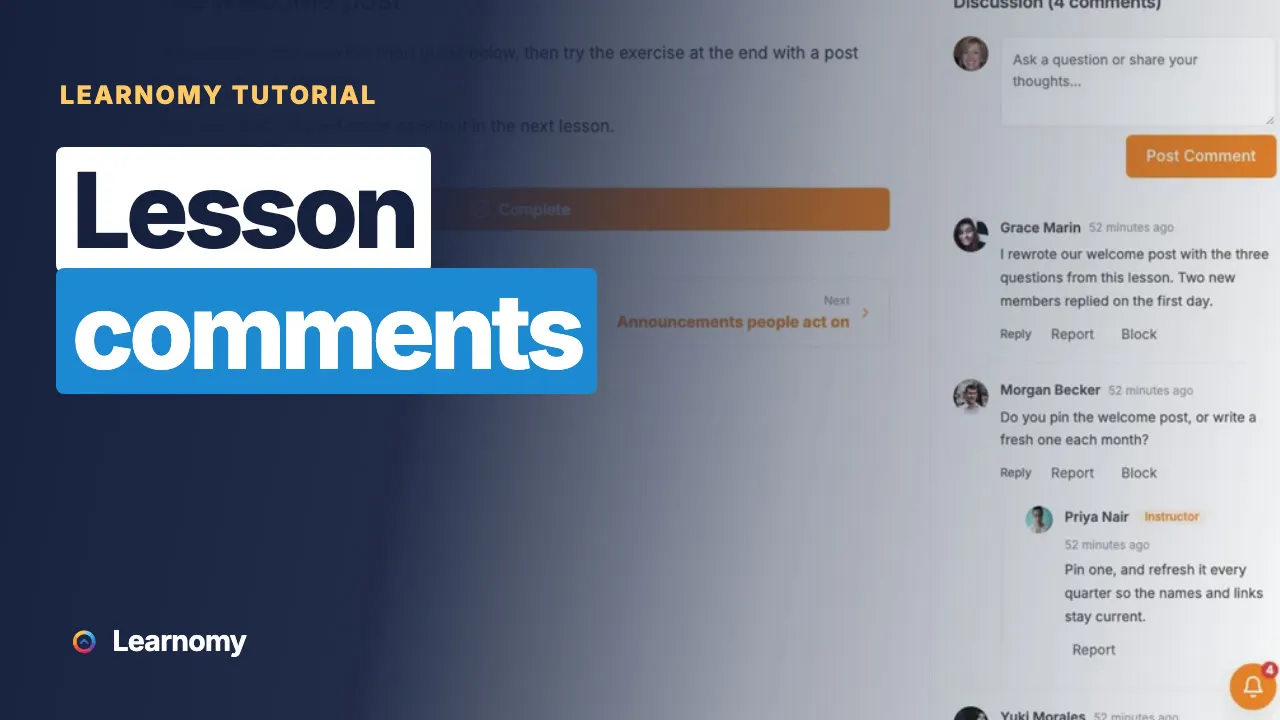 2:43 08 How to Turn Lesson Comments On or Off in Learnomy
 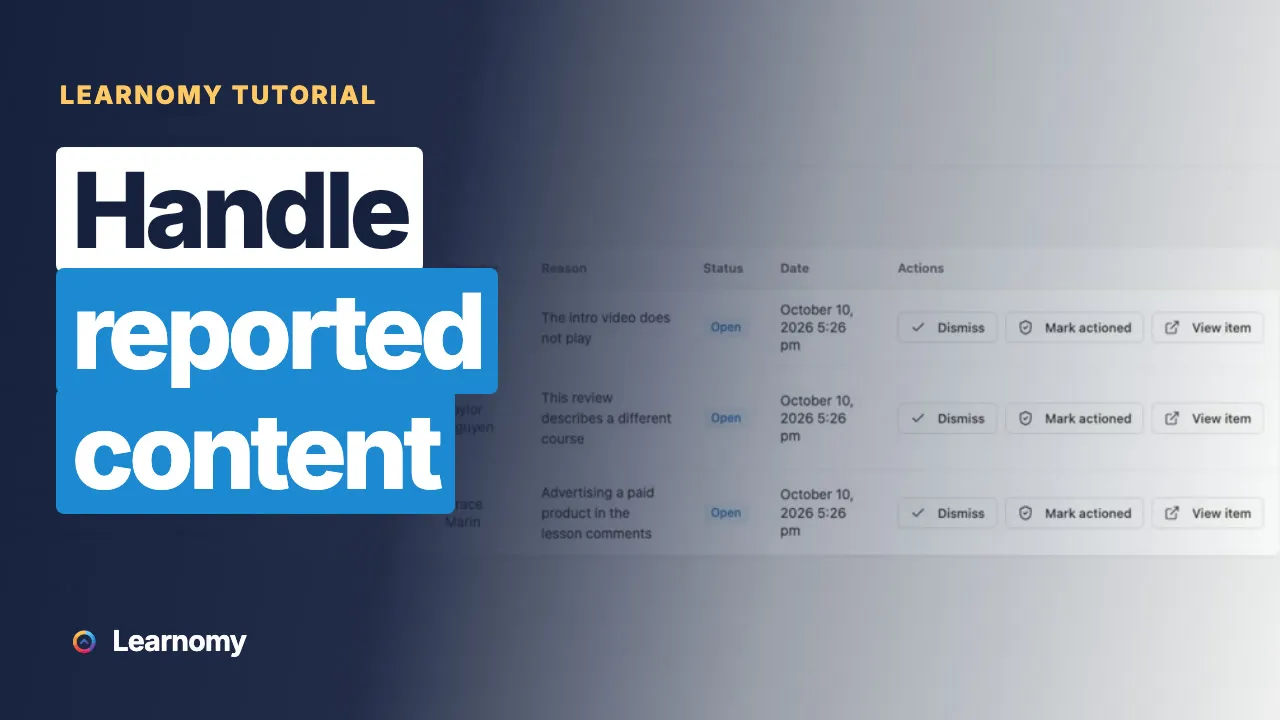 3:10 09 How to Handle Reported Content in Learnomy
 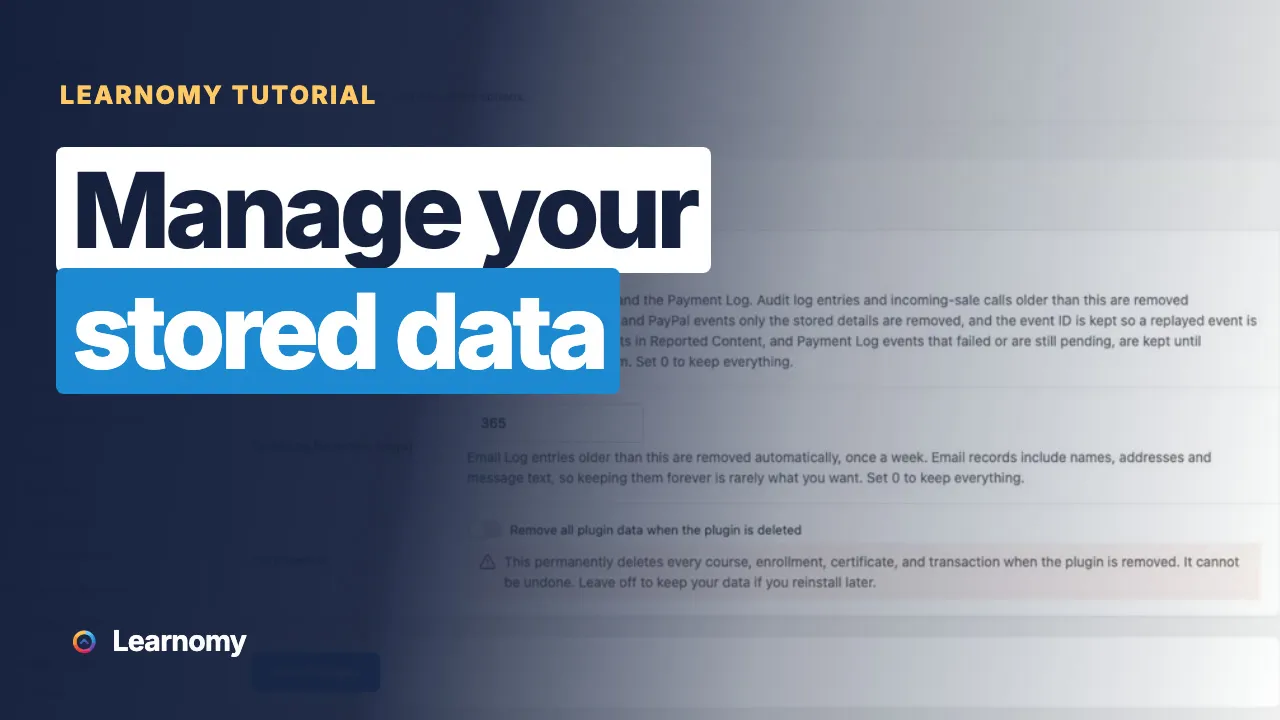 3:15 10 How to Manage Your Stored Data in Learnomy
 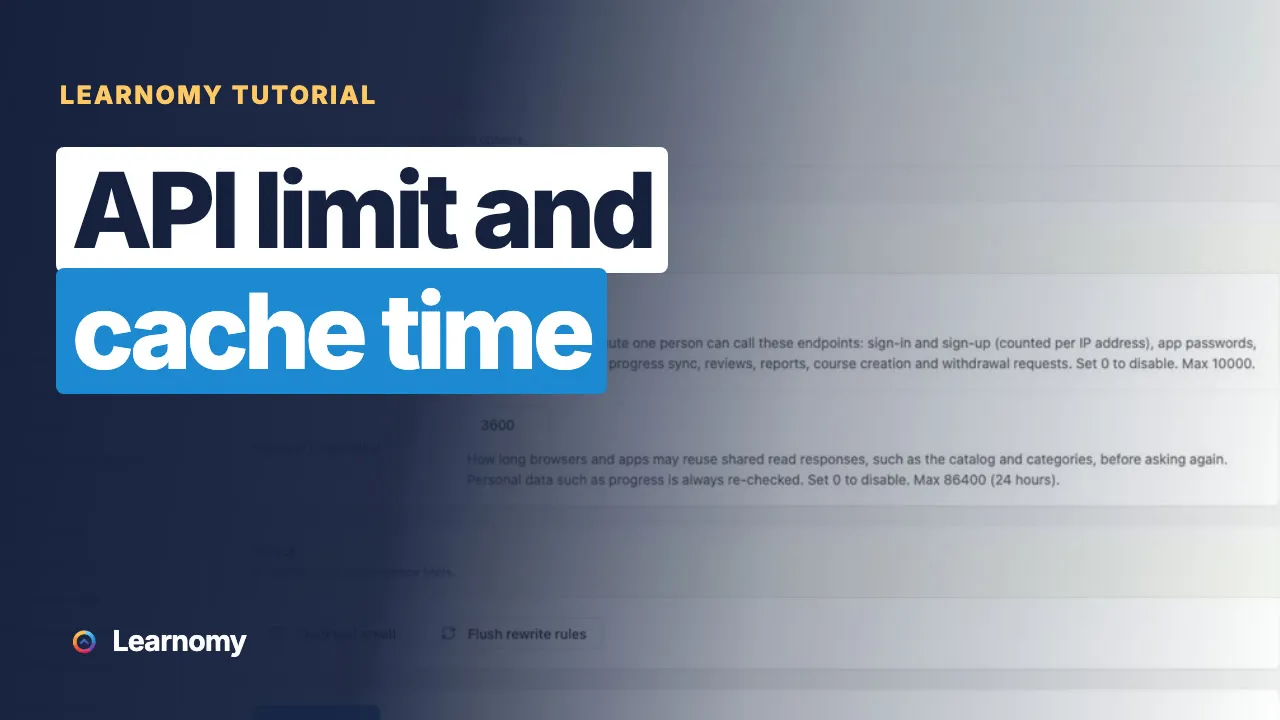 2:47 11 How to Set the API Limit and Cache Time in Learnomy
  3:01 12 How to Put Your Own Name on the Admin in Learnomy (White Label)
  2:58 13 How to Send Events to Other Apps with Webhooks in Learnomy
  3:02 14 How to Connect Learnomy to Your Community (BuddyNext and Jetonomy)
 How to create, sell and certify online courses on your own site, for creators, academies and company training.
 3:28 01 Corporate Training on WordPress: Track Completions and Certificates
 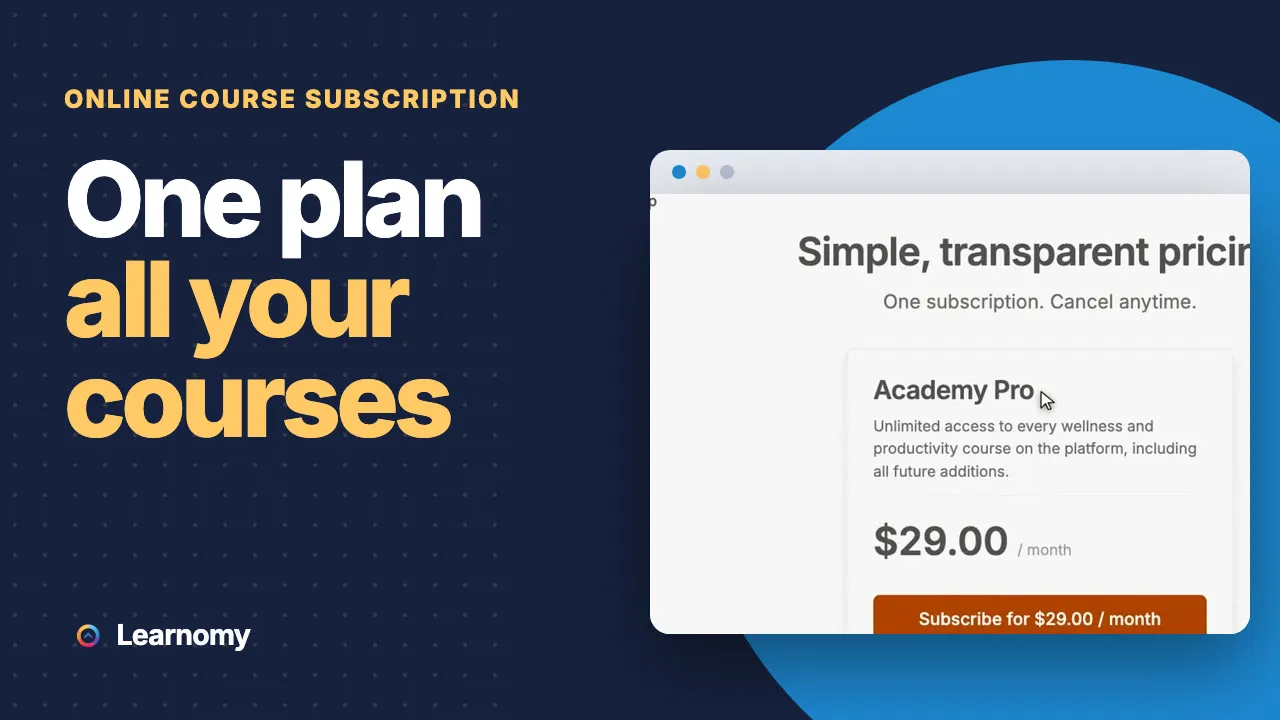 3:06 02 Online Course Subscription: Sell All Your Courses as a Membership
  3:08 03 Online Courses With Certificates: How to Issue Your Own
  3:05 04 Online Course Platform You Own: Build It on WordPress
 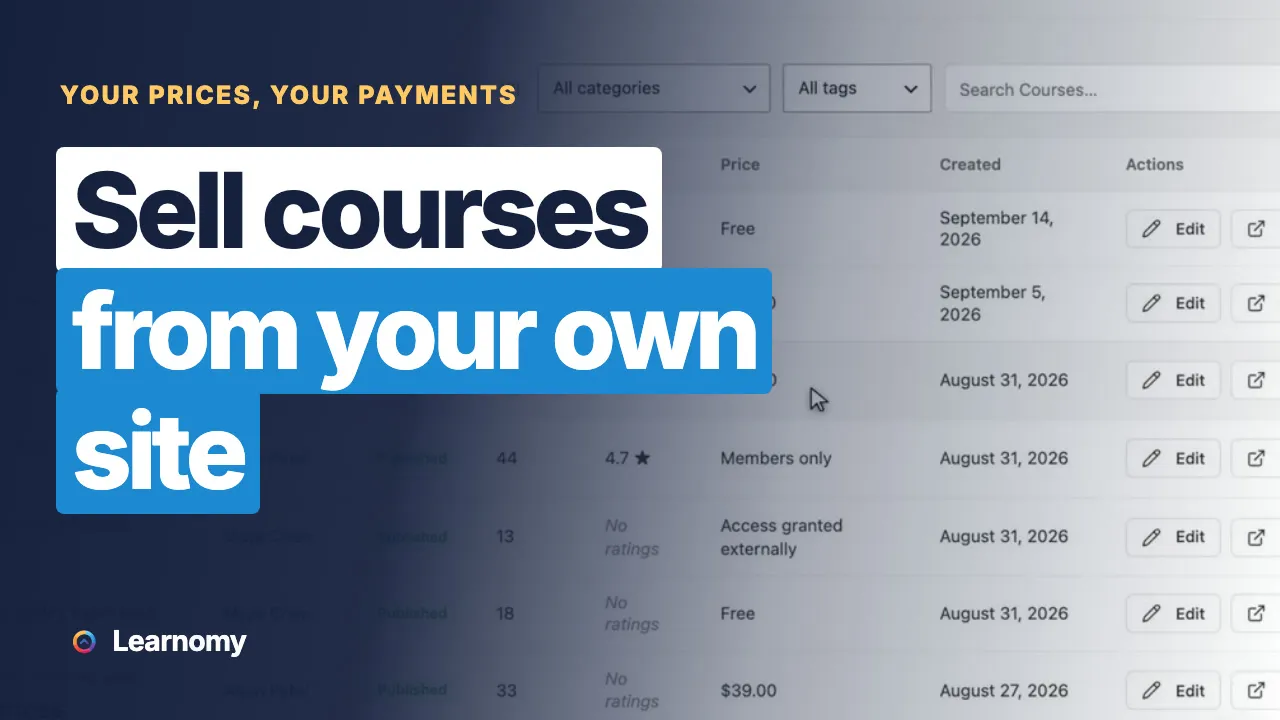 3:01 05 How to Sell Online Courses From Your Own Website
 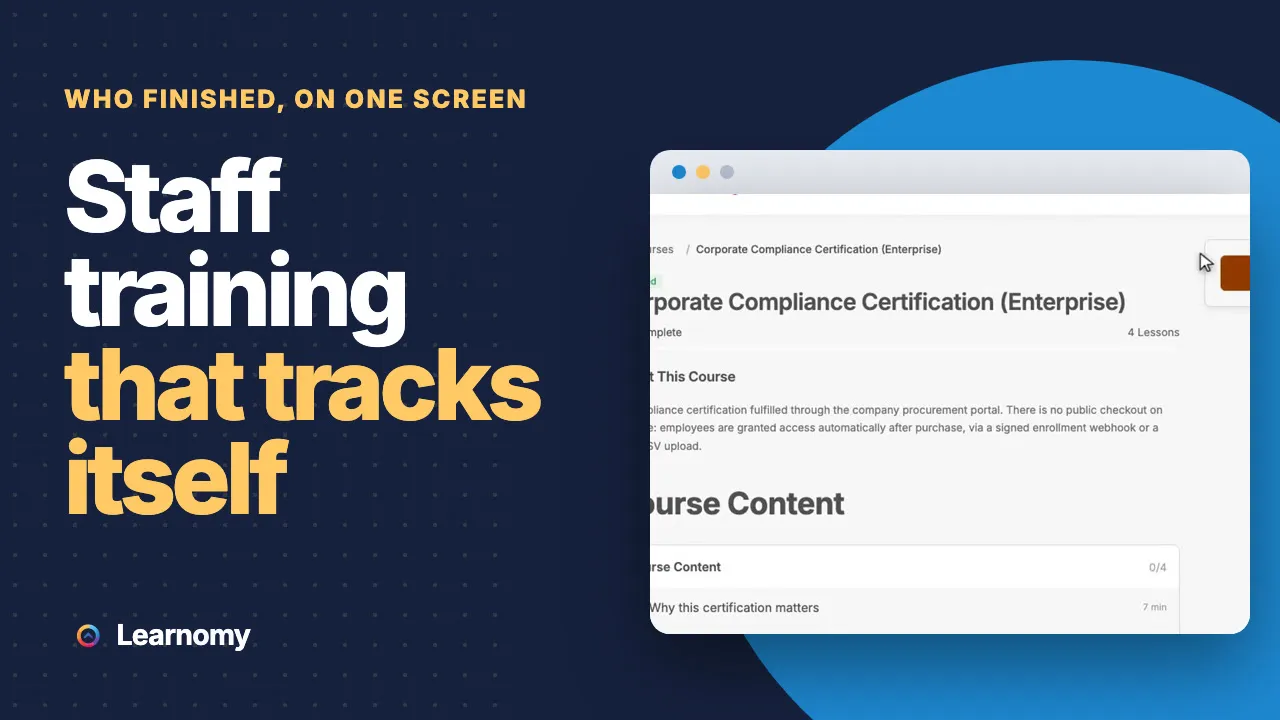 3:15 06 Employee Training Program on WordPress: Courses That Track Themselves
  4:56 07 How to Create an Online Course on WordPress
 Udemy, Kajabi, Teachable and LearnDash, compared with a course platform you own on WordPress.
Real communities on one WordPress site, with Learnomy running the courses, certificates and training.
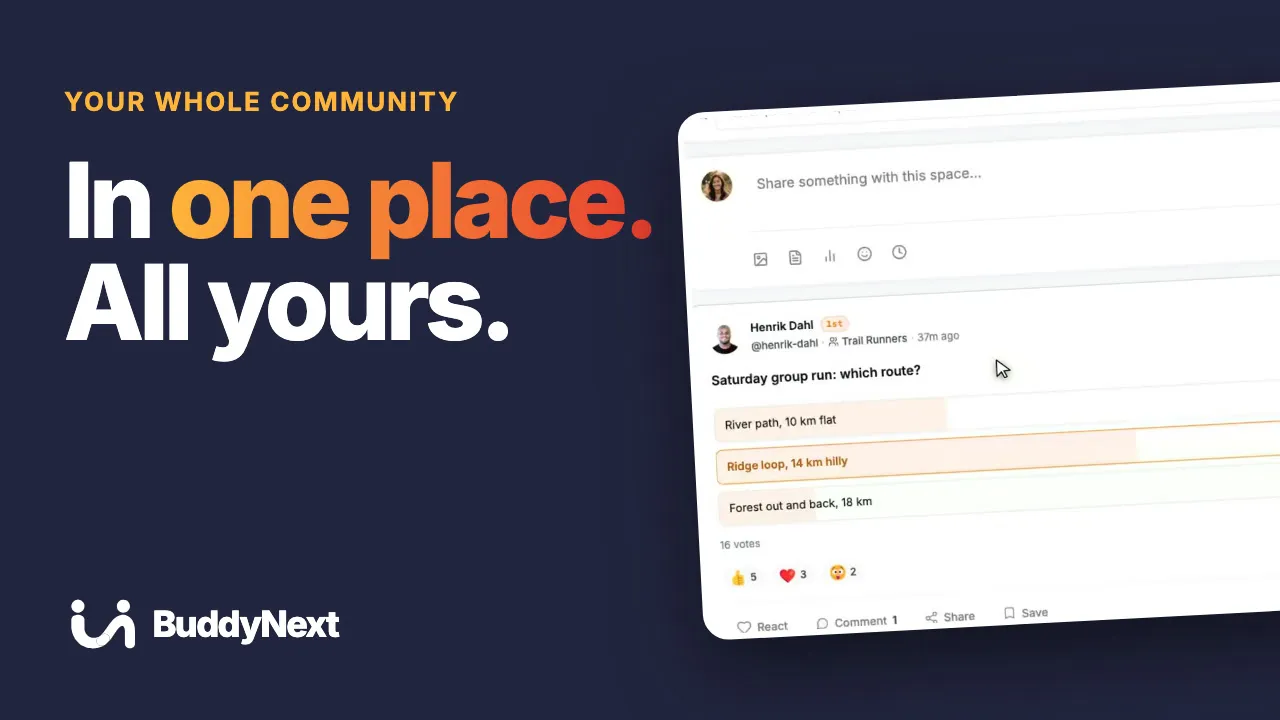 4:05 01 Build an Online Community You Own: Feed, Courses, Events and Forums
 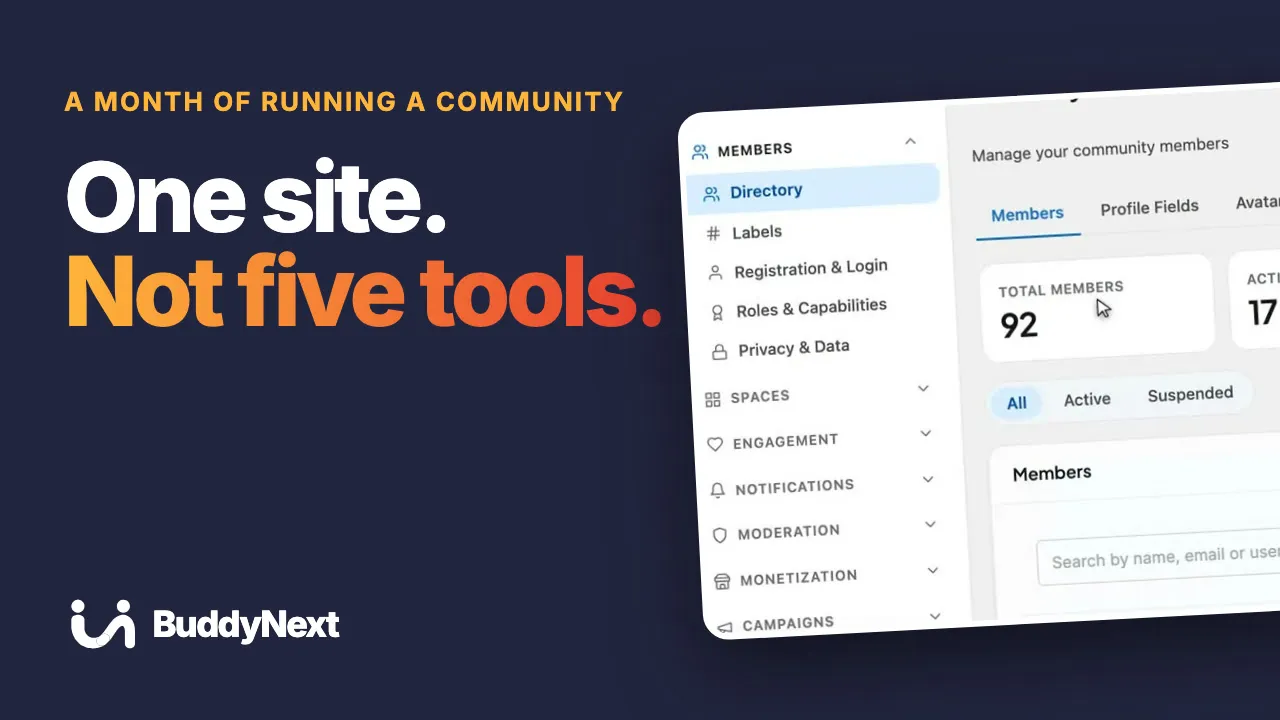 4:01 02 Run a Community From One Dashboard: Members, Courses, Events, Payments
 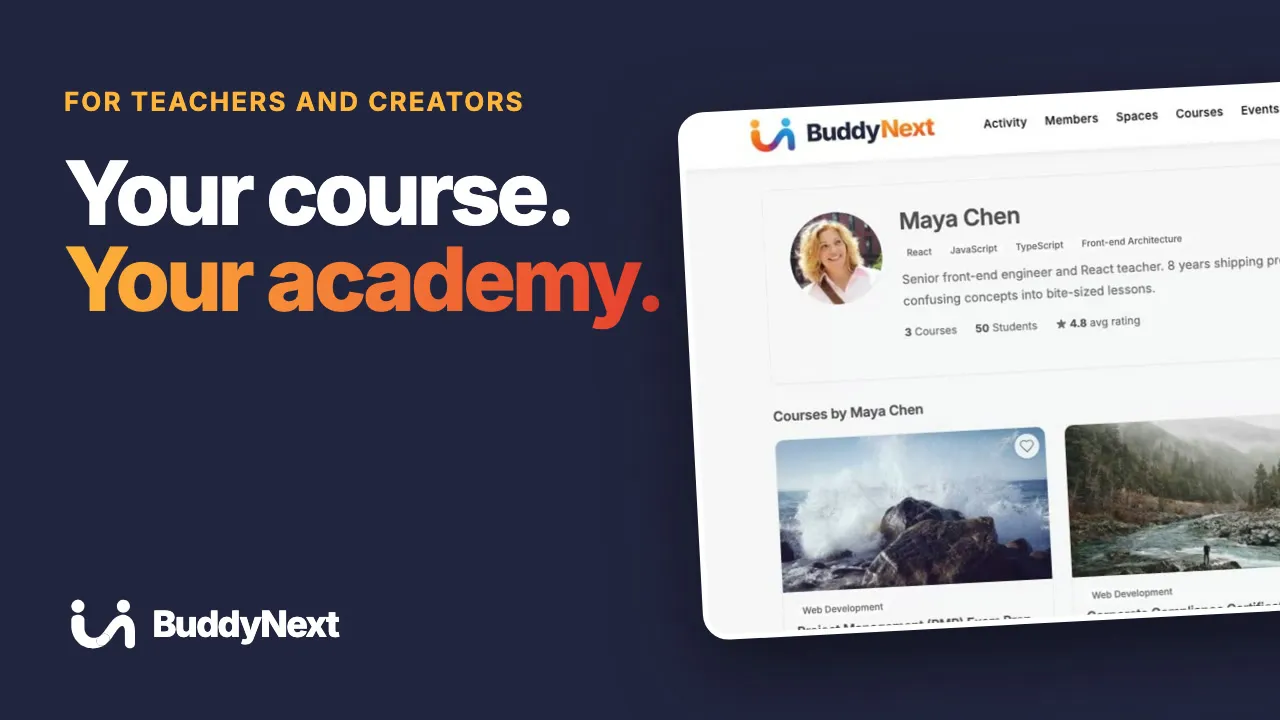 4:07 03 Sell Online Courses on Your Own Site: Lessons, Community, Live Events
 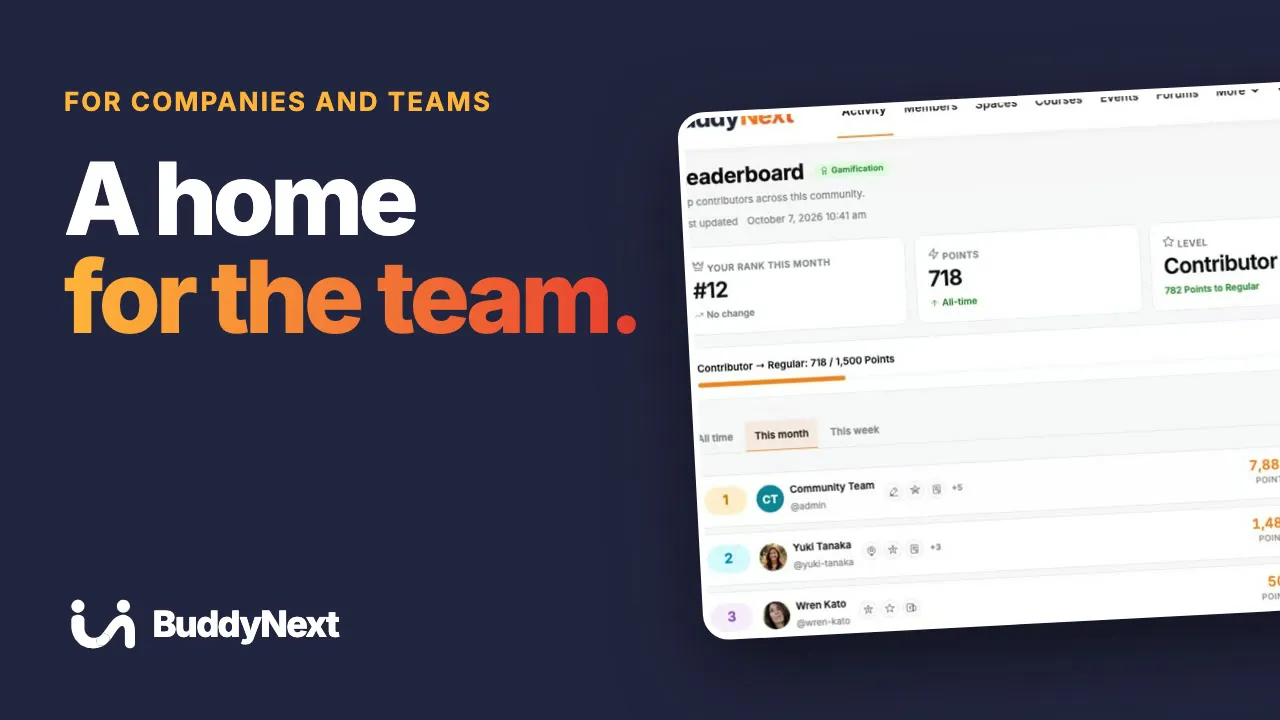 4:01 04 A Private Community for Your Team: News, Training, Q&A, Recognition
 More tutorials: BuddyNext · Jetonomy · Eventonomy · WPMediaVerse · WB Listora · WP Career Board · WB Member Blog · All videos
Built for you
We plan, build and launch sites on our plugins, then look after them. Tell us what you want to run.
A huge thanks to Wbcom Designs for their unparalleled support and cooperation. Their WordPress expertise truly shines through in their work. Highly appreciated and recommended!