Quick and helpful support
Quick and helpful support The supporters, i.e Manuzza Zaidi, have been very helpful and provided some css code even for other plugins.


BuddyNext turns a WordPress site into a members community: profiles, spaces, a feed and messaging. Start with the admin tour, then work through spaces, members and the Pro tools in the order you will set them up.
Start Here · video 1 of 11
2:59
Full guide and transcript on buddynext.comPick any video below to play it here.
Set up BuddyNext from a fresh install: the admin, the setup wizard, branding, your first space, first post and first members.
 2:59 01 How to Find Your Way Around the Admin in BuddyNext
  2:50 02 How to Run the Setup Wizard in BuddyNext
  2:05 03 How to Turn Features On and Off in BuddyNext
  1:59 04 How to Set Your Community Name, Logo and Colours in BuddyNext
  2:41 05 How to Choose Who Can Register in BuddyNext
  2:29 06 How to Create Your First Space in BuddyNext
  2:25 07 How to Write the First Post and Pin an Announcement in BuddyNext
  2:12 08 How to Invite Your First Members in BuddyNext
  2:42 09 How to Put Your Community on Any Page in BuddyNext
  2:10 10 How to Read Your Community Insights in BuddyNext
  3:14 11 How to Check Your Community Health in BuddyNext
 Paid plans, gated spaces and posts, email campaigns, analytics and the rest of BuddyNext Pro, one task per video.
 2:55 01 How to Lock a Space to Paying Members in BuddyNext
  3:00 02 How to Lock a Post to Paying Members in BuddyNext
  3:02 03 How to Schedule a Post for Later in BuddyNext
  2:59 04 How to Pin More Than One Post to a Profile in BuddyNext
  3:12 05 How to Add Custom Reactions in BuddyNext
  2:42 06 How to Label Your Members in BuddyNext
  3:21 07 How to Add Advanced Profile Fields in BuddyNext
  2:52 08 How to Find Members with Advanced Search in BuddyNext
  3:00 09 How to Show a Profile Field Only When It Applies in BuddyNext
 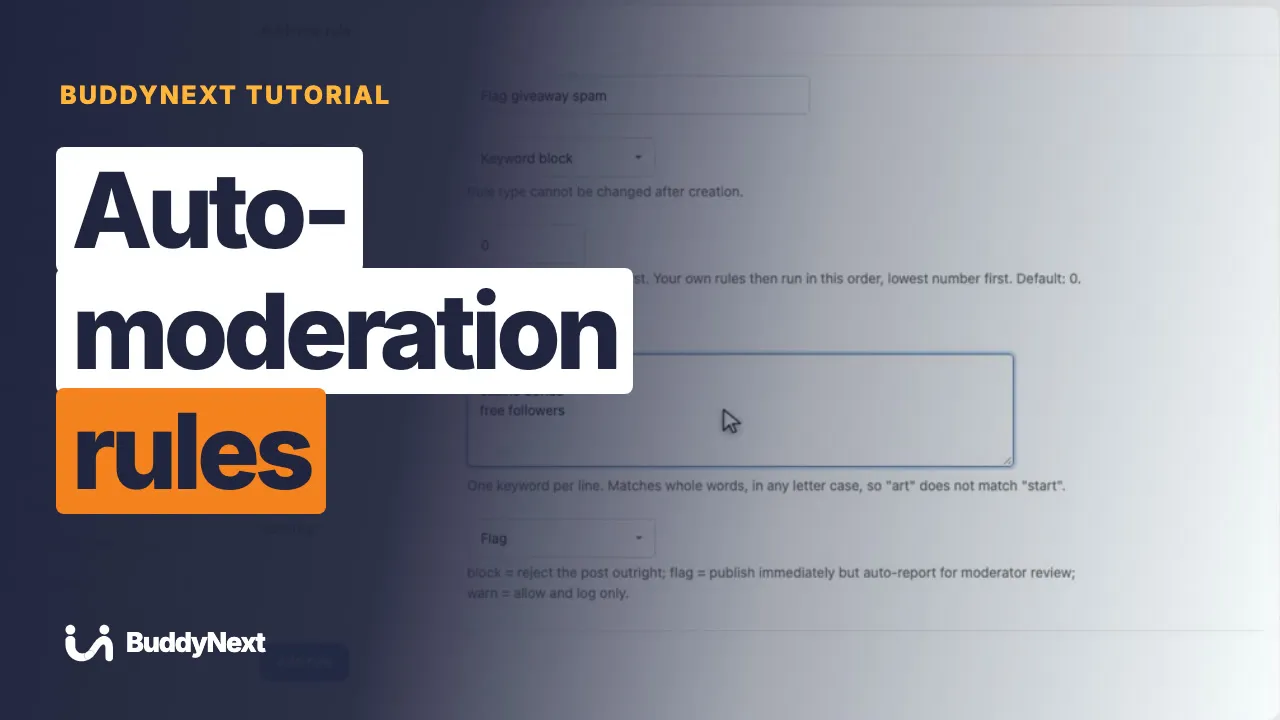 3:30 10 How to Set Up Auto-Moderation Rules in BuddyNext
 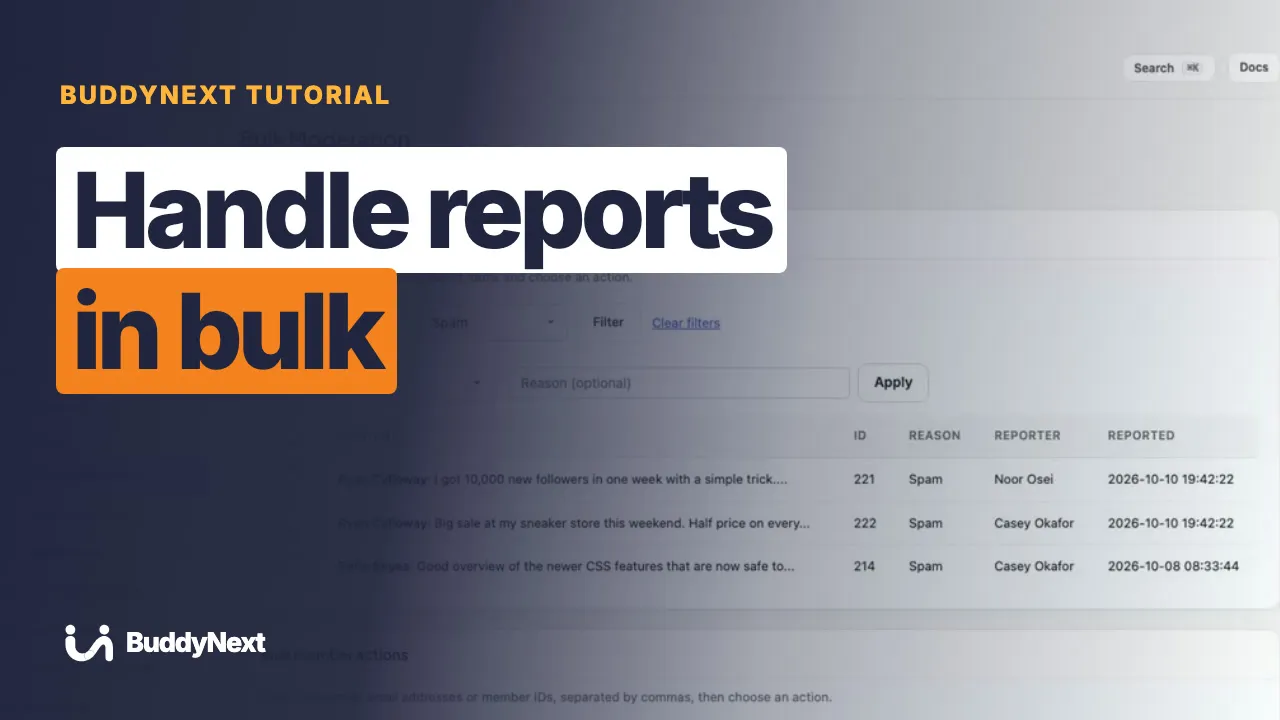 3:06 11 How to Handle Reports in Bulk in BuddyNext
 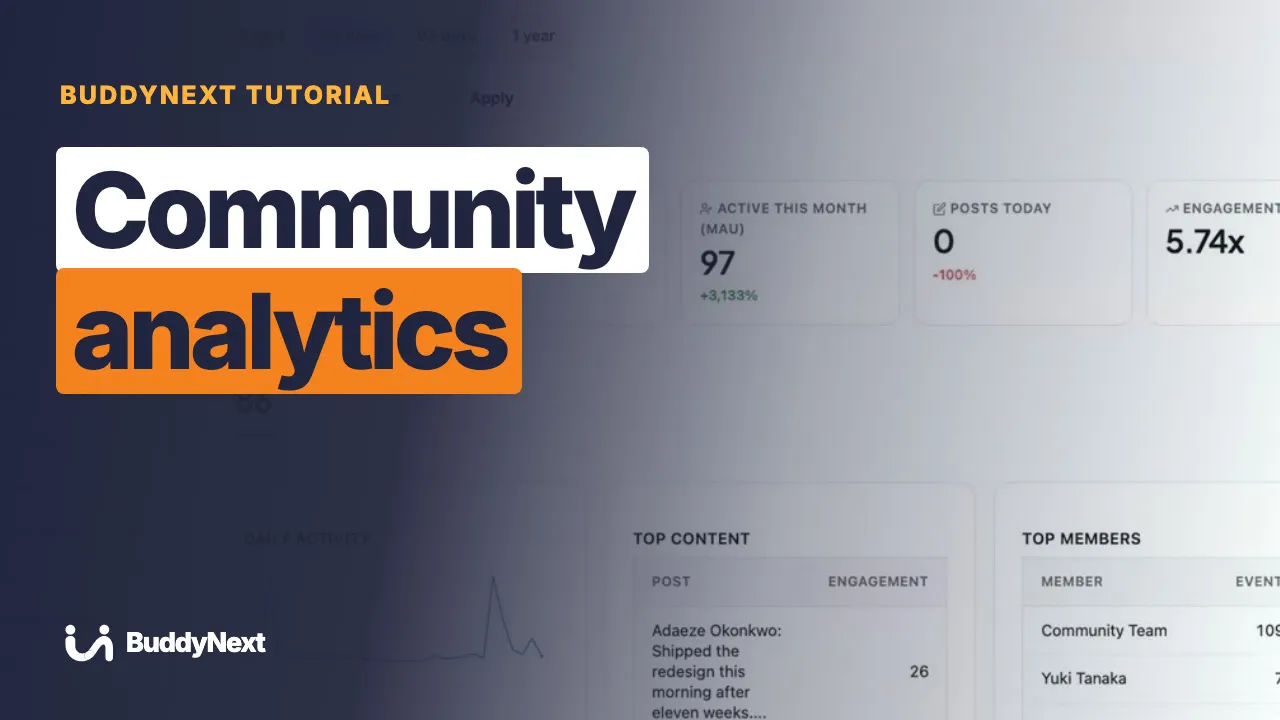 3:20 12 How to Read Your Community Analytics in BuddyNext
 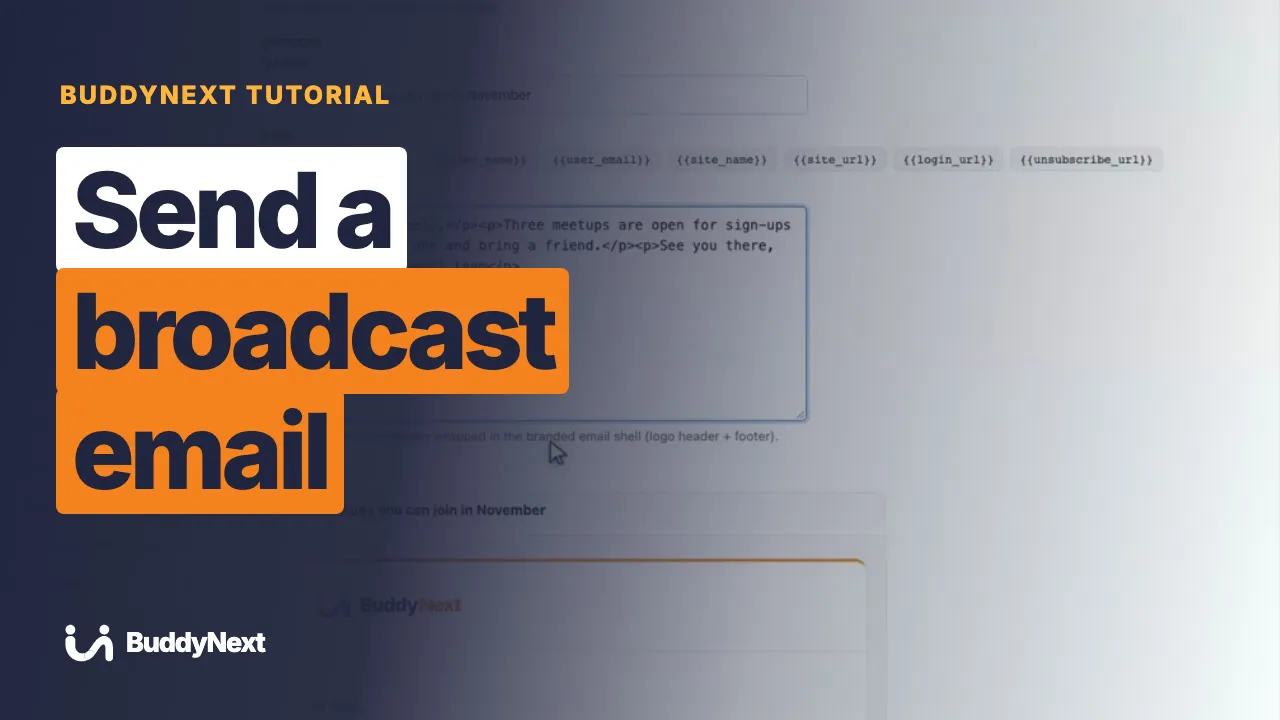 3:23 13 How to Send a Broadcast Email in BuddyNext
  3:16 14 How to Build a Drip Email Sequence in BuddyNext
  3:29 15 How to Add Coupons and Tax in BuddyNext
  3:34 16 How to Choose Your Payment Gateways in BuddyNext
  2:47 17 How to Send Renewal Reminders in BuddyNext
  2:26 18 How to Put Your Own Brand on the Admin in BuddyNext
  3:22 19 How to Set Up Paid Membership Plans in BuddyNext
 Create and run spaces: privacy types, members, moderators, bans, forums, media, featured spaces and space numbers.
 2:57 01 How to Choose a Space's Privacy Type in BuddyNext
  2:30 02 How to Manage the Members of a Space in BuddyNext
  2:34 03 How to Add a Moderator and Set Who Can Post in BuddyNext
  2:08 04 How to Ban a Member From a Space in BuddyNext
  2:15 05 How to Set Space Notifications in BuddyNext
  2:58 06 How to Organise Spaces With Categories in BuddyNext
  3:25 07 How to Add a Forum to a Space in BuddyNext
  3:05 08 How to Give a Space a Media Gallery in BuddyNext
  2:22 09 How to Feature Spaces for New Members in BuddyNext
  2:31 10 How to See a Space's Numbers in BuddyNext
 Profiles and profile fields, the member directory, login and onboarding, privacy, messages and notifications.
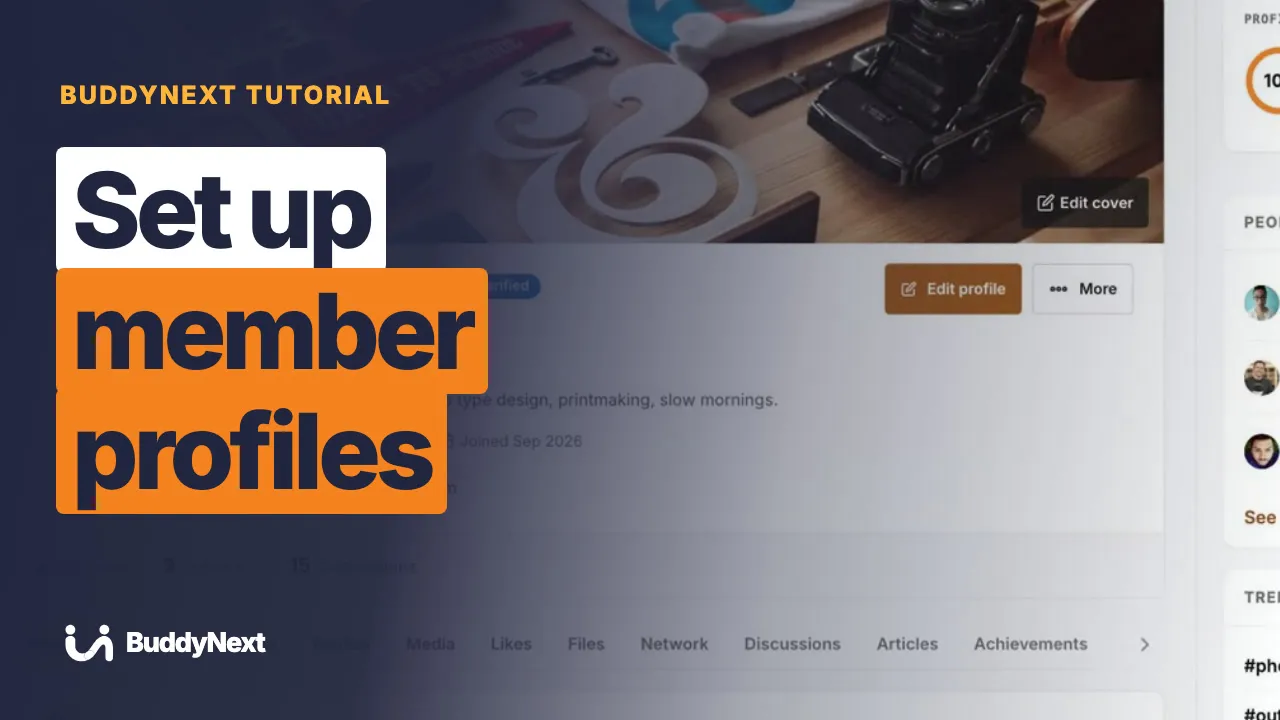 3:21 01 How to Set Up Member Profiles in BuddyNext
 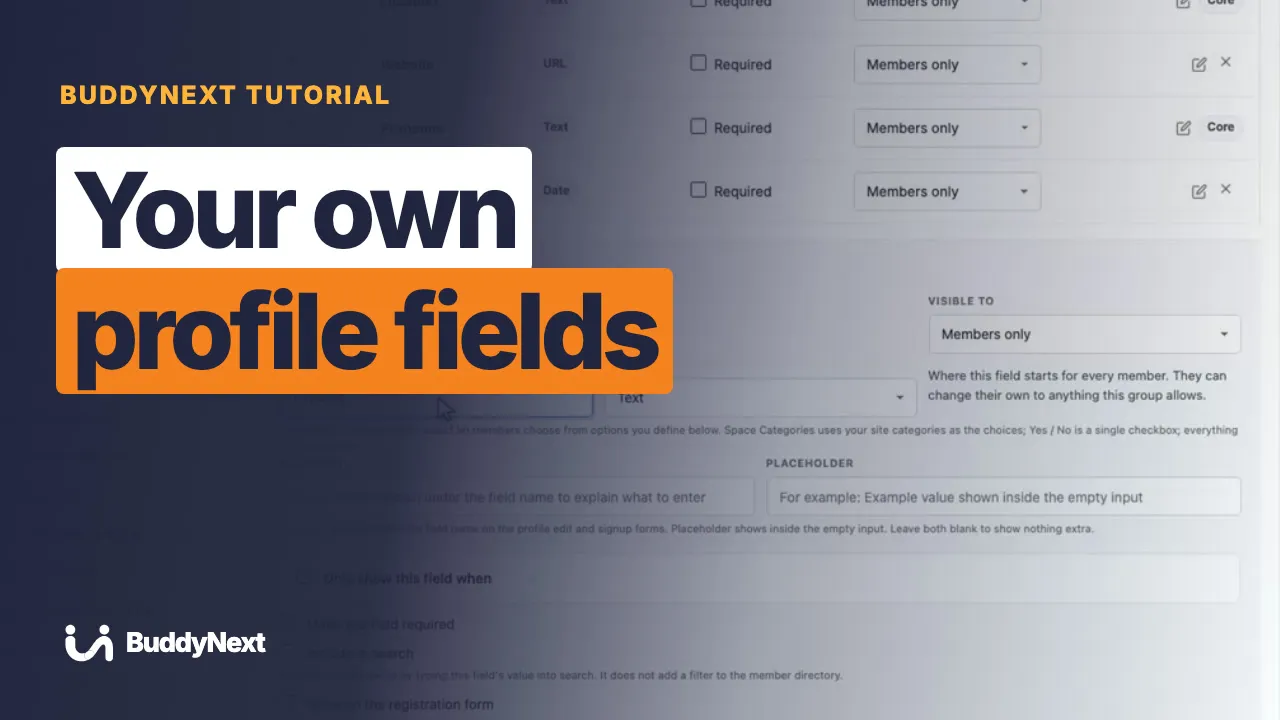 3:07 02 How to Add Your Own Profile Fields in BuddyNext
 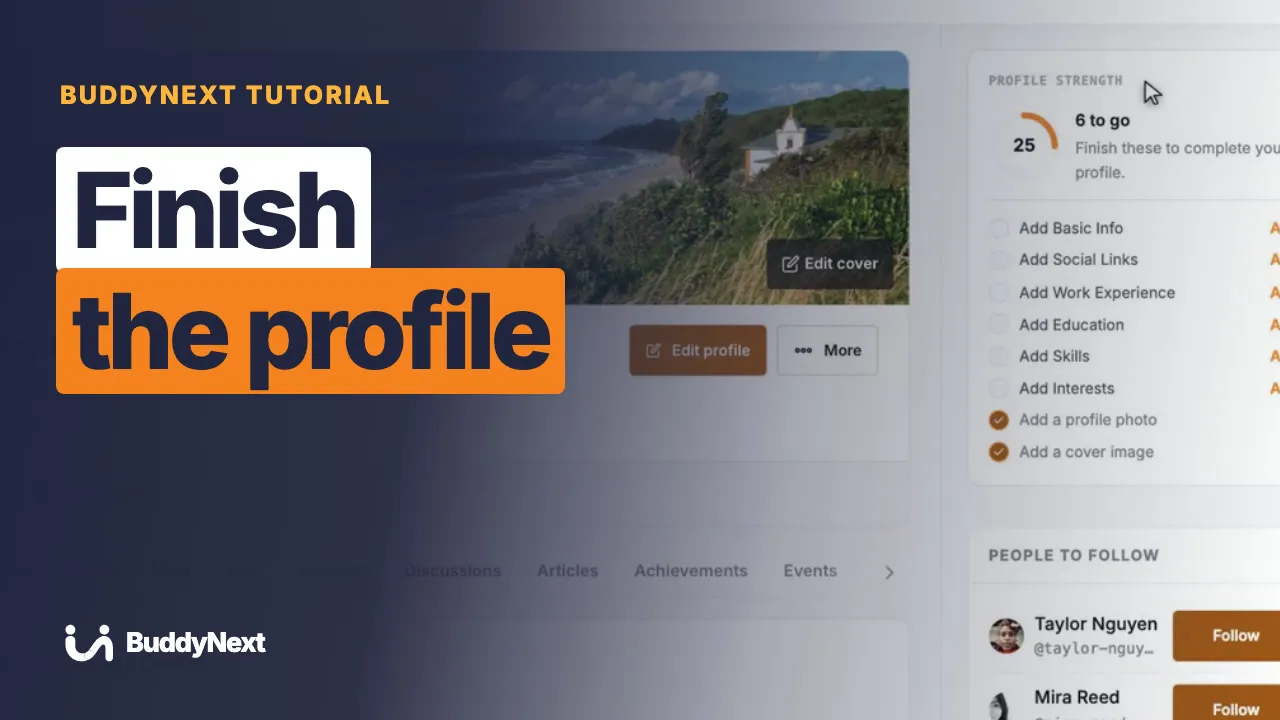 2:29 03 How to Get Members to Finish Their Profile in BuddyNext
 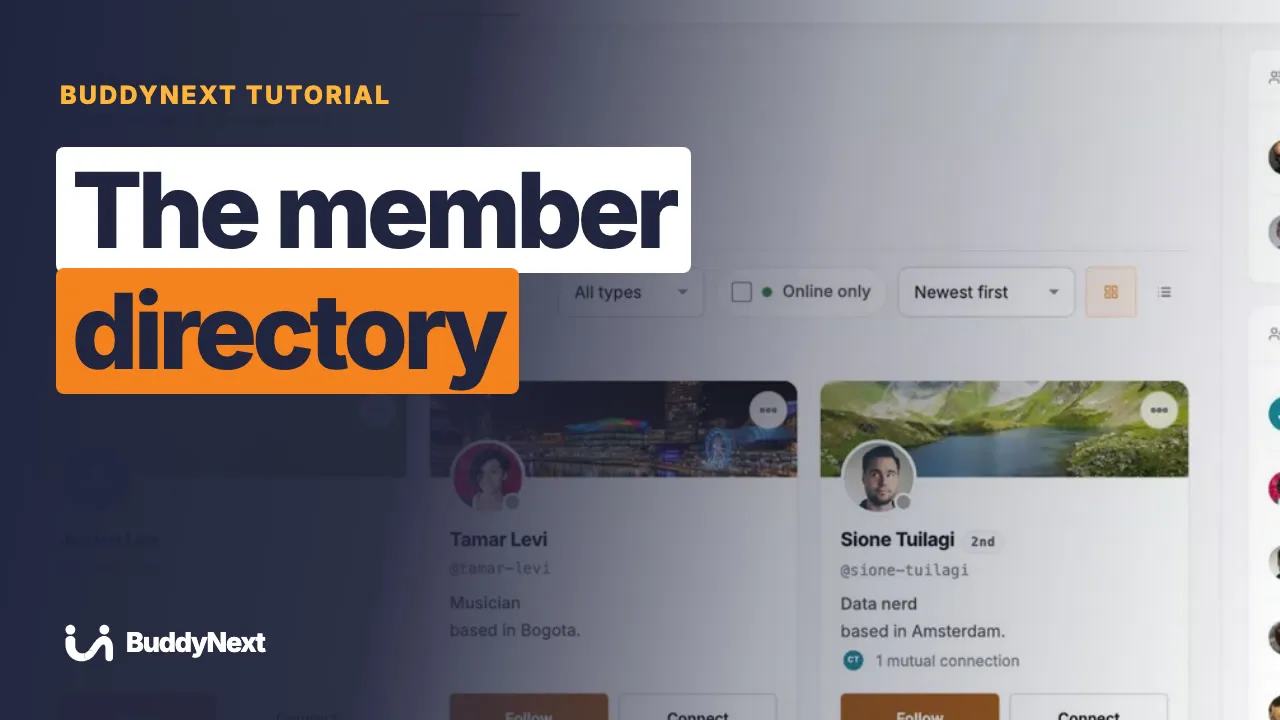 2:39 04 How to Set Up the Member Directory in BuddyNext
  2:35 05 How to Group Members With Member Types in BuddyNext
  3:09 06 How to Let Members Follow Each Other in BuddyNext
  3:00 07 How to Let Members Connect With Each Other in BuddyNext
  2:59 08 How to Block, Mute or Restrict a Member in BuddyNext
 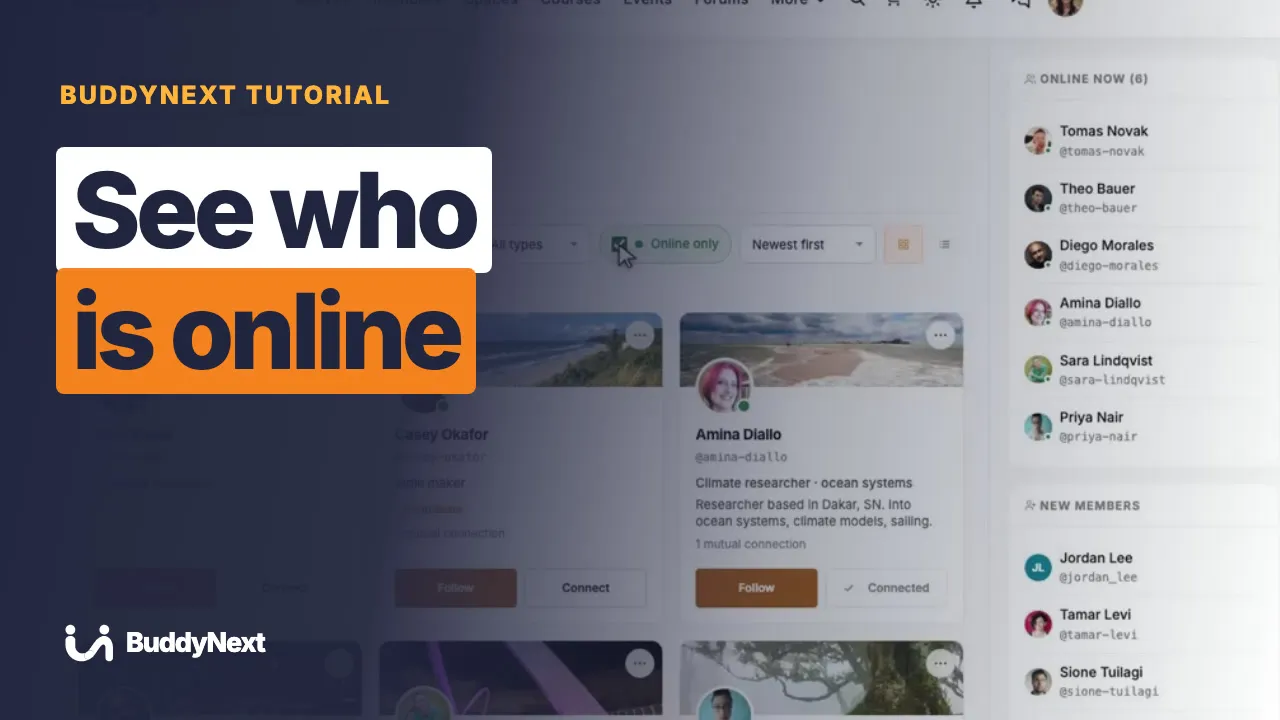 2:26 09 How to See Who Is Online in BuddyNext
 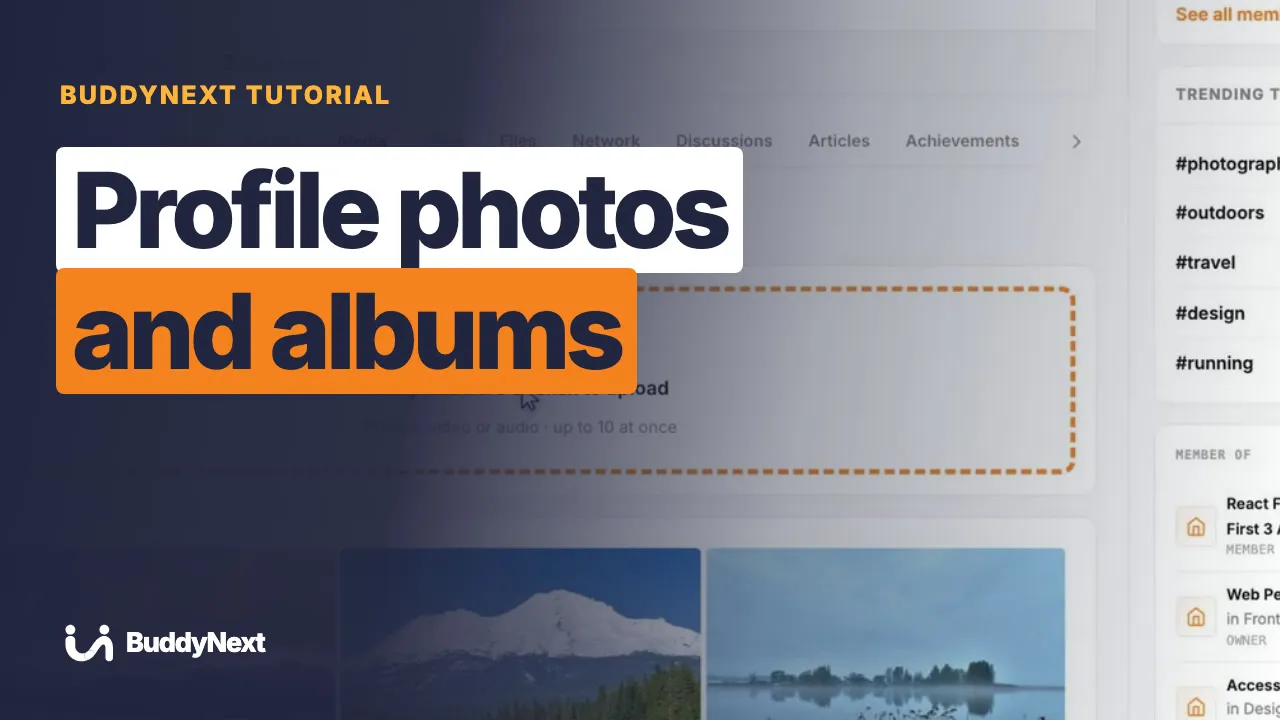 2:42 10 How to Share Photos and Albums on a Profile in BuddyNext
  2:30 11 How to Set Up Member Interests in BuddyNext
 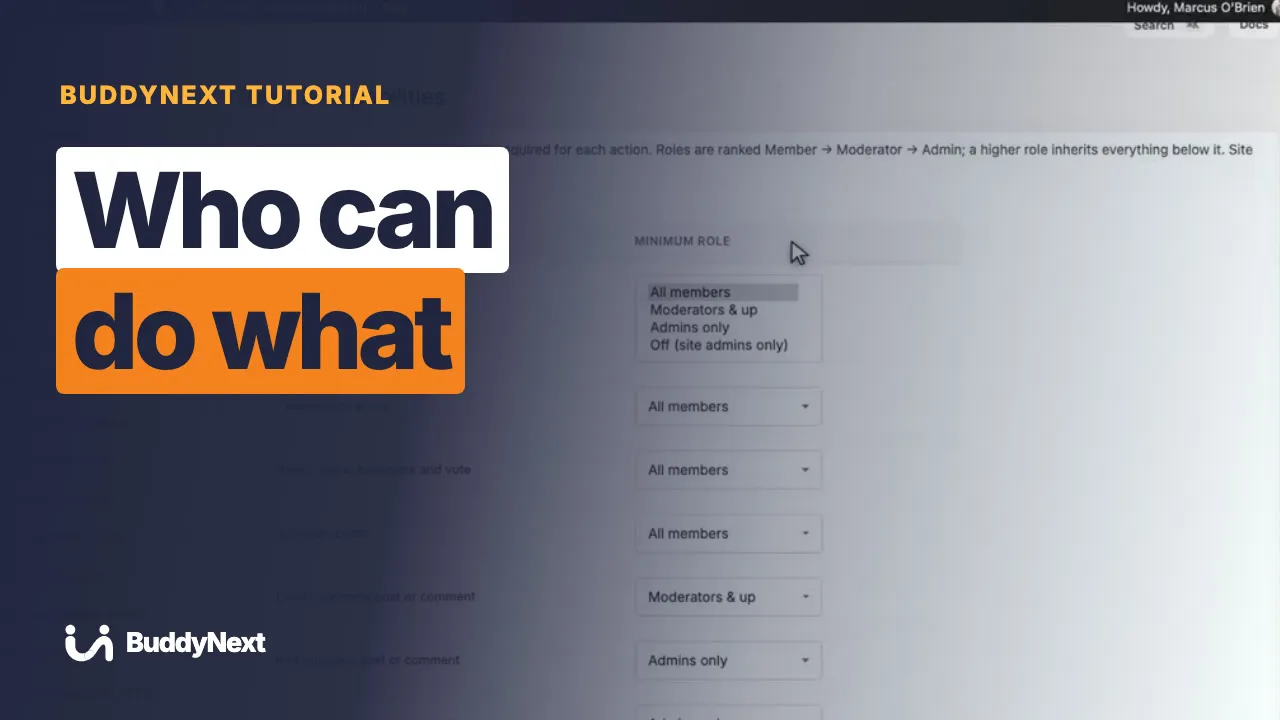 3:17 12 How to Choose Who Can Do What in BuddyNext
  2:54 13 How to Shape the Profile About Tab in BuddyNext
  2:40 14 How to Edit a Member From the Admin in BuddyNext
  2:47 15 How to Set Up Member Login in BuddyNext
  3:20 16 How to Require Email Verification in BuddyNext
  3:31 17 How to Turn On Two-Factor Authentication in BuddyNext
  3:32 18 How to Set Up New-Member Onboarding in BuddyNext
  3:05 19 How to Manage Your Account Settings in BuddyNext
  3:15 20 How to Manage Privacy and Member Data in BuddyNext
  3:17 21 How to See Your Community as a Visitor in BuddyNext
 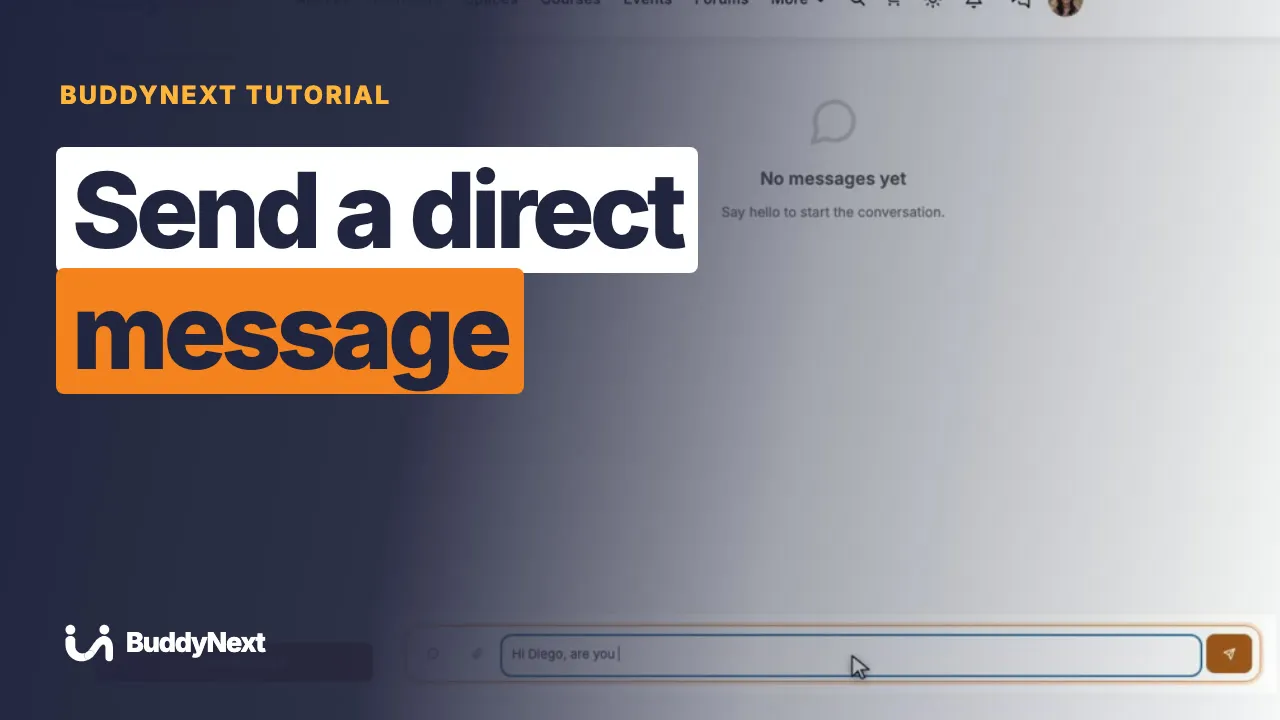 3:27 22 How to Send a Direct Message in BuddyNext
 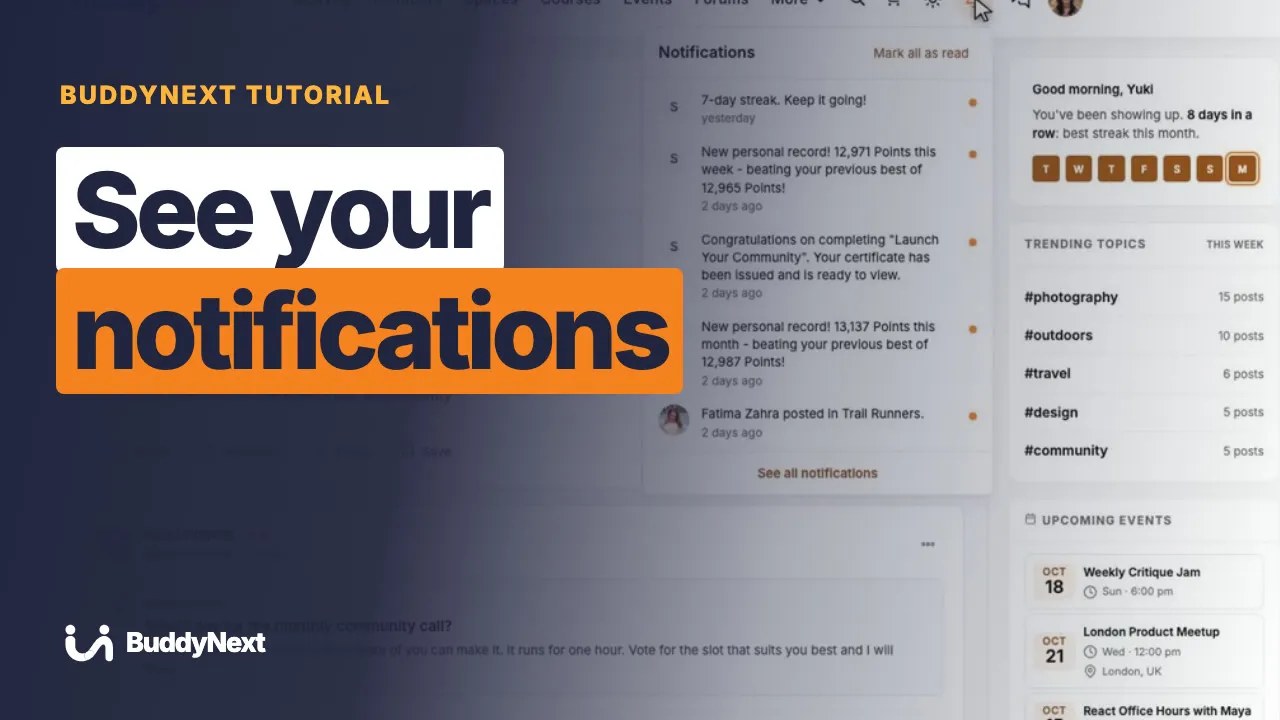 3:24 23 How to See Your Notifications in BuddyNext
 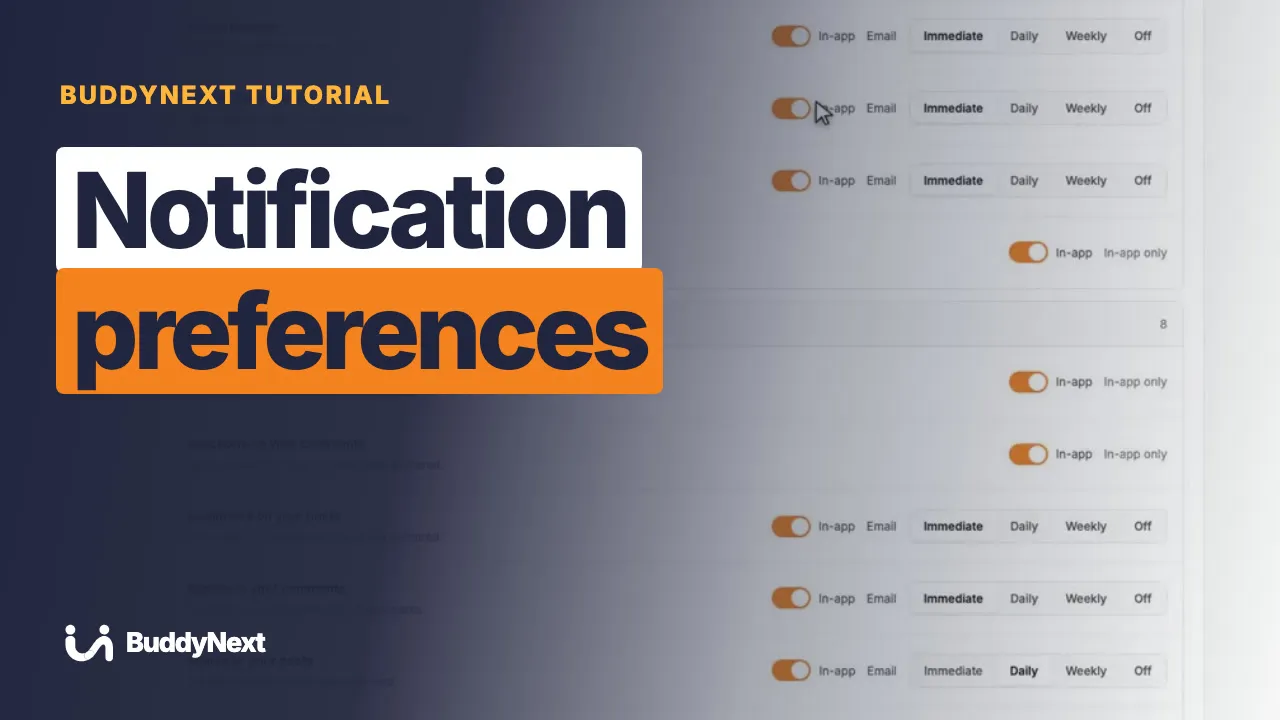 3:18 24 How to Choose Your Notification Preferences in BuddyNext
 The feed, posts, reactions, polls and search, then moderation, rewards and the companion plugins.
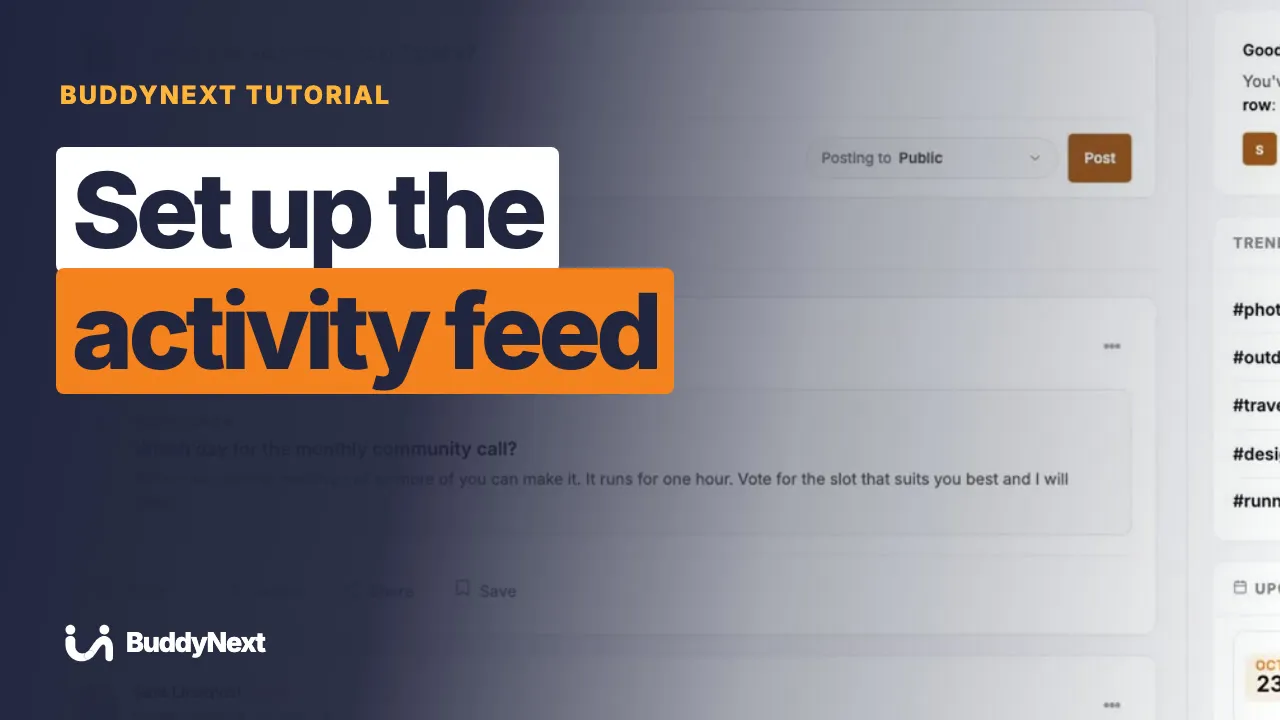 3:30 01 How to Set Up the Activity Feed in BuddyNext
 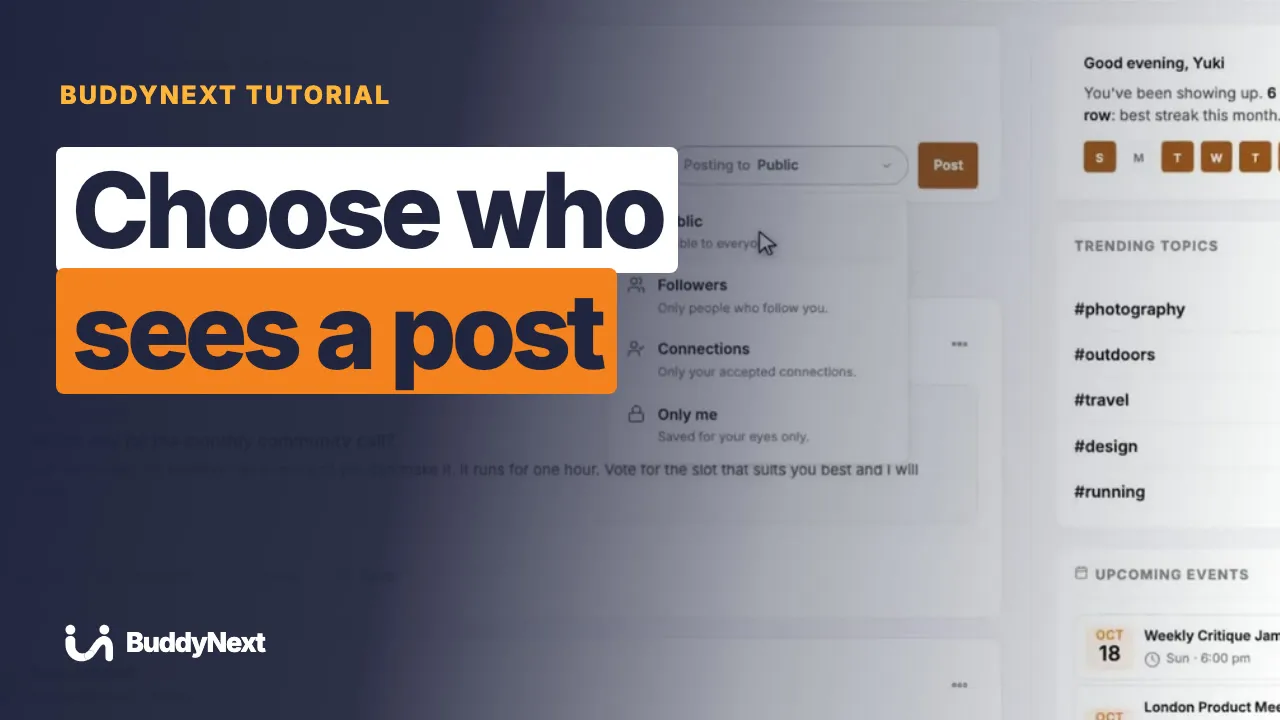 2:59 02 How to Choose Who Sees a Post in BuddyNext
  3:00 03 How to React to a Post in BuddyNext
  3:05 04 How to Comment on a Post in BuddyNext
  2:40 05 How to Create a Poll in BuddyNext
  2:46 06 How to Share a Post in BuddyNext
  2:10 07 How to Save a Post for Later in BuddyNext
  3:02 08 How to Use Hashtags in BuddyNext
  2:43 09 How to Mention a Member in BuddyNext
  3:10 10 How to Search the Community in BuddyNext
  3:20 11 How to Use the Explore Page in BuddyNext
  3:03 12 How to Use the Sidebar Cards in BuddyNext
  3:28 13 How to Set Up Your Community Emails in BuddyNext
 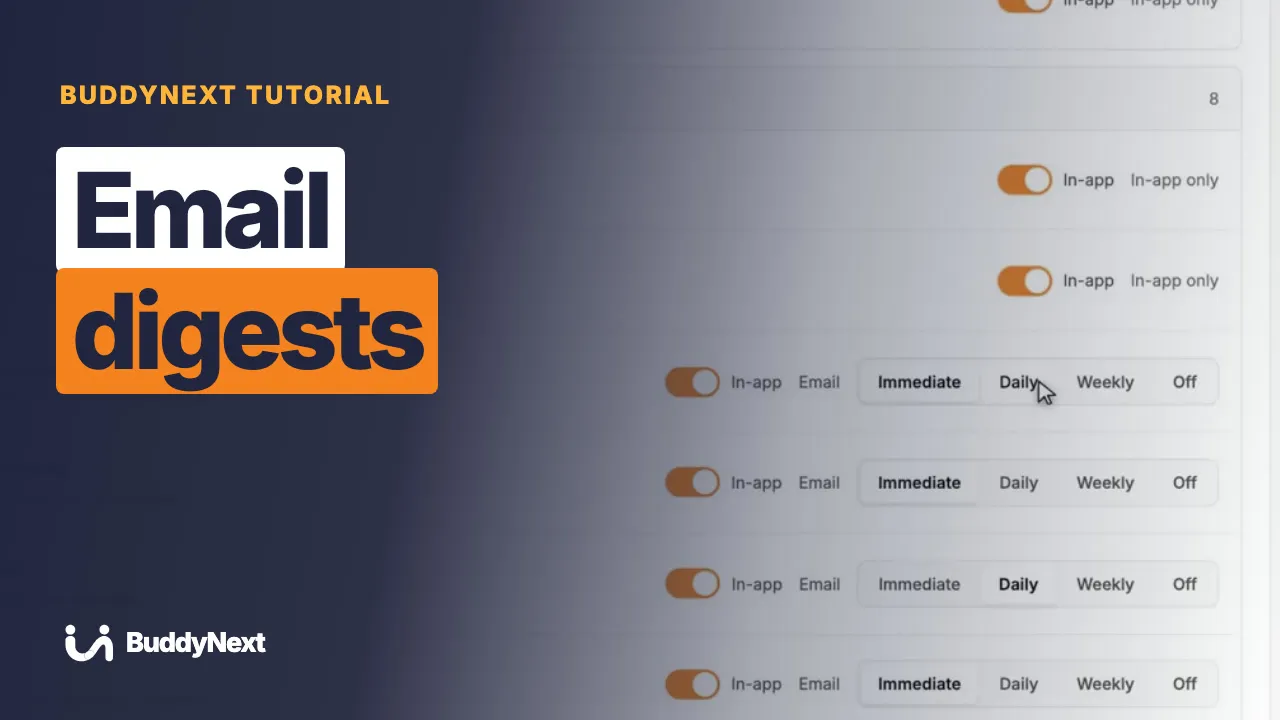 3:22 14 How to Set Up Email Digests in BuddyNext
 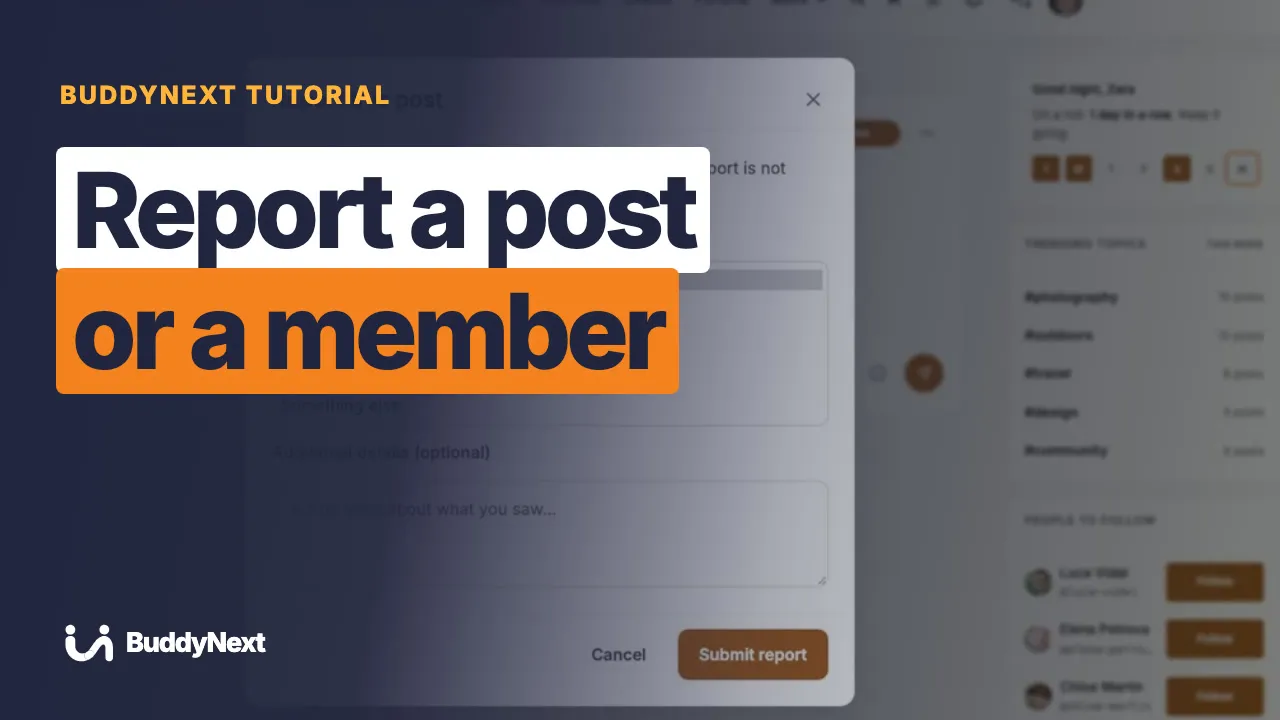 3:08 15 How to Report a Post or a Member in BuddyNext
 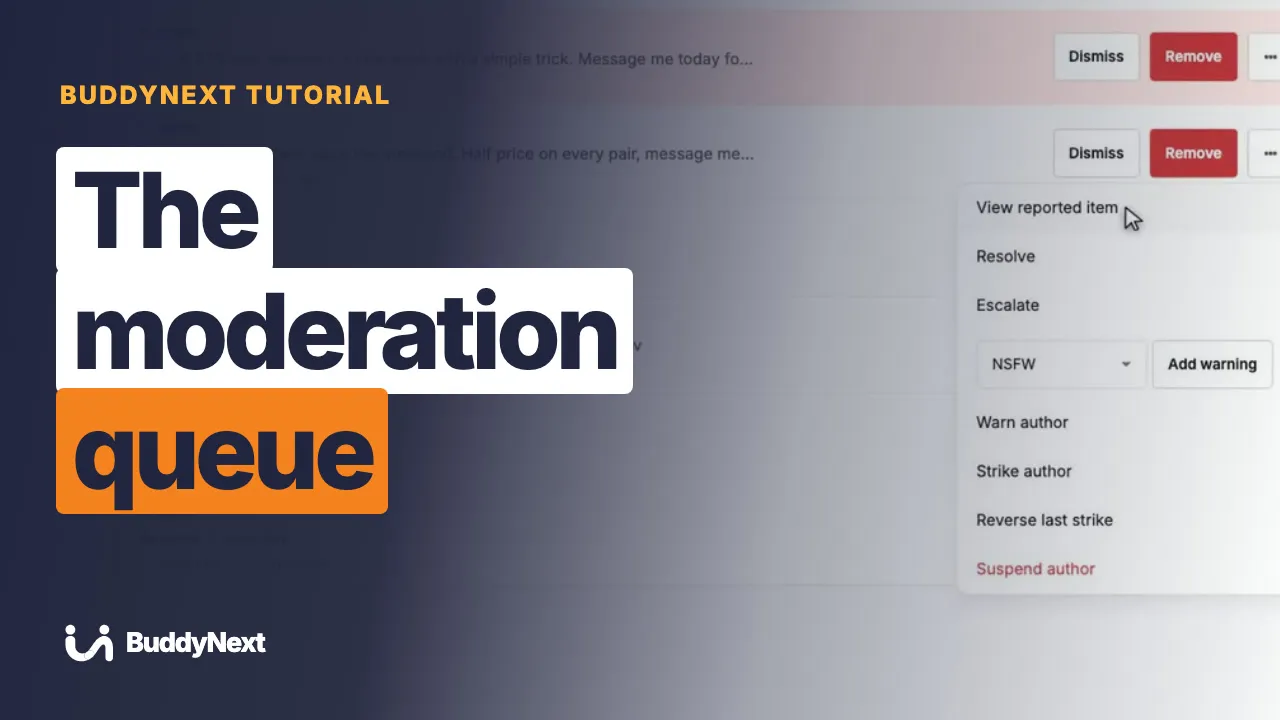 3:09 16 How to Work Through the Moderation Queue in BuddyNext
 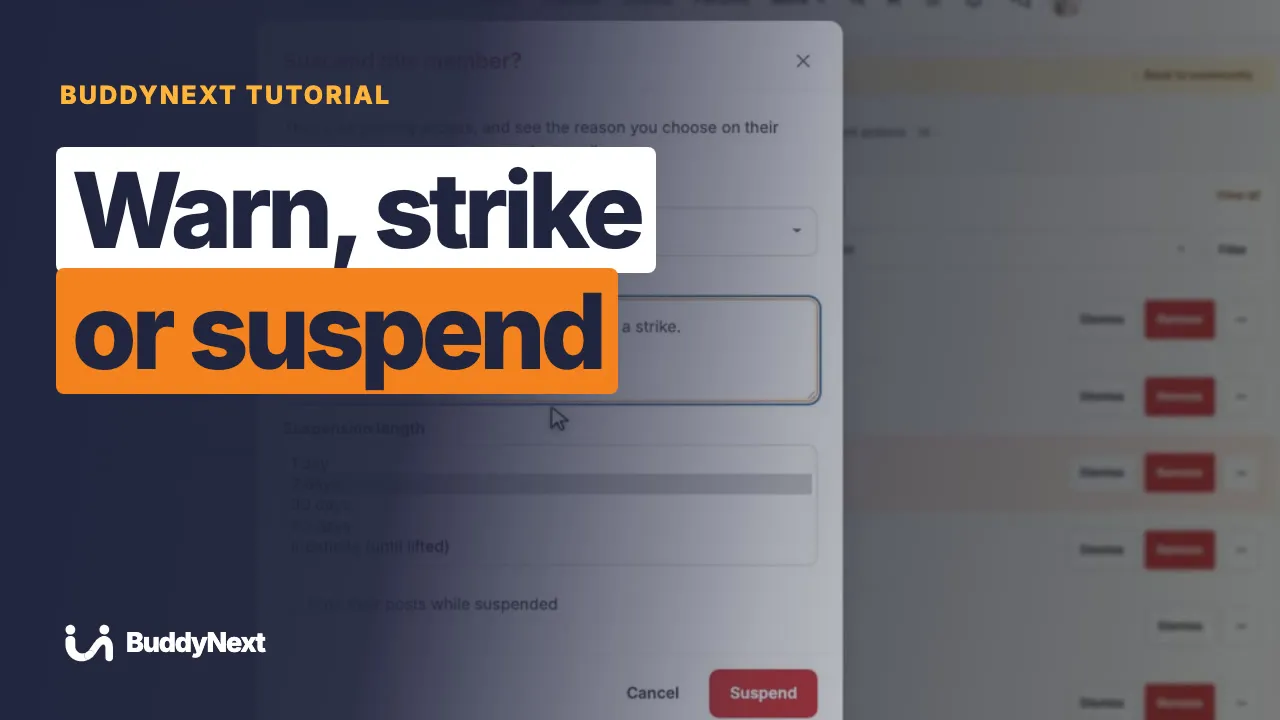 3:41 17 How to Warn, Strike or Suspend a Member in BuddyNext
 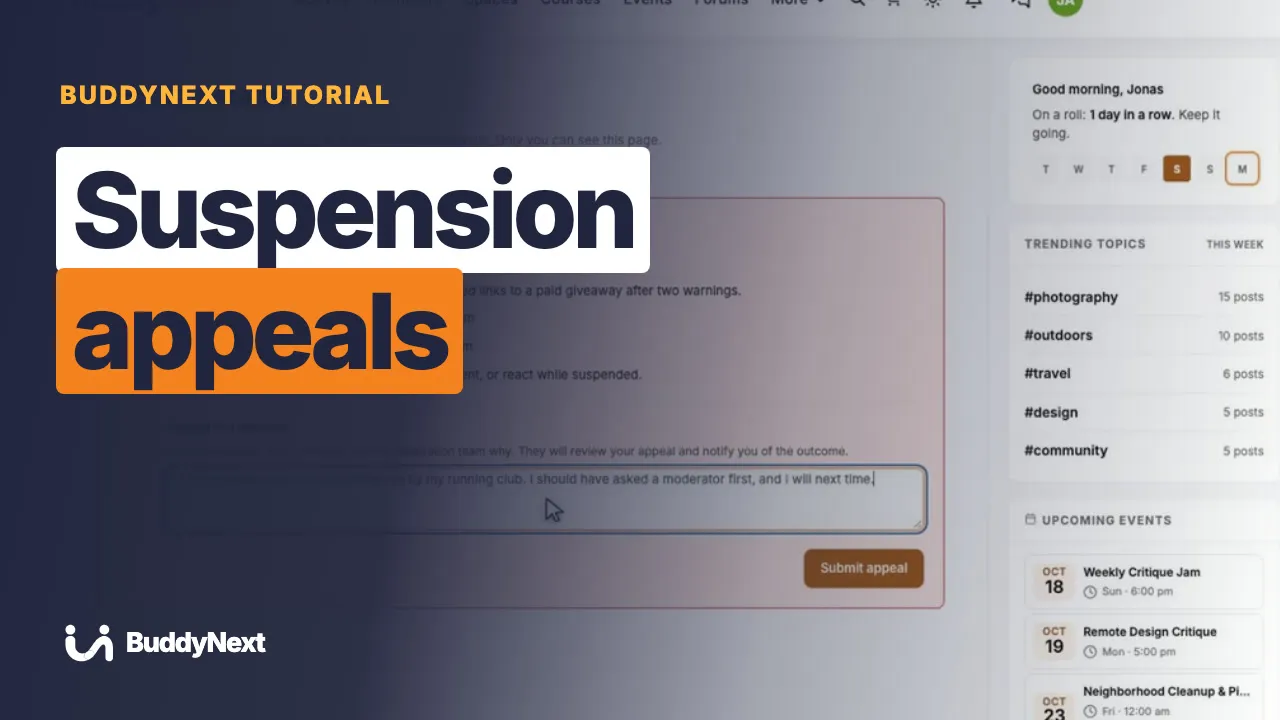 2:53 18 How to Handle a Suspension Appeal in BuddyNext
  3:16 19 How to Set Up Content Safeguards in BuddyNext
  3:08 20 How to Appoint Community Moderators in BuddyNext
 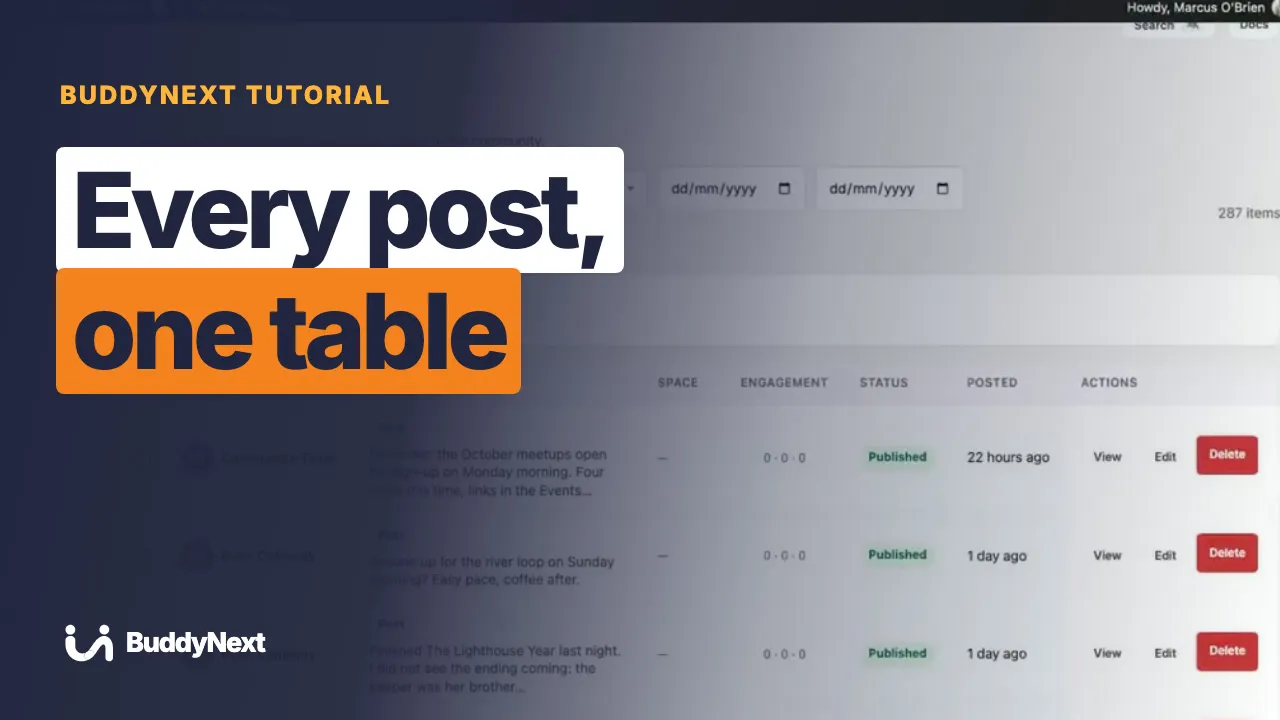 3:10 21 How to Manage Activity from the Admin in BuddyNext
  3:09 22 How to Add a Content Warning to a Post in BuddyNext
  3:30 23 How to Reward Members with Points, Badges and Levels in BuddyNext
  2:45 24 How to Use the Community Leaderboard in BuddyNext
  3:01 25 How to Give Kudos to a Member in BuddyNext
  2:42 26 How to See New Activity Without Reloading in BuddyNext
  3:15 27 How to Connect Companion Plugins in BuddyNext
  3:20 28 How to Use BuddyNext with WPMediaVerse
  3:30 29 How to Send Community Events to Other Apps in BuddyNext
  3:26 30 How to Use BuddyNext with Jetonomy
  3:29 31 How to Use BuddyNext with Learnomy
  3:28 32 How to Use BuddyNext with Eventonomy
  3:00 33 How to Use BuddyNext with Career Board
  3:35 34 How to Use BuddyNext with Listora
  2:58 35 How to Use BuddyNext with WB Member Blog
 Six real communities, each running on one WordPress site you own: a members community, a creator academy, an association, a local community and a team space.
 4:05 01 Build an Online Community You Own: Feed, Courses, Events and Forums
  4:01 02 Run a Community From One Dashboard: Members, Courses, Events, Payments
 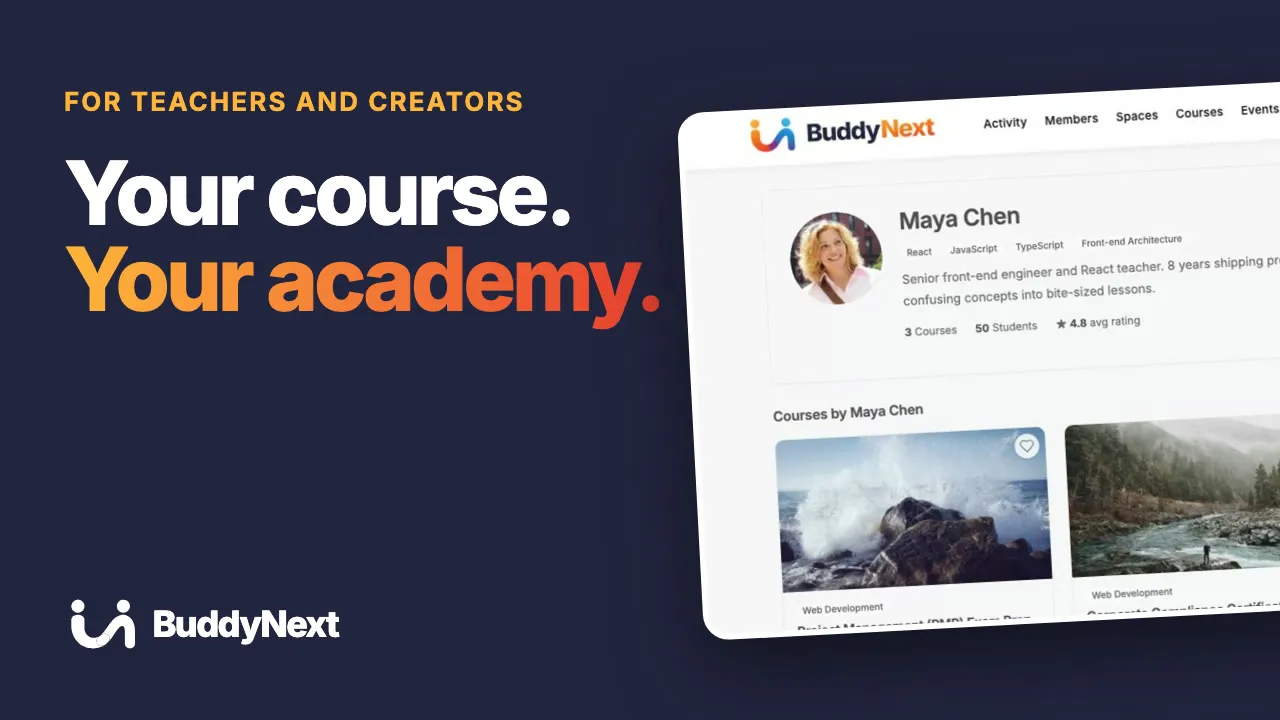 4:07 03 Sell Online Courses on Your Own Site: Lessons, Community, Live Events
 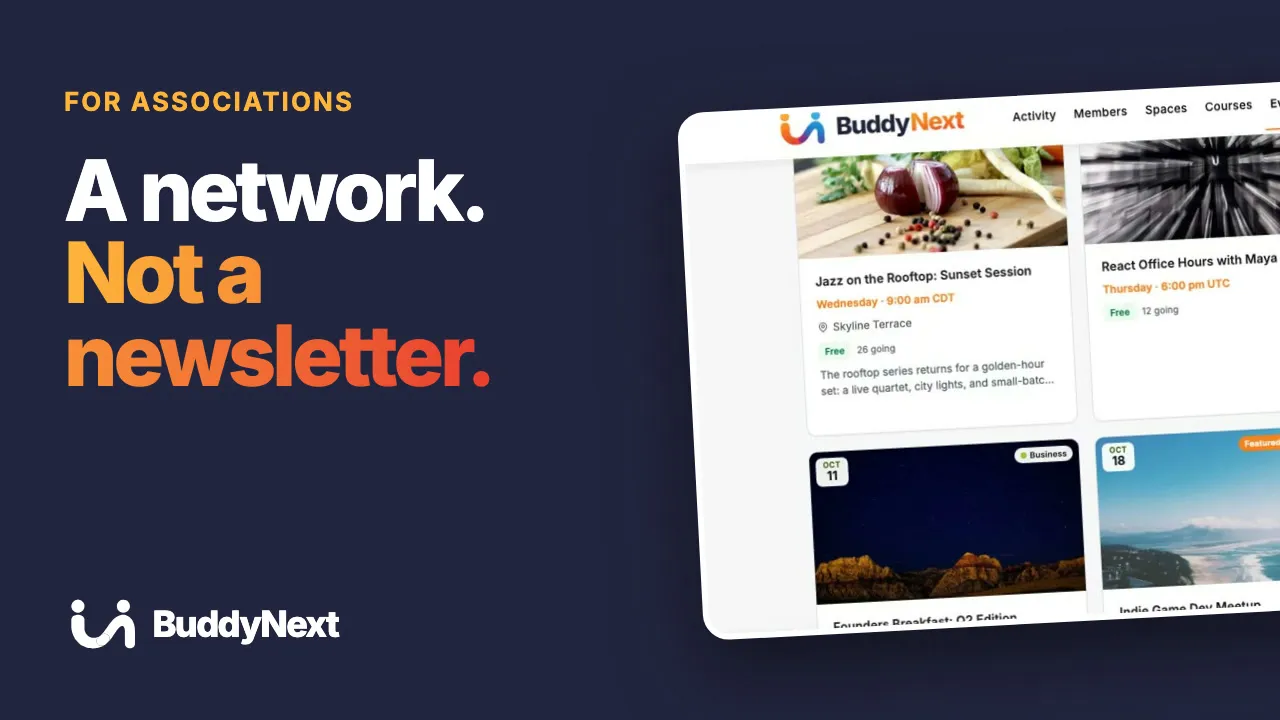 4:00 04 Member Directory, Job Board and Events for Your Association Website
 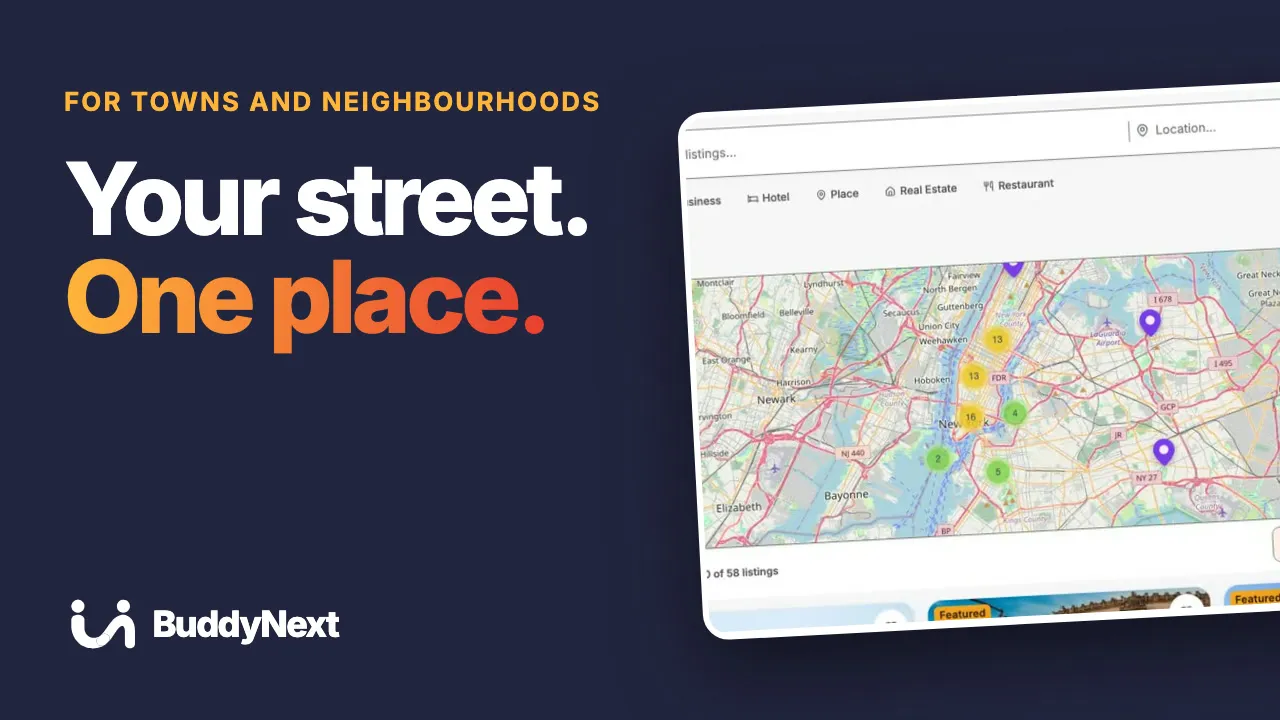 4:04 05 Build a Local Community Website: Business Directory, Events and Feed
 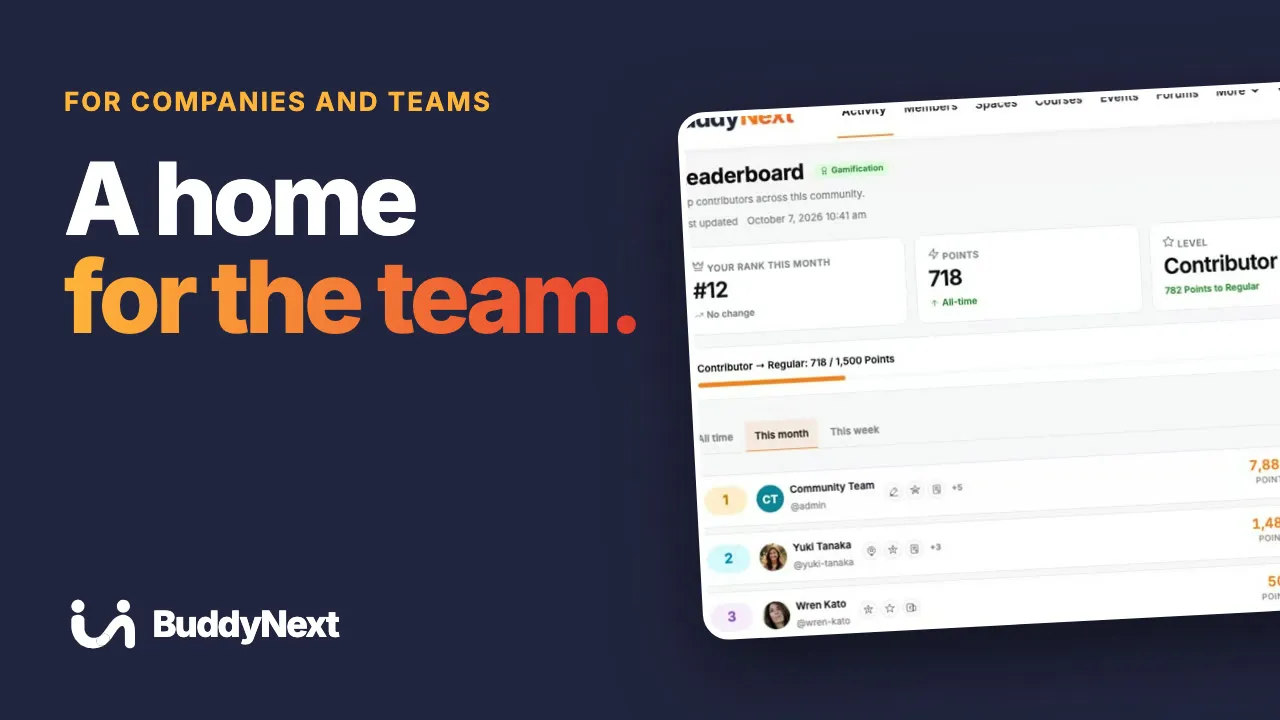 4:01 06 A Private Community for Your Team: News, Training, Q&A, Recognition
 How to plan, build, run and charge for a community on your own WordPress site, from first idea to a branded app.
 3:11 01 How to Build an Online Community Website on WordPress
  4:57 02 How to Build an Online Community: The Complete Walkthrough
 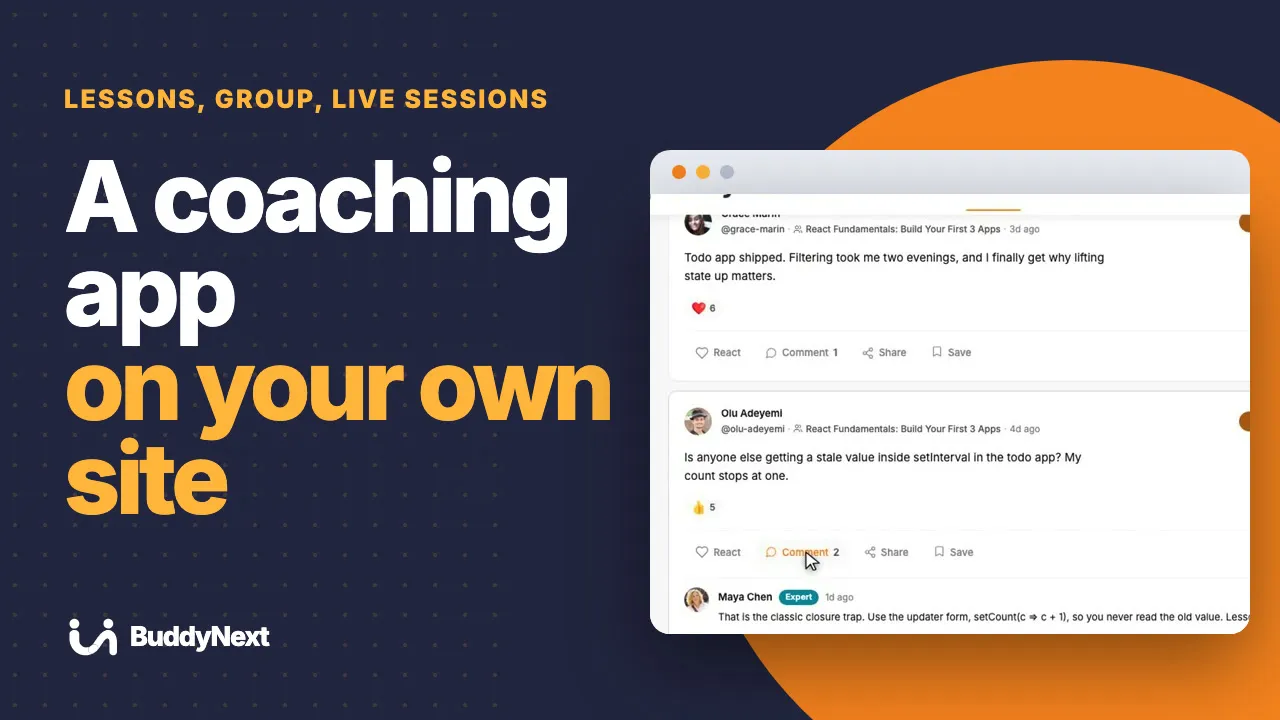 3:09 03 Coaching App for Your Clients: Community, Courses and Events in One
  3:16 04 Online Community Examples: 6 Communities You Can Build on WordPress
 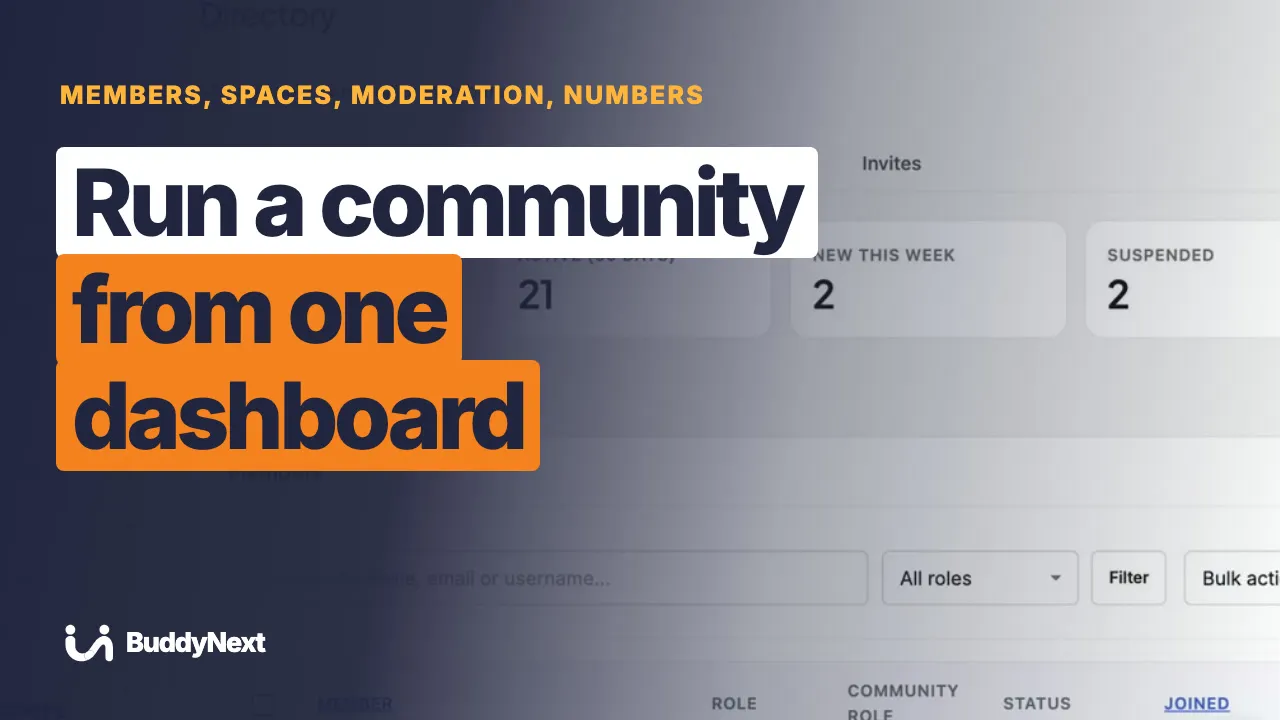 3:07 05 Community Management Software on WordPress: One Dashboard
  3:13 06 Best Community Plugin for WordPress: What to Look For
 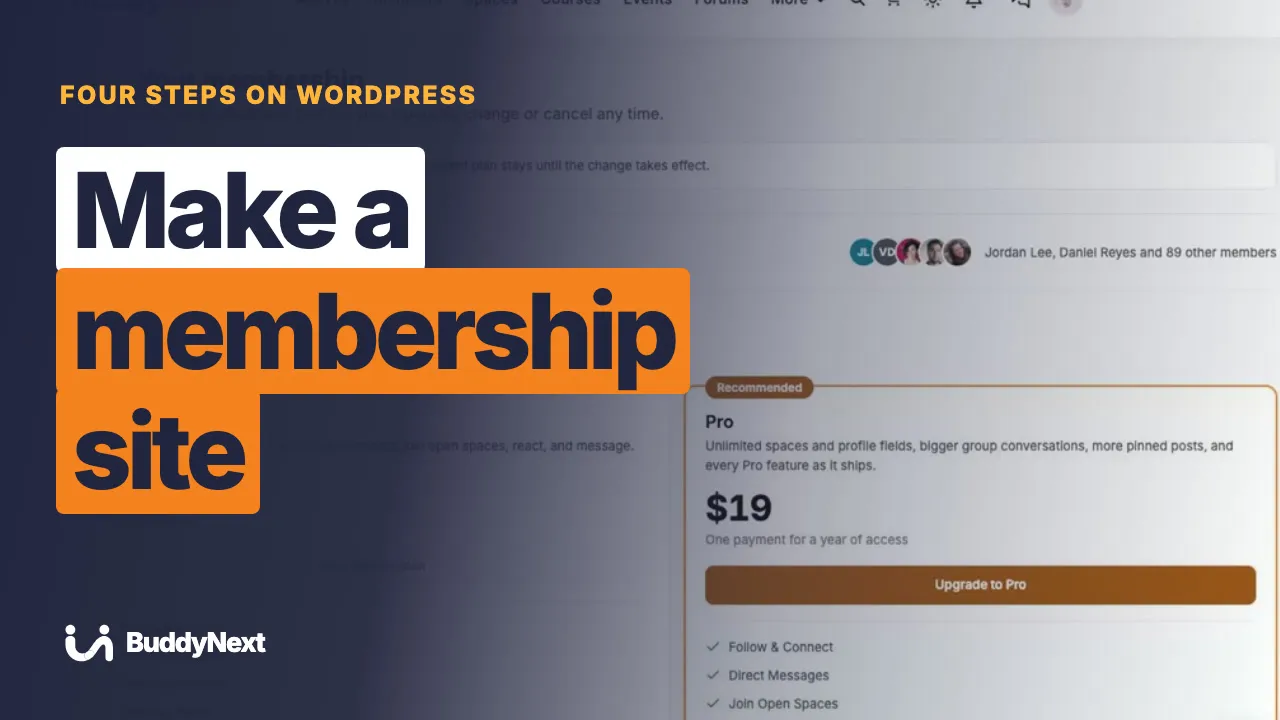 3:10 07 How to Make a Membership Site on WordPress, Step by Step
  3:10 08 Membership Website Ideas: 7 Paid Communities You Can Start
 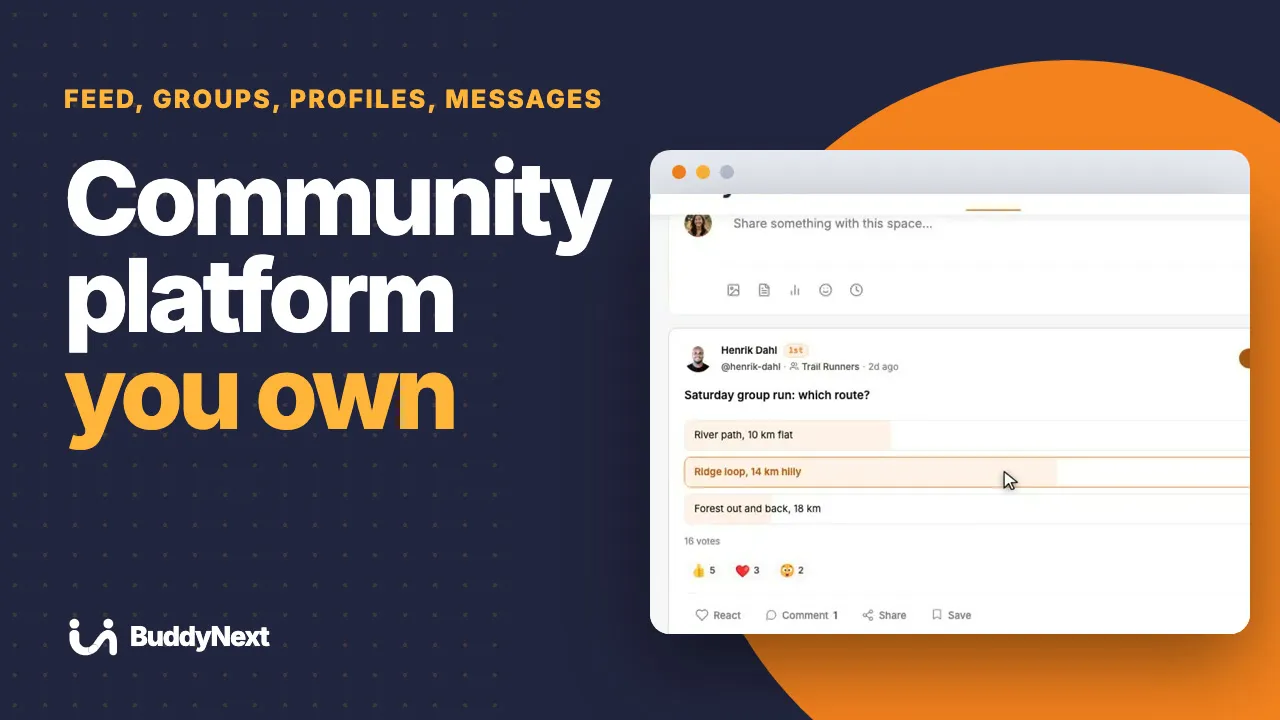 3:11 09 Online Community Platform You Own: Build It on WordPress
 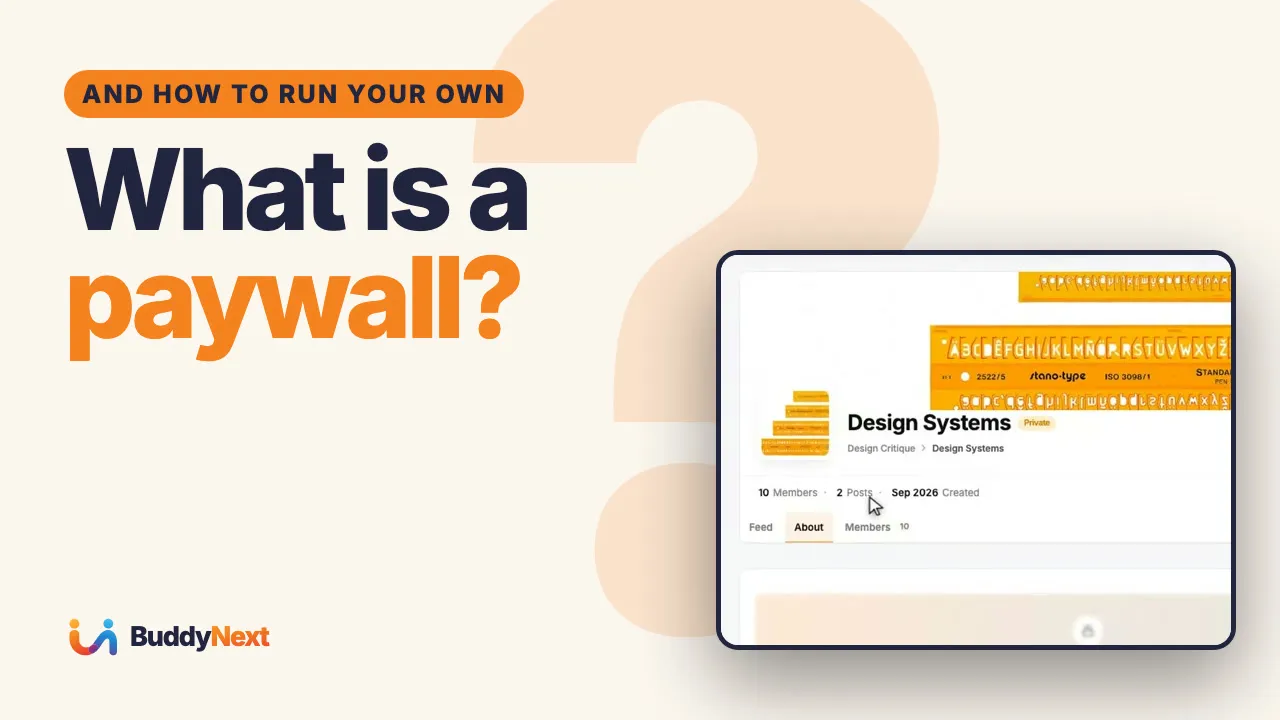 2:57 10 What Is a Paywall? How to Charge for Your Community on WordPress
 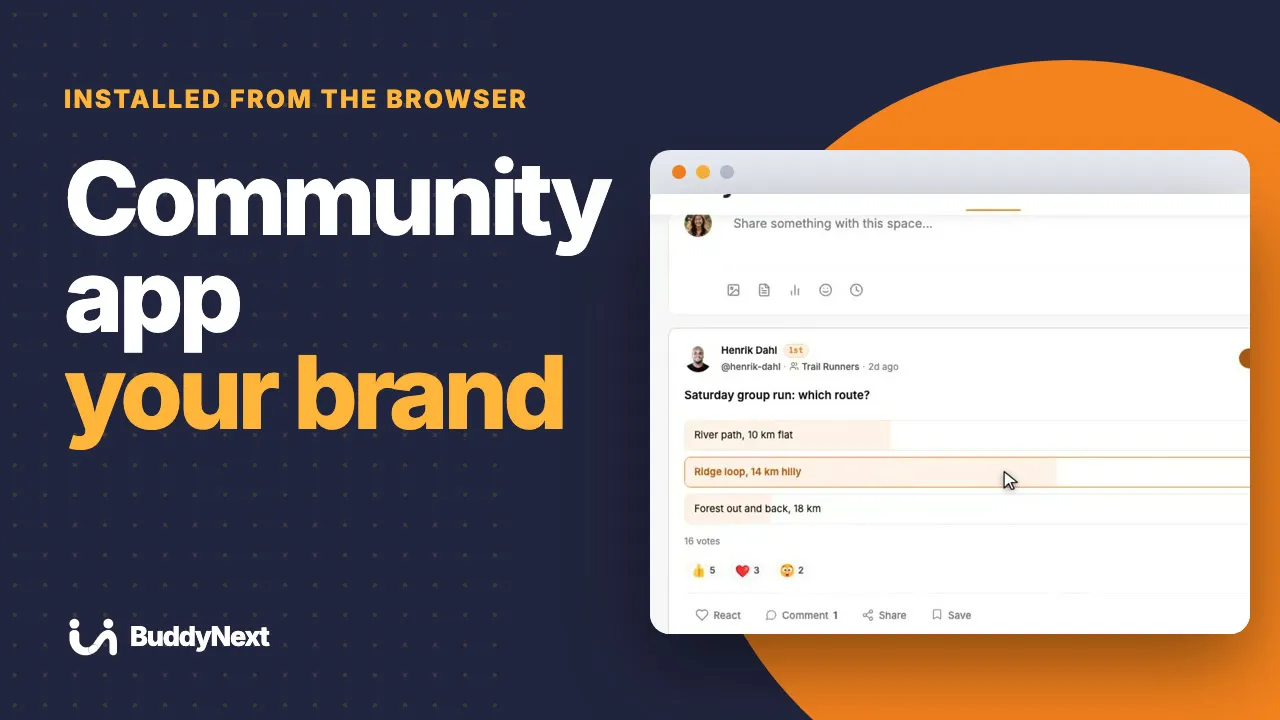 3:17 11 Community App Under Your Brand: Install It From the Browser
 Circle, Mighty Networks, Skool, Patreon, Facebook Groups and Squarespace, compared with a community you own on WordPress.
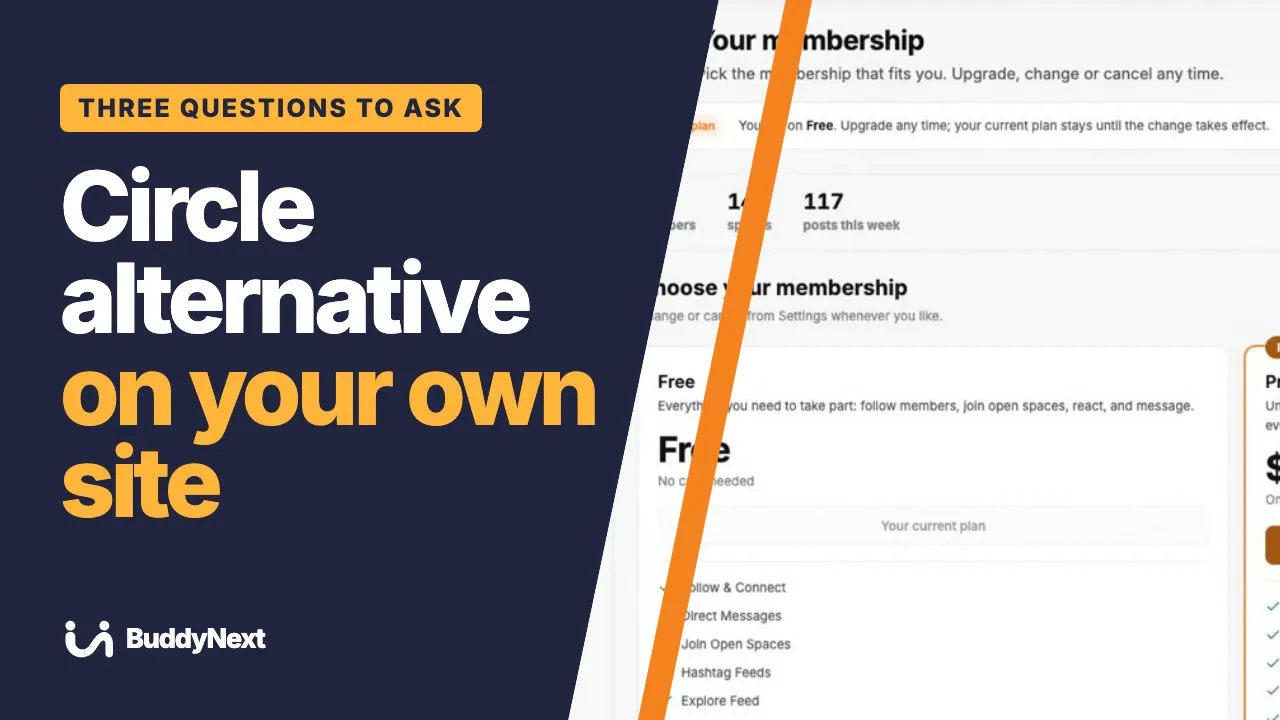 3:22 01 Circle and Mighty Networks Alternative on WordPress
 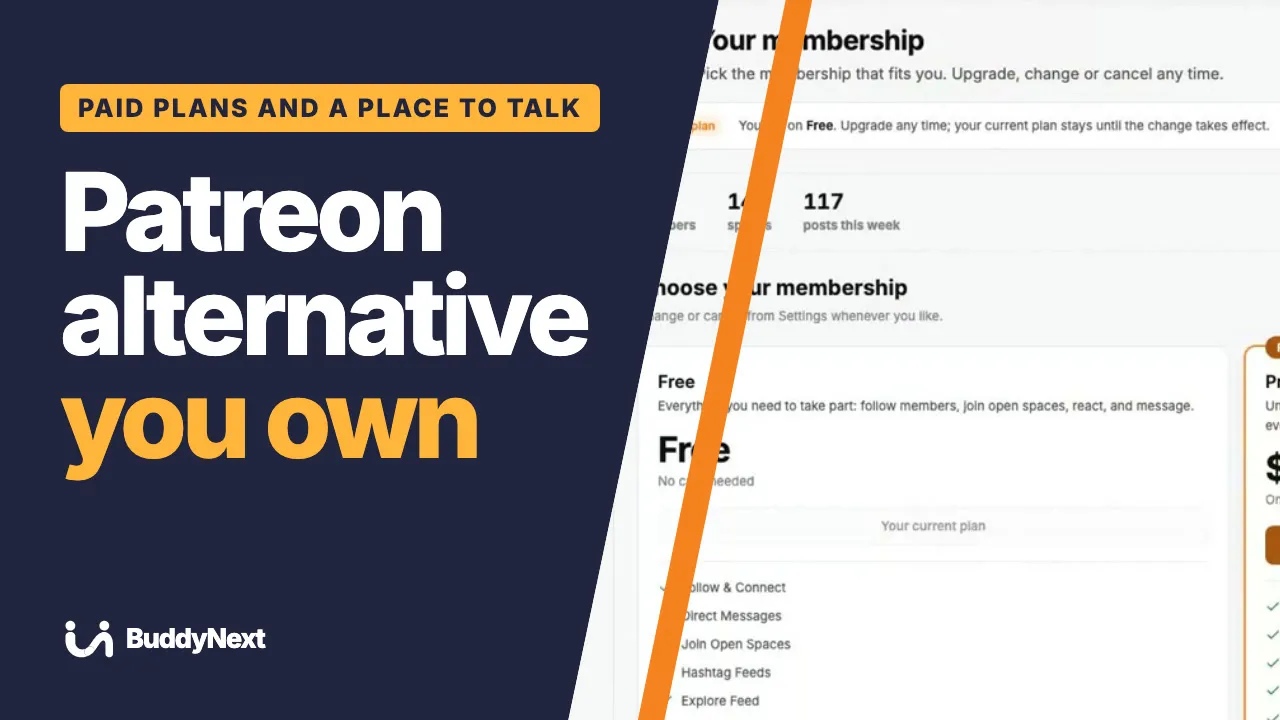 3:06 02 Patreon Alternative: Run Paid Memberships on Your Own Website
 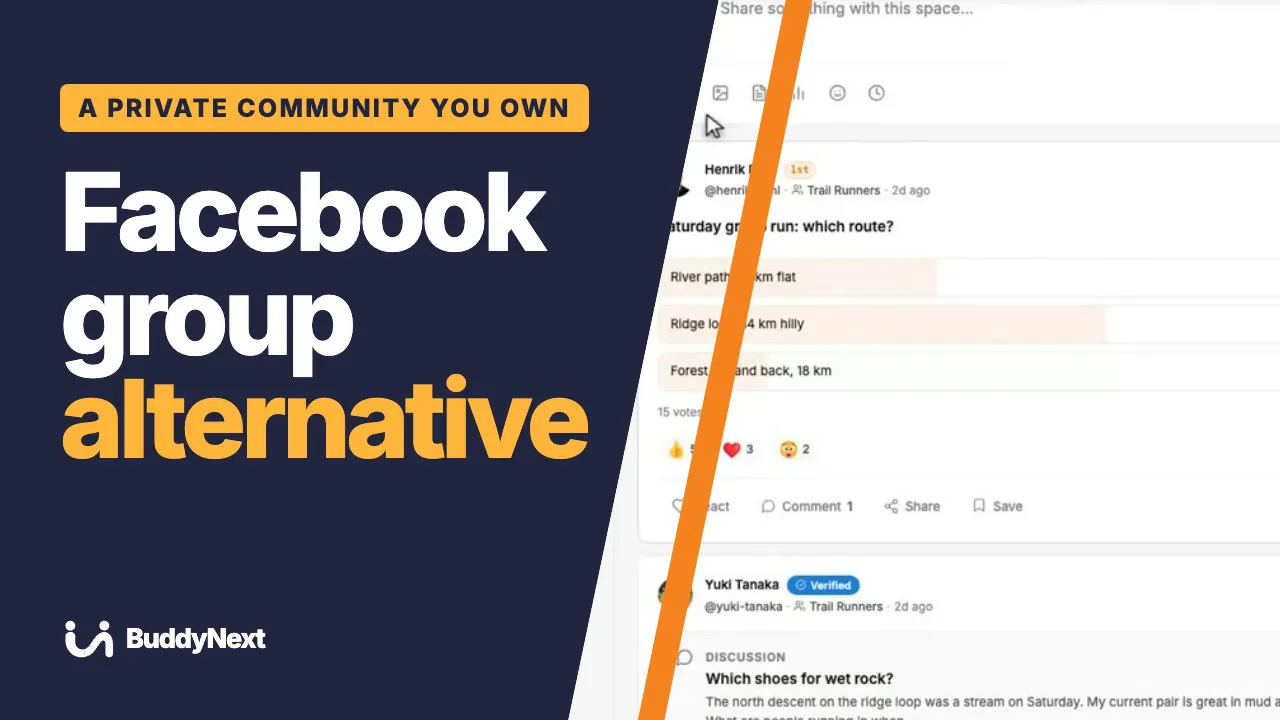 3:17 03 Facebook Group Alternative: A Private Community You Own
 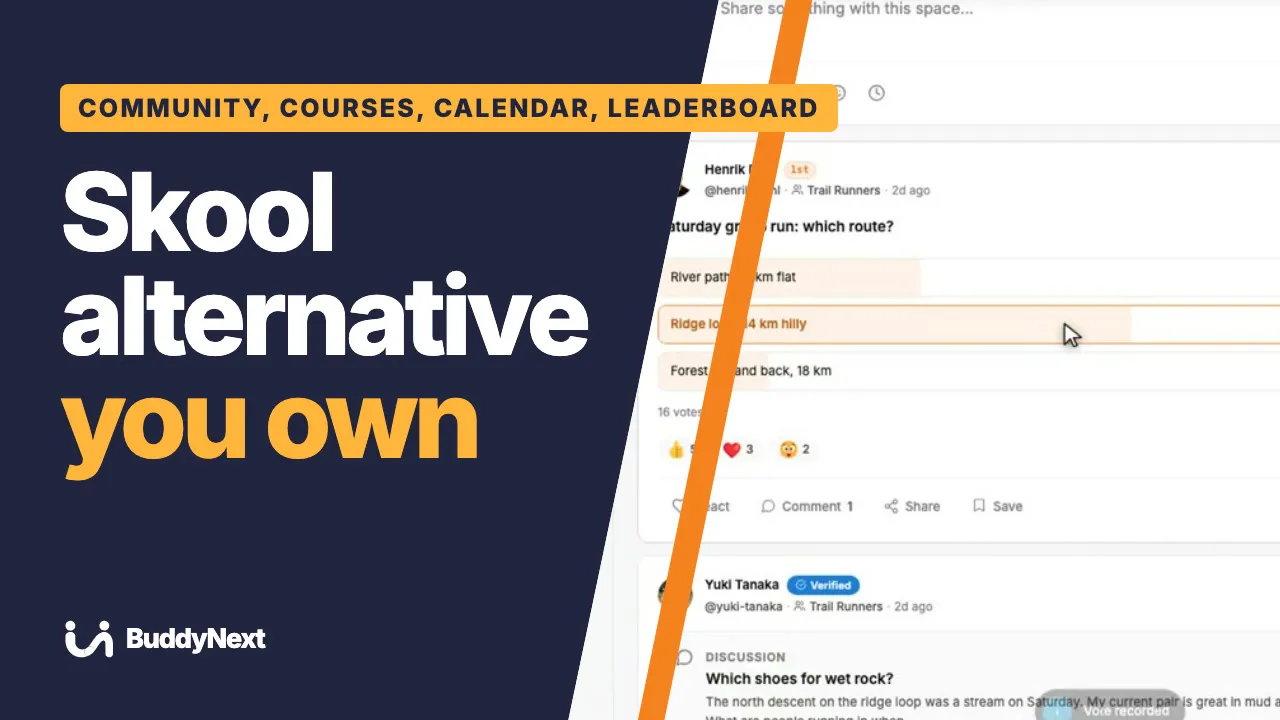 2:57 04 Skool Alternative on WordPress: Own Your Community and Courses
 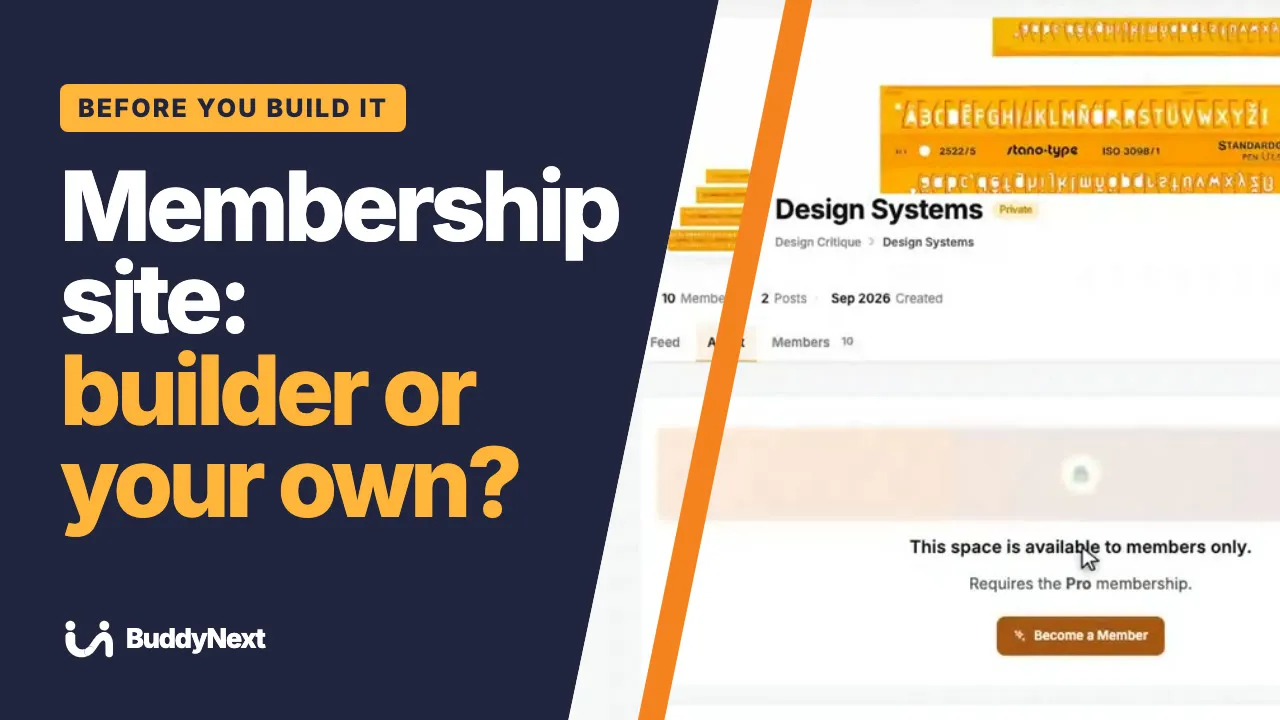 3:01 05 Squarespace Membership Site or WordPress? What You Give Up
 More tutorials: Learnomy · Jetonomy · Eventonomy · WPMediaVerse · WB Listora · WP Career Board · WB Member Blog · All videos
Built for you
We plan, build and launch sites on our plugins, then look after them. Tell us what you want to run.
Quick and helpful support The supporters, i.e Manuzza Zaidi, have been very helpful and provided some css code even for other plugins.