
14 min read
Best LMS Hosting for WordPress in 2026 (Top 7 Picks)

Building a successful online course involves more than recording videos, writing lessons, and creating quizzes. Your website also needs to provide a smooth learning experience as students log in, access course materials, track their progress, and interact with other learners. If pages load slowly or the student dashboard takes too long to respond, even the best course content can leave a poor impression.
WordPress LMS websites can include much more than course lessons. Products such as Learnomy and other tools from WBCom Designs can help extend a site with community features, events, polls, gamification, member blogs, and other interactive functionality. As you add these features, your website may need to handle more database queries, logged-in user activity, and dynamic content requests at the same time.
This makes hosting an important part of building a reliable online learning platform. An underpowered server can struggle when many students are active at once, leading to slow page loads, delayed dashboard responses, and a frustrating experience during busy periods. The right hosting environment helps your LMS and its supporting plugins run reliably as your audience grows.
In this guide, we’ll compare seven WordPress hosting options for LMS websites and explain what to look for when choosing a host for your online academy.
Why Regular Hosting Fails for LMS Websites
A standard personal blog and an online course website are completely different animals. A simple blog serves static text and images to one visitor at a time.
An LMS website is highly dynamic and requires constant communication with the database. Every time a student logs in, the server has to verify their password and check their enrollment status.
It also has to load their specific progress data, quiz scores, and certificate availability instantly. If ten students try to take a quiz at the exact same time, the database gets completely overwhelmed.
Cheap hosting plans share their resources with hundreds of other unrelated websites on the same server. When another site on that server gets a sudden traffic spike, your LMS site slows down immediately.
This is called the noisy neighbor effect, and it completely ruins the learning experience for your paying students. Video streaming also consumes a massive amount of bandwidth and server processing power.
If your host throttles your connection, your course videos will buffer constantly and frustrate everyone. You need a hosting environment built specifically to handle high database usage and concurrent logins.
5 Things You Must Check Before Buying LMS Hosting
Do not just look at the advertised monthly price on the homepage. You need to look closely at what is actually included in the hosting plan.
Here are the five most important features you must check before spending your hard-earned money.
Server Resources (RAM and CPU)
Your LMS plugin needs a lot of memory to process student data smoothly. Look for hosts that offer dedicated RAM and CPU cores for your specific account.
Shared hosting with very limited resources will bottleneck your site as soon as traffic increases. You need enough power to handle multiple students logging in at once.
Advanced Caching (Object Cache)
Standard page caching isn’t enough for a membership site. You absolutely need Redis or Memcached Object Caching included in your plan.
This stores database query results in memory; Redis Object Cache reduces repeated database queries and helps student dashboards load faster. It prevents the server from hitting the main database every single time a page loads.
Strong Security Measures
LMS sites hold valuable student data, email addresses, and payment information. Your host must provide a Web Application Firewall and regular malware scanning.
DDoS protection is also essential to keep malicious hackers away from your courses. You cannot afford a security breach that exposes your students’ private information.
Real Human Support
When your site goes down during a live class, you cannot wait for an automated bot to reply to your ticket. You need twenty-four-seven access to actual WordPress experts.
These experts should understand how LMS plugins work and fix issues quickly. Good support saves your business when technical problems inevitably arise.
Transparent Pricing
Some hosts lure you in with a cheap first-year rate, then triple the price at renewal time. Others charge massive overage fees if your site suddenly gets a traffic spike.
Always look for clear, predictable pricing that does not punish you for growing your audience. You need to know exactly what your bill will be every single month.
Top 7 Best LMS Hosting Providers in 2026
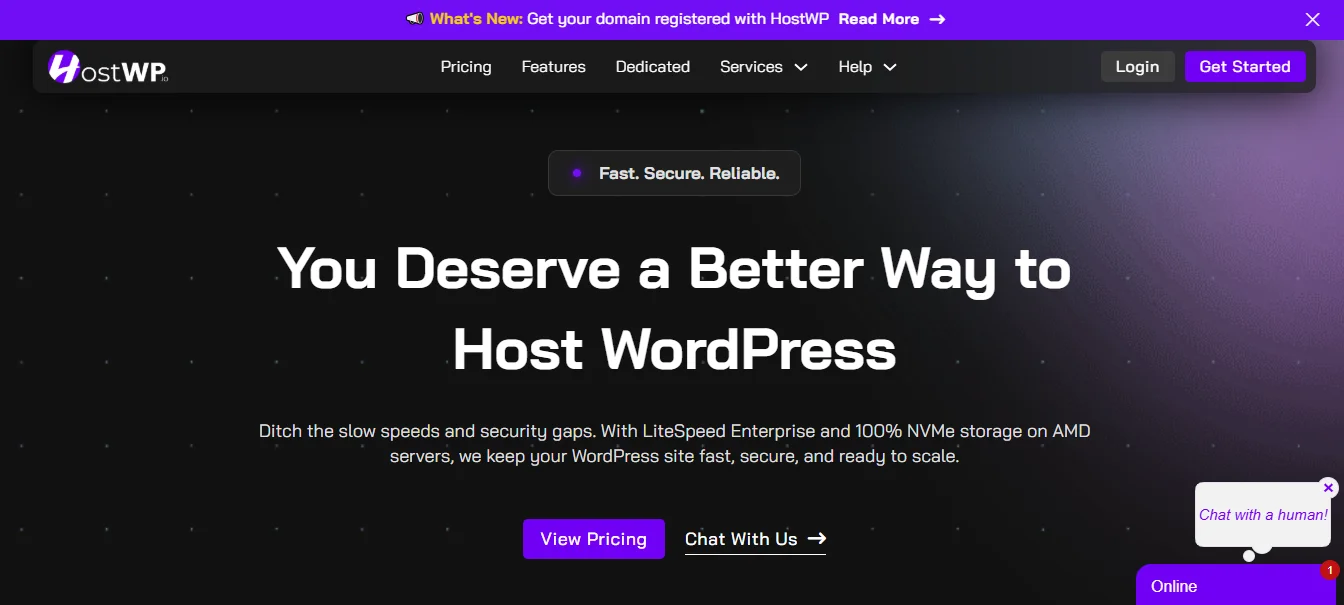
1. HostWP.io - Managed LMS Hosting for WordPress
HostWP.io is quickly becoming the top choice for serious course creators and online schools. HostWP.io is a fully managed WordPress hosting platform built specifically to handle heavy demands.
HostWP.io provides the best hardware and software for your online school. On the hardware side, they use enterprise-grade physical servers with 100% NVMe SSD storage for maximum speed. On the software side, they run LiteSpeed Enterprise Web Server combined with Redis Object Cache and QUIC.cloud CDN. This complete stack ensures your heavy LMS software performs perfectly without any lag.
You get enterprise-level tools without the massive enterprise-level price tag that others charge. It is designed to give you peace of mind while you focus on teaching your students.
Key Features:
- LiteSpeed Enterprise Web Server for maximum page load speeds and reliability.
- 100% NVMe SSD Storage for faster database queries and file access.
- Redis Object Cache included to drastically reduce server load and improve speed.
- Free QUIC.Cloud CDN integration for fast global content delivery to all students.
- Imunify360 Security and server-level WAF for the best possible protection against threats.
- Full SSH, SFTP, and WP-CLI access for advanced site management and developer control.
- One-click staging and cloning tools for safe testing of new course updates.
- Dedicated IPv4 and IPv6 options for better connectivity and email delivery rates.
- Free professional email hosting and free WHOIS privacy to protect your identity.
- Grandfathered pricing to protect your long-term budget from future price hikes.
- One hundred percent human expert support with fast and friendly problem-solving.
- Free WordPress migrations within twenty-four hours so you can switch with zero stress.
Pricing:
Plans start at just $6.99 per month, which is an incredible value. This price includes the complete set of premium features you need to run a successful school.
Why Choose HostWP.io:
It offers the perfect balance of high performance and low cost for course creators. You get unlimited traffic, no surprise overage fees, and a free domain with privacy included.
It is the most reliable and secure home for your WBCom Designs or LearnDash setup. The human expert support team actually knows how to fix WordPress issues quickly.
2. Cloudways
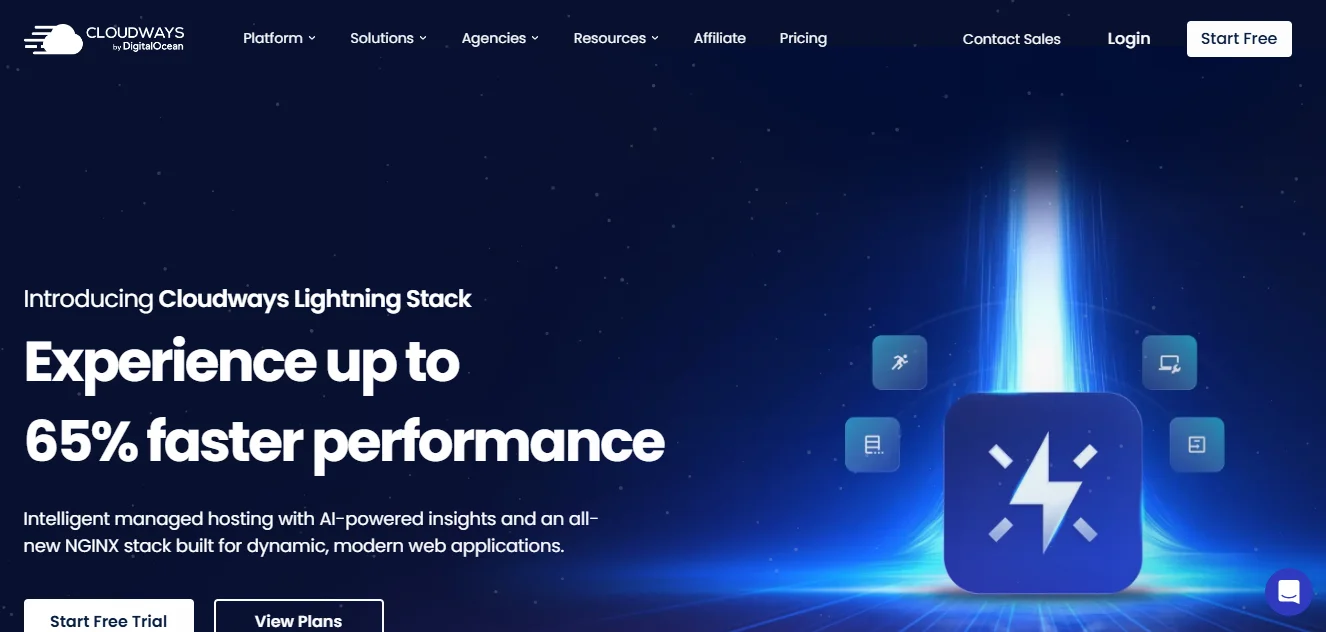
Cloudways is a managed cloud hosting platform that gives you the raw power of top-tier cloud servers. It is a fantastic alternative if you want complete control over your server resources.
Their greatest strength is the billing structure, which offers true month-to-month billing. No long-term contracts mean you pay only for the server resources you use.
More importantly, they do not have strict visit limits on their platforms. You can handle massive traffic spikes during a course launch without paying a single extra cent in overage fees.
Key Features:
- Choice of five top cloud providers, including AWS, Google Cloud, and DigitalOcean.
- Built-in advanced caching technology for optimal performance and fast load times.
- Free SSL certificates and automated daily backups to keep your data safe.
- Vertical scaling to add more RAM or CPU with just one simple click.
- Twenty-four-seven expert support via live chat to help with any technical issues.
Pricing:
Plans start around $14 per month for basic cloud servers. Prices scale based on your specific resource needs and traffic demands.
Why Choose Cloudways:
It is perfect for growing LMS sites that need absolute flexibility and control. You can start small and scale up your server instantly when you get a rush of new students.
3. Kinsta
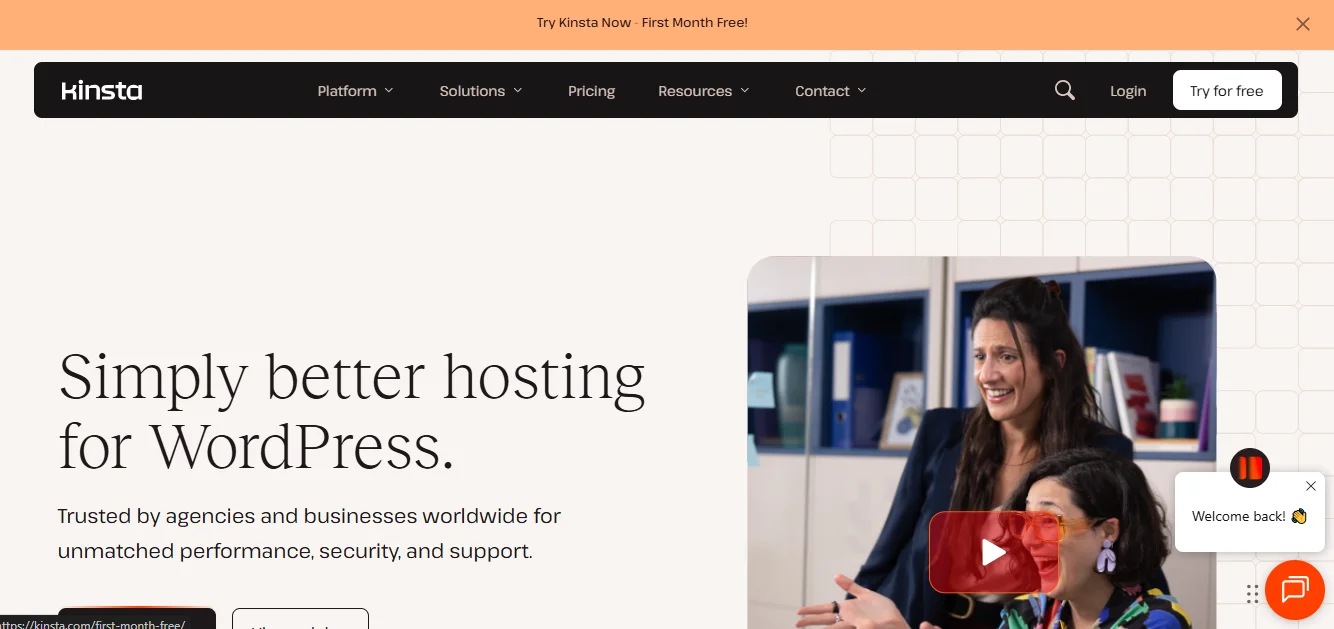
Kinsta is a premium managed WordPress hosting provider built from the ground up for speed. It is a favorite among high-traffic online schools and large educational platforms.
Kinsta uses isolated container technology for every single website on their network. This means your website gets its own dedicated resources and never shares server space with other sites.
Their biggest advantage over traditional hosts is their generous traffic policy. They do not hit you with crazy overage fees if your site goes viral or gets a sudden spike in visitors.
Key Features:
- Premium Google Cloud Platform infrastructure for maximum reliability and speed.
- Free global content delivery network included on all plans to serve content faster.
- Daily automatic backups and a free hack-fix guarantee to keep your site secure.
- Free staging tool to test course updates and plugin changes safely before going live.
- Expert WordPress support available around the clock from highly trained specialists.
Pricing:
Plans start at $35 per month, which is higher but includes premium infrastructure. It is an investment in top-tier performance and complete peace of mind.
Why Choose Kinsta:
If you have a higher budget and run a large, established online academy, Kinsta is a great fit. It provides top-tier performance and handles heavy database loads with ease.
4. SiteGround

SiteGround has been a highly respected name in the web hosting industry for many years. They are known for top-tier customer service and rock-solid reliability for all types of websites.
The main reason people switch to SiteGround is the friendly, knowledgeable support team. Their agents are trained WordPress experts who can help with specific LMS plugin issues.
Another huge benefit is their unmetered traffic policy for most plans. SiteGround does not count your visitors or charge you overage fees, allowing you to focus on growing your audience.
Key Features:
- Free daily backups and automatic WordPress updates to keep your site secure.
- Custom security rules and advanced anti-bot systems to block malicious traffic.
- Free professional email accounts for your business to look more professional.
- Free global content delivery network for faster loading times worldwide.
- Custom-built caching system optimized specifically for WordPress performance.
Pricing:
Introductory rates start around $3.99 per month, making it affordable at first. However, renewal prices are significantly higher than the first year.
Why Choose SiteGround:
It is a fantastic choice for users who prioritize top-quality human support and reliable stability. It is a very safe bet for course creators who want a well-known, trusted brand.
5. WP Engine
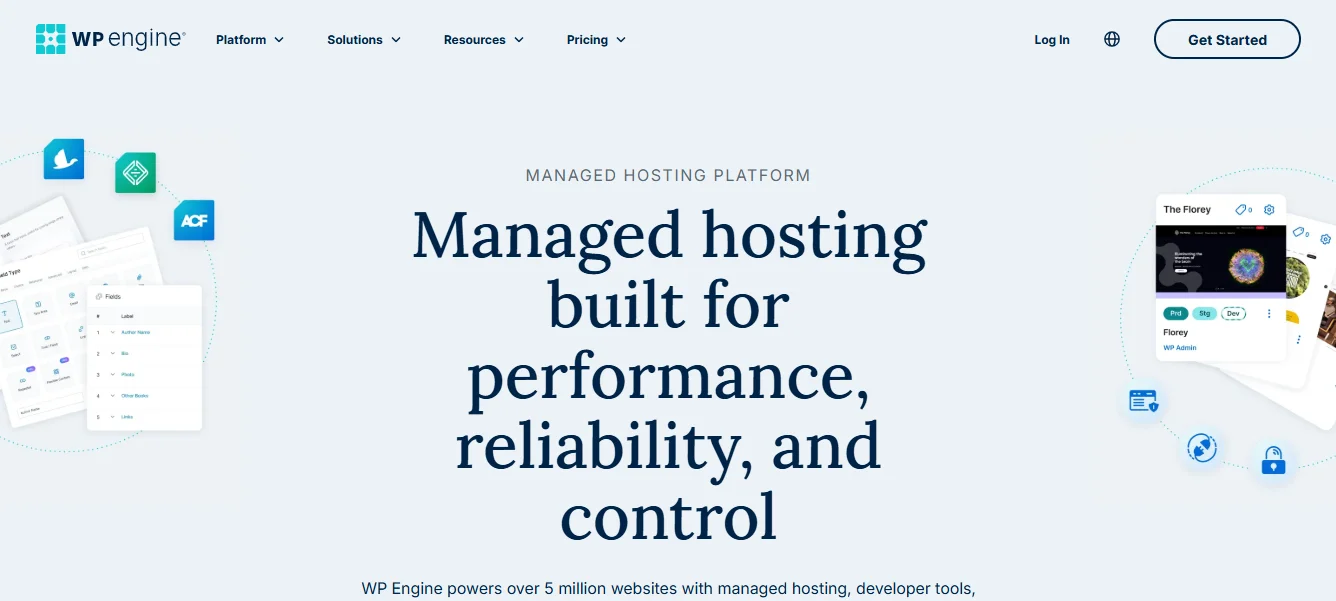
WP Engine is a major player in the managed WordPress hosting industry. It is a very famous name, and many people assume it is the default best choice for everyone.
It offers a solid, optimized WordPress environment with good security and daily backups. The dashboard is clean, and the staging environment is very reliable for testing.
However, you should know its limitations before you commit to a plan. WP Engine counts every single visitor to your website and sets strict limits on each pricing tier.
Key Features:
- Managed WordPress environment with daily automated backups for safety.
- Built-in caching and global CDN to help pages load a bit faster.
- Free SSL certificates and automated threat blocking to stop basic attacks.
- Staging environments for safe testing of new themes and plugins.
Pricing:
Plans start at $20 per month, but renewal prices are significantly higher. Overage fees apply if you exceed your strict monthly visitor limits.
Why Choose WP Engine:
It is a decent option for established businesses that do not expect massive, unpredictable traffic spikes. It works well if you prefer a well-known brand name and have a larger budget.
6. Hostinger
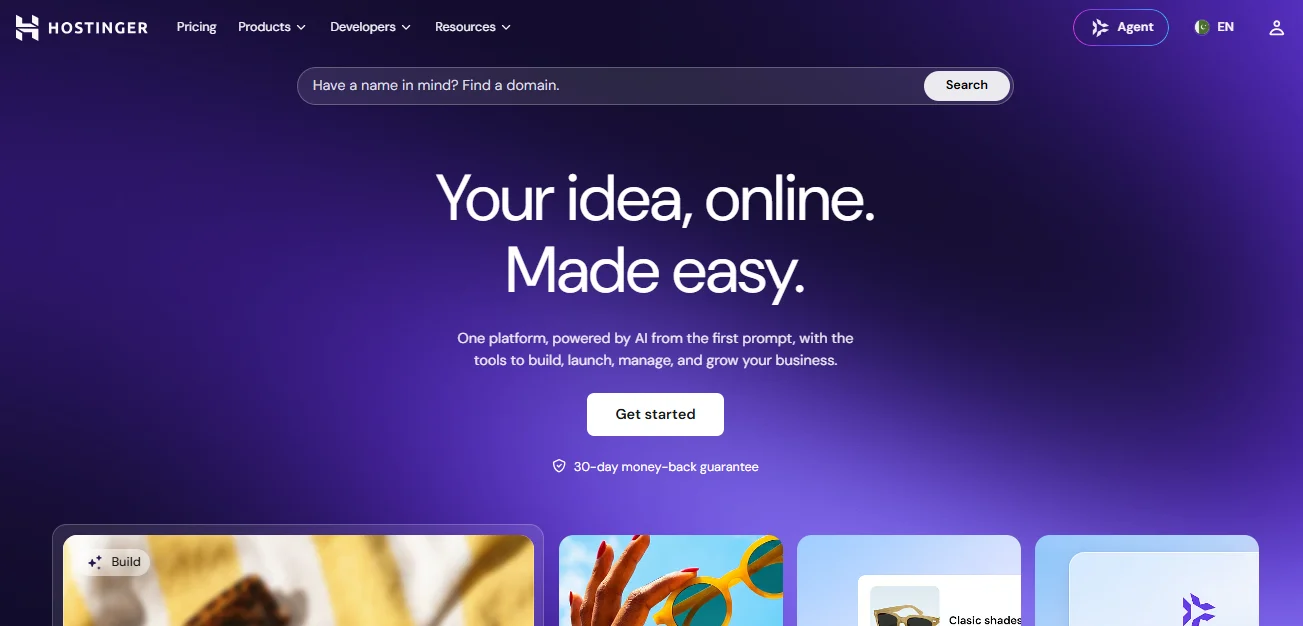
Hostinger is a great option if you are just starting your online course and have a strict budget. It offers a very affordable entry point without sacrificing basic performance needs.
They use LiteSpeed servers and provide a custom control panel that is incredibly easy for beginners to navigate. You don’t need technical knowledge to manage your website settings.
While it may not have the advanced developer tools of premium hosts, it includes everything a new course creator needs to get started. It is a very practical choice for beginners.
Key Features:
- LiteSpeed web servers with object caching for decent page load speeds.
- Free domain name and free professional email to get your business started.
- Weekly backups and free SSL certificates to keep your basic data safe.
- Custom hPanel for easy website management without complex technical jargon.
- Twenty-four-seven customer support via live chat to answer basic questions.
Pricing:
Plans start as low as $2.99 per month, making it one of the cheapest options available. It is a very low-risk way to test your course idea.
Why Choose Hostinger:
It is the best starting point for new instructors who want to test their course idea. You can get your site online without spending much money upfront.
7. Flywheel
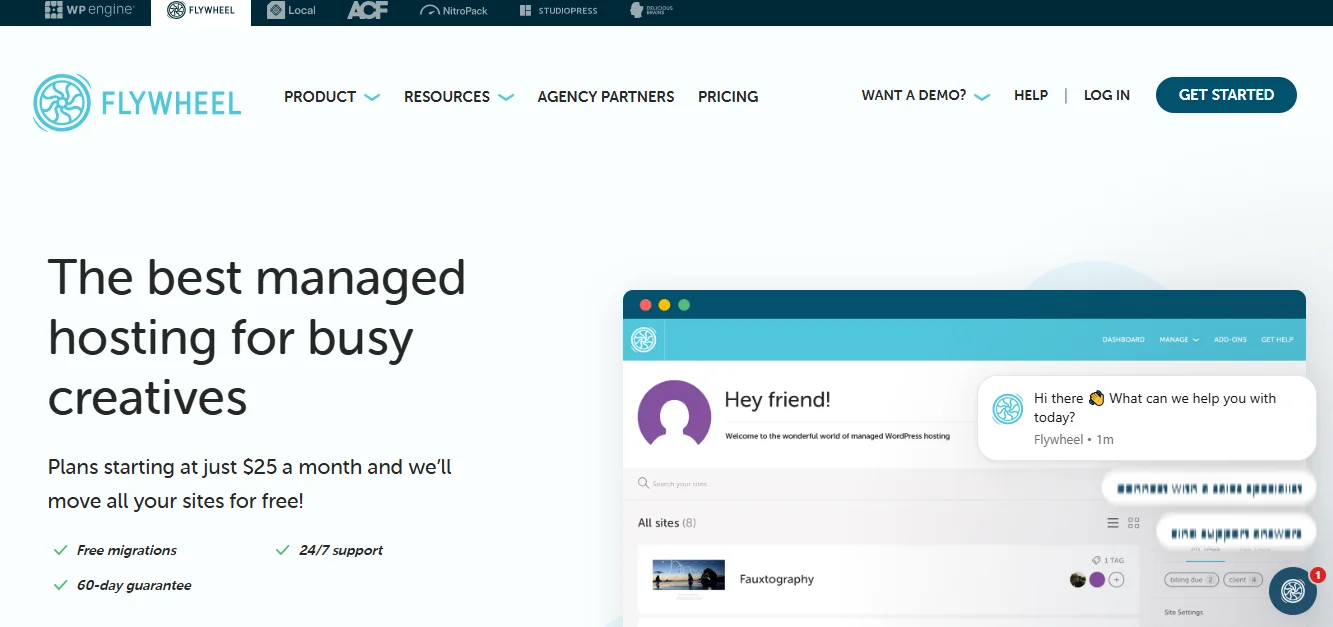
Flywheel is a unique hosting provider built exclusively for WordPress websites. More specifically, it is designed with freelancers, designers, and digital agencies in mind.
If you build LMS websites for clients, Flywheel makes the entire workflow incredibly smooth. They offer beautiful staging environments and seamless collaboration tools for teams.
Unlike some competitors, Flywheel includes a free global content delivery network on all plans. This helps your client sites load fast worldwide, with no extra configuration.
Key Features:
- Free staging environments to test changes safely before pushing them live.
- Advanced workflow and team collaboration tools for managing multiple sites.
- Automated daily backups and free site migrations handled by their experts.
- Dedicated account managers for personalized help and strategic advice.
- One-click SSL and free CDN on all plans to ensure fast global access.
Pricing:
Plans start at $15 per month, scaling up based on the number of sites and visits. It is priced for professionals who manage multiple client projects.
Why Choose Flywheel:
It is the absolute best choice for WordPress designers and agencies. It provides the workflow tools you need to manage multiple client course websites efficiently.
Consider This Hypothetical Example: Sarah’s Online Academy
Let us look at a practical example of how the right hosting makes a difference. Sarah runs a small online academy teaching graphic design using LearnDash and WBCom Designs add-ons.
She started on a cheap shared hosting plan to save money during her first few months. As enrollment grew, more students logged in and accessed course content at the same time. Eventually, her shared hosting environment struggled with the increased database and PHP workload. It threw database connection errors.
Students couldn’t access their videos, and her inbox filled with frustrated messages asking for refunds. She realized her hosting couldn’t handle the concurrent database queries.
She migrated her site to HostWP.io using a simple migration plugin. The difference was immediate and matched how her business ran day-to-day.
The Redis Object Cache handled the heavy database load, and the LiteSpeed server helped improve page-loading performance. Her students could log in smoothly, and her refund requests stopped completely.
This shows that investing in proper LMS hosting is not just a technical detail. It is a direct investment in your students’ experience and your business reputation.
Quick Comparison Table
Note: All prices were last checked in Sept 2026.
| Hosting Provider | Starting Price | Traffic Limits | Key Benefit for LMS |
|---|---|---|---|
| HostWP.io | $6.99 / month | None | Complete features, free domain, human support |
| Cloudways | ~$14 / month | None | Flexible cloud scaling, month-to-month billing |
| Kinsta | $35 / month | Generous | Isolated containers, premium Google Cloud |
| SiteGround | ~$3.99 / month | Unmetered | Top-tier human support and reliability |
| WP Engine | $20 / month | Strict limits | Well-known brand, solid managed environment |
| Hostinger | ~$2.99 / month | Moderate | Very affordable, great for beginners |
| Flywheel | $15 / month | Varies by plan | Perfect workflow tools for agencies |
How to Migrate Your LMS Site Without Losing Data
Switching to a new host can feel stressful, especially when you have hundreds of student accounts. You have course progress records to protect and cannot afford any downtime or data loss.
Fortunately, you don’t have to do this complex process manually. Many top hosts offer free migration services, but you can also handle it yourself using a reliable tool.
We highly recommend using the FastMigrate plugin for this specific process. It is a powerful, free server-to-server migration plugin designed specifically for WordPress websites.
FastMigrate copies your entire website, including the database, themes, plugins, and media files. It transfers everything securely from your old server to your new one.
It works in the background and ensures that all your student data transfers perfectly. Your WBCom plugin settings and course content will remain exactly as you left them.
You just enter the credentials, click a button, and let the plugin do the heavy lifting. This method is fast, secure, and prevents the common errors of manual database exports.
Final Thoughts
Your online course is a valuable asset that represents months of your hard work. The students who trust you with their time and money deserve a website that works perfectly.
Do not let a slow, unreliable server ruin the great content and powerful features you have built. Tools like LearnDash or WBCom Designs plugins need a strong foundation to run properly.
If you are still looking for the right software to run your courses, you should check out Learnomy. It is a powerful, self-hosted WordPress LMS plugin that gives you full control over your content and revenue.
The best part is that its core version is completely free and allows unlimited courses and students. It includes modern features like a tree-style course builder, native payment checkout, and advanced quiz tracking without slowing down your site. Pairing a lightweight, well-coded plugin like Learnomy with fast managed hosting is the smartest way to build a reliable online school.
Take the time to choose a hosting provider that understands the unique demands of an LMS website. Look for strong caching, real human support, and transparent pricing without hidden fees.
For most course creators, HostWP.io offers the best overall value in the current market. At just $6.99 per month, you get enterprise-level speed and complete security features.
You also get a free domain and human expert support, all without the strict limits of bigger companies. Pair a great hosting foundation with your excellent course content.
Your online school will be ready to grow without any technical headaches holding you back. Focus on teaching your students and let your hosting handle the rest.
Related reading