
15 min read
What Clients Still Pay an Agency For After AI Site Builders: Support, Off-Site Backups and Tested Restores

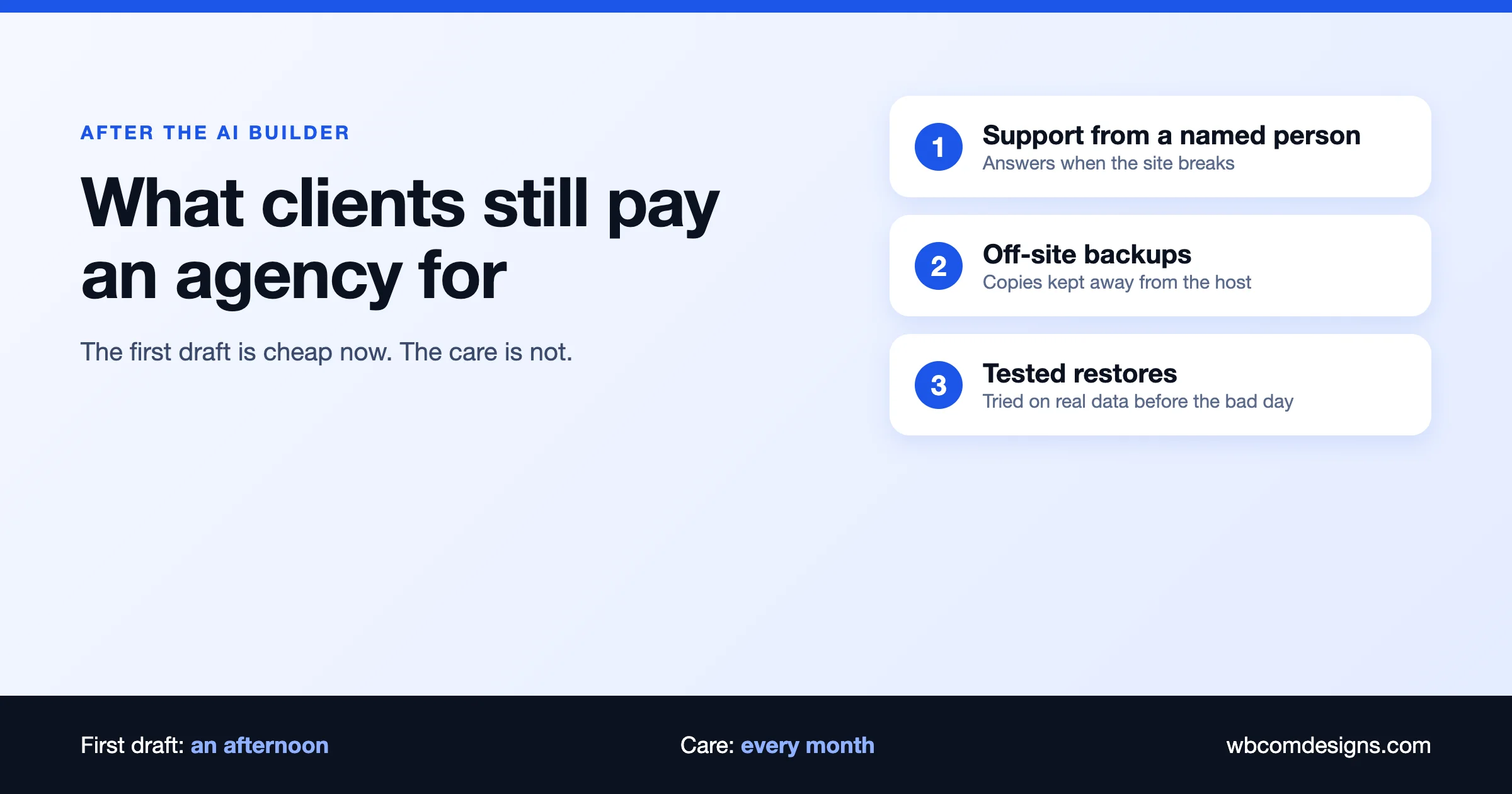
After AI site builders, clients still pay an agency for the things a builder does not do: a named person who answers when the site breaks, backups kept somewhere you control, restores that have been tested before the bad day, and updates and security patches handled every month. A builder can produce a first draft of a site in an afternoon. It does not look after that site for the next five years. That ongoing job is what clients keep paying for, and it is where an agency can build a steady business.
This guide is for agency owners, freelancers and site owners who read the same worry in forums this autumn: is it still worth selling websites? A thread on r/Wordpress titled “Is it still worth selling websites in 2026/27?” drew well over a hundred comments in the past week (we saw it in our weekly trend scan, and we did not count the comments ourselves). We think the honest answer is “yes, if you sell the care and not only the build.” Below we set out what that means, with the facts we could confirm, the arithmetic, and a checklist you can use with a client today.
What can an AI site builder do, and what does it leave out?
Start with what is real. AI builders are good at the first version of a site. WordPress.com, for example, launched a free AI website builder in April 2025 that creates a site from a chat description. According to TechCrunch’s report, it works only for brand-new sites, gives 30 free prompts, and needs a paid hosting plan before the site goes public. Wix has its own AI tools, and its support pages describe a version history for sites made with its Vibe builder. Other hosts and builders sell similar features.
None of that is a reason to ignore them. A client who can get a decent five-page brochure site for the price of a hosting plan will not pay an agency for the same thing. If your whole offer is “we build a simple site”, expect pressure on that price.
What a builder does not give a client is responsibility. When something goes wrong on the live site, the client has a chat box that wrote the site and a support queue at the host. Nobody on that list is paid to know this client’s site, notice that it has stopped working, or put it back the way it was last Tuesday. Here is the gap in plain terms:
| Job | What an AI builder or host usually gives | What the client still needs |
|---|---|---|
| First draft of the site | Fast and cheap | Someone to judge it: brand, message, structure, accessibility |
| Hosting | Included or sold with a plan | Someone who checks it is fast, secure and still the right plan |
| Backups | Often a version history or a host backup, with limits | Copies stored away from the host, on a schedule the client controls |
| Restores | A button, if it works and covers everything | A restore that has been tried on real data, with a written procedure |
| Updates and security | Automatic for the platform, varies for plugins | Updates tested before they reach the live site, and a response when a flaw is announced |
| When it breaks | A help article or a queue | A person who knows the site and answers within a stated time |
If you want the other side of this story, our post on what to check when an AI-built WordPress site breaks covers the owner’s view, and Build It With AI or Keep Paying for the Plugin? covers the buy-or-build rule for tools.
Why do backups matter more now, not less?
Sites that nobody has looked at since launch are the easiest to attack. Patchstack’s State of WordPress Security in 2026 report counted 11,334 new vulnerabilities in the WordPress ecosystem in 2025, a 42% rise on the year before. It found that 91% were in plugins, only 6 were in WordPress core, and 46% were not fixed in time for public disclosure. For the vulnerabilities that were heavily exploited, the median time to mass exploitation was 5 hours.
Read that last number slowly. A flaw becomes public, and within a working day the scanners are already testing sites for it. A monthly check by a client who remembers is not fast enough. A backup is what turns a successful attack from a disaster into an afternoon of work.
Backups also cover problems that have nothing to do with attackers: a plugin update that breaks checkout, a staff member who deletes the wrong page, a failed server move, a hosting account that is suspended over a billing mix-up. In each of these, the only question that matters is the same: when was the last good copy, where is it, and has anyone ever restored from it?
What makes a backup “off-site”, and why does it matter?
CISA, the US cybersecurity agency, publishes a short guide on data backups that recommends the 3-2-1 rule:
- 3 copies of any important file: one primary and two backups.
- 2 different kinds of storage, to protect against different kinds of failure.
- 1 copy stored off-site, outside your home or business facility.
For a WordPress site the primary copy is the live site on the host. The WordPress documentation on backups gives a practical version of the same idea: keep at least 3 to 5 recent backups, stored in different places, for example one on the hosting server, one in cloud storage and one downloaded to a local computer. The reasoning is simple. If every copy sits on the same server, one event (a hack, a failed upgrade, a deleted account) can take the site and its backups together.
So “does my host do backups?” is a good question, but it is only the first one. Ask these as well:
- Where are the backups stored? On the same server, the same data centre, or somewhere else?
- How often are they taken, and how long are they kept?
- Can I download one myself, or must I raise a ticket?
- Does restoring cost extra, and how long does it take?
- Does a restore bring back everything, including orders, form entries and user accounts?
The last question has a real example on the builder side. Wix’s own help article on restoring a saved version of a site lists what does not roll back: content in apps such as Wix Stores, Blog, Events and Bookings, contact details gathered over time, chat history, inbox messages and site members’ permissions, and the content of CMS collections. For a store, that is the part that matters most. A restore button that brings the design back but not the orders is not the same as a recovery. We are not picking on Wix here; the point is that every platform has limits like this, and a client only finds them on the day they need the restore.
We did not audit individual hosts for this article. Read the backup section of your host’s terms and help pages, and treat any promise you cannot find in writing as unconfirmed.
What is a tested restore, and how do you run one?
A tested restore is the difference between having a backup and having a recovery plan. The test is simple: take a recent backup, rebuild the site from it somewhere safe, and check that it works. Problems with backups tend to show up at this step, and it is far better to find them in a drill than during an outage.
A drill we recommend running at least every three months, and after any big change such as a host move:
- Pick the backup. Use the most recent off-site copy, not the one on the live server. If you cannot find it in two minutes, that is the first thing to fix.
- Restore to a staging site. Create a blank copy on a separate host or a subdomain, never on top of the live site.
- Check the basics. Home page loads, you can log in as an admin, menus and images are present, permalinks work.
- Check the money paths. Submit a contact form, add a product to a cart, place a test order, log in as a member, and send a test email.
- Check the data. Compare the number of posts, users and orders against the live site. A restore with missing rows looks fine on the home page.
- Time it. Write down how long the whole job took. That is your real recovery time, and clients should know it before they need it.
- Write down what went wrong. Passwords you did not have, a plugin licence that blocked the restore, a missing file. Fix each one and keep the notes with the client’s records.
Our own maintenance service page describes the same practice: daily incremental backups to S3 or B2 storage in a region separate from the client’s host, quarterly restore drills to check the backups work, and a documented restore procedure tested on real data. We mention it because we want to be clear that a drill is real work with a real cost. A client paying for it is paying for those hours.
What does a good support promise look like?
Support is the part clients value most and agencies describe worst. “We offer support” means nothing. A promise a client can hold you to has four parts:
- A channel. One place to report a problem: a ticket form, an email address or a shared chat channel. Not a personal phone number.
- A response time. A stated time to a first human answer, in business hours, with a separate commitment if the site is down.
- A scope. What is covered (updates, fixes, content edits, a number of hours) and what is quoted separately (new features, redesigns).
- A report. A short written summary every week or month of what was updated, what was found and what was fixed. Clients forget that nothing went wrong because someone was watching. The report reminds them.
For a concrete example, here is how our care plans are laid out at the time of writing (public prices from our care plans page, checked 3 November 2026). They are per site, per month, with a 30-day money-back guarantee and no contract:
| Plan | Price | Backups | Also included |
|---|---|---|---|
| Essentials | $99 | Every 24 hours | Updates tested on staging, malware removal, weekly written report |
| Professional | $179 | Every 12 hours | Unlimited content edits, 1 hour of support work a month |
| Ultimate | $299 | Every 6 hours | Emergency help when the site is down, an account manager, 2 hours of support work a month |
| Care Pro | $499 | As Ultimate | 4 developer hours a month, a direct Slack channel, a quarterly roadmap session |
You can read the full detail on our WordPress care plans page and the maintenance service page. We list these as one worked example, not as a price you must match. Your costs, your clients and your market are different.
Can an agency still make money on care plans? The arithmetic
Here is a simple illustration. It is not a forecast; the numbers are chosen to make the sums easy to check.
- A single client on a $99 plan pays $99 x 12 = $1,188 a year.
- A single client on a $179 plan pays $179 x 12 = $2,148 a year.
- An agency with 20 clients on $99 plans bills 20 x $99 = $1,980 a month, or $23,760 a year, before costs.
- The same agency with 10 clients at $99 and 10 at $179 bills $990 + $1,790 = $2,780 a month, or $33,360 a year.
The real question is what the work costs you. A plan that includes weekly reports, staged updates, off-site backup storage, a quarterly restore drill and a stated response time has a floor on the hours it takes. Count those hours honestly, including the interruptions, before you set the price. A plan priced below its true cost looks like growth and behaves like a hobby that slowly eats your week.
The other benefit of care plans is not the money. A client on a monthly plan talks to you every month. That is how the next project, the plugin purchase and the redesign reach you. A client who bought a site once and heard nothing for two years is a client who may well try an AI builder next.
How should you pitch this to a client who just tried an AI builder?
The worst pitch is to criticise the tool. The client has tried it, it worked well enough, and they will think you are defending your income. The better pitch is to agree and then ask three questions:
- “If this site stopped working tonight, who would you call?” Let them answer. A common reply is “the host” or “I would ask the AI”.
- “Where is the last copy of the site, and when did anyone last try to restore it?” Many will not know.
- “What does an hour of the site being down cost you?” For a shop or a booking site, the number is easy to estimate. For a brochure site, it may be small, and then a cheaper plan is the honest answer.
Then offer a small first step: a one-off health check, a written list of what is at risk, and a fixed monthly price to cover it. Our post on taking over a page-builder site has a handover checklist that works just as well for an AI-built one: the access list, the licence check, a safe update order and what to back up first.
If a client truly needs only a simple site and has no one depending on it, say so. Telling that client to keep their builder plan builds more trust than selling them a plan they do not need, and it is how you get the referral later. Our post on whether WordPress is still the right base for a site takes the same honest view of when to stay and when to change.
What should a client check before they sign any care plan?
This list works for any agency, including us. If an agency cannot answer these in writing, keep looking.
- Who owns the accounts? Hosting, domain, backup storage and plugin licences should be in the client’s name or clearly transferable. Our post on who holds the keys to your website explains why.
- Where do backups live and how long are they kept? Ask for the storage location and the retention period.
- When was the last restore test, and can I see the notes?
- What is the response time, and does it differ if the site is down?
- What is in scope each month, and what is quoted separately?
- How do updates reach the live site? Tested on a copy first, or applied directly?
- What happens if I leave? You should be able to take your backups and access with you.
- What is the cancellation term? Monthly with no contract is common and fair for this kind of service.
Which parts of this can a site owner do alone?
A careful owner can do a good part of this without an agency. If you run your own site, a minimum routine looks like this:
- Set up automatic backups to a service that is not your host, and check that the files appear.
- Once a quarter, restore a backup to a staging copy and click through the pages that earn money.
- Turn on update notifications, and apply security updates quickly after a quick check on staging.
- Keep a short document with every login, licence key, renewal date and the name of the person who can fix things.
- Put a calendar reminder on the hosting and domain renewal dates.
Plenty of owners do exactly this and never need an agency. The ones who tend to stop are the ones with a business to run. Reading logs and testing restores on the first Monday of every quarter is a poor use of a shop owner’s time, and that is the work you can hand over.
Frequently asked questions
What do clients still pay an agency for after AI site builders?
Support from a named person, backups stored away from the host, restores that have been tested, tested updates and security patches, and work that goes beyond the first draft: integrations, search, accessibility, speed and strategy.
Are AI site builders replacing web agencies?
They are replacing some of the simplest, cheapest builds. They do not replace ongoing care, and they do not replace judgement on complex projects such as stores, memberships, communities and integrations. Agencies whose only product was a simple brochure site will feel the pressure first.
Is my host’s backup enough?
It depends on where it is stored, how long it is kept and whether you can restore it yourself. The 3-2-1 rule from CISA suggests at least one copy off-site, and WordPress’s own backup guide suggests copies in different locations. A host backup is usually one useful copy, not the whole plan. Read your host’s terms and ask the five questions in this guide.
How often should a restore be tested?
At least every three months, and after any major change such as a host move, a PHP upgrade or a large plugin change. Record the time it takes and what went wrong.
How much does WordPress site care cost?
It varies by agency, site and scope. As one public example, our plans run from $99 to $499 per site per month, depending on backup frequency, support hours and developer time (prices checked 3 November 2026). Other agencies charge differently, so compare what is included, not just the price.
Do I need a care plan for a small brochure site?
Not always. If the site rarely changes and an hour offline costs you little, a good host, automatic off-site backups and a yearly check may be enough. A care plan earns its price when the site takes orders, bookings or member sign-ups, or when nobody on your team can fix it quickly.
The short version
AI site builders lower the price of the first version of a website. They do not lower the cost of owning one. Someone still has to answer when it breaks, keep copies that survive a server failure, prove that a restore works, and apply security updates in the hours after a flaw is announced. Clients know this when it is explained, and many learn it the hard way.
If you sell websites, sell the care with the build, price it against the real hours, and show each client the evidence every month: the report, the backup log and the date of the last restore test. If you own a site, ask your agency the questions above, or run the minimum routine yourself. If you would like help setting up care for a site, see our maintenance service or tell us about the site.
Sources checked on 3 November 2026: Patchstack, State of WordPress Security in 2026; CISA, Data Backup Options; WordPress developer handbook, backups; Wix Help Center, restoring a saved version of your site; TechCrunch on the WordPress.com AI website builder (9 April 2025); Wbcom Designs care plans.
Related reading