
15 min read
Build It With AI or Keep Paying for the Plugin?

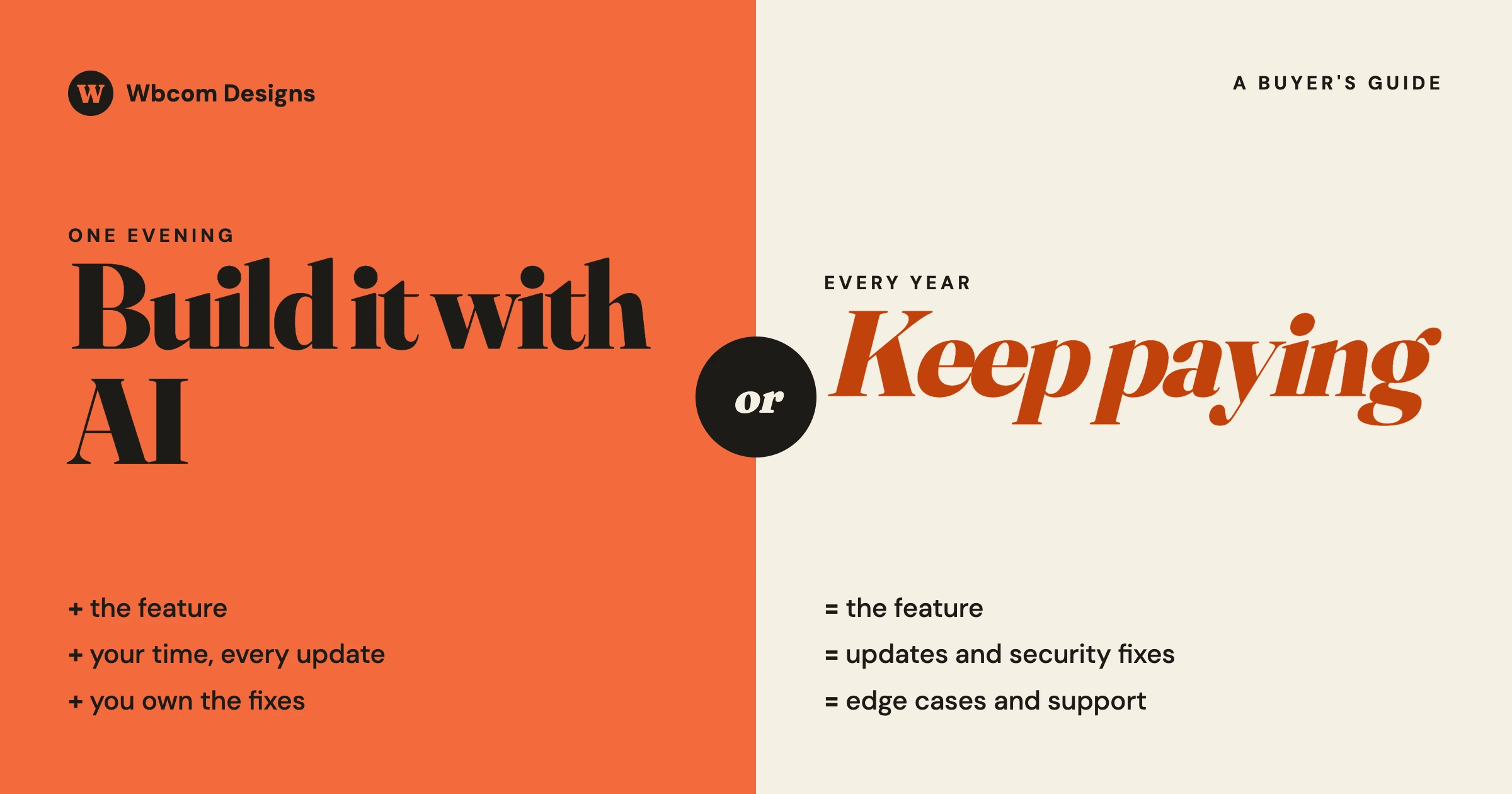
Build it yourself with an AI tool when the job is small, runs on its own, touches no money, logins or personal data, and you have someone who will look after it next year. Keep paying for the plugin in every other case. The subscription was never mainly for the code. It pays for someone to keep that code working after every WordPress, PHP and payment-provider change, and to answer when it breaks.
This guide is for the person who pays the plugin bills: a site owner, a store manager, or an agency deciding for a client. It gives you one rule, a five-minute risk check, a way to work out what building really costs, and a safe way to do it if you decide to go ahead. We make and maintain WordPress plugins and build custom sites for clients, so we sit on both sides of this question. Where building is the right call, we say so.
In this guide
- Why this question is suddenly everywhere
- What a plugin subscription pays for
- The five-minute risk check: what is safe to build and what is not
- What building really costs, with a worksheet
- Eight questions to answer before you build
- The middle path most sites should take
- If you do build: how to do it safely
- How to cut plugin costs without building anything
- Questions people ask
Why is everyone asking this now?
Because AI coding tools made the first version of almost any small feature cheap. A person with no programming background can describe what they want and get working code in an evening. That changes the feeling of paying a yearly fee for a plugin that does one thing.
You can see the mood in public discussions. One widely shared post from a software buyer in October 2026 described hitting a feature locked behind a more expensive plan, opening an AI coding tool, and building that one feature in a night. The author was honest about the result: it worked, and it was “held together with duct tape”. The most supported replies were not cheering. They said that software is a much larger job than having something that works today, that the same time and energy is needed every year to patch it so it does not become a security problem, and that a business pays for maintenance, updates, support and security, not for the feature alone.
Both sides are right, and that is why you need a rule. Building is now a real option for some jobs. It is a bad trade for others. The skill is telling them apart before you start.
What does a plugin subscription pay for?
When you pay for a plugin each year, you are buying six things. Only the first one is the feature.
| What you are paying for | What it looks like in practice | Does an AI-built version include it? |
|---|---|---|
| The feature | The thing the plugin does on your site today | Yes, usually a close copy of the main path |
| Compatibility updates | A new version when WordPress, PHP, WooCommerce or your theme changes | No. Someone has to notice the break and fix it |
| Security fixes | A patch when a researcher reports a hole, often before you hear about it | No. Nobody is testing your private code for holes |
| Edge cases | The odd situations thousands of other sites already ran into: refunds, time zones, special characters, slow servers | No. You find them one at a time, on your live site |
| Support | A person to ask when something does not work | No. You, or whoever you hire |
| A safe way out | Export tools, documented data, a clean uninstall | Only if you asked for it and checked it |
People who manage many sites describe the same thing from their side. In a recent discussion among WordPress professionals about why a plugin stays installed for years, the common answer was that they can forget it is there. It does one job, does not break on updates, does not change its behaviour without warning, and leaves the site in a recoverable state if removed. The word that came up was predictability. That is what the yearly fee buys when a plugin is good.
It also tells you when the fee is not worth it. A plugin that breaks on updates, nags you to upgrade, and has not been updated in a year is selling you the first row only. Replacing that one is a different decision from replacing a well-kept one.
What is safe to build yourself, and what is not?
Sort the job by what happens if the code is wrong. This takes five minutes and settles most cases.
| If the feature… | Risk if the code is wrong | Our advice |
|---|---|---|
| Changes how something looks, or adds a line of text, a small layout change, a simple admin shortcut | Low. The worst case is a visual glitch. | Reasonable to build. Test on a staging copy first. |
| Exports or reports on data you already have | Low to medium. Wrong numbers, or a slow page. | Reasonable, if someone checks the numbers against a known total. |
| Accepts input from visitors: forms, uploads, search, comments | High. This is how most sites are broken into. | Keep the maintained plugin, or have a developer review the code. |
| Handles logins, accounts, roles or who can see what | High. A mistake exposes private data. | Do not build without a developer. |
| Touches payments, orders, refunds, tax or stock | High. Mistakes cost money and are hard to notice. | Keep the plugin. |
| Stores personal data, or sends email on your behalf | High. Legal exposure and deliverability damage. | Keep the plugin, or use a reviewed custom build. |
| Runs in the background on a schedule | Medium. It fails silently. | Only with a check that tells a person when it did not run. |
The dividing line is simple to remember. If the code only shows things, an AI-built version is a fair option. If it accepts things from strangers, decides who is allowed to do what, or moves money, the hidden work is most of the job, and the hidden work is exactly what a first draft leaves out.
A contact form is the standard example. It looks like the easiest feature on a site. In practice a form has to reject spam, clean what people type before it is stored or emailed, cope with file uploads safely, deliver mail reliably, and store submissions in a way that respects privacy rules. A generated form that sends you an email works on day one. The rest is what a maintained form plugin has spent years on.
What does building really cost?
The subscription has a price you can read. The built version has a price you have to work out, and most people only count the first evening.
Use this worksheet. Fill it in with your own figures. The example column is made up to show the method and is not a quote for any real job.
| Line | How to work it out | Example |
|---|---|---|
| A. Build time | Hours to get it working, including the false starts | 12 hours |
| B. Your hourly value | What an hour of the builder’s time is worth to the business | 40 |
| C. Tool cost | The AI subscription or usage for the period | 100 |
| D. First-year cost to build | (A x B) + C | 580 |
| E. Upkeep per year | Hours to test after each major update and fix what broke, x B. Plan for at least a third of the build time. | 4 hours = 160 |
| F. Three-year cost of building | D + (2 x E) | 900 |
| G. Three-year cost of the plugin | Yearly price x 3 | 99 x 3 = 297 |
In the example, building costs three times what the plugin does over three years, and that is before counting a single incident. Change the numbers and the answer changes. If the plugin costs 600 a year and you only need one small part of it, building may win. If the builder’s time has no other use, line B drops. The point of the worksheet is that line E exists at all. Software you own is software you maintain.
Two costs do not fit in a table. The first is the incident: the day the built feature fails during a sale, or leaks something. The second is the person. If the one who built it leaves, the business owns code nobody understands. We wrote about that second cost from a founder’s point of view in You Can Now Code Everything Yourself. That Is Exactly Why You Must Stop.
Eight questions to answer before you build
If you cannot answer one of these, you have found the reason to wait.
- What exactly do I need? Write the feature in three sentences. If you need the whole plugin, building is the wrong plan. If you need one small part, keep reading.
- Which row of the risk table is it in? Anything in a high-risk row stops here unless a developer is involved.
- Who will own it? Name the person who gets the call when it breaks. “The AI” is not an answer.
- Where will it be tested? You need a staging copy of the site. If you do not have one, set that up first. It is useful whatever you decide.
- What happens to the data? If the feature stores anything, where does it go, how is it exported, and what happens when the feature is removed?
- How will I know it stopped working? A built feature has no vendor watching it. Decide what tells you: an email, a daily check, a number on a dashboard.
- Is the existing plugin’s licence a factor? Check whether you are allowed to keep using what you have if you stop paying. Many WordPress plugins keep working without updates after the licence ends, which changes the sum.
- What is my way back? If the built version fails, can you reinstall the plugin and carry on? Keep the plugin’s data and settings until you are sure.
What is the middle path?
Most sites do not have to choose between a yearly bill for forty features and a home-made copy of two. There are three options in between, and they are usually the right ones.
Keep the plugin and add the small missing piece
Well-made WordPress plugins are built to be extended. They provide hooks, which are marked places where a small piece of your own code can change or add behaviour without touching the plugin itself. If the plugin does 90% of what you need, the missing 10% is often twenty lines that sit beside it. This is the best use of an AI coding tool on a business site: a small, readable addition on top of maintained software. When the plugin updates, your addition keeps working because it uses the plugin’s official extension points.
How to check if this is possible: look in the plugin’s documentation for a developer section listing hooks or filters, or ask its support whether the change you want can be done with a snippet. Good vendors answer that question quickly.
Drop a tier, not the plugin
The complaint behind many of these stories is not the plugin. It is one feature locked in a higher plan. Before building, ask the vendor whether that feature can be bought alone, whether a lower plan plus a snippet covers it, or whether an annual plan changes the price. It costs nothing to ask, and the answer tells you something about the vendor either way.
Have it built properly, once
If the feature is important to how your business runs and no plugin fits, a custom build by a developer is a third route, and it is different from building it yourself. You get code written to WordPress standards, reviewed for security, tested on a copy of your site, documented, and looked after under a maintenance agreement. It costs more than an evening with an AI tool and less than an incident. Our WordPress retainer page explains how we organise that kind of ongoing work.
If you do build it, how do you do it safely?
For a low-risk job, building is a fair decision. These steps keep it one.
- Work on a staging copy, never the live site. AI tools make confident mistakes. A staging copy turns a mistake into a lesson.
- Take a full backup before the code goes live, and confirm you can restore it.
- Put the code in its own small plugin, not in the theme’s files. A theme update will not wipe it, and you can switch it off with one click if it misbehaves.
- Give it the least access it needs. If it only reads orders, it should not be able to change them. Ask the AI tool to explain every place the code writes to the database, and read the answer.
- Never paste passwords or secret keys into the code. Store them the way WordPress and your host recommend, and keep them out of anything you share.
- Ask for the boring parts by name. Checking who is allowed to run each action, cleaning any input, and escaping anything shown on a page. A first draft leaves these out unless told.
- Have someone else read it. A developer can review a small plugin in an hour or two. That is the cheapest insurance on this list.
- Write a one-page note. What it does, why it exists, who owns it, how to switch it off. The person reading it in a year may be you.
- Test after every major update. Put a reminder next to your WordPress and PHP update dates. Nobody else is going to tell you it broke.
If something built this way has already gone wrong, our guide Your AI-Built WordPress Site Broke: What to Check, and When to Hire Someone to Fix It walks through the order of work. For anything that will face real customers, the checklist in It Works in the Demo: The Checklist Between an AI-Built App and One You Can Put Customers On covers what has to be true before launch.
How do you cut plugin costs without building anything?
If the real problem is the size of the yearly bill, there is usually money to save before any code is written.
- List every paid plugin and what it does. On sites more than a few years old it is common to find licences renewing for plugins that are switched off or that do the same job as another one.
- Check which features you use. If you are on the top plan for one feature, see the “drop a tier” option above.
- Look for overlap. Two plugins that each do part of a job can often be replaced by one that does both, or by something WordPress now does without a plugin.
- Prefer connected products to piles of single-purpose ones. A site held together by thirty small plugins from thirty vendors has thirty renewal dates and thirty update risks. Fewer, larger, well-maintained products are cheaper to run even when each one costs more.
- Put the licences in your own name. If an agency or freelancer holds them, you cannot see what you are paying for. Our post on who looks after a small business website covers how to sort that out.
This is also a fair moment to look at whether each plugin is being maintained at all. A plugin with no update in a long time is a cost you have not been billed for yet. WordPress Security Maintenance When Members Have Logins explains what regular upkeep should include on a site with accounts.
What does this mean for the plugins you already pay for?
It is reasonable to expect more from them. If small features are cheap to build, a paid plugin has to earn its fee with the things you cannot generate in an evening: reliable updates, quick security fixes, real support, clean data and a safe way out. Use that as your test at renewal time.
| At renewal, ask | A good sign | A warning sign |
|---|---|---|
| When was the last update? | Within the last few months, with notes you can read | Nothing for a year |
| Did any update break my site this year? | No, or it was fixed within days | Yes, and the fix took weeks |
| Did support answer when I asked? | A useful reply from a person | No reply, or a link to a sales page |
| Can I get my data out? | An export that opens in a spreadsheet | No export, or data only the plugin can read |
| What happens if I stop paying? | The plugin keeps working, without updates | Features switch off or pages stop displaying |
A plugin with good signs in every row is cheap at its price, and replacing it with home-made code would be a poor trade. A plugin with warning signs is a candidate for replacement, by a better plugin first and a custom build second.
If you sell plugins, the same shift looks different from your side. We covered that in Plugin Revenue Is Down Everywhere: Run This Test.
Questions people ask
Can AI replace a paid WordPress plugin?
For a small feature that only displays something and touches no money, logins or personal data, yes, an AI-built version can do the job. For anything that accepts input from visitors, controls access or handles payments, the code is the smaller part of what you pay for. The larger part is updates, security fixes and support, and an AI tool does not provide those.
Is it cheaper to build a plugin with AI than to buy one?
Often not, once you count upkeep. Add the hours to build it, the hours each year to test and fix it after updates, and the cost of the AI tool, then compare that with three years of the plugin’s price. Building wins mainly when the plugin is expensive and you need only a small part of it.
Is AI-generated code safe to put on my site?
Only after someone has checked it. AI tools write code that works on the main path and often leave out permission checks and input cleaning unless asked. Test on a staging copy, keep the code in its own small plugin, and have a developer review anything that accepts input or touches data.
Who fixes it when an AI-built feature breaks?
Whoever you named as the owner before you built it. There is no vendor and no support desk. If that person is not available, you need a developer who is willing to read and repair code they did not write, which usually costs more than the feature saved.
Will my plugin stop working if I cancel the subscription?
It depends on the plugin. Many WordPress plugins keep working after the licence ends and simply stop receiving updates, which becomes a security risk over time. Some switch off features. Read the vendor’s own page on expired licences before you decide.
What is the safest way to use AI on a business website?
Keep maintained plugins for the high-risk jobs, and use AI for small additions on top of them through the plugin’s official extension points. Work on a staging copy, keep backups, and have a person review the result before it goes live.
If you are weighing a specific plugin against a custom build, send us what the feature has to do and what you pay today through our contact page. We will tell you plainly whether we would keep the plugin, extend it with a small addition, or build it properly, and what each would involve.
Related reading