
18 min read
Is WordPress Still the Right Base for Your Site? Six Routes and How to Choose

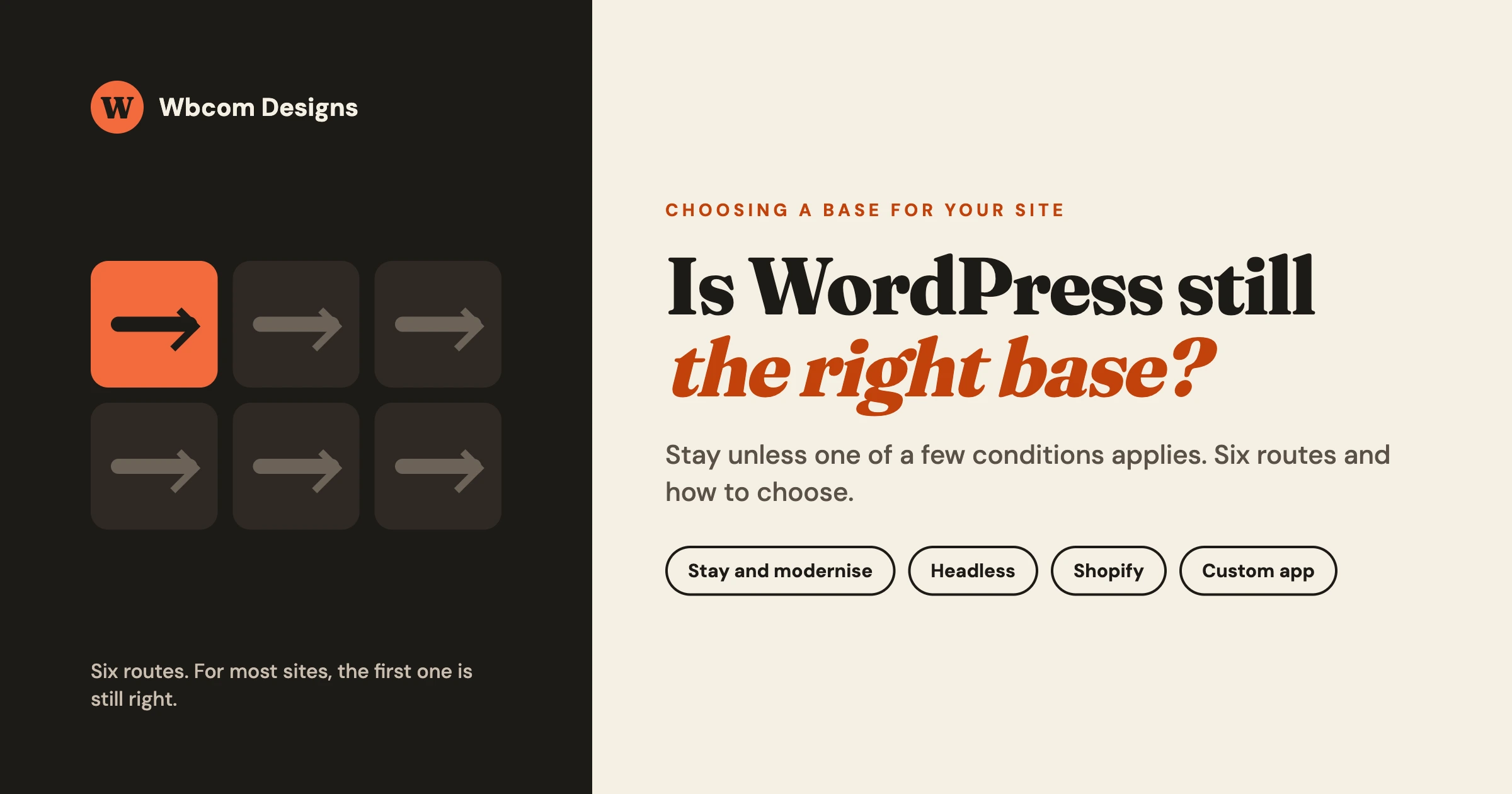
Stay on WordPress unless one of a short list of conditions applies to you: your store is better served by a hosted shop, your site is really an application, your site is a few simple pages that nobody edits often, or your current build is broken beyond repair. If none of those describes you, the right move is almost always to modernise what you have, not to start again on another platform.
This guide is for a business owner, not a developer. It gives you one rule, five questions that apply the rule to your situation, and six routes with what each one costs you in effort and risk. Where we have already written a detailed post on a route, we link to it and keep this page short. We build and maintain WordPress sites, WooCommerce stores and community platforms, and headless front ends on Astro, so read our answer knowing WordPress is what we do most. We say where it is the wrong choice because a wrong platform costs more than an honest “no”.
In this guide
- The decision rule and a one-screen table of situations
- Five questions that decide which route fits
- The six routes: modernise WordPress, headless on Astro, rescue an AI-built site, move a store to Shopify, a hosted builder, a custom application
- A risk owners rarely see: licences that someone else holds or that are priced per site
- What does not change whichever route you pick
- Questions people ask
What is the simple rule for choosing a base for your site?
The rule is: stay on WordPress unless a specific condition tells you to leave. A condition is a concrete fact about your business, such as “we sell forty products and want someone else to run the servers”, not a feeling such as “WordPress seems old”. Moving platforms costs real effort, puts search rankings at risk for a while, and teaches your team a new tool. It has to buy you something you can name.
That is why this guide is organised by your situation and not by platform. Start with the table below, then read the section for the row that sounds most like you.
Which route fits my situation? A one-screen table
| Your situation | The route | The first step |
|---|---|---|
| Your WordPress site works but feels slow, cluttered or fragile | 1. Stay and modernise | List every plugin and what it does; remove what you cannot name a reason for |
| Your team loves editing in WordPress, but pages load slowly or you need very fast, very stable pages | 2. Headless front end on Astro, WordPress kept for editing | Measure your slowest real pages first, then decide if the front end is the cause |
| You or a freelancer built the site with an AI tool and it now breaks, or nobody understands the code | 3. Rescue the AI-built site | Take a full backup, then write down exactly what breaks and when |
| You run a store, want hosted checkout and fewer moving parts, and your catalogue is straightforward | 4. Move the store from WooCommerce to Shopify | Export your products, customers and order history and check what each export is missing |
| You need a handful of attractive pages, change them rarely, and have a designer on hand | 5. A hosted builder such as Webflow or Framer | Write down every feature you expect the site to have in two years |
| The thing you need is mostly a tool: accounts, workflows, calculations, a customer portal | 6. A custom application, for example on Laravel | Describe the process on paper, step by step, before choosing any technology |
If two rows fit, you are probably looking at a mix, such as route 1 for the main site and route 6 for one tool beside it.
What are the five questions that decide it?
Answer these in order. Write the answers down, even if they take one line each. Most owners find the choice is settled by question three or four.
1. Who edits the site, and how often?
If non-technical people publish or change content weekly, you need an editing screen they already understand. WordPress has one of the most familiar editors there is, and most agencies, freelancers and in-house staff can use it. If nobody edits it more than a few times a year, a simpler setup becomes realistic. A sign of mismatch: staff avoid updating the site because “it might break”. Check by asking who last changed a page and how it went.
2. What must the site do beyond showing pages?
Selling, booking, memberships, a community, a course platform, a directory, a customer area. The more your site does beyond pages, the more you depend on a platform with a large supply of ready-made, maintained add-ons. WordPress is strongest here. Hosted builders are weakest, because you can only add what the vendor allows. A custom application is strongest when the logic is unusual. List every feature in plain words, mark which ones earn money, then choose a base where those already exist and are maintained.
3. How much does the site earn, or cost you, when it is down?
A brochure site down for an afternoon is an embarrassment; a store down for an afternoon is lost orders. The higher the cost of downtime, the more you should value monitoring, tested backups, staging copies and a named person responsible, whichever platform you pick. Estimate the cost of one lost day and spend on reliability in proportion.
4. Who maintains it?
Every platform needs someone responsible. On WordPress that means updates, backups, security and testing. On a hosted builder the vendor handles the servers, but you still own the content, the integrations and the decision when the vendor changes its terms. A custom application needs the most: someone who understands the code and can change it safely. Our separate post on Website for Small Business: Who Keeps It Safe and Simple? goes through this question in detail. Check: can you name the person who would fix the site on a Monday morning? If not, name or hire them and write it down.
5. What do you already own?
Content, a customer list, search rankings built over years, a theme and plugins you have paid for, a team that knows the tools. Every move throws some of that away or forces you to rebuild it. Every old page address needs a permanent redirect to the right new one. Check by listing your ten most visited pages and the ten that bring enquiries, and plan redirects before the move. Avoid changing platform and redesigning in one launch, so you can tell which change caused any drop.
Route 1: Should you stay on WordPress and modernise it?
Yes, in most cases. Modernising means keeping your content and your address, and replacing the parts that make the site slow, fragile or hard to change.
When it fits. Your site does what you need but feels heavy. Typical signs: dozens of plugins, an old theme, layered page builders, slow pages, updates you are afraid to apply. The content is fine. The build around it has aged.
When it does not. If the site is an application in disguise, with heavy custom logic nobody can read, a rebuild or a custom application (route 6) is more honest.
What moving costs you. Effort is moderate and the risk is low, because the content, the database and the address stay put. The work is on a staging copy, so the live site is not touched until the new version is checked. Plan for visual differences between old and new theme, overlapping plugins that need merging, and custom code that depended on the old theme.
What modern means in practice. A block theme, which is a WordPress theme built on the native block editor so layout lives in the editor and the theme, not in a separate page builder. Fewer plugins, each with a named reason. Images sized and compressed properly. Forms, search and checkout reviewed, scheduled updates, tested backups and a staging copy where changes are tried first.
What we build and run. We audit the current site, produce a plain list of what stays, what merges and what goes, build the new theme or clean up the existing one on staging, check the main journeys in a real browser on desktop and phone, and move it live with the redirects and backups in place. Afterwards we run updates, backups with a restore test, monitoring, security checks and small changes. Our WordPress retainer page explains how that ongoing work is organised.
Read this next: Website for Small Business: Who Keeps It Safe and Simple?
Route 2: When does a headless front end on Astro make sense?
Headless means the part visitors see is built separately from WordPress. WordPress stays where your team writes and manages content, and a separate front end, here built with a framework called Astro, shows the pages. Astro produces mostly pre-built pages that load quickly and need little processing on each visit.
When it fits. Content-led sites where page speed is a business matter: a large publication, a documentation site, a marketing site with hundreds of pages. It also fits when editors like WordPress and you do not want to retrain them.
When it does not. Sites that rely on many plugins that print things on the page: form builders, booking tools, membership gates, comment systems and live search. Each one needs to be rebuilt or connected on the new front end. If your site is slow because of heavy images and too many plugins, route 1 fixes that for less.
What moving costs you. Effort is high and the risk is moderate. You are running two systems, WordPress and the front end, and both need hosting, updates and monitoring. Draft preview has to be built, and anything your plugins used to put on the page has to be rebuilt. Rankings stay safe only if addresses and metadata are carried over exactly.
What we build and run. We build the Astro front end against your WordPress content, set up preview and publishing so editors see their changes, carry over addresses, metadata and redirects, and test the pages that matter. Afterwards we run both sides: WordPress updates and backups, the front end build, hosting and monitoring. Our service page on headless WordPress with Astro describes the build.
Read this next: Headless WordPress with Astro: What It Is, and When It Is Worth It. If you run a store, read Headless WooCommerce: When It Is Worth It for a Store, and When It Is Not as well. If you have heard that newer Astro-based publishing systems are replacing WordPress, EmDash, Instatic, and the Astro CMSes Pitched as WordPress’s Successor explains what they are and what they are not.
Route 3: What if an AI site builder made your site and it is breaking?
Treat it as a rescue job with a clear order of work: protect what exists, find what is wrong, then decide whether to repair or rebuild. Do not ask the same AI tool to fix itself in a loop while the live site keeps changing.
When it fits. You, a staff member or a freelancer generated a WordPress site, a theme, a plugin or a small web app with an AI tool. Now you see a blank screen, a critical error message, a form that stopped sending, or a security warning.
When it does not. If the AI-built site is a full application with real customers and money flowing through it, a plain repair may not be enough, and a reviewed rebuild (route 6) is the safer answer.
How to check where you stand. Take a full backup of files and database before anyone touches anything. Note the exact steps that trigger the problem, check for waiting security updates, and confirm who holds the hosting and domain logins and whether you can see the code. Those answers tell you whether this is a quick repair or a larger job.
What moving costs you. A repair is the least effort but inherits whatever is hidden in the code. A rebuild takes longer but gives you code you can read and maintain. Untested code that handles logins, forms or payments is the part to take seriously.
What we build and run. We start with a read-only review of the site and its code, write down what is broken and what is risky, and give you a plain recommendation: repair, replace the risky parts, or rebuild. Fixes go through a staging copy, and afterwards the site joins the same maintenance routine as any other site we run.
Read this next: Your AI-Built WordPress Site Broke: What to Check, and When to Hire Someone to Fix It
Route 4: When should a store move from WooCommerce to Shopify?
When running your own store costs you more attention than selling does, and your catalogue and checkout are ordinary enough for a hosted platform to handle. Shopify is a hosted shop: the vendor runs the servers, the checkout and the core security, and you pay for that in monthly fees and in less freedom to change how things work.
When it fits. A simple product catalogue, standard checkout, a small team, and no wish to maintain servers, plugins and updates.
When it does not. You publish a lot of content that sells your products and you want the shop and the content to live in one system. You have unusual pricing, wholesale rules, special subscription logic, or integrations that need paid add-ons. You want to own the data and the code. Then staying on WooCommerce is usually better.
What moving costs you. Effort is high and the risk is real. Products, customers and orders can be moved, but some things need care: product variants and custom fields, customer logins, order history, subscriptions, reviews, and every old product address, which needs a permanent redirect so search traffic is not lost. Choose a quiet week for the switch, and write down what each current plugin does so it can be replaced.
What we build and run. We plan and carry out the WooCommerce side of the move: exporting and cleaning the data, mapping products and variants, redirect lists, and a checklist for the switch day, then we keep the old store available until you are satisfied. After the move, we can keep an eye on redirects and search performance. We recommend you confirm with us before the project exactly which parts of the Shopify side we would deliver and which you would do with Shopify’s own team or a Shopify specialist.
Read this next: WooCommerce vs Shopify in 2026: When to Migrate, When to Stay
Route 5: When is a hosted builder such as Webflow or Framer the right choice?
When the site is a few well-designed pages, edited rarely and by a designer or a very small team, and you are happy to live inside what the vendor offers. We would recommend it in that case, and we say so plainly. Hosted builders let a designer control how the page looks without writing code, and the vendor looks after the servers.
When we would recommend it. A portfolio, a small company site, a campaign site with a fixed life. The people running it are comfortable in a visual tool, and you need no accounts, shop or booking flow.
When we would not. You expect the site to grow into a shop, a community or a directory, need an add-on the builder does not offer, publish a lot of content, or may want to move later, since content leaves a hosted builder less easily than it leaves a WordPress database you control.
What moving costs you. Effort is low for a small site and the risk is mostly in what you cannot add later. Before you decide, write down every feature you may want in the next two years, and check each one against the builder’s own documentation and current plan terms on the vendor’s pages, because plans and limits change.
What we offer here. We do not present this as a service we deliver. If a hosted builder fits you, we will tell you so, and if you outgrow it, we can move the content to WordPress and set up redirects so your search traffic follows.
Route 6: When is the need not a website at all?
When the main value of the project is a process, not a page: customer accounts with their own data, calculations, approvals, scheduling, reports, integrations between systems. That is an application, and a custom build on a framework such as Laravel can be a better base than bending a content system to fit.
When we would recommend it. Your core product is software. Your logic is unusual and would need many plugins glued together, or the site is only the front door to a system.
When we would not. Your needs are pages, posts, a shop and common features that WordPress plugins already do well and keep maintained. Building those from scratch means you pay for and look after code that thousands of other sites share for free. It also needs developers for as long as it lives.
What moving costs you. Effort is highest and the risk is highest in the early stages, when the requirements are still being understood. The best protection is to write the process on paper with the people who do it today before choosing technology. Often the answer is WordPress for the public site and a small application beside it.
Read this next: When Your Business Needs Laravel, and When WordPress Is Enough, on vapvarun.com.
How do the platforms compare in one table?
This is a short, factual summary of where each kind of platform fits and where it falls short. It is not a ranking, and the details change as vendors update their products, so check the vendor’s own pages before you decide.
| Platform | Where it fits | Where it falls short |
|---|---|---|
| WordPress (including WooCommerce) | Content-led sites, stores with custom needs, communities, memberships, courses; you own the code and the data | You are responsible for updates, backups and security, or you pay someone to be |
| WordPress with an Astro front end | Fast, stable, content-heavy sites where editors keep WordPress | Two systems to run; plugin features on the page must be rebuilt |
| Shopify | Straightforward stores that want hosted checkout and less upkeep | Less freedom for unusual logic; costs can grow with add-ons; content features are lighter |
| Webflow | Designer-led marketing sites with a visual editor | Smaller supply of add-ons; growing into a shop or community is harder |
| Framer | Fast to launch, design-led marketing pages | Built for pages, not for complex features or large content libraries |
| AI site builders | Quick first drafts and prototypes | Code nobody has reviewed; maintenance is unclear once it breaks |
| Custom framework build (for example Laravel) | Applications with unusual logic, accounts and data rules | Needs developers for as long as it lives; most expensive to start |
What is the licence risk that owners rarely see?
If your site depends on a page builder or plugin licence that someone else holds, or that is priced per site, the vendor can change the cost of the whole site by changing its plans. The risk is not that the tool stops working. It is that the price, the terms or the number of sites allowed on a plan shift, and you have no say in it.
The pattern looks like this. A site is built with a page builder or a premium plugin. Every page layout, every template and sometimes the whole design is stored in that builder’s format. The licence sits with a freelancer, an agency or a hosting company, or it is bought per site. Later, the vendor changes how its plans work: a higher tier for the same features, a bundle removed, or a new price per site. Now the owner learns that the site cannot easily live without the tool, and the tool’s price is no longer theirs to control.
The symptoms to look for. You cannot say who owns the licence key. Renewals go to someone else’s email address. The site shows an expiry notice, or the vendor limits updates when the licence lapses. Your layouts only work with one builder installed.
How to check. Make a list of every paid plugin, theme and builder on your site. For each, write who holds the licence, whose payment method renews it, what happens when it lapses, and whether the plan is per site or shared. Then ask a harder question: if this tool tripled in price or removed a plan next year, what would it take to move away from it? If the honest answer is “rebuild every page”, you have a dependency worth reducing.
How to fix and prevent it. Put licences in the business’s name, with the business’s email and payment method. Keep a register with renewal dates. Where a core design is locked in a builder, plan a gradual move to the native block editor, which stores layout as ordinary WordPress content. Prefer tools that fail gracefully: if the licence lapses, the site should keep showing its content even if you lose updates. And if an agency or host provides the licence for you, ask in writing what happens to the site if you leave.
This is a business risk, not legal advice; have any specific licence agreement read by someone qualified.
What does not change whichever route you pick?
Every route needs the same three things: backups you have tested, updates that someone applies, and one person or company that is responsible. Changing platform changes who does these jobs, not whether they exist.
- Backups. A backup you have never restored is a hope, not a backup. Keep copies off the server and test a restore at least once a year. This applies to a WordPress database, a Shopify export, a hosted builder’s content and a custom application alike.
- Updates. On WordPress that means core, themes and plugins. On a hosted platform the vendor updates the platform, but integrations and content still need attention. On a custom build it means the framework and every library.
- Someone responsible. Name a person or a company who gets the call when something breaks, who can log in everywhere, and who knows where the backups are. Write it down where more than one person can find it.
Questions people ask
Is WordPress outdated?
No. WordPress is actively developed and its editor has changed a great deal in recent years. What gets outdated is an individual site: an old theme, abandoned plugins and skipped updates. That is a maintenance problem, and route 1 deals with it.
Does a store have to move to Shopify to sell online?
No. WooCommerce runs many stores well, particularly ones with content, custom pricing or unusual products. Shopify is a good fit for simple catalogues where you want less to look after. Our post on the two sets out the conditions.
Will changing platform hurt my search rankings?
It can, if addresses change without redirects or titles are lost. A careful move redirects every important address, carries over metadata and checks the result.
Is an AI-built site safe to keep?
Only after someone has reviewed it. AI tools write working-looking code quickly, but forms, logins, payments and file uploads need a human check for security. Keep it running on a staging copy first, review it, then decide whether to repair or rebuild.
If you are unsure which route fits, send us a short description of your site, what it needs to do and who looks after it through our contact page, or use the start a project form. We will tell you plainly whether we would stay on WordPress, modernise, or recommend something else, and what the first step would be. This guide is general information, not legal or financial advice.
Related reading