
9 min read
6 Best WooCommerce Deposits & Partial Payments Plugins

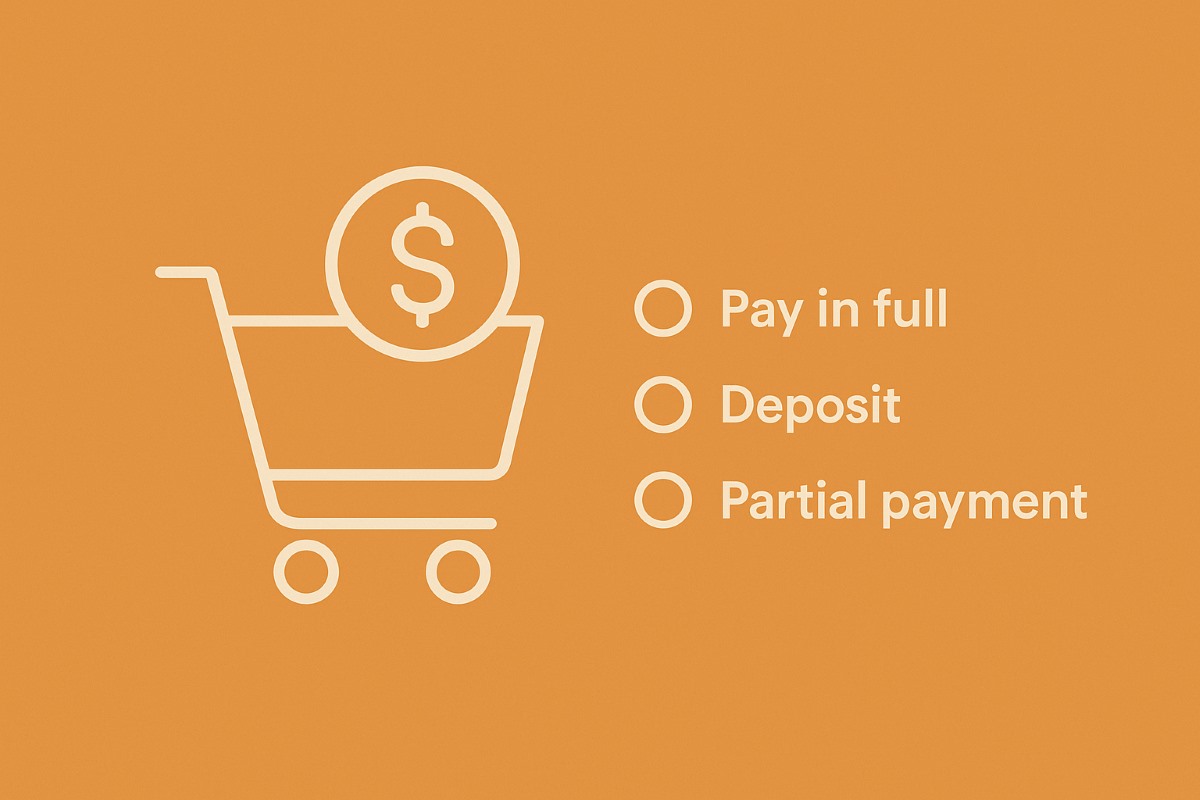
Implementing a “Deposits & Partial Payments” option in an e-commerce website introduces valuable flexibility for both customers and businesses alike. This feature, typically applied to high-value items or custom orders, allows customers to secure their purchase with a partial payment upfront, easing financial constraints and expanding accessibility. From a business standpoint, it ensures steady cash flow and mitigates the risks associated with large transactions.
The process involves integrating the option seamlessly into the website’s checkout system, enabling customers to select between full payment, deposit, or partial payment options. Clear communication of policies, deadlines, and payment breakdowns is paramount, ensuring transparency and managing customer expectations. WooCommerce deposits & partial payments plugins can help you add this feature to your e-commerce website.

Last updated: 6 November 2026
Quick answer
The best WooCommerce deposits and partial payments plugin depends on how you collect the balance. Acowebs Deposits & Partial Payments ($49 per year) is the cheapest paid option, PluginHive PH Deposits ($99) adds automated balance orders and reminders, Bayna by Codeixer ($49 to $149) covers payment plans, and the official WooCommerce Deposits extension suits stores that want first-party support.
Baymard Institute puts the average documented cart abandonment rate at 70.22 percent across 50 studies, and about 40 percent of shoppers who leave cite extra costs that were too high. A deposit does not remove the price, but it lowers the amount a buyer has to commit today.
Comparison table
| Plugin | Starting price (per year) | Best for | Automatic balance charge |
|---|---|---|---|
| Official WooCommerce Deposits | See WooCommerce.com | Stores that want first-party support and Bookings integration | No, customers pay balance orders when due |
| Acowebs Deposits & Partial Payments | $49 (single site) | Low-cost deposits with a free lite version | Stripe, premium (verify before buying) |
| YITH Deposits / Down Payments | $129.99 (check current price) | Stores already on YITH Booking | Not confirmed |
| Bayna (Deposits for WooCommerce) | $49 (single site) | Payment plans and reminder emails | Reminders, not auto-charge |
| PH WooCommerce Deposits | $99 (single site) | Balance orders, reminders, category and role rules | Stripe, beta in 2.1.0 |
| WpDepositly (MagePeople) | Free core, paid Pro | Testing deposits at no cost | No |
Table of Contents
What is the WooCommerce Deposits & Partial Payments Plugin?
The WooCommerce Deposits & Partial Payments Plugin is a tool for WooCommerce stores that lets customers pay a share of the price now and the rest later. This plugin enables businesses to offer customers the option to make deposits or partial payments for their purchases, providing flexibility and convenience. With this feature, customers can secure their orders by paying a percentage of the total price upfront, making high-value items or custom orders more accessible.
The plugin offers customizable settings to tailor deposit and payment policies to specific business requirements, ensuring smooth transactions and customer satisfaction. Overall, it gives merchants a way to sell high-ticket items without forcing a single large payment.
List of WooCommerce Deposits & Partial Payments Plugins
Here are the top WooCommerce Deposits & Partial Payments plugins to simplify split payments and boost conversions. These tools offer flexible payment options that improve affordability and customer satisfaction for high-value purchases.
1. Official WooCommerce Deposits
WooCommerce.com sells its own WooCommerce Deposits extension (version 2.4.8 when we checked). It sets deposits as a percentage or fixed amount, optional or required, with store-wide defaults and per-product overrides, and it works with the Cart and Checkout blocks and with WooCommerce Bookings.
Key Features
- Custom payment schedules in days, weeks or months, each with its own percentage.
- Works with simple and variable products.
- Fixed deposits can be multiplied by the number of people booked in WooCommerce Bookings.
Limits: it does not store cards or collect follow-up payments automatically, has no built-in reminder emails, and is not designed for refundable security deposits.
Pricing- Annual subscription on WooCommerce.com (the regional page we opened showed ₹20,994 for one year, so check the price in your currency).
2. WooCommerce Deposits & Partial Payments - AcoWebs

The WooCommerce Deposits & Partial Payments plugin by AcoWeb allows customers to pay fixed prices, percentages, partial payments, or deposits for products purchased from WooCommerce stores. This flexibility enables customers to afford products beyond their budget, potentially increasing order volumes for store owners.
Key Features
- Toggle deposits on/off with a single click.
- Set fixed or percentage-based deposit amounts.
- Customize flexible payment plans.
- Enable deposits directly during checkout.
- Optionally enforce deposit usage for users.
A free lite version on WordPress.org, Deposits & Partial Payments for WooCommerce, has 5,000+ active installs and was last updated in September 2026. The premium version (4.2.2) adds payment plans in days, weeks, months or years, rules by category, user role and variation, and reminder emails.
Pricing- $49 per year for one site, $119 for five sites. Lifetime tiers cost $119 (one site) and $249 (five sites). Check before you buy: the product page lists Stripe auto-collection of the balance but its FAQ says automatic payments are not supported.
3. YITH WooCommerce Deposits / Down Payments

The YITH WooCommerce Deposits / Down Payments plugin lets a store offer deposits and down payments on high-price products, which helps customers who cannot pay the full amount upfront. Integrated with the YITH Booking & Appointment plugin, it provides advanced functionalities for industries like travel and real estate, allowing customers to schedule payments for bookings.
Key Features
- Enable deposit option universally or selectively for products.
- Customize deposit options for each product variation.
- Flexibly set deposit as mandatory or optional.
- Define fixed deposit amounts for products.
Pricing- $129.99 per year in our last check. YITH blocked automated page access this time, so confirm the current price and version on the vendor page before you buy.
4. Deposits for WooCommerce by Codeixer (Bayna)
Deposits for WooCommerce by Codeixer, now branded Bayna, lets customers pay a deposit or a partial amount and settle the rest later. A free version is on WordPress.org (version 1.4.6, 1,000+ active installs, updated 1 November 2026), and the paid plans unlock payment plans, automatic and manual reminder emails, cart-based deposits and automatic cancellation of overdue deposit orders.

Key Features
- Enable customers to place deposits
- Choose between fixed or percentage deposit amounts
- Allow customers to add deposits and regular products in one order
- Prevent customers from adding deposit products when regular items are in their carts
- Easily replace default labels and messages from the Settings panel
- Support all WooCommerce payment methods
- Restrict deposit orders to chosen payment gateways and cancel overdue ones after a set number of days
Pricing- Starter $49 per year (1 site), Plus $99 (3 sites), Pro $149 (20 sites). Lifetime options are $149, $299 and $499. Every plan has all features; only site count and support level differ.
Also Read: 5 Best WooCommerce Email Customizer Plugins
5. PH WooCommerce Deposits

The PH WooCommerce Deposits plugin from PluginHive lets customers pay a deposit upfront and settle the remaining balance later. Version 2.1.0 (released 5 October 2026) adds category and user-role rules, automatic balance orders with payment links, HPOS support and a beta Stripe auto-collection feature. It provides customers with various deposit options, including fixed amounts, percentages of the total cost, or split payments, directly from the WooCommerce product page.
Key Features
- Offer customers the option of partial or full payment
- Set fixed or percentage deposits for WooCommerce products
- Enable deposits for specific products directly on the product page
- Customize payment plans according to your needs
- Easily send email reminders to customers
Pricing- $99 per year for a single site, with a 30-day money-back guarantee.
6. Deposit & Partial Payment Solution for WooCommerce - WpDepositly

WpDepositly is MagePeople’s deposit and partial payment plugin. The core version is free on WordPress.org (version 4.0.31, 200+ active installs, updated 26 October 2026), and a Pro version adds installment plans, category-based rules and final-payment reminders. It is the lightest way to test deposits on a store.
Key Features
- Easily accept payments using a wide range of methods available in WooCommerce.
- Enjoy a seamless browsing experience across various browsers, including Chrome, Firefox, Safari, Opera, etc.
- Reach a global audience with built-in support for multilingual translations.
- Conveniently view and track partial payment history on the My Account page.
- Choose between fixed or percentage-based deposit options for partial payments.
- Settle outstanding balances directly from the My Account page, supporting all payment gateways.
Pricing- Free core plugin; Pro is a paid upgrade (check the MagePeople page for current pricing). Some WordPress.org reviewers report trouble with balance payments, so test the full deposit-to-balance flow on staging first.
Benefits of WooCommerce Deposits & Partial Payments
The WooCommerce Deposits & Partial Payments plugins offer an indispensable solution for e-commerce businesses seeking to enhance their payment options and cater to a broader range of customers. With the ability to accept various payment methods seamlessly integrated into WooCommerce, businesses can provide convenience and flexibility to their customers. Cross-browser compatibility ensures a consistent experience for users across different platforms, while multilingual translation support enables businesses to reach global audiences effortlessly.
The accessibility of partial payment history on the My Account page further enhances transparency and customer satisfaction. Whether choosing fixed or percentage-based deposit options, businesses can tailor their payment structures to suit their needs and preferences. These plugins streamline payment handling and make larger orders easier to close. For more plugin reviews and store-building tutorials, read our WooCommerce guide, compare gateways in WooCommerce payment options, or hire our WooCommerce team to set it up.
How to choose a deposits plugin
Start with the balance. If you only need to take a deposit now and invoice the rest by hand, any plugin here works. If you want the remaining amount charged without chasing the customer, check for real auto-collection and read the vendor FAQ, because several plugins advertise it as beta or premium only.
Next, check compatibility. Confirm the plugin supports the WooCommerce Cart and Checkout blocks, HPOS (High-Performance Order Storage) and your payment gateway.
Then look at the rules you need. Category and user-role rules matter for stores that mix deposit and full-price products, and booking stores need a plugin that understands bookings. Whatever you pick, run a deposit order through to the final balance payment on a staging copy first.
Frequently asked questions
What is the best WooCommerce deposits plugin?
For the lowest paid cost, Acowebs and Bayna both start at $49 per year. PluginHive PH Deposits at $99 per year has the most complete balance-order and reminder workflow, and the official WooCommerce Deposits extension is the safest first-party choice.
Is there a free WooCommerce deposits plugin?
Yes. Acowebs, Codeixer (Bayna) and MagePeople (WpDepositly) all have free versions on WordPress.org. The free versions cover basic fixed or percentage deposits, while payment plans and reminders usually need the paid tier.
Can WooCommerce charge the remaining balance automatically?
Not out of the box. The official extension does not store cards or collect follow-up payments, so customers pay a balance order when it is due. Some paid plugins offer Stripe auto-collection, but confirm it on the vendor page first.
What is the difference between a deposit and a partial payment?
A deposit is a set amount paid up front to reserve a product or service, with the balance due later. A partial payment lets the customer pay any portion of the total in several steps. Most plugins support both.
Do deposit plugins work with WooCommerce Blocks and HPOS?
The official extension supports the Cart and Checkout blocks, and PH WooCommerce Deposits lists HPOS support. For the others, check the compatibility section of the plugin page before installing.
Interesting Reads:
How to Customize Shopify Search Results?
Related reading