
3 min read
Tools To Manage Your WordPress Site In 2026

Managing a WordPress site doesn’t mean you have to be at your desk. There are mobile apps, monitoring tools, and management dashboards that let you publish posts, monitor performance, manage orders, and handle email campaigns from anywhere. In this post, we cover the best tools to manage your WordPress site in 2026.
Tools To Manage Your WordPress Site
1. WordPress.com App

The WordPress mobile app for Android and iOS lets site admins stay connected to their websites from anywhere. You can publish blog posts, check site activity, receive push notifications, and moderate comments, all from your phone. It works with both WordPress.com and self-hosted WordPress.org sites.
2. HTML / Text Editor

When you need to edit HTML, CSS, or other code from a tablet or smartphone, a mobile code editor is essential. For iOS, there are several dedicated HTML editors available on the App Store. Android users can find capable code editors on Google Play. These tools let you make quick edits to theme files or custom code without needing a full desktop environment.
3. WooCommerce App
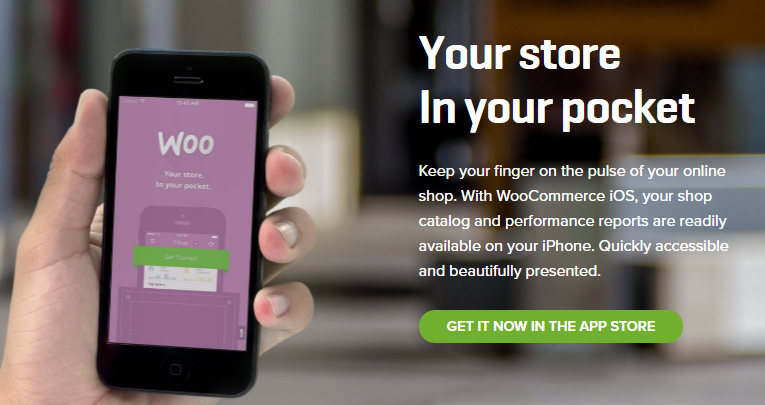
If you run an e-commerce website with WooCommerce, the official WooCommerce app is available for iOS and Android. It gives you instant access to your product catalog, orders, customer data, and multi-store oversight. It’s easy to use and particularly helpful for store owners who need to process orders and check inventory on the go.
4. Ulysses
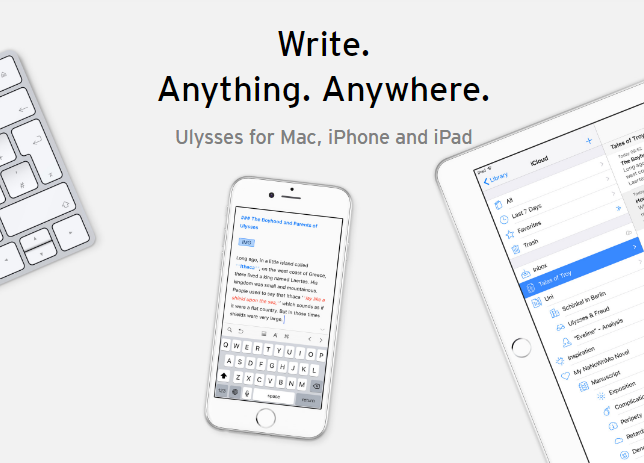
Ulysses is a writing app for iOS and macOS that integrates with WordPress. If you need to create content for your site on the go, Ulysses keeps everything in a unified library and lets you publish directly to WordPress from the app. It also exports to PDF, Word documents, and eBooks. It’s become a popular tool for WordPress content creators who prefer a distraction-free writing environment.
5. Mailchimp

If your WordPress website is connected to your Mailchimp account, the Mailchimp mobile app lets you create and send newsletters and campaigns from your phone. You can monitor list growth, find subscribers near your location, filter by group, and see who’s most engaged with your emails.
6. Google Analytics App
The Google Analytics mobile app gives you real-time traffic and performance data for your WordPress site directly on your phone. As of 2023, Google Analytics 4 (GA4) is the standard, if you haven’t migrated from Universal Analytics, now is the time. The GA4 app is available for both iOS and Android and gives you access to audience reports, acquisition data, and real-time views on the go.
7. ManageWP
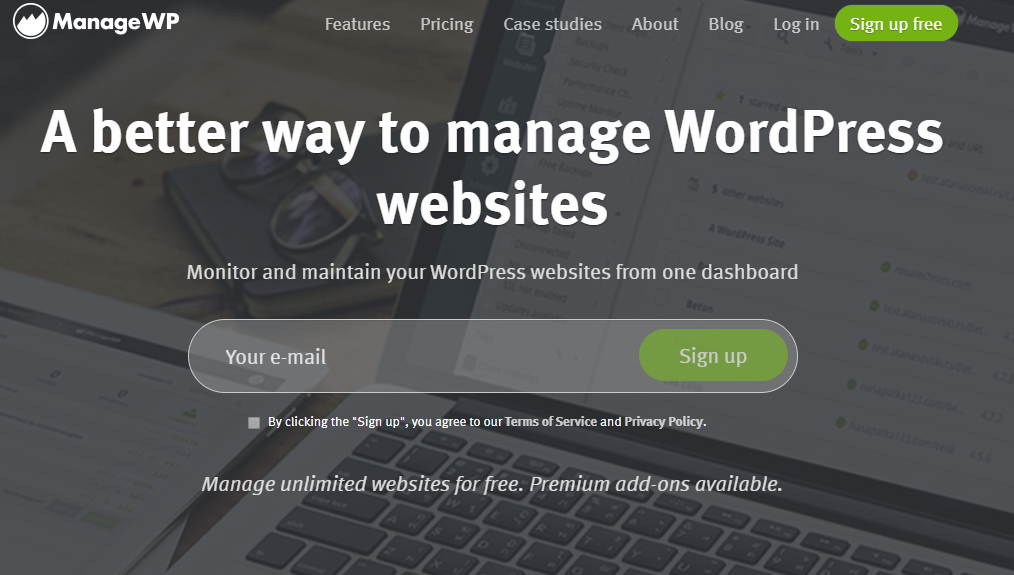
ManageWP is a free WordPress website management tool that lets you manage all your WordPress sites from one dashboard. You can automate day-to-day tasks, run reliable backups, monitor uptime, use collaborative tools, and maintain all your sites from a single interface. It’s particularly useful for agencies and developers managing multiple client sites.
8. Pingdom
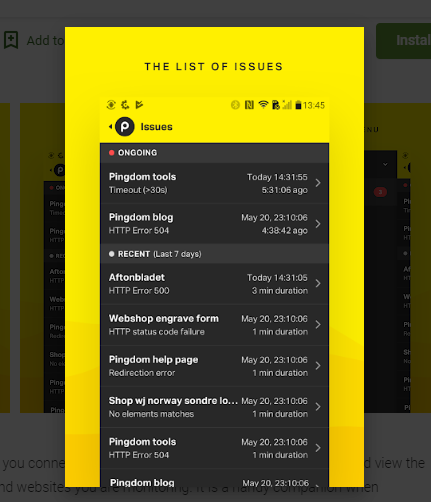
The Pingdom mobile app monitors your website’s performance and uptime in real time. You get instant alerts when your site goes down or slows significantly, right on your phone. Pingdom is available for both iOS and Android and is widely used for WordPress uptime monitoring.
9. Buffer

Buffer integrates with WordPress and other platforms to help you schedule and share posts across social media channels. It’s available for both Android and iOS. Buffer keeps your social presence active without requiring you to be online in real time, queue up posts and let them publish on schedule.
The Takeaway
These WordPress tools are designed to make site management simpler, especially when you’re away from your desk. Start by identifying your biggest pain points, whether that’s content creation, order management, traffic monitoring, or social scheduling, and pick the tools that address those first. Most of them are free or offer free tiers to get started.
Interesting Reads:
10 Benefits of Social Logins in eCommerce Websites
Overview of Bare Metal Dedicated Hosting For Business Websites
Related reading