
16 min read
Leaving Etsy Before December 16: Move Your Shop to a WooCommerce Store You Own

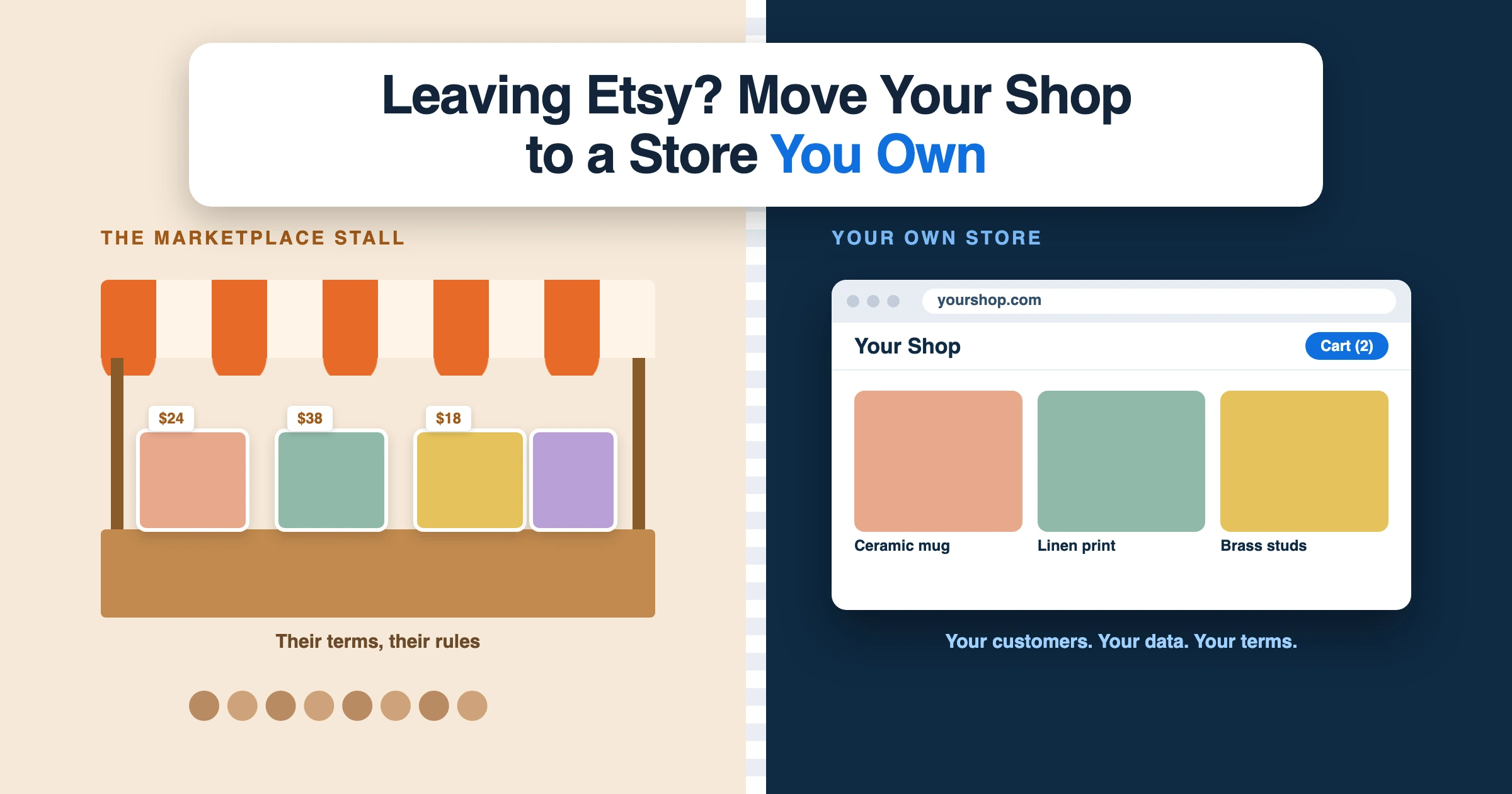
Short answer: leaving Etsy is doable. You can move an Etsy shop to a WooCommerce store you own, and you can do it in a weekend if your catalogue is small. Export your listings from Etsy as a CSV, import them into WooCommerce, announce the move to your buyers, and keep Etsy running alongside your new store until the new one has earned its first sales. This guide walks through every step in plain English, tells you what Etsy will and will not let you take with you, and is honest about when staying on Etsy is the better call.
Why now? Etsy has published updated Terms of Use and a new Privacy Policy that take effect on 16 December 2026. The terms say Etsy and its partners may use member content to develop, train, test and improve AI and machine learning technologies. Sellers have been vocal about it, and many are exporting their shop data to see what a move would take. We explain exactly what Etsy has said below, from Etsy’s own pages. The lasting lesson matters more than the date, though: a shop on someone else’s platform runs on someone else’s rules, and those rules change.
What Etsy actually changed, and what it did not
We read the sources on 24 November 2026 so you do not have to rely on social media summaries.
- The date. Etsy’s own Terms of Use and Privacy Policy pages show the new versions taking effect on 16 December 2026, with the previous versions labelled as running through 15 December 2026. The Privacy Policy was published on 26 October 2026. We could not load the full legal text through an automated reader because Etsy blocks it, so open the Terms of Use in your own browser and read the section on your content before you decide anything.
- The AI clause. In a post on the Etsy Community forum, updated on 23 November 2026, Etsy’s VP of Customer Operations wrote that Etsy made an update saying “Etsy and our partners may use member content to develop, train, test, and improve AI and machine learning technologies.”
- The limits Etsy states. In the same post Etsy says it does not use seller content to train AI models “designed to copy your original work or replace your creativity,” and that the revised terms now say so. It also says your creative content has always belonged to you and that is not changing.
- Third parties. Etsy says its terms prohibit scraping Etsy, or using content from Etsy without authorisation, to train AI models.
You can read the full statement on the Etsy Community announcement. Etsy lists how it uses AI today: spotting fraudulent accounts, understanding marketplace inventory so buyers find items, and building seller tools. Whether that reassures you or not is your call. We are not telling you the sky is falling, and we are not telling you Etsy is acting in bad faith. Etsy is a business with its own goals, and its terms are the price of the audience it gives you.
What we are saying is simple. When your whole shop lives on a marketplace, you accept their terms as they change. A store on your own domain has terms you write yourself. Handmade and creative sellers can decide for themselves which trade-off suits them. This post helps you make that decision with real numbers, and helps you execute it if you choose to move.
Leaving Etsy: decide what you are really after before you move anything
Most sellers who are leaving Etsy want one of four things. Be clear about which, because each leads to a different plan.
- Control of your content. You want your photos and descriptions on a site whose terms you set.
- Your own customer list. You want to email people who liked your work without paying a marketplace to be the middleman.
- Lower fees. You want to keep more of each sale.
- A brand, not a listing. You want a store that looks like you, not like the other 50 results on the page.
If your goal is the first, second or fourth, a WooCommerce store fits well. If your only goal is lower fees, run the numbers in the fees section first, because Etsy also brings you buyers, and a new store starts with none. Our companion guide to Etsy alternatives for sellers compares hosted options such as Shopify and Big Cartel if you would rather not run WordPress at all.
What you can export from Etsy, and what you cannot
This is where most move plans stall, so here is the exact list from Etsy’s Help Center, read on 24 November 2026.
Your listings
Go to Shop Manager, then Settings, then Options, then Download Data, and choose Download CSV under currently for sale listings. Per Etsy’s listing download guide, the file covers your active listings with:
- Title
- Description
- Price
- Currency code
- Quantity
- Tags
- Materials
- Image URLs
- SKU numbers, if you added any
Notice the word “active.” The guide describes the file as covering active listings. If you have expired or deactivated listings you want to keep, renew them before you export, or rebuild them by hand from your photos. We did not find Etsy documentation saying expired listings are included, so do not assume they are.
Your orders
The same Download Data tab has an Orders section where you choose a CSV type, month and year. Etsy’s sold transactions guide says the spreadsheet lists your orders including payment method, item price, item title and SKU numbers. The guide does not list buyer contact details among those fields. Treat order history as a record for your books, not as a ready-made mailing list.
Your reviews and shop settings
Under Take your data with you on the Download Data tab, Etsy offers Download Your Shop Settings and Download Your Reviews, according to Etsy’s data download guide. Download the reviews. You cannot make Etsy reviews appear as verified reviews on your new store, but you can quote them on an About or Testimonials page with the reviewer’s first name, and you keep a record of what customers said.
Your full account data
Privacy settings let you request a ZIP of your personal and shop data in CSV and JSON. Requests expire after two weeks if you do not collect the file. Request it now, because it costs nothing and gives you a record before anything changes.
What you cannot take
- Your shop’s search ranking and Etsy sales history. These stay with Etsy. Your new store starts from zero in search.
- Reviews as live, verified reviews. You can export them as text, but they will not display as Etsy reviews anywhere else.
- A guaranteed customer email list. Etsy’s published export guides do not list buyer emails. Whether and how you may contact past buyers depends on Etsy’s current terms and the privacy law where you and your buyers live. We have not verified Etsy’s current rules on this, so read the Terms and, for anything beyond order fulfilment, check with a local adviser.
- Your Etsy followers and favourites. Those are not in any export we found.
The practical conclusion: start building an email list from your new store’s first day, and give people a reason to join it. We cover how in the section on keeping your buyers.
Step 1: Set up the store (a weekend job for most sellers)
WooCommerce is a free plugin for WordPress. Per WooCommerce’s pricing page, there is no monthly subscription for the core platform, no platform fee and no revenue share. You pay for the things any online store needs: a domain name, hosting, and the fees of whichever payment processor you pick.
What you need
- A domain name that matches your shop name if you can get it.
- Hosting. WooCommerce’s own pricing page puts hosting at roughly $25 to $350 per month for most stores, depending on size. Many handmade shops start at the low end.
- WordPress and WooCommerce installed and an SSL certificate switched on, so your address starts with https.
- A theme that shows products well. Pick one with large photo galleries and a clean cart; your photos are the product.
Settings to get right on day one
- Currency and location. Set your store country and currency first. Tax and shipping options depend on them.
- Permalinks. Use the post name structure so product addresses read as words, not numbers.
- Legal pages. Add privacy, terms, shipping and returns pages. Etsy’s policies covered this for you, and now it is on you. Write them in plain words.
- Email sender. Make sure order emails come from your domain and reach inboxes. Test with a real order to your own address.
Step 2: Move your listings into WooCommerce
WooCommerce has a built-in CSV importer. Per the WooCommerce product CSV guide, go to Products, then All Products, and use the Import button. The two files do not share column names, so you map them.
The mapping, in plain English
| Etsy column (from the listing CSV) | WooCommerce field | Watch for |
|---|---|---|
| Title | Name | Rewrite for your own site; Etsy titles are stuffed with search keywords. |
| Description | Description | Check line breaks and special characters after import. |
| Price and currency code | Regular price | Remove currency symbols; WooCommerce wants a plain number. |
| Quantity | Stock quantity | Turn on stock management or the quantity is ignored. |
| Tags | Tags | Trim to a short, sensible set; do not copy all 13. |
| Materials | Attribute or description text | Make it an attribute if buyers filter by it. |
| Image URLs | Images | See below. |
| SKU | SKU | Keep SKUs unique; the importer uses them to update existing products. |
Images: the step people trip over
WooCommerce’s guide says images must be pre-uploaded or available online, and the importer can fetch an external image URL into your Media Library when it is able to download it. Some hosts block those requests or return a web page instead of a picture. If an image fails, upload it to your Media Library by hand. The core importer cannot set alt text for product images, so plan a pass afterwards to add descriptive alt text, which helps both accessibility and search.
Better still, use your original photo files if you have them. Etsy image URLs may serve a resized copy, and your store deserves the full-quality version.
The method that avoids a mess
- Save the CSV as UTF-8 and keep a clean copy of the original untouched.
- Delete columns you do not need, and fix the Price column.
- Import five products first, as a test. WooCommerce’s guide itself recommends testing with a small file.
- Check each test product on the front of the store at phone width, because most of your buyers will be on a phone.
- Import the rest in batches of 50 to 100 so a problem is easy to find.
Variations
Etsy’s listing CSV is one row per listing. If a listing has options such as size or colour, expect to rebuild those variations in WooCommerce as variable products. For a catalogue of a few dozen items, that is an afternoon. For several hundred listings with many options, it is the most time-consuming part of the move, and the place where paying a developer to script the import is cheaper than your time.
Step 3: Payments, shipping and tax basics
Taking payments
You choose a payment processor. WooCommerce’s pricing page lists card processing at about 2.5 to 2.9 percent plus 30 cents per transaction with WooPayments in the United States, depending on volume. The WooCommerce comparison page lists PayPal at 3.49 percent plus 49 cents per transaction. Rates differ by country and by payment method, and WooPayments availability depends on where you live, so check the current WooPayments fee table for your country.
Offer at least one card option and one wallet option. Buyers who are used to Etsy’s checkout expect to pay in two taps, so keep your checkout short: guest checkout on, no forced account creation, few fields.
Shipping
Etsy let you copy shipping profiles per listing. In WooCommerce you set shipping zones and methods once, then assign products to shipping classes. Start simple:
- One flat rate for your home country, one for the rest of the world.
- Free shipping above a threshold you choose, if your margins allow it, to lift average order value.
- Clear processing times in the product page, since you now answer for delivery promises yourself.
Tax
On Etsy, the marketplace handles tax collection in many places. On your own store, you configure tax yourself and you are the seller of record. Tax rules depend on where you and your buyers are, and they change. We do not give tax advice in a blog post; we do recommend you speak to an accountant before launch about whether you must register, collect and remit tax, and set WooCommerce’s tax settings to match what they tell you.
Step 4: Keep your buyers
Your buyers know your Etsy shop, not your new domain. A move without an announcement is a quiet way to lose your best customers.
- Put a notice on your Etsy shop in your shop announcement and About section saying you now also sell on your own site, with the address. Check Etsy’s current policies on linking out before you do, because Etsy has rules about directing buyers off the platform. We have not verified the current wording, so read the Seller Policy first.
- Add a card to every parcel. A small printed card with your site address and a welcome offer reaches people who already like your work, and it is entirely your own channel. Include a QR code.
- Give a reason to sign up. A newsletter signup with a first-order discount or early access to new work. Building a list from day one means you never face this export problem again.
- Use your social accounts. If your audience follows you on Instagram, Pinterest or Facebook, tell them there.
- Keep your voice. Reuse your Etsy shop banner and story on your About page so returning buyers recognise you.
Plan on a slow shift, not a switch. Most sellers who move see their own store grow over months as their list and direct traffic build, while Etsy continues to supply new buyers.
Step 5: SEO for a brand-new store
On Etsy you borrowed the marketplace’s authority. On your own domain you build your own, which takes time, but it compounds and no one can take it away.
- Write original product descriptions. Do not paste the same text you have on Etsy. Search engines prefer unique pages, and your own words describe your process better anyway.
- Use proper titles and short descriptions. A clear product name, who it is for, and what it is made from. Install an SEO plugin to set titles and meta descriptions per product.
- Add alt text to every image. Describe what the photo shows in plain words.
- Build category pages with real text. A paragraph above the products on each category page helps search engines and buyers alike.
- Write a few helpful posts. Care guides, behind-the-scenes process, gift ideas. These attract people who are not yet looking for your exact product.
- Submit a sitemap to Google Search Console and fix any errors it reports.
Be realistic. A new store will not match your Etsy search visibility in its first month. Keep that in mind when you read the next section.
The fees, side by side (24 November 2026)
Here are the published US fees from each vendor’s pages, read on 24 November 2026. Rates change, so check the linked pages before you decide.
| Fee | Etsy (United States) | WooCommerce store (United States) |
|---|---|---|
| Listing | $0.20 per listing, charged whether or not it sells | None |
| Transaction or platform fee | 6.5 percent of the order total, including shipping and gift wrap if you charge for them | None. WooCommerce lists a 0 percent revenue share |
| Payment processing | Etsy’s US sell page lists 3 percent plus $0.25 on items sold through Etsy Payments; rates vary by country | About 2.5 to 2.9 percent plus $0.30 with WooPayments; PayPal listed at 3.49 percent plus $0.49 |
| Hosting and tools | Included | Roughly $25 to $350 per month on WooCommerce’s own estimate, plus any paid extensions |
Sources: Etsy Fee Basics, Etsy’s sell page, WooCommerce pricing. Etsy Ads, Offsite Ads and shipping labels carry extra fees on Etsy, which we left out of both columns.
A worked example
Say a customer buys a $40 item and pays $5 shipping, so the order total is $45. Using the rates above:
- On Etsy: $0.20 listing fee, plus 6.5 percent of $45 ($2.93), plus 3 percent of $45 plus $0.25 ($1.60). That is about $4.73, or roughly 10.5 percent of the order.
- On your own WooCommerce store paying by card: 2.9 percent of $45 plus $0.30 is about $1.61, or roughly 3.6 percent of the order.
The difference is about $3.12 per order. If your hosting costs $25 per month, you would need roughly eight orders a month through your own store before the saving covers hosting. That ignores your time, your theme, and the buyers Etsy sends you that your new store would not have found. Both sides of that trade are real.
When staying on Etsy, or leaving Etsy only in part, is the right call
We build WooCommerce stores, and we will still tell you that leaving is not right for everyone.
- Most of your sales come from Etsy search. If strangers find you on Etsy and almost nobody arrives any other way, a new store has no traffic to catch. Run both.
- You sell a handful of items a month. The fixed cost of hosting and your time may exceed the fees you save.
- You do not want to run a business website. A store means updates, backups and security. A managed host or a care plan reduces the work, but it does not remove it.
- You are comfortable with Etsy’s terms. Etsy says it does not use your content to train models that copy your work or replace your creativity. If that statement satisfies you, the clause alone is not a reason to move.
For many sellers the sensible plan is not “leave Etsy” but “stop being only on Etsy.” Keep your shop open as a marketplace storefront. Build your own store as the home for your brand, your list and your best customers. Over time, send repeat buyers to the place where you keep more of each sale. If you later want to go further and host other makers’ work as well, our guide to building an online marketplace like Etsy with WordPress covers that different project.
A simple plan for the next two weeks
| When | What to do |
|---|---|
| Today | Download your listings CSV, orders CSV and reviews. Request your full data ZIP. Read Etsy’s terms yourself. |
| This week | Register a domain, set up hosting, install WooCommerce, add legal pages. |
| Next week | Import five test products, fix the mapping, import the rest in batches, test checkout on a phone. |
| Week two | Switch on payments, configure shipping and tax with your accountant, soft-launch to friends, and add the newsletter signup. |
| After launch | Announce to buyers, add parcel cards, publish a few helpful posts, and review results monthly. |
Frequently asked questions
Do I have to close my Etsy shop to open a WooCommerce store?
No. Many sellers keep both. Etsy gives you marketplace buyers, and your store gives you control. You can wind down Etsy later if your own store replaces the income.
Can I copy my Etsy listings word for word?
You can, because they are your own words and photos. We suggest rewriting at least your best sellers, since unique text helps your new store in search.
Will my Etsy reviews move across?
You can download them as a file, but they will not show as verified Etsy reviews on your store. Quote the best ones on a testimonials page and start collecting new reviews on your own site.
Does the 16 December date mean I must act by then?
No. It is the day Etsy’s new terms take effect. Moving before then is a choice, not a requirement, so plan at the pace that suits your business. Downloading your data now is the only step worth doing early, since it costs nothing.
How long does a move take?
A small catalogue of a few dozen simple listings can be set up in a weekend. Hundreds of listings with many variations take longer, mainly because of variations, photos and testing.
Can I import Etsy orders into WooCommerce?
Etsy’s order file lists payment method, item price, title and SKU, and does not list buyer contact details, so it is not a full customer database. Keep it as a record for your books and start fresh order history in WooCommerce.
What does it cost to get help?
It depends on the size of your catalogue and how much design you want. A short scoping conversation gives a firm number. See the next section.
If you want us to do it for you
Our team builds WooCommerce stores and moves sites for a living. If you would rather hand over the catalogue import, variations, payments, shipping and launch checklist, start with our WooCommerce development service. If you already have a site and need it moved without losing search rankings, see our WordPress migration service. Tell us how many listings you have and how many have variations, and we will scope it with you.
Fees, dates and policy wording in this post were read from Etsy and WooCommerce pages on 24 November 2026. Vendors change them, so check the linked pages before you act.
Related reading