
5 min read
Building an Equipment Rental Website on WordPress: Plugins, Booking Logic and When to Go Dedicated

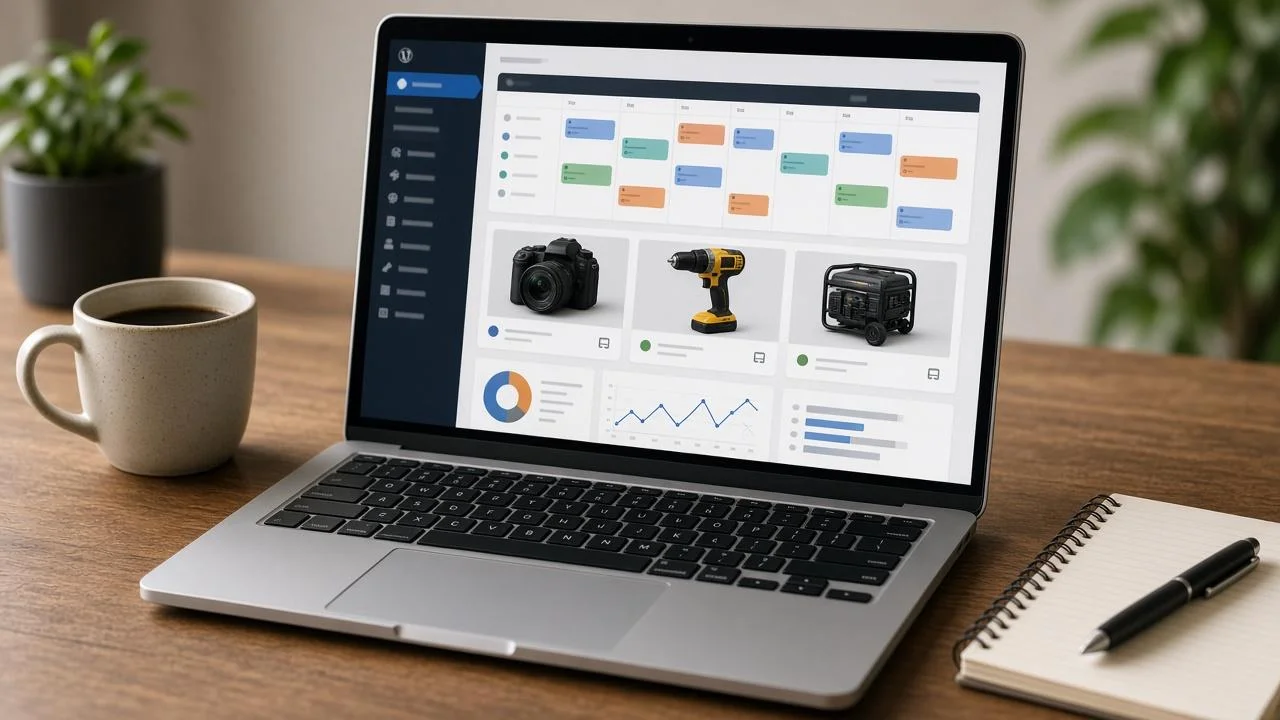
WordPress powers a huge share of small business websites, so it is no surprise that many equipment rental companies start there. A camera rental shop, a party hire business or a local tool library can get a professional-looking site live in days with the right theme and a booking plugin.
But equipment rental has quirks that standard e-commerce and appointment plugins were not designed for. Items go out and come back. The same product can be booked by different customers for overlapping date ranges, as long as stock allows. Deposits, damage checks, delivery windows and maintenance downtime all affect availability.
This guide looks at how to build a rental site on WordPress the right way, which plugin approaches work, and when it makes sense to connect WordPress to a dedicated rental system instead of stretching plugins too far.
What Makes Rental Different From Regular E-commerce
In a normal WooCommerce store, stock goes down when someone buys and stays down. In rentals, stock is time-based. A business with five pressure washers might have three available on Saturday, none on Sunday and five again on Monday.
A rental site needs to handle:
- Date-range availability per item and per unit
- Buffer time between rentals for cleaning, inspection and transport
- Variable pricing by hour, day, weekend, week or month
- Deposits and damage waivers separate from the rental fee
- Delivery and collection scheduling
- Maintenance blocks where items are out of service
- Bundles and accessories, such as a camera with lenses and batteries
Appointment and booking plugins often handle the first point well, but struggle with the rest.
Plugin Approaches on WordPress
WooCommerce plus a rental or booking extension
This is the most common route. WooCommerce handles products, cart and checkout, while a rental extension adds date pickers, availability and duration-based pricing. It works well for smaller catalogues and businesses that already know WooCommerce.
Watch for how the extension handles inventory per unit, buffer days and partial-day rentals. Some treat each product as a single resource, which breaks down when you have multiple identical items.
Dedicated booking plugins
General booking plugins designed for appointments or accommodation can be adapted for rentals. They are strong at calendars and time slots, but may need workarounds for physical inventory and returns.
Marketplace plugins
If you want multiple owners to list equipment, such as a peer-to-peer tool rental platform, multi-vendor marketplace plugins come into play. This post on how to build a rental marketplace covers that model in more depth, including vendor management and commissions.
Custom development
For unusual requirements, custom plugins built on top of WordPress’s hooks and REST API are always an option. The official WordPress Plugin Handbook is the right starting point for developers going down this path.
Essential Features to Get Right
A clear availability calendar
Customers should see availability before they fill in a long form. A date picker that greys out unavailable dates saves frustration on both sides.
Accurate pricing logic
Rental pricing is rarely linear. A weekend might cost the same as two days, and a week might cost the same as four. Make sure your setup supports tiered pricing so you are not overcharging or undercharging.
Deposits and terms at checkout
Display deposit amounts, damage policies and cancellation rules clearly. Use required checkboxes for terms acceptance so there is a record.
Customer accounts and history
Returning customers should see past rentals, invoices and upcoming bookings. This also helps your team assess trust for higher-value items.
Mobile-first design
Many rental bookings happen on phones, often from a job site or an event venue. Test the entire booking flow on small screens.
Speed
Booking calendars and large product catalogues can slow a site down. Use caching carefully, since availability needs to stay accurate, and keep the number of active plugins under control.
Where WordPress Plugins Start to Struggle
WordPress handles small and mid-sized rental catalogues well. Problems tend to appear as the business grows:
- Multiple locations sharing the same inventory pool
- Large fleets with hundreds of individually tracked units
- Serial numbers and asset histories for each item
- Maintenance scheduling based on hours or rental count
- Check-out and check-in workflows in the warehouse, often on tablets
- Phone and walk-in bookings that must sync with online availability
- Accounting integration with proper invoicing and deposit handling
At this point, the website is no longer just a website. It is the front end of an operations system. Trying to run warehouse workflows, maintenance and multi-branch inventory inside WordPress usually leads to a heavy, fragile plugin stack.
The Hybrid Approach: WordPress Front End, Dedicated Back End
A model that works well for growing rental businesses is to keep WordPress for what it is great at, which is content, SEO, landing pages and brand, while connecting it to a purpose-built equipment rental platform for inventory, bookings and operations.
In practice, this can look like:
- Product and category pages built in WordPress for SEO
- An embedded booking widget or API connection showing live availability
- Bookings created directly in the rental system
- Staff managing check-outs, returns, maintenance and invoices in the rental system
- WordPress pulling updated stock or pricing via API or scheduled sync
This keeps the website fast and flexible, while the operational complexity lives in a system designed for it.
Content Still Matters
Whichever technical route you choose, do not forget the content side. Rental customers search for things like “how to use a floor sander” or “what size generator do I need for an event.” Helpful guides attract traffic and build trust, and WordPress is excellent for publishing them.
Pair each guide with links to the relevant equipment, and you turn informational traffic into bookings.
Final Thoughts
WordPress is a solid foundation for equipment rental websites, especially in the early stages. With WooCommerce and a good rental extension, small businesses can take online bookings quickly and affordably.
As the fleet and team grow, the smartest move is often to let WordPress handle the marketing site while a dedicated rental system handles inventory and operations. That combination gives you the SEO and design flexibility WordPress is known for, without asking a collection of plugins to run your entire business.
Related reading