
7 min read
Why SPF, DKIM and DMARC Matter to Your Brand, Not Just Your IT Team

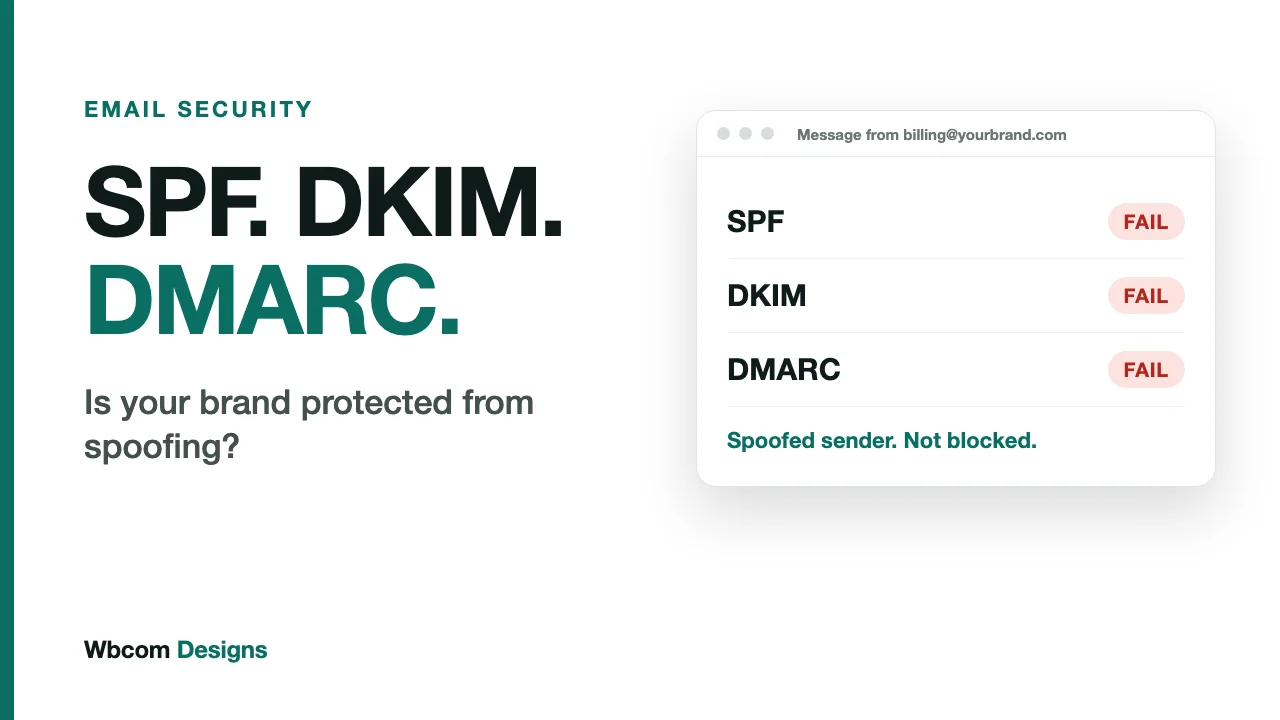
Your domain name is part of your brand, in the same way your logo is. Every email you send carries it. Every customer who sees it in their inbox decides, in about a second, whether it is really you.
Most brands protect the logo carefully and leave the domain open to anyone. A domain with no email authentication can be used by a stranger to send messages that look identical to yours. Three DNS records, SPF, DKIM and DMARC, are what stop that.
This post is for the person who owns the brand, the website or the budget, not only the person who edits DNS. It explains what the three records do, why they now affect whether your email is delivered at all, and what to do in the next 30 days. Each record has its own deep dive, linked below.
The three records in plain terms
Think of an email as a letter arriving at a very large post office.
- SPF is the list of approved couriers. The post office checks whether the courier who delivered the letter is on your list. Read the SPF explainer.
- DKIM is the wax seal. It shows the letter was sealed by you and has not been opened or changed on the way. Read the DKIM explainer.
- DMARC is your standing instruction to the post office. It says what to do with a letter that fails the courier or seal check, and it sends you a report on every letter that claimed to be from you. Read the DMARC explainer.
Without the instruction, the post office guesses. Sometimes it guesses wrong in your favour. Sometimes it delivers a forgery.
| SPF | DKIM | DMARC | |
|---|---|---|---|
| What it checks | The sending server’s IP | A signature on the message | Whether SPF or DKIM passed and matches the From domain |
| Lives in | TXT record on your domain | TXT or CNAME at selector._domainkey | TXT record at _dmarc |
| Survives forwarding | No | Usually, if the message is unchanged | Passes if DKIM survives |
| Protects the visible From address | No | Only when aligned | Yes |
| Tells you who is abusing your domain | No | No | Yes, through reports |
Why a brand should care
1. Someone can send as you
This is the original reason, and it has not gone away. Without an enforced DMARC policy, nothing stops a stranger putting accounts@yourbrand.com in the From line of a message to your customers, your suppliers or your own staff. The message asks a customer to update their payment details. It asks your finance team to pay a new bank account.
The customer does not blame the scammer. The customer blames you, because your name was on it.
Here is a scenario that plays out in real companies. A supplier receives an invoice-change request that appears to come from your accounts team. The domain is yours, the wording is plausible, and no check on the supplier’s side objects. The supplier pays the new account. You find out three weeks later. That is not an exotic attack. It is what an unprotected domain invites.
2. Your legitimate email may not arrive
Authentication has moved from advice to requirement. Google’s sender guidelines took effect on 1 February 2024. Every sender needs SPF or DKIM. Anyone sending more than 5,000 messages a day to Gmail accounts needs both, plus a DMARC policy, and Google says unauthenticated mail may be marked as spam or rejected with a 5.7.26 error.
Microsoft followed. From 5 May 2025, Outlook.com, Hotmail and Live route non-compliant mail from high-volume senders to the Junk folder. SPF and DKIM must pass, and DMARC must be at least p=none and align with one of them. Microsoft has said rejection will follow on a date still to be announced, with the error 550 5.7.515. Adding a sender to a Safe Senders list does not get around it.
Below 5,000 a day you are not formally covered. You are still judged by the same filters. A small business that sends fifty order confirmations a day without authentication gets the same suspicion as anyone else.
3. Receipts, resets and invoices are your most important email
Marketing newsletters get the attention. The email that matters most is the one a customer is waiting for: the password reset, the order confirmation, the invoice. If those land in spam, the customer does not think “filtering problem”. They think the business is broken, and they open a support ticket or ask for a refund.
These messages often come from your website or shop software, a different system from your staff mailboxes. It is exactly the kind of sender that gets forgotten when records are set up. Our post on why website emails go missing covers the sending side of this.
4. You get to see what is happening
Most brands have no idea how much mail goes out under their name. DMARC reports change that. They show every system sending as your domain, including old tools nobody switched off and, sometimes, sources you never authorised. You cannot manage what you cannot see, and until you publish a DMARC record with a reporting address, you cannot see it.
5. Your logo can appear in the inbox
BIMI, Brand Indicators for Message Identification, lets supporting mailbox providers show your logo beside your messages. It requires an enforced DMARC policy, and Gmail also asks for a verified mark certificate. It is the one place where email security produces something visible to customers, and it is only available to domains that have finished the DMARC work.
6. The reputation belongs to you
Mailbox providers build a track record against the domain that signs your mail. When you sign with your own domain, good sending history accumulates under your name. If you change email platforms, that history stays with you. If you let platforms sign with their domain instead, you borrow their reputation, and you take none with you when you leave.
What the work involves, honestly
The records cost nothing. They are text entries in DNS you already control. The effort is in the discovery, not the typing: finding every system that sends as your domain, then fixing each one.
- Simple domains with one mail provider and one newsletter tool can be fully set up in an afternoon.
- Domains with many tools, a CRM, a helpdesk, an invoicing system, an e-commerce platform, take weeks, mostly spent waiting for DMARC reports to reveal the senders you forgot.
- Rushing is the real risk. Switching to
rejectbefore every sender is aligned will block your own email. That is why the process runs in stages.
A reporting tool is worth paying for on any domain with real sending volume, because raw reports are XML files that nobody reads.
A 30-day plan
Week 1: find out where you stand
- Look up your domain’s SPF, DKIM and DMARC records with a free checker.
- Send a test to a Gmail address, open “Show original”, and read the three results.
- List every system that sends email as your domain. Ask marketing, support, sales and finance, since IT rarely knows them all.
Week 2: fix SPF and DKIM
- Make sure there is exactly one SPF record, under 10 lookups.
- Set up custom DKIM signing on every platform, so each signs with your domain.
- Publish a DMARC record at
p=nonewith a reporting address.
Weeks 3 and 4: read the reports and tighten
- Review the first reports. Identify unknown senders and decide whether each is yours.
- Fix the legitimate ones that fail.
- When your own mail passes consistently, move to
quarantine, and later toreject.
The step-by-step provider instructions for Google Workspace, Microsoft 365 and AWS SES are in our setup guide.
Who should own this
Email authentication falls between teams. IT controls DNS. Marketing buys the sending tools. Finance runs the invoicing system. Everyone assumes someone else has it covered.
Give it one named owner, and give that person a standing rule: before anyone adds a tool that sends email as the company domain, they check with the owner first. That one habit prevents most of the breakage described in the SPF and DKIM posts.
Common questions
Do I need all three?
Yes. Each covers what the others cannot. SPF breaks on forwarding. DKIM alone does not protect the From address. DMARC does nothing without SPF and DKIM to rely on. Google and Microsoft both require all three from high-volume senders.
We are a small business. Does this apply to us?
The formal requirements start at 5,000 messages a day. The risk of impersonation does not. A small domain with a good reputation is a useful target precisely because customers trust it.
Will DMARC break my email?
Not if you start at p=none and move up only after the reports show your own senders passing. It breaks email when people skip that stage.
Is p=none enough?
It satisfies the provider minimums, and it gives you reports. It does not stop anyone impersonating you. Protection starts at quarantine and is strongest at reject.
Does DMARC have a new standard?
Yes. RFC 9989 was published in May 2026 and replaces the original specification, RFC 7489. Existing records still work, since the version tag remains DMARC1. The DMARC explainer covers what changed.
The short version
If your domain has no enforced DMARC policy, anyone can send email that looks like yours, and your own email is more likely to be filtered. Both problems are fixed with the same three records. Start with a check this week, publish a monitoring policy next, and enforce it when the reports say you are ready.
Related reading