
5 min read
What Is DKIM? How Email Signing Proves a Message Really Came From You

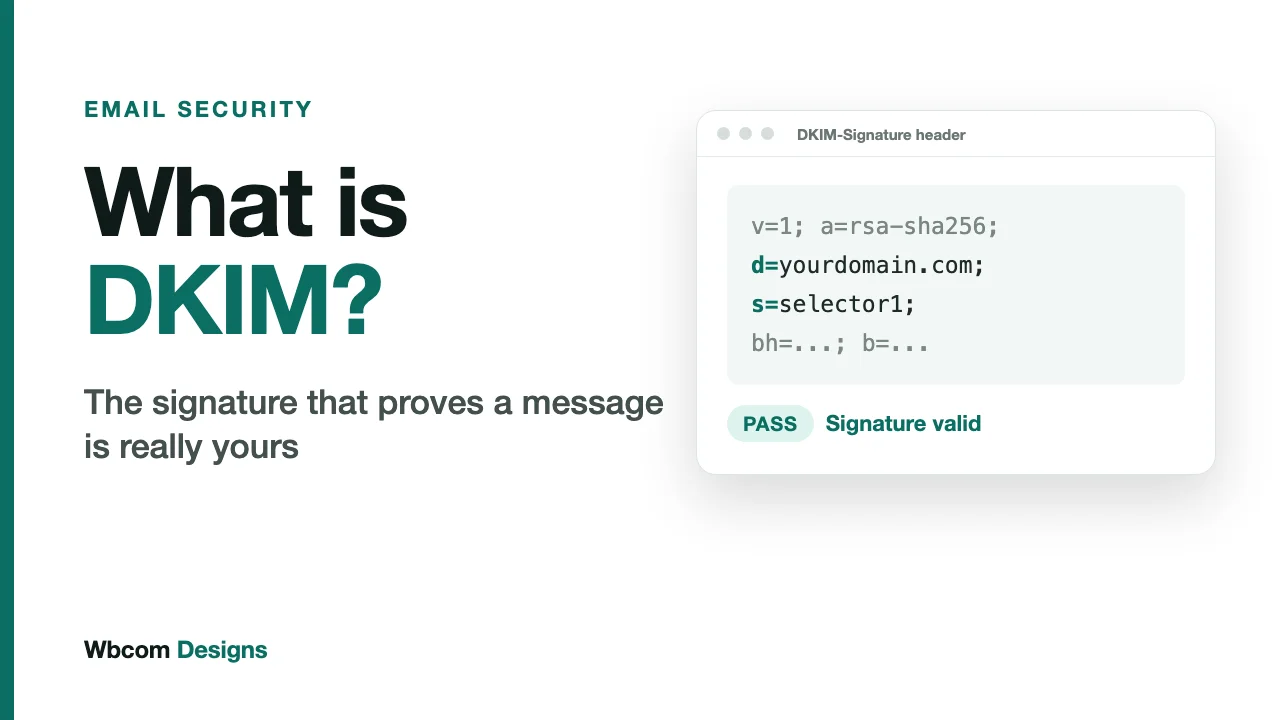
SPF answers one question: did this message come from a server the domain owner approved? DKIM answers a different one: is this message exactly what the sender wrote?
It does that with a digital signature. If you have ever seen a padlock in a browser, you have already met the idea. Here it is applied to email.
This post covers how DKIM works, what is inside a signature, and the mistakes that make a signed message still fail. For click-by-click setup on Google Workspace, Microsoft 365 and AWS SES, use our setup guide.
What DKIM is
DKIM stands for DomainKeys Identified Mail. Your sending system holds a private key that nobody else has. For each outgoing message it uses that key to create a signature over the message, and attaches the signature as a header. Your DNS holds the matching public key, which anyone can read.
A receiving server fetches the public key, runs the check, and learns two things at once. The message was signed by someone with access to your domain’s private key. And the signed parts have not changed since.
What a DKIM signature looks like
Open the raw source of any email from a well-configured sender and you will find a header like this:
DKIM-Signature: v=1; a=rsa-sha256; d=yourdomain.com; s=selector1; h=from:to:subject:date; bh=…; b=…
You do not need to read the long values. You need to know five tags.
| Tag | Meaning |
|---|---|
| d= | The signing domain. The domain taking responsibility for this message. |
| s= | The selector. A label that tells the receiver which public key to fetch. |
| h= | The list of headers covered by the signature. |
| bh= | A hash of the message body. |
| b= | The signature itself. |
How the check runs, step by step
- The receiver reads
d=ands=from the signature. - It builds a DNS name from them:
selector1._domainkey.yourdomain.com. - It fetches the public key stored there as a TXT record.
- It recalculates the body hash and compares it to
bh=. - It uses the public key to verify
b=against the signed headers.
If both match, DKIM passes. Change a single character in the signed body or in one of the signed headers after sending, and it fails.
Selectors, and why you will have several
A selector is just a name. It lets one domain publish many keys at the same time. That matters because most companies send from several systems: staff mail, a newsletter tool, a helpdesk, the website’s transactional emails. Each system signs with its own key, under its own selector, and all of them can sit side by side in DNS.
It also makes key rotation possible. You publish a new key under a new selector, switch your sender over, and retire the old one later. Nothing breaks in between.
Key length
Google’s sender guidelines set 1024 bits as the minimum DKIM key length and recommend 2048 bits. Some older DNS control panels struggle with the long record a 2048-bit key produces, because DNS text values are stored in chunks of 255 characters. If your provider offers a 2048-bit key, use it, and check the published record is complete after you save it.
Where DKIM beats SPF
Forwarding is the clearest case. When a message is forwarded, it leaves from the forwarder’s server, so SPF fails. The DKIM signature travels inside the message. If the forwarder does not alter the signed content, DKIM still passes at the final destination.
DKIM also does not depend on which server sent the mail. A signed message can come through a third-party platform and still verify, as long as that platform holds a key for your domain.
Where DKIM breaks
Something changes the message
Mailing lists and some security gateways add footers, rewrite subjects or alter formatting. Any edit to the signed parts invalidates the signature. This is the usual explanation when mail passes DKIM when you send it and fails after it travels through a list.
The wrong selector, or a missing record
If the signature says s=selector1 and your DNS only has selector2, the receiver finds no key and the check fails. This typically follows a migration: the new provider signs with its own selector and nobody published the matching record.
A truncated key
Long keys pasted into a DNS panel sometimes get cut off or gain stray quotation marks and spaces. The record looks present, but the key is unusable. Always look the record up after saving it, and run a test message through a checker.
Signing with someone else’s domain
This one is subtle, and it is the most common reason a brand has “DKIM passing” and still fails DMARC.
Many email platforms sign your messages with their own domain by default, so d= shows the platform’s name instead of yours. The signature is valid. DKIM passes. But the signing domain has nothing to do with the From address your customers see. DMARC requires the signing domain to align with the From domain, and the DMARC standard is explicit that only aligned identifiers count, because any domain can sign a message.
The fix is to set up custom domain authentication in the platform, so it signs with d=yourdomain.com. Most platforms call this “domain authentication” or “sender authentication”, and it is usually a few CNAME records.
What DKIM does not do
- It does not encrypt the message. The content is still readable in transit.
- It does not say whether the message is wanted, only who vouches for it.
- It does not tell receivers what to do with a failure. That is DMARC’s job.
- It does not prove the From address is genuine unless the signing domain aligns with it.
DKIM and your brand
A valid signature ties a message to your domain in a way a forger cannot copy, since they never hold your private key. Over time, receiving providers build a reputation against that signing domain. Good sending history attaches to your name, and it follows you across providers if you move platforms, provided you keep signing with your own domain.
Microsoft requires DKIM to pass for senders above 5,000 emails a day to Outlook.com, Hotmail and Live addresses. Google asks for both SPF and DKIM from the same group. Below those volumes, DKIM is still the layer that holds up best when mail is forwarded, which is why it is the one DMARC relies on most.
For the full case, read why SPF, DKIM and DMARC matter to a brand. For the other two layers, see SPF explained and DMARC explained.
A DKIM checklist
- Make a list of every system that sends email as your domain.
- Confirm each one signs with
d=yourdomain.com, not its own domain. - Use 2048-bit keys wherever the provider offers them.
- Look up each selector’s record and confirm it is complete.
- Rotate keys on a schedule, and remove selectors for services you no longer use.
- Send a test to Gmail, open “Show original”, and confirm DKIM shows PASS with your domain.
Related reading