
17 min read
Your Newsroom Has Outgrown Its CMS: WordPress, Headless Astro or EmDash for a High-Traffic Publisher

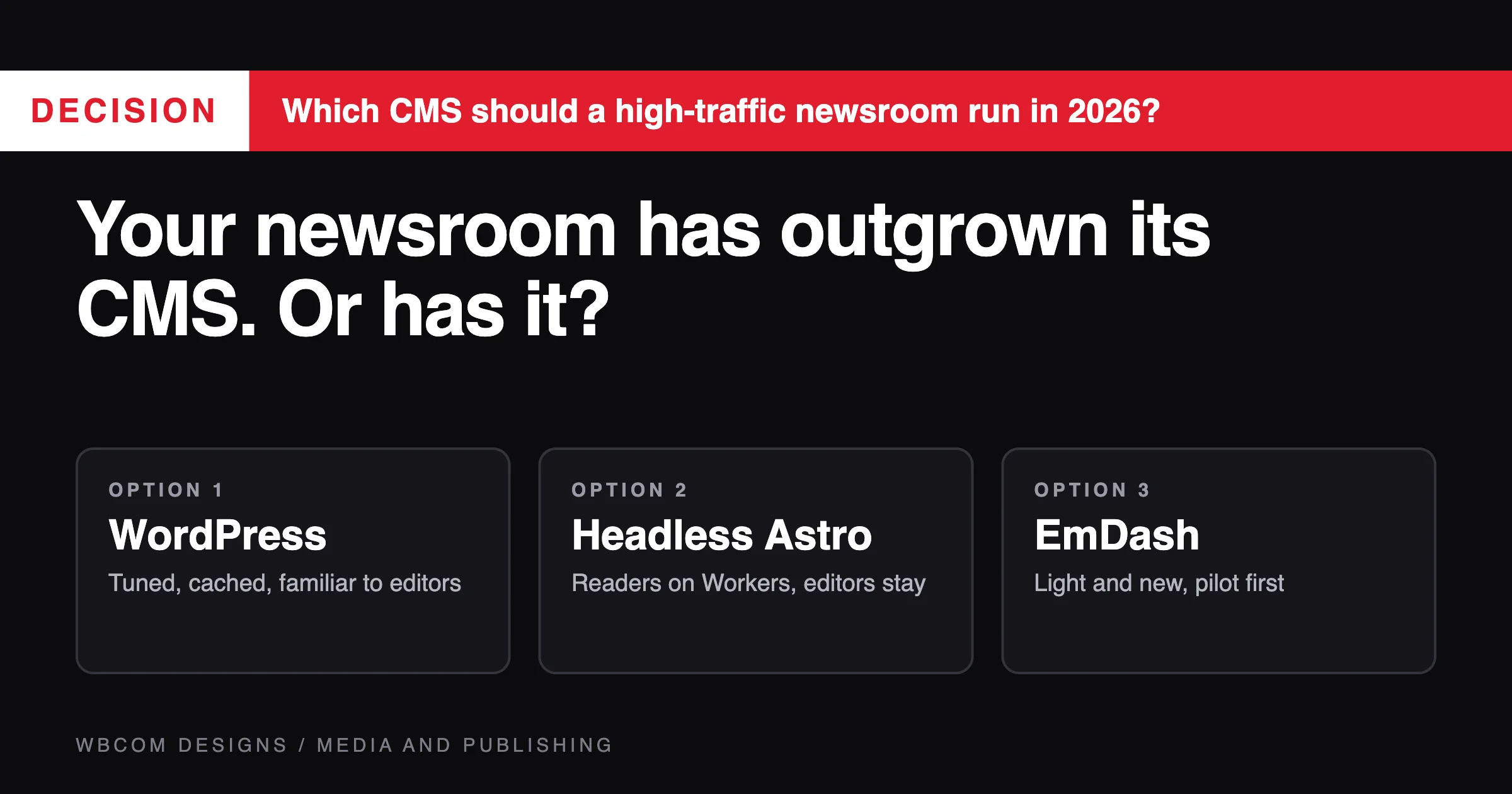
Most high-traffic newsrooms do not need a new newsroom CMS. They need the CMS they have to publish faster, survive a traffic spike and stop slowing the page down. If your editors are happy and the pain is speed or cost, tuned WordPress with a good cache is the right answer. If the pain is speed under heavy spikes, and you can run two systems, headless WordPress with an Astro front end on Cloudflare Workers is the next step, and it is what we run. EmDash is a lighter, newer option that we also run in production on five content sites, but we would not put a busy newsroom on it today. The rest of this article is how to choose a newsroom CMS and tell which of the three you are.
This is written for the editor-in-chief, head of digital or CTO of a publisher who has been told the newsroom has “outgrown” its CMS. That phrase can mean five different things, and the fix for each is different. We cover editorial workflow, breaking-news publishing speed, traffic spikes, caching, the ad stack and Core Web Vitals. Where we describe our own systems, we say what we run and what went wrong, because a buyer should hear both.
We already compared headless platforms in our headless CMS platforms comparison, explained headless WordPress with Astro, and covered the Astro CMSes pitched as WordPress’s successor. We do not repeat those. This piece is about the newsroom CMS decision.
What does “outgrown its CMS” really mean?
Ask five people in a newsroom and you get five answers. Sort them first.
- “It is slow for readers.” Pages take too long to load, especially under load. This is a delivery problem. It is often fixable without changing the CMS.
- “It falls over when a story takes off.” The site slows or fails during spikes. This is a caching and capacity problem.
- “Editors fight it.” Publishing takes too many clicks, workflow is awkward, or previews are wrong. This is an editorial tooling problem.
- “We cannot get a story live fast enough.” Publishing is delayed by a build, a cache or a queue. This is a pipeline problem.
- “It costs too much to run or change.” Licences, hosting or developer hours are the issue. This is a business problem.
Only some of those need a new platform. Write down which of the five applies to you, and rank them. The ranking shapes everything that follows.
Which three newsroom CMS options are we comparing?
| Option | What it is | Best fit | Main cost |
|---|---|---|---|
| WordPress, tuned | One WordPress site that renders pages itself, with page caching and a CDN | Most newsrooms, including large ones | Peak traffic depends on caching discipline |
| Headless WordPress with Astro | WordPress for editing, an Astro front end on Cloudflare Workers for readers | High-traffic publishers that want readers fully separated from the editing system | Two systems to run, and extra preview work |
| EmDash | Cloudflare’s open source CMS on Astro, with its own admin | Small to mid publications with simple needs | Young ecosystem, few plugins |
Editorial workflow: what does a newsroom CMS need to support?
A newsroom’s workflow is not a blog’s workflow. Before you compare platforms, write the states an article moves through at your organisation. A typical list is draft, in edit, fact-check, legal review, scheduled, published and corrected. Many newsrooms add an embargo state and a regional release step.
WordPress core ships with a few post statuses: published, scheduled, draft, pending and private. Anything beyond those, such as fact-check or legal review, is added with a workflow plugin or custom code. Our media and publishing page says we build custom edit queues, fact-check stages, legal review, embargo schedules and embargo-aware preview links on WordPress. That is a build, not a toggle, and it is worth scoping early.
What to test with real editors:
- Time to publish. How many clicks and seconds from a finished draft to a live story?
- Correction flow. Can an editor fix an error, add a correction note, and show an honest updated time without republishing the story as new?
- Preview. Does the preview look exactly like the live page? On a headless setup this needs extra work, and we say so on our headless page: two codebases to maintain and extra preview work.
- Roles. Can a stringer file, an editor approve, and a lawyer hold a story, each with only the access they need?
- Concurrent editing. What happens when two people open the same story?
- Mobile editing. Reporters in the field file from phones.
If your editors are happy with the editing screen, that is a strong argument for keeping WordPress as the editing system whichever front end you choose. Headless WordPress changes how readers get pages, and leaves the editing experience in place.
Breaking news: how fast can a story go live?
Speed to publish is the number one worry in a newsroom. Here is where time goes, and where each option adds delay.
Tuned WordPress. An editor clicks publish and the story exists in the database at once. The only delay is the cache. Good setups purge the story’s page and the pages that list it, such as the homepage and section pages, on publish. Done well, a story is live within seconds.
Headless WordPress on Workers. We run this pattern, and our write-up of request-time rendering describes it. A Worker fills page shells at request time from the WordPress REST API, and Workers KV is the cache. When a post is published, the publishing tool deletes that post’s cache entry and writes a new timestamp to a list-version key, so every list cache is invalidated at once. The write-up says the two writes go through the Cloudflare API and that KV propagation takes up to about a minute, so a new post is live in roughly that time, with no build or deploy.
Cloudflare’s own KV documentation explains why. It says KV is eventually consistent, and that “changes may take up to 60 seconds or more to be visible in other global network locations as their cached versions of the data time out.” It also says recently read keys, including negative lookups for missing keys, can take longer (Cloudflare: how KV works).
Our write-up handles the “missing key” case by caching “not found” results for only 60 seconds, so that a newly published story is not hidden for long. That detail matters for news. A reader who clicks a link to a story seconds after it goes live must not hit a cached 404.
So for a headline story, about a minute is the honest figure on our setup. For most newsrooms that is fine. For a live scoreboard, an election-night results page or a live blog that updates every few seconds, it is not, and those pieces need a different path, such as a small live feed that the page polls directly. That is our design suggestion, and not something Cloudflare or WordPress provides for you.
The old build-on-publish model. Many headless sites rebuild the whole site on every publish. For a newsroom that is the worst of the three, because build time grows with the archive. In our write-up, the author describes why the team moved away from it, including a failure on 28 September 2026 where an expired build token silently stopped new posts appearing on three sites. A newsroom cannot afford a publishing pipeline that fails without anyone noticing.
EmDash. Content is stored in D1, Cloudflare’s SQLite database, and the site runs as a Worker, so a published story is served from the database through the Worker. Our report on five sites on EmDash says uncached pages were slow before D1 read replication was switched on, with uncached home pages taking 10 seconds or more on some sites. After replication, the same pages dropped to between about 0.3 and 2 seconds. Those are our numbers on sites of a few hundred posts, and a newsroom with a large archive and heavy traffic needs its own test.
Traffic spikes: what happens when a story takes off?
A traffic spike is a load test you did not schedule. The question is where the requests land.
On tuned WordPress, readers hit the page cache or the CDN. As long as a page is cached, WordPress does little work. Trouble starts when many requests miss the cache at once, for example right after a purge of a popular page, which is called a cache stampede. Good setups serve a slightly stale copy while one request refreshes it. Logged-in users, comments and search bypass the cache and hit WordPress directly.
On headless WordPress with Workers, our write-up says WordPress only sees refresh traffic, and not one request per reader. Post entries are fresh for six hours and lists for ten minutes, with stale entries served at once and refreshed in the background. The same write-up says Cloudflare Workers KV is the only cache. This is the design that best separates readers from the editing server, and it is why a viral story does not take down the CMS.
There is a catch for news. A ten-minute freshness window on lists is too long for a homepage during a fast-moving day, so on a newsroom the list freshness is tuned shorter and the purge on publish does the real work. Tune the numbers to your editorial rhythm.
On EmDash, the site is served from Cloudflare’s network, and the database sits behind it. The same report says all five of our primaries sit in the Asia-Pacific region, and that uncached query time dropped from 200 to 400 milliseconds to 12 to 80 milliseconds with read replication. For a spike, the cache hit rate is what protects you, and you must test it.
How to test for spikes before you commit
A load test is the one honest answer to “will it survive?”
- Pick your real top ten stories from the last major news event, and the homepage and section pages around them.
- Replay that request pattern against staging, ramping to several times your previous peak.
- Test the cold case: purge a popular page during the test and watch what happens.
- Test publishing during the spike: can an editor publish a new story while the load runs?
- Watch the origin. If WordPress or the database is working hard during the test, the cache is not doing its job.
Caching: what does a newsroom CMS setup need to get right?
Caching is where most newsroom speed problems are solved. Whatever platform you choose, check these.
- Purge on publish, and on edit. A published story, a corrected story and an unpublished story must all clear the story page and the pages that list it.
- Related lists. Homepage, section pages, tag pages, author pages, “most read” and “related stories” all need a plan.
- Stale-while-revalidate. Serve a stale copy during refresh, so readers never wait for the origin.
- Error handling. If the origin is down, serve the last good copy, and never cache an error as a “not found.” In our write-up, the Worker returns a 503 with a retry header when WordPress is unreachable and never caches it as a 404.
- Negative caching. Cache “not found” for a short time, so new stories appear quickly.
- Cache keys. Query strings from ads, social shares and campaign links must not create a separate cache entry for every visitor.
- Logged-in traffic. Subscribers, paywalls and comments often bypass the cache. Plan capacity for that.
Our write-up lists real failures we hit, and they are a useful checklist for any build. A cached REST answer from before publication caused a 404, which was fixed by adding a unique cache-busting value to each Worker request. A WordPress firewall blocked the Worker until it identified itself with an allowed agent name. Misspelled or differently cased slugs get a 301 to the real slug, so each story has one cache entry. A renderer read the wrong SEO plugin’s field and produced empty titles and schema on sites running another plugin. Each of these is a problem you would rather find on staging.
The ad stack and Core Web Vitals: where do newsrooms lose speed?
For many newsrooms, the CMS is not the slowest thing on the page. The ad stack is.
Google’s Core Web Vitals have published thresholds. Per web.dev, a “good” result is a Largest Contentful Paint within 2.5 seconds, an Interaction to Next Paint of 200 milliseconds or less, and a Cumulative Layout Shift of 0.1 or less, each measured at the 75th percentile of page loads (web.dev: Web Vitals).
Ads affect all three.
- Layout shift. An ad that loads late and pushes the article down is the most common cause of a bad shift score. Reserve the slot’s height before the ad loads.
- Loading. Many ad calls at the top of the page delay the main content. Lazy-load ads below the fold.
- Interaction. Heavy scripts from bidders and consent tools slow the page’s response to taps and clicks.
- Header bidding timeouts. A long auction timeout delays ad display, and a short one lowers revenue. Tune it with the ad operations team, with revenue and speed both on the table.
Our media page says we work with Google Ad Manager and header bidding through Prebid, with lazy-loaded ads intended to keep Core Web Vitals passing. The test that matters is the same on any platform: measure the real page with the real ad stack turned on, not a clean template with ads off. A platform change that makes the template fast and then drops the unmodified ad stack on top gives you the old speed back.
Also compare field data and lab data. Field data comes from real readers, and it is what Google measures. Lab data is useful for debugging, but it can look better than reality.
What about SEO and Google News in a headless setup?
A move to headless does not change what Google needs from a news page: clear dates and bylines, working structured data, a news sitemap, crawlable pages and stable URLs. The renderer must output the same markup the old site did. Our write-up lists real traps, such as a front end reading the wrong SEO plugin’s field. If you are moving platforms at the same time, our guide to moving a news portal to WordPress without losing search traffic, published on this site on 12 November, covers redirects, NewsArticle markup, the news sitemap, AMP leftovers and paywalls using Google’s own documentation.
When is plain WordPress still the right newsroom CMS?
More often than agencies like to admit. Stay on server-rendered WordPress, tuned well, when:
- Your readers are served mostly from a CDN cache, and spikes are handled.
- Editors depend on plugins that print front-end output, such as paywalls, forms, polls and live tools, because those need a replacement in a headless front end.
- You have a small team that cannot run two systems.
- Your problem is a slow ad stack or an untuned database, and a new front end would not touch it.
Fix the cache, the ads and the slow queries first. Then see whether the problem is gone. A rewrite is expensive, and a tuning pass is cheap.
When does headless WordPress with Astro earn its keep?
Choose it when:
- Spikes are a recurring problem, and you want readers fully separated from the editing system.
- You want full control of the front end, including layout, ad slots and performance budgets.
- You have the team, or a partner, to run two systems. Our headless page lists the trade-offs plainly: two codebases to maintain, front-end plugins that no longer render on their own, and extra preview work.
- Your editors are happy in WordPress and you want to keep that.
Our headless page says WooCommerce, BuddyPress, MemberPress and EDD stay on WordPress, with the domain split by URL prefix at the edge. For a newsroom with a subscription store or a members area, that split is how paywall and account pages stay on WordPress while articles come from the fast front end.
When does EmDash make sense as a newsroom CMS?
EmDash is an open source CMS from Cloudflare, built on Astro and released under the MIT license. Version 1.0 shipped on 28 September 2026. We run five content sites on it, and our report on them says it suits blogs, documentation, marketing, lead-generation and publication sites. The same report says the author would not move communities, stores, course platforms or membership sites today, because WordPress’s plugin ecosystem is not yet matched.
For a newsroom, that points to a split answer. A small digital publication with a few editors, no paywall and a simple ad setup could be a good fit, and the running cost and complexity are low. A busy newsroom with legal review, a paywall, many ad partners and heavy workflow is asking for the plugin ecosystem that WordPress has and EmDash does not yet. The same report lists problems we hit: slow uncached pages before read replication, long first requests during a runtime migration on one version, and a preview deployment that used the production database. A young codebase also has had less scrutiny, and security depends on how fast fixes are applied.
So our advice is plain. EmDash is worth a pilot on a secondary title or a section site. We would not make it the main platform of a high-traffic newsroom today. Read our comparison of the Astro CMSes for the longer view.
How should you run the newsroom CMS decision?
Run a short bake-off for your newsroom CMS, not a debate.
- Define the five measures. Time from publish to live, time to first byte on a cold page, cache hit rate under a replayed spike, Core Web Vitals with real ads, and editor time to publish.
- Pick one section or one story type to prototype on each shortlisted option.
- Use real editors and real ads, not a demo template.
- Replay a real spike against each prototype.
- Score them against your ranked pain list from the start of this article.
- Price the running cost over three years, including the two-system cost of headless and the plugin replacements it needs.
If the winner is “tune what we have,” that is a good result. It costs the least and carries the least risk.
How do you move a live newsroom safely?
If the answer is a new front end or a new platform, the move follows the same rules as any newsroom migration. Map every old URL and redirect it with a single 301, keep dates and bylines, carry structured data and the news sitemap across, and test the paywall markup. Our media page says migrations are done section by section while live publishing continues, and our migration page describes staged cutover with 30 days of monitoring afterwards. A newsroom can move one section at a time, with the homepage last, and keep the old system running behind it until the new one has proved itself.
A checklist for the editor-in-chief
- We know which of the five pains is ours, and in what order.
- Editors have tested the current editing screen against the list: time to publish, corrections, preview, roles.
- We have a measured publish-to-live time for the current system.
- We have replayed a real traffic spike against the current system, and know where it breaks.
- Our Core Web Vitals are measured with the real ad stack on, using field data.
- We have tried tuning the cache and the ads before a rebuild.
- If headless, we know who runs the two systems after launch.
- Live blogs, results pages and scoreboards have a plan that does not depend on a one-minute cache.
- The migration plan keeps URLs, dates, bylines, markup and the news sitemap.
- Someone owns the 30 days after cutover.
Questions people ask
Should a newsroom use headless WordPress?
If spikes are a recurring problem and you can run two systems, it is worth a serious look. If your problem is a slow ad stack or an untuned cache, fix that first. Editors keep the WordPress editing screen either way.
How fast can a breaking story go live on a headless setup?
On our setup, about a minute, because Cloudflare says KV changes can take up to 60 seconds or more to be visible in other locations. For live blogs and result pages that change every few seconds, plan a separate live feed.
Is EmDash ready for a high-traffic newsroom?
Version 1.0 shipped on 28 September 2026, and we run five content sites on it. We would pilot it on a secondary title, and keep a busy newsroom on WordPress for now, mainly because of the plugin ecosystem and workflow needs.
What are the Core Web Vitals targets?
Per web.dev, a good result is an LCP within 2.5 seconds, an INP of 200 milliseconds or less and a CLS of 0.1 or less, measured at the 75th percentile of page loads.
Do ads break Core Web Vitals?
They often do, through late-loading slots that shift the layout and heavy scripts that slow interaction. Reserve slot heights, lazy-load below the fold and test with the real ad stack on.
Can we keep our editors on WordPress with a new front end?
Yes. That is the point of headless WordPress: the editing system stays, and the front end changes. Preview needs extra work, and we say so on our headless page.
The next step
If your newsroom feels it has outgrown its CMS, start by naming the pain and measuring it. We can run that audit with you: publish-to-live time, a replayed spike, Core Web Vitals with your real ad stack, and an editor test. Then we will tell you honestly whether tuning, headless or a pilot of something newer is the right move. See how we work with publishers on our media and publishing page and what a headless build involves on our headless WordPress service page. A free discovery call leads to a written fixed-price quote within 48 hours.
Related reading