
8 min read
How to Sell Online Microblading Courses with Certificates


A microblading training site has two jobs: deliver video-heavy lessons to students who are mostly on their phones, and issue a certificate that a licensing board or a salon owner will take seriously. WordPress plus an LMS plugin handles both, and you can have a working site for under $500 in year one. This guide walks through the stack we use for beauty-industry training clients, the course structure that fits microblading specifically, how to build a verifiable certificate, and where the legal lines are.
Start with the certificate question, not the website
Microblading is regulated, and the rules vary by country and by state. In the United States most states treat it as tattooing, which means the practitioner needs a state licence or registration, a bloodborne pathogens certificate, and in many states a set number of supervised practical hours. An online certificate of completion from your academy does not replace any of that, and your site should say so plainly.
What your certificate can legitimately do:
- Prove the student completed your theory curriculum (skin anatomy, colour theory, sanitation, client consultation, aftercare).
- Count towards continuing education where a board accepts provider-issued CE hours.
- Act as the entry requirement for an in-person practical module you run separately.
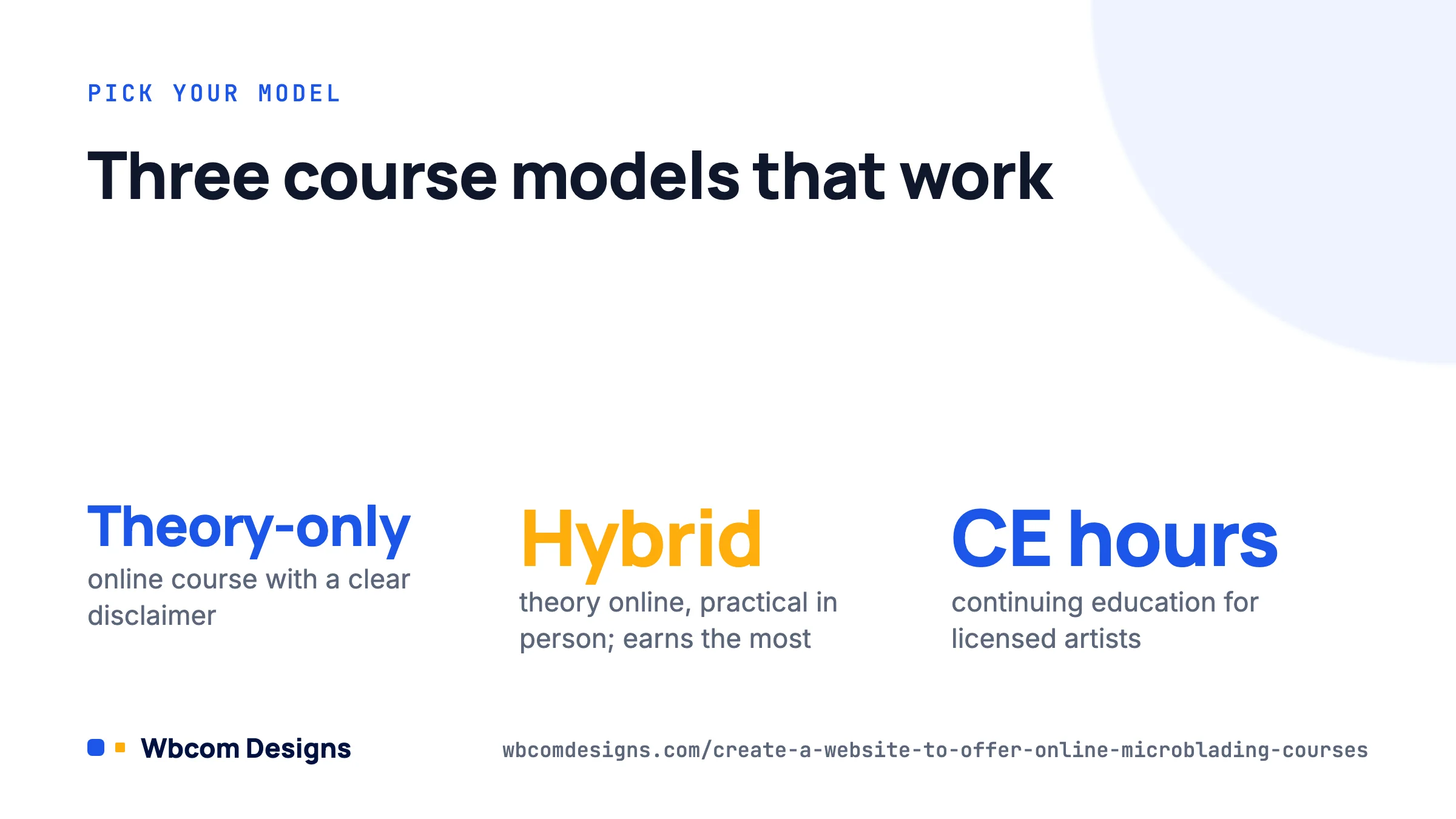
Decide your model before you pick plugins. The three we see work are theory-only online with a disclaimer, hybrid (online theory plus a booked in-person practical, with the certificate issued after both), and continuing education for already-licensed artists. The hybrid model earns the most per student and is the easiest to defend if a regulator asks. Whichever you choose, put the scope of the certificate on the sales page and on the certificate itself.
Choosing the LMS plugin
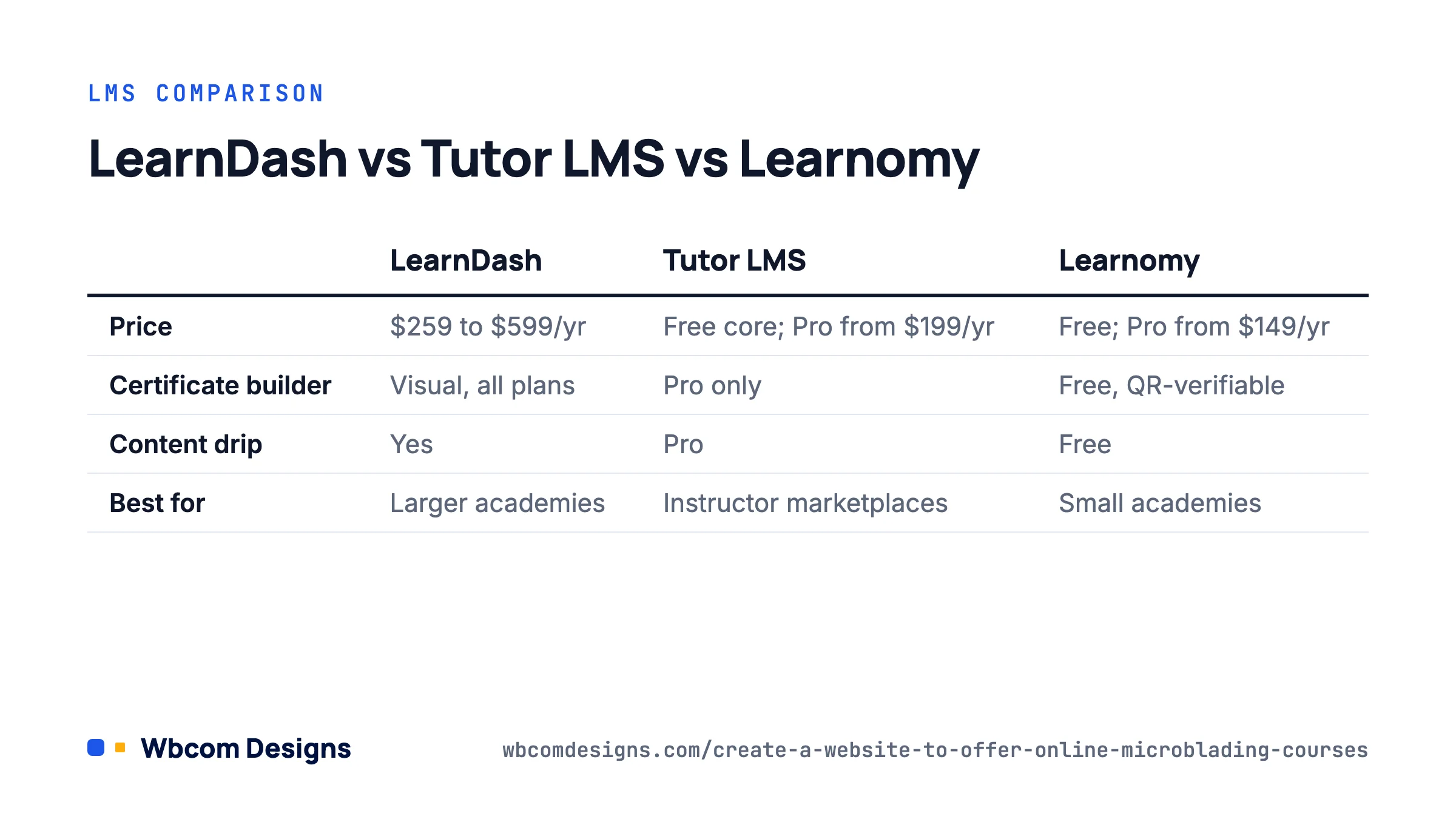
The LMS is the one decision that is painful to reverse, so we compared the three options we actually deploy. Prices are annual, as listed in August 2026.
| LearnDash | Tutor LMS | Learnomy | |
|---|---|---|---|
| Price | $259/yr (1 site) to $599/yr | Free core; Pro from $199/yr (1 site) | Free; Pro from $149/yr for cohorts and learning paths |
| Certificate builder | Visual Certificate Builder (block-based), all plans | Certificate builder in Pro | Drag-and-drop designer, free; signed and QR-verifiable |
| Quizzes | 8 question types, question banks | 10+ question types in Pro | 6 types free, 11 with Pro |
| Content drip | Yes | Pro | Free |
| Selling courses | Built-in Stripe/PayPal, or WooCommerce add-on | Built-in, plus WooCommerce | Stripe and PayPal built in, subscriptions included |
| Best for | Larger academies that want the biggest add-on ecosystem | Front-end course building, instructor marketplaces | Small academies that need certificates and billing without paying for add-ons |
Our position: for a single-instructor microblading academy, Learnomy covers the full requirement list for free, including the certificate designer and recurring billing, so that is where we start. If you already own LearnDash or need a specific LearnDash add-on (ProPanel reporting, for instance), LearnDash is the safer long-term bet and our Dashboard for LearnDash gives instructors a front-end view without wp-admin. Tutor LMS makes sense when you plan to onboard other trainers who build their own courses.
Avoid page-builder “course” templates that are not backed by an LMS. They cannot track completion, so they cannot issue a certificate conditionally, and that is the whole point.
Hosting, domain and theme
Microblading courses are video. A typical theory course runs 6 to 10 hours of footage, and close-up demonstration clips need to be sharp enough to see stroke depth. Do not host the video on your web server; it will saturate the bandwidth of a shared plan the first week you have twenty students. Use Bunny Stream (roughly $0.005 per GB delivered, which is a few dollars a month for a small academy), Vimeo, or unlisted YouTube if privacy is not a concern. The LMS embeds the player.
For the WordPress host itself, a mid-tier managed plan (Cloudways, SiteGround GoGeek, Kinsta Starter) is enough. You need PHP 8.1 or newer, at least 256 MB PHP memory, and object caching if you go past a few hundred active students.
Domain: keep it short and include either your brand or the word “academy”. Avoid “microblading” plus a location unless you only ever plan to teach locally, because you will outgrow it.
Theme: pick one that ships LMS templates so you are not styling lesson pages by hand. Reign with the LearnDash add-on is what we use for LearnDash builds, and the free BuddyX theme styles LearnDash, Tutor LMS and Learnomy course pages out of the box. Both also handle the student community piece (discussion, Q&A, peer photo sharing), which matters more than people expect in a hands-on craft.
Structuring the curriculum
A structure that maps to how microblading is actually taught, and that converts cleanly into LMS sections and lessons:
- Module 1: Foundations. Skin anatomy and the dermis, Fitzpatrick skin types, contraindications (pregnancy, accutane, keloid history, diabetes), consultation and consent forms. End with a 20-question quiz, 80% pass mark.
- Module 2: Sanitation and safety. Bloodborne pathogens, sterile field setup, single-use tools, sharps disposal, local regulatory requirements. Quiz, 100% pass mark on the safety questions. Make this module a prerequisite for everything that follows.
- Module 3: Brow design. Facial mapping, golden ratio, measuring with string and callipers, symmetry corrections. Assignment: upload photos of three mapped practice faces.
- Module 4: Colour theory and pigments. Undertones, pigment selection by skin type, healed colour prediction, colour correction basics. Quiz.
- Module 5: Stroke technique. Blade selection, pressure and depth, stroke patterns, practice on latex and synthetic skin. Assignments: uploaded latex sheets at three stages, instructor-graded.
- Module 6: The procedure. Full start-to-finish demonstration, numbing protocol, aftercare instructions, touch-up scheduling. Quiz.
- Module 7: Business. Pricing, insurance, portfolio, consent templates, marketing. Optional for certification.
Use content drip with a short gap (two or three days) between Modules 4, 5 and 6. Students who binge the stroke technique module without practising do poorly on the assignment, and drip gives you a defensible record that they had practice time. Use the prerequisite setting so Module 2 must be passed before anything else becomes available.
Graded assignments are where the instructor’s time goes. Budget 10 to 15 minutes per latex sheet review. If you plan to scale past a handful of students a month, either raise the price to cover grading time or set up a second instructor account with grading permissions only.
Building the certificate
The certificate should be conditional on completing every required module and passing every quiz, which all three LMS plugins support. In LearnDash the certificate is attached at course level under LearnDash LMS → Courses → [course] → Settings → Certificate, and quiz certificates can be attached separately if you want a printable safety-module certificate too. In Learnomy it is under the course’s Certificate tab; in Tutor LMS Pro under Tutor LMS → Certificate.
What to put on it:
- Student’s full legal name (pull from the profile field, and make the field required at checkout).
- Course title and the exact scope (“Microblading Theory, 40 hours” rather than “Certified Microblading Artist”).
- Completion date and a unique certificate ID.
- Instructor name, signature image, and your academy’s registered business name and address.
- A verification URL or QR code. Learnomy generates a signed, QR-verifiable certificate natively. For LearnDash, the certificate ID and a simple public lookup page (a short custom template that queries the user’s completion record) does the same job; we build this for most LearnDash clients because salon owners do check.
- If you are an approved CE provider anywhere, the provider number and hours awarded.
Design tip: A4 or US Letter landscape, two fonts at most, and export the background as a flattened PNG at 300 dpi so printing looks right. Test the PDF on a phone, because that is how most students will first open it.
Selling and delivering the course
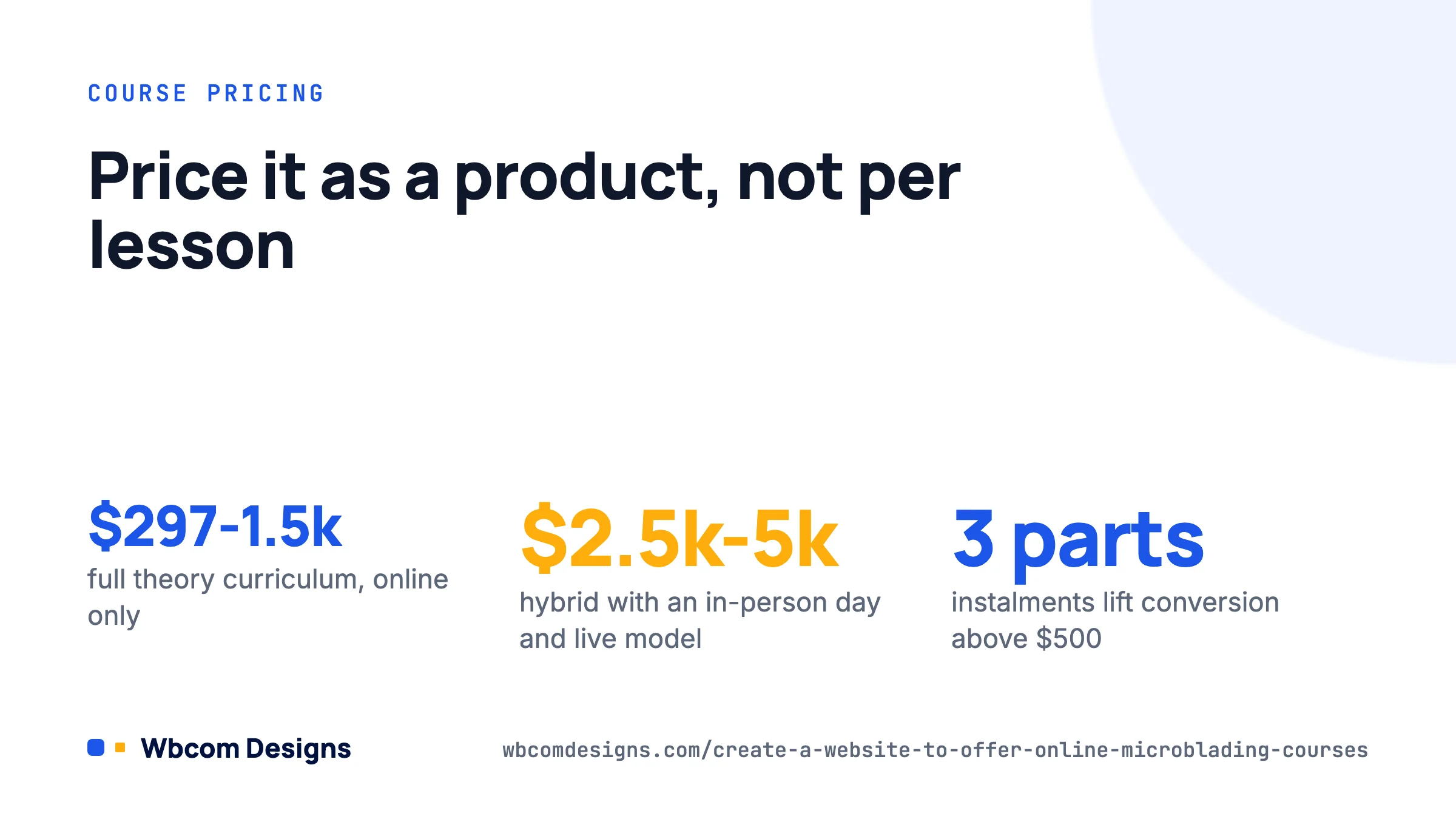
Price the course as a product, not per lesson. For a full theory curriculum the range we see is $297 to $1,500 online-only, and $2,500 to $5,000 for hybrid courses including an in-person day with a live model. Offer a payment plan; three instalments noticeably lifts conversion on anything over $500, and both LearnDash (via Stripe recurring) and Learnomy (subscriptions built in) handle this without WooCommerce.
On the sales page, show the curriculum outline, sample lesson footage, the certificate preview, and the regulatory disclaimer. Use FAQ schema for the questions below; Google shows it.
Protect the video. If you are on Bunny Stream or Vimeo, restrict embeds to your domain. If you need per-student watermarks (name and IP burned into the player, which is a strong deterrent to course-sharing groups on Telegram), MediaShield adds that on top of any of the LMS plugins and reports who watched what.
Frequently asked questions
Can students legally practise microblading with only my online certificate?
In most jurisdictions, no. They will also need the local tattoo or permanent makeup licence, a bloodborne pathogens certificate, and whatever practical requirement the state or country sets. Say this on the sales page and the certificate.
How long should the course be?
Theory curricula that boards accept tend to run 30 to 50 hours. Six to eight hours of video plus readings, quizzes and practice assignments reaches that comfortably. Log the expected hours per module in the LMS so the total is on record.
Do I need WooCommerce?
Not unless you also sell physical kits. All three LMS plugins take payment directly. If you do sell pigments and blades, WooCommerce plus the LMS’s WooCommerce integration lets students buy the course and the kit in one order.
What about students in other countries?
Sell in USD or EUR, issue the certificate in English, and add a note that local licensing requirements apply. Stripe handles currency conversion. Check VAT rules if you sell into the EU; digital education is taxable at the buyer’s rate in most member states.
Where to start
Write the certificate scope statement first, one sentence. Then install WordPress, Learnomy or LearnDash, and a theme with LMS templates. Build Module 2 (sanitation) end to end, including the quiz and the certificate, before you record anything else; it proves the pipeline works. Record the remaining modules in order, set up drip and prerequisites, and launch with a founding-student discount to your existing clients. If you would rather hand the build to someone who has done it before, our development services include LMS setup with certificate verification, and we are happy to quote on a fixed scope.
Related reading