
7 min read
How to Build an Online Community Website

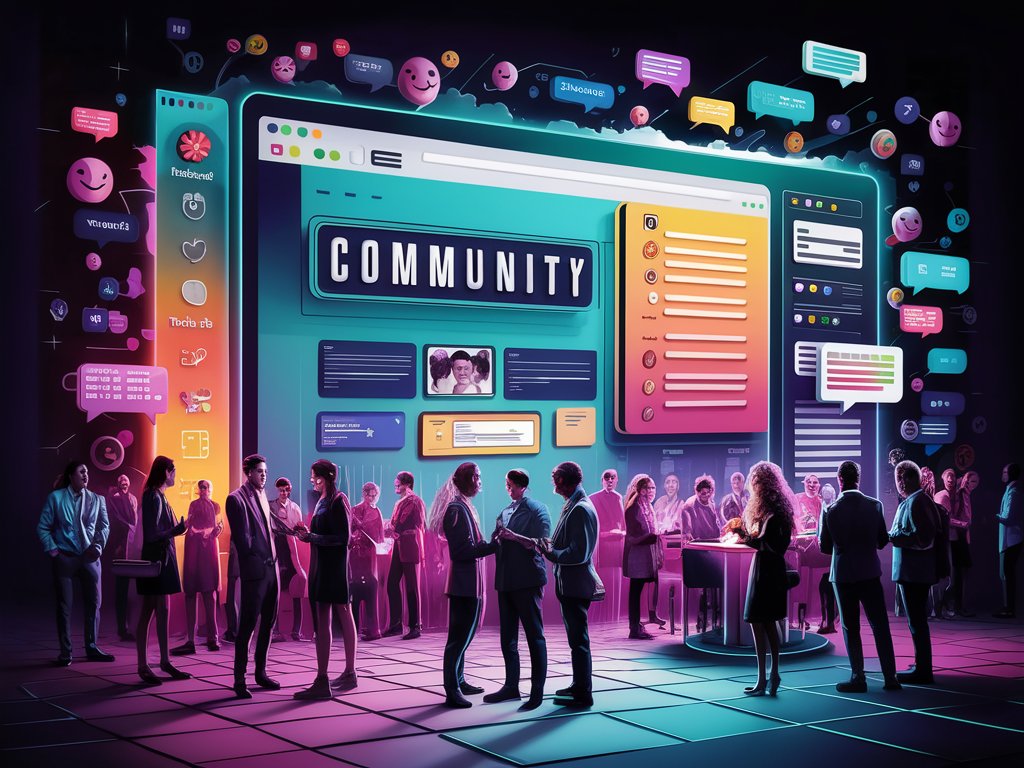
A community website is a platform designed to unite individuals with common interests, goals, or activities. These websites foster interaction, collaboration, and a sense of belonging among members, making them integral to building and maintaining online communities. Whether focused on hobbies, professional networking, education, or social causes, community websites offer a structured environment for communication and engagement.
At Wbcom Designs, we create dynamic and engaging community websites using our premium Reign Theme and BuddyX Theme. These themes are designed to enhance the user experience and provide all the essential features for a thriving online community.
Last updated: 7 November 2026
Quick answer
To build an online community website on WordPress, install a community engine such as BuddyPress (profiles, groups, activity streams, friendships, private messaging) or bbPress (forums), add a community-ready theme like Reign or BuddyX, then set up moderation rules before you invite members. Start with one clear purpose, a small set of features and a plan for keeping the first members active.
Key Components of a Community Website
The table below summarizes the building blocks covered in this article.
| Component | What it does | Why it matters |
|---|---|---|
| User profiles | Personal details, photos and activity history | Lets members get to know each other |
| Discussion forums | Topics, questions and replies | Builds a searchable knowledge base |
| Activity feeds | Recent posts, comments and likes | Keeps members informed and returning |
| Groups | Smaller communities inside the main one | Focuses conversation around shared goals |
| Private messaging | Direct member-to-member chat | Deepens relationships |
| Events | Calendar for webinars and meetups | Moves online interest into real participation |
| Media sharing | Photo, video and file uploads | Encourages members to share their work |
| Moderation | Content review and user management | Keeps the space safe and welcoming |
A thriving community website starts by allowing users to create and manage their profiles. User profiles typically include personal information, photos, and activity histories, enabling members to connect more personally. This foundational feature sets the stage for deeper interactions and a stronger sense of community.
Discussion forums are another critical component, allowing members to post topics, ask questions, and engage in discussions. With our themes, you can seamlessly integrate robust forums, facilitating meaningful conversations and sharing knowledge.
Activity feeds are essential for keeping members informed and engaged. Our themes include customizable activity feeds that display recent activities of community members, such as posts, comments, likes, and shares. This feature helps maintain a lively and interactive community environment.
To further enhance engagement, groups, and sub-communities allow members to form smaller, focused groups within the larger community. These groups can be centered around specific interests or goals, providing a more intimate setting for members to connect and collaborate.
Private messaging and chat features enable direct communication between members, fostering deeper connections. Our themes support these features, ensuring your community can easily stay in touch and build relationships.
Events and calendar integration are crucial for organizing and promoting events, webinars, and meetups. Our themes come with built-in tools to manage events, making it easy to keep your community informed and involved.
File sharing and media galleries allow members to upload, share, and comment on photos, videos, and other files. This enhances engagement and interaction by allowing members to share their experiences and creations.
Effective moderation tools are vital for maintaining a positive environment. Our themes offer comprehensive moderation features that allow admins to monitor content, manage user behavior, and enforce community guidelines, ensuring a safe and welcoming space for all members.
Which software runs a WordPress community?
Two open-source projects do most of the work. According to the BuddyPress website, BuddyPress provides extended profiles with custom fields and visibility levels, user groups, activity streams for members and groups, notifications with read and unread tracking, friendships, and private messaging among several members at once. It can also be extended with third-party components.
bbPress is forum software from the creators of WordPress. Its site describes asynchronous discussion, user profiles and subscriptions, with one account and one admin area shared with the rest of your WordPress site.
Many communities combine the two: BuddyPress for the social layer and a forum for long-running topics. Keep the stack current, because community plugins handle member accounts and private data. BuddyPress, for instance, publishes security releases across several maintained branches, so plan regular updates.
For a side-by-side look at theme options, see our comparison of the best BuddyPress community themes for WordPress.
Measure whether the community is working
The 2025 CMX Community Industry Report, now in its seventh year, names four themes for community professionals: leaner teams, shifting budgets, proving impact and choosing tools such as AI and community platforms. The practical lesson for a small site is to decide early what success looks like, for example weekly active members, questions answered or groups created, and to review it on a schedule.
Benefits of a Community Website
Creating a community website with Reign Theme or BuddyX Theme offers numerous benefits. One of the most significant is enhanced engagement. Our themes offer multiple channels for interaction, encouraging members to participate more actively and frequently.
Another benefit is stronger connections. Our themes help build strong, meaningful relationships by providing various ways for members to interact. Whether through forums, groups, or direct messaging, members have ample opportunities to connect.
Knowledge sharing is facilitated through our well-designed discussion forums and activity feeds. These platforms enable exchanging information, ideas, and experiences, fostering a collaborative learning environment.
Support networks are also a crucial aspect of community websites. Members can find support and encouragement from others facing similar challenges or pursuing similar goals. Our themes are designed to create a supportive and inclusive community environment.
Increased loyalty and retention are key outcomes of a well-maintained community website. Members who feel valued and part of a close-knit group are likelier to stay engaged and loyal to the community. Our themes include features that enhance user experience and promote member retention.
Why Choose Reign Theme or BuddyX Theme?
Choosing the right platform is critical to the success of your community website. Reign Theme and BuddyX Theme are among the best platforms for building community websites. They offer a range of features tailored to meet the needs of various types of communities.
Reign Theme provides a sleek and modern design, with customizable options that allow you to create a unique look for your community website. It is equipped with advanced features such as user profiles, forums, activity feeds, groups, private messaging, and event management tools.
BuddyX Theme, however, focuses on providing a user-friendly interface with intuitive navigation. It is perfect for communities that prioritize ease of use and accessibility. BuddyX Theme includes all the essential features needed for a vibrant community, including customizable user profiles, discussion forums, activity feeds, and group management.
Both themes are fully responsive and mobile-friendly, ensuring that your community members can access the website from any device. They are also compatible with a wide range of plugins, allowing you to extend the functionality of your community website as needed.
Get Started with Wbcom Designs
Building a successful community website requires the right tools and expertise. At Wbcom Designs, we offer comprehensive solutions to help you create and manage a thriving online community. Our Reign Theme and BuddyX Theme provide all the essential features and customization options needed to meet the unique needs of your community.
Contact us today to learn more about our community website solutions and how we can help you build a vibrant and engaged online community. With Wbcom Designs, you can transform your vision into a powerful online experience that brings people together and fosters meaningful interactions.
Frequently asked questions
What is the best platform for a community website?
On WordPress, BuddyPress is the most established choice for a social community, and bbPress is the choice for a forum-only site. Pair either with a theme built for community layouts. The right pick depends on whether you need profiles and groups or just discussion threads.
What features does a community website need?
At minimum: member profiles, a way to talk (forums, activity feed or groups), notifications and moderation tools. Add events, messaging and media sharing once members ask for them.
Can I build a community website without coding?
Yes. BuddyPress and bbPress install as plugins, and a community theme handles layout. Setup is done in the WordPress dashboard.
How do I keep a community safe?
Publish clear guidelines, give moderators the ability to review and remove content, and let members report posts. Moderation should be live before you open registration.
How do I get the first members active?
Invite a small group who share a clear interest, seed a few useful discussions, and welcome each new member by name. A focused starting group is easier to keep active than a large empty one.
Related reading: Is WordPress Still the Right Base for Your Site?
Related reading