
3 min read
Is AI Website Building Easier Than Using Old Page Builders?


Building a website used to feel like solving a Rubik’s Cube blindfolded. Drag-and-drop builders like WordPress, Wix, and Elementor changed that, making the process far more approachable. They earned a reputation for being friendly to people who once found web design baffling, and now that AI Website Building has taken off, spinning up a site has never been quicker.
There’s a new challenger on the scene: the AI website generators. One tool plays thinker, writer, and designer at once. Anyone who has wrestled with a button in Elementor, never quite getting it right, knows the frustration these tools aim to kill. The AI generators take over that struggle and fix the alignment in seconds.

What Is an AI Website Builder
Picture a developer and a copywriter rolled into one and powered by AI. That is roughly what these AI website design generators are. They can pick up your style and then build custom layouts, colour palettes, and even copy from their built-in intelligence. Combining design automation with content generation, they listen to what you say about your business and produce a polished website fast.
Next to no-code tools and drag-and-drop builders, they offer a fresh take on the whole process. The mind-numbing tasks that usually come with building a website give way to intuitive suggestions.
Traditional Page Builders: Still Got Game
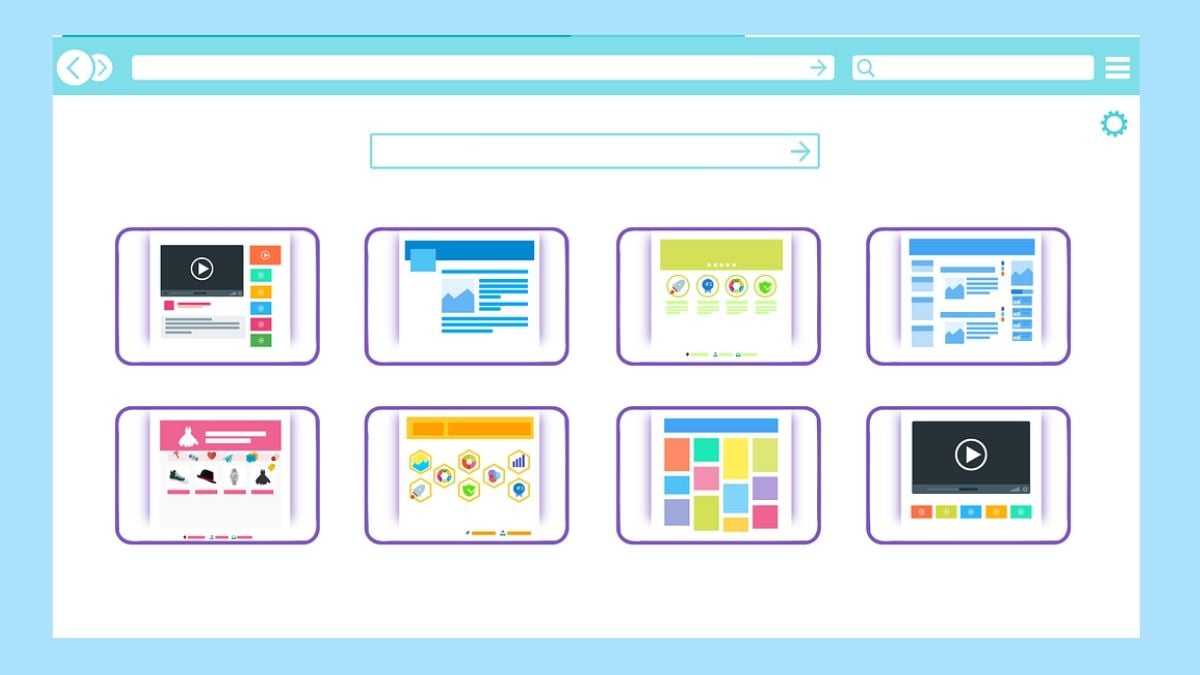
When it comes to web design, traditional page builders like WordPress, Wix, and Elementor are still at the top of the game. They pack an impressive range of design capabilities, fine layout control, and a huge library of templates. Pixel-perfect customisation is what these platforms are known for. You can drag, drop, resize, recolour, and rearrange your site down to the last millimetre.
If you need absolute control over how your website looks and feels, these traditional builders hand you a blank slate.
Side-by-Side Comparison: AI vs Traditional
| Feature | AI Website Builders | Traditional Page Builders |
|---|---|---|
| Time Saving | Auto builds pages in seconds | Manual setup takes hours |
| Layout and Design Flexibility | Limited to AI-generated styles | Full creative control |
| Responsive Design | Automatic across devices | Needs manual tweaking |
| Website Speed and Optimisation | Auto optimised by AI | Depends on the theme or plugins |
| SEO Friendly | AI handles on-page SEO setup | Manual meta input required |
| Automation | Built-in smart workflows | Mostly manual updates |
| Learning Curve | Beginner friendly | Takes practice |
| Content Generation Support | AI writes copy for you | You write your own content |
The UX Factor

AI-powered website builders keep the experience easy. They take your ideas and turn them into smooth, intuitive layouts, text, and designs that barely need any clicking around.
Traditional website builders offer more flexibility, but that can also create resistance. Their visual editors are friendly enough, yet you still have to work out the design yourself, whereas AI tools do the heavy lifting.
Traditional builders ask you to dig deeper. It comes down to balancing how much you hand to the computer against how much you keep in your own hands.
Also Read: How to Make a WordPress Website with AI?
Real Life Scenarios: Who Should Use What
AI website builders are a smart pick for beginners, solopreneurs, or small businesses that want a great-looking site up and running quickly. They are fast, affordable, and ask for no design skills.
If you are a developer or designer chasing pixel-perfect precision, traditional page builders are still the go-to. Agencies, ecommerce stores, and complex sites need complete control.
Think of AI as your autopilot and traditional tools as your manual gearbox. Choose what fits your journey.
Final Verdict on AI Website Building
AI-generated websites can be live within hours. These tools shine at design automation, speed, and simplification, while traditional builders still win on creativity and customisation. The real trick is balance: let the AI handle the hard work, then add the finishing touches yourself.
FAQ
Is AI web design better than drag-and-drop editors
It depends on your needs. AI tools are faster and automate website optimisation, while drag-and-drop editors offer more hands-on creativity.
Can AI builders replace WordPress or Elementor?
Not entirely. AI tools are excellent for speed and simplicity, but WordPress and Elementor still lead in customisation and plugin flexibility.
Are AI website generators SEO friendly?
Yes. Most AI builders include SEO-friendly features such as auto-generated meta tags, mobile responsiveness, and fast loading speeds.
Interesting Reads:
Local SEO and Traditional SEO: Understanding the Core Differences That Drive Success
11 Best AI Website Builders To Create Websites
Elementor Review 2025: Is It Still the Best WordPress Page Builder?
Related reading