
9 min read
10 AI Graphic Design Tools to Boost Your Efficiency

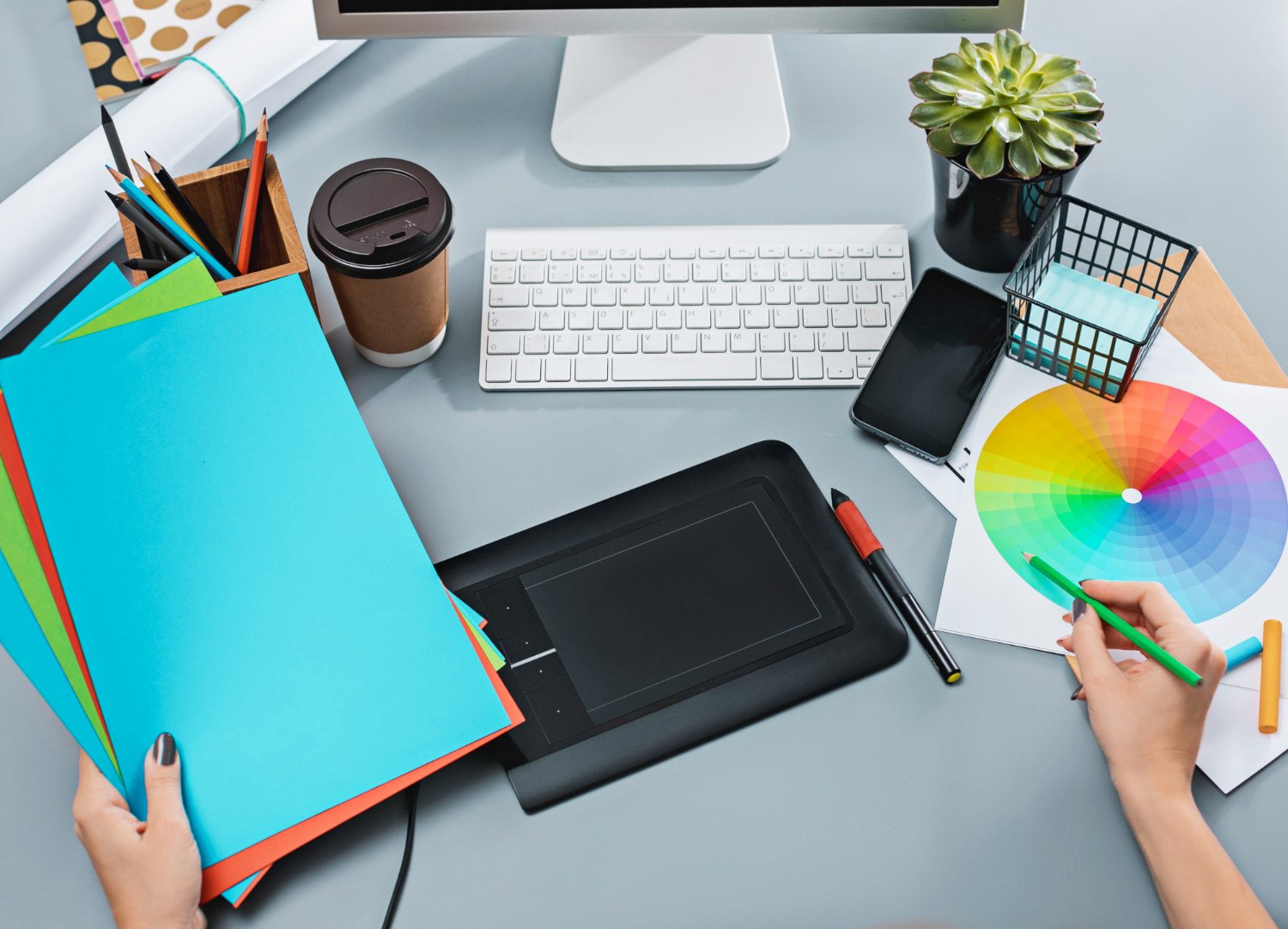
High-quality graphic design matters for businesses, content creators and marketers, but not everyone has the time, budget or skills to design from scratch. AI-powered graphic design tools automate repetitive design work, generate visuals from a text prompt and speed up production of logos, social graphics and marketing material.
This post covers 10 AI graphic design tools, with their features, pros, cons and notes on pricing, so you can pick the right one for your needs.
Last updated: 7 November 2026
Quick answer
For all-round design, Canva and Adobe Express are the easiest starting points, and both have free plans. Looka suits logos, Fotor suits photo edits, Let’s Enhance suits upscaling, and Runway suits AI video. Prices differ by region and change often, so check each vendor page before you pay.
The 10 tools at a glance
| Tool | Best for | Free option |
|---|---|---|
| Designs.ai | Logos, video and voiceovers in one place | Check vendor |
| Canva | All-round design and templates | Yes |
| Adobe Express | Quick branded content with Firefly AI | Yes |
| Looka | Logos and brand kits | Design is free to preview |
| Fotor | Photo editing | Yes |
| Deep Dream Generator | Artistic image styles | Check vendor |
| Runway | AI images and video | Yes, 125 one-time credits |
| AutoDraw | Turning doodles into clean icons | Free |
| Let’s Enhance | Image upscaling | Yes, 10 sign-up credits |
| Jasper Art | Text-to-image artwork | Check vendor |
Free-plan details come from the vendor pages where they could be read. If you also work with presentations, see 10 Best Software for Presentations, and if you want to replace a paid design suite, see affordable alternatives to Creative Cloud.
1. Designs.ai
Designs.ai is an all-in-one AI platform for logo design, video creation and brand marketing.
Features:
- Logo Maker: AI generates logos based on user preferences.
- Video Maker: Converts text into videos.
- Design Maker: Offers thousands of customizable templates.
- Speech Maker: Creates voiceovers from text.
- Color Matcher: Suggests color combinations for branding.
Pros:
A user-friendly interface for beginners, a large library of templates and assets, and several design needs covered in one platform.
Cons:
Some features have a learning curve, customization can be limited for advanced users, and it needs an internet connection.
Pricing:
Plans are on the Designs.ai pricing page, which did not show plan prices when we checked. Confirm the amount and currency there before you subscribe.
2. Canva
Canva is a versatile design tool with AI features such as Magic Design and Magic Edit.
Features:
- Magic Design: AI suggests layouts based on user input.
- Magic Edit: Lets you change parts of an image using text prompts.
- Magic Write: An AI writing assistant for social media and marketing copy.
- Drag-and-Drop Interface: Simple tools for design.
- Template Library: Thousands of templates for different uses.
Pros:
A beginner-friendly interface, a free plan with a large selection of assets, and collaboration features for teams.
Cons:
Some AI features are limited to paid plans, offline use is limited, and large files can slow performance.
Pricing:
A free plan is available. Paid plan prices have changed in the past and vary by country, so check Canva’s pricing page for the amount in your currency. Canva has also changed which team plans it sells to new customers, so read the current plan names before you choose.
3. Adobe Express
Adobe Express (formerly Adobe Spark) uses Adobe Firefly AI to simplify design for businesses and individuals.
Features:
- AI-Powered Enhancements: Smart design suggestions and effects.
- Brand Kit: Helps maintain brand consistency.
- Content Library: Access to Adobe fonts, icons and stock images.
- Collaboration Tools: Supports teamwork on projects.
- Web and Mobile: Works across devices.
Pros:
Easy drag-and-drop use, integration with other Adobe products, and regular updates and new templates.
Cons:
Some features are limited in the free version, it requires an Adobe account, and beginners face a slight learning curve.
Pricing:
The Adobe Express pricing page lists a free plan with limited generative credits, a Premium plan with 250 generative credits per month, and Firefly Pro with 4,000 credits per month. Prices depend on your country: the page we read showed Premium at ₹797.68 per month including GST in India. The free plan includes 100,000+ templates, 4,000+ Adobe Fonts and 5GB of storage, and needs no payment card.
4. Looka
Looka is an AI logo and branding platform that helps businesses create logos and brand assets.
Features:
- Logo Maker: AI generates unique logos.
- Brand Kit: Includes business cards, templates and mockups.
- Color Palette Generator: Suggests brand-friendly colors.
- Font Recommendations: Offers typography pairings.
- Website Builder: Helps create a simple branded website.
Pros:
Quick logo generation, affordable branding packages and professional-looking results.
Cons:
Limited customization for advanced designers, some designs feel template-based, and extra branding assets can cost more.
Pricing:
Logo packages are one-time purchases, and a brand kit is sold separately. The Looka pricing page blocked our check, so confirm current package prices there.
5. Fotor
Fotor is an online photo editing tool with AI features that simplifies graphic design for beginners.
Features:
- AI Background Remover: Removes backgrounds from images.
- One-Click Enhancements: Improves photos automatically.
- Batch Processing: Edits multiple images at once.
- AI Filters: Adjusts lighting, colors and effects.
- Template Library: Provides pre-designed graphics.
Pros:
Friendly for non-designers, good for quick image edits, and a free plan with essential features.
Cons:
Limited advanced design options, and some AI effects need a paid plan.
Pricing:
According to the Fotor pricing page, plans are Basic (free), Pro, Pro+ and Max, billed monthly or yearly. The free plan has limited credits, one concurrent generation and exports in normal JPG, PNG or PDF only. The page showed no amounts when we read it, so check the current price in your currency.
6. Deep Dream Generator
Deep Dream Generator uses AI to turn images into artistic, dreamlike visuals.
Features:
- AI-Generated Art: Turns photos into surreal artwork.
- Style Transfer: Applies artistic filters inspired by famous paintings.
- Text-to-Image AI: Generates images from text prompts.
- Deep Style Customization: Allows unique artistic effects.
- Cloud-Based Processing: No software installation required.
Pros:
Creates unique artistic designs, suits digital artists and content creators, and needs no design experience.
Cons:
Not suited to traditional graphic design, processing can be slow, and the free version has limited resolution output.
Pricing:
A free basic version is available. Paid plans are listed on the Deep Dream Generator site; check the current amount there.
7. Runway
Runway (formerly Runway ML) is an AI creative tool for generating images, videos and animations with machine learning models.
Features:
- Text-to-Image and Video AI: Creates visuals from text prompts.
- AI Video Editing: Object removal and smart effects.
- Real-Time Collaboration: Teamwork on creative projects.
- Green Screen Removal: Removes backgrounds automatically.
Pros:
Strong for AI-generated animation and video, and useful for designers, marketers and content creators.
Cons:
It can overwhelm beginners, and generation uses credits that run out on the free plan.
Pricing:
The Runway pricing page lists Free ($0, 125 one-time credits), Standard ($12 per month billed annually, $15 otherwise, 625 credits per month), Pro ($28 annually, $35 otherwise, 2,250 credits) and Max ($76 annually, $95 otherwise, 9,500 credits). The page uses a dollar sign without naming the currency, so check the checkout price.
8. AutoDraw
AutoDraw is a Google AI experiment that turns rough sketches into cleaner illustrations.
Features:
- AI Sketch Recognition: Converts doodles into refined drawings.
- Icon Library: Suggests matching icons and graphics.
- Web-Based Interface: No downloads or installation.
- Color Selection: Edit colors and styles.
Pros:
Free to use, handy for quick drawings, and works on desktop and mobile.
Cons:
Limited for professional work, not suited to complex graphics or branding, and needs an internet connection.
Pricing:
Free at AutoDraw. It is an experiment rather than a product with a roadmap, so confirm it still loads before you build a workflow on it.
9. Let’s Enhance
Let’s Enhance is an AI image upscaling tool that increases resolution and detail.
Features:
- AI Image Upscaling: Increases resolution while keeping detail.
- Color Enhancement: Improves brightness and saturation.
- Noise Reduction: Removes pixelation and compression artifacts.
- Batch Processing: Enhances multiple images at once.
Pros:
Good for e-commerce, photographers and designers, simple to use, and useful for restoring old or low-quality images.
Cons:
The free plan is limited, larger upscales use paid credits, and it cannot edit images beyond enhancement.
Pricing:
The Let’s Enhance pricing page lists a free plan with 10 one-time sign-up credits and an 8 MP output cap, then Starter ($9 per month billed annually, $12 monthly, 100 credits), Pro ($24 annually, $32 monthly, 300 credits) and Max ($34 annually, $45 monthly, 500 credits). The page shows a dollar sign without naming the currency.
10. Jasper Art
Jasper Art is Jasper’s AI image generator, which creates illustrations from text prompts.
Features:
- Text-to-Image AI: Generates artwork from written descriptions.
- Custom Style Selection: Lets you define the art style.
- Image Variations: Generates several images from one prompt.
- No Design Skills Required: The AI does the creative work.
Pros:
Useful for content creators, marketers and businesses, and quick for social media and blog visuals.
Cons:
Limited control over fine details, precise prompts are needed for the result you want, and the free version may add watermarks.
Pricing:
Jasper’s image features sit inside its paid plans. Third-party sources disagree on whether the Jasper Art name is still in use, so check jasper.ai for the current image product and price. Check the licensing terms for commercial use before you publish generated images.
How to choose an AI design tool
Match the tool to the job. If you design many different formats every week, a template-based editor like Canva or Adobe Express covers the most ground. If you need a single logo, Looka is faster. If your problem is a low-resolution photo, an upscaler like Let’s Enhance fixes that one problem better than a general editor.
Check the licensing terms of any AI image tool before you use its output commercially, and compare how credits are counted, because that is where AI tool costs differ most.
Summary
With AI design tools, small business owners and content creators can produce good visuals without a design background. For all-in-one design, try Canva, Adobe Express or Designs.ai. For AI illustrations, try Jasper Art or Deep Dream Generator. For image quality, Let’s Enhance is a strong choice.
For more tools, see 12 Best AI Tools for Social Media Content.
Frequently asked questions
What are AI graphic design tools?
They are design apps that use machine learning to generate images, suggest layouts, remove backgrounds or upscale photos. Canva, Adobe Express and Runway are examples.
Which AI graphic design tool is best for beginners?
Canva and Adobe Express are the easiest to start with. Both have free plans, templates and drag-and-drop editing.
Are AI graphic design tools free?
Many have free plans with limits. Adobe Express has a free plan with limited generative credits, Runway gives 125 one-time free credits, and Let’s Enhance gives 10 sign-up credits.
Which tool is best for logos?
Looka and Designs.ai are built for logos and brand kits. Canva also has logo templates if you want more manual control.
Can I use AI-generated images commercially?
It depends on the tool. Read each vendor’s license terms before using output in ads, products or client work.
Do these tools replace a designer?
They replace repetitive production work, not design judgment. For brand identity and complex layouts, a designer still gives better results.
Related reading