
9 min read
10 Scrum Software Tools for Sprint Planning and Backlogs


Why Scrum Has Become the Backbone of Modern Project Management
Scrum isn’t just a buzzword tossed around in software development meetings anymore. It has evolved into one of the most widely used Agile frameworks, from startups racing against tight deadlines to established enterprises managing complex workflows.
The brilliance of Scrum lies in its simplicity. It promotes short development cycles called sprints, continuous improvement, and teamwork. Managing all of that without the right tools can feel like assembling furniture blindfolded, which is where Scrum software tools step in. This post compares ten of them, what they cost, and who each one suits. For the wider picture, see our guide to project management software.
Quick answer
The best Scrum software tool depends on team size and budget. Jira and Azure DevOps cover Scrum boards, sprints and burndown charts for software teams. ClickUp and monday dev add sprint management at low per-seat prices. Trello and Zoho Sprints have free plans for small teams. Asana, Wrike and nTask are general project tools with lighter Scrum support.
Last updated: 7 November 2026

What the Scrum Guide Asks of Your Tool
The 2020 Scrum Guide defines three accountabilities (Developers, Product Owner and Scrum Master), five events and three artifacts. The events are the Sprint (one month or less), Sprint Planning (a maximum of 8 hours for a one-month Sprint), the Daily Scrum (15 minutes), the Sprint Review (a maximum of 4 hours) and the Sprint Retrospective (a maximum of 3 hours). The artifacts are the Product Backlog with its Product Goal, the Sprint Backlog with its Sprint Goal, and the Increment with its Definition of Done. Scrum teams are typically 10 or fewer people.
A good Scrum tool should therefore give you an ordered product backlog, a sprint backlog you can plan against, a way to track sprint progress, and room to record goals and the Definition of Done. Everything else is a bonus.
How Scrum Software Tools Help Teams Stay Aligned and Agile
Imagine trying to run a relay race without a baton. That’s what project management feels like without collaboration tools. Scrum software tools ensure that every team member, be it a developer, tester, product owner, or scrum master, is on the same page at every stage of the sprint.
These tools do more than host digital to-do lists. They help create product backlogs, assign tasks, prioritize features, track sprint velocity, and visualize workflow. With dashboards, notifications, and integrated communication channels, they bring transparency and accountability to the Scrum process, even when members work remotely across time zones.
What to Look for in a Scrum Tool (Especially if You’re New to Agile)
If you’re new to Agile, choosing a tool might feel overwhelming. There are dozens of tools claiming to streamline Scrum, but not all of them are created equal. Here’s what to consider:
First, make sure the tool supports Scrum-specific features such as sprint planning, user stories, Kanban boards, and burndown charts. A flexible backlog management interface is a must-have. Also, check if it allows easy customization to adapt to your unique workflow.
Second, integration is key. Your Scrum tool should work well with the apps your team already uses, such as Slack and GitHub. Lastly, user experience matters. Even the most powerful software is useless if your team hates using it.
Scrum Software Tools at a Glance
Prices are in US dollars per user per month as shown on each vendor’s own page on 7 November 2026, so your local-currency cost will differ with exchange rates and tax. Vendors change plans often, so confirm the figure at checkout.
| Tool | Free option | Paid price (USD per user per month, billed annually) | Scrum support |
|---|---|---|---|
| monday dev | Free work management plan for up to 2 seats | $9 Basic, $12 Standard, $20 Pro | Sprint management with story points from Standard |
| nTask | 7-day free trial | See nTask pricing page | Kanban boards, Gantt charts, issue tracking |
| Jira | Free plan | Standard, Premium and Enterprise tiers, see Atlassian pricing | Scrum boards, backlog, sprints, burndown chart |
| Targetprocess | Free trial | Pricing on request | Agile planning at team and portfolio level |
| Azure DevOps | See Microsoft pricing | See Microsoft pricing | Sprints, capacity, task board, burndown, velocity |
| Asana | Personal plan for up to 2 users | $10.99 Starter, $24.99 Advanced | General work management, no sprint tooling listed on pricing page |
| ClickUp | Free Forever plan | $9 Core (regular $12), $17 Business (regular $25) | Sprints on all plans, Sprint Points on Business and above |
| ProjectManager | 30-day free trial | Not shown on pricing page text | Agile sprint planner template and backlog use case |
| Wrike | Free plan | $10 Team (2 to 15 users), $25 Business (5 to 200 users) | General work management with Kanban boards |
| Planview AdaptiveWork (Clarizen) | Not listed | Not published | Syncs sprint progress from Azure DevOps and Jira |
Scrum Software Tools
1. Monday
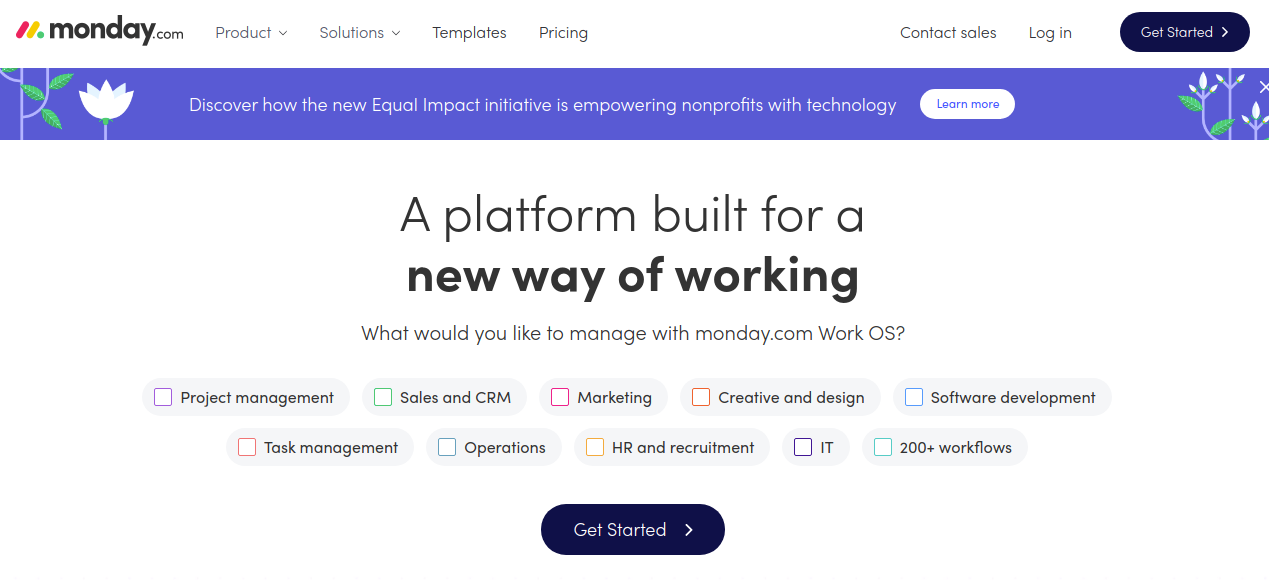
Monday.com (formerly dapulse) is a work management platform with a visually clean, user-friendly interface that makes complex plans easy to follow. Its Scrum features sit in monday dev, where Basic costs $9, Standard $12 and Pro $20 per seat per month billed annually. Basic includes an AI sprint summary, and sprint management with story points arrives with Standard. Plans start from three users, and the free work management plan covers up to two seats.
Key Features
- Sprint planning and product backlog
- Story points on Standard and above
- Task dependencies
- Workload management and performance tracking
- Mobile app integration
2. NTask

nTask is a flexible project management tool that handles tasks, issues, risks, meetings and timesheets in one place. Its website lists Kanban boards, Gantt charts and issue tracking, offers a 7-day free trial, and does not advertise Scrum-specific features such as sprints or burndown charts. That makes it a fit for teams that run a light version of Scrum on Kanban boards. If you need formal sprint planning, check the feature list first.
Key Features
- Meeting management
- Timesheets for tracking projects
- Third-party integration (Zapier, Zoom, Google Calendar, etc.)
- Risk management and issue tracking
- Gantt charts and Kanban boards
- Team management
3. Jira
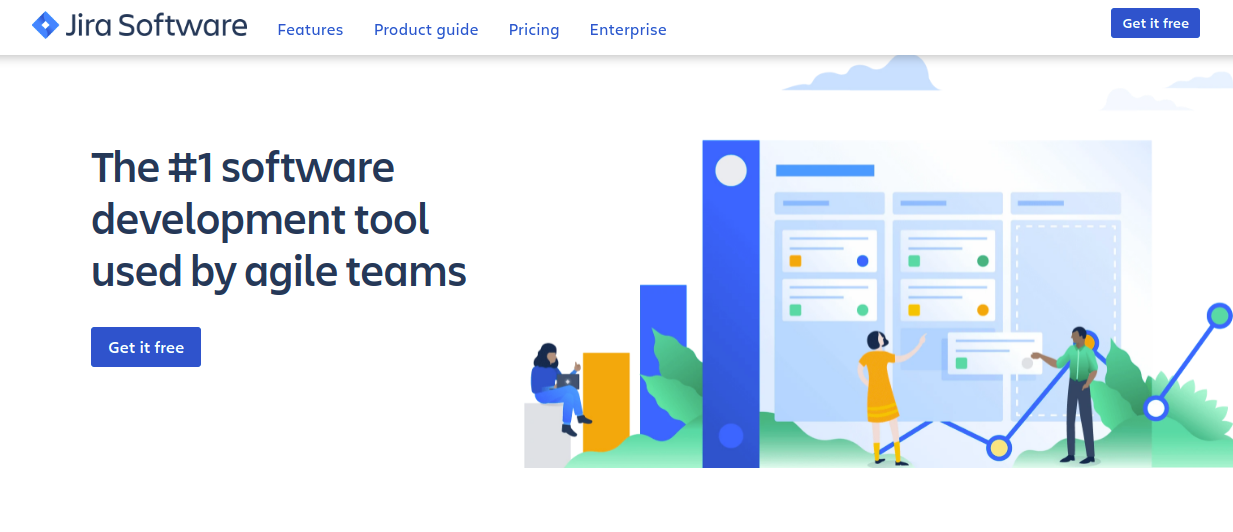
Jira is one of the most popular Scrum tools for software teams. Atlassian lists Free, Standard, Premium and Enterprise plans. On a Scrum board, you plan sprints from the backlog, and the burndown chart shows work remaining in the sprint against a guideline line. Jira is powerful but has a learning curve, so newer Scrum teams often need an admin or an experienced Scrum Master to set up workflows.
Key Features
- Customizable scrum boards
- Sprint burndown chart and progress reports
- Roadmaps
- Customizable workflows
- Time tracking through integrations
- Backlog management
- Automation of tasks and projects
- Third-party integration
4. TargetProcess
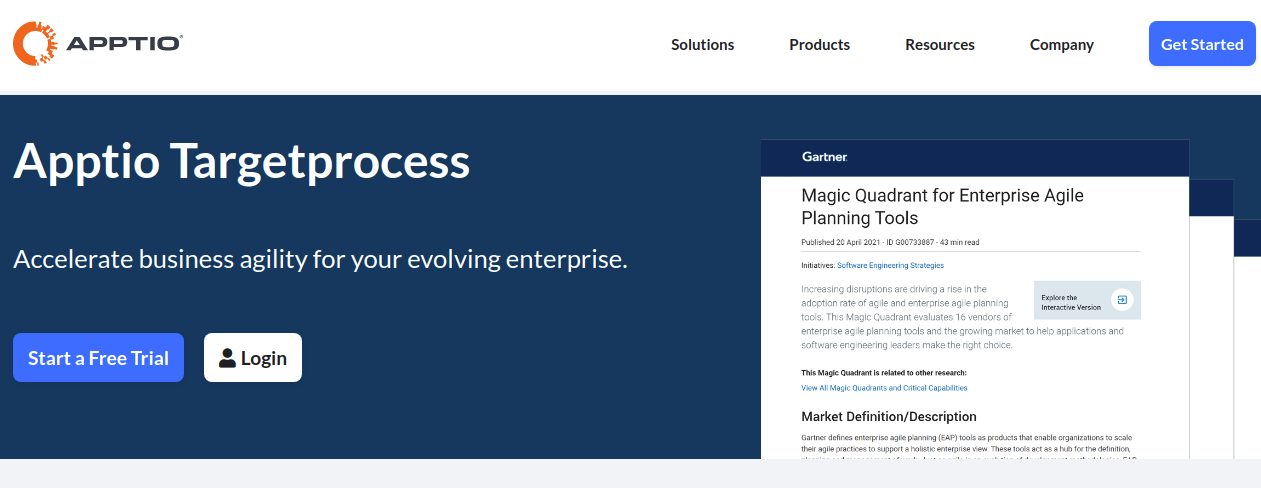
Targetprocess is an Agile planning tool that Apptio now lists as IBM Targetprocess. It suits larger organizations that plan work across several teams, and Apptio’s product page offers a free trial and a demo rather than published prices.
Key Features
- Sprint and backlog management
- Sprint progress trackers
- A centralized project dashboard
- Customizable boards and interface
- Bug and issue tracking
- Third-party integration
5. Azure DevOps
Azure Boards, part of Azure DevOps, uses iteration paths as sprints. Microsoft’s documentation describes sprint backlogs, a planning view, team capacity planning, a task board, a sprint burndown chart, a velocity chart and a forecast tool. It is a strong fit for teams that already build and deploy code in Microsoft’s ecosystem.
Key Features
- Sprint backlogs and a planning view
- Capacity planning for each team member
- Task board and sprint burndown chart
- Velocity chart and forecasting
6. Asana
Asana is a general work management tool with a friendly interface that improves team collaboration. Its Personal plan is free for up to 2 users, Starter costs $10.99 and Advanced $24.99 per user per month billed annually. Asana’s pricing page does not list sprint planning or burndown charts, so teams that need those usually add templates or a dedicated Scrum tool.
Key Features
- Task dependencies
- Timeline and Gantt views on Starter
- Portfolio management and goals on Advanced
- Notifications
- Third-party integration
7. ClickUp
ClickUp covers a wide range of project types, from agile software projects to non-agile work. Its Free Forever plan includes unlimited tasks, unlimited free members and Sprint Management. Core is $9 and Business $17 per user per month billed annually (regular prices $12 and $25), and Sprint Points are included from Business up. The drawback is that the number of features can feel overwhelming.
Key Features
- Sprint management on every plan
- Gantt charts and Kanban boards
- Product backlog
- Time tracking
- Sprint Points on Business and above
8. ProjectManager
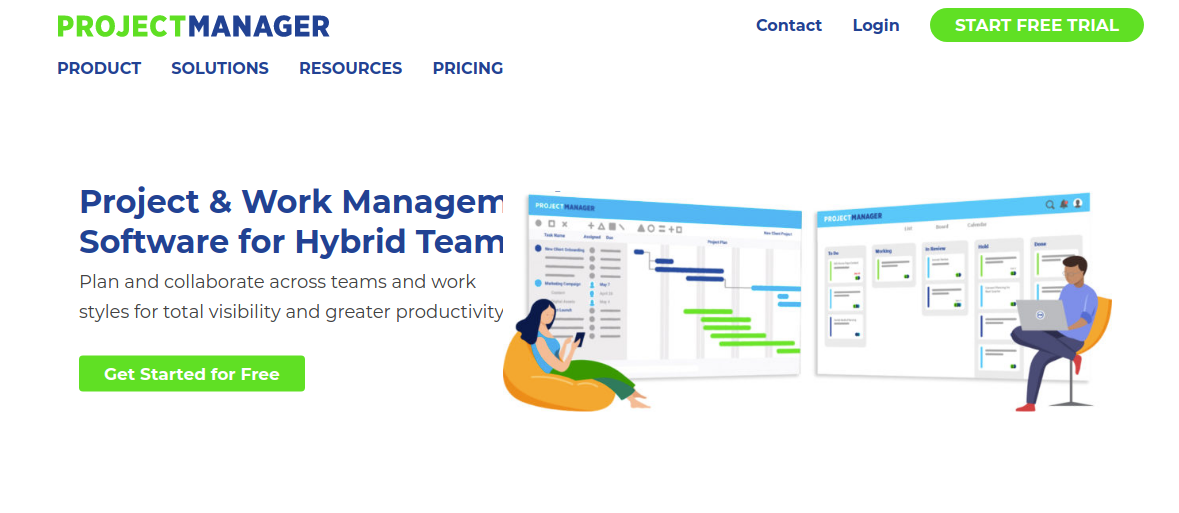
ProjectManager is a project management tool with boards, Gantt charts and dashboards. Its pricing page offers a 30-day free trial, lists Team, Business and Enterprise plans, and describes an Agile use case for managing backlogs and running sprints along with an Agile sprint planner template.
Key Features
- Customizable boards
- Team management
- Interactive Gantt charts
- Customizable dashboards
- Real-time tracking
- Third-party integration
9. Wrike
Wrike suits companies of many sizes that need to manage a large number of tasks. Its current plans are Free, Team ($10 per user per month for 2 to 15 users), Business ($25 for 5 to 200 users), Pinnacle and Apex, with the last two on custom quotes. Business and higher plans are annual-only, and the prices apply to purchases made on or after 21 January 2026.
Key Features
- Customizable workflows
- Scheduling timelines
- Customizable and sharable dashboards
- Gantt charts
- Team calendars
- Portfolio management
10. Clarizen

Clarizen is now part of Planview and is listed there as AdaptiveWork (formerly Clarizen). Planview describes it as project management that tracks the flow of work from strategy to delivery, and it integrates with Jira and Azure DevOps through Planview Hub, with sprint progress synced back from Azure DevOps. It is an enterprise portfolio tool more than a day-to-day Scrum board, and Planview does not publish pricing on that page.
Key Features
- Portfolio management
- Status, progress and milestone tracking
- Integrations with Jira, Azure DevOps, Salesforce and ServiceNow
- Cloud-based project management
What Are The Benefits of Using Scrum Tools?
Below are some benefits of using a Scrum tool:
- One ordered Product Backlog that the whole team and the Product Owner can see.
- Sprint Backlogs and boards that make the Sprint Goal visible every day.
- Burndown and velocity charts that help the team forecast what fits into the next Sprint.
- Remote teams can run Sprint Planning, the Daily Scrum and the Sprint Review from the same shared board.
- A record of past Sprints to review during the Sprint Retrospective.

Choosing the Right Tool for Your Scrum Journey
The best Scrum software tool isn’t about ticking boxes; it’s about matching the right tool to your team’s workflow, maturity, and goals. Whether you’re a startup looking for simplicity or a scaled enterprise requiring robust configuration, there’s a Scrum tool tailored for you.
Beginners should focus on usability and onboarding ease. Trello, ClickUp, and Zoho Sprints provide good entry points: Trello’s free plan allows up to 10 collaborators per Workspace, and the Zoho Sprints free plan covers 3 users and 3 projects. As you scale, Jira, Targetprocess, and Wrike offer deeper control and data insights. The goal is to reduce friction, not add complexity.
Frequently asked questions
What is the best Scrum software tool for a small team?
Trello, ClickUp and Zoho Sprints all have free plans that suit small teams. ClickUp’s Free Forever plan includes Sprint Management, while Zoho Sprints is built around Scrum and its free plan covers 3 users.
Is Jira free for Scrum?
Atlassian lists a Free plan for Jira alongside Standard, Premium and Enterprise tiers. Check Atlassian’s pricing page for the current user limit and for the price per user on paid plans.
What does the Scrum Guide say about team size?
The 2020 Scrum Guide says a Scrum Team is typically 10 or fewer people. A tool for a team that size rarely needs enterprise portfolio features.
How long should Scrum events last?
For a one-month Sprint, Sprint Planning has a maximum of 8 hours, the Sprint Review a maximum of 4 hours and the Sprint Retrospective a maximum of 3 hours. The Daily Scrum is 15 minutes, and shorter Sprints have shorter events.
Do I need a tool to do Scrum?
No. A wall board and a spreadsheet can work for a co-located team. A tool helps most when the team is remote, the backlog is large, or you want burndown and velocity data without building it by hand.
Related reading