
5 min read
Why a .jpg File Name Is Not a Security Check for WordPress Member Uploads

A member uploads a profile image. A learner attaches coursework. A group shares a document. Each action looks like a content feature, but it also gives someone a route for putting bytes on your server.
The filename is only one piece of that decision. Calling a file portrait.jpg does not establish its contents, who should be allowed to retrieve it, or how the server will handle it. A useful review follows the upload from the member’s permission through storage, delivery and later inspection.
Start with the permission, not the file picker
List every place your community accepts files: avatars, cover images, activity posts, private messages, course submissions and support forms. Include mobile or API routes if the site exposes them. Several interfaces may lead to different handlers and different rules.
For each route, ask which member role can upload, edit and remove a file. Then ask who can read the result. The permission to contribute to a private group should not automatically imply that everyone with a copied URL can retrieve its attachments.
Wbcom’s explanation of file storage and sharing in BuddyPress illustrates why visibility is a separate product decision. Record the intended audience for each feature before checking whether the underlying storage and delivery preserve that choice.
Define what each feature actually needs
A profile photo usually has a narrower purpose than a course assignment. Give each feature a small, explicit set of accepted formats, sizes and member permissions. Do not enable a long list of types merely because a library can technically accept them.
Validation belongs on the server. The extension and the browser-supplied content type can be misleading; a disabled option in a file picker is not an authorization check. Review the uploader’s maintained validation behavior with its developer or documentation, including how unusual names and mismatched formats are handled.
Storage and delivery deserve their own check. Ask the host whether uploaded content can execute as code and whether private files are actually mediated by access checks. Changing that behavior safely depends on your web server and application. Test approved configuration changes in staging rather than pasting an unfamiliar server rule into a live site.
| Feature | Decision to document | Safe acceptance check |
|---|---|---|
| Avatar | Allowed image types, size and who may replace it. | A test member changes their own image but cannot replace another member’s image. |
| Private group attachment | Who may retrieve the file, including direct links. | A separate unauthorized test account cannot retrieve the private attachment. |
| Course submission | Permitted formats and the submission/review workflow. | A normal permitted file reaches the intended reviewer without becoming publicly accessible. |
| Shared document | Storage, delivery, retention and moderation owner. | Visibility and removal behave as documented for the chosen sharing setting. |
Use harmless checks that answer a specific question
Work on a staging installation with test accounts and files you own. Verify a normal permitted upload first, then a harmless file of a disallowed type. Confirm the application refuses the latter server-side and gives the member a useful response.
Check size limits, interrupted transfers and repeated submissions within an agreed test plan. Resource limits need to protect the service without preventing legitimate coursework or media sharing. Do not use executable payloads or publicly available exploit samples to improvise a test on a customer’s production site.
Repeat retrieval checks as different authorized test roles. A moderator seeing a file says little about what an anonymous visitor can retrieve. If a URL was public before a privacy change, investigate caches and copies separately; changing a label in the interface does not recall information already disclosed.
Place scanning after the prevention decisions
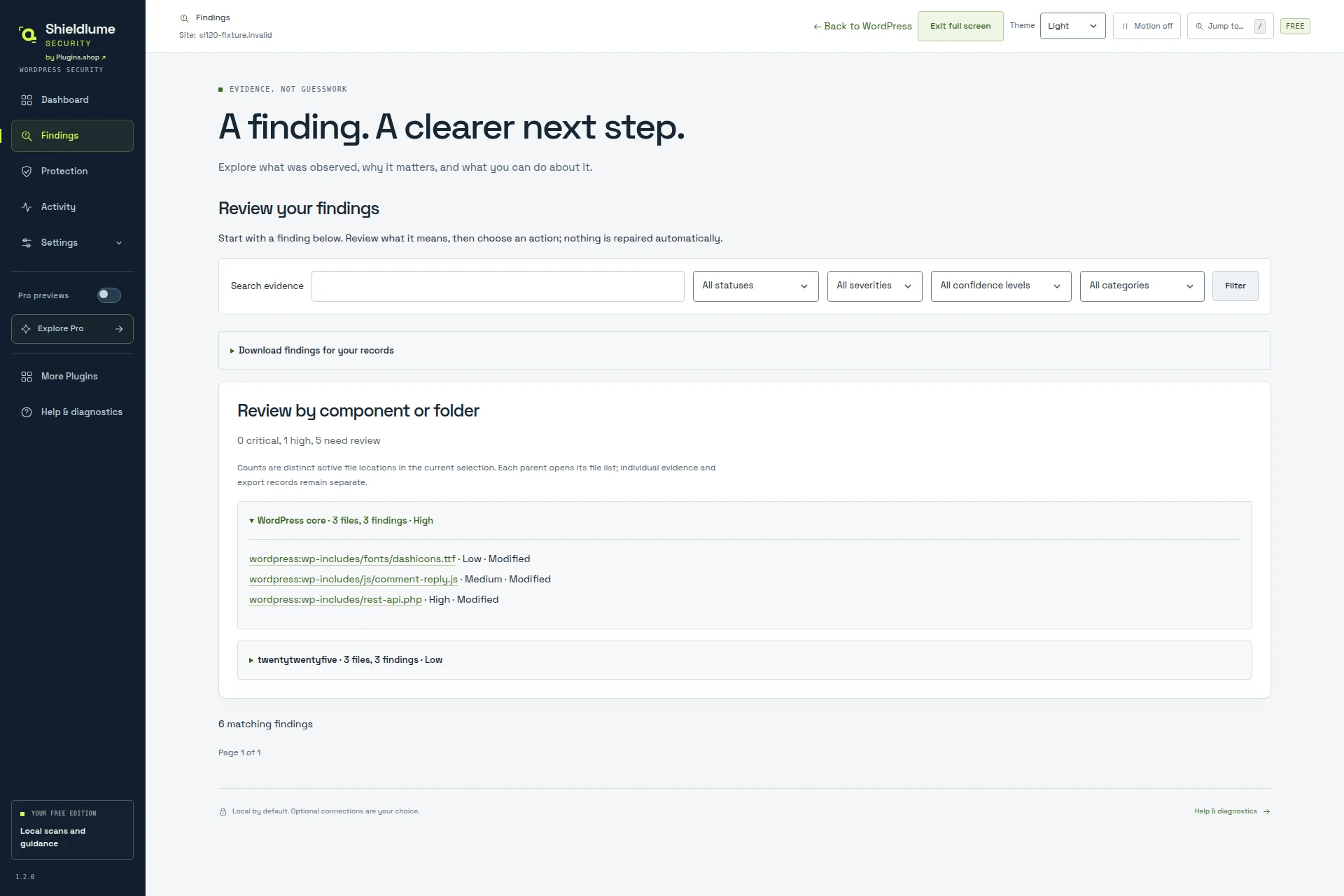
A scanner can add another observation about stored files. It does not replace upload authorization, validation or safe serving. For example, Shieldlume’s local WordPress scanner can inspect eligible uploads within its supported scan scope and report suspicious patterns, including PHP hidden in an image.
That is a review capability, not a promise that every community upload is intercepted before storage. Do not assume an integration with a particular membership plugin or custom form has been tested. Check the current support boundaries and exercise your own workflows before deployment.
The Free scanner documents a small set of exact PHP webshell fingerprints alongside separate PHP and JavaScript heuristics. Modified files can evade exact matches, and a heuristic deserves investigation rather than an automatic accusation against a member. A completed scan with no finding is limited to the checks and files actually covered.
Decide what happens when a file needs review
Assign an owner before an alert arrives. The community manager may handle member communication, while a developer or host examines technical evidence. Keep those responsibilities explicit so that a suspicious attachment is neither ignored nor deleted casually.
Record the file’s stable identifier, the time of the observation, the check that raised it and the visibility it had. Protect detailed paths and report exports. If the situation could be an incident, agree on preservation and containment before modifying the evidence.
A quarantine or removal decision also affects the member experience. Preserve the surrounding post or submission record where appropriate, use an authorized recovery process and verify the result. Restoring original bytes may restore the suspicious content too; recovery and a safe return to service are different judgments.
Make the review repeatable after changes
Keep a compact upload register with one row per entry point, its owner and the last successful acceptance check. Repeat the relevant checks after changing the community plugin, storage service, theme integration or server configuration. Review abandoned upload features as well as active ones.
Include the support team in that review. They should know how to distinguish a member’s permitted-format problem from an access-control failure and where to send technical evidence securely.
A member should be able to share the intended content without gaining unexpected execution or access rights. That is the standard to design and verify. An attractive file picker and a familiar extension cannot establish it on their own.
Related reading
- Building an Equipment Rental Website on Wordpress
- Practical Ways Strengthen Wordpress Website Online Presence
- How Wordpress Product Teams Are Skipping The Prompt Engineering Step For Video Ads
- How to Build a Number Based Gaming Feature on Your Wordpress Site
- How to Build a High Performance Online Gaming or Casino Review Website With Wordpress
- 301 Redirects in Wordpress