
21 min read
Best Chat Widgets for Your Website


Customers increasingly expect prompt responses when contacting a company’s customer service department. Firms that keep customers waiting risk losing them to competitors and harming the reputation of their business. It hasn’t always been simple to respond to any customer support questions 24 hours a day, seven days a week. Live Chat Widgets for Your Website allow businesses to communicate with their customers in real-time. This software may also be used to automate responses to the most common client queries and requests.
A bad live chat client experience might have ramifications. You may lose income, your client’s perception of your company may suffer, you may overpay for the service, or you may be unable to utilise the live chat platform owing to technological constraints.
Essentially, you want to find a low-cost live chat service that is easy to use, connects with WordPress, and has all of the features you need to boost your sales.
Last updated: 6 November 2026
Quick answer: The best chat widgets for a website in November 2026 are Tawk.to for a free plan, Tidio for small stores and AI answers, LiveChat for polished support teams, HubSpot Live Chat for CRM users, Crisp for flexible free seats, and Zendesk or LiveAgent when you need a full help desk. Paid plans start around $11 to $29 per agent per month, and most vendors offer a 14 to 30 day trial.

What Exactly Is Live Chat Software and How Does It Work?

Online businesses may use live chat software to give instant customer care and support to website visitors. This customer service system is easy to incorporate into websites. It helps organisations capture leads, communicate with visitors in real-time, engage in lengthy discussions, and determine whether or not they are market-qualified prospects.
Help Scout’s live chat statistics roundup, citing Zendesk research, puts live chat satisfaction at 85%, second only to phone support at 91%. The page dates from June 2022, so treat it as a benchmark rather than a current measurement.
Using live chat support software, you can boost website engagement in real-time and ensure that no support inquiries go unanswered. As a customer support tool, live chat allows you to respond to queries and address issues rapidly. Businesses may utilise live chat services to start a conversation and learn more about their prospects.
Must-Have Features of a Live Chat Tool
Now that we’ve established what the best live chat software looks like and how it may help your business, let’s look at a list of must-have features.
-
Pre-programmed responses
You may save time typing frequently asked questions during a live discussion by using prepared responses. Simply develop and save frequent replies that may be used during a discussion to save response time.
-
Routing of Conversations
Prioritise client discussions and route them to the relevant department to help customers get the answers they need as soon as possible. Choose among Automatic, Manual & Condition-based
-
Individualisation and branding
Choose a live chat service that lets you change chat icons, add emoticons, white-label the live chat widget, add your corporate logo, customise greetings based on visitor behaviour, and more.
-
Real-Time Visitor Tracking
You may watch your visitors’ behaviour in real-time and find methods to connect with them ahead of time by using live chat support software. Real-time monitoring enables you to observe when operators can assist customers, examine traffic trends, and identify which pages attract the most interest.
-
Forms for communicating
Take advantage of the option to add and customise numerous chat forms if the top-rated live chat software you’re considering has it. These multiple live chat forms should feature the following:
- Pre-chat form: A pre-chat form allows you to capture leads in real-time.
- Offline message form: If your operator is unavailable, you can record support queries using an offline message form.
- Post-chat form: A form that allows you to collect comments on the assistance procedure established by the operator.
- Comprehensive Reports
Your low-cost live chat provider should also make thorough reports available to you. These reports may assist you in tracking individual and average ratings for each operator, as well as total conversations accepted, missed chats, average response time, timesheets, detailed visitor data, and other information.
-
Automated Customer Service Chatbot

Easy-to-use live chat plugins should contain a chatbot. It will enable your firm to automate the customer care process and ensure that customers seeking answers to commonly asked questions receive them as soon as possible.
-
Several Integrations
When assessing live chat services for your business, consider the number of integrations they provide. Consider the platforms that are supported as part of the integration option. Inquire about integration capabilities for CRM, CMS, help desk, knowledge base, social media, analytics, eCommerce, email marketing, and other systems.
-
Mobile device application
Finally, search for live chat service companies that allow access to their mobile app. The ability to deliver a consistent experience to consumers at any time and from any location will boost customer satisfaction and inspire them to interact with your company more frequently and confidently. Once more, here’s our list of top ten chat widgets:
| Widget | Free option | Paid pricing (Nov 2026) | WordPress plugin on WordPress.org |
|---|---|---|---|
| LiveChat | 14-day trial | Essential $19 per user a month yearly ($25 monthly), Growth $79 ($99) | 10,000+ active installs |
| LiveAgent | 30-day trial | $11 to $38 per agent a month on yearly billing | 400+ active installs |
| HubSpot Live Chat | Free chat and chatbot builder | Premium features via Marketing Hub; confirm on HubSpot | Check vendor |
| ProProfs Chat | Free for one operator | Essentials $1.99 a month, Business $3.99 a month as listed | 100+ active installs |
| Pure Chat | 30-day trial of Pro | Growth $39 a month yearly ($49 monthly), Pro $79 ($99) | 3,000+ active installs |
| Crisp | Free plan, 2 seats | Mini $45, Essentials $95, Plus $295 per workspace a month | 10,000+ active installs |
| Chaport | Free plan, 2 operators | Pro and Unlimited plans; confirm price on vendor site | Check vendor |
| Tidio | Free plan, 50 conversations | Starter $24.17, Growth from $49.17 a month | 70,000+ active installs |
| Olark | 14-day trial | Live Chat $29 per agent a month; AI agent $400 a month yearly | 1,000+ active installs |
| Zendesk | 14-day trial | Suite Team $55 per agent a month yearly ($69 monthly) | Check vendor |
| Tawk.to | Free forever | Remove branding $29 a month | 100,000+ active installs |
1. LiveChat
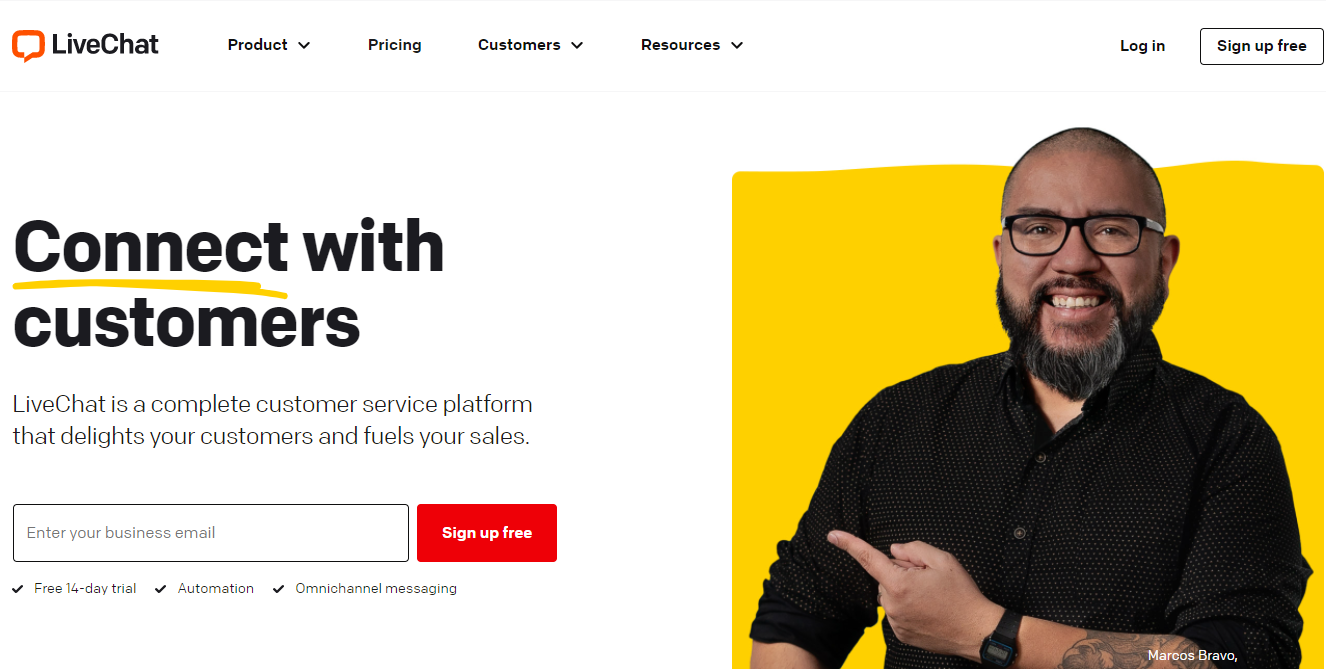
LiveChat, now sold under the Text brand, is a comprehensive solution with several functionalities and customisation possibilities. Text says it is used by 30,000+ customers worldwide. It’s used for online chat, multichannel support, lead generation, online surveys, in-app help, net promoter score, and other things, making it one of the most versatile options available today.
LiveChat is a web-based live chat system that may assist you in generating more leads and closing more sales. On-site visitors may ask you questions and receive rapid replies if you have LiveChat enabled on your website.
The LiveChat pricing page lists Essential at $19 per user a month billed annually ($25 billed monthly) and Growth at $79 ($99), with Enterprise on request and a 14-day free trial. The WordPress plugin has 10,000+ active installs and was last updated on 25 May 2026.
Core Features
- Alerts / Escalation
- Call Centre Management
- Canned Responses
- Cataloguing/Categorisation
- Communication Management
- Service Analytics
- Customer Support
- Customizable Branding
- Email Management
- Email Response Control
- Feedback Management
- Geotargeting
- Knowledge Base Management
- Knowledge Management
- Live Chat
Pros
- It allows you to manage the entire customer service process and monitor the number of available customer service representatives.
- Customers can get a ticket and ask a question via LiveChat if no customer service professionals are in the system.
- It enables you to keep track of the dialogue between your experts and the consumer.
- The user interface is fundamental and intuitive.
- The setup for analytics and reporting is excellent.
- Transferring a current chat conversation to a more suited individual or team is a breeze.
Cons
- You may lose your current chat if you start a new tab.
- When the system is overburdened and numerous people are in line, it begins to operate slowly.
- Because the price point is a touch on the expensive side, some small firms may find it difficult to justify.
- When monitoring conversations from the perspective of a manager, there appears to be a delay.
- At times, the notification mechanism is clumsy.
2. LiveAgent
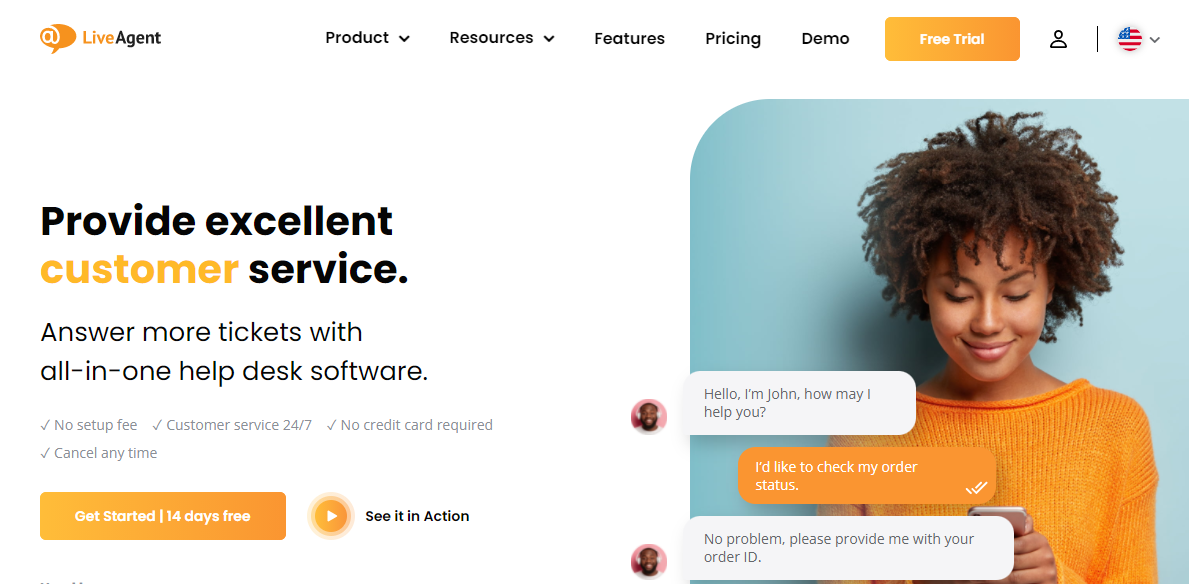
LiveAgent is a popular omnichannel live chat and help desk software. They have a software suite that includes, among other things, email ticketing, live chat, video chat, time tracking, and a contact centre. If you don’t already have a help desk system, the LiveAgent suite, similar to Zendesk chat and others, may make things more manageable. WordPress and other popular website builders work in tandem with LiveAgent. They also collaborate with well-known email marketing platforms, CRMs, and other marketing applications.
The LiveAgent help desk is the most effective approach to deliver excellent customer assistance. Thanks to the 180+ support capabilities, you’ll be able to connect every channel of potential support inputs, such as gathering emails, Facebook comments, Tweets, contact forms, live chat, or phone calls.
The LiveAgent pricing page lists Starter at $11 per agent a month billed annually ($15 monthly), Team at $22 ($26) and Business at $38 ($44). There is no free plan, but every plan starts with a 30-day trial without a credit card. The page shows two sets of regular prices, so confirm the figure at checkout.
Core Features
- Reporting/Analytics
- API
- Chat/Messaging
- Third-Party Integrations
- Customizable Branding
- Canned Responses
- Alerts / Escalation
- Reporting & Statistics
- Multi-Channel Communication
Pros
- It’s straightforward to set up and utilise.
- The use of tags to categorise both new and old tickets has proven to be quite valuable for keeping everything organised.
- If you don’t want to develop your help site, the knowledge base function is a good alternative. It’s easy to use and customise.
- Unified help desk for all of your departments with many helpful and adaptable features.
Cons
- Customer support is not robust sometimes.
- It is hard to keep the live chat active on the website without requiring users to log in each time.
- As practical as it is, the online platform has become a bit stale in current working life.
3. HubSpot Live Chat
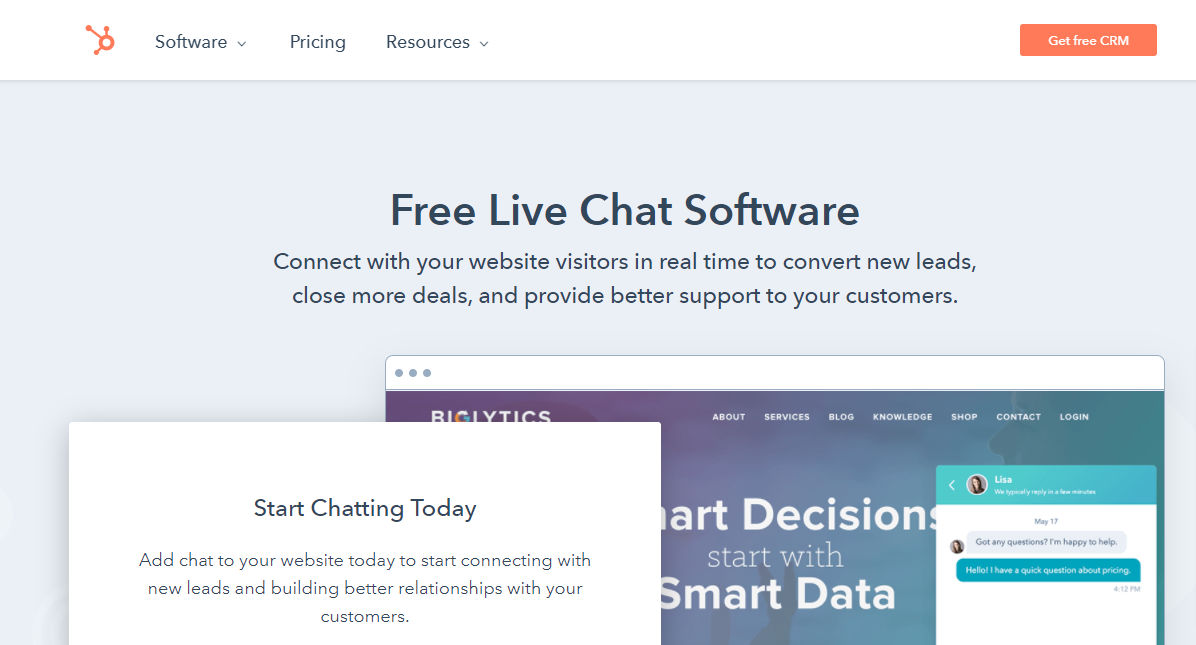
Through Operations Hub, HubSpot CRM can be linked with the rest of your company’s software. It operates in a two-way, real-time mode with contacts, leads, and company data. You will have a CRM that is genuinely connected, with accurate and up-to-date data. In contrast to standard out-of-the-box connections, it provides unique solutions to connect, cleanse, and automate consumer data. As a result, the firm is more efficient, aligned, and flexible, with unconstrained and strategic operations personnel and a seamless client experience.
Custom branding, personalised welcome messages, and meeting schedules are just a few of the many features and advantages you will enjoy. When users interact with your website, HubSpot Live Chat gives your chatbot a professional appearance and delivers everything you need from a live chat solution.
HubSpot says you can start the live chat and chatbot builder for free with no credit card. Its page does not say which chat features sit in the paid Marketing Hub Starter, Professional and Enterprise editions, so check the current plan table before relying on a specific feature.
Core Features
- Access Controls/Permissions
- Contact Database
- Customer Database
- Data Import/Export
- Data Quality Control
- Geotargeting
- Offline Form
- Proactive Chat
- Screen Sharing
- Data Security
- Lead Management
- Search/Filter
- Shared Contacts
Pros
- The two-way syncs across platforms’ ability to store all of our self-serve material and FAQs in the Knowledge Base were relatively simple to set up.
- It is simple to manage tickets.
- It’s simple to get all of a customer’s information.
- Excellent, simple to use, quick implementation, and cost-effective for businesses of any size.
Cons
- There is no auto-assigning depending on the current load.
- Customers are unable to see all of their outstanding tickets.
- The extreme flexibility and aggregation of all consumer data might become overwhelming and clog up the screen.
- A few essential functions, as well as timelines and feeds, are missing from the software.
4. ProProfs Chat - Chat Widgets For Your Website
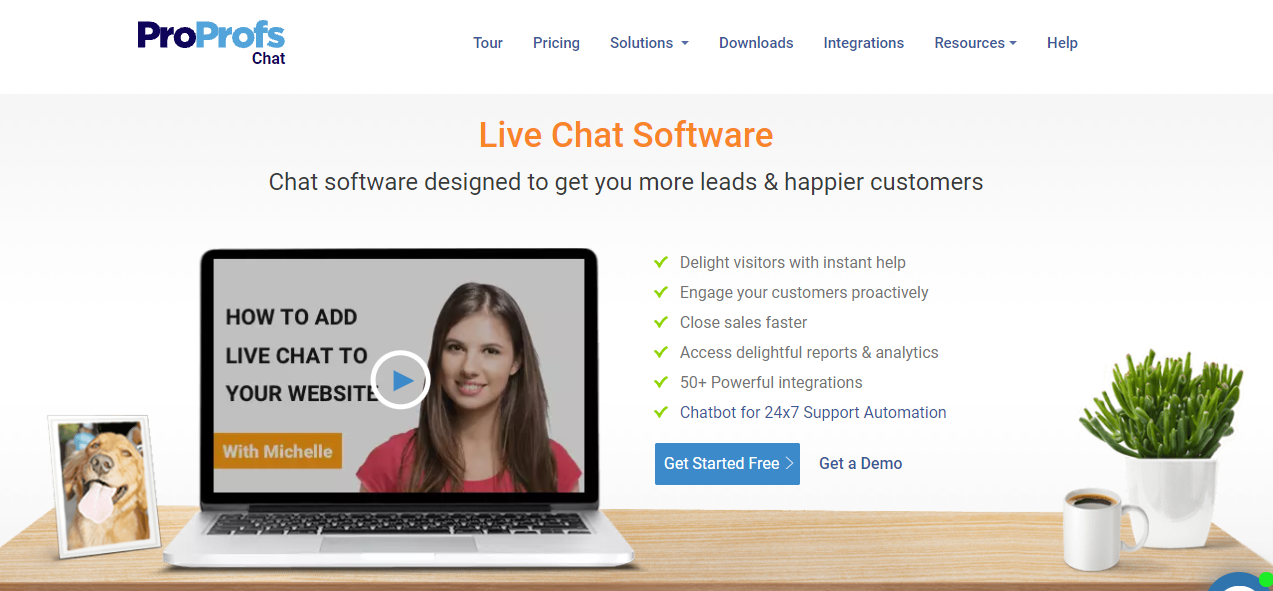
ProProfs Chat is a customer service chat platform that enables online businesses to connect with prospects in real time. Users may respond to many chats rapidly by using pre-programmed responses in the live chat support software. Visitors can look at self-help articles in the live chat widget before initiating a conversation with the operator.
ProProfs Chat is a perfect customer service solution for marketing, sales, and support teams across a wide range of industries. It will help them reach their target audience and increase interaction.
The ProProfs pricing page lists a free plan for a single operator, Essentials at $1.99 a month and Business at $3.99 a month as shown, each with a 15-day trial. The page has inconsistent annual totals, so confirm the price with ProProfs before you buy.
As one of the online chat programs, ProProfs Chat helps companies close sales faster by monitoring key sites, setting relevant routing rules, capturing qualified leads, and storing them in popular CRM systems.
Core Features
- Canned Responses
- Customizable Branding
- Geotargeting
- Offline Form
- Proactive Chat
- Screen Sharing
- Third-Party Integrations
- Transfers/Routing
- Website Visitor Tracking
Pros
- They provide a support package. Even with a free package, we examined sales trigger points and adjusted our customer satisfaction standards.
- It’s quick, responsive, and has all of the features we want.
- There is an announcement feature available, which is very helpful.
- It’s easy and intuitive, and it works seamlessly with our Salesforce CRM.
Cons
- The evaluation of the entire functioning takes an extended period.
- Online assistance has to be rationalised.
- The directions for adding content to your website are not very clear.
- Support had to be contacted for a variety of software difficulties.
5. Pure Chat
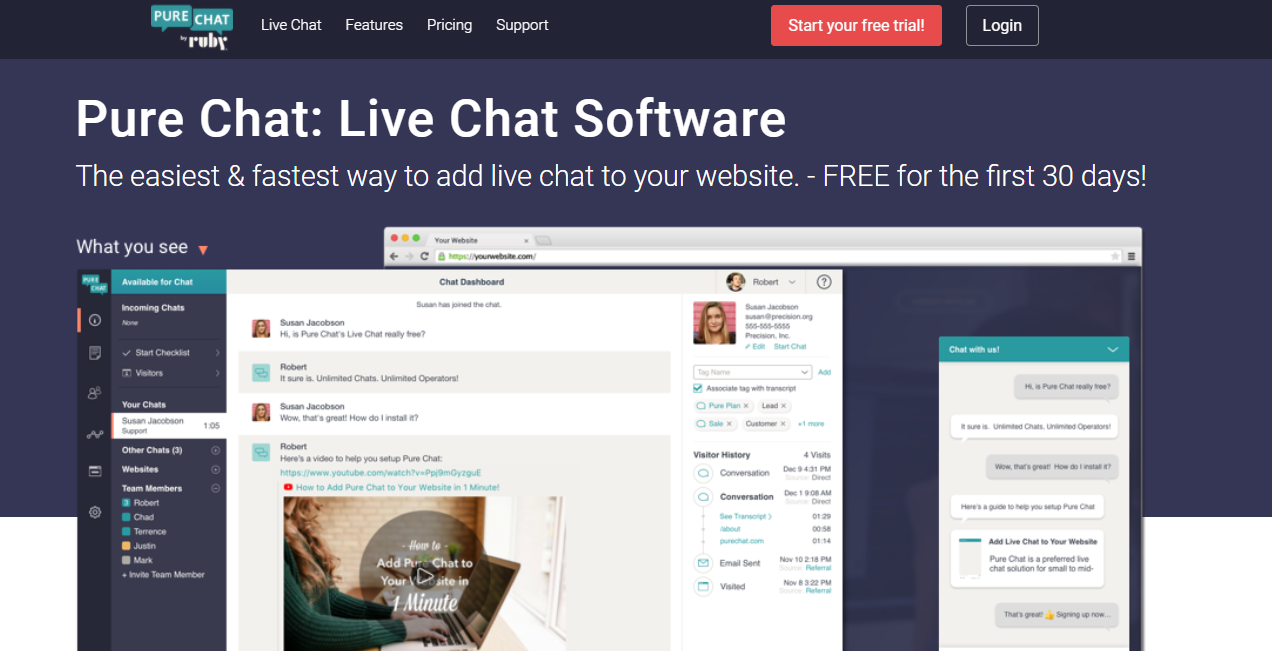
Pure Chat bills itself as the fastest live chat service in the market. It also offers limitless chats, access to a dashboard with better statistics, and native Android and iOS apps, allowing companies to provide support at any time and from any location. Pure Chat is a live chat platform that specialises in only one thing: live chat. It is an excellent choice for people looking for a basic live chat solution without all of the complicated bells and whistles.
Pure Chat’s powerful, user-friendly live chat software assists small and medium-sized enterprises in engaging their website visitors. Use Pure Chat throughout the customer experience to share information with visitors, nurture prospects, and give exceptional customer service to increase sales and satisfaction.
The Pure Chat pricing page lists Growth at $39 a month billed annually ($49 monthly) and PRO at $79 ($99), with 4 and 10 operators included, and a 30-day trial of PRO. No free plan is listed. The WordPress plugin has 3,000+ active installs but was last updated in February 2025.
Core Features
- Canned Responses
- Customizable Branding
- Offline Form
- Proactive Chat
- Third-Party Integrations
- Transfers/Routing
- Website Visitor Tracking
Pros
- It has a lot of customisation options and is relatively inexpensive when compared to other similar applications.
- After the conversation has concluded, you’ll have immediate access to the transcripts.
- The conversation box can be customised.
- The ability to send a copy to the customer provides us with a second opportunity to interact.
- Chat rooms for individuals.
Cons
- Autocorrect is required, as well as a rating system for consumers.
- The applet will not open in a pop-up window.
- In the chat app, there’s no way to tell if someone is an internet troll.
- For a few minutes, the notification appears to be late, and occasionally it is.
6. Crisp
Crisp is a live chat and AI chatbot platform that charges per workspace rather than per agent. The Crisp pricing page lists a free plan with 2 agent seats, Mini at $45 a month, Essentials at $95 and Plus at $295, plus custom Enterprise pricing. Any plan can be tried free for 14 days with all features and no card.
There is an official Crisp plugin on WordPress.org with 10,000+ active installs, updated on 21 October 2026.
7. Chaport - Chat Widgets For Your Website
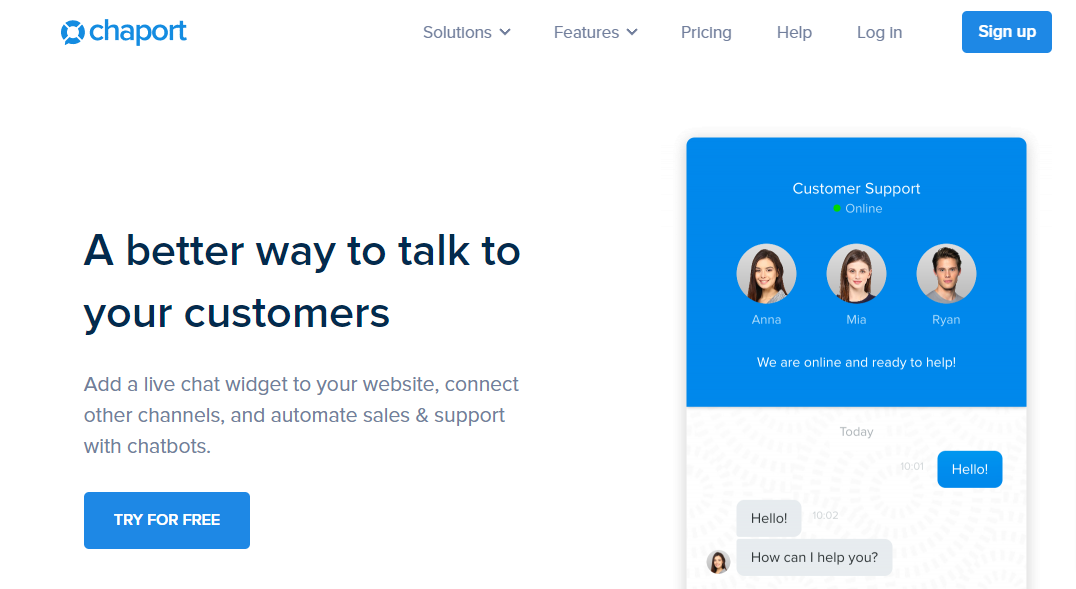
Chaport’s mission is to improve chat conversations to earn income. They make it simple for your small business or startup to include the chat services it needs to thrive. It features web, desktop, and mobile apps, allowing you to connect with customers from any device or location.
While you’re just getting started, you need to build your client base, close sales, and expand your business with the least amount of complexity. Chaport does this with customizable widgets that make it easier to chat live and chatbots that automatically interact with visitors, respond to problems quickly, and increase income. This improves the bottom of your sales funnel’s efficacy since, when an inquiry is addressed soon, your visitor may safely make a purchase decision.
The Chaport pricing page lists a Free plan with 2 operators, a Pro plan with 4 operators and an Unlimited plan, and a 14-day trial of everything. The page runs the price figures together, so confirm the monthly and annual rates with Chaport.
Core Features
- Canned Responses
- Geotargeting
- Live Chat
- Multi-Channel Communication
- Multi-Language
- Offline Form
- Proactive Chat
- Reporting/Analytics
- Third-Party Integrations
- Transfers/Routing
- Website Visitor Tracking
Pros
- During a chat, you can share files.
- Widget customisation options and Auto chat invitations to guests depending on their surfing habits.
- Reports on operator performance in real-time.
- Keep track of the responses you’ve saved.
- Setup is straightforward - Simple to use - Chat with website visitors using a mobile app.
Cons
- When anyone downloads a conversation, there is only a text file.
- The conditional logic does not always work.
- It isn’t as capable as other, more advanced live chat solutions.
- A few issues with the design.
- The app frequently goes offline by itself.
8. Tidio
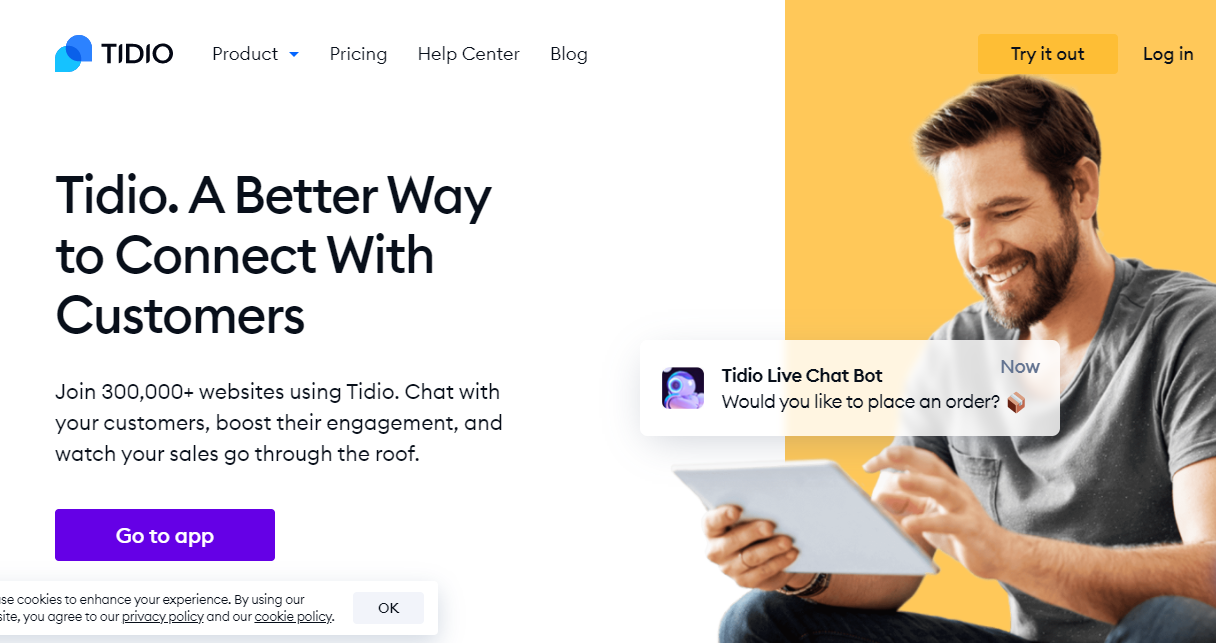
Tidio is a business communicator that combines live chat, chatbots, Messenger, and email into a single platform. This program lowers the time it takes to interact with your customers by engaging them in real-time while improving sales and happiness. With iOS and Android support, this solution can be utilised on the go to keep client conversations flowing across all platforms.
Tidio Chat is a web-based live chat software that integrates messages from emails, Facebook Messenger, and website chat widgets into a single agent interface, allowing agents to handle all client communications simultaneously, using the same tools, regardless of the channel through which they came in.
The Tidio pricing page lists a Free plan with 50 billable conversations, Starter at $24.17 a month, Growth from $49.17 and Plus from $300, with the Lyro AI agent as an add-on from $32.50 a month for 50 conversations. The page does not state the billing cycle behind these prices. The WordPress plugin has 70,000+ active installs and a 4.8 out of 5 rating from 395 reviews.
Core Features
- Alerts / Escalation
- Canned Responses
- Chatbot
- Complaint Monitoring
- CRM
- Customer Database
- Customizable Branding
- Email Management
- Geotargeting
- Knowledge Base Management
- Live Chat
- Multi-Channel Communication
- Offline Form
- Proactive Chat
- Reporting/Analytics
Pros
- The UI and management are incredibly user-friendly.
- Scalable plans that don’t force me to buy things I don’t require.
- Chatbot management is effortless.
- The free level is fantastic and a clever way to get people in the door, and it offers decent essential services, including, most significantly to me, a chatbot.
- Tidio provides a straightforward, clean, comprehensive, and configurable interface both on their backend and on your website that aids in the facilitation of live-chat assistance on a website.
- Tidio also provides a free alternative for non-profit organisations.
Cons
- It would be ideal if there were a built-in call tracking feature.
- The price for additional users is the tool’s most serious flaw.
- Might have more authority over each chat administrator’s account.
- All integrations are done by hand.
- Validation messages are incorrect.
- When a user navigates away from your website and an operator answers, the user is not alerted.
- Visitors who use several tabs will not get responses because the message box is only refreshed when the website is open.
9. Olark
Olark is perfect for businesses that need to retain a live chat feature for customers or website visitors. It’s a quick and straightforward way to manage consumer queries and concerns. Olark chat is an easy software to install and use. Many people can be signed in at the same time to view the chat from different workstations. This enhances the chances of having a rapid reaction time. However, you must ensure that your computer’s volume is cranked up so you can hear the sound that signals a chat is waiting for you. I like how you can follow the client’s trip throughout the website and use clickable links to direct the customer to a product or support page while you’re talking. You may also check to see whether they went there. This makes upselling much easier.
The Olark pricing page lists human-only Live Chat at $29 per agent a month with a 14-day free trial, and an AI website agent at $400 a month billed annually with one human seat included. Extra seats cost $29 a month.
Core Features
- In-depth chat analytics
- Custom chatbox forms
- Save and use chat transcripts later
- Integrations with popular platforms
- Visitor co-browsing
- Batch Communications
- Blended Call Centre
- Email Management
- Feedback Management
- Forms Management
- Full-Text Search
Pros
- Olark makes chatting as straightforward as it should be. The user interface is simple to understand and utilise.
- Shortcuts. Olark makes it simple to generate and save your personalised pre-written replies for quicker and more effective help.
- Its simplicity and ease of usage are significant advantages.
- Their customer service is excellent. They’ve always been responsive and accommodating.
- Past conversations are archived and searchable.
Cons
- Multiple people sharing a seat would be ideal. However, they only allow one person per seat.
- More possibilities for customising the chat widget’s theme.
- They don’t have a mobile app that allows end-users to interact with those who contact them via chat.
- Their Slack integration requires some development, or I need to double-check that all settings are accurate.
10. Zendesk- Chat Widgets For Your Website
Zendesk Suite, formerly known as Zendesk Chat, is well-known for its real-time chat services, enabling your business to reply to incoming client queries swiftly. It claims to offer a dynamic conversational experience that will encourage clients to return to your company.
On the Zendesk pricing page, Suite Team is the lowest plan with messaging and live chat, at $55 per agent a month billed annually ($69 monthly). Suite Professional is $115 ($149), and the 14-day trial opens Suite Professional features.
You can also deliver an outstanding conversational experience to customers even when your operators are unavailable with the help of a chatbot. To engage your customers in a dialogue, you may also use emoticons, GIFs, and other visual components.
Core Features
- Account Alerts
- Account Management
- Batch Communications
- Blended Call Centre
- Email Management
- Feedback Management
- Forms Management
- Full-Text Search
- Geotargeting
- Canned Responses
- Text Analysis
- Text to Speech
- Third-Party Integrations
- Performance Metrics
Pros
- Ticket generation is made simple.
- It’s swift, and switching between products is pretty simple.
- Integration with ZenDesk Marketplace applications.
- Provide a variety of ways for customers to interact with you.
- Keep track of all customer interactions.
- Track agent time spent across multiple segments, enabling us to understand which brands, product categories, and other factors require the most intensive support.
Cons
- Text message functionality is available, although it is restricted.
- For whatever reason, the sidebar has a maximum number of “Views,” which limits how much ticket breakdown can occur.
- Consecutive ticket project management
- User permissions may be overly broad.
- Occasionally, the phone app crashes.
11. Tawk.to - Chat Widgets For Your Website
Tawk.to is a free live chat tool for your website or mobile app, with a help centre so customers can help themselves. Its pricing page describes the software as free of charge, with the “Powered by tawk.to” branding free to keep and $29 a month to remove. Hired live chat agents are offered at $1 per hour. The WordPress plugin has 100,000+ active installs and a 4.6 out of 5 rating from 142 reviews.
Core Features
- Canned Responses
- Customizable Branding
- Geotargeting
- Offline Form
- Proactive Chat
- Screen Sharing
- Third-Party Integrations
- Transfers/Routing
- Website Visitor Tracking
Pros
- This is a chat tool designed for websites with a global audience. It can translate messages into more than 45 languages, helping you get even closer to your consumers.
- Entirely customizable widget design. Customise the design and functionality to reflect the image you want to project to your clientele.
- You may also look through your conversation history and see your metrics to see how well you’re doing.
- Integration is simple. This WordPress chat widget also works with Shopify and other systems.
Cons
- According to some reviews, message alerts are inconsistent.
- It would be fantastic to have immediate access to pre-prepared replies from tawk.to.
- It would be fantastic to have a direct email link to distribute templates to contacts.
- There have been some difficulties with mobile compatibility, as the chat icon is too large and obscures website elements for users. There is no way to customise this on our website.

How to Choose a Chat Widget
Start with your team size and budget. A solo site owner can run tawk.to or the Crisp and Tidio free plans at no cost. A support team that needs reporting, routing and integrations should compare LiveChat, LiveAgent and Zendesk on a trial before paying.
Load the widget on a staging copy first and check page speed and mobile behaviour, because chat scripts add JavaScript to every page. Then decide who answers after hours: a chatbot, an offline form or nobody.
Related reading: Best group chat platforms, how to create a group chat platform and WordPress FAQ plugins.
Frequently asked questions
What is the best free chat widget for a website?
Tawk.to is the best-known free option, with a free-forever plan and 100,000+ active installs of its WordPress plugin. Crisp, Tidio and Chaport also have free plans, with limits on seats or conversations.
Do chat widgets slow down my website?
They can, because most load a JavaScript file on every page. Test page speed before and after installing, and load the widget after the main content if the vendor allows it.
How much does live chat software cost?
Per-agent plans in November 2026 start at $19 per user a month for LiveChat on yearly billing, $11 for LiveAgent, $29 for Olark and $55 for Zendesk Suite Team. Several tools, including Tawk.to, offer a free plan.
Do I need a chatbot as well as live chat?
Not at first. A chatbot helps when no agent is online or when the same questions repeat, and tools such as Tidio, Crisp and HubSpot include one. Start with live chat and an offline form, then add automation if volume grows.
Can I use these chat tools with WordPress?
Yes. Tawk.to, Tidio, LiveChat, Crisp, Pure Chat and others publish plugins on WordPress.org, and any widget with a script snippet can be added through a header and footer plugin or your theme.
Related reading