
6 min read
The WooCommerce SEO Checklist Most Store Owners Get Wrong

By Josh Shankowsky, Owner/Marketing Director at Snap SEO
Most WooCommerce SEO advice reads like a technical audit. Fix your schema. Compress your images. Add canonical tags. All true, all fine, and all completely beside the point if the store itself is built like a catalog instead of a business someone would actually choose to buy from.
Here’s what actually separates stores that rank from stores that don’t, and why the shortcuts everyone reaches for are the reason so many small WooCommerce stores go nowhere.
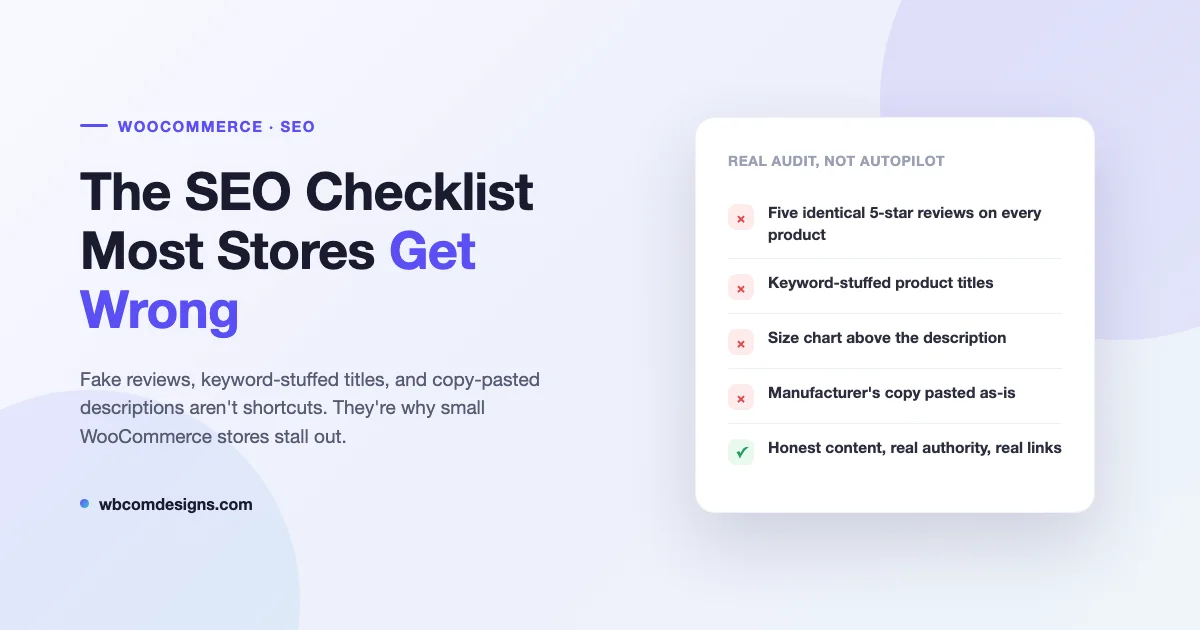
The Fake Review Problem Nobody Wants to Talk About
Spend ten minutes browsing smaller WooCommerce stores and you’ll find the same thing over and over: every single product has five reviews, they all read like they were written by the same person on the same afternoon, and somehow every reviewer is thrilled with the exact same three adjectives. This isn’t hard to spot, and it’s not hard for Google to spot either.

AI-generated reviews stapled onto every product aren’t a growth hack. They’re a signal, and not the one store owners think they’re sending. Real customer reviews are messy. They mention sizing being off, a color looking different in person, shipping taking longer than expected. That mess is what makes them useful to other shoppers and what makes them read as authentic to search engines evaluating whether a page reflects real user experience. A product page with suspiciously uniform five-star praise on every single listing isn’t building trust, it’s broadcasting that nobody’s actually bought the thing.
If you don’t have real reviews yet, that’s a legitimate stage every store goes through. Say so, or leave the section sparse, rather than manufacturing a wall of fake enthusiasm. An honest “be the first to review this” does less damage than a page full of reviews that read like they were generated in bulk, because one of those is believable and the other one isn’t.
Keyword-Stuffed Titles Are Not a Strategy
The other pattern that shows up constantly: product titles with the target keyword crammed in exactly the same way on every single listing. “Stainless Steel Water Bottle - Insulated Bottle - Sports Water Bottle - Leak Proof Bottle” is not a product title, it’s a keyword list wearing a title’s clothing, and it reads that way to a customer before it ever gets evaluated by an algorithm.
Titles like this used to work because search engines matched strings literally. They don’t work now because ranking systems, and especially the AI-driven search layers built on top of them, are evaluating whether content actually serves the person reading it. A title stuffed with repeated variations of the same keyword doesn’t serve anyone. It’s optimized for a version of search that stopped existing years ago, and it makes a store look like it’s run by someone optimizing for robots instead of customers, which is exactly the impression you don’t want to give either one.
Write the title a real person would use to describe the product to a friend, work the natural keyword in once, and let the rest of the page do the work.
Put the Size Chart Lower
This one’s small but it matters more than people think. A lot of stores put the size chart directly under the price, above the actual product description, which means the first thing a visitor and a search engine crawler both encounter is a table of numbers instead of any actual content about the product. That’s a wasted opportunity twice over: it pushes real, descriptive content further down the page, and it front-loads a customer’s experience with logistics instead of the reason they’d want the product in the first place.
Lead with the description, the material, the fit, the feeling of the thing. Let the size chart sit further down or behind a toggle, where it’s still easy to find but isn’t the first impression of the page.
Product Descriptions That Are Just the Manufacturer’s Copy
This is the most common shortcut of all, and it undercuts a store twice. Pasting the manufacturer’s description straight onto a product page means dozens of other stores selling that same product have the exact same paragraph on their pages, so search engines have no reason to favor any one of them. It also skips the actual job a description is supposed to do: explaining why someone would want this, how it fits into their life, how it might make them feel owning or using it. A spec sheet doesn’t sell anything. A description that makes someone picture actually owning and using the product does.
Rewrite descriptions in the store’s own voice, starting with best-sellers and highest-traffic products first. This one change does more than most of the technical fixes people obsess over, because it fixes a content problem and a conversion problem with the same sentence.

The Technical Basics Still Worth a Mention
A few structural issues are worth checking even though they get plenty of coverage elsewhere. Product variations can generate separate indexable URLs with nearly identical content, so a dress in four colors ends up as four pages competing against each other; canonical tags pointing back to the parent product usually fix it. Out of stock products left as a dead end with no messaging tend to lose their rankings fast, so keeping the page live with a restock estimate, or redirecting only when a product is genuinely gone for good, protects what you’ve already earned. And category pages with nothing but a product grid give search engines and customers alike nothing to work with, so even a few honest sentences about what the category covers goes further than people expect.
None of these are exotic fixes. They just get skipped for the same reason the bigger issues above do: they take a bit more effort than leaving things on autopilot.

A Clean Store Still Needs Fuel
Fixing the content and technical issues above is like the difference between a rusted-out beater and a genuine performance car. It matters, and it’s the difference between a store that embarrasses itself and one that looks like it’s actually run by someone who cares. But neither car goes anywhere without fuel in the tank. For a website, that fuel is links, and that’s true for any business, not just one in a specific city. A performance car with an empty tank still isn’t moving, and a store with flawless product pages and zero real authority pointing at it isn’t outranking anyone either. Content and technical fixes get the car ready to drive. Links are what actually get it down the road. We’ve written more on how that works in practice in our guide to link building strategies for any business.
Why the Shortcuts Don’t Work Anymore
Every one of these problems, fake reviews, stuffed titles, size charts up top, copy-pasted descriptions, comes from the same place: treating the store as something to be filled in quickly rather than built properly. That approach used to slide by because search engines were easier to trick with surface-level signals. They’re not anymore, and the AI systems now sitting on top of search are even less patient with content that reads as manufactured rather than real.
None of the fixes here require a rebuild. They require actually looking at the store the way a customer would, and noticing the parts that read as fake, lazy, or automated before a search engine ever has to.
Snap SEO’s analysts run into these exact patterns constantly when auditing WooCommerce stores, and it’s rarely the technical stuff that’s holding a store back. It’s usually the shortcuts that were supposed to save time.
Related reading: if you’re setting up a new store from scratch, see our guide to building an AI-powered ecommerce store in WordPress, then come back and check it against the list above.
Related reading