
2 min read
Free weather widget for websites and apps

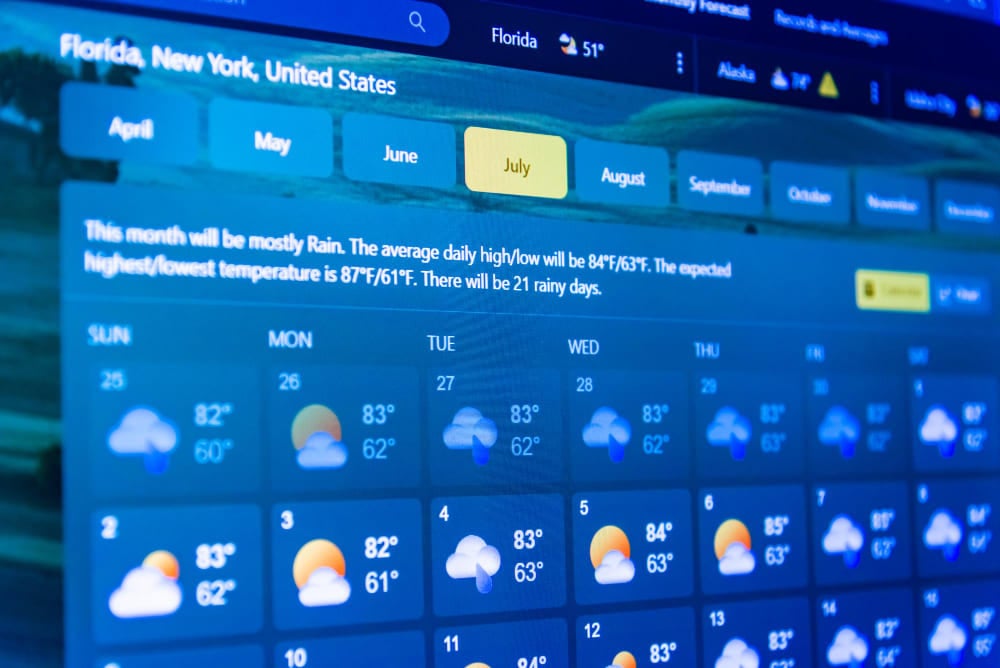
You can increase website traffic by making one smart decision. We are talking about installing a weather widget. The widget window displays current weather data and historical notes. This elegant information option allows you not only to find out the weather forecast but also to analyze climate change. Integrating the WordPress weather plugin is easy, as all you need to do is:
- Open the section with available plugins and select Meteoprog.
- Activate the widget on your website.
- Get a personal API key to start using it.
The options for using widgets are endless. The informer can complement the company’s official website, mobile app, SaaS products, and other types of platforms. At the same time, regular data updates are available, taking into account the current location of the user’s device.

The information provided on the screen is always up-to-date. In addition, access is guaranteed at any time. To update forecasts, we use our own Meteoprog model and data collected from working weather stations. They are located all over the world, which guarantees the accuracy of the indicators.
The plugin can be integrated under any conditions. The tool is available on Gutenberg, Elementor, and Shortcodes Ultimate websites. Outdated widgets, shortcodes, and WP-CLI commands are also supported.
Weather informer: What’s the advantage
Website visitors take advantage of all the offers available to them. Weather information is also one of the useful features. Automatic location detection ensures that the current forecast is displayed. In addition, the option to select a location manually allows you to switch to the weather in another region. At the same time, the main metrics - temperature, historical data, and trends - are updated instantly.
Adding a widget is easy, and users have access to data on:
- current weather conditions in the desired location;
- the current air temperature;
- the weather forecast for the near future;
- weather trends.
Using the best weather forecast API is easy and enjoyable. During setup, you can select the desired units of measurement, size, language, color, and many other parameters. Thanks to customization, there are no problems with integrating the widget into your personal website, blog, or other resources.
The plugin allows you to insert it into the shortcode or widget editors. This is guaranteed thanks to integration with WordPress. To do this, you can install the official Meteoprog Weather Widget.
Complex forecasting models are used to provide accurate data. The initial indicators are available thanks to their collection from thousands of weather stations. This ensures high accuracy and relevance. The performance of the site does not change, so the widget is relevant for:
- popular sites and blogs due to the absence of a complex integration procedure;
- businesses related to weather conditions, such as event agencies;
- Developers who want to add visual weather blocks.

Meteoprog Informer is an easy and flexible way to add weather to your website without high costs. An improved experience, no load, and instant access to reliable information are guaranteed.
Interesting Reads:
Top Weather Plugins for WordPress 2025
Related reading
- Basement Water Damage Restoration Essential Checklist For Homeowners
- Drain And Sewer Repair Comprehensive Checklist For Homeowners
- Diy Cleaning vs Professional Outdoor Drain Cleaning Service Which Saves You More
- Choosing a Reliable Drain Cleaning Service
- Common Tools That Simplify Emergency Leaky Pipe Repair 5 Essentials
- Why Homeowners Should Prioritize Regular Septic Pump Out Service For Longevity