
10 min read
ClickUp vs Monday.com vs Trello: Which Project Management Tool Wins in 2026?


Let’s be honest- managing projects in 2026 is no walk in the park. Between hybrid teams spread across time zones, AI-driven workflows that auto-surface tasks and risks, and the constant context-switching between spreadsheets, Slack threads, and overflowing inboxes, staying truly organised feels like trying to herd cats while juggling. Project management tools exist to tame that chaos- they help you centralise work, keep progress visible, automate repetitive updates, and make collaboration feel less like firefighting and more like forward motion. But here’s the real challenge: with dozens of options promising to save your day, how do you pick the right one? When it comes to ClickUp vs Monday.com vs Trello, these three giants continue to dominate the project management space- and in 2026, each has evolved well beyond simple task lists or Kanban boards into intelligent, customizable, highly integrated platforms. So, which one actually wins? Let’s dive deep, compare their features, usability, and pricing, and find the best fit for your workflow.

Overview: Meet the Contenders
Before we compare their strengths and weaknesses, let’s get a quick overview of what makes each platform unique.
ClickUp- The All-in-One Productivity Powerhouse
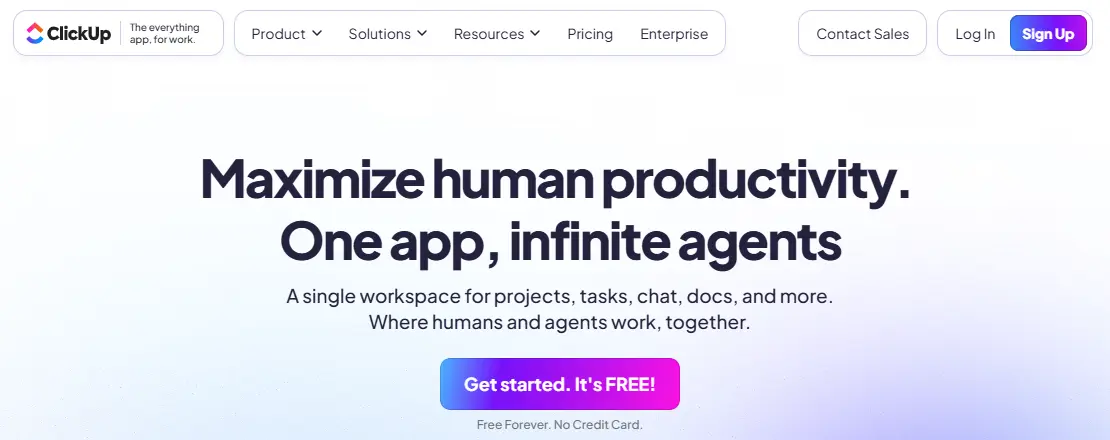
ClickUp’s slogan, “One app to replace them all,” says it all. It’s designed to handle everything, from tasks and documents to chat, goals, and dashboards.
ClickUp’s biggest strength lies in customisation. You can tailor it to match your team’s workflow, whether you’re managing marketing campaigns, software development sprints, or personal goals.
In 2026, ClickUp has evolved into an AI-powered productivity hub, helping teams automate repetitive tasks, summarise updates, and make smarter decisions.
Best for: Teams that crave deep customisation and want to manage everything in one platform.
Monday.com, The Visual Work OS
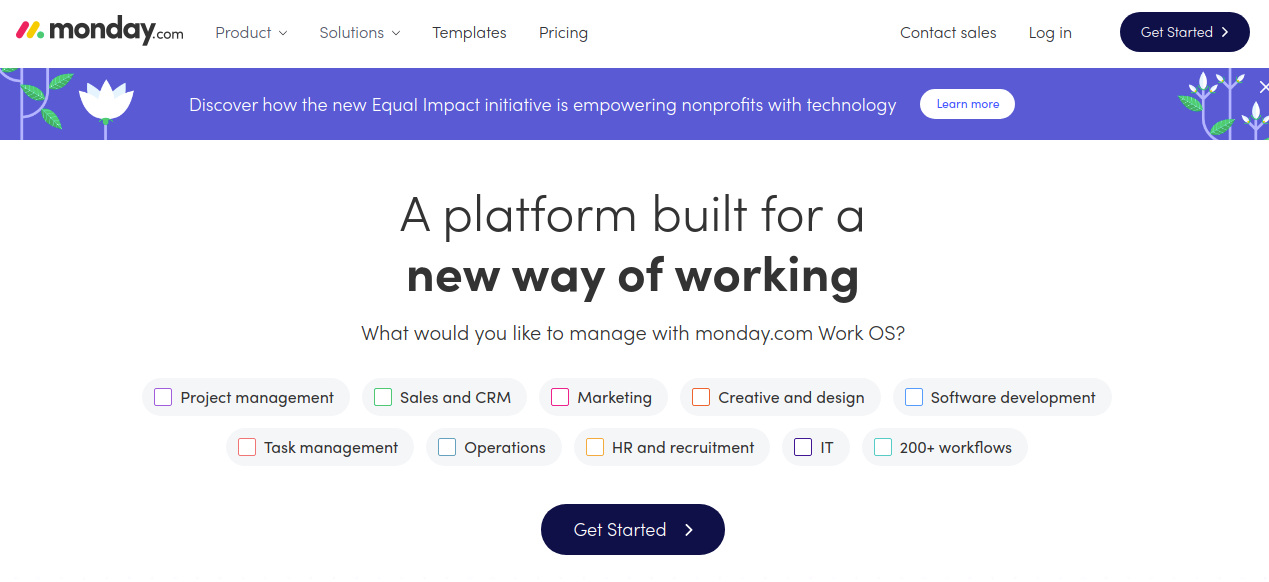
Monday.com calls itself a Work Operating System (Work OS), and that’s exactly what it is.
It transforms your work into colourful, visual boards that are incredibly fun to use. You can manage projects, track sales pipelines, onboard new employees, and even build custom workflows, all without needing any coding skills.
The best part? Its clean and vibrant interface makes it perfect for both beginners and advanced teams.
Best for: Teams that love visuals, simplicity, and structured workflows.
Also Read: ClickUp vs Asana vs Monday.com: Which Project Management Powerhouse Leads
Trello - The Simplicity Champion

Trello is like that dependable old friend, simple, intuitive, and always there when you need it.
Its Kanban-style boards make project management feel effortless. Whether you’re planning a content calendar or managing personal goals, Trello lets you drag, drop, and visualise your tasks in seconds.
While Trello has added new features like automation (Butler), dashboards, and integrations, it still stays true to its mission, keeping project management simple and accessible.
Best for: Small teams, freelancers, or anyone who values simplicity over complexity.
Also Read: ClickUp vs Trello vs Asana: From Simple Boards to Advanced Workflows
Ease of Use: Which Tool Feels More Natural?
Ease of use can make or break your productivity experience. Let’s see how each tool fares.
ClickUp: Power Meets Complexity
ClickUp gives you incredible control, but with great power comes a learning curve.
When you first open ClickUp, you’re met with layers: Spaces - Folders - Lists - Tasks - Subtasks. It’s a lot. But once you spend some time setting things up, you’ll realise it’s insanely powerful.
The platform is supported by ClickUp University, video tutorials, and onboarding templates that make the process easier.
- Pros: Extremely customizable, everything in one place.
- Cons: Can feel overwhelming at first.
Monday.com: Clean, Visual, and Intuitive
Monday.com strikes a perfect balance between functionality and simplicity.
Its colourful boards make task management a breeze, and you can start a project in minutes using ready-made templates. The drag-and-drop interface feels natural, and its automation builder (“When X happens, do Y”) is easy even for beginners.
- Pros: User-friendly, fast onboarding, great visuals.
- Cons: Some premium features are locked behind higher-tier plans.
Trello: Effortless Simplicity
Trello wins hands down for pure simplicity.
Creating a project board is as easy as naming it, adding lists, and dropping cards in. It’s perfect for freelancers or teams who want to get organised without overthinking the setup.
However, as your projects grow in complexity, you might outgrow Trello’s limitations, especially around reporting and automation.
- Pros: Intuitive, minimal learning curve.
- Cons: Not ideal for large or data-heavy projects.
Also Read: ClickUp Review: Revolutionizing Project Management and Team Collaboration
Feature Comparison: Who Offers the Most Power?
Let’s break down what each platform offers under the hood.
ClickUp: A Universe of Features
ClickUp’s goal is to replace dozens of tools, and it’s not far from achieving it.
Here’s what it brings:
- Task Management: List, Board, Calendar, Gantt, and Mind Map views.
- Docs & Whiteboards: Create docs, link them to tasks, and brainstorm visually.
- Automations: Build triggers and rules to eliminate manual work.
- AI Assistant: Summarise updates, write content, and generate insights.
- Time Tracking & Goals: Set goals and track billable hours.
- Dashboards: Real-time reporting and team performance insights.
- Integrations: Over 1,000 integrations, including Slack, Zoom, and Google Drive.
In 2026, ClickUp’s AI-powered automation and smart suggestions have made it one of the most advanced tools in this space.
Monday.com: The Balanced Powerhouse
Monday.com hits the sweet spot between usability and features.
Here’s what you get:
- Workspaces & Boards: Visualise everything in one place.
Automations:
- Set up workflow automations with no coding.
- Dashboards: Pull data from multiple boards into one view.
- AI Tools: Task prediction, time estimation, and auto-prioritisation.
- Integrations: Slack, Gmail, Excel, Jira, and more.
- Templates: Pre-built workflows for marketing, CRM, HR, and projects.
Its biggest strength? Visual clarity and collaboration. You can literally see your project’s heartbeat at a glance.
Trello: Keeping It Simple Yet Smart
Trello keeps things lean but effective.
Its signature features include:
- Kanban Boards: The core of Trello’s workflow.
- Butler Automation: Automate repetitive tasks easily.
- Power-Ups: Add integrations (Google Drive, Slack, GitHub).
- Views: Calendar, Timeline, and Dashboard views (Pro plan).
- Templates: For content planning, event management, and team collaboration.
While it doesn’t match ClickUp’s complexity or Monday’s dashboards, Trello shines for teams that value clarity and speed.
Collaboration and Communication- ClickUp vs Monday.com vs Trello
In 2026, real-time collaboration is everything, especially with remote and hybrid teams.
- ClickUp: Collaboration Without Limits
ClickUp is a collaboration hub that truly lives up to the word “all-in-one.”
It brings together every essential aspect of teamwork, chat, docs, comments, whiteboards, mentions, and even video recording, all under one digital roof.
Need to brainstorm ideas? Open a shared Whiteboard where everyone can drop sticky notes and draw in real-time.
Want to give quick feedback? Just tag a teammate in a comment or subtask, no endless email chains or lost messages.
And if you’re in a meeting, you can pull up a live document, take collaborative notes, assign follow-up tasks, and turn discussions into actionable items instantly.
What really sets ClickUp apart is its fluid workflow integration. You can connect everything, from documents and goals to time tracking and dashboards, without ever leaving the app. It’s like combining the best of Slack (for chat), Notion (for docs), and Asana (for project management), but with tighter connections and fewer logins.
Best for: Teams that want to eliminate tool-hopping and centralise all collaboration in one place, especially remote or hybrid teams who need everything synced and accessible anytime, anywhere.
- Monday.com: Organised and Transparent
If ClickUp feels like a digital command centre, Monday.com is your visual control room.
It’s built with transparency in mind, giving every team member a clear view of what’s happening, who’s responsible, and what’s next.
You can comment on items, mention teammates, and post updates directly on boards. Each update thread becomes a mini discussion space, making it easy to track context without searching through chats or emails.
The interface feels structured and friendly, helping you visualise progress through colour-coded boards, timelines, and Gantt charts.
Where Monday.com really shines is team visibility and automation. The platform automatically notifies teammates about changes, status updates, and deadlines, so nobody ever misses a beat. And because the visuals are so intuitive, even non-technical users can jump in and start collaborating with zero learning curve.
Best for: Teams that love organised communication, visual updates, and structured workflows, especially marketing, design, and operations teams who rely on visuals to plan projects efficiently.
- Trello: Light but Effective
Trello may look simple, but that’s exactly what makes it powerful.
It’s built on the classic Kanban board system, where you move cards through stages like To-Do, Doing, and Done. Communication happens through comments and mentions within those cards, quick, clear, and distraction-free.
You can easily tag teammates, attach files, and leave short notes for updates. While it doesn’t have built-in chat, docs, or whiteboards, Trello integrates beautifully with tools like Slack, Google Drive, and Zoom, giving you flexibility without clutter.
That said, for larger or fast-scaling teams, Trello might start to feel limited. It’s perfect when your workflow is straightforward, but as projects grow in complexity, you may find yourself needing add-ons or shifting to a more feature-rich platform.
Best for: Freelancers, small teams, or startups who want a clean, lightweight project tracker that keeps things simple, and who don’t mind using separate tools for deeper collaboration.
Pricing Comparison- ClickUp vs Monday.com vs Trello
Here’s what the current pricing looks like:
| Platform | Free Plan | Standard/Basic | Pro Plan | Enterprise |
|---|---|---|---|---|
| ClickUp | Yes | $7/user/mo | $12/user/mo | Custom |
| Monday.com | Yes | $9/user/mo | $12/user/mo | Custom |
| Trello | Yes | $5/user/mo | $10/user/mo | Custom |
- ClickUp gives the most features in its free plan.
- Monday.com is the best value for medium-sized teams.
- Trello remains the most budget-friendly.
Pros and Cons, ClickUp vs Monday.com vs Trello
| Platform | Pros | Cons |
|---|---|---|
| ClickUp | All-in-one solution, AI tools, customizable workflows | Steep learning curve |
| Monday.com | Easy to use, visual, great for teams | Expensive for premium plans |
| Trello | Simple, lightweight, intuitive | Limited for complex projects |
Also Read: 10 Best AI Workflow Tools
Who Should Use What?
ClickUp: Perfect for Complex Projects and All-in-One Workflows
If your team juggles multiple projects, tight deadlines, and overlapping responsibilities, ClickUp is built for you. It’s a complete work management ecosystem where everything lives under one roof, from tasks and documents to goals, dashboards, and real-time communication.
In 2026, ClickUp’s AI-powered features take it a step further, automatically summarising updates, prioritising tasks, and identifying productivity gaps. This makes it an excellent choice for project-heavy teams, agencies, and enterprises that want to reduce tool fatigue and bring their entire workflow into one centralised hub.

Conclusion on ClickUp vs Monday.com vs Trello
The future of project management isn’t about stacking more tools on top of each other; it’s about bringing everything together in one connected, intelligent ecosystem.
For years, teams have been overwhelmed by the number of apps they use to stay productive, one for chat, one for tasks, another for time tracking, and yet another for reporting. But in 2026, that’s changing. The best project management platforms, like ClickUp, Monday.com, and Trello, are proving that productivity doesn’t have to mean clutter. It’s about clarity, collaboration, and control.
Whether you’re running a fast-moving startup, managing a remote creative agency, or leading a large enterprise team, the right project management tool can be the difference between chaos and clarity. These platforms don’t just help you manage tasks; they help you build momentum.
ClickUp gives you a single space for everything: tasks, docs, chat, and goals, creating a true productivity powerhouse.
Monday.com brings structure and colour to your workflow, making teamwork feel visual and exciting.
Trello keeps it simple, helping you focus on what truly matters without unnecessary complexity.
The truth is, there’s no one-size-fits-all answer. The best project management tool isn’t necessarily the most feature-packed one, it’s the one that fits how you and your team naturally work.
So before you make your choice, pause and ask yourself a few key questions:
- How does your team like to communicate?
- Do you prefer visuals, lists, or automation-heavy workflows?
- Are you looking for an all-in-one system or something simple and lightweight?
Because when your tools align with your team’s rhythm, magic happens, projects move faster, communication flows effortlessly, and everyone stays focused on what truly drives growth: results.
In the end, project management in 2026 isn’t just about managing tasks; it’s about empowering people. It’s about freeing your team from busywork so they can focus on creativity, collaboration, and impact.
So, whether you choose ClickUp, Monday.com, or Trello, remember this: the goal isn’t to work harder, it’s to work smarter, together.
Interesting Reads:
Best 10 Tools for Remote Team Collaboration
ClickUp vs Trello vs Asana: From Simple Boards to Advanced Workflows
Conversion Rate Optimisation for WordPress PPC Traffic That Actually Converts
Related reading