
4 min read
Top WordPress Sidebar And Widget Plugins Of 2026


Widgets play a very important role in making your website more accessible to visitors. You can simply place a widget anywhere on your site which can also be customized as per your needs. In today’s article, we have explained some top WordPress Sidebar and Widget Plugins of 2026. You can use these plugins to add and manage widgets on your WordPress website.
1. Sidebar & Widget Manager
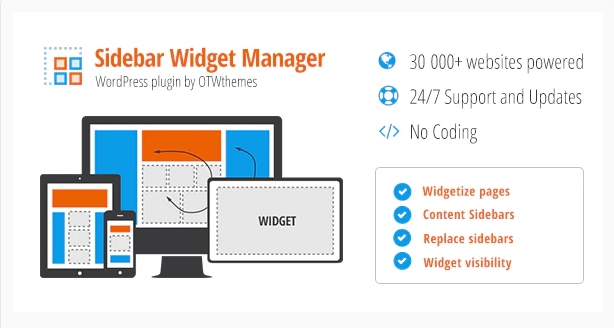
Sidebar and widget manager is a free widget WordPress plugin that you can use to add any number of widgets to your site’s layout. With the help of this plugin, you can easily widgetize any page, drop widgets in a page content area and build responsive layouts in just seconds. Furthermore, you can insert unlimited custom sidebars for widgets and can also set them to appear only with specific content. From pages, posts, categories, custom post types, tags, and archives to any taxonomies, this plugin supports each kind of content on your website.
It also offers integrated support for popular plugins like WPML, WooCommerce, bbPress, and BuddyPress. It gives you complete control over the appearance of the widgets.
2. Custom Widget Areas

The Custom Widget Areas plugin allows you to create an unlimited number of sidebars and configure them by adding widgets to your WordPress post, pages, or custom post types. You can simply create your new widget area and select the sidebar you wish to replace.
This plugin includes 7 styles, RTL support, taxonomies, ability to add custom widget areas to custom post types and taxonomies.
3. Meks Smart Social Widget
Meks Smart Social Widget allows you to connect your website with social profiles. This plugin comes with more than 100 social icons such as AIm, Apple, Evernote, Facebook, Flickr, and more. Furthermore, it offers you 3 different icon shapes and you can also define custom sizes for your icons.
4. Custom Sidebars

Custom Sidebars is a flexible widget area manager which you can use to manage and replace sidebars and other widgetized areas on your WordPress website. With this plugin, you can simply display custom-configured widgets on any post, page, category, post type, or archive page. Other features of this plugin include custom sidebars, unlimited custom widget configurations, author-specific sidebars, import and export custom sidebars, and more.
5. Social Icons Widget
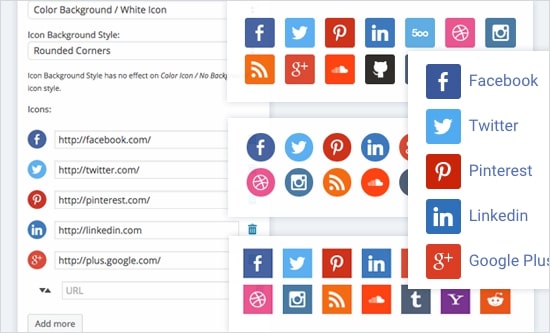
The Social Icons Widget plugin offers features like shortcodes, social network support, and social icon integration. It supports 80+ social networks and offers 400+ icons to choose from. It adds a simple social media widget to your WordPress site which you can use to display all your social links with ease. Other features include sortable drag and drop, multiple styles, a color picker, font awesome integration, and more.
6. Social Slider Widget

Social Slider Widget plugin allows you to display the Instagram feed in posts, widgets, pages, or anywhere with the help of shortcodes. This plugin is super easy to set up. All you need to do is create a widget with the necessary settings and add it anywhere on your WordPress posts, pages, and custom post types with the help of shortcodes. Other features include a fully responsive design, flexible layout settings, the ability to show multiple feeds, and support for multiple accounts.
7. SiteOrigin Widgets Bundle
From this bundle, you will get a collection of widgets for your WordPress site. All the widgets provide advanced forms, unlimited colors, and 1500+ icons. The bundle includes many widgets such as Google Maps Widget, Button Widget, Image Widget, Call To Action Widget, Slider Widget, Price Table Widget, Post Carousel Widget, Features Widget, Video Widget, Headline Widget, Social Media Buttons, and more. SiteOrigin Widgets Bundle plugin is fully compatible with other popular page-building plugins.
8. Content-Aware Sidebars
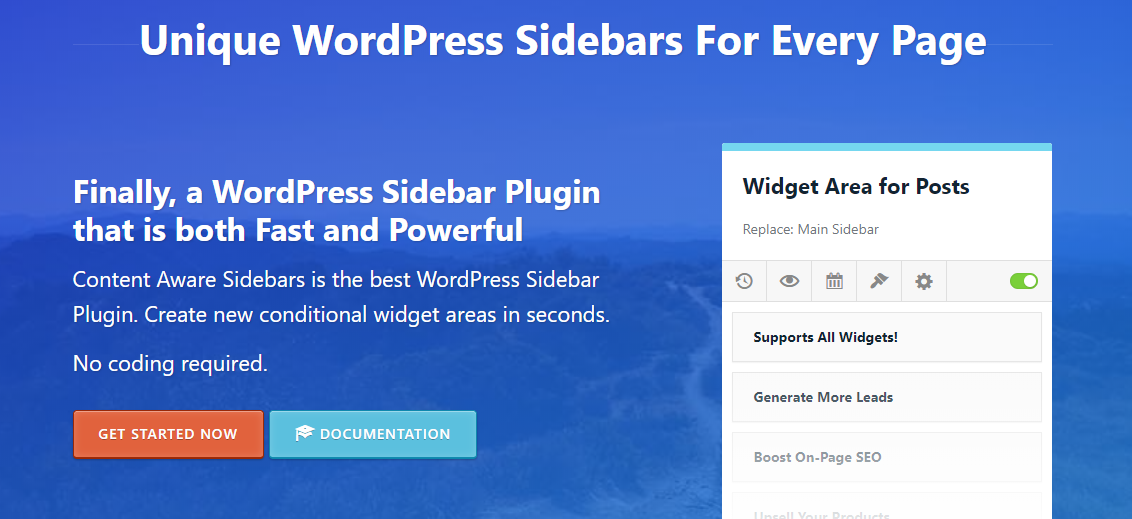
Content-Aware Sidebars is perfect if you want to add targeted sidebars to your site. It is an optimized widget area plugin that won’t slow down your website. The extensive and flexible Display Conditions are robust and secure in all aspects. It’s up to you how, when, and where you want to display widgets.
Key features include sidebars for different pages, unlimited sidebars, display widgets in columns, insert new widget areas into theme locations, automatic widgets backup, and many more.
9. Testimonials Widget

Testimonials always help when it comes to proving your business credibility, improving your conversion rates, and increasing lead generation. This widget helps you do that. This plugin provides you with forms, lists, ratings, schema, shortcodes, sliders, widgets, and more. You can easily list the selected portfolios, quotes, reviews, or text with images or videos. Using shortcodes, theme functions, or widgets, you can easily add testimonials to your site.
Carousel, fade, and slide transitions, random display, read more and single view compatibility, slide images, mixed content, text, and videos are some of its noteworthy features.
10. WordPress Popular Posts
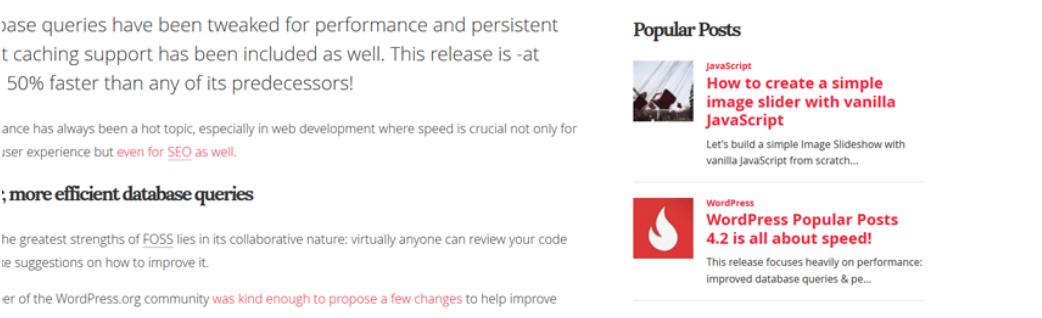
The WordPress Popular Posts widget is useful for your site if you want to display the most popular posts to your visitors. It is a highly customizable, multi-widget-capable plugin that supports Custom Post Types. You can list posts within a specific time range, display post thumbnails, see the statistics dashboard, and use template tags, sorting options, custom themes, and advanced caching features. It also offers support for REST API, Disqus, Polylang, WPML 3.2+, shortcodes, WP-PostRatings, and WordPress Multisite.
The Takeaway
Widgets can make your site look more versatile and act as a great feature to display your social media links and other related links on your WordPress pages, posts, custom post types, or anywhere else. The above-mentioned WordPress Widget Plugins can serve this purpose very well with many other useful features. These are easy to set up as well.
We hope you found this article informative. If you have any suggestions for us, let us know in the comment section below.
Related reading