
9 min read
Starting a Podcast to Reach a Wider Audience

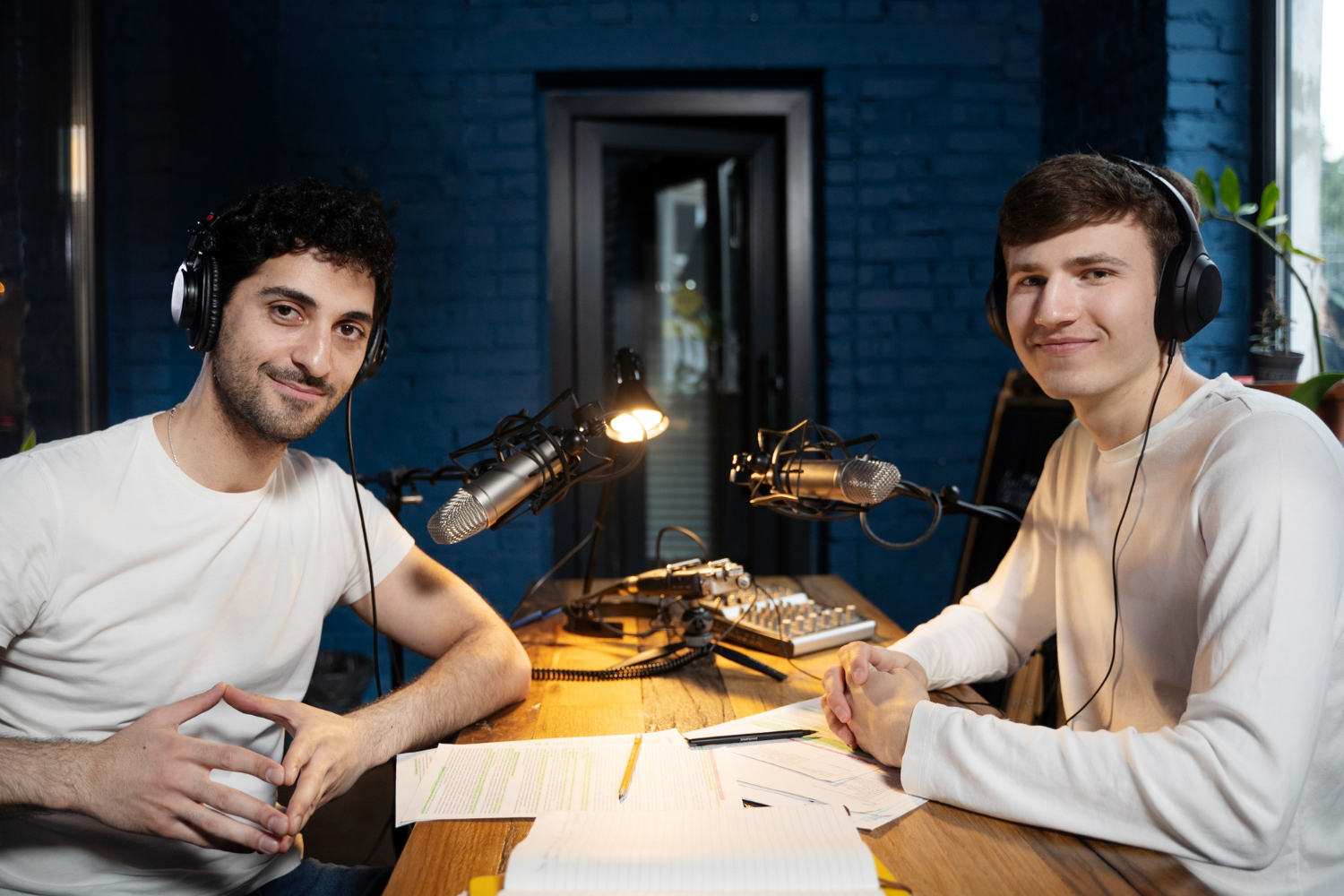
A podcast reaches people who will never read your blog: commuters, gym-goers, people doing the dishes. Edison Research’s Infinite Dial 2026 puts monthly US podcast listening at roughly 55% of everyone aged 12 and over, around 165 million people, and YouTube has overtaken Apple and Spotify as the platform they listen on most. The opportunity is real, but so is the dropout rate: most shows stop before episode ten. This guide covers what to decide before you record, what to buy, where to host, and how to turn listeners into an audience you own.

Decide the format and the commitment before anything else

The shows that survive are the ones whose format fits the host’s actual calendar. Be honest about the hours you have each week, then pick a format that fits inside them.
| Format | Prep per episode | Edit per episode | Best for |
|---|---|---|---|
| Solo commentary, 10 to 15 min | 1 hour | 30 min | Experts with opinions, consistent weekly cadence |
| Co-hosted conversation, 30 to 45 min | 30 min | 1 to 2 hours | Brands with two personalities, community shows |
| Interview, 30 to 60 min | 2 hours (research, booking) | 2 to 3 hours | Networking, borrowing a guest’s audience |
| Narrative or documentary | 10+ hours | 8+ hours | Seasons, premium production, grant or sponsor funded |
Write a one-sentence promise for the show that a stranger could repeat: “Fifteen minutes every Tuesday on running a WordPress membership site, for people who already have one.” If the promise needs two sentences, the show is too broad. Then decide on a season model (eight to twelve episodes, then a break) or an ongoing weekly model. Seasons are kinder to beginners because they give you a natural point to stop, review the numbers and adjust.
Record three episodes before you publish the first. Launching with three gives new listeners something to binge, gives you a buffer, and proves to yourself that you can do the work more than once.
Buy the minimum kit that sounds good
Audio quality matters more than video quality, and it is mostly about the room, not the microphone. A soft room (carpet, curtains, a wardrobe full of clothes) with a $70 dynamic microphone will beat a $400 condenser mic in an echoey kitchen every time.
- Microphone: a dynamic USB mic such as the Samson Q2U or Audio-Technica ATR2100x (both around $70 to $100) rejects room noise and needs no extra hardware. Upgrade to an XLR mic and an interface only when you are sure the show is sticking.
- Headphones: any closed-back pair so you catch problems while recording instead of in the edit.
- Recording software: Audacity (free) or GarageBand for solo shows. For remote guests, use a tool that records each person locally and uploads afterwards (Riverside, SquadCast, Zencastr) so a bad connection on the guest’s side does not wreck the file.
- Editing: Descript lets you edit by deleting words in a transcript, which cuts editing time in half for talking-head shows. Audacity or Reaper if you prefer a waveform.
Record at 44.1kHz, 16-bit WAV, and export the finished episode as a 128kbps mono MP3 (or 192kbps stereo if you use music). Normalise loudness to -16 LUFS for stereo or -19 LUFS for mono; Apple and Spotify both target that range, and episodes that are louder or quieter than their neighbours get skipped.
Plan episodes around questions people already ask
Episode ideas are not the problem; episode ideas that people search for are. Mine your support inbox, your community forum, the “People also ask” box on Google, and the comments on competitors’ YouTube videos. Each recurring question becomes an episode title phrased the way the listener would phrase it (“Why does my course completion rate drop after lesson three?” beats “Engagement strategies, part 2”).
Structure every episode the same way so editing becomes mechanical:
- Cold open: 20 to 30 seconds of the most interesting line from the episode.
- Intro sting and the one-sentence promise.
- The content, in two or three clearly signposted segments.
- One call to action, not five. Pick the newsletter, the community, or the product, and rotate across episodes.
- Outro with a tease for the next episode.
Write show notes while the episode is fresh: a two-paragraph summary, timestamps, every link mentioned, and the guest’s details. The notes become your episode page on the website, which is where search traffic will land.
Pick a host on downloads, not on marketing

A podcast host stores the audio, generates the RSS feed that Apple, Spotify and every other app read, and gives you download statistics. You do not upload to Apple or Spotify; you submit your feed once and they pull new episodes automatically. Prices below are the published rates as of mid-2026; check the host’s pricing page before you commit because several changed their plans in the last year.
| Host | Entry price | Pricing model | Notes |
|---|---|---|---|
| Spotify for Creators | Free | Unlimited | Easy start, weaker stats, you are locked to their ad system if you monetise |
| Buzzsprout | Free tier (episodes expire after 90 days), then from $12/month | Hours uploaded per month | Friendly interface; the hours cap bites on weekly 45-minute shows |
| Transistor | $19/month | 20,000 downloads/month | Unlimited shows on one account, good for agencies or networks |
| Captivate | $17/month billed annually | 30,000 downloads/month | Unlimited shows and storage, strong marketing tools |
| Podbean | Free tier, paid from $17/month | Upload-capped, unmetered bandwidth | Built-in monetisation options |
Our recommendation for a brand or community show is a download-based host (Transistor or Captivate). The pricing scales with success rather than with how much you talk, and both let you move your feed elsewhere with a 301 redirect if you change your mind. Whichever you choose, make sure the host supports the podcast:guid and podcast:transcript tags in the RSS feed, since transcripts now feed both accessibility and search indexing.
Put the podcast on your own website
Directories bring listeners, but your website is the only place you control the relationship. Every episode should have its own URL with the player, the transcript, the show notes and a signup form. On WordPress this takes an afternoon.
- Install a podcast plugin that creates an episode post type and its own feed. Seriously Simple Podcasting (free) and PowerPress are the long-standing options; our comparison of WordPress podcast plugins goes through the trade-offs.
- Keep hosting the audio files at your podcast host, not in the WordPress media library. Paste the episode’s MP3 URL into the plugin so your web server never serves 60MB files.
- Paste the transcript under the player. A 30-minute episode yields roughly 4,500 words of indexable text, which is how podcast pages end up ranking for long-tail questions.
- Add a persistent player and a “Subscribe on” block with Apple, Spotify, YouTube and the raw RSS link in the sidebar or footer.
- Use a theme that does not fight you. BuddyX is what we use for shows that want a listener community attached, since it already handles member profiles, groups and activity feeds alongside regular posts.
If you want listeners talking to each other rather than just to you, a private group per season or per topic on a BuddyNext community gives you the behind-the-paywall space that Patreon or Discord would otherwise own.
Distribute to every directory on day one
Submit the RSS feed to Apple Podcasts Connect, Spotify for Creators, Amazon Music, and the Podcast Index (which powers most of the independent apps). Most hosts have a one-click submission panel for each. Apple approval typically takes one to three days, the rest are faster.
YouTube deserves separate treatment because it is now the largest podcast platform in the US. Upload the full episode as video (static artwork with a waveform is fine to start, a camera recording is better) and mark the playlist as a podcast in YouTube Studio so it shows up in YouTube Music. Cut two or three 60-second clips per episode for Shorts, Reels and TikTok; these are what bring new listeners, not the full-length episode.
Artwork must be a 3000 x 3000 pixel square (Apple’s podcast requirements are the strictest, so meet those and every other directory is satisfied), readable at thumbnail size. Test it at 60 pixels wide; if the title disappears, simplify it.
Grow the audience with systems, not luck
Growth for most shows comes from three sources in this order: guests who share their episode, search traffic to the episode pages, and short clips on social platforms. Build a repeatable checklist for each episode:
- Send every guest a pre-written post, the clip and the artwork the day the episode goes live. Make sharing effortless.
- Publish the episode page with transcript and show notes at the same moment the feed updates.
- Post two clips across social channels over the following week, not all at once.
- Email your list with one line on why this episode is worth 30 minutes. Keep a newsletter from the start; it is the only channel that survives a platform policy change.
- Ask for reviews in a specific episode, once a season. Apple reviews matter less than they used to, but follows and completion rates still feed the algorithms.
Cross-promotion with shows of a similar size (feed swaps, guest swaps) outperforms paid ads for small shows. If you do pay, promo placements inside other podcasts convert better than social ads because the listener is already in the habit. Our broader guide on driving traffic to a website covers channels that work for episode pages too.
Measure the numbers that predict survival
Download counts are vanity until you have enough of them to sell ads. Look at these instead, in your host’s dashboard and in Apple Podcasts Connect and Spotify for Creators analytics:
- Downloads in the first 7 days per episode. This is the standard industry metric and the one sponsors ask for. Track it episode over episode, not in aggregate.
- Average consumption. Apple and Spotify both show how far into an episode listeners get. If it drops off at minute four, your intro is too long.
- Followers versus downloads. Followers are your floor. If downloads spike but followers do not move, the growth was a one-off.
- Website conversions. Signups from episode pages, clicks on your call to action, community joins. For a brand podcast this is the actual goal.
Review the numbers at the end of each season and change one thing: the length, the day of release, the format of the intro. Change one variable at a time or you will not know what worked.
Frequently asked questions
How much does it cost to start a podcast?
About $100 for a microphone and headphones, $0 to $19 a month for hosting, and free software. Remote recording tools add $15 to $30 a month if you interview guests. Everything past that is optional.
How long should episodes be?
As long as the content needs and no longer. Commute-length (20 to 35 minutes) is the sweet spot for most talk shows. Consistency matters more than length; listeners plan around a predictable runtime.
Do I need to be on YouTube?
If you want to grow, yes. It is the most-used podcast platform in the US and the only one with a discovery algorithm that pushes new shows. A static image over audio is an acceptable first step.
Can I move hosts later?
Yes, if your host supports a 301 feed redirect (all the paid hosts above do). Set the redirect at the old host and the directories follow automatically. Avoid any host that does not let you export and redirect your feed.
How many episodes before I should expect growth?
Plan for 20 to 30 episodes before judging. Most shows that quit do so before episode ten, which is roughly the point search traffic and word of mouth start to compound.
Where to start
This week: write the one-sentence promise, choose a format from the table, order the microphone. Next week: record three episodes and set up the episode post type on your site. The week after: submit the feed, publish all three, and send the guest kits. Treat the first season as research, not as a launch, and you will still be publishing when most of the shows that started alongside you have gone quiet.
Related reading