
4 min read
Best Membership Website Development Platforms

Building a membership site on WordPress gives you something most hosted platforms never will: full ownership of your data, your members, and your revenue stack. You’re not renting space on someone else’s platform and hoping they don’t change the pricing model next quarter. This guide covers the WordPress-native tools that power membership sites - from access control plugins to community and learning layers that sit on top of WordPress and work together.
Comparing WordPress against hosted alternatives? If you’re still deciding between WordPress, Kajabi, Teachable, Wild Apricot, or Wix, the full comparison belongs in our dedicated guide: Top Membership Site Platforms and Builders. This article focuses on what you can build specifically on WordPress.

Before diving into specific tools, it helps to understand why so many creators are choosing WordPress as their home base. This post on why creators are choosing WordPress over Skool gets into the practical reasons behind that shift.
Access Control: The Membership Plugin Layer
The foundation of any WordPress membership site is a plugin that controls who can see what. These plugins handle payment integration, content restriction, membership tiers, and subscriber data - all within your WordPress installation.
WishList Member
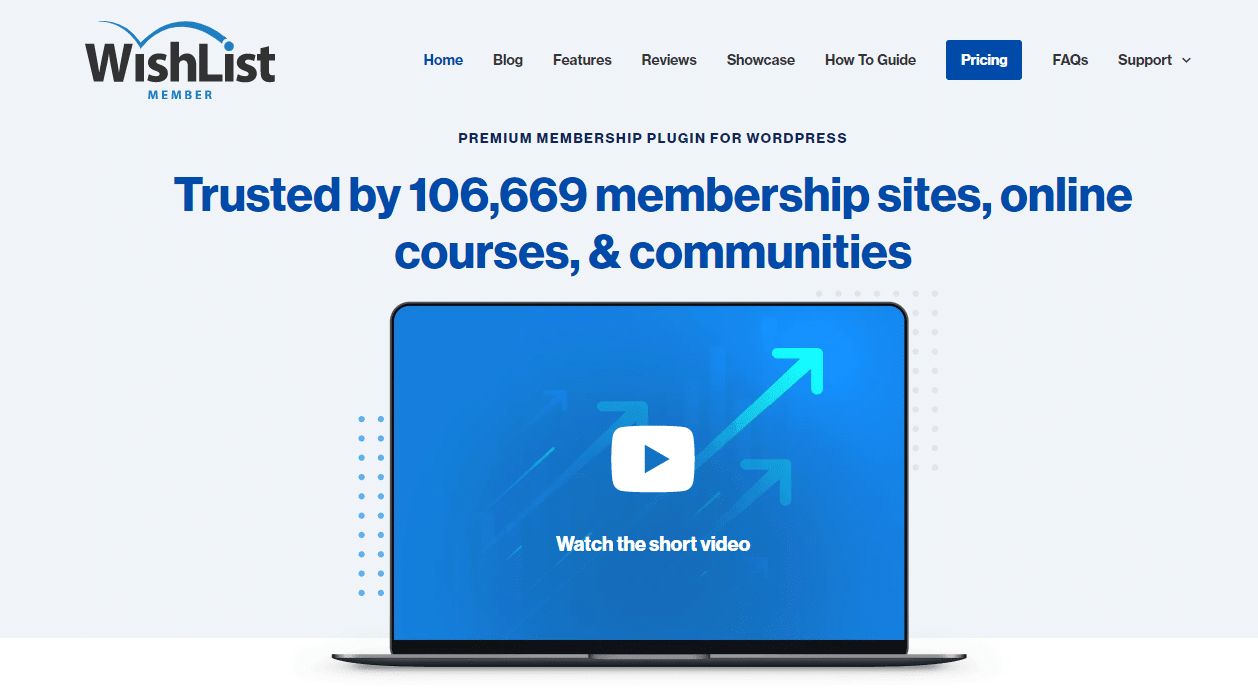
WishList Member transforms a standard WordPress site into a full membership platform. Setup is straightforward: install the plugin, connect one of 20+ supported payment providers, and you’re processing subscriptions. The plugin surfaces membership stats directly on the WordPress dashboard, which keeps your reporting in one place rather than scattered across third-party tools. Multiple membership levels with tier-based permissions are standard, and pricing starts around $149 per year.
MemberPress
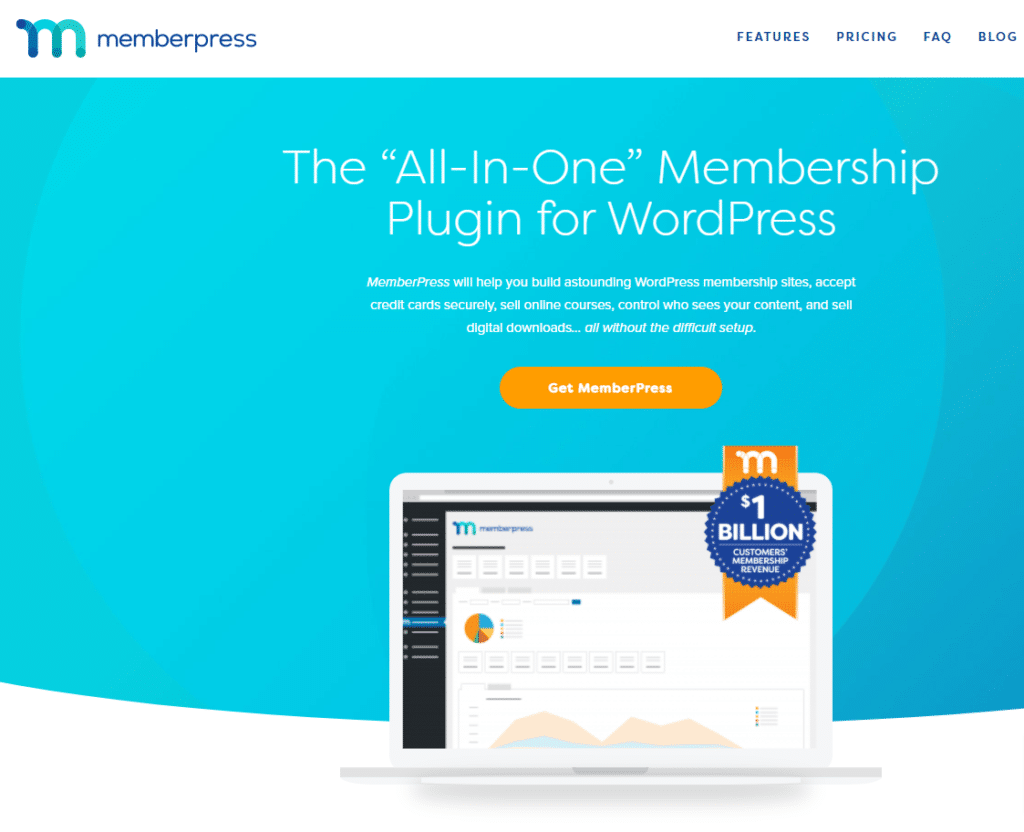
MemberPress is one of the most widely used membership plugins on WordPress, and its reputation holds up. Content restriction works at the post, page, tag, category, and feed level - giving you precise control over what each membership tier can access. It connects directly with Stripe and PayPal, and its Mailchimp integration keeps your subscriber list in sync automatically. Pricing starts at $249 per year for a single site license.
The Own-It Layer: Community and Learning on WordPress
A membership plugin handles access. What it doesn’t do is give your members a reason to stay - a place to connect with each other, take structured courses, or feel like they belong to something beyond a paywall. That’s where the community and learning layers come in. Both of the tools below are built specifically for WordPress, which means they sit alongside your membership plugin rather than replacing it.
BuddyNext - Community Layer
BuddyNext is a community engine for WordPress. It adds member profiles, activity feeds, private messaging, groups, and social interaction to any WordPress site without sending your members to a third-party platform. When someone joins your membership program, they get a social space that lives inside your site - not an invite to join a Facebook group you don’t control.
The practical benefit is retention. Members who interact with each other inside your site stay subscribed longer than members who only consume content in isolation. BuddyNext works alongside WishList Member and MemberPress rather than competing with them - your membership plugin controls access, BuddyNext handles the social layer on top of it.
Learnomy - Learning Layer
If your membership includes structured courses, certifications, or any kind of guided learning path, Learnomy is the layer that handles it on WordPress. It covers course creation, lesson sequencing, quizzes, progress tracking, and certificates - all hosted on your own server, under your own domain.
The alternative most people reach for - a dedicated LMS platform like Teachable or Thinkific - works well, but it puts your course content and student data in someone else’s database. Learnomy keeps both on WordPress. Pair it with MemberPress or WishList Member for access control and you have a self-contained course business with no platform fee eating into revenue.
What About Hosted Platforms?
Hosted membership builders - Wix, Wild Apricot, Kajabi, CMS Hub, Memberful, and others - are legitimate options for specific situations. They reduce setup friction and outsource the hosting concern entirely. The trade-off is that your member data, your content, and your pricing are all subject to the platform’s terms.
If you’re still evaluating whether WordPress is the right starting point for your membership site, our full guide covers both sides of that decision: Top Membership Site Platforms and Builders. It includes platform-by-platform breakdowns of Wix, Wild Apricot, Morweb, MembershipWorks, Subhub, and more.
Final Thoughts
The WordPress membership stack - an access control plugin, a community layer, and a learning layer - gives you control that hosted platforms don’t. WishList Member and MemberPress handle the subscription and content restriction side of things reliably. BuddyNext adds the social layer that turns subscribers into an active community. Learnomy handles structured learning if your membership includes courses.
None of these require enterprise budgets, and all of them keep your data where it belongs: on your server, under your domain. If you’re choosing between building on WordPress and signing up for a hosted platform, the full comparison guide is the right next read.
Useful reading:
How To Build A Website From Scratch
Related reading