
8 min read
Top-Rated eLearning Tools for Creators


Building an eLearning business takes more than a course platform, you need tools for authoring content, editing video and audio, mapping out ideas, and designing graphics that don’t look like everyone else’s slides. Picking the right tool for each job is the hard part, so this list is organised by category: WordPress LMS plugins, authoring tools, video editing, project mapping, free assets, graphics, and audio. Jump to whichever section you actually need.
On This Page
- WordPress LMS Plugins
- eLearning Authoring Tools
- Video Editing Tools
- Project Mapping Tools
- Free Images, Cliparts, Icons, and Fonts
- Graphics and Infographic Tools
- Audio Editing Tools
- Bottom Line
Best eLearning Tools for WordPress
If you’re building your course platform on WordPress rather than a standalone eLearning tool, the LMS plugin you pick matters more than any single authoring tool on this list, it’s what your students actually use every day. Here’s where to start:
- Learnomy, Wbcom’s own free WordPress LMS, 0% transaction fees on course sales, with migration support from LearnDash, Tutor, and LifterLMS.
- LearnDash, the most established premium WordPress LMS plugin, strong on drip content and certificates.
- LifterLMS, free core plugin with a large add-on ecosystem for memberships and quizzes.
- TutorLMS, free tier with multi-instructor support and built-in monetisation.
We’ve compared all of these in detail, including pricing, free-tier limits, and which one fits which kind of course business, in 19 Best WordPress LMS Plugins Compared for 2026, worth reading before you commit to one, since the right pick depends heavily on whether you’re selling one course or running a multi-instructor academy.
Best eLearning Authoring Tools
An eLearning platform revolves around the course development tool. Such a tool helps the instructional designer to build interactive and engaging eLearning courses for the learners. An authoring tool creates course content using text, media, and other elements. As these tools are designed specifically for eLearning, let us first explore some of them.
1 - Articulate 360
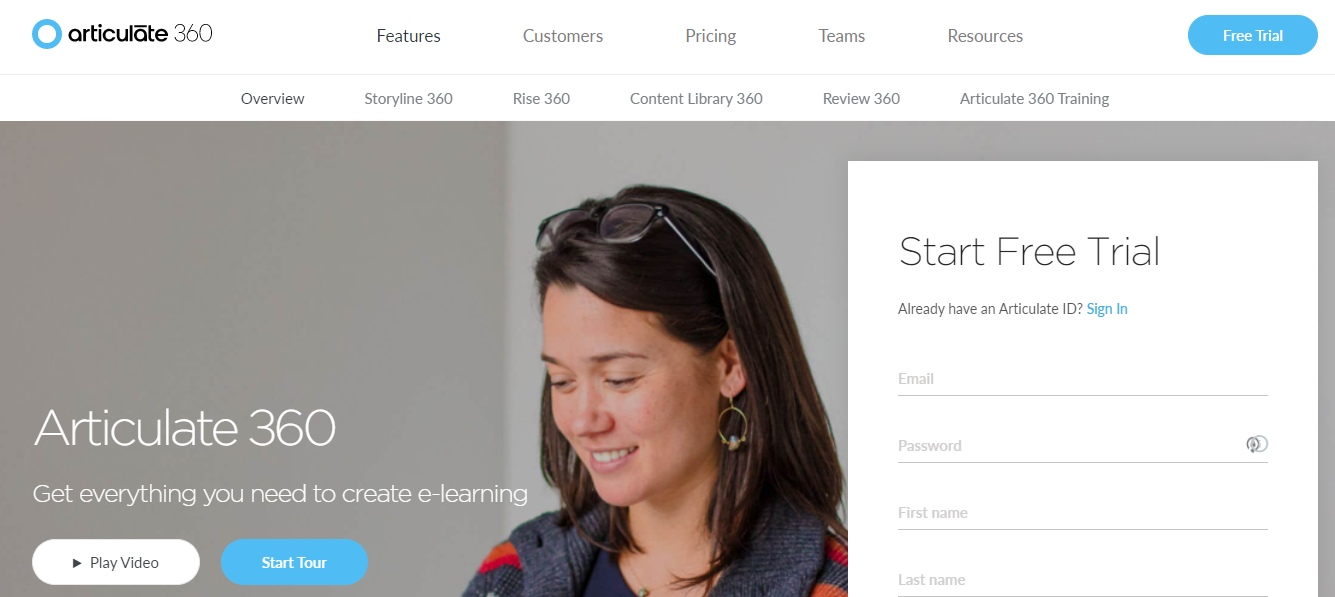
Articulate 360 is one of the best eLearning tools that build engaging and interacting course content. It is a collection of nine tools where three of them (Storyline 360, Studio 360, Rise) are specifically for course authoring. The interface is similar to PowerPoint, and you can easily import presentations. Moreover, you can make them engaging by using features like layers, triggers, and variables. The tool allows you to create and build course content ranging from simple to complex.
2 - GoSkills LMS

GoSkills is an intuitive, cloud-based learning management system designed to streamline the creation and delivery of online courses. With GoSkills, you can easily develop engaging content directly from your browser, simplifying the process for both learners and instructors. The platform supports a wide range of content formats, allowing you to create video tutorials, quizzes, assessments, and interactive lessons. GoSkills LMS also emphasizes collaboration, enabling multiple course creators to work together seamlessly in real-time.
3 - iSpring Suite
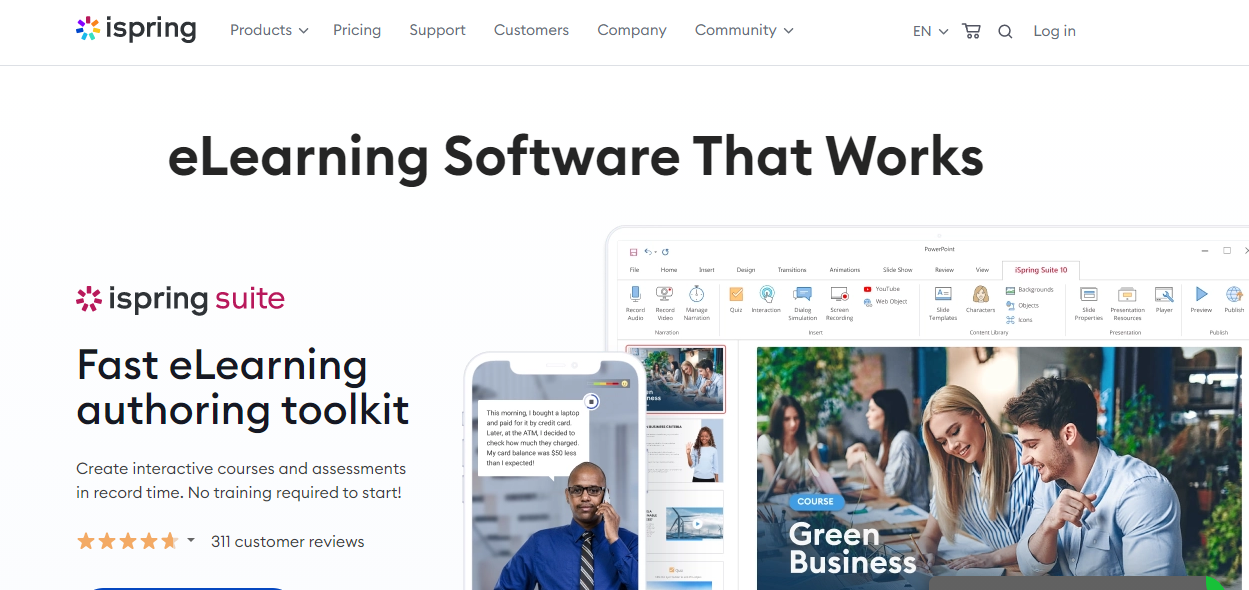
Another authoring tool, iSpring Suite, is a cloud-based tool used for creating short-term or microlearning courses. With the tool, you can develop content directly in your browser. It helps you in building mini-videos, courses, quizzes, assessments, tutorials, and flipbooks. This tool sustains teamwork, and various designers can work on the same content at a time.
4 - Elucidat
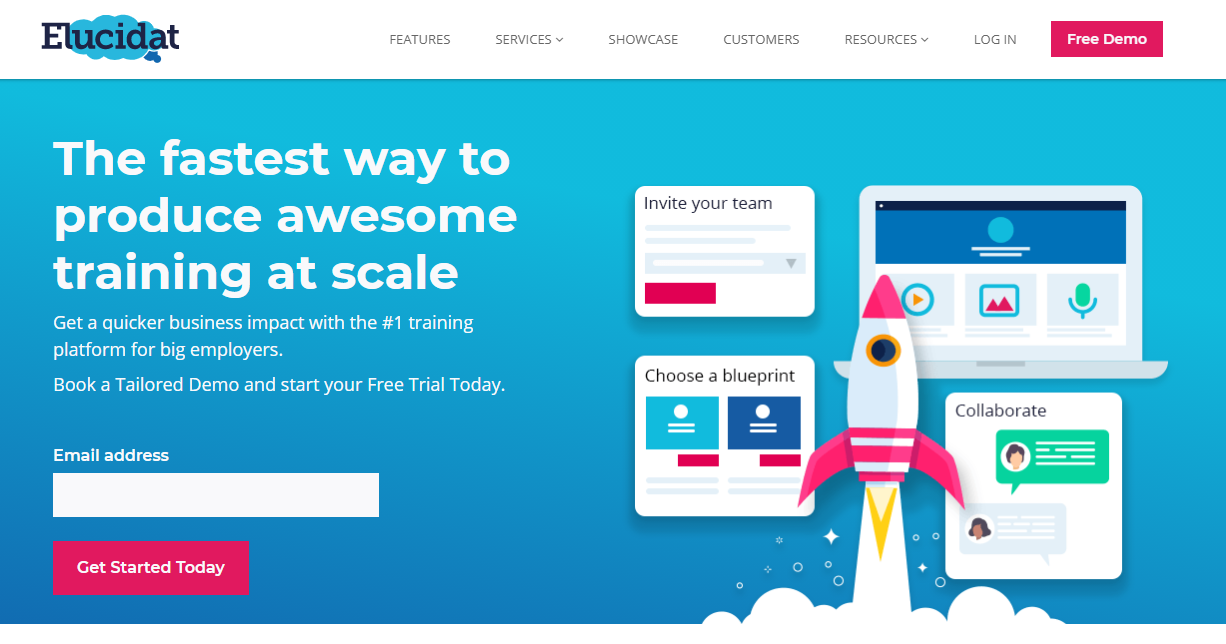
With tons of eLearning authoring tools on the web, Elucidat helps the designer create responsive course content for web and mobile and is compatible with HTML5. The commenting and built-in review features make it great for remote learning. The tool is also fast at loading and running content across various browsers and devices.
5 - Adobe Captivate
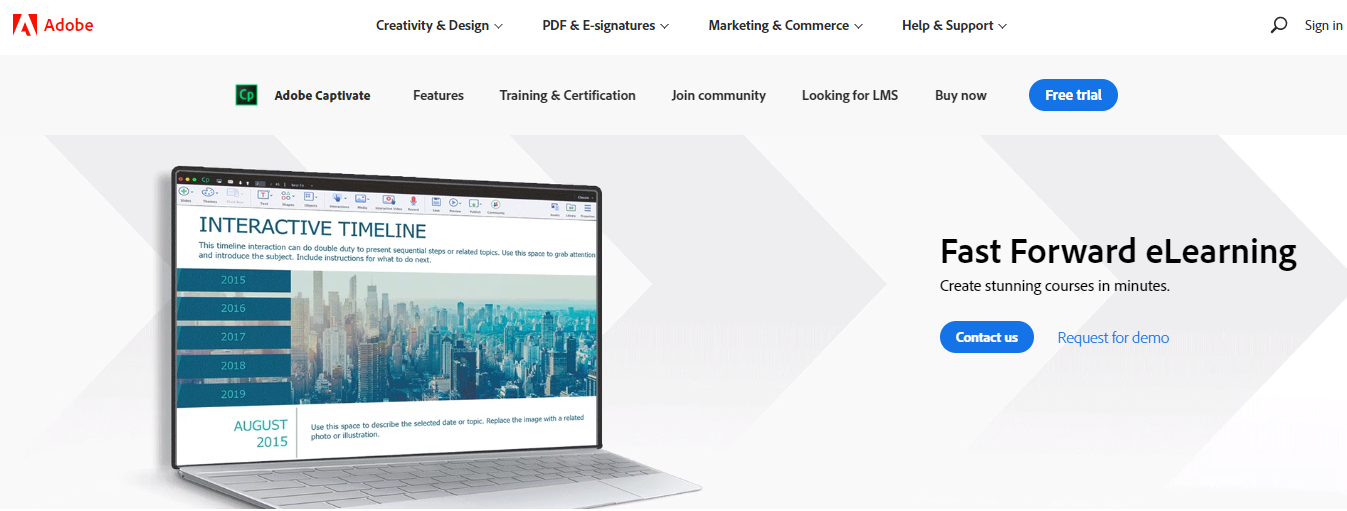
Adobe Captivate focuses on building intricate and complex courses. Its affordable pricing and responsive design make it one of the best tools. As a designer, you can create virtual reality (VR) and interactive videos, drawing on a library of around 25,000 templates for various devices.
6 - Publuu Flipbook Maker

Publuu’s online flipbook maker converts static PDFs into interactive HTML5 flipbooks with realistic page-flip effects, plus embedded video, photo galleries, audio, and links. Flipbooks are mobile-optimised, brandable with your own logo and colours, and shareable via direct link or embed. Built-in analytics show views, time on page, and hotspot interactions.
Best Video Editing Tools
As you are into eLearning, you must be perfect while delivering your content to your learners. Either animated video or recording session, you must come up with regular video content. But these videos require editing, trimming, voice-over, etc. Here are some of the best video editing tools for eLearning.
1 - Adobe Premiere Pro
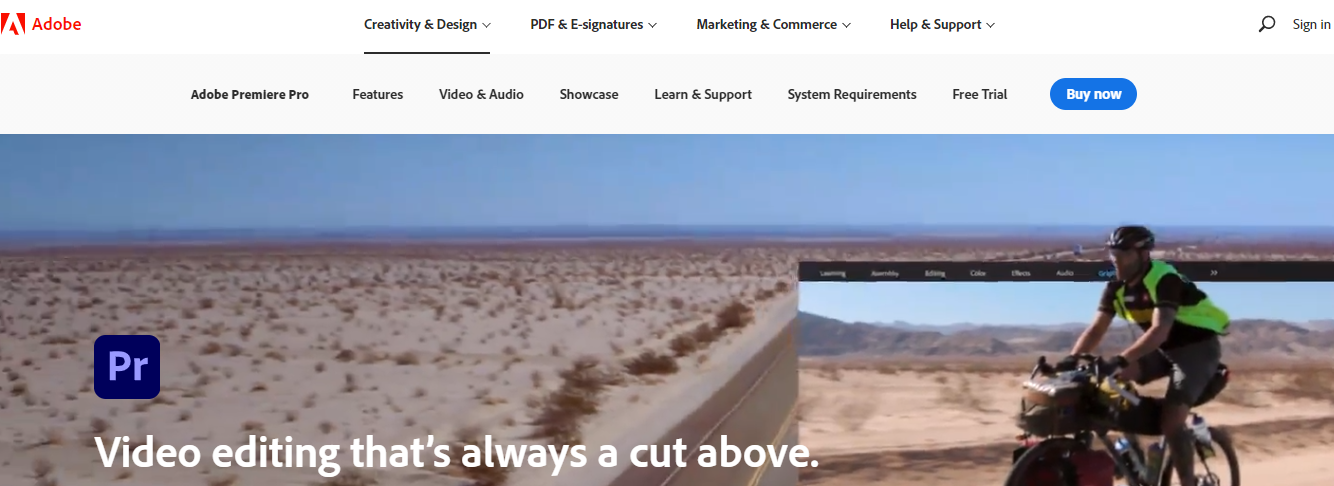
Premiere Pro is one of the most used video editing software. Professionals use it for editing videos, films, commercials, and all other types of videos. It helps people in creating high-definition and broadcast-quality videos, with filters, titles, and other effects to give your project a creative touch.
2 - Final Cut Pro
Designed for macOS users, Final Cut Pro is a professional video editing software offering robust tools for creating high-quality videos, including motion graphics, filters, VFX, and special effects. It also supports 360-degree video editing for real-time and VR videos.
3 - VideoPad
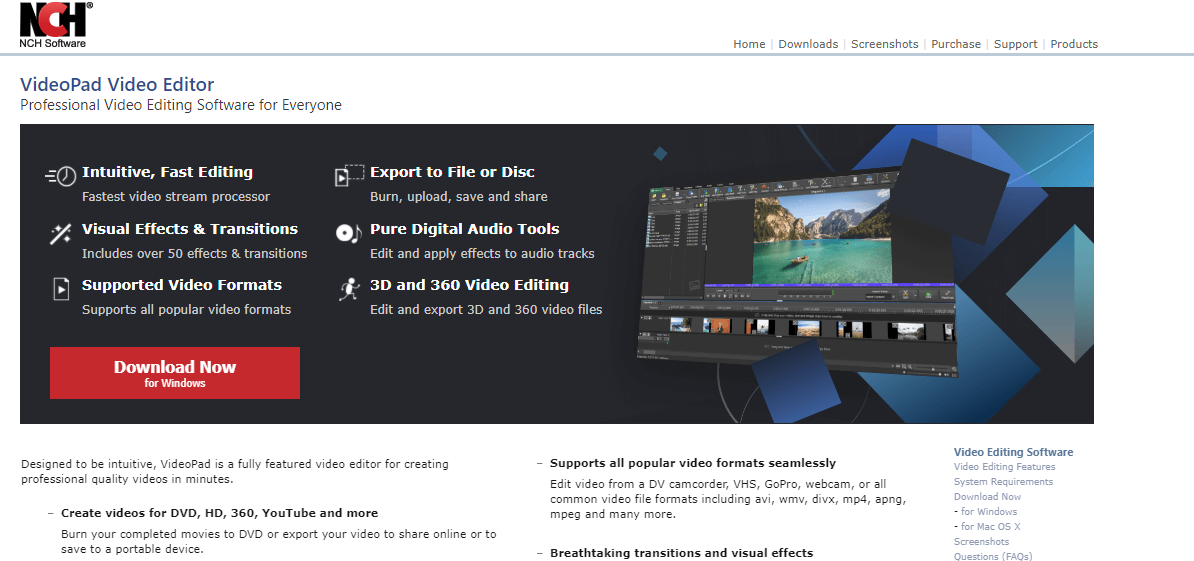
VideoPad is video editing software designed for beginners, with the core features needed for editing in WMV, DIVX, AVI, 3GP, and more through a simple drag-and-drop interface. You can burn creations to DVD/CD or share directly to YouTube, Vimeo, or other platforms.
4 - Camtasia Studio
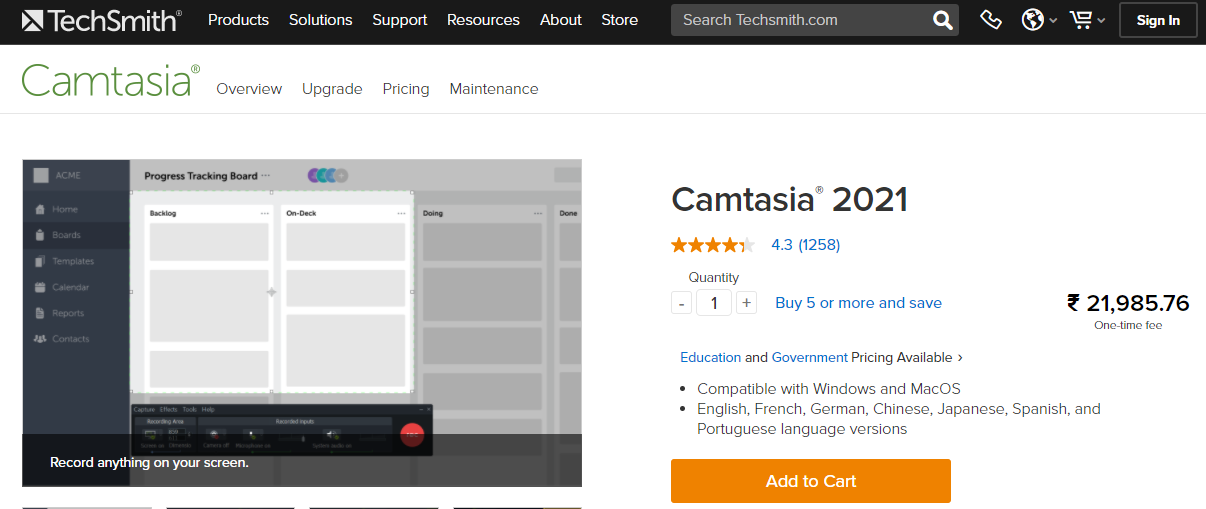
A user-friendly tool that helps developers create high-quality video content, Camtasia is built around screen recording for instructional and tutorial videos. You can edit footage and add filters, effects, and music, plus annotations, animations, and visual/audio effects.
Best Project Mapping Tools
Either an individual developer or a team, everyone needs tools for staying productive and organised. Project or mind mapping tools help you turn ideas into visual diagrams before you build the course around them.
1 - Xmind
Xmind helps developers capture ideas and draw them into graphics, with colours, icons, formats, notes, and hyperlinks to map complex information. It’s well suited to planning assignments and projects where structure helps learners grasp the material.
2 - iMindMap
iMindMap (now part of Ayoa) combines project planning and mind mapping, helping teams collaborate and develop ideas visually. Icon libraries and large image support make it easy to build organised, smart layouts.
3 - SpiderScribe
SpiderScribe helps you organise ideas into text, maps, images, and calendar events, with real-time collaboration so teammates can work together and access the board from anywhere.
4 - MindMeister
MindMeister helps users connect ideas, concepts, and information for planning, brainstorming, meetings, and timelines. In eLearning, it helps students visualise concepts through images, icons, videos, and animations within the mind maps.
Free Images, Cliparts, Icons, and Fonts
1 - Unsplash

Unsplash is one of the most used platforms for downloading free stock photos. Users can download and edit photos directly from the site, free of charge and without attribution required.
2 - Microsoft Clipart Library
A library of Microsoft cliparts you can pick from as needed for your eLearning materials.
3 - Google Fonts
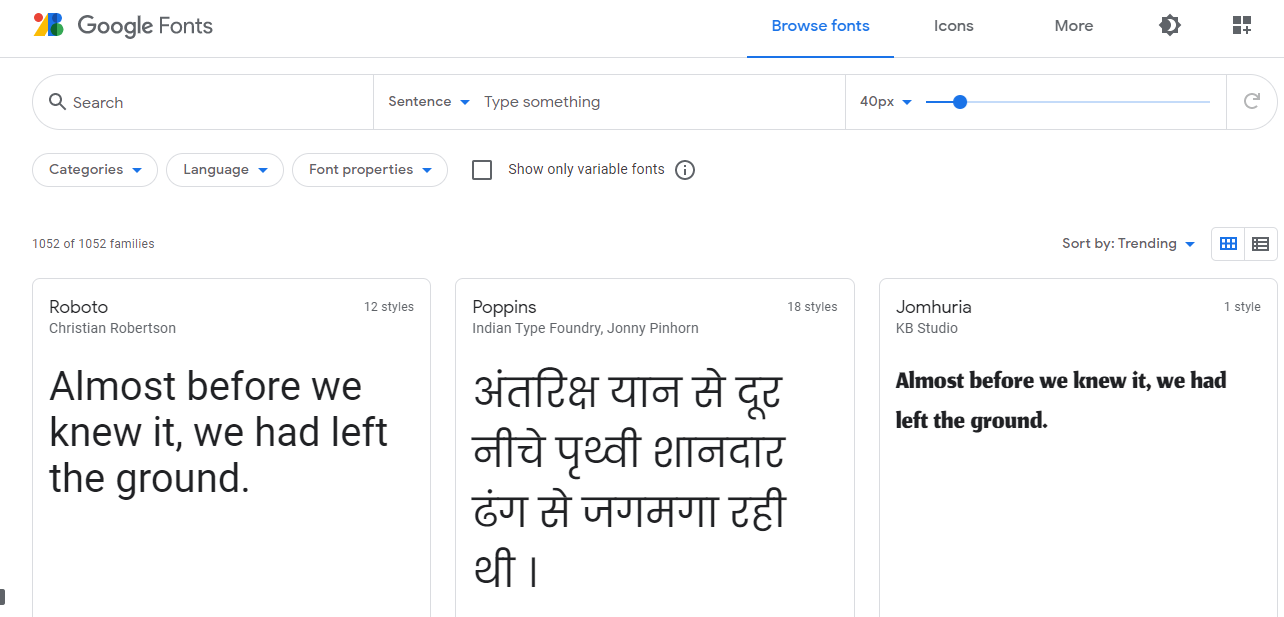
Google Fonts offers hundreds of libre-licensed fonts, free for commercial or personal use under an open-source license.
4 - Flaticon
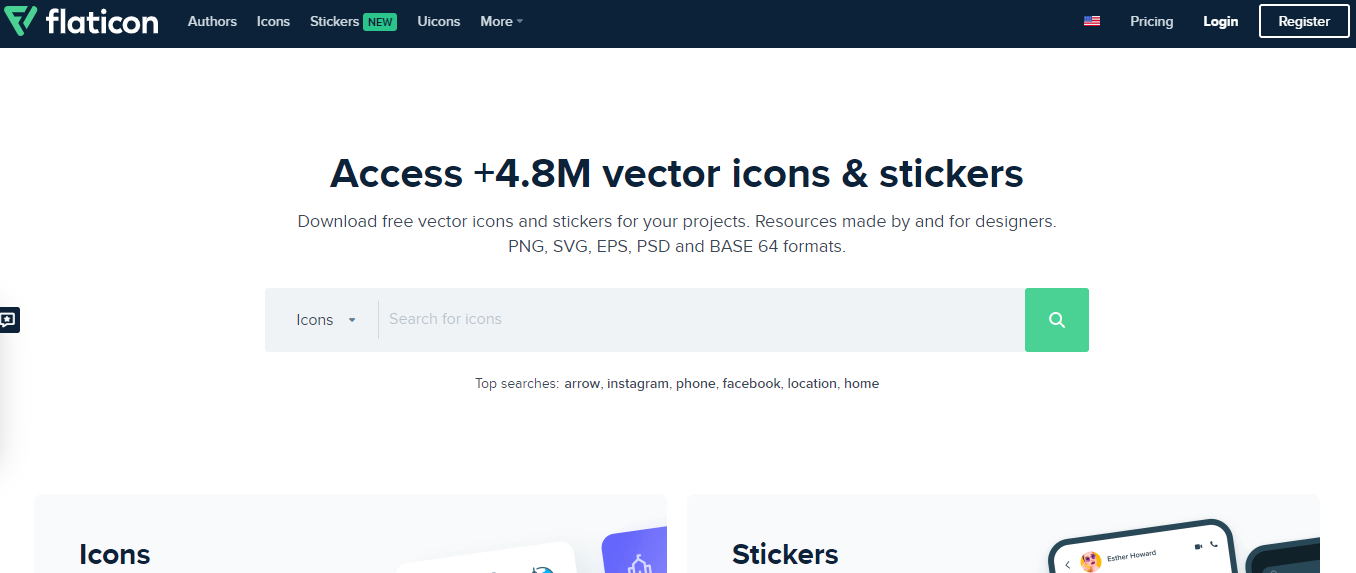
Flaticon offers a huge library of free vector icons in EPS, SVG, PSD, PNG, and Base64 formats.
5 - Pixabay

Pixabay lets users create and share free copyright-free images, music, illustrations, and videos, published under Creative Commons CC0.
Graphics and Infographic Tools
1 - Canva
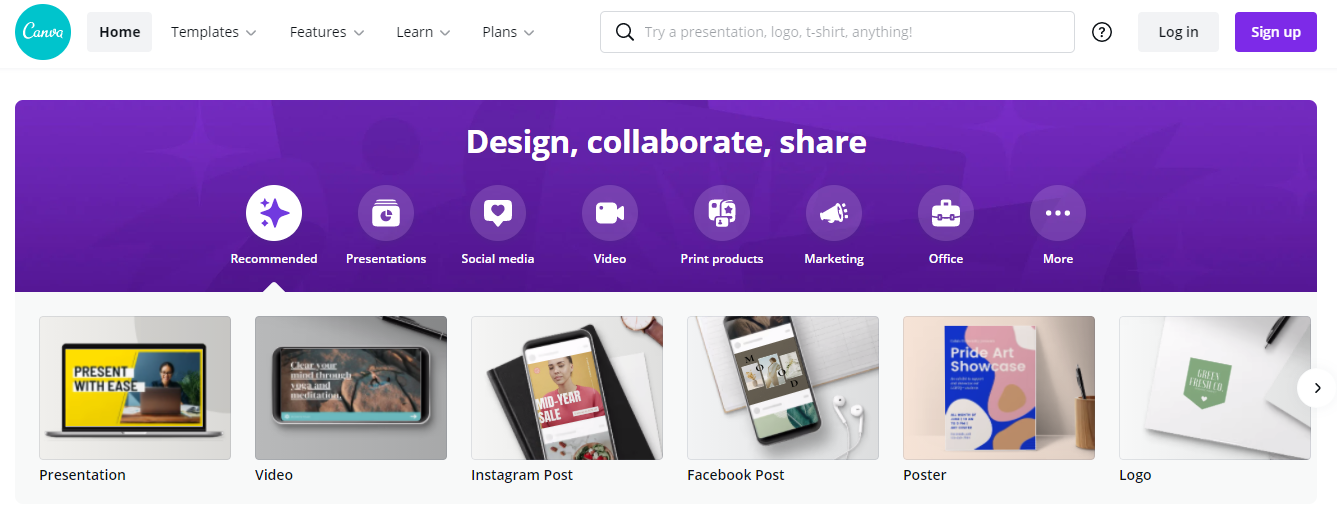
For beginners, Canva is one of the easiest tools for creating eLearning slides, infographics, and headers. Its Background Remover feature removes backgrounds from images with one click, and it covers everything from social media to marketing videos to professional documents.
2 - Blipshot
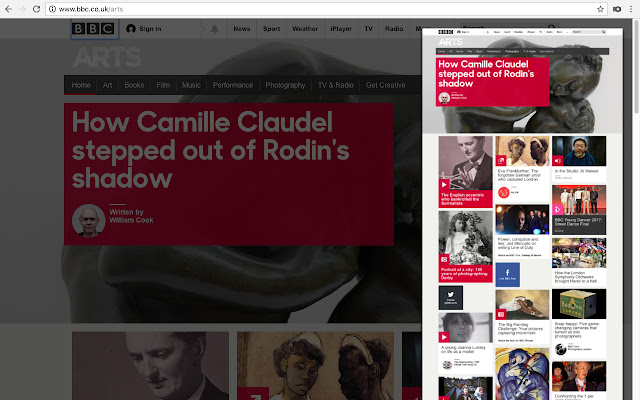
Blipshot is a Chrome extension for quick, full-page screen capturing, capture an entire webpage with one click, then drag, drop, or save it as a PNG. Available on Windows, Linux, and Mac.
3 - Infogram
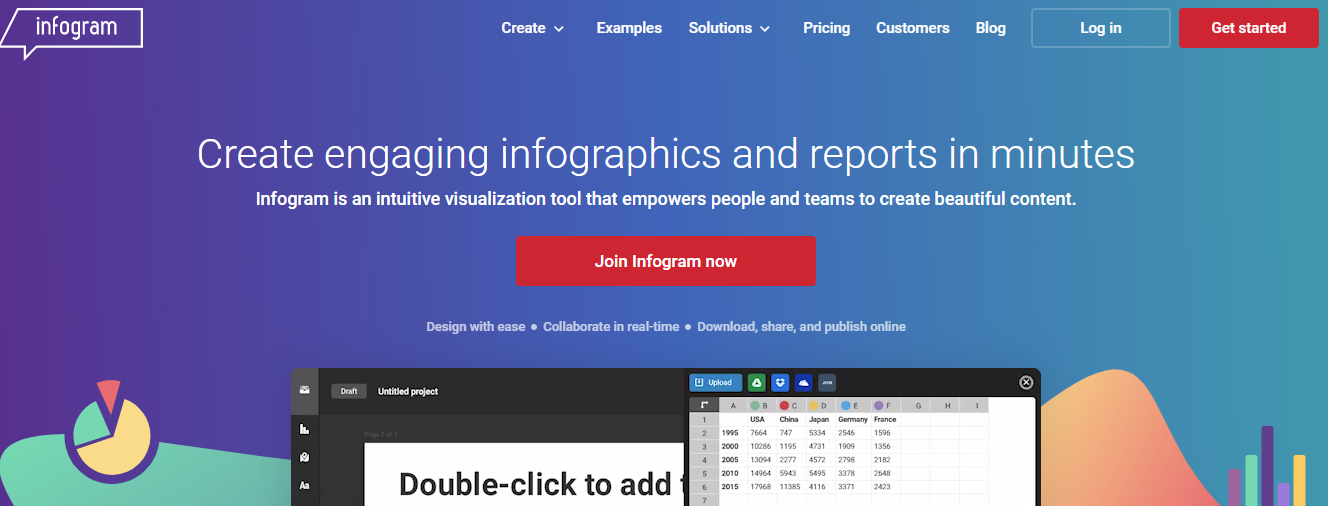
Infogram lets users build online reports, dashboards, digital charts, and maps with a drag-and-drop editor, then embed, publish, or share the result on any platform.
4 - Figma
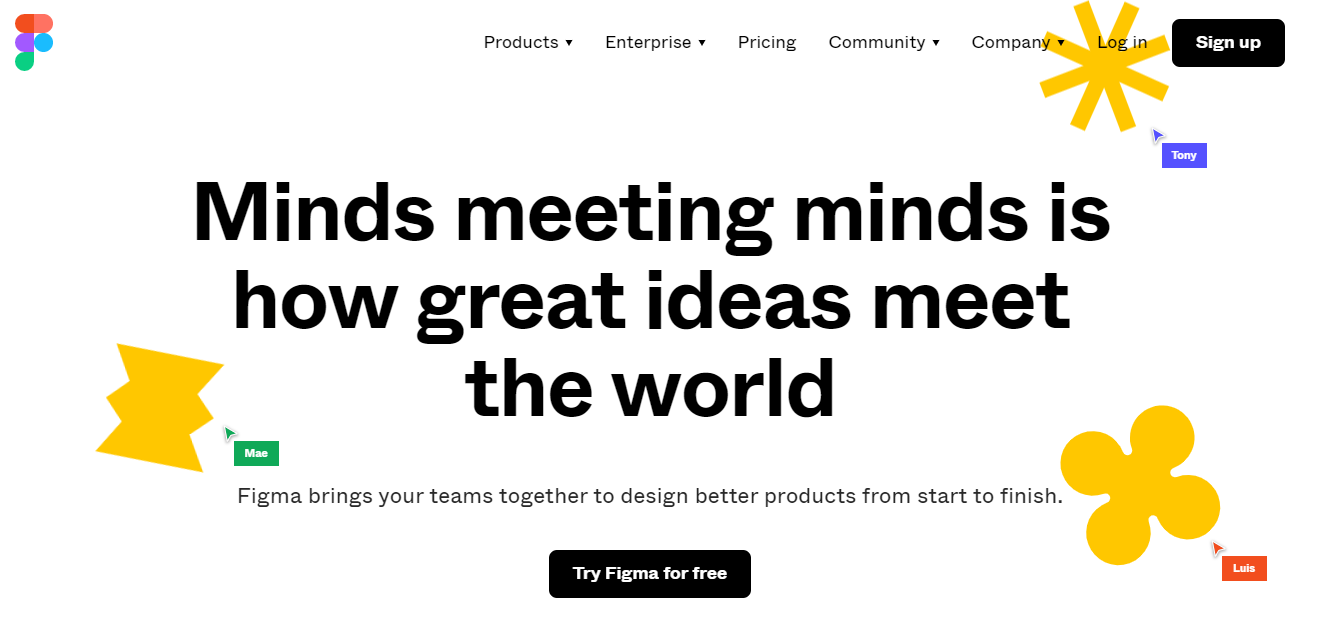
Figma covers prototyping, vector tools, and code generation, and learners can view your content in the browser without installing anything, a solid pick for course designers.
5 - Paint.net
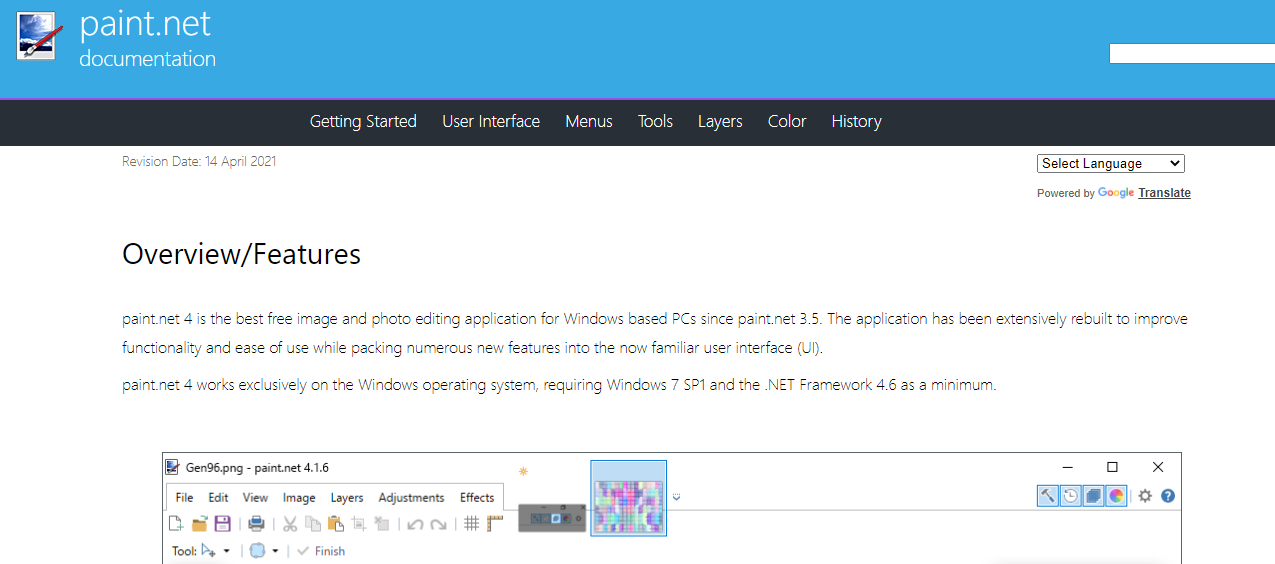
Paint.net is free photo editing software for Windows, with an interactive UI and easy-to-use drawing shapes, Magic Wand, and Gradient tools, a solid choice for anyone new to image editing.
Audio Editing Tools
1 - Audacity
Audacity is a free, well-known sound editing and recording tool that lets you record, copy, cut, and combine sounds, change pitch and speed, and work across multiple tracks. It runs on Windows, Linux, and Mac.
2 - BBC Sound Effects
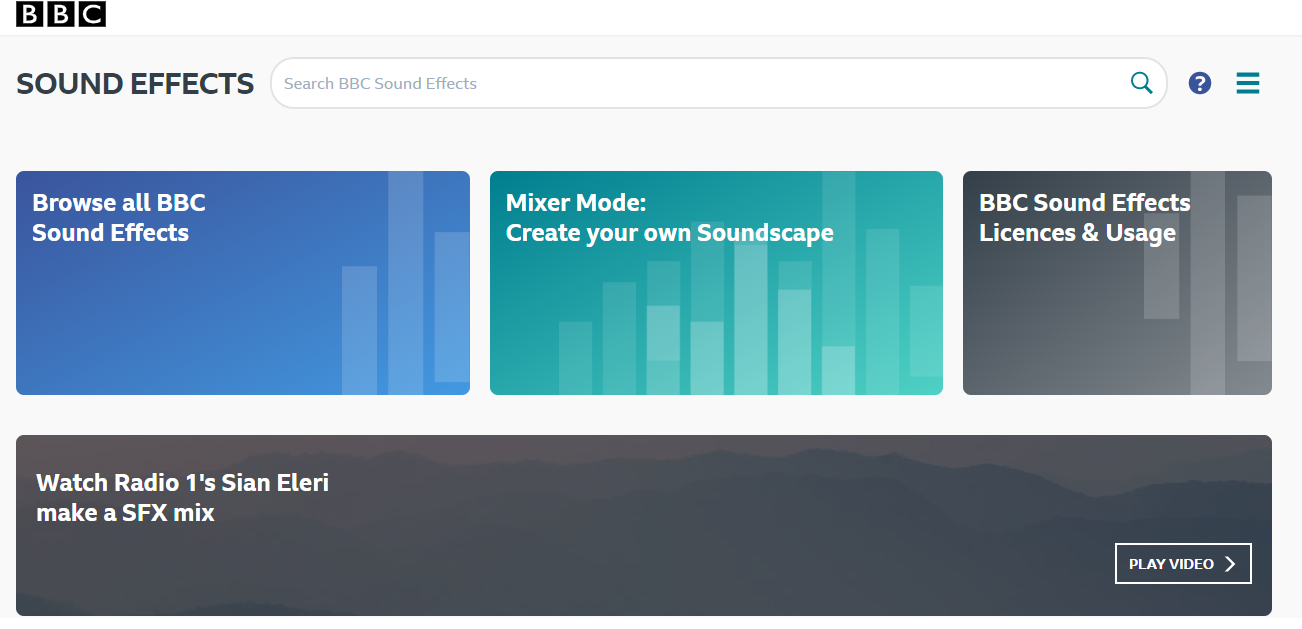
BBC Sound Effects offers around 16,000 audio samples you can download or stream in WAV format for your eLearning platform, from crowd cheering to birds chirping.
3 - Watson Text to Speech
Watson Text to Speech converts written text into spoken audio, a useful option if you’d rather not hire someone for voice-over work. It offers 13 voices across roughly seven languages.
Bottom Line
That’s the full toolkit, LMS plugin, authoring tool, video and audio editors, mind-mapping software, free assets, and graphics tools, for building and running an eLearning platform. If you’ve got a favourite that’s missing, or feedback on any of these, let us know.
Run Your Course Platform on WordPress with Learnomy
If you’re building the LMS side of this on WordPress, Learnomy is Wbcom’s own free LMS plugin, 0% transaction fees on course sales, migration support from LearnDash, Tutor, and LifterLMS, and no platform lock-in.
Get Learnomy free to run your course platform on your own WordPress site.
Interesting Reads:
Related reading