
16 min read
Best Forum Plugins for WordPress


Most WordPress forum plugins look identical during a demo. Add them to a live site with several thousand active members and the gaps become hard to ignore. Pages slow down because every query runs against the same WordPress database that powers your posts and pages. Spam accounts flood in because new users get the same posting rights as long-time contributors. Switching to a better plugin later means untangling years of data with no reliable path forward.
After testing every major option on this list, one free plugin solves all three without compromises: Jetonomy. The rest of this guide explains why it leads and where each alternative still earns its place.
Best Forum Plugins for WordPress - Quick Comparison
| Plugin | Type | Best For | Starting Price |
|---|---|---|---|
| Jetonomy | WP Plugin | Fast, self-moderating community forums | Free (Pro $69/year) |
| bbPress | WP Plugin | Existing BuddyPress communities | Free |
| wpForo | WP Plugin | SEO-focused standalone forums | Free (Pro $59/year) |
| BuddyBoss | WP Platform | Premium communities with LMS | $228/year |
| Asgaros Forum | WP Plugin | Small niche communities | Free |
| ForumWP | WP Plugin | Block editor users | Free (Pro $69/year) |
| Simple:Press | WP Plugin | Complex permission setups | Free (Pro $59/year) |
| Discourse | Standalone | Developer communities | Free self-hosted / $50/month hosted |
| FluentCommunity | WP Plugin | Modern community platforms | Free (Pro available) |
| Flarum | Standalone | Lightweight independent forums | Free |
| Vanilla Forums | Standalone | Enterprise customer communities | Custom pricing |
| XenForo | Standalone | Large traditional forums | $195 one-time license |
How I Evaluated These Forum Plugins
Feature counts do not tell you how a plugin behaves once your community gets busy. I evaluated each option from three angles that are easy to overlook at launch and impossible to ignore six months later.
Performance at scale. Does the plugin store forum data in its own dedicated tables, or does it push everything into the WordPress post and postmeta tables? Shared-table plugins feel fast at launch and start degrading noticeably past a few thousand topics. Dedicated-table plugins keep query times consistent because forum lookups never compete with the rest of your site’s database activity.
Moderation overhead. Without automatic gatekeeping, your moderator workload grows in proportion to your member count. The plugins worth recommending for communities that plan to grow have some form of trust escalation - a system that limits new accounts automatically and expands their permissions as they contribute positively, rather than requiring manual review of every new user.
Migration realism. Most communities do not launch on the right plugin. The question is whether switching later is survivable. I tested how difficult it is to move existing topics, replies, and user data from the plugins people are most likely already running - bbPress and wpForo.
I also considered theme compatibility, block editor support, SEO output quality, and pricing transparency. Plugins that lock essential features behind paid tiers rank lower than those that ship a complete product in the free version.
Best WordPress Forum Plugins
1. Jetonomy - Best Overall Forum Plugin for WordPress

Jetonomy was built to fix the two problems that eventually break every other WordPress forum plugin: performance that quietly degrades as the database grows, and moderation work that scales with member count instead of staying manageable.
The database architecture is the clearest differentiator. Where bbPress and most other forum plugins write topics and replies into the standard WordPress post tables, Jetonomy uses a dedicated schema built specifically for forum data. A topic listing or search on a Jetonomy forum with 100,000 entries runs against the same indexed tables it used at 500 entries. Performance does not erode invisibly as the site grows. Sites that use bbPress or wpForo at scale will recognize this immediately - what starts as occasional slowness becomes a consistent problem past a certain threshold, and the only fix is a migration.
The trust-level system handles moderation automatically. New accounts start with the most restricted permissions - they cannot post links, and their reply rate is capped until they earn access through positive contributions. As members contribute positively over time, the platform promotes them through six permission tiers without any manual action from your team. Problem accounts never accumulate the trust needed to cause real damage. Veteran members get more latitude without you having to grant it case by case. The practical result is that your community moderates itself as it grows instead of generating more work for you.
Migration from bbPress or wpForo is handled with a built-in importer that runs a preview before committing any changes. You can inspect the output on a staging site and only pull the trigger when the data looks right. That is a meaningful improvement over the manual export-and-reimport process every other plugin requires.
The plugin covers more ground than a traditional forum. Each community space can run as a standard threaded discussion forum, a Q&A channel where the best answer gets marked and surfaced, or an idea board with community voting. You can run different modes in different spaces on the same site. A social feed pulls activity from every space into a single stream so members see what is happening across the whole community without navigating between sections.
All of that is free. Download Jetonomy and you get every core feature: dedicated tables, the six-tier trust system, migration tools, all three content modes, and the social feed. The Pro tier ($69-$199/yr) adds optional extensions - private messaging, polls, emoji reactions, custom badges, email digests, webhooks, and analytics. None of those are gates on the core forum experience.
You can also try the live Jetonomy demo without installing anything. Full feature documentation and developer references are at jetonomy.org.
Best for: Any site building a community forum from scratch, and any site currently on bbPress or wpForo that is noticing performance or moderation problems as it grows.
2. bbPress - Best for Existing BuddyPress Communities
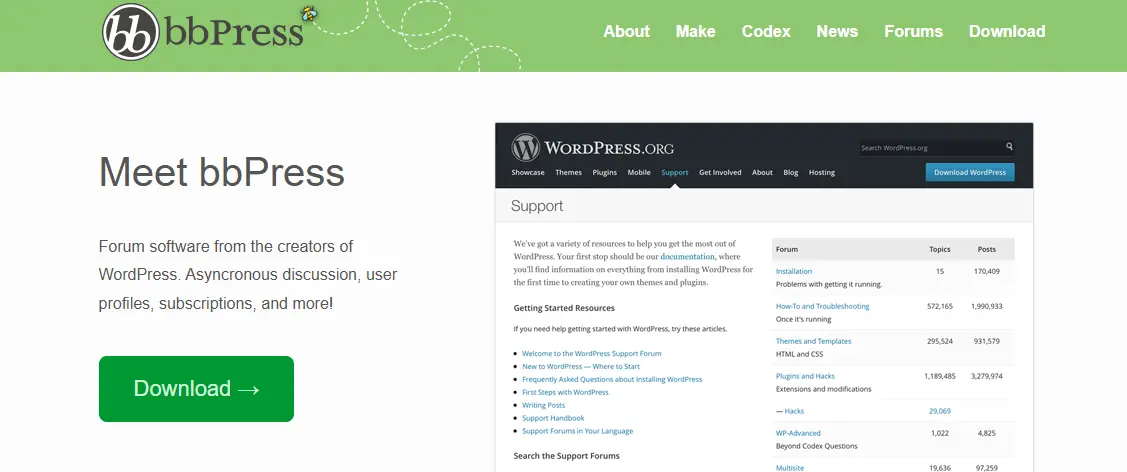
bbPress is the original WordPress forum plugin from Automattic. It stores forum data as WordPress post types and fits naturally inside the WordPress admin, with hundreds of add-ons and themes built around it over more than a decade of use.
The BuddyPress integration is the reason it is still worth recommending. If your site already runs member profiles, activity streams, and group discussions through BuddyPress, bbPress connects to that social layer without additional configuration. The Wbcom Designs plugin suite extends it with reactions, badges, advanced moderation, and gamification that fill the biggest gaps in the default bbPress feature set.
The honest downsides: bbPress uses WordPress post tables for all forum data, which means query performance degrades as the forum grows. Core development has slowed significantly. The default templates look dated against modern WordPress themes. For new sites starting from zero, a dedicated-table plugin is a more forward-looking foundation. If you do stay on bbPress and want your community to look polished, the Reign bbPress theme handles the design gap well - it is built specifically around BuddyPress and bbPress community layouts.
Best for: Existing BuddyPress-powered sites that need integrated forums alongside social profiles and groups, and are not yet ready to migrate.
3. wpForo - Best for SEO-Focused Standalone Forums
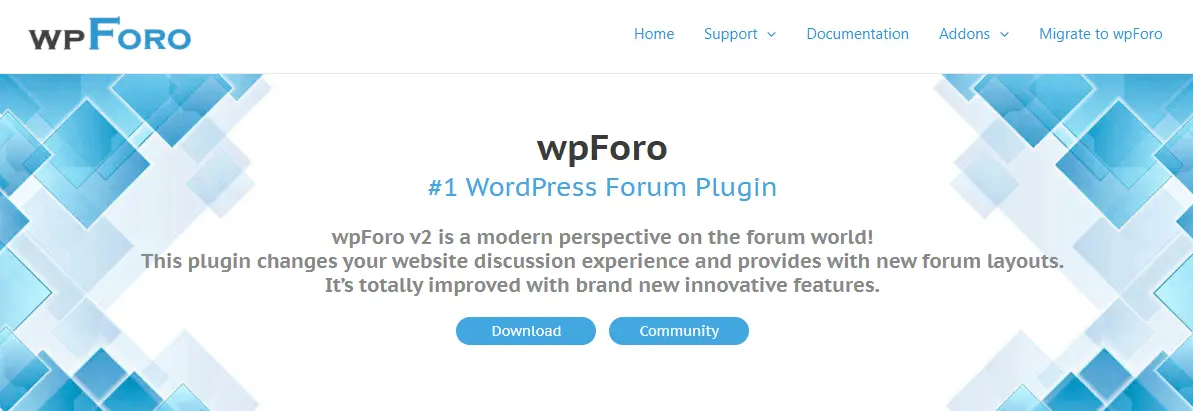
wpForo does two things well. It stores forum data in its own dedicated tables, which gives it a performance advantage over bbPress at scale. And it ships with structured data markup and canonical tag support that make user-generated forum threads index reliably in Google, along with clean permalink handling.
If search engine visibility is the primary reason you want a forum - you want Q&A threads to rank for long-tail keywords and drive organic traffic - wpForo’s SEO architecture is the most complete in the WordPress plugin ecosystem. Four built-in layout styles give you options for how the forum presents itself without custom development.
Where it falls short: there is no automatic trust-level or permission escalation system. Moderation is manual from day one. Premium extensions ($59-$249/yr for the add-on pack) add up faster than most alternatives. And while the dedicated tables help at scale, growing moderation overhead is a real cost that wpForo does not address structurally.
Best for: Standalone forum sites where ranking in search for community-generated content is the primary growth strategy.
4. BuddyBoss Platform - Best Premium All-in-One Solution

BuddyBoss is a premium fork of BuddyPress that packages forums, social networking, mobile app support, and LearnDash LMS integration into one commercial product. It targets course creators and membership site owners who need a complete, polished experience without assembling separate plugins.
The forums run on a modified bbPress engine with better media handling and a more modern interface than stock bbPress. The standout feature is the native iOS and Android app builder - no other WordPress-based community solution offers that capability out of the box.
The cost adds up quickly: $228/yr for the platform, $228/yr for the companion theme, and $499/yr for the mobile app builder if you need it. For premium communities with the budget and a course-selling use case, it is the most polished all-in-one option. For sites that need only the forum layer, that pricing is difficult to justify when Jetonomy covers the core experience for free.
Best for: Online course communities and premium membership sites that need a polished mobile-ready platform and have the budget for it.
5. Asgaros Forum - Best for Simplicity

Asgaros Forum is the fastest path to a working discussion board on WordPress. Install it, drop a shortcode on a page, and you have forums, topics, replies, and basic notifications running in a few minutes with no configuration required.
There is no Q&A mode, no trust-level system, and no social layer. That is a real limitation for communities that plan to grow. It is also the reason it works so well for small sites that need a discussion section without any complexity or ongoing maintenance.
Best for: Bloggers and small niche sites that want a clean, no-configuration discussion board.
6. ForumWP - Best for Block Editor Users
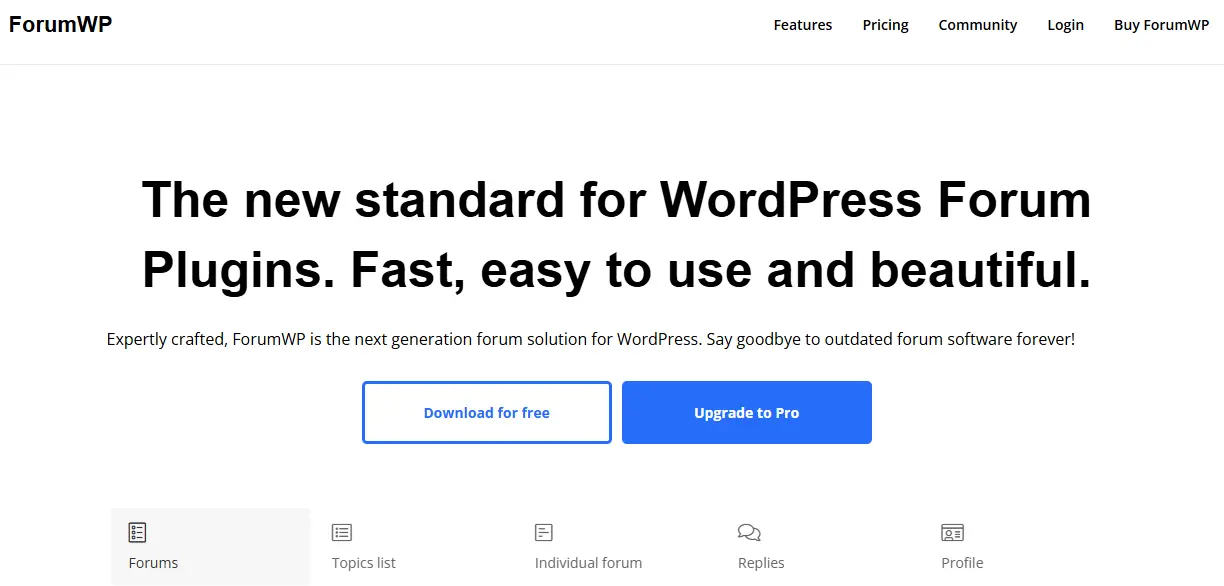
ForumWP was built from scratch for the Gutenberg block editor. It supports multiple topic types - discussions, questions, ideas, and problem reports - with voting and front-end post management handled through a modern interface that fits naturally into block-editor-powered sites.
The ecosystem is newer and smaller than bbPress or wpForo, but development is active. The free version covers the core forum experience. The premium tier ($69-$199/yr) adds access control, notifications, and advanced search.
Best for: New WordPress sites that want a native block-editor forum built on a modern codebase.
7. Simple:Press - Best for Complex Permission Setups

Simple:Press has the deepest permission system of any WordPress forum plugin. With nested sub-forums and granular role controls per forum section - over 300 settings in total - it is designed for organizations where different departments or groups need genuinely different access levels to different parts of the forum.
The interface is dated and the setup curve is steep. But for the specific use case of multi-department intranets or institutional communities with non-standard access requirements, nothing else in the WordPress ecosystem matches its permission depth.
Best for: Company intranets, schools, and multi-department communities with complex per-section access requirements.
8. Discourse - Best for Developer Communities

Discourse is not a WordPress plugin. It runs on its own server and connects to WordPress through SSO and comment embedding. That distinction matters because it is the most capable forum platform available in terms of real-time notifications and AI-assisted moderation, and its mobile experience stands apart from anything WordPress-based.
Discourse’s trust-level architecture - where new users are restricted and earn permissions through positive participation - is the original model that Jetonomy adapted for the WordPress ecosystem. If you need that approach inside WordPress without a separate server, Jetonomy brings it natively. Discourse itself requires a VPS (typically $10-$20/month at minimum) or a hosted plan starting at $50/month, which is a meaningful ongoing cost for smaller communities.
Best for: Developer communities, open-source projects, and SaaS support forums that can justify dedicated infrastructure and ongoing hosting costs.
9. FluentCommunity - Best Modern Community Experience

FluentCommunity takes a different approach than traditional forum plugins. Instead of threaded discussion boards, it leads with activity feeds and member profiles organized into group spaces that feel closer to a private social network. The interface is noticeably faster and cleaner than most WordPress community plugins, and the overall experience is more polished than you would expect from a plugin still in its early stages.
It is a good fit for communities where social interaction is more important than structured Q&A or idea management. Development is active and the user experience is already ahead of where most community plugins are at a comparable stage.
Best for: Creator communities, private membership groups, and modern engagement-focused sites that want a social-network feel rather than a traditional forum structure.
10. Flarum - Best Lightweight Open-Source Forum
Flarum is a modern open-source forum platform with a minimalist interface and a fast, responsive design. Unlike WordPress plugins, it runs as a standalone application with its own server installation. The extension system supports tags, private discussions, polls, and moderation tooling.
Setup requires technical comfort managing an application outside WordPress. It is well-suited for developers who want a lightweight, independent forum and are prepared to maintain it separately from their main site.
Best for: Communities that want a clean, independent forum platform and have the technical capacity to run a separate application.
11. Vanilla Forums - Best for Enterprise Brands

Vanilla Forums is a cloud-based platform built for larger brands that need customer support communities at scale. It includes reputation systems and knowledge base integration alongside automation tooling that goes well beyond what any WordPress forum plugin offers at a comparable price point - because the price point is enterprise-level.
Pricing is custom and suited to brands managing tens of thousands of customer interactions monthly. It is not a practical option for small or medium-sized communities building from scratch.
Best for: Enterprise brands and SaaS companies running large-scale customer support communities with dedicated community management budgets.
12. XenForo - Best Traditional Premium Forum

XenForo remains the benchmark for traditional forum software. Its moderation tooling and user reputation system are mature and well-tested across large gaming and professional communities, and the media handling is equally solid. The add-on marketplace is significantly larger than most newer alternatives.
Like Discourse and Flarum, it runs independently of WordPress. The $195 one-time license covers the core platform; add-ons and themes carry additional costs. For large established communities migrating off vBulletin or MyBB, it is a proven path. For communities building on WordPress from the start, it introduces more complexity than the problem warrants.
Best for: Large-scale traditional forum communities migrating from legacy forum software who need a mature, proven platform.
How to Choose: Quick Decision Guide
“Starting a new community forum” - Jetonomy (forum discussions, Q&A, idea boards with voting, automatic trust-level moderation - all free)
“My bbPress forum is getting slow” - Migrate to Jetonomy using the built-in importer; preview the migration before committing
“I already run BuddyPress” - bbPress + Wbcom Designs add-ons for the cleanest social integration
“SEO and search traffic are my primary goal” - wpForo
“I sell courses and need student forums” - BuddyBoss with LearnDash for a full LMS community, Jetonomy Q&A spaces for lighter-weight course support, or Jetonomy paired with Learnomy for a fully free LMS-and-forum stack
“I need zero-configuration simplicity” - Asgaros Forum
“Best forum platform, separate server not a concern” - Discourse
Final Thoughts
The forum plugin decision that matters most is not which one has the most features in its marketing copy. It is which one holds up when your community has ten times the members it has today. Plugins that share the WordPress post tables feel acceptable at launch and cause real problems past a few thousand topics. Plugins built on dedicated schemas - Jetonomy and wpForo among them - maintain consistent performance because forum queries stay isolated from the rest of your site’s database activity.
Moderation is the other thing worth thinking through before you launch rather than after. Without automatic trust escalation, moderator workload grows linearly with your member count. That is the inflection point where many forum owners abandon the effort entirely or face a costly migration they should have avoided at the start. A plugin with built-in permission automation removes that ceiling.
If you are starting fresh or evaluating a migration from an existing plugin, Jetonomy is where most sites should begin. The free version gives you the full architecture - dedicated tables and automatic trust levels - with a migration importer included and nothing held back for a paid tier.
Frequently Asked Questions
What is the best free forum plugin for WordPress?
Jetonomy offers the most complete free package for communities that plan to grow: dedicated database tables for consistent performance and six automatic trust levels that handle moderation without manual intervention. It also supports forum, Q&A, and idea-board modes in a single plugin. For a much simpler option with no setup overhead, Asgaros Forum is the fastest to get running.
Can I switch from bbPress to a different forum plugin?
Yes. Jetonomy includes an importer for bbPress and wpForo that runs a preview pass before committing any changes. You can verify the migrated content on a staging site and only proceed when the output looks correct. Always back up your database and test on staging before touching a live community.
Why does bbPress slow down on large forums?
bbPress writes forum topics and replies as WordPress post types inside the main wp_posts table. As that table accumulates tens of thousands of rows from forum activity on top of normal post content, forum-specific queries compete with every other database operation on the site. Plugins that use dedicated forum tables - Jetonomy and wpForo - avoid this because their forum queries run against isolated, purpose-built indexes regardless of how large the rest of the WordPress database gets.
Which forum plugin handles spam and new-user moderation best?
Jetonomy’s six-tier trust-level system is the most comprehensive automatic approach available in a free WordPress plugin. New accounts start with limited permissions - no link posting and certain content types restricted until they earn access. Members earn expanded permissions through positive contributions over time, without any action required from your admin team. Discourse uses a similar model but requires separate server infrastructure. Other WordPress forum plugins rely on Akismet or manual approval queues.
Do I need a special theme for my forum?
Most forum plugins work acceptably with any WordPress theme. For bbPress and BuddyPress communities, the Reign theme and the BuddyX theme are purpose-built for community-heavy layouts and handle forum templates significantly better than general-purpose themes.
Is bbPress still worth using?
For existing BuddyPress communities where the social integration is already working, yes - the connection between bbPress and BuddyPress is too clean to abandon without a strong reason. For new sites choosing a forum plugin today, the dedicated-table architecture and automatic trust levels in newer options like Jetonomy are a better foundation. Core development on bbPress has slowed noticeably and the gap between it and actively maintained plugins is widening.
Related Reading
Best Free WordPress Forum Plugins Compared
Related reading