
15 min read
7 Best Free WordPress Forum Plugins (and the Best bbPress Alternative)

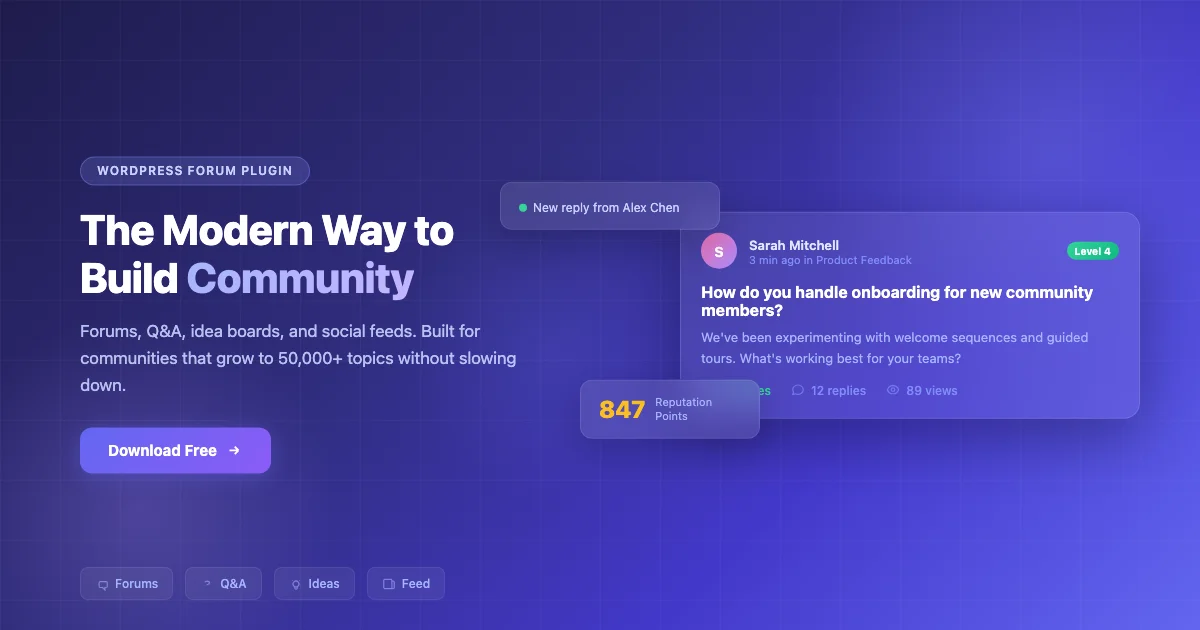
Quick Verdict: Jetonomy is the best free WordPress forum plugin and the top bbPress alternative available today. It runs on dedicated database tables built for community workloads and combines discussion forums, Q&A, idea voting, social feeds, and automatic moderation in one plugin. bbPress remains the safest option for lightweight WordPress-native forums, while wpForo is the strongest choice for SEO-focused standalone forum websites.
If you want to build an online community without paying for expensive software, free WordPress forum plugins make it possible to launch discussion boards, support forums, membership communities, and social platforms directly inside your website.
Not every free forum plugin is built for the same purpose. Some focus on simplicity and performance, while others offer advanced moderation tools, user profiles, social networking features, SEO optimization, and community engagement systems. If you have outgrown bbPress or want to avoid its scaling limitations, several modern alternatives now handle larger communities without the overhead.
To help you choose the right solution, I tested the most popular free WordPress forum plugins based on usability, customization, scalability, moderation features, BuddyPress compatibility, SEO capabilities, and overall user experience.
Whether you are building a customer support hub, private member community, niche discussion board, or social networking website, this guide covers what each plugin does well, where it falls short, and which one fits your needs best.
Free WordPress Forum Plugins Compared
| Plugin | Best For | Q&A Mode | Auto-Moderation | Price |
|---|---|---|---|---|
| Jetonomy | All-in-one communities | Yes | Yes (trust levels) | Free |
| bbPress | Simple WordPress forums | No | No | Free |
| wpForo | Standalone forums and SEO | Yes | No | Free (Pro from $59/year) |
| Asgaros Forum | Small communities | No | No | Free |
| ForumWP | Block editor users | Yes | No | Free (Pro from $69/year) |
| Simple:Press | Complex permission setups | No | No | Free (Pro from $59/year) |
| AnsPress | Q&A communities and support portals | Yes | No | Free |
How I Tested These Free Forum Plugins
To make this comparison genuinely useful, I tested each free WordPress forum plugin based on real-world community-building needs instead of just comparing feature lists.
I looked at how easy each plugin was to set up, customize, and manage for different types of websites, including discussion forums, membership communities, customer support hubs, and social networking platforms.
Here are the main factors I considered while evaluating these free forum plugins for WordPress:
- Ease of setup and beginner friendliness
- Free features and overall usability
- Forum layouts and customization options
- Performance and website speed impact
- SEO and search visibility features
- Moderation tools and spam protection
- BuddyPress and membership plugin compatibility
- Scalability for growing communities
- Mobile responsiveness and user experience
- Overall value offered in the free version
I also considered how well each plugin works for specific use cases such as support forums, online communities, creator platforms, learning websites, and niche discussion boards.
What to Look For in a Forum Plugin
Before picking a plugin, it helps to think through a few fundamentals that separate the options clearly.
Scale matters more than most people expect. Some plugins slow down as discussions grow because they store everything in WordPress’s default database tables alongside your posts and pages. Others use dedicated tables purpose-built for community workloads. If you plan to grow past a few hundred discussions, the database architecture matters from day one - not after you hit a wall.
Moderation is the other make-or-break factor. Spam and low-quality posts are the most common reason forums go quiet. Plugins with automatic moderation features - like trust levels that limit what new accounts can do - save far more time than those relying on manual review or Akismet alone.
Consider whether you need a single format or multiple ones. Some sites need Q&A alongside standard forums. Others want idea boards or social feeds. Picking a plugin that handles multiple formats from the start means fewer integrations to maintain as your community grows.
Best Free Forum Plugins for WordPress
Free WordPress forum plugins have improved significantly over the last few years. Some now offer advanced moderation tools, social networking features, SEO optimization, user profiles, and membership integrations that previously required expensive premium software.
While some plugins focus on lightweight discussion boards, others are designed for complete online communities with Q&A systems, activity feeds, idea voting, and member engagement tools.
Below are the best free forum plugins for WordPress based on usability, scalability, customization, moderation features, SEO capabilities, and overall community-building experience.
1. Jetonomy: Best Free Forum Plugin and bbPress Alternative
Jetonomy is a free forum plugin and the most complete bbPress alternative available today. It gives you four types of community spaces in one install: discussion forums, Q&A boards, idea voting, and social feeds. Most other plugins handle only one of these formats.
What separates it technically from older alternatives is the database architecture. Jetonomy uses dedicated database tables rather than storing discussions in wp_posts and wp_postmeta alongside your blog content. That matters on larger sites - forums with thousands of active discussions stay fast because queries only touch community-specific data. You can read more about how the engine works at jetonomy.org.
Moderation largely takes care of itself. New members start with limited permissions and earn more access as they contribute. Spam barely gets through because new accounts cannot post links or flood the community. If you are currently on bbPress and want to switch, Jetonomy includes built-in importers for bbPress, wpForo, and Asgaros Forum - you can preview the migration before committing to it.
What you get (free, no limits)
- Four space types: Forums, Q&A with accepted answers, Ideas with voting, Social feed
- Dedicated database tables: Purpose-built for community workloads so performance holds at scale
- Self-moderating community: Trust levels automatically promote good members and limit new ones
- bbPress migration built in: Import from bbPress, wpForo, or Asgaros without losing content
- Membership plugin support: Works with MemberPress and Paid Memberships Pro to gate access
- Matches your theme automatically: Picks up your site’s colors and fonts without custom CSS
- SEO-ready: Structured data for Google’s rich results
Pros
- Everything included free - no premium tiers or feature locks
- Four community formats in one plugin
- Dedicated DB tables keep performance solid as you grow
- Spam prevention built in from day one via trust levels
- Import from bbPress, wpForo, or Asgaros
- Setup wizard gets you live in 5 minutes
Cons
- Newer plugin - smaller community of third-party add-ons
- Pro extensions cost extra for private messaging, polls, analytics
Best for: Communities that want forums, Q&A, and idea boards without managing multiple plugins. Also the clearest choice if you are looking to move away from bbPress without losing existing content.
Try the live demo | Download free | See Pro extensions
2. bbPress: The Classic WordPress Forum
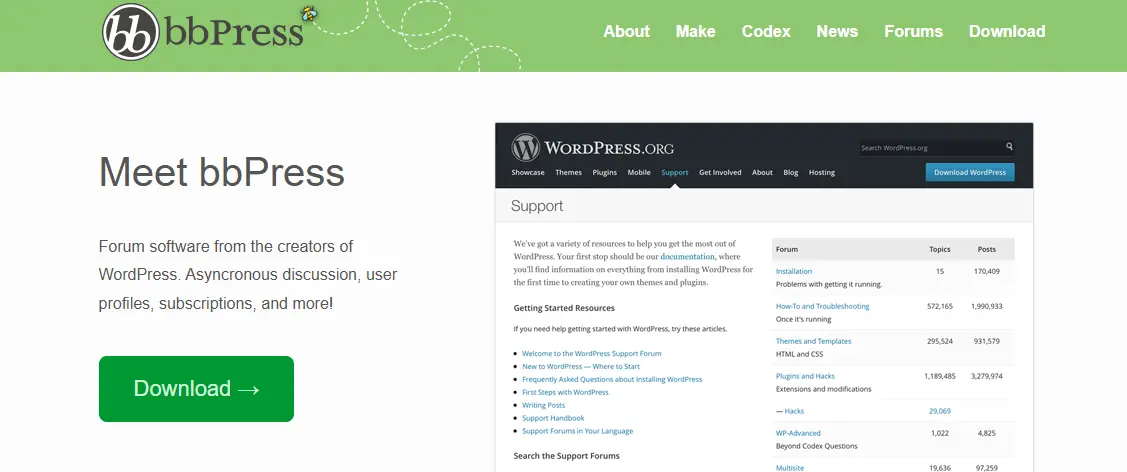
bbPress is the original WordPress forum plugin, built by Automattic (the team behind WordPress.com). It has been around for over a decade, which means a large community, extensive documentation, and hundreds of third-party add-ons available today.
bbPress keeps things simple. It adds forums, topics, and replies to your WordPress site using the same database structure that powers your blog posts and pages. That tight WordPress integration is its biggest strength and its most significant limitation. It works reliably for small to mid-size communities, but sites with tens of thousands of discussions can run into slower page loads as the forum shares database tables with the rest of your content.
It is worth being honest about where things stand: core development on bbPress has slowed significantly over the last few years. The plugin is maintained and stable, but it no longer sees the active feature development that newer alternatives do. If you are already running a bbPress community and it works for you, there is no urgent reason to switch. If you are starting fresh or running into performance ceilings, the newer options on this list are better choices.
Pros
- Dead simple to set up
- Hundreds of free and paid add-ons
- Works seamlessly with BuddyPress social features
- Backed by Automattic
- Massive community and documentation
Cons
- Shares wp_posts tables - can slow down as the community grows large
- No built-in spam prevention beyond Akismet
- Core development has slowed significantly
- All advanced features require paid add-ons
- The default design looks dated
Best for: Existing communities already running on WordPress and BuddyPress, especially those using Wbcom Designs add-ons for reactions, quotes, and advanced moderation. For new builds, the modern alternatives are a stronger starting point.
3. wpForo: Best for Standalone SEO-Focused Forums
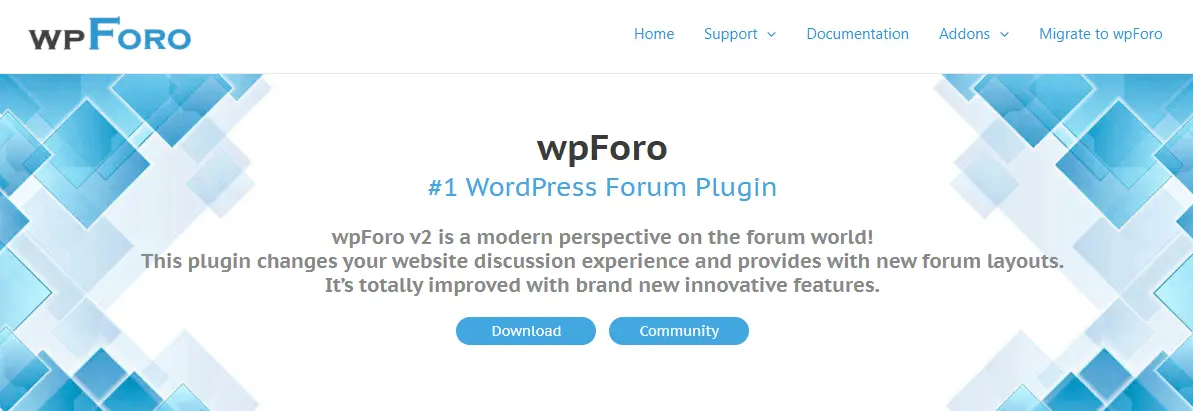
wpForo is the most feature-complete standalone forum plugin for sites where SEO is the top priority. It ships with multiple layout options (classic board, simplified, extended, and Q&A), built-in SEO tools, and a reputation system - all in the free version.
If your primary goal is a traditional forum site with strong search engine visibility, wpForo handles it well. It uses its own database tables for better performance and gives you a polished experience out of the box. Where it falls short: there is no automatic moderation or trust level system, so manual moderation becomes a real time commitment as the community grows. And compared to Jetonomy, the format is narrower - forums and Q&A only, with no idea boards, community voting, or social feed.
Pros
- 4 forum layouts included free
- Strong SEO with clean URLs and structured data
- Built-in reputation and badges
- WooCommerce integration available
- Active development and regular updates
Cons
- No automatic moderation or trust levels
- Can need CSS tweaks to match your theme
- Premium add-ons get expensive ($59-$249/yr)
- No idea boards, social feed, or community voting
Best for: Sites that need a dedicated forum with strong SEO performance. Good for support portals and Q&A communities that do not need automatic moderation or social features.
4. Asgaros Forum: Best for Small Communities

Asgaros Forum is the lightweight option on this list. If you run a blog or small niche site and want a simple discussion section without any complexity, Asgaros delivers exactly that. It installs in seconds, requires almost no configuration, and just works.
You will not find advanced features like Q&A modes, trust levels, or social feeds here. That is intentional - Asgaros handles forums, topics, replies, notifications, and basic moderation. For communities under a few thousand members that do not need to grow beyond that, it is often all you need. For anything larger or more feature-heavy, you will hit its ceiling quickly.
Pros
- Easiest setup of any forum plugin
- Extremely lightweight - won’t slow your site
- Multi-language support
- Clean, readable interface
Cons
- Limited features - no Q&A, no voting, no social
- Small add-on ecosystem
- Not ideal for communities that plan to scale
- Basic moderation only
Best for: Bloggers and small niche sites that want a simple, clean discussion board without the overhead of a full community platform.
5. ForumWP: Best for Block Editor Users
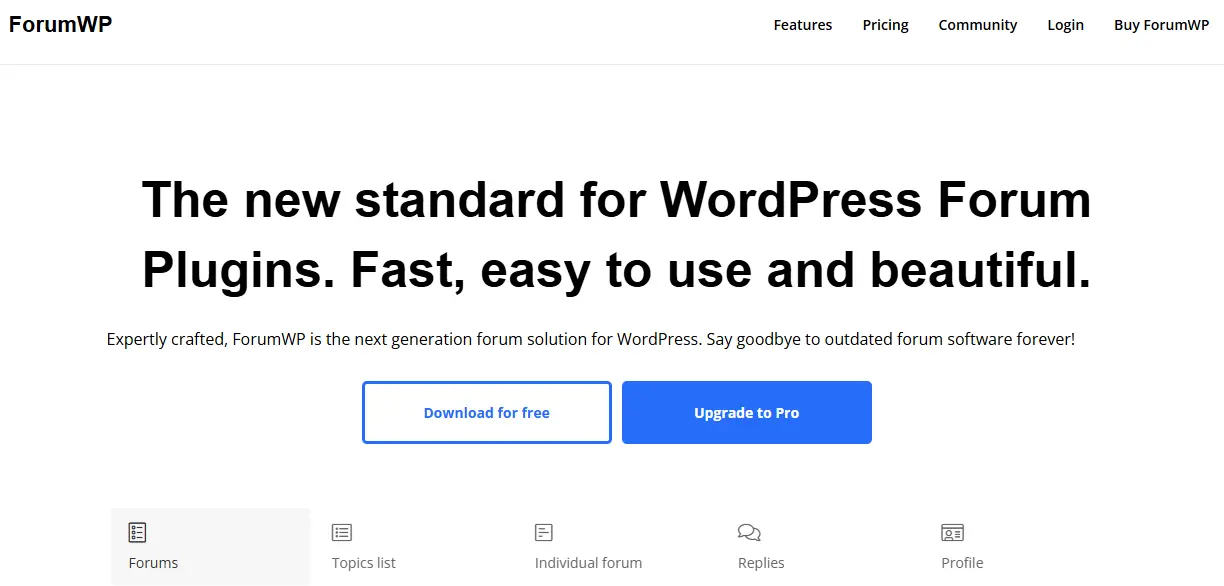
ForumWP was built specifically for the modern WordPress block editor. If you are comfortable with Gutenberg and want your forum to feel native to the current WordPress experience, ForumWP is the cleanest option for that use case.
It supports topic types (discussion, question, idea, problem), voting on topics and replies, and front-end forum management. The free version covers the basics, while the premium version adds role-based access, email notifications, and advanced search.
Pros
- Built for the block editor from the ground up
- Modern, clean interface
- Topic types give you flexibility
- Actively developed
Cons
- Newer plugin - smaller community
- Stores data in wp_posts (can slow at scale)
- Limited free version
- No trust levels or auto-moderation
Best for: WordPress developers and site owners who want a block-editor-native forum with a modern codebase. Works well for new projects starting from scratch.
6. Simple:Press: Best for Complex Permission Setups

Simple:Press targets a specific audience: organizations that need granular control over who can do what. If you are building internal forums for a company, school, or multi-department community where different groups need different access levels, Simple:Press gives you over 300 configuration options.
It handles its own data storage for better performance and supports nested sub-forums, file attachments, and custom moderation workflows. The learning curve is steeper than most other options on this list, but the depth of control is unmatched for complex organizational setups.
Pros
- Most granular permissions of any forum plugin
- Nested sub-forums and groups
- File attachments with per-forum controls
- Own data storage for performance
Cons
- Steep learning curve
- Interface feels dated
- 300+ settings can be overwhelming
- Limited community support
Best for: Internal company forums, educational institutions, and multi-department communities that need fine-grained access control over who can post, read, and moderate.
7. AnsPress: Best Free Q&A Forum Plugin

AnsPress is a dedicated WordPress question-and-answer plugin for communities that want a Stack Overflow-style experience inside WordPress. Instead of traditional forum threads, it focuses on questions, answers, voting, reputation systems, and user engagement.
It includes community features like voting, notifications, user reputation, categories, tags, and moderation tools in the free version. The plugin works especially well for support communities, knowledge bases, educational websites, and product discussion portals where users primarily ask and answer questions rather than participating in threaded discussions.
Pros
- Modern Q&A system for WordPress
- Voting and reputation features
- Active development and updates
- Beginner-friendly setup
- Good option for support communities
Cons
- Focused on Q&A instead of traditional forums
- Fewer social community features
- Advanced customization may require developer support
Best for: Support portals, educational communities, product help centers, and websites that need a dedicated question-and-answer system instead of a traditional discussion board.
Which Plugin Should You Pick?
Here’s the short version:
Starting a new community from scratch?
Go with Jetonomy. You get forums, Q&A, idea boards, and social feeds in one free plugin with built-in spam prevention and auto-moderation. No add-ons needed to get started.
Already running BuddyPress?
Stick with bbPress. It is the most integrated option for BuddyPress social communities, and Wbcom Designs add-ons fill in the gaps (reactions, quotes, advanced moderation).
Looking to move away from bbPress?
Jetonomy is the natural next step. It has a built-in bbPress importer, runs on dedicated database tables that hold up at scale, and adds features bbPress never had - Q&A, idea voting, and trust-level moderation. Download it at wbcomdesigns.com/downloads/jetonomy/.
Need a standalone forum with the best SEO?
Choose wpForo. It handles search engine optimization better than any other plugin on this list.
Want the simplest possible setup?
Install Asgaros Forum. Five minutes and you are done. No frills, no complexity.
Building for a company or school with complex access rules?
Look at Simple:Press. It has the deepest permission system available.
Final Thoughts
Free WordPress forum plugins have improved significantly in recent years. Whether you want a lightweight discussion board, a customer support forum, a membership community, or a full social platform, there are solid free solutions for almost every type of website.
If you are building something new or looking for a bbPress alternative that will not slow down as your community grows, Jetonomy is the clearest choice right now. The dedicated database tables, automatic moderation, and four community formats in one plugin cover what most sites need without requiring any paid upgrade to get started.
For existing communities already built on bbPress, the decision is less urgent. The plugin remains stable. But the gap between what bbPress offers today and what modern alternatives like Jetonomy provide has grown wide enough that it is worth evaluating before your next growth phase.
Frequently Asked Questions
What’s the best free forum plugin for WordPress?
Jetonomy gives you the most features for free: forums, Q&A, idea boards, social feed, automatic moderation, and importers for bbPress and wpForo. It is the best starting point for new communities and the strongest bbPress alternative currently available.
What is the best bbPress alternative?
Jetonomy is the best bbPress alternative for most sites. It uses dedicated database tables instead of wp_posts, includes automatic trust-level moderation, supports four community formats, and has a built-in bbPress importer so you do not lose existing content. Download it free or try the live demo before committing.
Is bbPress still a good choice?
It depends on your situation. bbPress is stable and works well with BuddyPress and third-party add-ons. However, core development has slowed, and it lacks modern features like trust levels and Q&A out of the box. For existing communities it remains a workable option. For new sites, newer alternatives like Jetonomy are stronger choices from day one.
Can I switch from bbPress or wpForo without losing my content?
Yes. Jetonomy includes built-in importers for bbPress, wpForo, and Asgaros Forum. You can preview the migration before committing, and it picks up where it left off if anything interrupts the process.
Do I need a special theme for my forum?
Not necessarily. Most modern forum plugins work with any WordPress theme. Jetonomy automatically adapts to your theme’s styles. That said, purpose-built community themes like Reign or BuddyX give you a more polished community experience.
How do I prevent spam on my forum?
The biggest difference between plugins is how they handle spam. Jetonomy uses trust levels that automatically limit new accounts (no links, limited posts per day) and gradually unlock permissions as members prove themselves. Other plugins rely on Akismet or manual moderation, which means more work for you.
Can I restrict forum access to paying members?
Yes. Jetonomy works with MemberPress and Paid Memberships Pro. wpForo integrates with WooCommerce. bbPress works with most membership plugins through third-party add-ons.
Related Reading:
10 Best Mighty Networks Alternatives for 2026
11 Best MemberPress Alternatives in 2026
Related reading