
11 min read
Best Self-Hosted WordPress Community & Course Plugins (2026)

Running a community or a course business on someone else’s platform means someone else’s rules, someone else’s fees, and someone else’s uptime. Self-hosted WordPress plugins flip that: your members, your content, and your revenue stay on infrastructure you control. No per-member SaaS pricing that punishes you for growing, no platform suddenly changing its terms, no vendor lock-in.
That ownership question matters more in 2026 than it did a few years ago. Community platforms increasingly train on or resell member data, and course marketplaces keep raising their revenue-share cut. Self-hosting on WordPress means the terms of service are the ones you write.
Below are the six plugins worth knowing about for 2026 if you’re building a community, a forum, or a course platform on WordPress, starting with the one built to be the foundation the others plug into.
Quick comparison
| Plugin | Best for | Model | Standalone? |
|---|---|---|---|
| BuddyNext | Modern all-in-one community platform | Free core + Pro | Yes |
| Jetonomy | Forums, Q&A, ideas boards | Free core + Pro | Yes |
| ZenCommunity | Community + built-in support ticketing & live chat | Free core + Pro | Yes |
| BuddyPress | Established, widely-supported community core | Free (WordPress.org) | Yes |
| bbPress | Simple, lightweight forums | Free (WordPress.org) | Yes |
| PeepSo | Polished social network UI | Free core + paid add-ons | Yes |
| BuddyBoss Platform | Community + LMS combo, mobile app ecosystem | Free platform + paid App/Theme | Yes |
1. BuddyNext, the modern community OS
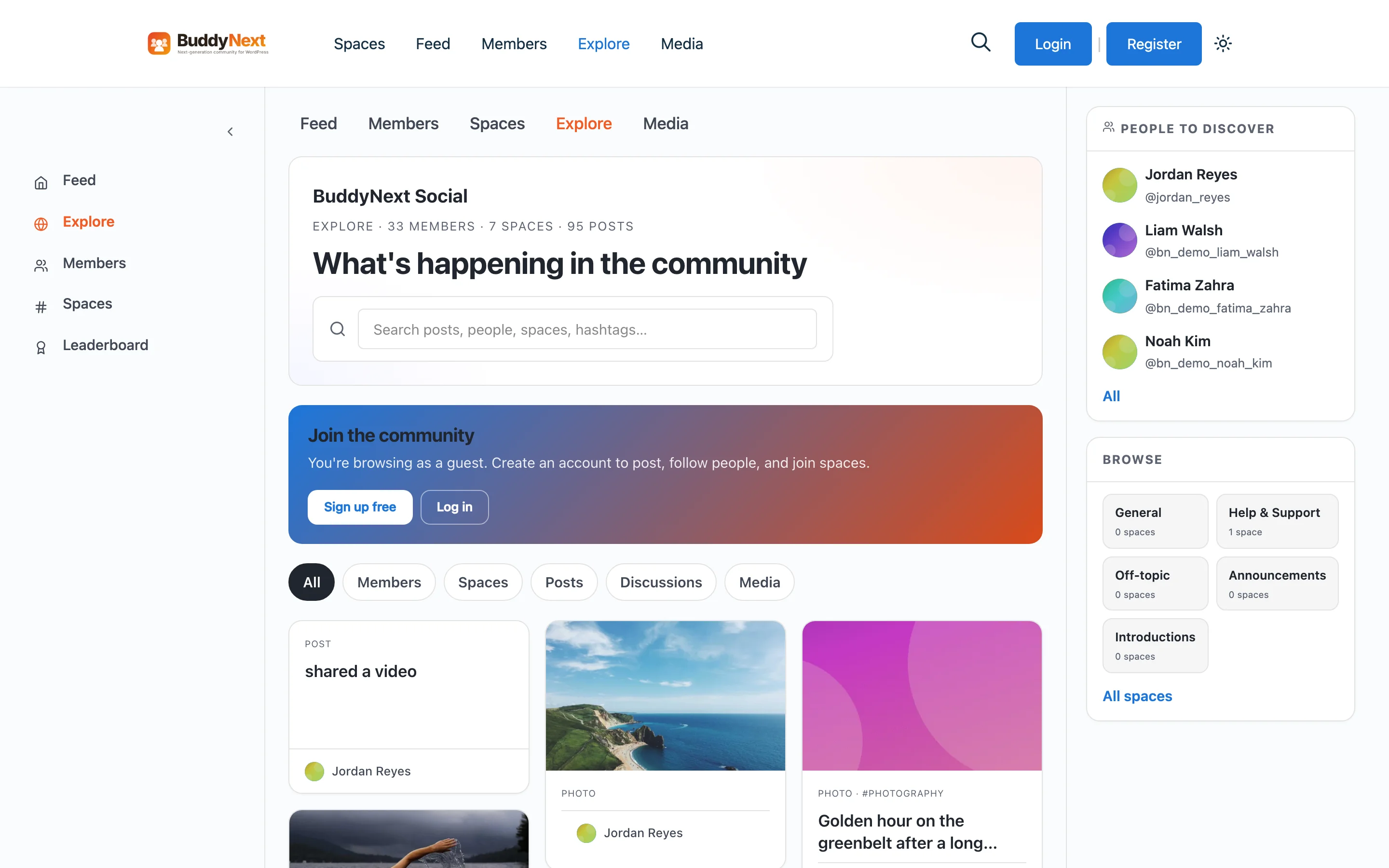
BuddyNext is the newest entry on this list, and it’s built with a different premise than the others: instead of bolting a dozen plugins together to get a real community, it ships the whole social layer in one plugin, activity feed, spaces (groups), member profiles, direct messaging, notifications, and moderation, and it does it without requiring BuddyPress underneath it.
The feed itself is the standout. Members get a rich post composer with reactions, comments, hashtags, polls, shares, and bookmarks, the kind of feature set you’d expect from a modern social app, not a decade-old WordPress plugin. Spaces (BuddyNext’s word for groups) come with roles, membership controls, and per-space content. There’s a searchable member directory, connections and follows, two-factor authentication, and a reactive moderation model, members post freely, and reports go into a review queue rather than every post waiting on manual approval.
Everything is REST-first. That’s not a developer footnote, it means the same API that powers the website also powers a native mobile app, so if you’re planning to eventually wrap your community in an app, you’re not fighting the architecture later. For a closer look at what shipped in the most recent release, see our breakdown of BuddyNext 1.0.4.
The mods: extend BuddyNext, or run them on their own
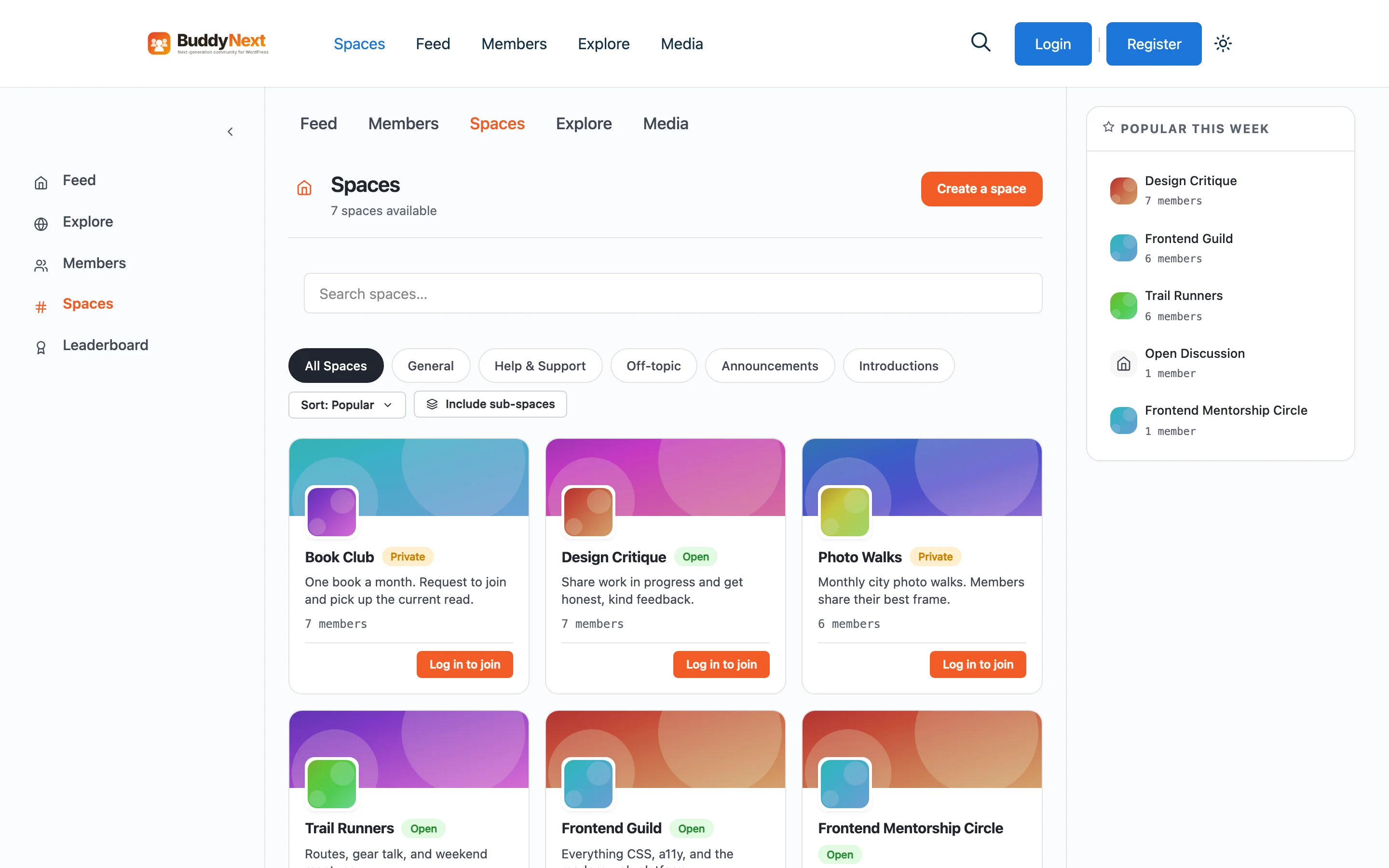
This is where BuddyNext is structured differently from a typical “buy the core, then buy add-ons” plugin. Four companion plugins plug directly into BuddyNext for deeper integration, but every one of them is a fully independent product, you can install any of them on a site that has no BuddyNext at all, and each one still works.
- Learnomy, a full LMS: courses, quizzes, certificates, memberships, and built-in Stripe/PayPal checkout, with no MemberPress or WooCommerce required. It also grows into a full learning community with discussion boards when paired with BuddyNext.
- Jetonomy, forums, Q&A, an ideas board, and a lightweight social feed (covered in full below). Inside BuddyNext, space discussions and the activity feed stay in sync.
- WPMediaVerse, the media and messaging engine. It’s what powers BuddyNext’s direct messaging and photo/video sharing, built on its own indexed database tables instead of bloating
wp_posts. - WP Career Board, a complete job board: employer dashboards, applicant tracking, company profiles. Useful for professional or alumni communities that want a jobs section.
- WB Gamification, points, badges, levels, and leaderboards, plus streaks and peer kudos. It auto-detects BuddyNext (plus BuddyPress, WooCommerce, LearnDash, bbPress, and more) and starts awarding points with zero configuration.
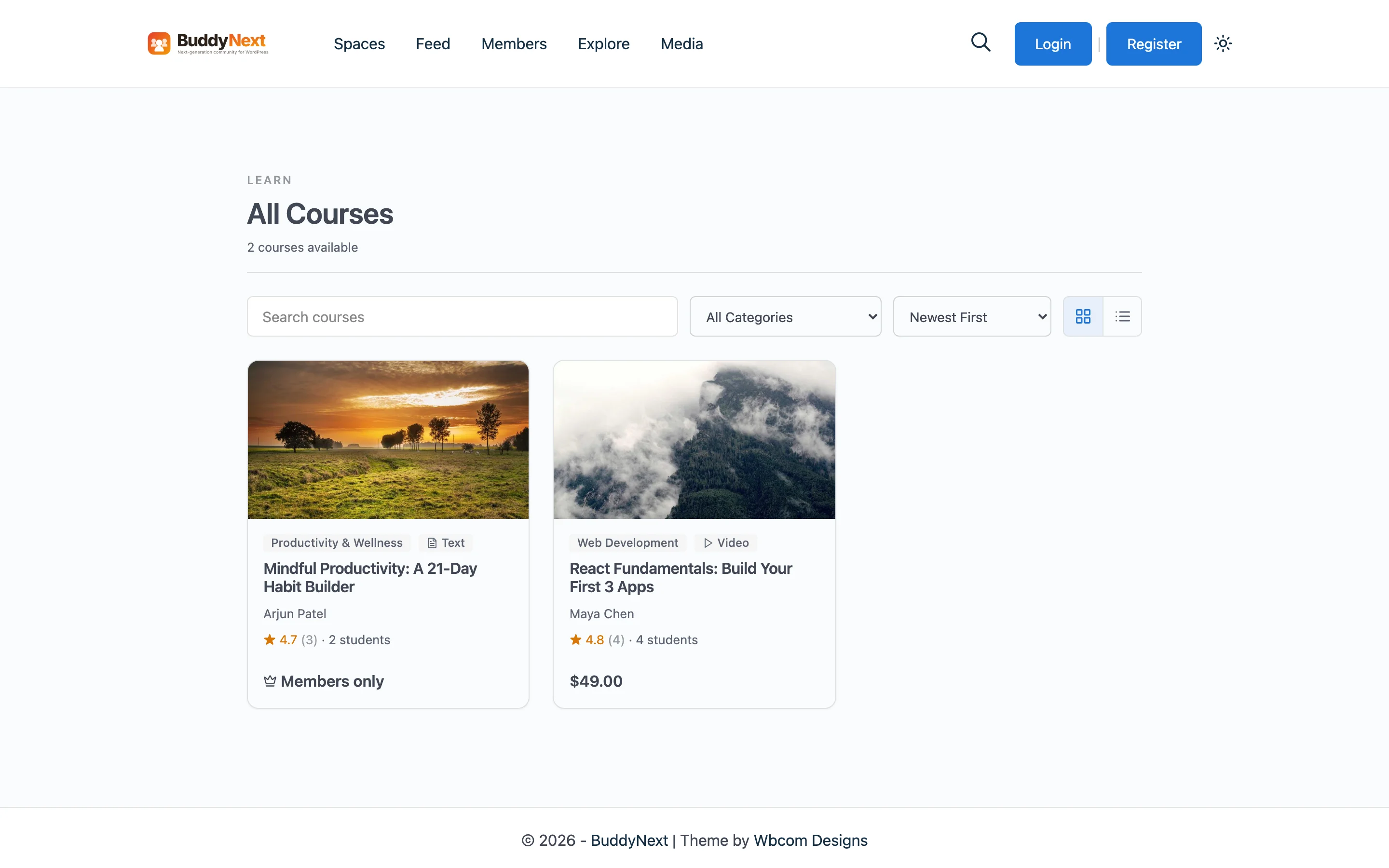
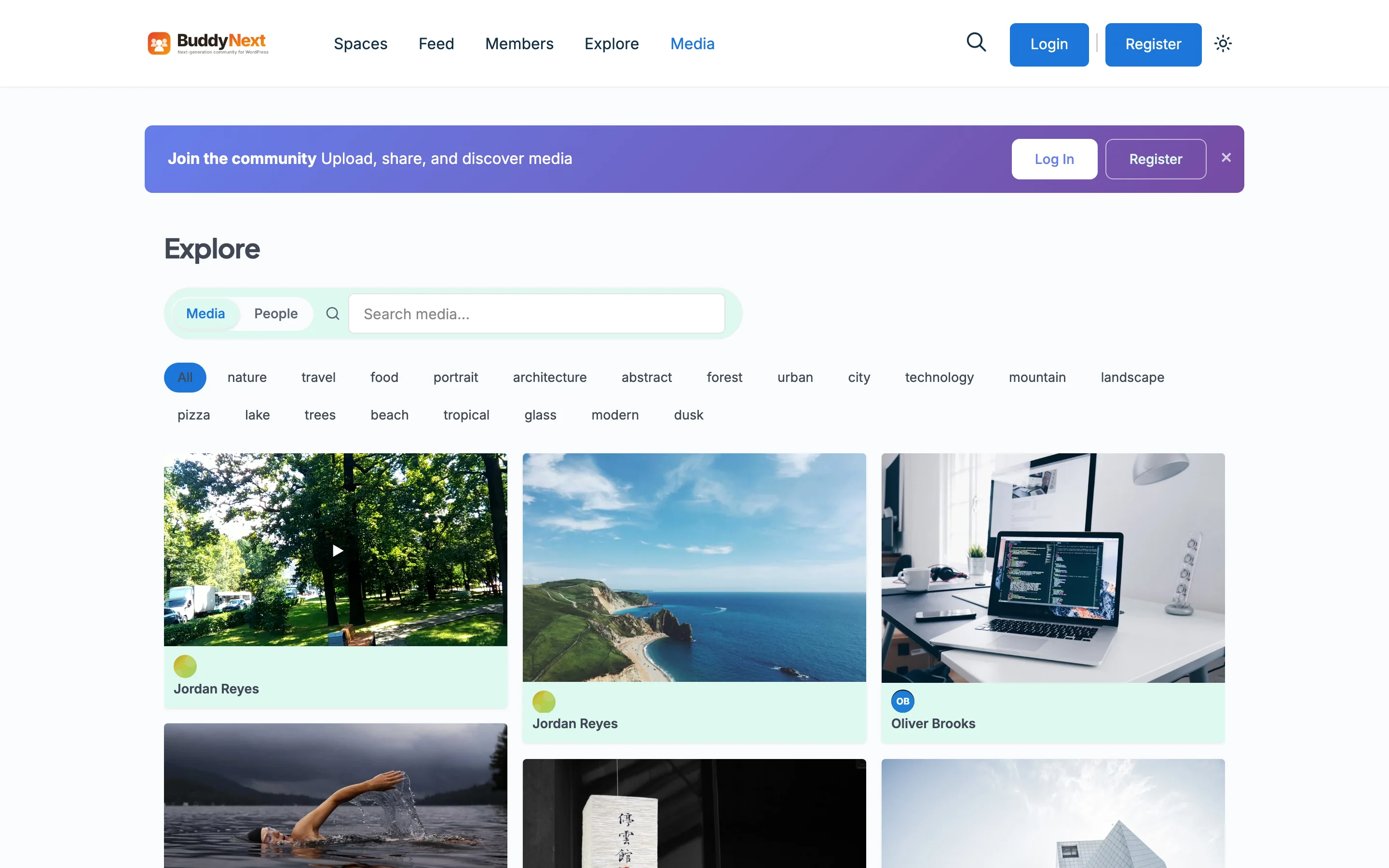
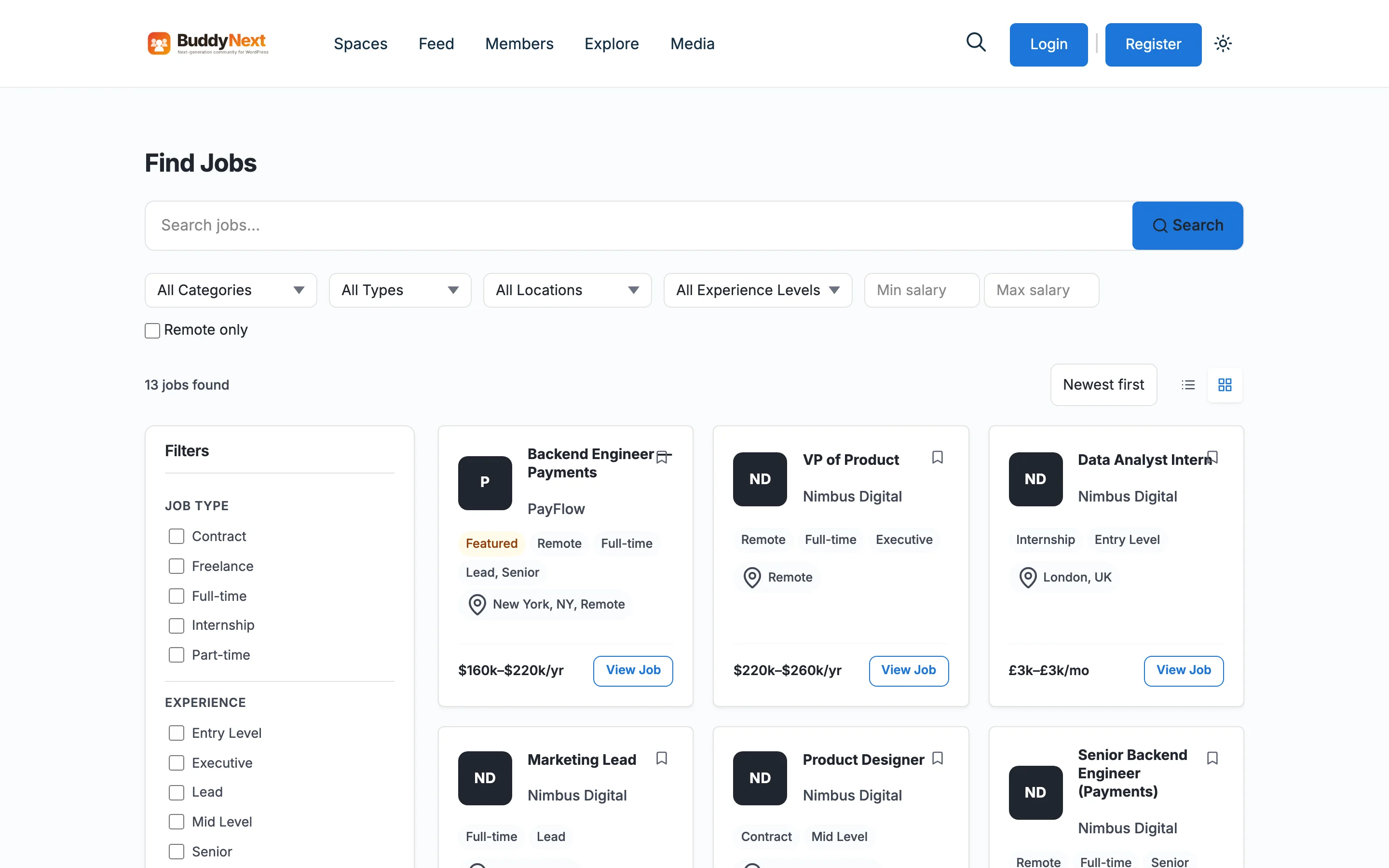
The practical upshot: you can start with just BuddyNext for the social layer, add Learnomy the day you want to sell courses, drop in WB Gamification when you want a leaderboard, and never touch a settings screen you don’t need. Nothing is forced on you, and nothing you add is locked to BuddyNext specifically, each mod stands on its own if you ever want to use it elsewhere. That matters if your plans change: a community that starts as a simple forum can grow into a paid course business without a re-platform.
2. Jetonomy, forums, Q&A, and ideas boards
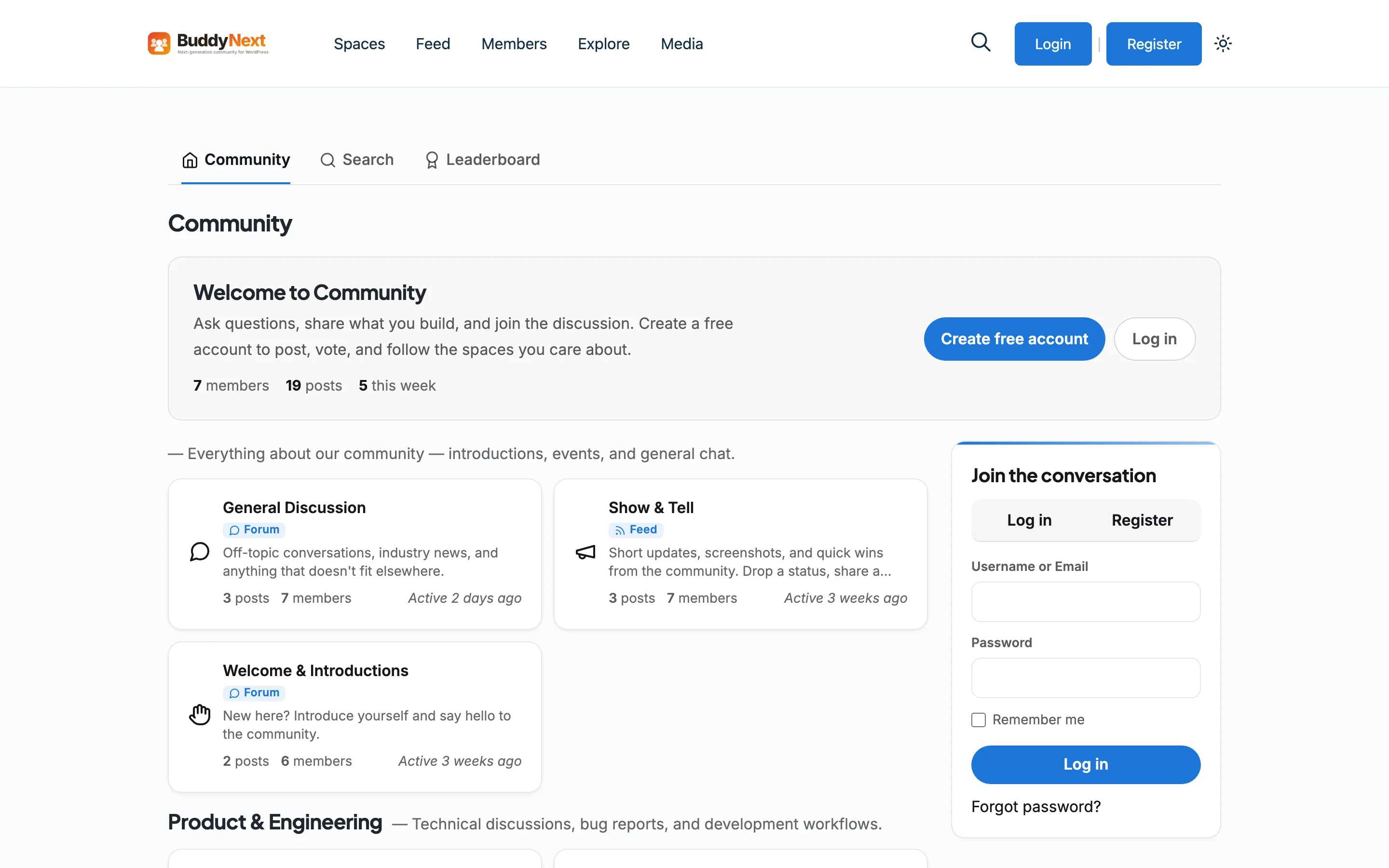
Jetonomy is built as the plugin you reach for when “community” specifically means discussion, support forums, a Stack-Overflow-style Q&A, a public ideas/roadmap board, or a simple social feed for a smaller group. It ships all four formats in one plugin, and it’s explicit about being a modern alternative to bbPress: it includes one-click importers for bbPress, wpForo, and Asgaros, so switching over doesn’t mean losing years of existing posts.
What separates Jetonomy technically is that it doesn’t store content in wp_posts the way bbPress and BuddyPress do. It runs on purpose-built MySQL tables with proper indexes and cursor-based pagination, which is the difference between a forum that’s fine at 500 posts and one that’s still fast at 100,000. It also ships a three-layer permission system, WordPress capabilities, per-space roles, and a 0 - 5 trust level system that automatically promotes active, well-behaved members while keeping new accounts limited. That trust-level system doubles as spam defense: a brand-new account can post, but it can’t flood the whole site with links on day one, and moderators never have to hand-approve every first-time poster.
Jetonomy can run entirely on its own, or plug into BuddyNext for two-way sync between forum discussions and the activity feed.
3. ZenCommunity, community with a helpdesk built in

ZenCommunity takes a different angle than the rest of this list: instead of stopping at groups and feeds, it folds support ticketing and live chat into the same plugin. Members post, chat, and react the way they would on any modern social plugin, but a post can be converted into a tracked support ticket with one click, and a site-wide live chat widget handles visitors who aren’t community members at all. That’s normally three separate tools; ZenCommunity ships it as one.
The community layer itself covers the basics well, unlimited groups, activity feeds, real-time one-to-one and group chat, mentions, hashtags, reactions, a member directory, and email summaries. Where it stands out is the support side: tickets get status tracking, assignment, and their own one-to-one chat thread, so a user never has to leave the site for email or a third-party helpdesk. The live chat widget adds multi-session handling for agents and file sharing, useful for sites that want pre-sale or onboarding chat alongside the community itself.
ZenCommunity also integrates deeply with course plugins, Academy LMS, Tutor LMS, LearnPress, MasterStudy LMS, LifterLMS, and LearnDash are all supported, automatically posting enrollment, completion, and quiz activity into community feeds. That makes it a solid pick for LMS sites that want course progress to double as community engagement without custom development.
It’s a newer entrant than BuddyPress or PeepSo, so its ecosystem is smaller, but the core plugin is free on WordPress.org, with support ticketing and live chat gated behind Pro.
4. BuddyPress, the original, and still the most widely supported
BuddyPress has been the default answer to “how do I build a community on WordPress” for well over a decade, and that history is exactly its strength. It has the largest ecosystem of any plugin on this list, theme support, extensions, tutorials, and a huge base of developers who already know how it works. Activity streams, member profiles, groups, private messaging, friend connections, and notifications are all there out of the box, free, from WordPress.org.
The tradeoff is the one BuddyPress’s own long history created: because so much has been built on top of it since 2008, it carries more legacy surface area than a plugin designed from scratch in 2026. If you want the safest, most-documented, most theme-compatible option, and you’re comfortable with a more traditional feature set, BuddyPress is still a completely reasonable choice, especially for sites that already run BuddyPress-dependent themes or extensions. If you go this route, pairing it with the right theme matters, see 7 best BuddyPress community themes for WordPress.
5. bbPress, simple forums, nothing extra
bbPress is the minimalist’s forum plugin, and that’s a deliberate design choice, not a limitation. It’s built by the same team behind WordPress core and BuddyPress, and it does one thing: topics and replies, with straightforward moderation and role management. No activity feeds, no profiles, no gamification, just forums.
That makes it a strong pick when a full social network is overkill and all you actually need is a support forum or a discussion board bolted onto an existing site. It pairs naturally with BuddyPress if you later decide you want the rest of the community layer, since both come from the same lineage and are built to work together. Because it’s this narrow, it’s also one of the lightest plugins on this list, worth remembering if your host is on tight resource limits.
6. PeepSo, a polished, app-like social network
PeepSo positions itself as the social-network plugin that looks and feels closest to a mainstream consumer app out of the box, clean profile pages, a familiar news feed, groups, and messaging, without needing heavy theme customization to look modern. The core plugin is free, with the bulk of PeepSo’s business built around a large catalog of paid add-ons (video calls, marketplace, events, and more) that you add only as your community needs them.
It’s a good fit if visual polish matters as much as feature depth and you’d rather pay incrementally for exactly the add-ons you use than adopt one large all-in-one system. Budget for those add-ons as real line items, though, a fully-featured PeepSo install with video and marketplace add-ons active can end up costing more per year than a single all-in-one plugin license.
7. BuddyBoss Platform, community and courses, built for the mobile-app crowd
BuddyBoss Platform started as a fork of BuddyPress and has grown into its own product, particularly well known for pairing community features tightly with LearnDash for course-driven membership sites. The Platform plugin itself, activity feeds, groups, profiles, messaging, is free, while BuddyBoss’s paid Theme and native mobile App are the products that generate revenue.
Its strongest use case is a site that wants courses and community to feel like one product, with an eventual native app on iOS and Android. If a branded mobile app is part of your roadmap, BuddyBoss has the most mature path to one of any plugin here, though budgeting for the Theme and App is worth planning for up front since the free Platform alone won’t get you the full BuddyBoss experience.
How to choose
- Starting fresh in 2026, want one system that covers social + courses + gamification without stitching plugins together yourself: BuddyNext, adding Learnomy and WB Gamification as needed.
- You mainly need forums or a Q&A/ideas board, not a full social network: Jetonomy.
- You want community, support tickets, and live chat in one plugin instead of three: ZenCommunity.
- You need the widest theme/plugin compatibility and the most battle-tested option: BuddyPress.
- You just need a simple support forum, nothing more: bbPress.
- Visual polish out of the box matters most, and you’d rather pay per add-on: PeepSo.
- Courses + community + a future native mobile app is the whole plan: BuddyBoss Platform.
A note on switching later: this isn’t a permanent decision. Jetonomy ships importers for bbPress, wpForo, and Asgaros, and most of these plugins have some path for migrating members and content if your first choice stops fitting. Starting with the closest match still saves you the migration work, but it’s not a one-way door.
Frequently asked questions
Is self-hosted WordPress actually cheaper than a hosted community platform?
Usually, yes, especially as you grow. Hosted platforms typically charge per member or per active user each month, so costs climb with your success. A self-hosted WordPress community runs on hosting you already control, with no per-member tax, the main costs are hosting and, if you need them, premium add-ons.
Do I need BuddyPress installed to use BuddyNext or Jetonomy?
No. Both are standalone platforms that don’t require BuddyPress. They’re built to work with or without it.
Is there a WordPress plugin that combines community with a helpdesk?
Yes, ZenCommunity is built around exactly that combination: groups and social feeds alongside support ticketing and live chat, all inside one plugin.
Can I combine plugins from this list?
Some combinations make sense (BuddyPress + bbPress is a classic pairing; BuddyNext + Jetonomy + Learnomy + WB Gamification is designed to work as one system), but running two full social-network plugins side by side on the same site usually isn’t necessary and can create conflicts. Pick one core community plugin, then add the discussion/course/gamification layer that fits.
Which of these is best for course creators specifically?
If courses are the priority, pair BuddyNext with Learnomy, or look at BuddyBoss Platform with LearnDash, both combinations are purpose-built for community-driven course businesses.
Bottom line
There’s no single “best” plugin here, there’s the plugin that matches what you’re actually building. If you want a modern, REST-first community platform that can grow into courses, forums, a job board, and gamification without leaving WordPress or paying by the member, BuddyNext and its mods are the newest and most complete answer. If you want proven, widely-supported, or narrowly-focused tools, BuddyPress, bbPress, PeepSo, and BuddyBoss Platform each cover that ground well. Whichever you pick, self-hosting means the upkeep, updates, backups, security, is yours too, but so is every bit of the upside.
Related reading