
9 min read
BuddyNext 1.0.4: What It Takes to Ship a Community Platform People Actually Join

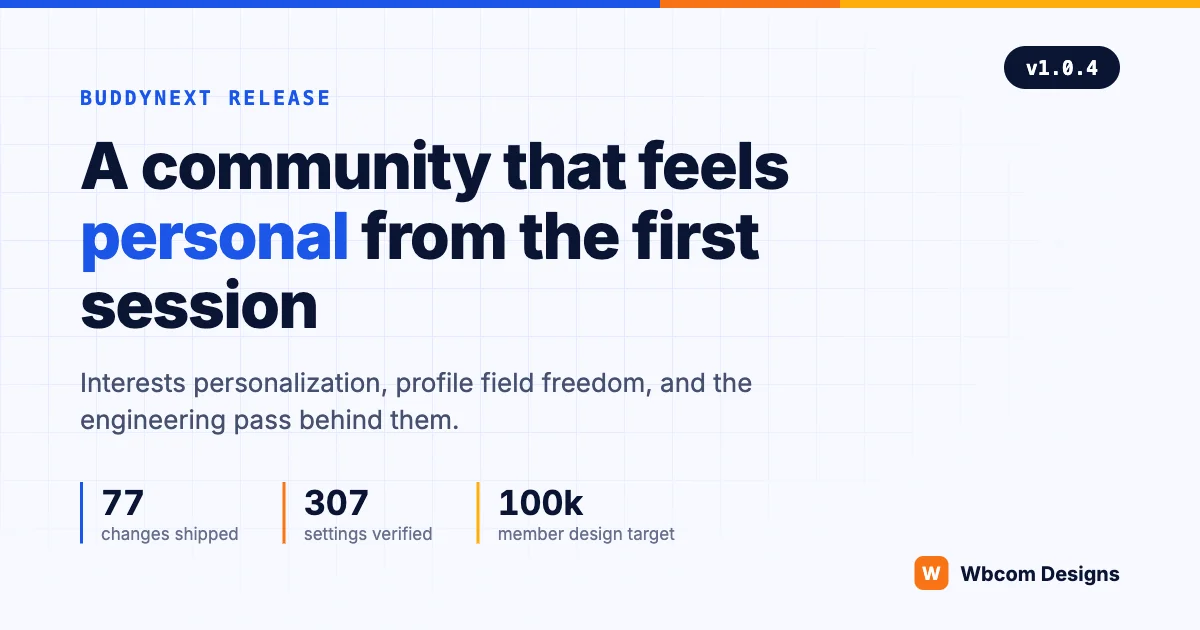
We shipped BuddyNext 1.0.4 this week. The response caught us off guard: more installs in the first days than any release we have put out this year, and a support queue full of questions that start with “can it also” rather than “why doesn’t it”.
This post is not a changelog. The full release notes run to 77 entries and they are public. What we want to write about is the part a changelog cannot show: the engineering decisions behind a release this size, and what they say about how community platforms should be built in 2026. If you are evaluating an agency to build your community, this is a look at how we work when the client is ourselves.
| The release in numbers | |
|---|---|
| Changes shipped (free) | 77 |
| Changes shipped (Pro) | 25 |
| Admin settings verified end to end | 307 |
| Settings bugs found and fixed by that audit | 19 |
| Install configurations journey-tested | 2 |
| Design target | 100,000 members |
The problem every new community dies from
A member signs up, lands on an empty feed, sees a sidebar full of strangers, and never comes back. Community builders know this moment. Retention curves are decided in the first session, before a member has followed anyone or joined anything.
The headline feature of 1.0.4 attacks exactly that moment. During onboarding, a new member picks interests. The choices come from the site’s own space categories, so a fitness community offers fitness topics and a design community offers design topics. Nothing to configure, no separate taxonomy to maintain. If the owner has organized their spaces at all, the interest system is already working.
Those picks then shape the whole first session. People suggestions lead with members who share interests. Space suggestions lead with spaces in those categories. The For You feed ranks posts from those spaces higher, and the Explore page surfaces popular spaces from those interests instead of only the newest ones. On the member’s profile, each interest renders as a chip that links straight to the matching spaces in the directory, so a stated interest is always one tap away from the rooms where it lives.
One design decision mattered more than any other here: interests influence ranking, never inclusion. A member still sees the whole community. Their picks decide what leads, not what exists. We have watched personalization features on other platforms quietly turn into filter bubbles that shrink a community’s shared conversation. Ranking-not-inclusion keeps the personal touch without the isolation. It is the same restraint we argued for when we wrote about building AI-powered community platforms: the algorithm should serve the room, not replace it.
Interests influence ranking, never inclusion. A member still sees the whole community. Their picks decide what leads, not what exists.
Designing for 100,000 members before the first member arrives
Every feature in BuddyNext is designed against a fixed target: around 100,000 members, 20,000 to 30,000 spaces, on ordinary hosting. Not because every site reaches that size, but because the sites that matter do, and retrofitting scale into a data model is the most expensive work in this business.
Interests show what that looks like in practice. The picks are stored as profile field values with an index on the field and value columns, so “members who share an interest with you” is one indexed query rather than a scan. Suggestion engines batch their reads. The feed tier that boosts interest-matched spaces piggybacks on a query the feed was already running.
The same thinking shows up in a smaller 1.0.4 feature that owners of large sites will feel immediately. The admin spaces list now shows when each space was last active and sorts by it. Behind that column sits a denormalized timestamp written once per space post. The naive version would group and scan the entire posts table on every page load. At 30,000 spaces that is the difference between a screen that opens instantly and one that owners learn to avoid.
Why does an announcement post talk about indexes? Because this is the part of platform work that never appears in a feature comparison table, and it is the part that decides whether a community is still fast in its third year. When we audit community sites built elsewhere, unindexed queries and per-row lookups inside loops are the two problems we find most often. They were both banned from day one here.
Profile fields became fully yours
The second big block of 1.0.4 is owner control over the profile form. Every field can carry owner-written help text and an example placeholder, shown on both the profile editor and the signup form. Profile sections can be limited to a member type, so coaches get coach fields and students get student fields, and a restricted section never leaks onto the signup form. The preset sections that do not fit a community can simply be deleted.
Freedom like that needs guardrails, and the guardrails are where the engineering lives. Core fields that search and member cards depend on are protected from deletion. Removing a field that holds member data shows exactly how many members are affected and asks the owner to type its name to confirm. The cleanup then runs in small background batches, because deleting a field on a big site should never take the site down with it.
This is a pattern we bring to client work constantly. The feature is rarely the hard part. The hard part is making the feature safe for the person who will click it at midnight on a live site with 80,000 members.
The audit: 307 options, verified one by one
Here is the part of this release we are most proud of, and it produced no new features at all.
Before 1.0.4 shipped, we verified every admin option in the plugin. All 307 of them. Not “does it save”, which is what most testing checks, but the full contract: set a non-default value, confirm it stored, confirm the code reads it, and confirm the behavior actually changes on the member-facing surface. Then restore and move to the next one.
That audit found 19 settings that saved but did not fully apply. A toggle that reverted silently. A digest setting that displayed the wrong state on fresh installs. An allowed-domains list that was only enforced when a second, unrelated setting was on. Each one is the kind of bug that erodes an owner’s trust in the whole settings screen, because once one switch lies to you, you stop believing any of them.
All 19 were fixed in this release. We also rebuilt the settings screens themselves around one consistent card layout, made the admin work properly on iPad, and gave every plan entitlement in the Pro membership editor a one-line explanation of what granting it does. Settings screens are a user interface for a very specific user: the site owner at configuration time. They deserve the same design attention the member side gets.
Testing the way customers actually install
The final gate before this release was not a test suite. It was a fresh Docker install of the actual distribution zip, on a default WordPress site, with the BuddyX theme and demo data, walked end to end in a real browser. Sign up as a new member, complete onboarding, pick interests, post, react, comment, join an open space, request to join a private one, create a space, search for a member, send a message.
We ran that walkthrough twice: once with the free plugin alone, and once with the Pro pair. Roughly nine out of ten BuddyNext sites will run the free version by itself, so free-solo is the configuration that gets tested first, not last.
Running free alone is a design constraint, not just a test pass. When the companion plugins that add messaging, media galleries, or forums are absent, their navigation entries, composer buttons, and profile tabs disappear cleanly instead of leaving dead links behind. A member on a free-only site sees a complete product, not a teaser with holes, and an owner who later adds a companion watches the new surfaces appear in place.
The walkthrough caught things no unit test would have:
- A fresh WordPress install ships with registration disabled, so a brand-new community’s signup page was dead even though the plugin’s own setting said open.
- Member search depended on a background job queue that never runs on hosts with broken loopback requests. New members were unsearchable on exactly the kind of budget hosting many communities start on.
- The onboarding wizard could add a member to a private space without approval, skipping the join-request gate the rest of the product enforces.
Every one of those went out fixed in the same release. Registration now works out of the box. A single member’s search index entry is written inline at registration, so search works even where background jobs cannot run. The wizard routes private spaces through the join-request flow like every other surface.
There is a lesson in that list for anyone commissioning software. Static analysis was green the whole time. The unit tests passed. The bugs lived in the gap between “the code is correct” and “the product works on the machine the customer actually has”. You only find that gap by installing the real artifact on a realistic host and behaving like a real user.
What Pro owners get: a real billing area
BuddyNext Pro 1.0.4 centers on membership. Members manage their plan from a Settings tab: current plan, renewal date, payment history, and downloadable invoices. Cancelling keeps access until the paid period ends and then moves the member to a lapsed state instead of cutting them off mid-month. The pricing page became a normal editable WordPress page, so owners restyle their plan showcase with the editor they already know.
None of that is glamorous. All of it is what separates a membership site people trust with their card from one they do not. The Pro release notes list the 25 changes in full, including a moderation pass that replaced raw database IDs in the bulk queue with the actual content being judged.
For developers: the platform opened up
Two quieter additions in 1.0.4 matter to anyone extending the platform. Add-on plugins can now register their own community hubs through a single registration that handles the page, the URL slug setting, rewrite rules, and template resolution together. And add-ons can register their own template directories, with the child theme override chain kept intact, so a site owner can still restyle any add-on template from their theme.
We built those seams because our own integrations needed them. Career boards, classifieds, media galleries, and forums all plug into BuddyNext through the same public APIs any third-party developer gets. Eating our own extension points keeps them honest. If you build on WordPress, it is also worth reading what WordPress 7.0 changes for community site builders, because several of this release’s choices anticipate it.
What this means if you are building a community
BuddyNext is our own product, which makes it the purest demonstration of how we build. Nobody made us verify 307 settings. No client demanded a fresh-install walkthrough in two configurations. That is simply the bar a community platform has to clear, because communities are long-lived systems: the decisions in the data model today are the performance ceiling three years from now.
If you are planning a community, a membership platform, or a social product on WordPress, the questions worth asking any builder are the ones this release answers. How does the first session work for a brand-new member? What happens at 50,000 members? What happens on cheap hosting? What happens when the owner deletes something important? Does the settings screen tell the truth? Even the architecture itself deserves that scrutiny, which is why we have written about why community and membership sites should not go headless.
We answer those questions for a living. Our team has built community platforms on WordPress for over a decade, from custom BuddyPress and community development to full platform builds with personalization, moderation, and monetization designed in from the start rather than bolted on. If your project needs that kind of depth, book a call and bring your hardest question.
And if you just want to see what a well-built community platform feels like, BuddyNext 1.0.4 is live now. The first-week response tells us the WordPress community was ready for it.
Related reading