
8 min read
Top Virtual Classroom Software for Learning

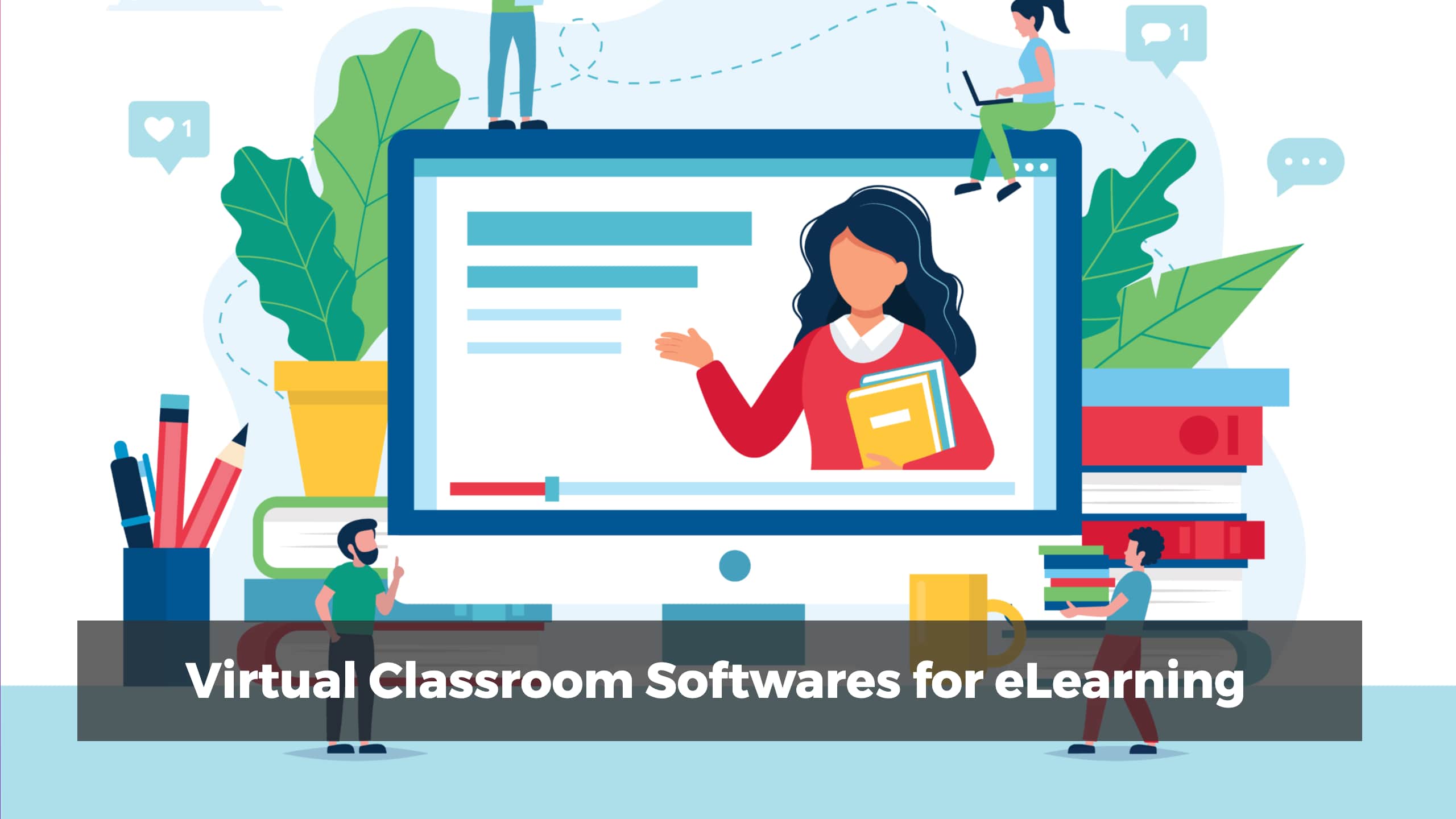
The rise of remote work and distance learning has fundamentally changed how organizations approach training and education. Whether you run a corporate team spread across time zones or an educational institution serving students who cannot attend in person, virtual classroom software has become indispensable. The right platform can replicate and even surpass the engagement of a physical classroom, while the wrong choice can leave learners disengaged and administrators frustrated.
Choosing the best virtual classroom software means evaluating features such as live video conferencing, course authoring, learner analytics, interactive whiteboards, and integration capabilities. In this comprehensive guide, we explore the top virtual classroom tools available today, break down what makes each one stand out, and help you decide which platform fits your organization’s needs.
Why Virtual Classroom Software Matters
Before diving into individual tools, it is worth understanding why virtual classroom software has moved from a nice-to-have to a must-have. Traditional training methods depend on physical presence, fixed schedules, and printed materials. Virtual classrooms remove these constraints entirely.
Organizations that invest in virtual learning platforms report higher knowledge retention rates, lower training costs, and the ability to scale programs without proportional increases in overhead. For businesses operating globally, virtual classrooms allow consistent training delivery regardless of geography. For educators, these tools open doors to students who would otherwise have no access to quality instruction.
The key is finding a platform that balances ease of use with powerful features. Here are the best virtual classroom software options worth considering.
Best Virtual Classroom Software for Learning
1. ProProfs Virtual Classroom Software
ProProfs Virtual Classroom Software is an intuitive platform designed primarily for employee training and corporate learning. It allows administrators to upload existing training content or build courses from scratch using templates from the ProProfs LMS library, which includes over 100 customizable online courses.
What sets ProProfs apart is its emphasis on engagement. Course creators can embed quizzes, surveys, presentations, and multimedia elements directly into their training modules. The platform supports course bundles and learning paths, enabling organizations to personalize the training experience for different roles and departments.
Collaboration features include live chat, discussion boards, and Q&A sections that let trainees interact in real time. Administrators also have the option to build a self-service learning portal with FAQs and supplementary resources, making it a comprehensive solution for continuous learning.
On the analytics side, ProProfs provides real-time progress reports and in-depth performance metrics. These insights help training managers identify knowledge gaps, improve course content, and measure the return on their training investment. If you are looking for a platform that combines simplicity with robust tracking capabilities, ProProfs is a strong contender.
2. WizIQ
WizIQ is a versatile virtual classroom tool that caters to both corporate training and academic education. The platform makes it straightforward to create and sell online courses, including MOOCs, with minimal technical expertise required.
One of the platform’s strongest features is its video conferencing capability. WizIQ supports unlimited participants in live sessions, which makes it suitable for large-scale webinars and company-wide training events. Interactive whiteboards, breakout rooms, and live chat enhance the collaborative experience during these sessions.
Creating assessments is seamless on WizIQ. Instructors can build tests, polls, and quizzes that integrate directly into course modules. The platform also offers a self-learning center where trainees can access recorded sessions and supplementary materials at their own pace.
A particularly useful feature for technical teams is the shared, integrated development environment that allows real-time coding during live sessions. This makes WizIQ an excellent choice for organizations that need to train developers or other technical staff remotely. All live classes can be recorded and stored for future reference, ensuring that no training content is lost.
3. VEDAMO
VEDAMO positions itself as a complete online academy builder. Its LMS provides a rich set of features for blending face-to-face and online learning, making it ideal for organizations that use a hybrid training model.
The virtual classroom component of VEDAMO is designed for seamless communication between instructors and learners. Embedded quizzes within training courses allow for real-time assessment, while an integrated media player lets trainees watch embedded videos without leaving the platform.
Live classes on VEDAMO benefit from a highlighting feature that enables instructors to mark key moments during sessions. Learners can return to these marked sections later for focused review, which significantly improves knowledge retention. Additional features include digital whiteboards, breakout rooms, room locks for privacy, live chat, virtual notebooks, and class recording.
VEDAMO also offers an interactive demo that potential users can try before committing, which is a rarity among virtual classroom platforms. This hands-on preview helps organizations evaluate the tool thoroughly before making a purchasing decision.
4. LearnCube
LearnCube stands out for its focus on both group and individual training sessions. The platform supports private classes, making it suitable for one-on-one coaching, mentoring, and personalized instruction alongside larger group sessions.
Collaboration tools include online whiteboards, file sharing, live chat, and high-quality video and audio. LearnCube adds engagement-boosting features like virtual hand raising and virtual ticks, which help instructors gauge learner participation during live sessions.
Where LearnCube truly differentiates itself is its content marketplace. Organizations that lack in-house training materials can access a library of lesson plans and training resources directly within the platform. This dramatically reduces the time required to launch a training program from scratch.
Like VEDAMO, LearnCube offers key-concept markup options that allow instructors to highlight critical information during live sessions. Comprehensive reporting features round out the package, giving administrators visibility into learner progress and course effectiveness.
5. Newrow
Newrow is one of the most user-friendly LMS platforms for live training delivery. Beyond standard course building and quiz embedding, Newrow enables organizations to host webinars, adding another dimension to their training programs.
The video conferencing features are exceptional. Digital whiteboards, file sharing, screen sharing, live quizzes, and cloud recording are all built into the platform. Breakout rooms for brainstorming sessions and group discussions are intuitive and easy to manage, even for instructors who are new to virtual training.
A distinctive feature of Newrow is its white-label capability. Organizations can create branded virtual campuses that serve as centralized hubs for all training activities. These campuses can host downloadable training assets, recorded webinars, real-time notes, and live video conferencing sessions, all under the organization’s own branding.
6. Electa Live
Electa Live combines LMS functionality with virtual classroom capabilities in a single, integrated platform. It is purpose-built for live online classes and on-demand courses, making it a natural fit for employee training programs that blend synchronous and asynchronous learning.
The platform offers markup features for highlighting important content during live classes, digital whiteboards, screen and file sharing, and class recording. Instructors can build training courses on the platform in minutes, with libraries available for accessing various training resources and consolidating content into a single self-learning hub.
One of Electa Live’s time-saving features is automatic grading. Tests, quizzes, and assignments are graded instantly, freeing instructors to focus on content delivery and learner engagement rather than administrative tasks.
How to Choose the Right Virtual Classroom Software
With so many strong options available, selecting the right platform requires careful evaluation of your specific needs. Here are the key factors to consider when making your decision.
Scalability and User Limits
Consider how many learners you need to support simultaneously. Some platforms cap the number of participants in live sessions, while others like WizIQ offer unlimited capacity. If your organization is growing, choose a platform that can scale with you without requiring a migration to a different tool.
Integration Capabilities
All of the tools listed above support third-party integrations, but the depth and breadth of those integrations vary. If you rely on specific tools for HR management, project tracking, or communication, verify that your chosen virtual classroom platform integrates with them. For WordPress-based organizations, platforms that integrate with LMS plugins like LearnDash or Learnomy offer particularly smooth workflows. The LearnMate theme is an excellent example of how WordPress can power a complete e-learning experience.
Content Authoring Tools
Evaluate how easy it is to create and organize training content within each platform. Some tools provide drag-and-drop course builders and template libraries, while others require more manual setup. If your team lacks dedicated instructional designers, prioritize platforms with built-in content creation tools and pre-made templates.
Analytics and Reporting
Data-driven training programs outperform those that rely on guesswork. Look for platforms that offer real-time progress tracking, completion rates, quiz scores, and engagement metrics. Advanced analytics help you identify which courses are effective, which learners need additional support, and where your training content can be improved.
Mobile Accessibility
Modern learners expect to access training materials from any device. Ensure that your chosen platform offers a responsive design or dedicated mobile apps that deliver a consistent experience across smartphones, tablets, and desktops. Mobile accessibility is especially important for field teams and remote workers who may not always have access to a laptop.
Budget and Pricing Models
Virtual classroom software pricing varies widely, from free tiers with limited features to enterprise plans with custom pricing. Most of the tools discussed here offer free trials, giving you the opportunity to test before committing. Consider the total cost of ownership, including per-user fees, storage limits, and add-on costs for premium features.
Building a Virtual Learning Environment with WordPress
While standalone virtual classroom platforms are powerful, many organizations prefer to build their learning environment within their existing WordPress ecosystem. This approach offers maximum control over branding, user experience, and content management.
WordPress LMS plugins like LearnDash or Learnomy can transform any WordPress site into a full-featured learning management system. When combined with a purpose-built theme and the right add-ons, WordPress becomes a viable alternative to dedicated virtual classroom platforms, especially for small to medium-sized organizations.
The advantage of the WordPress approach is flexibility. You can integrate BuddyPress for community features, WooCommerce for course sales, and a variety of video conferencing plugins for live sessions. This modular approach lets you build exactly the virtual classroom experience your learners need without paying for features you do not use.
Making Your Decision
Each of the virtual classroom software tools discussed in this guide brings unique strengths to the table. ProProfs excels at corporate training with its template library and analytics. WizIQ offers unlimited live session capacity and a coding environment for technical teams. VEDAMO provides a complete online academy with hybrid learning support. LearnCube features a content marketplace for organizations starting from scratch. Newrow delivers branded virtual campuses with white-label capabilities. And Electa Live saves time with automatic grading and quick course creation.
The best approach is to take advantage of the free trials these platforms offer. Test each one with a real training scenario, involve your learners in the evaluation, and make a decision based on actual experience rather than feature lists alone. Whichever platform you choose, investing in virtual classroom software is an investment in your organization’s ability to grow and adapt in an increasingly digital world.
Interesting Reads:
Related reading