
5 min read
Best SEO Tools For Auditing & Monitoring Your Website 2026

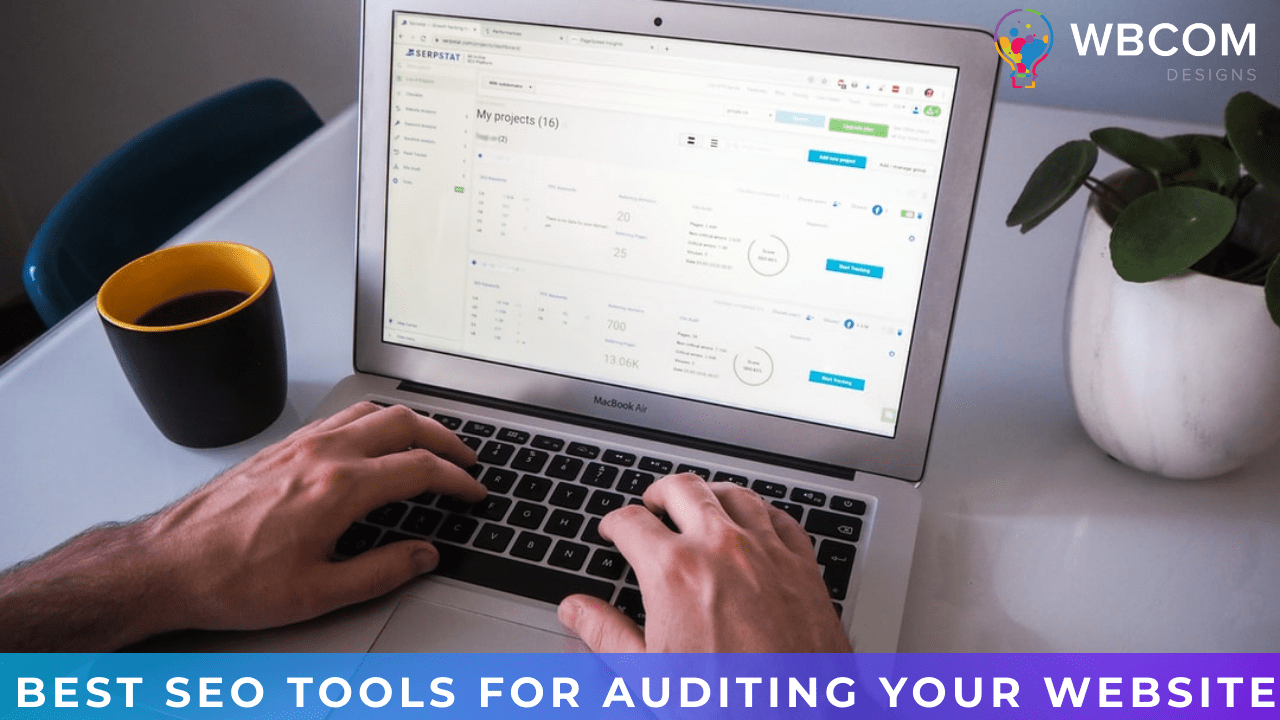
SEO tools for auditing and monitoring your website have become essential for any business serious about organic search visibility. These tools help you identify technical issues, track keyword rankings, analyze competitor strategies, and measure the impact of your optimization efforts. For WordPress site owners, where plugins, themes, and content updates can introduce SEO issues without warning, regular auditing and continuous monitoring are not luxuries but necessities. In this guide, we review the best SEO tools for auditing and monitoring your website in 2026, helping you choose the right combination for your needs and budget.
Why SEO Auditing and Monitoring Matter
Search engine algorithms consider hundreds of factors when ranking websites, from technical performance and content quality to backlink profiles and user experience signals. A single overlooked issue, whether it is a broken redirect chain, duplicate content, slow page speed, or missing meta tags, can significantly impact your rankings. Regular SEO audits catch these issues before they cause lasting damage, while continuous monitoring alerts you to changes in rankings, traffic, and technical health as they happen.
For WordPress sites, SEO auditing is particularly important because the CMS ecosystem introduces unique challenges. Plugin conflicts, theme updates, database bloat, and content revisions can all affect SEO performance. Building effective SEO strategies requires tools that understand these WordPress-specific factors and provide actionable recommendations.
Best SEO Tools For Auditing and Monitoring Your Website
1. Google Search Console
Google Search Console is the foundational SEO monitoring tool, providing data directly from Google about how it sees and indexes your website. Previously known as Google Webmaster Tools, it reveals search performance metrics including impressions, clicks, click-through rates, and average positions for your keywords. The Coverage report identifies indexation issues, while the Core Web Vitals report highlights performance problems that affect user experience and rankings. For WordPress site owners, Search Console is free and should be the first tool configured for any new site.
2. Ahrefs
Ahrefs is a comprehensive SEO platform that combines site auditing with competitive analysis, keyword research, and backlink monitoring. Its site audit feature crawls your website to identify technical SEO issues including broken links, missing meta tags, slow pages, and duplicate content. The audit provides a health score and prioritizes issues by severity, making it easy to focus remediation efforts. Ahrefs’ Content Explorer and Rank Tracker complement the audit tools by providing ongoing monitoring of your content performance and keyword positions.
3. SEMrush
SEMrush has grown into one of the most comprehensive digital marketing platforms, with powerful SEO auditing and monitoring capabilities at its core. The platform analyzes keyword rankings, backlink profiles, and competitor strategies. Its site audit tool examines over 130 technical and on-page SEO factors, generating detailed reports with actionable recommendations. SEMrush also tracks PPC campaigns alongside organic performance, providing a unified view of your search marketing efforts. For WordPress agencies managing multiple client sites, SEMrush’s reporting and integration with Yoast SEO creates a streamlined workflow.
4. MOZ Pro
Moz Pro provides site auditing, rank tracking, backlink analysis, and keyword research with a focus on usability. Its crawler identifies technical SEO issues and provides optimization suggestions accessible even for SEO beginners. The MozBar browser extension lets you analyze any page’s SEO metrics while browsing, making competitive research effortless. Moz’s Domain Authority metric remains widely used for benchmarking website strength against competitors.
5. SpyFu
SpyFu combines SEO and PPC competitive intelligence, revealing your competitors’ keyword strategies, ad spend, and organic rankings. The platform’s keyword research tool identifies valuable keywords while highlighting poor-performing terms to eliminate. Competitor research features expose content gaps and ranking opportunities you can capitalize on. For WordPress businesses competing in crowded niches, SpyFu provides the competitive intelligence needed to differentiate your content strategy.
6. Screaming Frog SEO Spider
Screaming Frog is a desktop-based website crawler that provides detailed technical SEO audits. Unlike cloud-based tools, it installs on your computer and crawls your website link by link, extracting comprehensive on-page data. The tool identifies broken links, redirect chains, duplicate content, missing meta data, and numerous other technical issues. It integrates with Google Analytics, Google Search Console, and PageSpeed Insights APIs to enrich its analysis with real-world performance data. For WordPress developers who need deep technical auditing, Screaming Frog is unmatched in its thoroughness.
7. SE Ranking
SE Ranking competes directly with SEMrush and Ahrefs, offering keyword research, backlink tracking, on-page analysis, and comprehensive site auditing at competitive pricing. Its auditing tool crawls your site and assesses overall website health, generating detailed reports on all SEO issues found. SE Ranking provides actionable guidance on how to resolve each issue and allows you to define custom error thresholds. For WordPress site owners who want enterprise-level SEO tools without enterprise-level pricing, SE Ranking delivers excellent value.
8. SERPsim
SERPsim is a focused SERP snippet simulator that shows you exactly how your pages will appear in Google search results. By previewing your title tags, meta descriptions, and URLs, you can optimize these critical elements for maximum click-through rates before publishing. The tool checks content against Google’s current pixel-length limits to prevent truncation. For WordPress content creators optimizing every page for search, SERPsim provides immediate visual feedback on how your SERP presence looks to searchers.
9. WordCounter
WordCounter helps you assess word count and keyword density on your web pages, comparing your content depth against top-ranking competitors. The tool generates information about word count, keyword frequency, and content comprehensiveness for any URL. By comparing your content with the best-ranking pages for your target keywords, you can identify where your content falls short and needs expansion. For WordPress bloggers focused on creating comprehensive, in-depth content that ranks well, WordCounter provides quick competitive content analysis.
Building Your SEO Audit Strategy
The most effective approach combines multiple tools to cover all aspects of SEO auditing and monitoring. Use Google Search Console as your foundation for understanding how Google sees your site. Add a comprehensive platform like Ahrefs, SEMrush, or SE Ranking for keyword tracking and competitive analysis. Use Screaming Frog for deep technical audits, and SERPsim for optimizing your search snippets. Schedule regular audits monthly or quarterly, and set up automated monitoring alerts for critical metrics like ranking drops and indexation errors.
Conclusion of Best SEO Tools
Choosing the right SEO tools for auditing and monitoring your website is critical for maintaining and improving your search engine visibility. Start with free tools like Google Search Console to establish baseline monitoring, then add paid tools based on your specific needs and budget. Whether you prioritize technical auditing, competitive intelligence, or rank tracking, the tools reviewed in this guide provide the capabilities needed to build and maintain a strong SEO foundation for your WordPress website. Begin with a free trial before committing to any platform, and focus on the tools that deliver the most actionable insights for your specific situation.
Related reading