
7 min read
5 Ways to Build Mobile Apps With WordPress

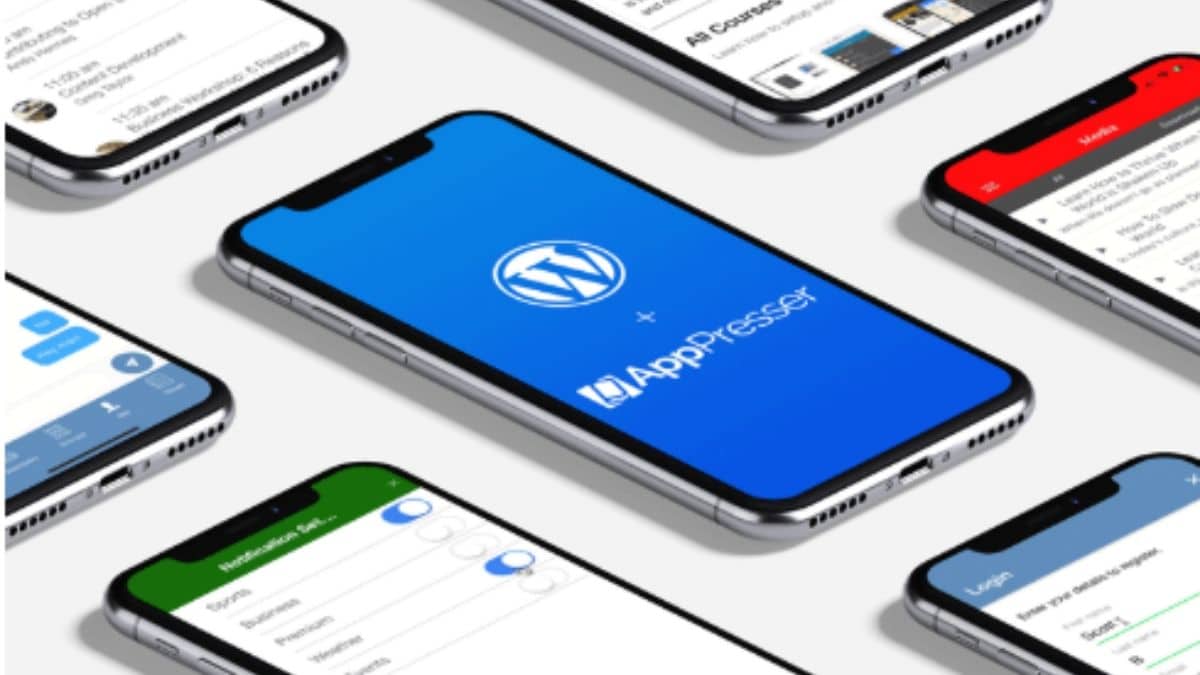
If you run a WordPress site with regular readers, members or customers, a mobile app can put you on their home screen. You do not need to build one from scratch. There are several ways to turn a WordPress site into an app, and they differ a lot in cost, effort and how native the result feels.
A mobile app lets you send push notifications when new content goes live, keeps your brand on the device, and can give members a faster way to read, buy or learn. This post covers 5 ways to build mobile apps with WordPress, from a free progressive web app to a fully custom headless build.
Last updated: 7 November 2026
Quick answer: You can build a mobile app with WordPress by installing it as a progressive web app, using an app-builder plugin such as AppPresser, WPMobile.App or MobiLoud, or going headless with the WordPress REST API and a framework such as Capacitor or React Native. Builders are fastest, headless gives the most control.
5 ways to build a mobile app with WordPress at a glance
| Route | How it works | Best for | Cost note |
|---|---|---|---|
| 1. Progressive web app | Installable website, no app store required | Lowest cost, fastest start | Free plugin option; hosting cost only |
| 2. AppPresser | WordPress plugins plus a hosted build service | WooCommerce, BuddyPress/BuddyBoss and LearnDash sites | From $59/month billed annually (Standard) |
| 3. WPMobile.App | Plugin that generates Android and iOS builds | Site owners who prefer a one-time license | One-time licenses from 129 EUR excl. VAT |
| 4. MobiLoud | Managed app service for WordPress sites | Publishers who want the vendor to publish and maintain the app | Check the vendor pricing page |
| 5. Headless with REST API | Custom app talking to WordPress as a backend | Teams with developers and custom features | Development cost; no license required |
Prices are in the currency each vendor shows. Plans change, so confirm on the vendor page before you buy.
1. Progressive web app (PWA)
The simplest route is not an app store app at all. According to web.dev, a website or web app is a progressive web app when a browser recognizes it as installable, giving users a standalone experience. WordPress has a feature plugin for this, the PWA plugin, which describes itself as bringing Progressive Web App capabilities to core and is maintained by Weston Ruter.
The limits matter. Web.dev notes that on iOS and iPadOS there is no browser install prompt: users add the app manually through the share menu. A PWA also does not give you a store listing. If your readers expect to find you in the App Store or Google Play, look at the routes below.
2. AppPresser
AppPresser describes itself as an app builder that specializes in integrating WordPress. It includes several WordPress plugins and a theme, and its site lists app support for WooCommerce, BuddyPress and LearnDash. The AppPresser plugin on WordPress.org is at version 4.5.3, last updated on 24 March 2026, so it remains maintained.
On the AppPresser pricing page, the Standard plan is $59 per month billed annually or $79 billed monthly for 1 app with a 10,000 push device limit. Professional is $79 annually or $99 monthly for 1 app and 100,000 push devices. Advanced is $129 annually or $149 monthly for 2 apps and 1 million push devices. Features listed include iOS and Android apps, push notifications, memberships, WooCommerce, BuddyPress and BuddyBoss, LearnDash, in-app purchases and Apple or Google login. App Store submission setup on Standard is listed at +$199, waived for annual subscriptions.
The AppPresser theme and plugin run inside the app. Your regular desktop and mobile site is not changed, so visitors using a normal browser see no sign of AppPresser. You will still want to build a dedicated app home page, because a default install rarely makes a good first screen.
Push notifications
AppPresser integrates push notifications so you can notify app users about new posts or messages. Push is part of every plan, with device limits that rise by plan as shown above.
BuddyPress and BuddyBoss community apps
AppPresser lists BuddyPress and BuddyBoss support, so an existing community can become a social app with activity updates, friendships, groups and private messages. Confirm the exact feature set on the AppPresser documentation before you commit.
WooCommerce store apps
Customers can browse products and buy inside the app. AppPresser lists WooCommerce apps among its offerings, so check which payment gateways your plan supports.
LearnDash course apps
AppPresser lists LearnDash apps too, and LearnDash’s founder is quoted on the AppPresser home page praising it as a cost-effective way to create online course mobile apps. If you build your course site on WordPress, a theme built for LearnDash helps the web side match the app. Get Reign LearnMate Theme, the best theme to pair with LearnDash.
3. WPMobile.App
WPMobile.App converts a WordPress site into an Android and iOS app without coding. Its home page lists three lifetime licenses with no subscription: Android only for 129 EUR excluding VAT, iOS only for 129 EUR, and Android plus iOS for 239 EUR.
You configure design, menus and colors from the WordPress dashboard, generate the build in one click, and follow guided steps to publish to Google Play and the App Store. Push notifications go through your own Firebase and Apple accounts. The FAQ states the generated app is a mobile-optimized WebView rather than a fully native app, which suits content sites better than apps that need heavy device features.
4. MobiLoud
MobiLoud is a managed service that turns WordPress sites into mobile apps and handles publishing and maintenance for you. Its site blocks automated checks, so we could not confirm current plans from the vendor page. Ask for a quote and compare it with the self-service options above.
5. Headless build with the WordPress REST API
For full control, treat WordPress as a backend. The WordPress REST API handbook describes the API as an interface for applications to interact with your site by sending and receiving data as JSON objects, and lists bringing WordPress content into separate applications such as mobile apps as a use case. Your app reads posts, pages and taxonomies through endpoints and can use any language that makes HTTP requests and parses JSON.
Two common front ends are Capacitor and React Native. Capacitor is a cross-platform native runtime for building mobile apps with web technologies, running on iOS, Android and more. React Native targets Android and iOS under the line “Learn once, write anywhere.” Both need developers, but you decide every screen and feature.
Older hybrid approaches have moved on. Adobe announced in August 2020 that it was ending development of PhoneGap and PhoneGap Build, with the build service discontinued on October 1. Apache Cordova continues, and alternatives named in that report include Ionic, Monaca, Framework7, NativeScript and progressive web apps.
How to choose
Start with the features your members actually need. A content site that wants push alerts and a store listing can launch quickly with WPMobile.App or AppPresser. A community or course site may suit AppPresser because of its BuddyPress, BuddyBoss and LearnDash support. A product with unusual features is a headless candidate.
Budget for ongoing costs too. Subscriptions recur, lifetime licenses can still need paid support, and every app store requires developer accounts and review. For a deeper comparison of the trade-offs, read our guides on mobile apps versus mobile websites and native apps versus webview apps. If you are weighing wrapper tools, see Apache Cordova alternatives.
Summary
Building mobile apps is not a simple task, and the right route depends on budget, team and goals. A PWA is the cheapest start, builder plugins get you into the stores fast, and a headless build gives the most freedom. Pick the lightest option that covers your members’ needs, then grow from there.
Frequently asked questions
Can I turn my WordPress site into a mobile app?
Yes. You can install it as a progressive web app, use a builder such as AppPresser or WPMobile.App, or build a custom app on the WordPress REST API.
How much does an AppPresser app cost?
AppPresser lists plans from $59 per month billed annually for Standard. Professional is $79 and Advanced is $129 per month on annual billing, with higher monthly prices if you pay monthly.
Is there a one-time-fee WordPress app builder?
WPMobile.App lists lifetime licenses from 129 EUR excluding VAT per platform, or 239 EUR for Android plus iOS, with no subscription.
Do I need a native app, or is a PWA enough?
A PWA is enough for many content sites, but iOS has no install prompt and you get no store listing. Choose a store app if discovery and push alerts matter.
Can I use the WordPress REST API for a mobile app?
Yes. The REST API sends and receives JSON, so frameworks such as Capacitor and React Native can read your posts, pages and taxonomies directly.
Related reading