
6 min read
Sell Online Courses on WordPress With LearnDash

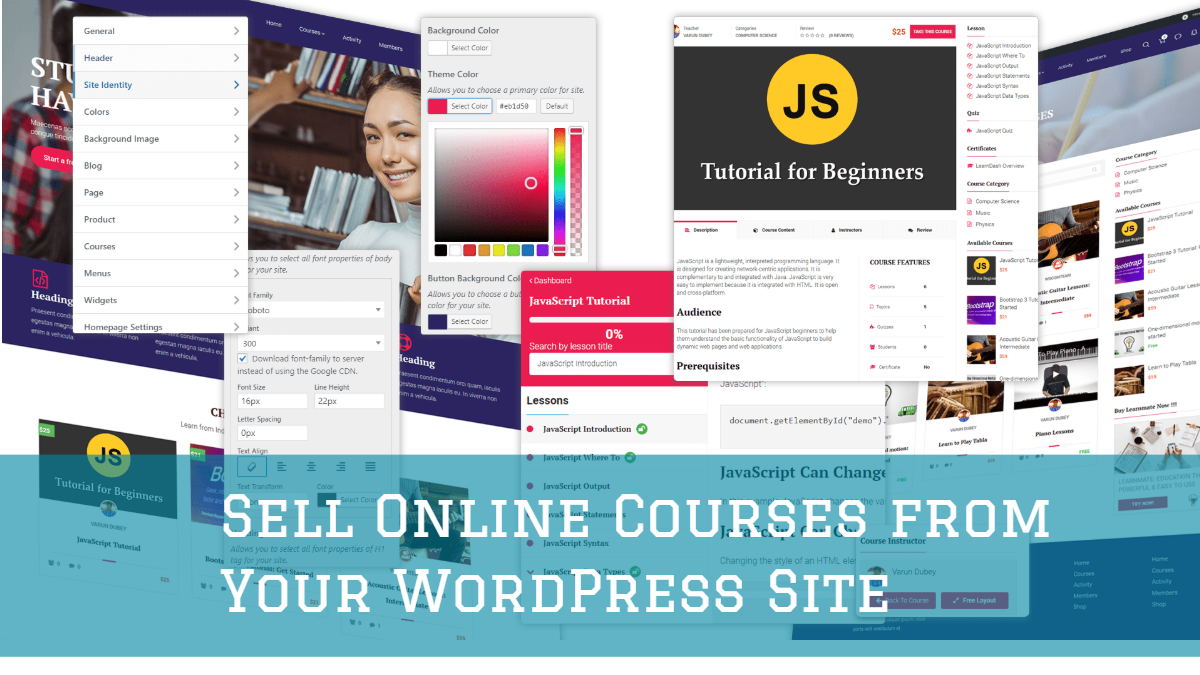
Online learning and training have given birth to stable avenues of earning money and gaining knowledge for a large number of people. Even you can create your own online learning portal easily with the help of an LMS. LMS stands for Learning Management System: software that lets you administer, track, document, report on and sell online courses or training programs. In simple words, it manages your online learning or e-learning courses.
E-learning or Digital Learning is learning conducted via electronic media, mostly on the internet. It is one of those industries that has experienced large-scale growth recently. WordPress is a natural home for it: W3Techs reports WordPress runs 38.6% of all websites and 57.6% of sites with a known CMS (page dated 15 November 2026). If you want to turn your knowledge into income, making online courses is only half the job. You also have to sell them.
Some of you might argue that there are more simple ways like Udemy to sell your online courses. However, if you want to create a brand, these portals do not offer any freedom to do so. What’s worse is that you have to share your earnings with them. So, why not opt for a powerful CMS like WordPress and integrate an LMS with it, via a simple plugin.
Last updated: 15 November 2026
Quick answer: To sell online courses on WordPress, install an LMS plugin such as LearnDash, set each course to the Buy Now or Recurring access mode, and connect Stripe, PayPal or Razorpay. If a shopping cart or membership plugin takes the payment instead, set the course to Closed so the cart grants access. LearnDash plans start at $350 per year for one site.
Sell Online Courses from Your WordPress Site Using Learndash LMS
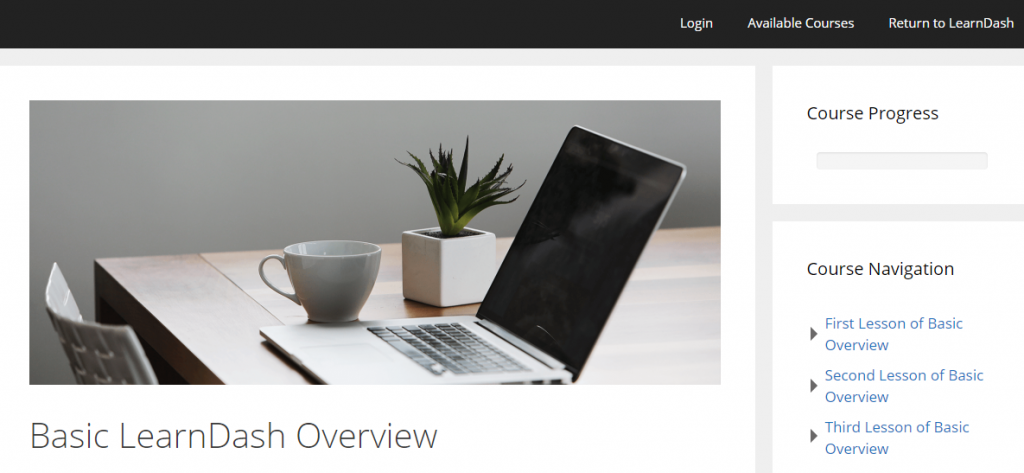
Hence, if you want to start a serious business around selling courses, we would recommend you to work with an LMS like LearnDash and integrate it with WordPress. This will enable you to manage your courses and sell them free from your own platform by installing just a few simple plugins. After this, you can start preparing your online courses and managing them as you need through a simple dashboard. You can then sell these programs with any of the four models below.
Single Payments: In this case, the customer pays only once and gets access to the course material forever. These are best for digital products like e-books and courses. In LearnDash this is the Buy Now access mode, and you can also sell through a cart plugin such as Easy Digital Downloads.
Subscriptions: In this case, the customer can pay daily, weekly, or monthly and gets access to the course material accordingly. LearnDash calls this the Recurring access mode, and the billing cycle can be set in days, weeks, months or years. Subscriptions are an easy way to keep learners coming back.
Membership: In this case, a membership fee is fixed for every six months or a year. Customers will get access to special features that non-members won’t. This can also be enabled with a simple plugin called Paid Membership Pro.
Group seats: In this case, a company or school buys several seats at once and one sale enrolls the whole group. LearnDash lists group seat sales as a built-in feature.
LearnDash access modes at a glance
| Access mode | What it does | Best for |
|---|---|---|
| Open | Anyone can view the course without registering or paying. | Free previews and lead magnets |
| Free | Learners register or log in but pay nothing. | Free courses and manual enrollment |
| Buy Now | One-time payment, then automatic enrollment. | Single-price courses |
| Recurring | Charges on a repeating cycle (days, weeks, months or years). | Subscriptions and ongoing programs |
| Closed | No automatic enrollment; access comes from a group, an admin or an external cart. | WooCommerce, EDD or membership sales |
Buy Now and Recurring work with PayPal, Stripe and Razorpay, according to the LearnDash enrollment mode documentation hosted by Nexcess. The same page advises against Buy Now or Recurring when a shopping cart or membership plugin handles the sale. Use Closed in that case.
What LearnDash costs
LearnDash is now sold through Liquid Web. The LearnDash pricing page lists these annual plans as of 15 November 2026.
| Sites | Price per year |
|---|---|
| 1 | $350 |
| 10 | $599 |
| 25 | $799 |
| 50 | $899 |
| 100 | $999 |
The same page says every plan includes MemberDash, a membership add-on with free, basic and premium tiers, plus support for monthly and yearly subscriptions and bundled course packages.
There are many ways by which you can sell online courses through your LMS sites on WordPress. One of these is the addition of a membership plugin like MemberPress to your site. Membership platforms often come with their own reporting capabilities and provide useful insights about your users. That helps you shape your offer and convert more of them. For a side-by-side look, see our guide to the best LearnDash membership plugins.
Awarding certifications and recertifications for various courses that you offer is another way of generating revenue for your site. However, before issuing certificates you need to strengthen your brand name and impose loyalty among your users.
Gamification adds badges, points, rewards and reminders that keep learners engaged and give them a reason to finish. Several plugins add it to LearnDash, and our roundup of gamification plugins for LearnDash covers the options. Setting up premium accounts and auto-renewing of services and annual licenses with simple plugins are also good options to generate revenue and engagement.
You can Choose LearnMate Learndash Theme today to provide professional and distraction-free layout for your courses. Developed by our dedicated team of experts it is undoubtedly the best LearnDash integrated solution in the market.
If you’re an educator or school rather than a business trainer, Learnomy: Free WordPress LMS for Educators and Schools offers a purpose-built free alternative that pairs well with WordPress’s publishing flexibility. Thanks for reading! Comment below about your thoughts on running an online tutorial website on WordPress.
Frequently asked questions
How do I sell online courses on WordPress?
Install an LMS plugin, create your course, set its access mode to Buy Now or Recurring, and connect a payment gateway. With LearnDash, Buy Now and Recurring support PayPal, Stripe and Razorpay, and learners are enrolled automatically after payment.
How much does LearnDash cost?
A one-site license is $350 per year on the Liquid Web pricing page, and plans scale to $999 per year for 100 sites. Check the pricing page before you buy, because plans and bundles change.
Can I sell LearnDash courses through WooCommerce or Easy Digital Downloads?
Yes. Set the course to Closed and let the cart plugin enroll the buyer after checkout. LearnDash documentation advises against Buy Now or Recurring when a cart or membership plugin takes the payment.
Is selling on my own site better than Udemy?
It depends on your goal. Your own site gives you control over branding, pricing and customer data, and you keep the revenue minus payment fees. A marketplace gives you built-in traffic but takes a share of each sale.
Is there a free alternative to LearnDash?
Yes. Tutor LMS has a free version, and our Tutor LMS vs LearnDash comparison shows where each one fits. You can also browse our best WordPress LMS plugins list.
Interesting Reads:
Introducing Learnmate - An Education Theme for LearnDash
Related reading