
9 min read
Top 10 Synergy Alternatives and Competitors


The best Synergy alternatives in August 2026 are Input Leap and Deskflow if you want a free, open-source software KVM; Mouse Without Borders (now built into Microsoft PowerToys) if every machine runs Windows; and ShareMouse if you move between a Mac and a PC all day. Synergy itself is still sold by Symless as Synergy 3 (from $15 one-time), so the question is less “is Synergy dead” and more “does something cheaper or better-maintained fit my desk”.
Synergy became popular because it solved an annoying but common problem for technical users: working across two or more computers without juggling multiple keyboards and mice. Developers, designers, support staff, video editors and sysadmins still do this every day, and small interaction delays add up fast.
What has changed is the expectation. Users now want cross-platform support including Wayland on Linux, clipboard sync, file transfer, encryption on by default, and a setup that does not eat an hour before real work starts. That is where several of the tools below beat Synergy, and where a couple of old favourites have fallen behind.
Why Users Look for Synergy Alternatives
- Pricing: Synergy 3 is a one-time purchase ($15 Lite, $19 Plus, $29 Max), which is fair, but open-source tools do the same job for free.
- Reliability: connection drops and setup friction can wipe out the convenience. Synergy 3 also broke protocol compatibility with Synergy 1 and Deskflow, which annoyed long-time users.
- Mixed-device workflows: teams want clean support for Windows, macOS and Linux together, and on Linux that increasingly means Wayland rather than X11.
- Security expectations: business users want encryption by default and client verification, not an optional checkbox.
- Workflow expansion: cursor sharing alone is not enough without clipboard sync, file transfer or centralised control.
What Makes a Good Synergy Alternative?
Before choosing a replacement, define what “better” means for your setup. In our experience most disappointment comes from picking a tool that is excellent inside one operating system and useless outside it.
- Cross-platform compatibility: does it support the operating systems you actually use, including Apple Silicon Macs and Wayland desktops?
- Ease of setup: can a non-technical colleague configure it without a support ticket?
- Performance and stability: does cursor movement stay smooth under load and survive a laptop sleeping and waking?
- Extra features: file transfer, clipboard sync, encryption, hotkeys, lock-all-machines.
- Maintenance: when was the last release? A tool with no update since 2021 is a security risk on a work network.
Quick Comparison of the Best Synergy Alternatives
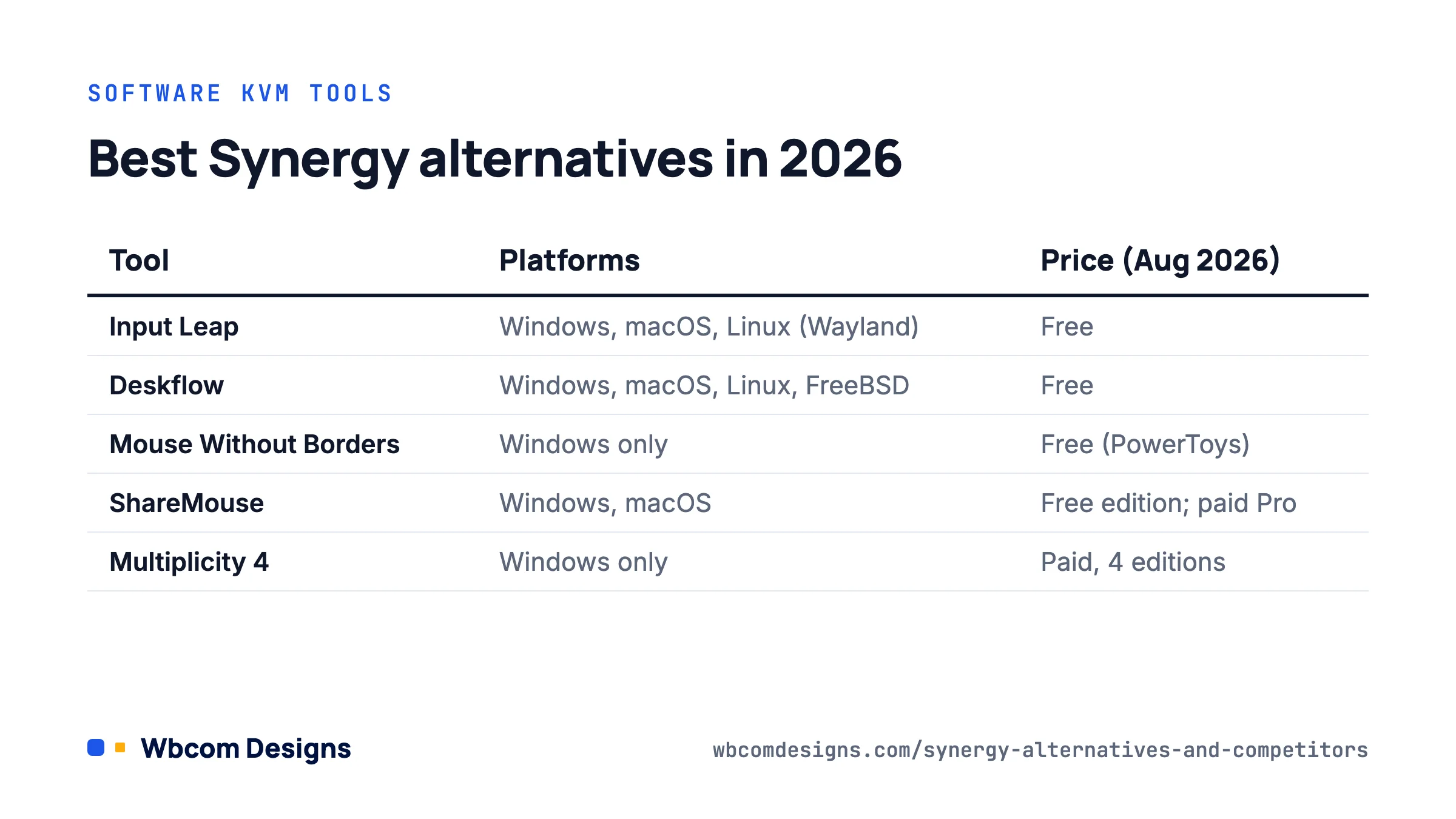
| Tool | Platforms | Price (Aug 2026) | Open source | Best for |
|---|---|---|---|---|
| Input Leap | Windows, macOS, Linux (Wayland) | Free | Yes (GPL) | Former Barrier and Synergy users |
| Deskflow | Windows, macOS, Linux, FreeBSD | Free | Yes (GPL-2.0) | Synergy-compatible open-source core |
| Mouse Without Borders | Windows only | Free (PowerToys) | Yes (MIT) | Windows-only offices, up to 4 PCs |
| Input Director | Windows only | Free for personal use | No | Advanced Windows control |
| ShareMouse | Windows, macOS | Free edition; paid Pro | No | Mac + PC desks, drag-and-drop files |
| Multiplicity 4 | Windows only | Paid, 4 editions | No | Enterprise, 5 to 40 PCs |
| Lan Mouse | Windows, macOS, Linux (Wayland) | Free | Yes | Modern Linux desktops |
| MouseMux | Windows only | Free tier; paid plans | No | Multiple cursors on one PC |
| Logitech Flow | Windows, macOS | Free with Logitech hardware | No | Logitech mouse/keyboard owners |
| Barrier | Windows, macOS, Linux (X11) | Free | Yes | Legacy installs only; unmaintained |
Top 10 Synergy Alternatives and Competitors
1. Input Leap
Input Leap is where the Barrier developers went, and it is the first thing we recommend to anyone leaving Synergy. Version 3.0 brought Wayland support on Linux, and the current 3.0.x releases ship native builds for Windows, Apple Silicon macOS, Debian, Ubuntu and Fedora. It keeps the familiar server-and-client model, so a former Synergy or Barrier user will feel at home in minutes.
- Best for: users who want a free, actively maintained, cross-platform software KVM
- Strength: Wayland support, TLS encryption, regular bug-fix releases
- Limitation: setup still assumes some technical comfort; no drag-and-drop file transfer
2. Mouse Without Borders
Mouse Without Borders started as a Microsoft Garage project and now lives inside Microsoft PowerToys, which means it is open source, updated with every PowerToys release and installed from the Microsoft Store or winget. It controls up to four PCs with a shared clipboard and file transfer (single files up to 100 MB), and it can run as a service so you can reach the lock screen on another machine.
- Best for: Windows-only teams and home offices
- Strength: free, maintained by Microsoft, security-key pairing, no third-party installer
- Limitation: Windows only and capped at four machines
3. Input Director
Input Director (currently v2.4) is more capable than most casual users need, which is exactly why power users like it. It supports multiple Windows systems with a shared clipboard, encrypted traffic, host and IP restrictions, synchronised screensavers and lock-all shortcuts. It is free for personal use, with a licence for business deployments.
- Best for: advanced Windows users, labs and multi-PC workstations
- Strength: deep configuration, administrator lockdown, mature codebase
- Limitation: steeper learning curve; Windows only
4. ShareMouse
ShareMouse is the most practical option for people who work across Windows and macOS together. Drag-and-drop file transfer between Mac and PC, clipboard sync, AES encryption and a clear monitor-arrangement screen make it popular with agencies, designers and consultants. There is a free edition for personal use and a Pro edition with maintenance renewals.
- Best for: mixed Mac and Windows professional desks
- Strength: the smoothest cross-platform user experience on this list
- Limitation: no Linux support; paid for commercial use
5. Multiplicity
Stardock’s Multiplicity 4 is aimed at professional and enterprise desks. Beyond keyboard and mouse sharing it offers AES-256 encrypted file and data transfer, audio streaming, Wake-on-LAN, multi-monitor streaming and, in the Business and Enterprise editions, centralised management for 20 to 40 PCs.
- Best for: IT-managed Windows environments
- Strength: KVM-style remote display, not only input sharing
- Limitation: Windows only; heavier and more expensive than basic tools
6. Deskflow
Deskflow replaces the old Teleport entry here because Teleport’s site is gone and the app never left the Intel-Mac era. Deskflow is the open-source upstream of Synergy: Symless sponsors it and contributes code, and Synergy is the commercial downstream fork. It ships GPL-2.0 builds for Windows 10 1809+, macOS 12/13+, Linux (with Wayland via libei and libportal) and FreeBSD, with TLS on by default. It still speaks the Synergy 1 protocol, so it can pair with older Synergy installs.
- Best for: users who want the actual Synergy codebase without the licence
- Strength: encryption by default, Flathub package, active upstream development
- Limitation: some Wayland features are still flagged as incomplete
7. Lan Mouse
Lan Mouse takes the slot Across used to hold, since Across’s Bluetooth sharing app has disappeared. Lan Mouse is a newer project written in Rust that behaves like Apple’s Universal Control for any OS. It supports Windows, macOS and Linux, with the best Wayland coverage of any tool here (GNOME 45+, KDE Plasma 6.1+, Sway, Hyprland). Traffic is encrypted with DTLS.
- Best for: developers on modern Linux desktops who also have a Mac or PC
- Strength: lightweight, low-latency, no server/client distinction
- Limitation: young project; no clipboard sharing or file transfer yet
8. MouseMux
MouseMux is different from every other tool on this list. Instead of moving one keyboard and mouse between machines, it lets several people use independent cursors and keyboards on the same Windows PC. Version 3 launched in 2026 with a free tier (two pointers, two keyboards, 45-minute sessions) and paid plans above that.
- Best for: training rooms, pair work and shared kiosks
- Strength: a collaboration model no software KVM offers
- Limitation: not a Synergy replacement in the usual sense; Windows only
9. Logitech Flow
For users already on Logitech MX peripherals, Flow (inside Logi Options+) is often the least effort. Move the cursor to a screen edge and the mouse, keyboard and clipboard hop to the next computer, Windows or macOS, up to three machines.
- Best for: people who own Flow-compatible Logitech hardware
- Strength: zero network configuration, polished switching
- Limitation: locked to Logitech hardware; no Linux
10. Barrier
Barrier deserves an honest note rather than a recommendation. Its last release, 2.4.0, shipped in November 2021 and the project page now states that it is no longer maintained and no longer receives security fixes. It still works on X11 systems, which is why it shows up in search results, but you should treat it as legacy and move to Input Leap, which is where its developers went.
- Best for: existing installs you have not migrated yet
- Strength: familiar, free, widely packaged
- Limitation: unmaintained since 2021, no Wayland, known CVEs only patched in the final release
Which Tool Is Best for Different Workflows?
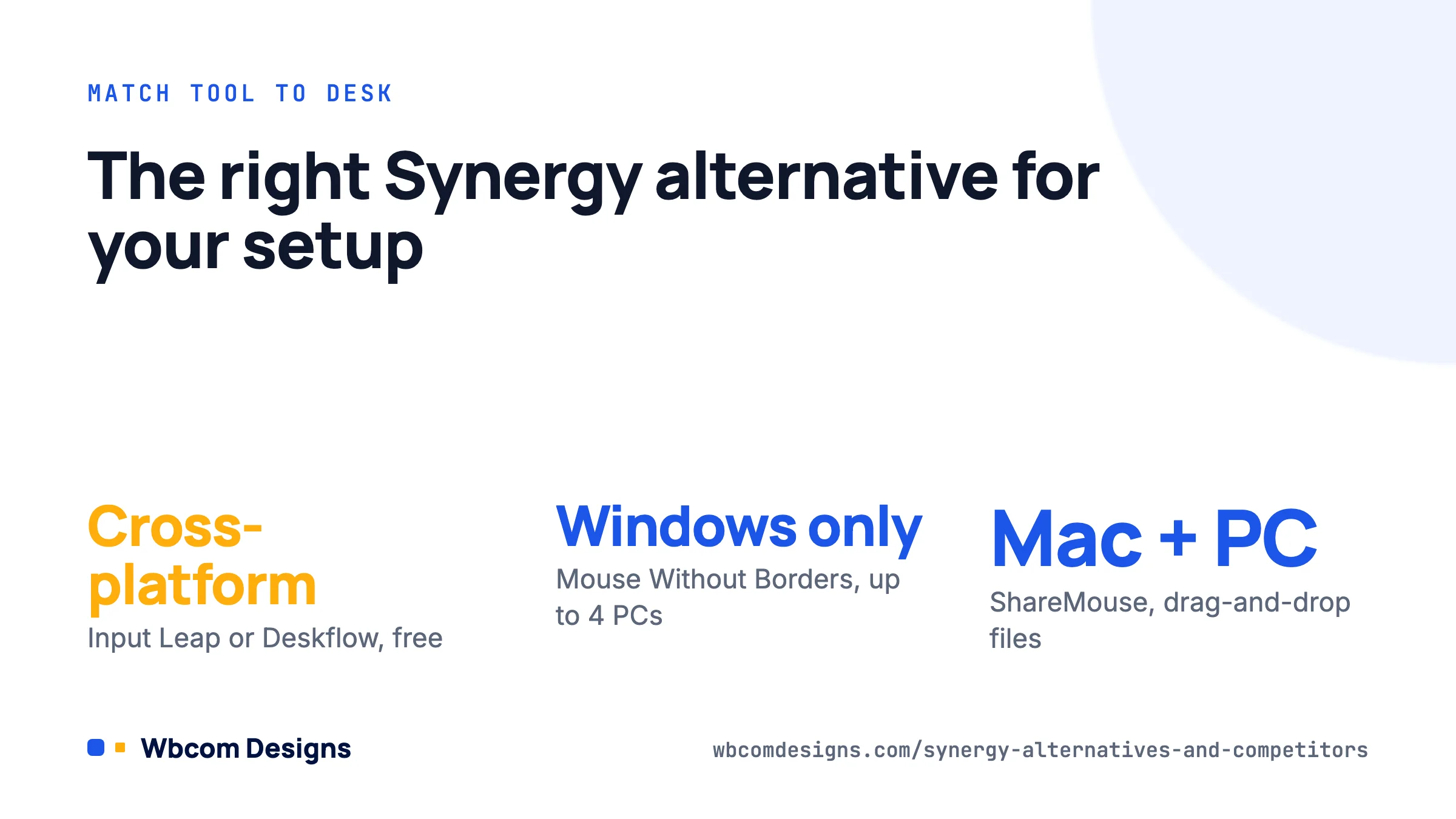
- Free cross-platform use: Input Leap or Deskflow
- Windows-only offices: Mouse Without Borders (up to 4 PCs) or Input Director (more control)
- Mac and Windows on one desk: ShareMouse, or Logitech Flow if you already own the hardware
- Linux with Wayland: Lan Mouse or Input Leap 3
- Enterprise with central management: Multiplicity 4 Business or Enterprise
- Several people, one PC: MouseMux
Why Multi-Device Workflow Tools Matter for Distributed Teams
Software like Synergy is not only about convenience. It is part of the productivity stack for agencies and technical service teams that juggle local development, staging, production, client dashboards and support tools across multiple devices. A developer with a Linux build box, a Mac for design review and a Windows VM for browser testing is not unusual.
When teams reduce friction between systems, they work faster and make fewer copy-paste mistakes. That is why device-sharing tools sit next to broader operational decisions such as centralised site management, client communication workflows and automation between tools. If you are building that stack, our guide to collaboration tools for web designers covers the software side of the same problem.
For WordPress teams in particular, these related guides connect the same idea to the rest of the stack:
- Centralized WordPress Management Tools: Best Platforms to Manage Multiple Sites
- Best WordPress Client Portal Plugins
- Zapier vs n8n: Which Automation Tool Is Right for You?
- Why Managed WordPress Teams Offer a Smarter Alternative
- Best WordPress Project Management Plugins
Common Mistakes When Choosing a Synergy Alternative
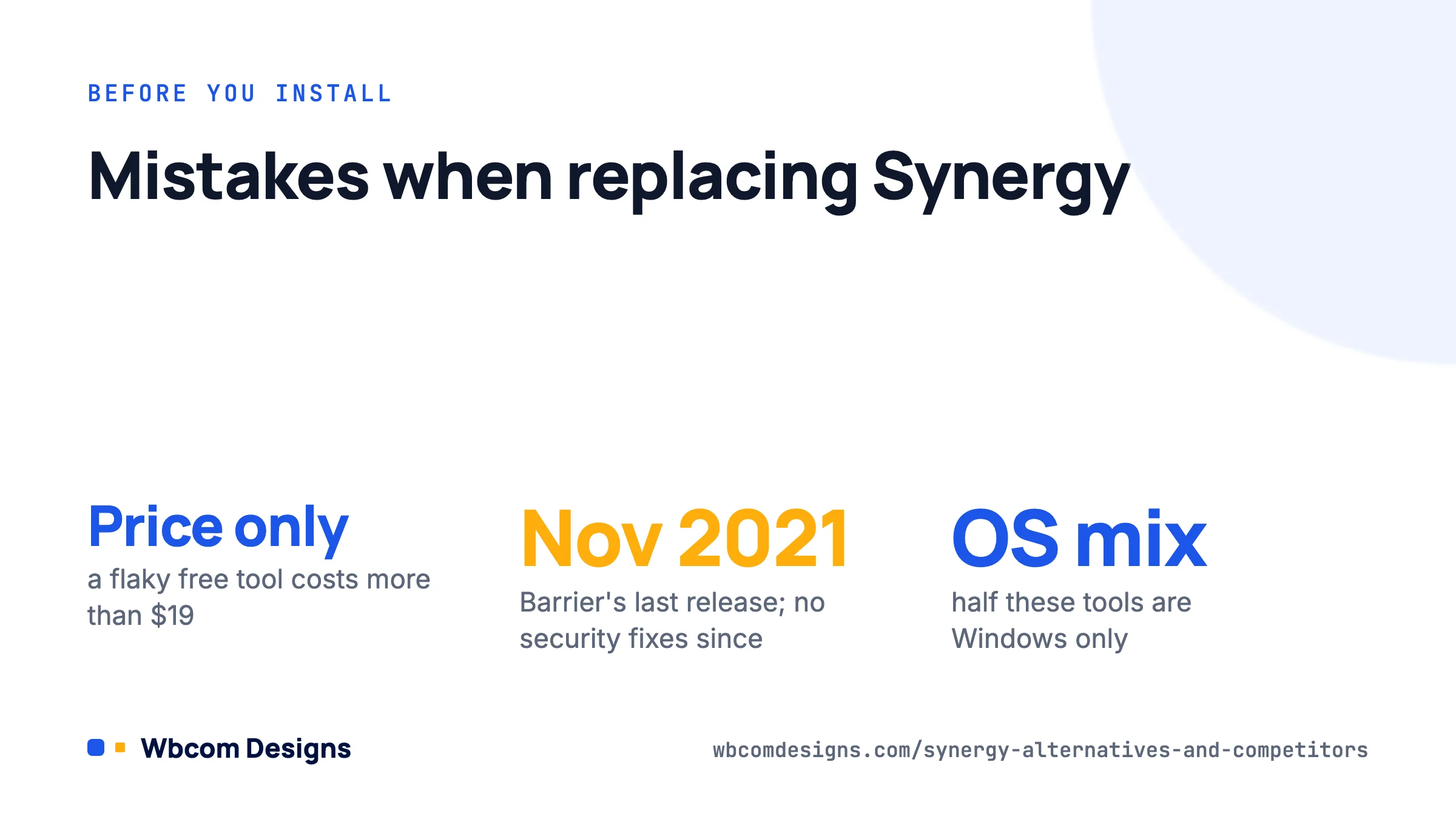
- Optimising only for price: a free tool that drops the connection twice a day costs more than a $19 licence.
- Ignoring the operating system mix: half the tools above are Windows only, and only three handle Wayland.
- Installing abandoned software on a work network: Barrier’s last security fix was in 2021. Check the release date before you roll anything out.
- Skipping setup complexity: Input Director and Deskflow suit IT staff better than general users.
- Forgetting the rest of the workflow: clipboard sync, file transfer and encryption may matter as much as cursor sharing.
Frequently asked questions
What is the best free alternative to Synergy?
Input Leap. It is maintained, cross-platform, supports Wayland and is the direct successor to Barrier. Deskflow is the other strong free option and has the advantage of sharing code with Synergy itself.
Is Barrier still safe to use?
Not on a network you do not fully control. Barrier has had no release since November 2021 and its maintainers say it no longer receives security fixes. Migrate to Input Leap; the configuration concepts are identical.
What is best for Windows-only setups?
Mouse Without Borders inside PowerToys for up to four PCs. If you need more machines or admin lockdown, Input Director or Multiplicity.
Does anything work with Wayland on Linux?
Yes. Input Leap 3, Deskflow and Lan Mouse all support Wayland through libei or the remote-desktop portal. Barrier and Synergy 1 do not.
Is Synergy itself still worth buying?
If you want a supported product with a GUI, cross-platform builds and a one-time price of $15 to $29, Synergy 3 is reasonable. Just know that the open-source Deskflow core gives you most of the same functionality for free.
Which should you pick
Start with Input Leap if you are on a mixed OS desk and comfortable with a short setup. Pick Mouse Without Borders if everything is Windows, and ShareMouse if you live between a Mac and a PC and want drag-and-drop files. Reserve Multiplicity for IT-managed fleets and MouseMux for the unusual case of several people on one machine.
Whatever you choose, check the release date before installing. The tools that have fallen behind in this category did so quietly, and the whole point of a software KVM is removing friction, not adding an unpatched service to your network.
Interesting Reads:
Best Webcams for Online Course Creation
Related reading