
2 min read
Create a website for your House Cleaning Services

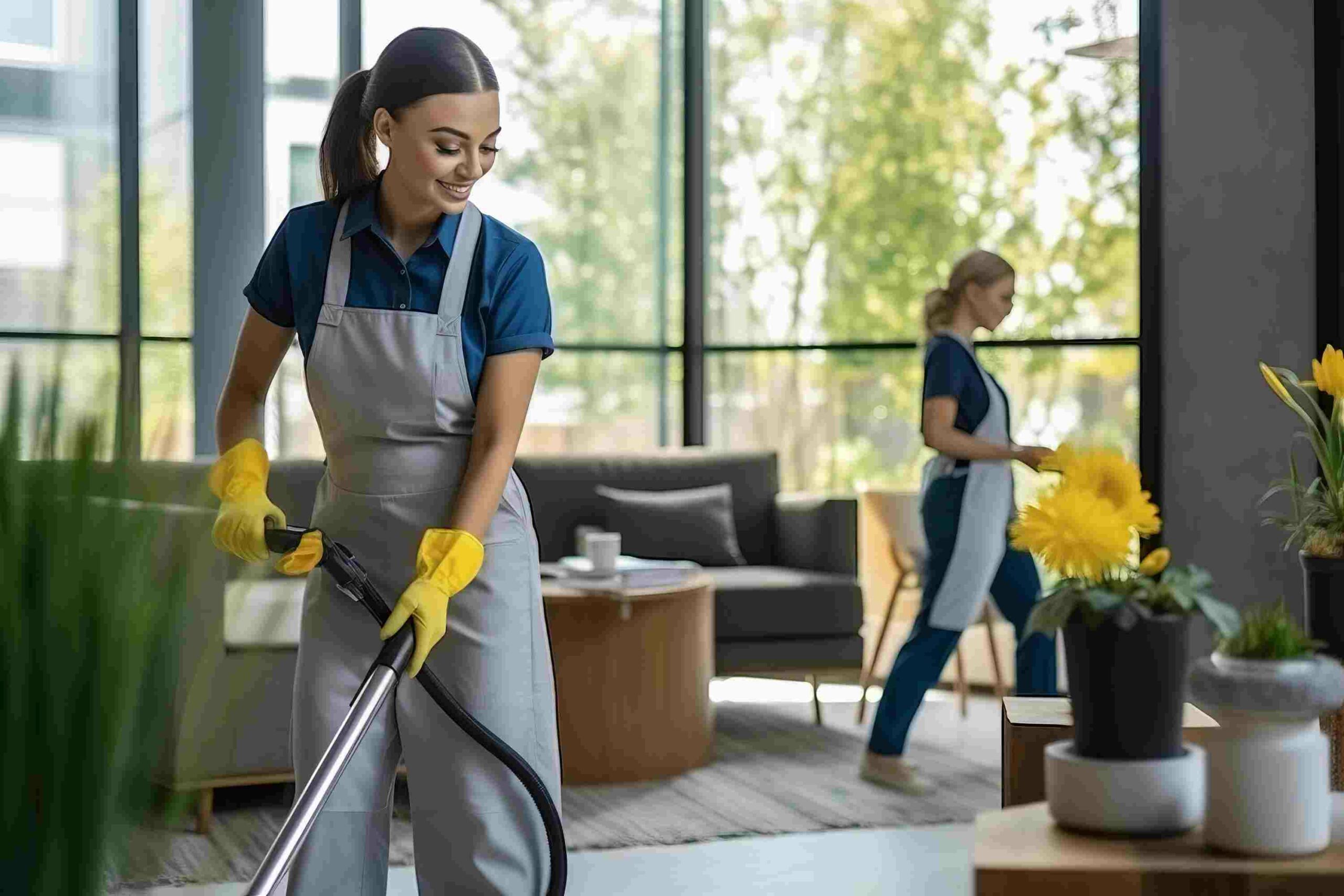
A website is essential for any house cleaning business that wants to grow. It works around the clock, shows your services, and lets clients book online. No more missed calls or back-and-forth scheduling.
This guide shows you how to build a house cleaning website using WordPress, WooCommerce, and the Woo Sell Services plugin.
Challenges Cleaning Businesses Face Online
- Limited tech skills: Most cleaning pros aren’t web developers.
- Tight budgets: Small businesses can’t always afford professional design.
- No time: You’re busy serving clients, not building websites.
- Local competition: Many cleaning businesses compete for the same customers.
- Reviews matter: Online reputation drives new bookings.
- Seasonal swings: Demand changes throughout the year.
WordPress handles these challenges well. It’s affordable, easy to manage, and built for local service businesses.
Why Your Business Needs a Website
Always Available
Clients browse services, check prices, and book at any hour. Your site works while you clean.
Builds Trust
Professional photos, client reviews, and clear service descriptions show you’re the real deal.
Cheaper Than Ads
A website costs less than print flyers or local ads. SEO brings free traffic from Google.
Reaches More Customers
When people search “house cleaning near me,” your site shows up. That’s new business you’d never get otherwise.
Easy Online Booking
Clients pick a service, answer a few questions, and pay online. Simple for them, efficient for you.
How to Set Up Your Website
Step 1: Install WordPress
Pick a web host, get a domain, and install WordPress with one click. Choose a clean theme that matches your brand.
Step 2: Add WooCommerce
WooCommerce handles payments and orders. Install it from Plugins > Add New.
Step 3: Install Woo Sell Services
This plugin lets you sell cleaning services like products. Create a listing, set your price, and add customer questions (home size, cleaning type, special requests).
How Orders Work
Creating a Service
Create a service like you’d create a product. Add details, pricing, and customer requirements. Set a delivery date.
Customer Journey
The customer browses your services, adds one to cart, and checks out. After purchase, they answer your questions about their home and cleaning needs. Your team gets dispatched.
Completing the Job
After cleaning, submit the delivery for approval. The customer reviews and confirms. They can rate the service and leave a review that helps attract future clients.
Know Your Audience
Homeowners
They want a clean home without doing it themselves. Focus on reliability, thorough work, and fair pricing.
Businesses
Offices, restaurants, and retail stores need regular cleaning. Highlight your scheduling consistency and professionalism.
Institutions
Schools, hospitals, and government buildings need cleaning for health and safety compliance. Emphasize reliability and your ability to handle large spaces.
Wrapping Up
A website turns your house cleaning business from word-of-mouth to online powerhouse. WordPress makes it easy. WooCommerce handles payments. Woo Sell Services manages the entire booking and delivery process.
Build your site today. When someone searches for house cleaning in your area, be the business they find.
Sell Services With WooCommerce
Related reading