
47 min read
Best WordPress Community Plugins and Platforms in 2026 (26 Tested)



Building an online community on WordPress used to mean stitching together a handful of barely-compatible plugins and hoping for the best. In 2026, the landscape has changed dramatically. You now have purpose-built community platforms, open-source social network engines, token-gated membership systems, and enterprise community suites, all either running natively inside WordPress or integrating cleanly with it.
In this guide, I’ve tested and compared 26 of the best WordPress community plugins and platforms available today. Whether you want to build a social network on your own server, launch a creator membership, power a learning community, or manage an enterprise alumni network, there’s a tool in this list that fits your exact situation.
Updated August 2026: this guide now covers BuddyNext.
Table of Contents
- How We Test and Review Online Community Platforms
- What I Look For in an Online Community Platform: My Checklist
- Quick Comparison: Top WordPress Community Plugins and Platforms
- 1. BuddyNext
- 2. Jetonomy - Forum, Q&A, Ideas & Feed
- 3. WP MediaVerse
- 4. Learnomy
- 5. BuddyPress
- 6. Bettermode
- 7. Patreon
- 8. Thinkific
- 9. Circle.so
- 10. MemberMouse
- 11. LearnDash
- 12. Thrive Comments
- 13. PeepSo
- 14. SureDash
- 15. Hivebrite
- 16. ProfileGrid
- 17. Ultimate Member
- 18. wpForo Forum
- 19. bbPress
- 20. BuddyBoss
- 21. FluentCommunity
- 22. Asgaros Forum
- 23. SimplePress
- 24. Paid Memberships Pro
- 25. WishList Member
- 26. Restrict Content Pro
- How to Choose the Right Community Platform
- FAQs on WordPress Online Community Platforms
How We Test and Review Online Community Platforms
Every platform in this list was installed and tested on a live WordPress environment. For SaaS platforms (Circle, Bettermode, Thinkific), we signed up for accounts, configured community spaces, and evaluated the WordPress integration options available. Our testing process covers the following:
- Installation and setup time: How long does it realistically take to go from plugin install to a working community space? We timed first-run setup for every plugin.
- Member experience: We created test member accounts and evaluated the signup, profile setup, and community participation flow from the member’s perspective.
- Performance impact: We measured page load time before and after installation on a standard WordPress hosting environment to assess the performance overhead of each plugin.
- Feature depth vs. complexity: Some plugins hide important features behind confusing settings screens. We evaluated whether the feature set is accessible without a developer.
- Support and documentation quality: We read the documentation, filed test support tickets where applicable, and checked update frequency over the past 12 months.
- Real-world viability: We reviewed case studies, public community examples, and user reviews to assess whether each platform performs as advertised in production.
What I Look For in an Online Community Platform: My Checklist
After testing dozens of community tools over the years, I’ve developed a clear set of criteria that separate genuinely useful platforms from tools that look good on paper but disappoint in practice.
- Data ownership: Does your community data live on your server or on a third-party SaaS platform? This matters for GDPR compliance, portability, and long-term cost predictability.
- Member experience quality: Would you be comfortable showing a new member the community interface on day one? A rough UI kills early retention regardless of how good your content is.
- Scalability: Does the platform handle 100 members and 10,000 members with equal reliability? Some WordPress plugins degrade significantly under load.
- Monetization flexibility: Can you charge for access, offer free tiers, run trials, and manage upgrades/downgrades without a third-party subscription tool?
- Integration depth: How well does it connect to the email marketing, payment, and LMS tools already in your stack?
- Moderation tools: Community management requires real moderation capabilities, content flagging, member suspension, spam filtering, and reporting tools.
- Mobile experience: More than half of community members engage on mobile. Is the mobile experience responsive and fast, or does it feel like a desktop tool squeezed onto a phone screen?
- SEO impact: For public communities, does the platform generate indexable, well-structured content that can drive organic discovery?
- Support reliability: When something breaks, can you get a real answer within 24 hours? Community platforms are business-critical infrastructure.
- Total cost of ownership: What does the platform actually cost when you factor in hosting, add-ons, premium support, and the time to manage it?
Quick Comparison: Top WordPress Community Plugins and Platforms
| Platform | Best For | Hosted On | Social Features | Starting Price |
|---|---|---|---|---|
| BuddyNext | All-in-one community on WordPress | Your server | Full | Free |
| Jetonomy | Forum, Q&A, Ideas & Feed community | Your server | Forum + Q&A + Ideas + Feed | Free |
| WP MediaVerse | Media-sharing communities | Your server | Via BuddyPress | Premium |
| Learnomy | Social learning on LearnDash | Your server | Via BuddyPress | Premium |
| BuddyPress | Open-source social network | Your server | Full | Free |
| Bettermode | Branded customer communities | SaaS | Full | From $49/mo |
| Patreon | Creator memberships | SaaS | Basic | Free (% fee) |
| Thinkific | Course + community | SaaS | Course-based | From $36/mo |
| Circle.so | Creator communities | SaaS | Full | From $49/mo |
| MemberMouse | Subscription management | Your server | None | From $199/yr |
| LearnDash | Learning communities | Your server | Via BuddyPress | From $199/yr |
| Thrive Comments | Blog community engagement | Your server | Comments-based | Via Thrive Suite |
| PeepSo | Social network communities | Your server | Full | Free + add-ons |
| SureDash | Modern community spaces | Your server | Spaces-based | Freemium |
| Hivebrite | Enterprise alumni/associations | SaaS | Full | Enterprise |
| ProfileGrid | Structured group communities | Your server | Partial | Free + add-ons |
| Ultimate Member | Membership profiles/directories | Your server | Via extensions | Free + add-ons |
| wpForo | SEO-optimized forums | Your server | Forum-based | Free + add-ons |
| bbPress | Lightweight WordPress forums | Your server | Forum-based | Free |
| BuddyBoss | Premium community + mobile app | Your server | Full | From $228/yr |
| FluentCommunity | Privacy-first community + CRM | Your server | Spaces-based | Freemium |
| Asgaros Forum | Simple, fast forums | Your server | Forum-based | Free |
| SimplePress | Self-contained forum plugin | Your server | Forum-based | Free + add-ons |
| Paid Memberships Pro | Membership access control | Your server | None | Free + add-ons |
| WishList Member | Integration-heavy memberships | Your server | None | From $199/yr |
| Restrict Content Pro | Clean content restriction | Your server | None | From $99/yr |
The Best WordPress Community Plugins and Platforms in 2026
Here are my top picks for every type of community builder, from solo creators to enterprise organizations, based on hands-on testing and real-world community management experience.
1. BuddyNext - The Free All-in-One Community Engine for WordPress
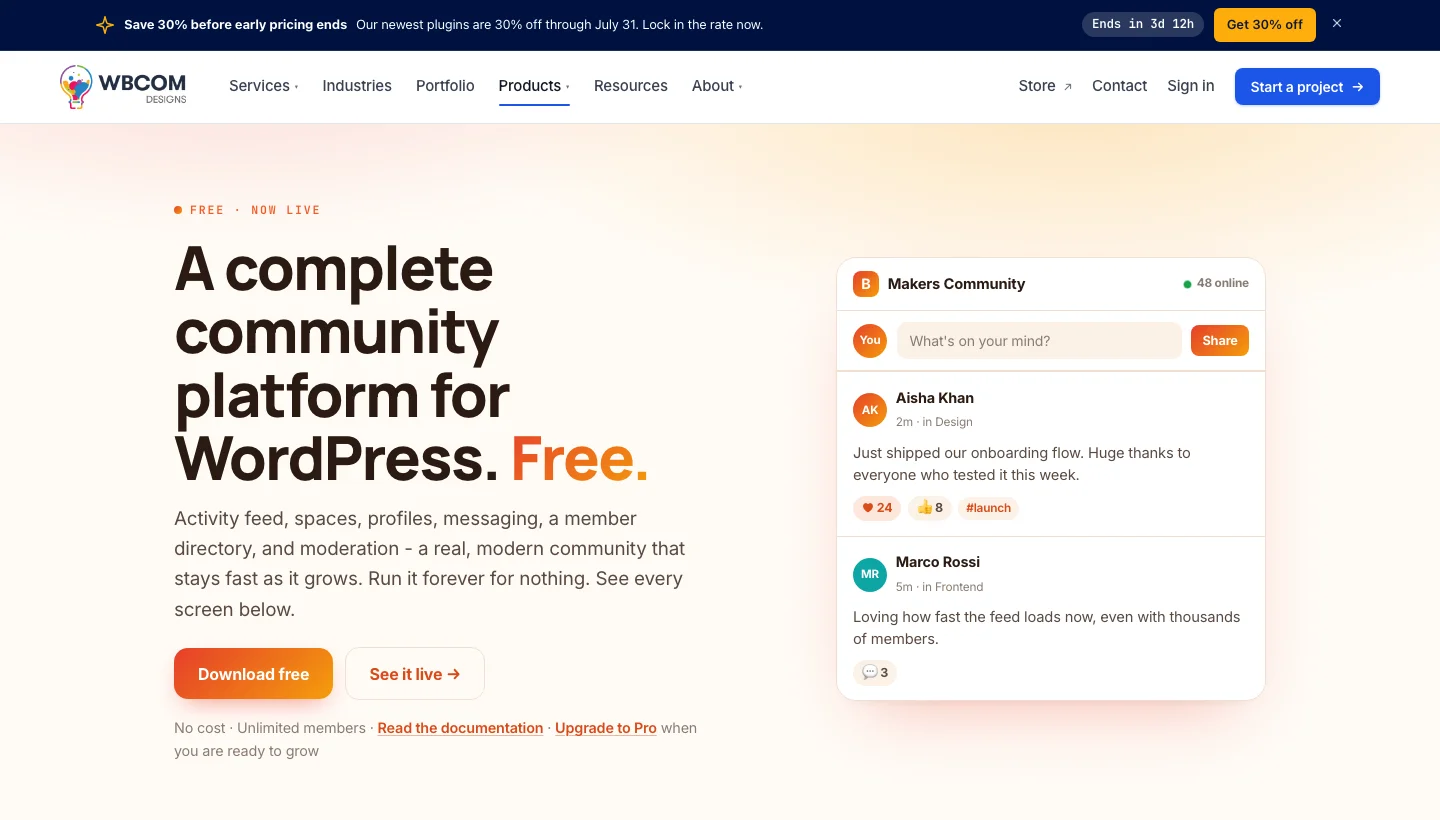
BuddyNext is a free community engine built by Wbcom Designs that transforms any WordPress site into a fully functioning social network, without an annual license fee or complicated configuration. It handles activity feeds, rich member profiles, member directories, private messaging, and built-in moderation tools from a single plugin, making it genuinely the most cost-effective starting point for community builders in 2026.
Unlike platforms that nickel-and-dime you for basic features, BuddyNext ships with everything you need to launch a real community on day one. It runs natively inside WordPress, meaning your data stays on your server, your branding stays consistent, and your community grows alongside your existing site rather than sitting on a separate subdomain.
Key Features:
- Activity feeds with post reactions, comments, and media sharing
- Rich member profiles with custom fields and cover photos
- Searchable member directories with advanced filters
- Private messaging between members
- Group creation with public, private, and hidden options
- Built-in moderation dashboard with content flagging
- Compatible with WooCommerce, LearnDash, and major WordPress themes
Pros:
- Completely free to use, no core feature locked behind a paywall
- Runs entirely on your own WordPress hosting
- Deep integration with the Wbcom ecosystem (Jetonomy, Learnomy, WP MediaVerse)
- Regular updates and active support from the Wbcom team
- Lightweight codebase with minimal impact on page speed
Cons:
- Advanced social features (token gating, media communities) need additional companion apps
- Customization beyond the defaults requires developer knowledge
Why Choose BuddyNext?
BuddyNext is the ideal foundation if you want to own your community infrastructure completely. There are no monthly SaaS fees, no per-seat pricing, and no third-party dependency holding your member data. For WordPress site owners who want a real social network, activity feeds, groups, messaging, moderation, without the overhead of a premium platform, BuddyNext gives you everything you need to get started and scales naturally as you add Wbcom add-ons.
Why I Recommend BuddyNext: If I were starting a community today on a WordPress site, BuddyNext would be my first install. The zero-cost entry point is hard to argue with, and the fact that it plugs directly into my existing WordPress setup means I’m not juggling two platforms. I’ve watched sites grow from a handful of members to thousands using this stack, and the performance holds up.
2. Jetonomy - Forum, Q&A, Ideas, and Feed for WordPress
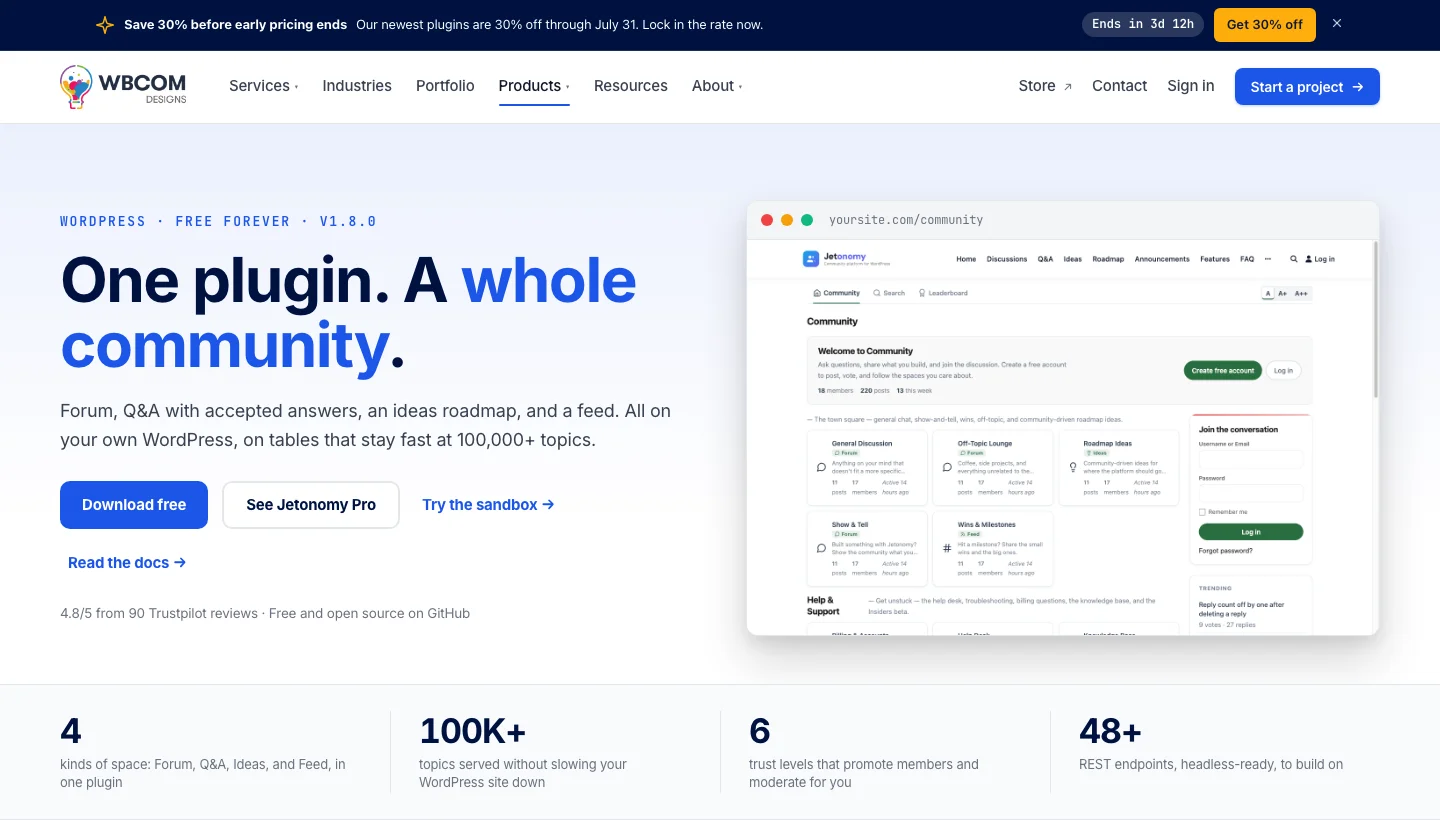
Jetonomy is a free, self-hosted community platform from Wbcom Designs that gives your WordPress site four distinct community spaces in a single plugin: a threaded Forum, a Q&A board with accepted answers, an Ideas roadmap where members can vote on feature requests, and a social Feed. It is built on native WordPress database tables and optimised to handle 100,000+ topics without performance degradation, something most forum plugins struggle with at scale.
Unlike bolt-on forum plugins that add basic thread lists and call it a day, Jetonomy covers the full range of community discussion styles. Support teams get a Q&A space with accepted answers. Product teams get an Ideas board with voting. General community conversation gets the Forum and Feed. Every space runs under your own domain with a full REST API (48+ endpoints) for headless or app-based integrations.
Key Features:
- Four community space types: Forum, Q&A, Ideas (with voting), and Feed
- Q&A with accepted answer marking and solved thread status
- Ideas board with upvotes and status tracking (planned, in progress, done)
- Six trust levels for progressive moderation, members earn more privileges as they contribute
- 48+ REST API endpoints for headless or mobile integrations
- Runs on native WordPress tables, optimised for 100,000+ topics
- Full moderation tools: flagging, user suspension, content management
Pros:
- Free forever, no premium tier required for core functionality
- Covers multiple community types (support, product feedback, discussion) in one plugin
- Trust level system automates moderation as your community grows
- REST API enables app and headless integrations without extra tools
- Stays fast at scale, built specifically for high-volume communities
Cons:
- Four space types may feel like more than needed for simple discussion-only communities
- Newer to the ecosystem than bbPress or wpForo, smaller third-party add-on library
- Ideas and Q&A spaces require community critical mass to be effective
Why Choose Jetonomy?
Jetonomy is the right choice when your community needs more than a basic forum. Product-led communities, SaaS support hubs, and developer communities all benefit from having a Q&A space (for support), an Ideas board (for product feedback), and a Forum (for general discussion) running under the same roof. The trust level system is a particularly strong feature, it reduces moderation overhead by gradually expanding what verified, active members can do without requiring admin approval for every action.
Why I Recommend Jetonomy: The combination of Forum, Q&A, Ideas, and Feed in a single free plugin is genuinely uncommon. Most communities cobble together separate plugins to cover these use cases and end up with an inconsistent member experience. Jetonomy’s unified approach, built by the same team behind BuddyNext, means these spaces work together seamlessly and run fast on your existing WordPress hosting.
3. WP MediaVerse - Build an Instagram-Style Media Community Inside WordPress
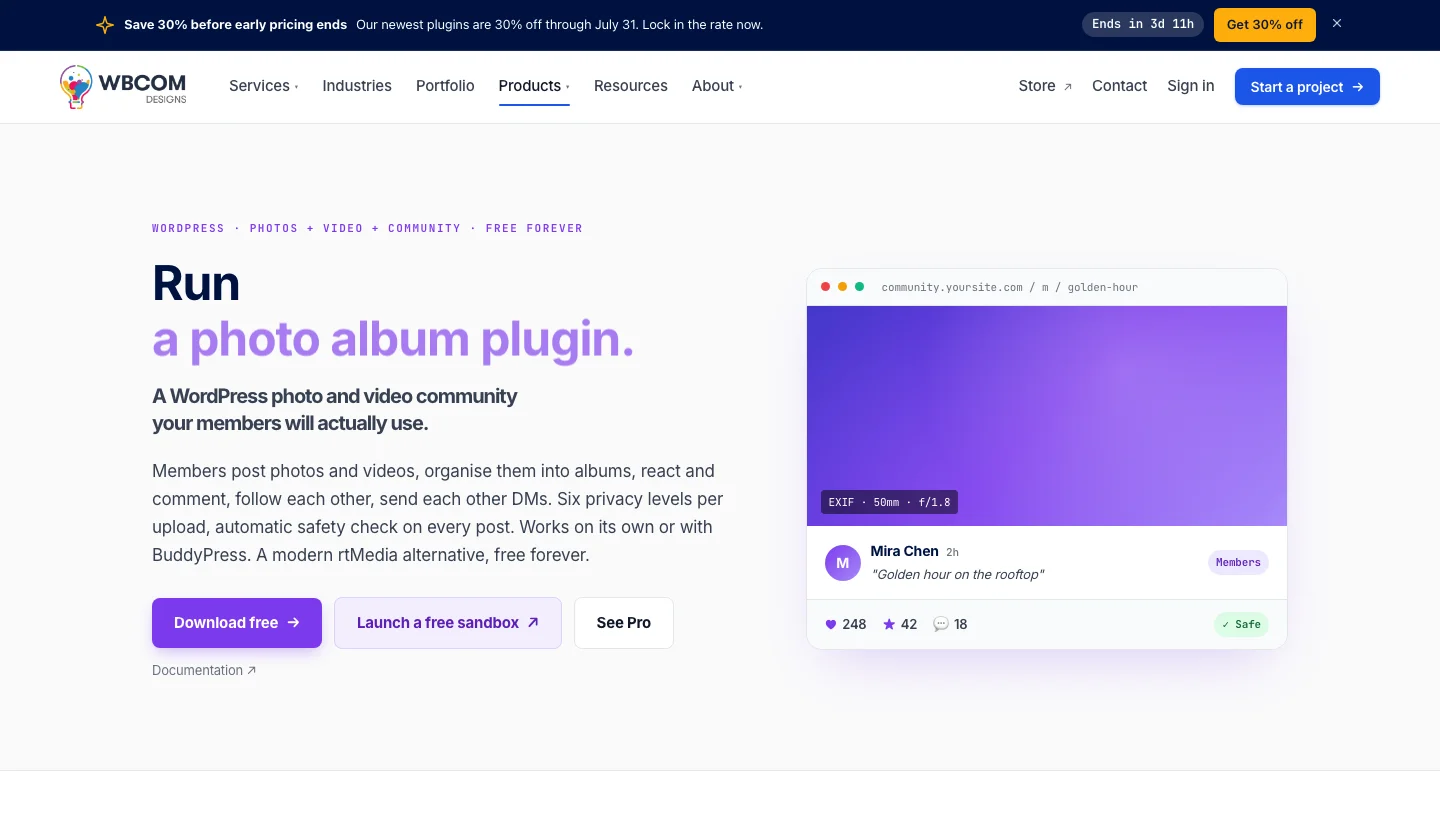
WP MediaVerse transforms your WordPress site into a media-sharing community where members can upload photos, short videos, and audio clips, and interact with that content through reactions, comments, and reshares. Think of it as building your own Instagram or SoundCloud experience, but on a platform you own completely.
It integrates tightly with BuddyPress and BuddyNext activity feeds, so media posts surface in member streams just like any other update. Members get dedicated media galleries on their profiles, and site owners get full control over file types, upload limits, and content moderation.
Key Features:
- Photo, video, and audio upload support with drag-and-drop uploader
- Member media galleries on profile pages
- Media activity integration with BuddyPress/BuddyNext feeds
- Reactions and comment threads on individual media items
- Admin-controlled file type and size restrictions
- Media moderation dashboard with approve/reject queue
- Privacy controls per-upload (public, friends, private)
Pros:
- Keeps all user-generated media on your own server, no third-party CDN required
- Seamlessly extends BuddyNext and BuddyPress communities
- Creates a sticky media layer that keeps members returning
- Full moderation control without relying on platform policies
Cons:
- Heavier storage requirements as your media library grows
- Best used alongside BuddyNext, not as a standalone product
- Video playback performance depends on your hosting plan
Why Choose WP MediaVerse?
WP MediaVerse is the right addition when your community’s engagement hinges on visual content. Photography communities, music collectives, fitness groups, and fan communities all benefit from a dedicated media-sharing layer. Because it lives inside WordPress, you avoid the restrictions, algorithm changes, and monetization policies of external platforms, your community’s content is yours.
Why I Recommend WP MediaVerse: Media is the single biggest driver of community engagement, and WP MediaVerse fills a genuine gap in the WordPress plugin ecosystem. Most community plugins treat media as an afterthought; this plugin builds it as the core experience. Pair it with BuddyNext and you have an owned media-sharing community that rivals purpose-built platforms.
4. Learnomy - Social Learning Community for WordPress and LearnDash
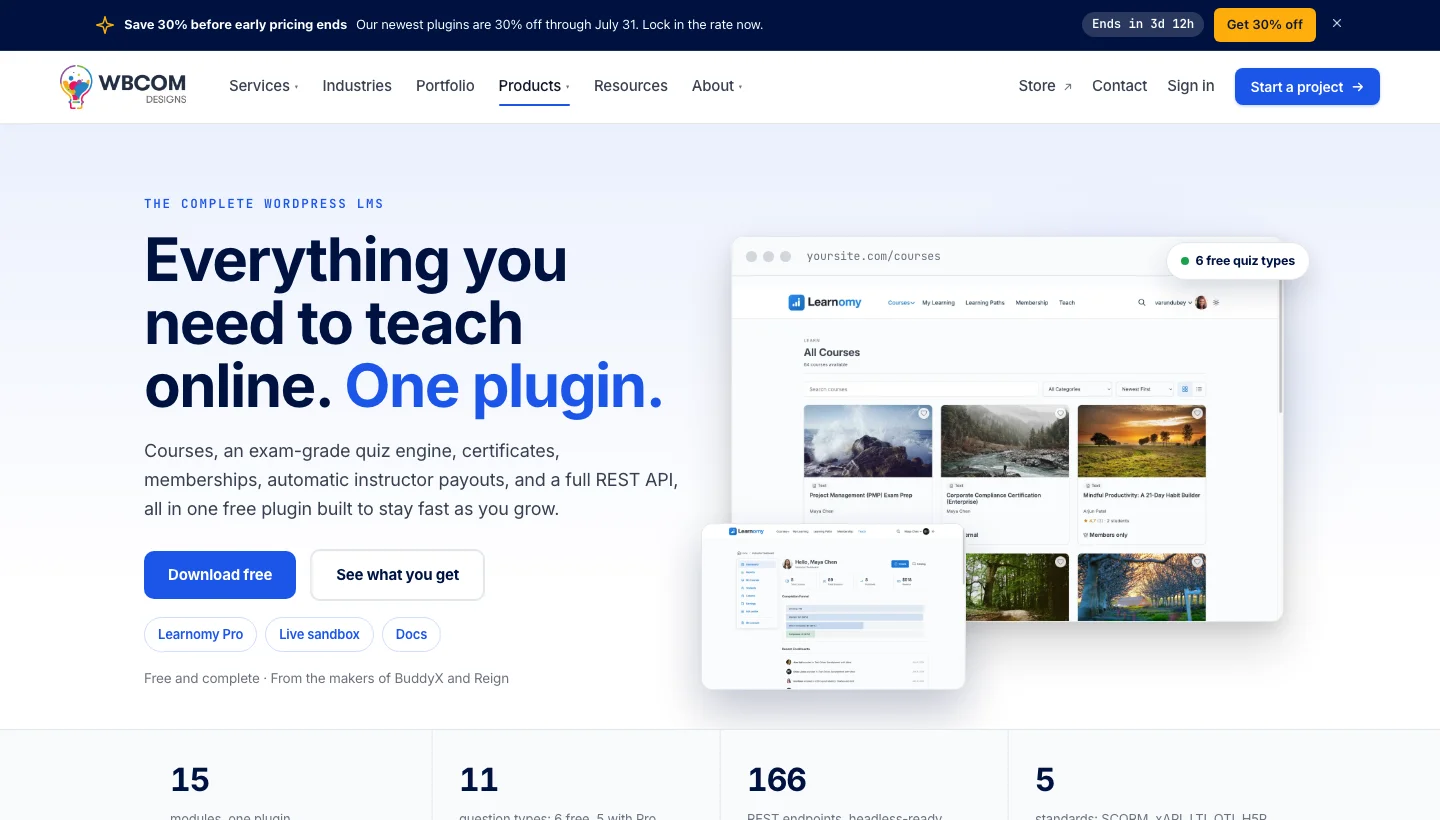
Learnomy adds a social learning layer on top of LearnDash and BuddyPress, turning isolated online courses into cohort-driven learning communities. Students can form study groups, share progress milestones on activity feeds, ask peer questions in course-specific discussion spaces, and celebrate course completions publicly, all without leaving your WordPress site.
The plugin bridges the gap between an LMS and a community platform. LearnDash is excellent at delivering structured course content; Learnomy handles the human side, the peer connections, accountability groups, and social proof that research consistently shows improve course completion rates.
Key Features:
- Study groups tied directly to LearnDash courses
- Progress sharing on BuddyPress/BuddyNext activity feeds
- Course-specific discussion boards visible only to enrolled students
- Cohort creation so students move through content together
- Achievement and completion badge sharing on member profiles
- Peer review and assignment collaboration tools
- Instructor-to-student and student-to-student messaging integration
Pros:
- Directly addresses the isolation problem that tanks online course completion rates
- Keeps the social layer inside your WordPress site, no external community tool needed
- Works with your existing LearnDash and BuddyPress setup
- Motivates students through peer accountability rather than email reminders
Cons:
- Requires both LearnDash and BuddyPress/BuddyNext to function
- Not useful for non-educational community types
- Social features depend on student critical mass, small cohorts feel quiet
Why Choose Learnomy?
Learnomy is the right choice for online educators and course creators who want their students to stick around and actually finish what they started. The social learning features, study groups, progress sharing, peer accountability, directly combat the completion rate problem that plagues most online courses. If you’re already running LearnDash, adding Learnomy is one of the highest-leverage things you can do to improve student outcomes.
Why I Recommend Learnomy: I’ve seen course completion rates improve significantly when social accountability is built into the learning experience rather than bolted on externally via Facebook Groups or Discord. Learnomy makes that accountability native to your WordPress platform. If you run educational content on LearnDash, this is a must-have addition.
5. BuddyPress - The Open-Source WordPress Social Network Standard
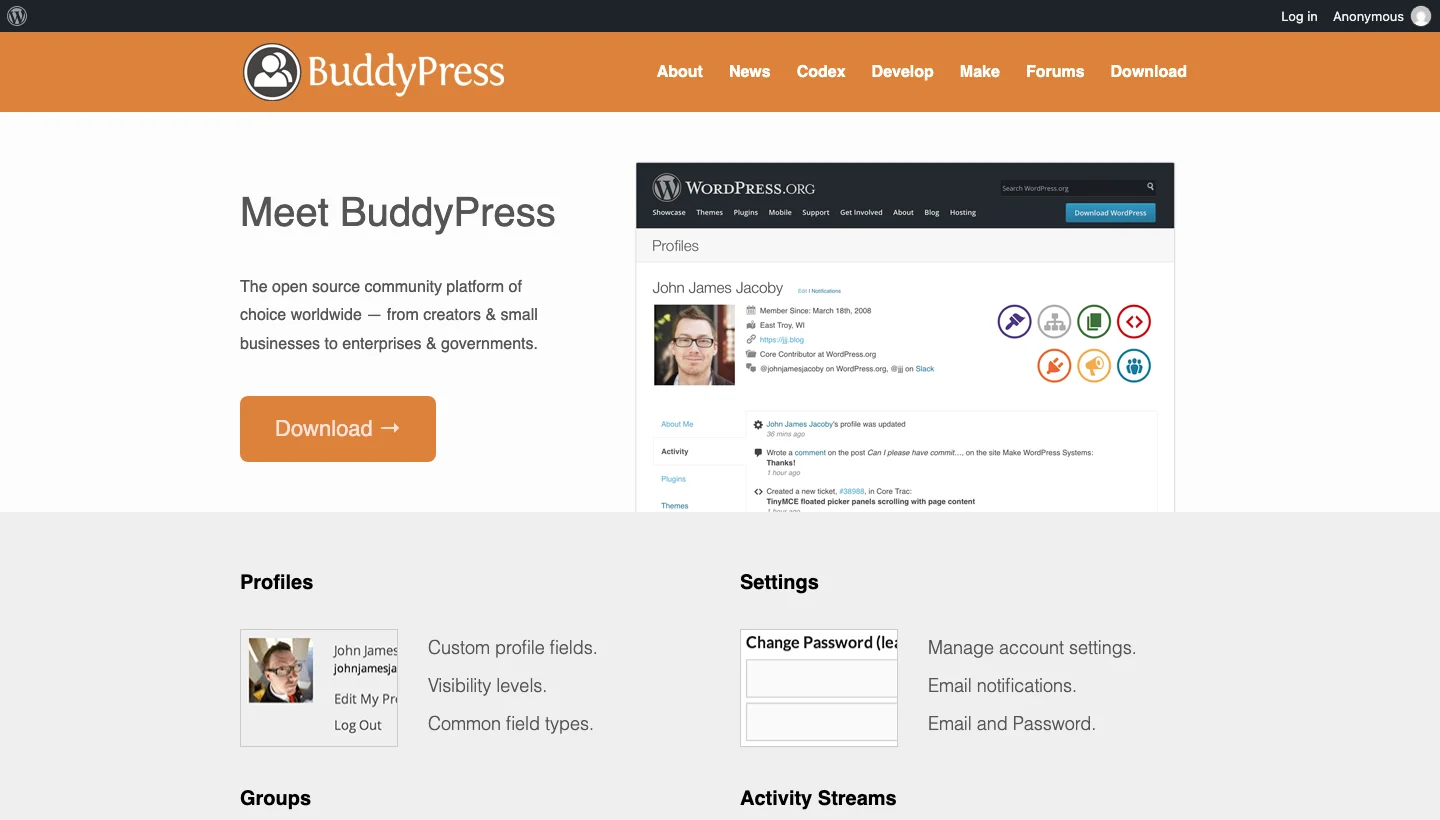
BuddyPress is the original WordPress community plugin, free, open-source, and maintained by Automattic. Since its release in 2008, it has powered hundreds of thousands of social networks, intranets, and membership communities. It is the foundation that BuddyNext, BuddyBoss, and dozens of community add-ons are built on top of.
BuddyPress provides the core social infrastructure: extended user profiles, activity streams, user groups, private messaging, friend connections, and notification systems. Its strength lies in its extensibility, a massive ecosystem of free and paid add-ons means you can shape it into almost any kind of community imaginable.
Key Features:
- Extended user profiles with custom profile fields and groups
- Sitewide activity streams with status updates and notifications
- User groups with forums, members lists, and activity feeds
- Private messaging between members
- Friend and connection systems
- Notification system for all community activity
- REST API support for headless community builds
Pros:
- Completely free and open-source
- Largest ecosystem of compatible add-ons and themes of any WordPress community plugin
- Backed by Automattic, guaranteed long-term maintenance
- Excellent developer documentation and community
- Runs on any shared hosting plan
Cons:
- Default UI looks dated, requires a compatible theme or heavy styling
- Some modern community features (spaces, reactions) require add-ons
- No built-in monetization or access control features
Why Choose BuddyPress?
BuddyPress is the right foundation when flexibility and longevity matter most. Because it’s open-source and backed by Automattic, you’re not betting your community on a company that could pivot, raise prices, or shut down. The add-on ecosystem means you can grow from a basic social network into a feature-rich community platform without switching tools. It’s the safe long-term choice.
Why I Recommend BuddyPress: BuddyPress is the bedrock of the WordPress community plugin world. Every serious WordPress community builder should understand it, even if they layer BuddyNext or BuddyBoss on top. The fact that it’s free, maintained by Automattic, and extensible through hundreds of add-ons makes it the starting point I recommend to anyone building a community on WordPress.
6. Bettermode - Branded Customer Community Platform with WordPress Integration
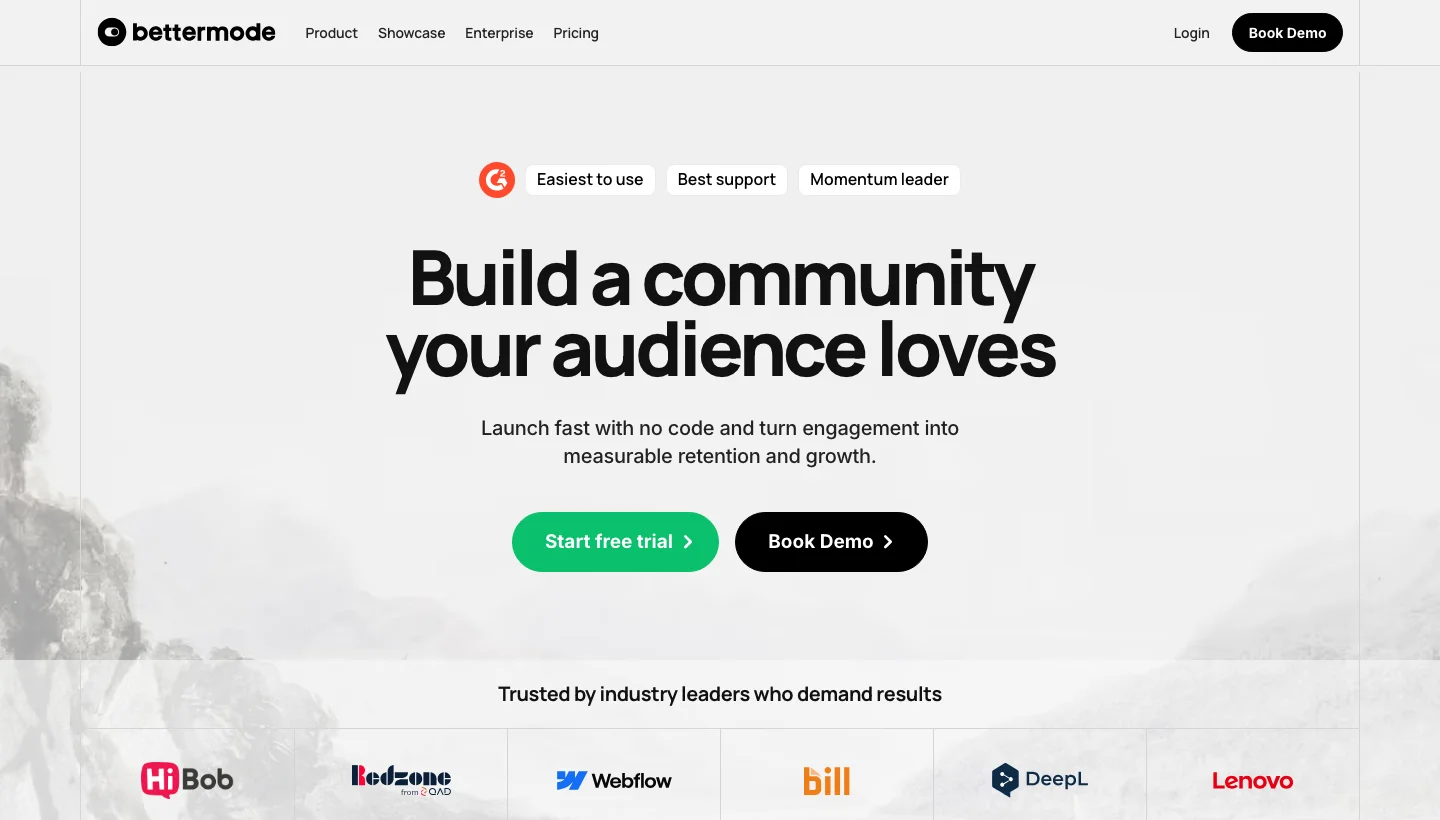
Bettermode is a modern SaaS community platform designed for businesses that want a branded, feature-rich community hub without building it from scratch. Used by companies like Figma, Canva, and ConvertKit, it provides community spaces, discussion threads, Q&A boards, events, and knowledge bases, all under your own domain and branding.
It can be embedded within a WordPress site via iframe or widget, or linked from your WordPress navigation to run as a separate community space on a custom subdomain. The platform’s strength is its polished, modern interface and powerful member engagement tools that go beyond what most WordPress-native plugins offer out of the box.
Key Features:
- Customizable community spaces (Discussions, Q&A, Announcements, Events)
- Full white-label branding with custom domain support
- Gamification with points, badges, and leaderboards
- Member directories with rich profiles
- Embeddable widgets and Single Sign-On (SSO) with WordPress
- Analytics dashboard for engagement tracking
- Automated welcome sequences and onboarding flows
Pros:
- Professional, polished UI that rivals purpose-built social networks
- SSO integration keeps WordPress login seamless
- Extensive customization without needing a developer
- Scales effortlessly for large communities
- Used and trusted by major SaaS companies
Cons:
- SaaS pricing adds a recurring cost on top of WordPress hosting
- Community data lives on Bettermode’s servers, not yours
- Deep WordPress integration requires SSO setup
- Overkill for small or budget-conscious communities
Why Choose Bettermode?
Bettermode is the right choice for businesses that need an enterprise-grade community experience and are willing to pay for it. If your community is a strategic business asset, supporting customers, onboarding users, or building brand loyalty, the professional interface, scalability, and out-of-the-box features justify the cost over building a comparable experience inside WordPress.
Why I Recommend Bettermode: For product companies and SaaS businesses that need their community to reflect the quality of their product, Bettermode delivers. The polish is immediately apparent, the UI rivals dedicated social platforms, and the SSO integration with WordPress makes it feel seamless for members. I recommend it when ‘good enough’ is not enough.
7. Patreon - Membership and Monetization for Creators

Patreon is the world’s largest creator membership platform, used by over 250,000 creators to build recurring revenue from their most dedicated fans. While it is not a WordPress plugin, it integrates tightly with WordPress through official and third-party plugins that sync Patreon tier membership with WordPress access levels, letting you gate content, community spaces, or downloadable files behind Patreon tiers.
For creators who already have an audience and want to monetize it through community membership, Patreon handles payment processing, subscription management, and the membership portal itself, while your WordPress site handles the content and community delivery.
Key Features:
- Tiered membership with monthly or annual billing
- WordPress integration via Patreon WordPress plugin (official)
- Gated posts and community content based on pledge tier
- Built-in creator discovery, potential for organic growth
- Patron messaging, polls, and direct community posts
- Analytics on patron growth, churn, and earnings
- Merchandise and shop integrations
Pros:
- Handles all payment processing, no Stripe/PayPal setup required
- Built-in patron discovery helps new creators find their audience
- Trusted by patrons globally, familiar checkout reduces friction
- Straightforward setup even for non-technical creators
Cons:
- Patreon takes a 5-12% cut of creator earnings
- Community features on Patreon itself are limited compared to dedicated platforms
- WordPress content gating is the strongest use case; full community features require additional tools
- Creator is dependent on Patreon’s platform policies and pricing changes
Why Choose Patreon?
Patreon is the right choice for individual creators, podcasters, writers, illustrators, musicians, who want recurring income from their audience with minimal technical setup. The platform’s discovery features and patron trust mean you can get revenue flowing faster than building a custom membership site from scratch. Pair it with your WordPress site for content delivery and you get the best of both worlds.
Why I Recommend Patreon: For solo creators who want to spend time creating rather than managing membership infrastructure, Patreon’s simplicity is unmatched. The trade-off is the platform fee and reliance on Patreon’s policies, but for most creators the time saved is worth it. Use the WordPress integration to gate your best content and keep your site as the hub.
8. Thinkific - Online Course and Community Platform

Thinkific is a fully hosted platform primarily designed for building and selling online courses. Because it is hosted on its own servers, you will need to link to it from your WordPress site’s navigation menu or set it up on a custom subdomain (like courses.yourwebsite.com).
If you do decide that it’s the right community platform for you, Thinkific offers robust features for building, web hosting, and monetizing WordPress communities.
It also has a drag-and-drop builder to create custom-branded communities and discussion groups for your students. You can set up specific groups where users can interact, ask questions, and share insights, enhancing the learning experience.
One standout feature is the live chat prompt for seamless communication between instructors and students. This makes Thinkific particularly suitable for online learning websites.
Pros:
- Built-in functionalities including user profiles, activity feeds, and private messaging
- Automatic creation of discussion forums for each course to boost student engagement
- Tiered community access based on course enrollment or membership level
- Detailed analytics for tracking community engagement and performance
Cons:
- Community features, while useful, may not be as comprehensive as dedicated community platforms
- Not ideal for large communities
Why Choose Thinkific?
Thinkific is a great platform for people who create online courses. It’s particularly good because it focuses on education. Here’s why it stands out: Thinkific allows instructors to do more than just teach. It lets them build a community around their courses.
So if you want to create an online learning space that includes community features, Thinkific offers a strong solution. It combines course delivery with community-building tools, making it an attractive option for educators who want to provide a more interactive and supportive learning environment.
Why I Recommend Thinkific: This platform is excellent for educators looking to combine community features with course management. Thinkific’s drag-and-drop builder and engagement tools provide the perfect platform for building a community-focused online learning environment. I especially like how easy it is for students to connect with each other. In my experience, this motivates learners to complete their course, and improves the overall learning experience.
9. Circle.so - The Creator’s Community Platform Built for Engagement
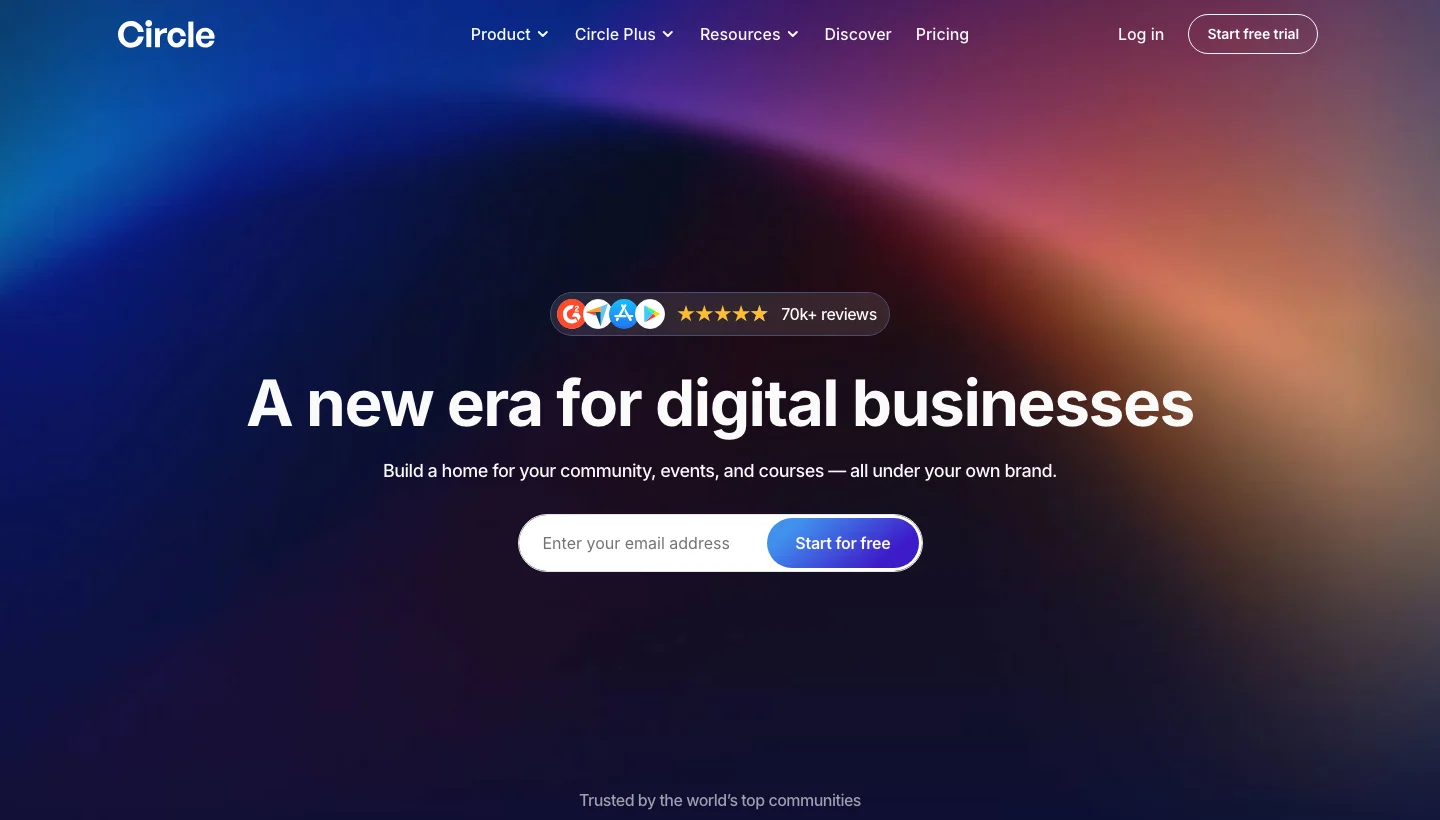
Circle is one of the fastest-growing standalone community platforms, built specifically for creators, coaches, and brands who want a dedicated community space separate from social media. It offers a clean, modern interface with Spaces (themed discussion areas), Events, Courses, Live Streams, and a member directory, all under your own brand and domain.
Circle connects to WordPress through Single Sign-On and Zapier integrations, allowing your WordPress members to access Circle automatically. It is particularly popular among newsletter creators, coaches, and online educators who want a community experience that feels intentional rather than algorithmic.
Key Features:
- Spaces system for organizing discussions by topic or tier
- Live events with video streaming built in
- Native course builder with community integration
- Member directory with profiles and direct messaging
- Automated workflows for member onboarding
- iOS and Android mobile apps for members
- Zapier and SSO integration with WordPress
Pros:
- One of the most polished community UIs available
- Native mobile apps give members a great experience on any device
- Courses + community + events in a single platform
- Popular with established creators, strong social proof
Cons:
- Monthly SaaS fee starting at $49/month
- Community lives on Circle’s servers, not your WordPress installation
- Deep WordPress integration requires third-party tools
- Transaction fees on lower-tier plans
Why Choose Circle.so?
Circle is the right choice for creators and coaches who want an all-in-one community platform that looks and feels premium without hiring a developer. If your business model centers on community membership, cohort courses, coaching programs, mastermind groups, Circle’s combination of Spaces, Events, and Courses in a clean interface is hard to beat.
Why I Recommend Circle.so: Circle has become the go-to platform for high-quality online communities because it respects both the creator’s brand and the member experience. The native mobile apps in particular are a feature most WordPress-native community plugins still can’t match. I recommend it when the member experience needs to feel premium and you can absorb a SaaS subscription.
10. MemberMouse - Advanced WordPress Membership Management
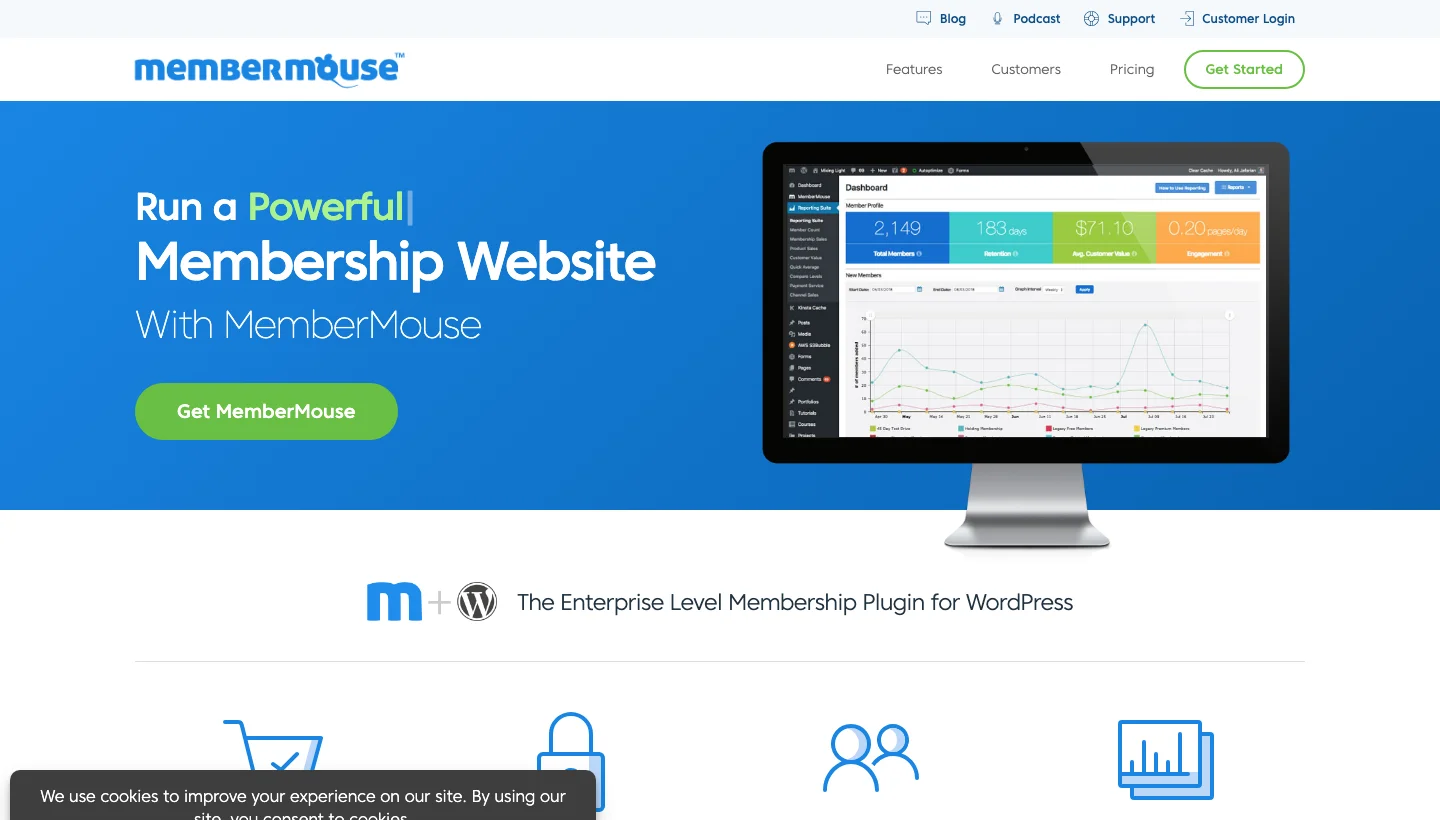
MemberMouse is a WordPress membership plugin built for serious subscription businesses that need fine-grained control over access, billing, and member lifecycle management. It goes beyond simple content restriction by offering smart tags for drip content, dunning management for failed payments, downsell sequences, and a comprehensive reporting suite.
While it doesn’t build a social community layer by itself, MemberMouse is the strongest option for the business infrastructure side of community management, controlling who has access to what, when they can access it, and managing the financial side of subscription memberships reliably.
Key Features:
- Granular access control with SmartTags for content dripping
- Multiple membership levels with one-click upgrades and downgrades
- Automated dunning for failed payments to reduce churn
- Cancellation flows with downsell offers
- Detailed member and revenue analytics dashboard
- Affiliate tracking integration
- WooCommerce and Stripe/PayPal native support
Pros:
- Most robust subscription management logic of any WordPress membership plugin
- SmartTags give extraordinary control over content dripping and personalization
- Built-in churn reduction tools (downsells, pause options)
- Excellent reporting for subscription businesses
Cons:
- Steeper learning curve than simpler membership plugins
- No built-in social community features, needs pairing with BuddyPress or similar
- Premium-only pricing starts at $199/year
Why Choose MemberMouse?
MemberMouse is the right choice when your community is also a subscription business that needs to handle complex billing scenarios, trials, upgrades, downgrades, failed payments, and cancellation flows. If you lose sleep over churn and dunning, this is the plugin that solves those problems at the WordPress level without needing a third-party subscription management service.
Why I Recommend MemberMouse: For membership-based communities where the billing logic is as important as the community experience, MemberMouse is the gold standard on WordPress. The dunning management and cancellation flow features alone have saved operators thousands of dollars in recovered revenue. I recommend it to anyone running a paid community with more than a few hundred members.
11. LearnDash - WordPress LMS with Powerful Community Learning Features

LearnDash is the most widely used WordPress LMS, trusted by major universities, Fortune 500 companies, and online course creators worldwide. It delivers structured course content, with quizzes, certificates, badges, and drip scheduling, while offering community features through native Groups and deep BuddyPress integration.
LearnDash Groups let you organize students into cohorts, assign group leaders, track group progress, and create a shared learning experience. Pair it with BuddyPress or BuddyNext and you get course-specific forums, activity feeds tied to course progress, and study group tools, making it the most capable learning community stack available for WordPress.
Key Features:
- Complete LMS: courses, quizzes, certificates, drip content, prerequisites
- Native Groups for cohort-based learning
- BuddyPress integration for course-specific forums and activity feeds
- Gamification with badges and points (via GamiPress integration)
- REST API for headless delivery
- WooCommerce integration for course sales
- Detailed student progress reporting
Pros:
- The most complete WordPress LMS, course delivery and community in one ecosystem
- Trusted by universities and enterprise organizations
- Extensible through a large add-on library
- Strong documentation and active developer community
Cons:
- Annual licensing fee required
- Community features lean on BuddyPress integration, not built into core
- Can feel complex to configure for beginners
Why Choose LearnDash?
LearnDash is the right choice when your community is organized around structured learning outcomes. Whether you’re running a professional certification program, a corporate training platform, or an online school, LearnDash gives you the course delivery infrastructure you need while BuddyPress or Learnomy provides the community layer. The combination is unmatched in the WordPress ecosystem.
Why I Recommend LearnDash: LearnDash is my default LMS recommendation for any serious e-learning community. The combination of its robust course engine with BuddyPress groups and Learnomy’s social learning features creates a learning community experience that rivals platforms costing ten times more. If education is central to your community, LearnDash belongs in your stack.
12. Thrive Comments - Turn WordPress Comments into a Micro-Community
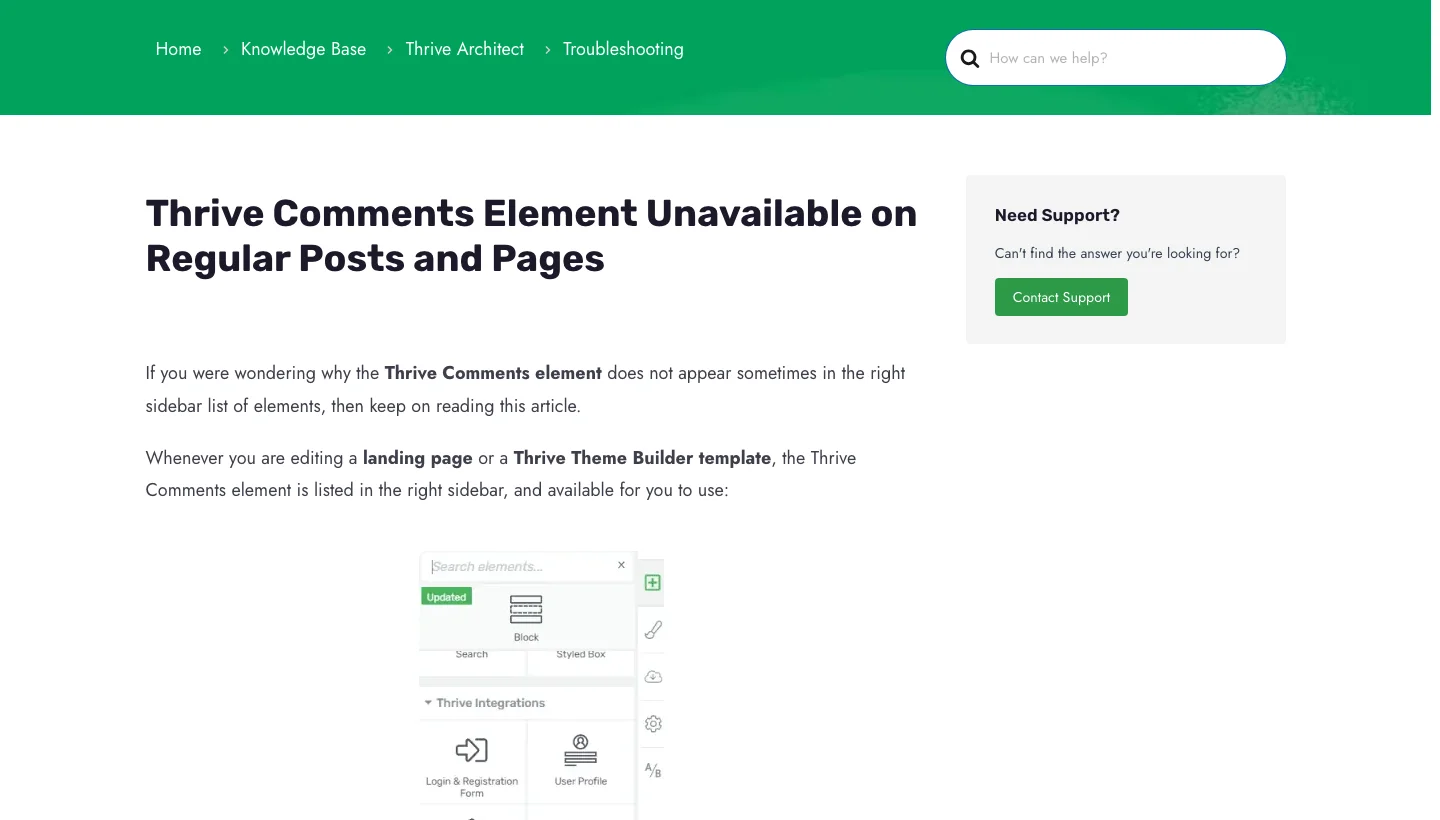
Thrive Comments replaces the default WordPress commenting system with an engagement-focused discussion layer that builds community around your content. It adds upvoting, downvoting, social login, comment highlighting, featured comments, and gamification badges, turning passive comment sections into active micro-communities on every post.
For content-driven sites like blogs, news publications, and niche media, Thrive Comments is one of the highest-leverage tools available. It doesn’t require members to create accounts or navigate to a separate community space, engagement happens right where they’re already reading.
Key Features:
- Upvoting and downvoting on individual comments
- Featured comments highlighted at the top of discussion threads
- Social login (Facebook, Google, Twitter) to reduce friction
- Gamification badges for top commenters
- After-comment conversion actions (lead magnet, redirect, CTA)
- Comment moderation with spam filtering
- Analytics on most engaged posts and commenters
Pros:
- Dramatically increases comment engagement compared to default WordPress comments
- Works on any WordPress site without a dedicated community plugin
- After-comment CTAs convert engaged readers into subscribers or customers
- Part of the Thrive Suite, bundles well with other conversion tools
Cons:
- Not a full community platform, limited to comment-based engagement
- Requires Thrive Suite subscription or standalone purchase
- No private messaging or member directories
Why Choose Thrive Comments?
Thrive Comments is the right choice for content-first communities where the blog is the community. If your primary community engagement happens in the comment sections of posts and you want to increase that engagement without asking readers to join a separate platform, Thrive Comments delivers significant results. The after-comment conversion actions alone make it worth considering for any content marketer.
Why I Recommend Thrive Comments: Most WordPress sites treat comments as an afterthought, but Thrive Comments shows what’s possible when you invest in that experience. The upvoting system surfaces the best contributions, the gamification keeps regulars engaged, and the after-comment CTAs add a conversion layer that’s genuinely smart. For content-driven communities, this is my top pick.
13. PeepSo - Facebook-Style Social Network Inside WordPress
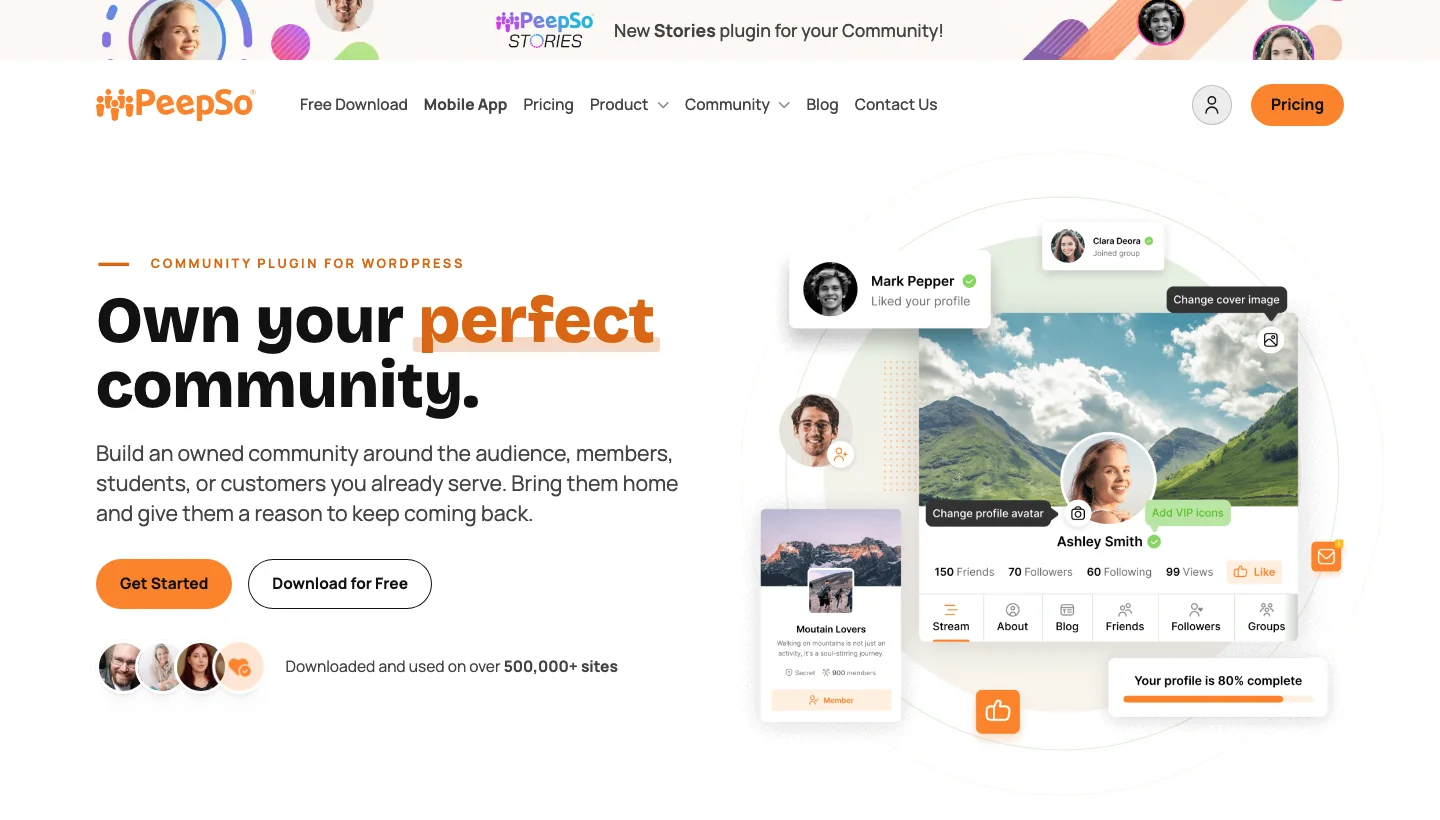
PeepSo creates a Facebook-style social network inside your WordPress site, complete with a real-time activity stream, private profiles, groups, private messaging, photo uploads, reactions, and a notification system. It’s one of the most visually polished WordPress community plugins, with a UI that genuinely feels like a social media platform rather than a plugin-powered website.
PeepSo follows a freemium model, the core plugin is free, and an extensive ecosystem of paid add-ons extends it with features like video posts, events, livestreaming, geolocation, and WooCommerce integration. It’s a strong option for niche social networks where the social experience itself is the primary product.
Key Features:
- Real-time activity stream with posts, photos, and reactions
- Private and public user profiles with cover photos
- Groups with their own activity feeds and membership controls
- Private messaging with read receipts
- Notification system for all social activity
- GDPR-compliant data export and deletion tools
- Extensive add-on library (Events, Video, Livestream, Geolocation)
Pros:
- One of the most polished community UIs built natively for WordPress
- Real-time features (notifications, messaging) that feel modern
- GDPR compliance tools built in
- Free core with a clear upgrade path
Cons:
- Advanced features require purchasing multiple add-ons (costs add up)
- Full add-on bundle pricing is significant
- Heavier resource usage than simpler community plugins
Why Choose PeepSo?
PeepSo is the right choice when the social network experience itself is the core product, niche dating sites, hobby communities, fan networks, or brand communities where members expect a polished, Facebook-like interface. The real-time activity stream and polished design set it apart from BuddyPress-based solutions for visual-first communities.
Why I Recommend PeepSo: PeepSo delivers one of the most convincing social network experiences I’ve seen built on WordPress. The real-time activity stream and the overall visual polish make it feel less like a plugin and more like a bespoke platform. I recommend it to community builders who need to impress their members on first login.
14. SureDash - Modern Community Spaces for WordPress Sites

SureDash is a newer WordPress community plugin from the Brainstorm Force team (the makers of the Astra theme and CartFlows), designed to create clean, modern community spaces inside WordPress without the legacy complexity of BuddyPress. Members join Spaces, organized discussion areas, and interact through posts, reactions, and comments in an interface that feels much more like a modern community app than a typical forum.
Because it comes from the Astra ecosystem, SureDash is built with performance and design quality as first principles. It integrates with SureMembers for access control and with Astra’s styling system, making it a natural fit for WordPress sites already built in the Brainstorm Force stack.
Key Features:
- Spaces-based community organization (topic-specific discussion areas)
- Post reactions, threaded comments, and member mentions
- Member profiles with activity history
- Integration with SureMembers for gated community access
- Modern, mobile-responsive community interface
- Fast performance, built with lightweight code principles
- Compatible with Astra theme ecosystem
Pros:
- Modern, clean UI that doesn’t look like a 2015 forum
- From a trusted team (Brainstorm Force) with a strong track record
- Lighter and faster than BuddyPress-based alternatives
- Integrates naturally with Astra/SureMembers ecosystem
Cons:
- Newer plugin, smaller ecosystem and community than BuddyPress or BuddyBoss
- Best value when used within the Brainstorm Force stack
- Missing some advanced community features (events, multimedia) still in development
Why Choose SureDash?
SureDash is the right choice for WordPress sites already built on the Astra theme and Brainstorm Force plugins that want a community layer that matches the quality and design philosophy of the rest of their stack. If you’ve been avoiding BuddyPress because it feels heavy and dated, SureDash’s modern interface is a compelling alternative.
Why I Recommend SureDash: SureDash is the freshest community option in this list, and the team behind it has a strong track record of building polished, well-supported WordPress products. The Spaces model feels intuitive for modern community members, and the performance is noticeably better than heavier alternatives. Watch this one closely, it’s improving rapidly.
15. Hivebrite - Enterprise-Grade Community Management Platform
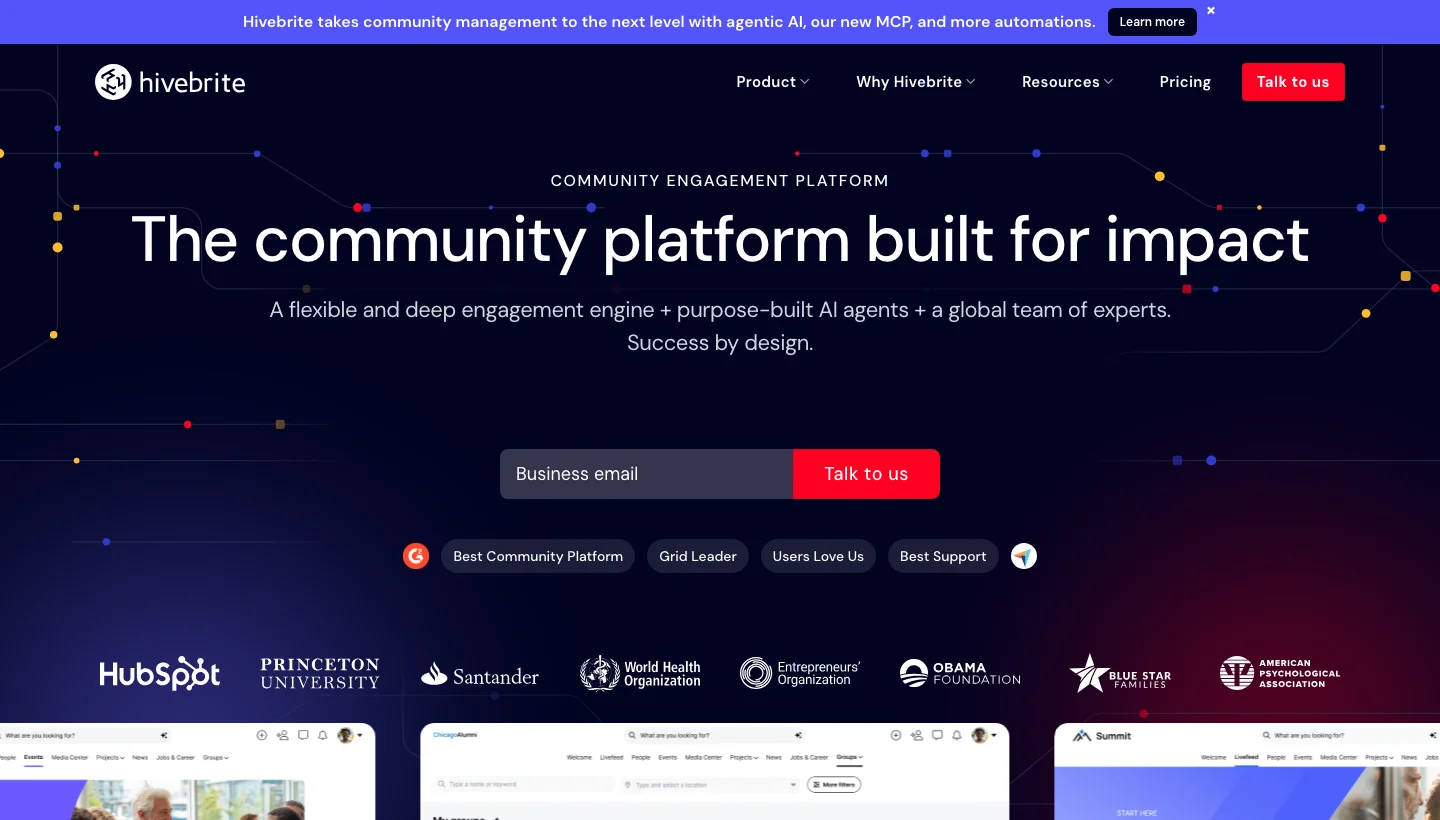
Hivebrite is an enterprise community platform built for alumni networks, professional associations, nonprofits, and corporate communities that need more than a social feed. It combines member directories, event management, mentoring programs, job boards, fundraising tools, and detailed CRM-style member management into a single platform.
Hivebrite connects to WordPress through SSO and API integrations, allowing your WordPress site to serve as the public-facing front door while the community platform handles the member experience. Universities, sports organizations, and large nonprofits use it to manage communities of tens of thousands of members with complex sub-group structures.
Key Features:
- Advanced member directory with custom fields and segmentation
- Events management with ticketing and RSVPs
- Built-in mentoring program tools (mentor/mentee matching)
- Job board for professional communities
- Fundraising and donation campaign tools
- CRM-style member management and communication
- SSO and API integration with WordPress and major enterprise tools
Pros:
- Purpose-built for large, complex organizational communities
- Mentoring and job board features unavailable in WordPress plugins
- Enterprise-grade data security and compliance
- Handles tens of thousands of members without performance issues
Cons:
- Enterprise pricing puts it out of reach for small communities
- Significant setup and onboarding time required
- Overkill for communities under 1,000 members
Why Choose Hivebrite?
Hivebrite is the right choice for established organizations, universities, professional associations, corporate alumni networks, that need a community platform capable of managing complex membership hierarchies, event logistics, mentoring programs, and fundraising campaigns at scale. If your community is an operational business function rather than a side project, Hivebrite’s enterprise feature set is worth the investment.
Why I Recommend Hivebrite: Hivebrite is in a different category from most tools in this list, it’s less of a ‘build a community’ tool and more of a ‘manage a large organization’s member network’ platform. For the organizations that need what it offers, there’s no real WordPress-native alternative. The mentoring program tools alone make it invaluable for university alumni networks.
16. ProfileGrid - WordPress User Profiles, Groups, and Member Communities
ProfileGrid is a flexible WordPress plugin that builds structured member communities through custom user profiles and group systems. It goes well beyond the default WordPress user role system by adding custom profile sections, group-based access control, group-specific content, and a member directory, all without requiring BuddyPress as a dependency.
What makes ProfileGrid stand out is its group-centric approach to community management. Admins can create groups with their own membership rules, profile fields, and content access, making it particularly useful for multi-tier membership sites, professional directories, and niche community platforms where different member types need different experiences.
Key Features:
- Custom profile fields organized into profile sections per group
- Group-based content access control
- Member directory with advanced search and filtering
- Group messaging and announcements
- WooCommerce integration for selling group memberships
- Social login (Facebook, Google) support
- Frontend profile editing without admin access
Pros:
- Does not require BuddyPress, standalone community functionality
- Highly flexible group and profile field system
- Strong WooCommerce integration for monetized memberships
- Free core plugin on WordPress.org with premium extensions available
Cons:
- Activity feeds and social networking features require add-ons
- Smaller ecosystem than BuddyPress-based solutions
- UI customization requires CSS knowledge
Why Choose ProfileGrid?
ProfileGrid is the right choice when you need structured, group-based community management without the overhead of the full BuddyPress ecosystem. It works especially well for professional directories, multi-tier membership communities, and niche platforms where the member profile and group structure are the primary community features.
Why I Recommend ProfileGrid: ProfileGrid fills an important niche, structured group management with clean profile pages, without pulling in BuddyPress as a dependency. For sites that need professional member directories and group-based access control without a full social network layer, it’s one of the cleanest solutions available.
Explore ProfileGrid
17. Ultimate Member - Flexible Membership and User Profile Plugin

Ultimate Member is one of the most popular free WordPress membership plugins, with over 200,000 active installations. It creates custom registration and login forms, user profiles, member directories, and role-based content access, giving your WordPress site the basic infrastructure for a membership community without touching a single line of code.
The core plugin is genuinely feature-rich and free. A library of official extensions adds private messaging, groups, social activity feeds, real-time notifications, and WooCommerce integration, allowing you to build up a sophisticated community platform incrementally based on your actual needs.
Key Features:
- Custom registration and login forms with field builder
- Rich member profiles with custom fields and cover photos
- Searchable member directories
- Role-based content access and conditional menus
- Email verification and account moderation
- Extensions for Groups, Messages, Activity, Notifications, and more
- WooCommerce integration for subscription-gated content
Pros:
- Generous free core plugin with real production-ready features
- 200,000+ active installs, well-tested and reliable
- Gradual upgrade path, add extensions as your community grows
- Clean, modern UI for member profiles and directories
Cons:
- Full social community features require purchasing multiple extensions
- Extension costs add up quickly for a complete community build
- Groups and activity features are less mature than BuddyPress equivalents
Why Choose Ultimate Member?
Ultimate Member is the right starting point when you need professional member profiles and role-based access control and want to stay within budget. The free core plugin handles 80% of what most membership sites need, and the extension library lets you add the remaining 20% incrementally. It’s the most accessible entry point into membership community building on WordPress.
Why I Recommend Ultimate Member: For budget-conscious community builders who want quality from the start, Ultimate Member delivers. The free tier is genuinely useful, not crippled, and the extensions are well-built when you need them. I particularly like the member directory and profile system, which look and feel professional without custom development.
18. wpForo Forum - Feature-Rich WordPress Forum Plugin

wpForo is the most feature-complete forum plugin available for WordPress, offering multiple board layouts (extended, simple, threaded, Q&A), a built-in reputation system, member rankings, post reactions, private conversations, and deep SEO optimization. It handles everything from a simple community Q&A board to a complex multi-board discussion forum.
wpForo’s SEO implementation is a standout, schema markup, clean URLs, breadcrumbs, and sitemap integration are all built in, making it the best forum plugin for sites where organic search traffic matters. Its integration with BuddyPress and Ultimate Member also allows it to slot into larger community ecosystems.
Key Features:
- Multiple board layouts: Extended, Simple, Threaded, and Q&A
- Member reputation and ranking system
- Private conversation threads between members
- Built-in SEO: schema markup, breadcrumbs, clean URLs
- Forum statistics and activity dashboards
- Spam protection and moderation tools
- Integration with BuddyPress, Ultimate Member, and MemberPress
Pros:
- The most SEO-optimized WordPress forum plugin available
- Multiple layout options suit different community types (support, discussion, Q&A)
- Strong moderation and spam protection out of the box
- Active development with regular feature updates
Cons:
- Advanced features like user groups and private forums require premium add-ons
- Can feel heavy on lower-tier hosting
- Configuration complexity grows with board size
Why Choose wpForo Forum?
wpForo is the right choice when your community is primarily forum-based and organic search traffic is a priority. The SEO implementation is genuinely best-in-class, and the Q&A layout makes it particularly strong for support communities and knowledge bases. If you want your forum discussions to rank on Google and drive organic growth, wpForo is the clear winner.
Why I Recommend wpForo Forum: Among all WordPress forum plugins, wpForo has the best combination of features, SEO optimization, and ongoing development. The schema markup and clean URL structure mean your forum discussions actually rank in search results, which is a significant competitive advantage for community-driven sites. I recommend it to any community where organic discovery matters.
19. bbPress - Lightweight WordPress Forum Software from Automattic
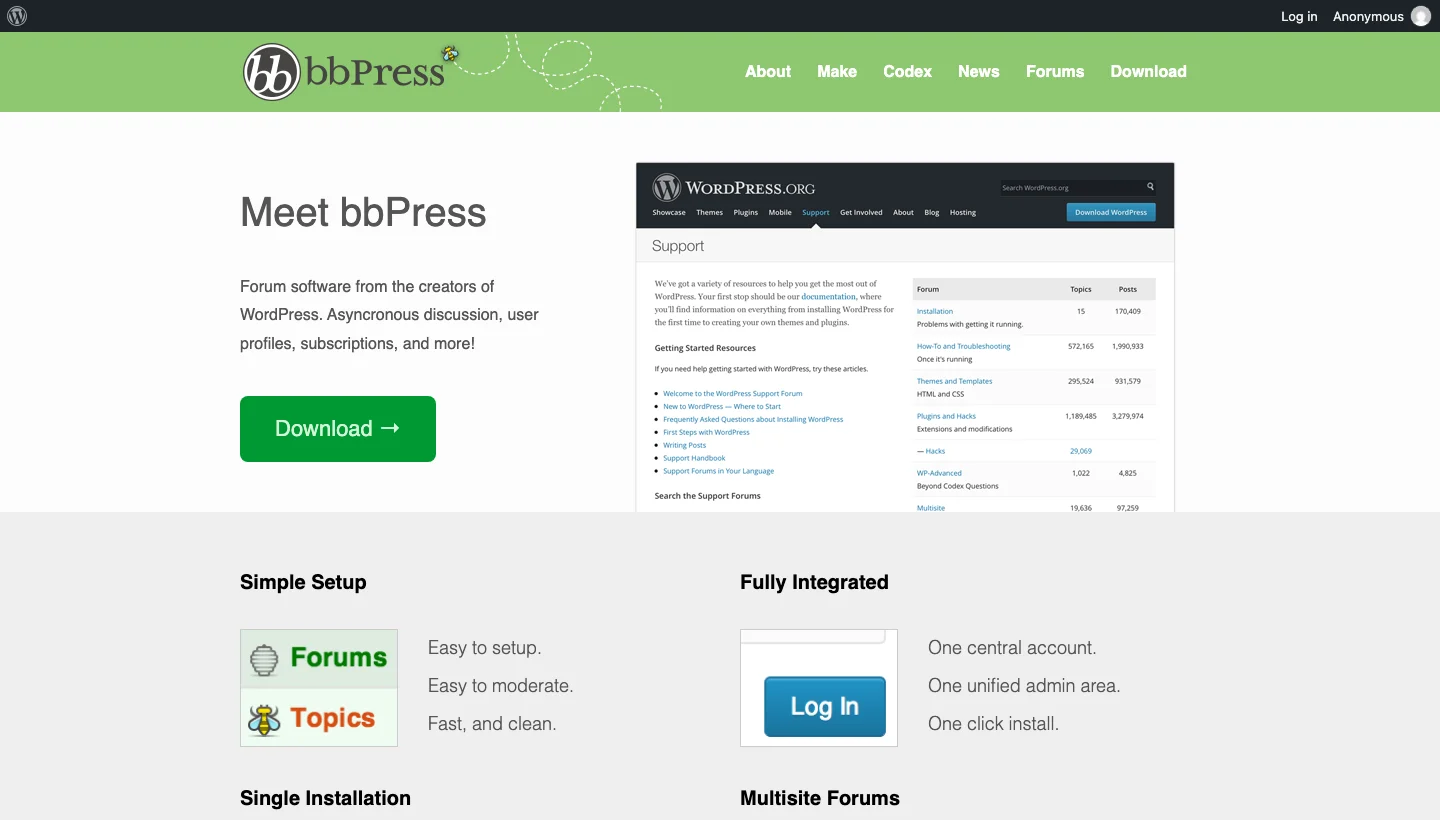
bbPress is the free, open-source forum plugin maintained by Automattic, the company behind WordPress.com and WooCommerce. It’s intentionally lightweight, designed to be fast, simple, and deeply integrated with WordPress’s native user, role, and capability systems rather than re-inventing them.
bbPress is the default forum layer for BuddyPress communities, when BuddyPress groups need discussion forums, bbPress handles them. Its minimalist approach means it has a small footprint and loads fast, but it requires add-ons or custom development for advanced forum features that wpForo includes by default.
Key Features:
- Native WordPress integration with no external dependencies
- Forum, topic, and reply structure with user role-based moderation
- BuddyPress integration for group forums
- Post formatting with bbCodes
- Subscription notifications for topics and forums
- Akismet spam protection
- Extensible through a wide ecosystem of third-party add-ons
Pros:
- Free and open-source, maintained by Automattic
- Extremely lightweight, minimal performance overhead
- Native BuddyPress integration makes it the default for BP community forums
- Uses WordPress’s own user system, no duplicate account management
Cons:
- Very basic by default, advanced features require add-ons
- Less actively developed than wpForo
- No built-in SEO optimization, reputation system, or Q&A layout
Why Choose bbPress?
bbPress is the right choice when you need lightweight forum functionality inside a BuddyPress community or when you want a simple, no-frills discussion area on your WordPress site. Its deep integration with WordPress’s native systems means less configuration overhead, and its Automattic backing ensures long-term maintenance. For complex forum requirements, wpForo is a better fit, but for BuddyPress communities, bbPress is the natural default.
Why I Recommend bbPress: bbPress earns its place through simplicity and reliability rather than features. If you’re running BuddyPress, it’s the obvious forum choice, it plugs straight in. For standalone forum needs, it works well as a simple solution that won’t slow your site down. Just expect to add plugins for anything beyond the basics.
20. BuddyBoss - Premium Community and Social Learning Platform
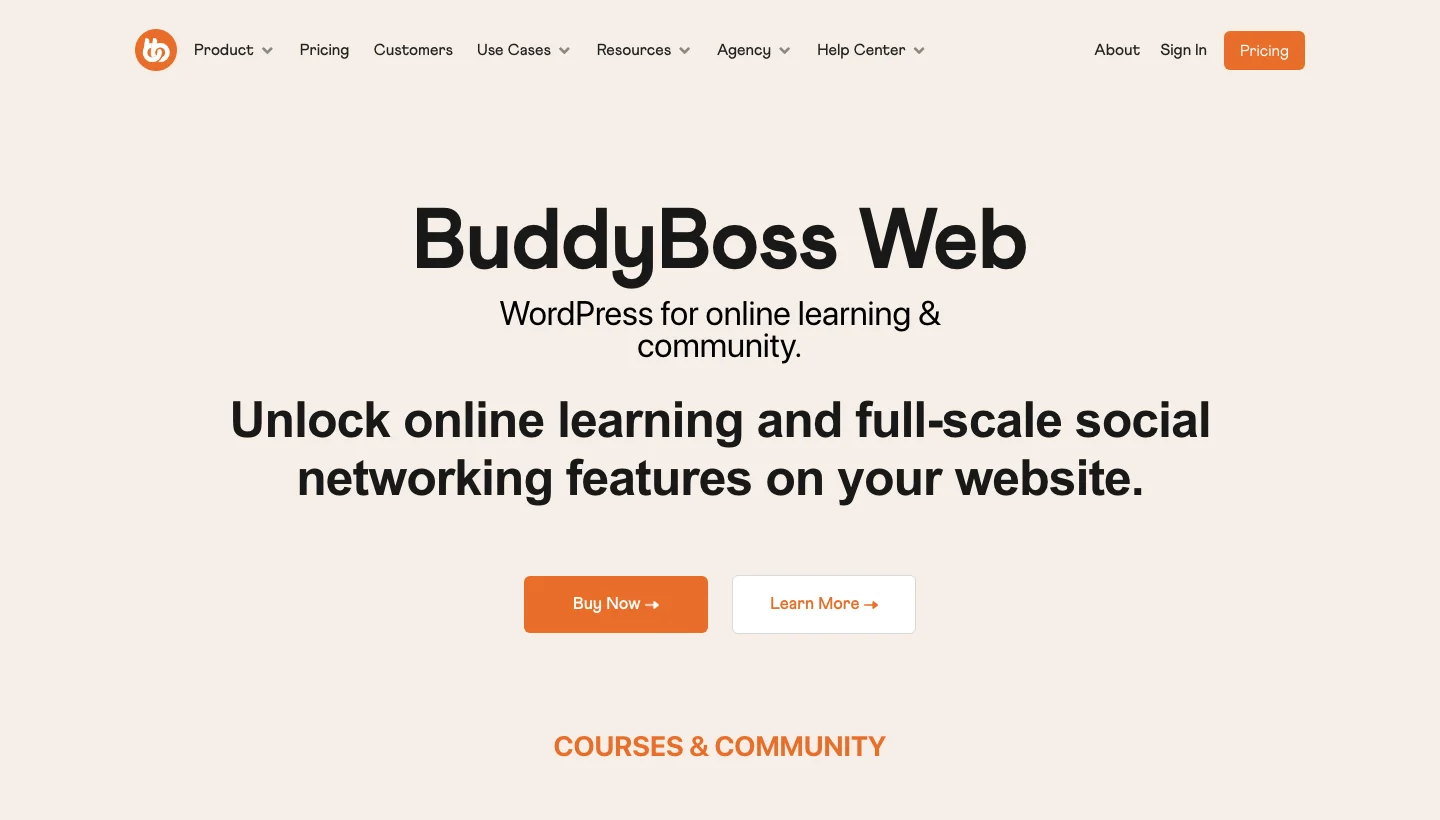
BuddyBoss is a premium community platform built as an extended fork of BuddyPress, designed for creators, coaches, and online educators who need a polished, full-featured community experience. It includes its own purpose-built theme, a BuddyBoss App builder for white-label iOS and Android apps, and deep LearnDash integration for learning communities.
BuddyBoss takes the BuddyPress foundation and significantly upgrades the UI, adds gamification, social groups with forums, media uploads, document sharing, and live video integration, all in a coherent package. The app builder is a particularly compelling feature for communities that want to give members a native mobile experience under their own brand.
Key Features:
- Polished modern UI built on a purpose-designed theme
- BuddyBoss App: white-label iOS and Android apps for your community
- Deep LearnDash integration for course-based communities
- Social groups with forums, documents, photos, and video
- Gamification: points, badges, leaderboards
- Live video integration
- Zoom and webinar integrations for live events
Pros:
- Best-looking community platform built natively for WordPress
- White-label mobile app is a major differentiator
- Complete ecosystem, platform, theme, and app in one product
- Strong LearnDash integration for learning communities
Cons:
- Annual licensing fee starting at $228/year
- App builder requires an additional subscription
- Heavier than BuddyPress/BuddyNext, requires a more powerful hosting plan
Why Choose BuddyBoss?
BuddyBoss is the right choice when you need the most complete, polished community experience that WordPress can deliver, and you want to offer your members a branded mobile app. If you’re building a premium membership community where the quality of the member experience directly affects your retention, BuddyBoss’s combination of polished UI, app builder, and learning integration is the most complete solution available.
Why I Recommend BuddyBoss: BuddyBoss is what you reach for when the community is the product, not just a feature. The app builder alone separates it from every other WordPress community tool, having a branded iOS and Android app creates a level of member commitment that web-only communities can’t match. It’s an investment, but for the right community, it pays off.
21. FluentCommunity - Fast, Modern Community Platform by Fluent
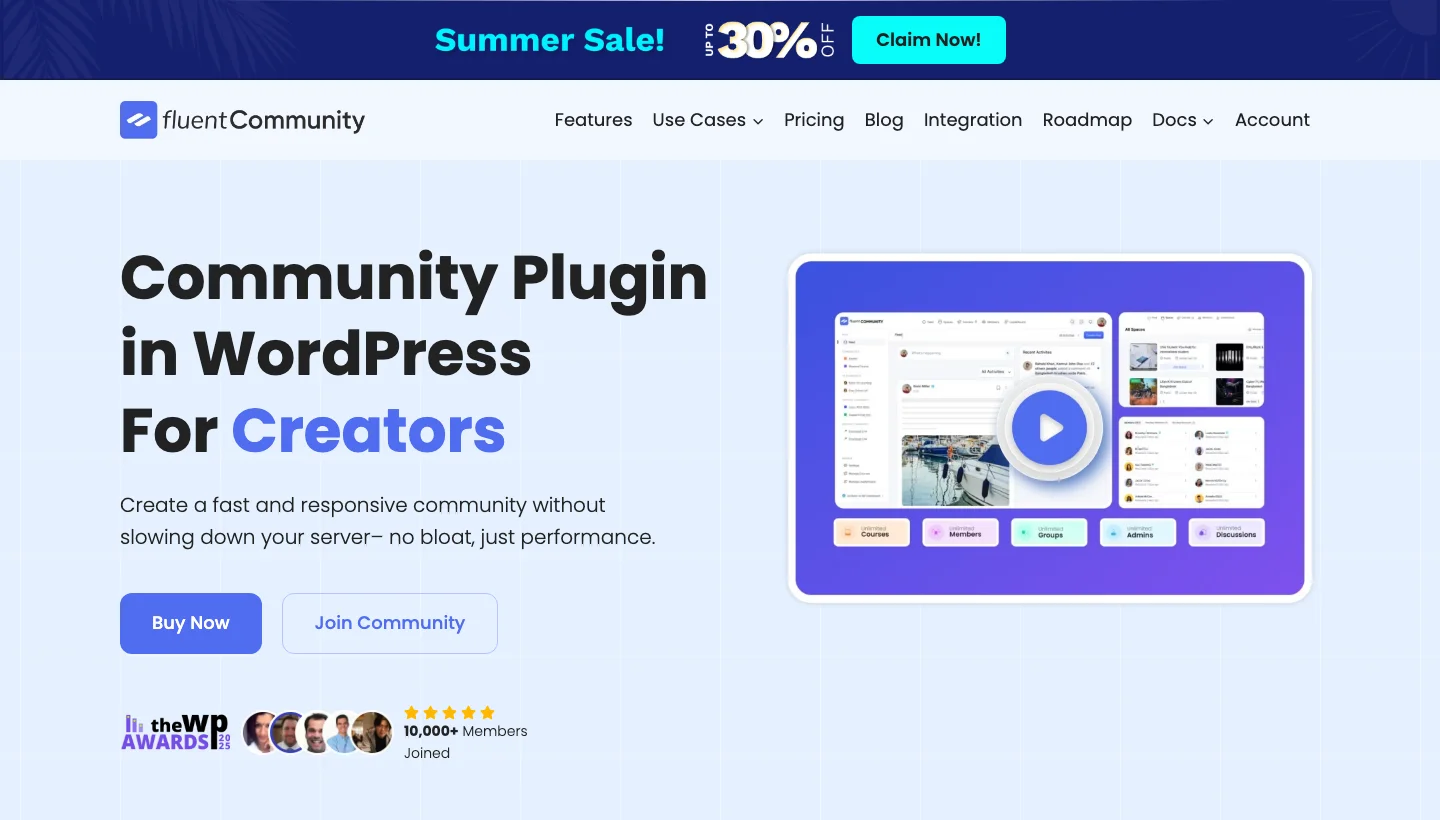
FluentCommunity is a community plugin from the WP Fluent team, the same developers behind FluentCRM, FluentForms, and FluentSupport. It follows their core philosophy: a fast, privacy-first, self-hosted tool with no external API dependencies. It creates community Spaces where members can post, react, comment, and connect, with a clean, modern UI that rivals SaaS community platforms.
Because it’s built by the Fluent team, FluentCommunity integrates natively with FluentCRM for community-driven email automation and with FluentForms for member onboarding. This makes it particularly powerful for communities that want to combine membership community features with sophisticated email marketing without adding third-party services.
Key Features:
- Spaces-based community organization with topic-specific feeds
- Post reactions, threaded comments, and member mentions
- Private messaging between community members
- Native FluentCRM integration for community-triggered email automation
- Member leaderboards and community activity feeds
- No external API calls, fully self-hosted
- Native course integration (via FluentCommunity Courses)
Pros:
- Zero external dependencies, all data stays on your server
- Native FluentCRM integration for email automation is uniquely powerful
- Modern, fast UI with minimal bloat
- From a team with a strong track record of well-supported plugins
Cons:
- Newer than BuddyPress-based solutions, smaller ecosystem
- Best value when used within the Fluent plugin ecosystem
- Mobile app not yet available
Why Choose FluentCommunity?
FluentCommunity is the right choice for WordPress sites already using or planning to use FluentCRM for email marketing. The native integration between community events (joining a Space, posting, completing a course) and email automation sequences creates a member engagement loop that most community platforms can’t replicate without expensive third-party integrations.
Why I Recommend FluentCommunity: FluentCommunity impressed me with how quickly it’s matured and how naturally it integrates with the rest of the Fluent suite. The privacy-first, no-external-dependency stance is a genuine feature for communities with GDPR concerns, and the FluentCRM integration is something I haven’t seen matched elsewhere. This is one to watch closely.
22. Asgaros Forum - Simple, Fast WordPress Forum Without the Bloat
Asgaros Forum is a lightweight, no-nonsense forum plugin that prioritizes speed and simplicity over feature maximalism. It creates clean, functional discussion boards inside WordPress without requiring a database overhaul or significant configuration, making it one of the fastest forum plugins to get live.
For smaller communities, hobby sites, and niche blogs that want to add a discussion area without the complexity of wpForo or the full BuddyPress ecosystem, Asgaros Forum delivers exactly what it promises: a working forum that loads fast and stays out of your way.
Key Features:
- Clean multi-board forum structure with sub-boards
- BBCode and emoji support in posts
- Forum subscriptions with email notifications
- Moderation tools with user banning and post management
- User profiles with post history
- Avatar support via Gravatar or BuddyPress
- Translation-ready with WPML compatibility
Pros:
- Extremely lightweight, minimal impact on page load speed
- Simple setup, fully functional in under 10 minutes
- Free with no premium upsell pressure
- Suitable for shared hosting environments
Cons:
- Limited advanced features compared to wpForo
- No Q&A layout, reputation system, or reaction emojis
- Best for smaller, less complex community forum needs
Why Choose Asgaros Forum?
Asgaros Forum is the right choice when your community needs a reliable discussion area without complexity or cost. If you run a hobby blog, a niche content site, or a small membership community that just needs a place for members to talk, Asgaros handles it cleanly without requiring a developer or a premium subscription.
Why I Recommend Asgaros Forum: Asgaros Forum is my go-to recommendation for sites that need a forum but don’t need it to be the core product. It’s fast, free, and just works. I’ve installed it on sites where a heavyweight forum plugin would have been overkill, and it consistently delivers a better experience than the default WordPress comment system for threaded community discussions.
Get Asgaros Forum Free
23. SimplePress - Feature-Rich and Flexible WordPress Forum Plugin
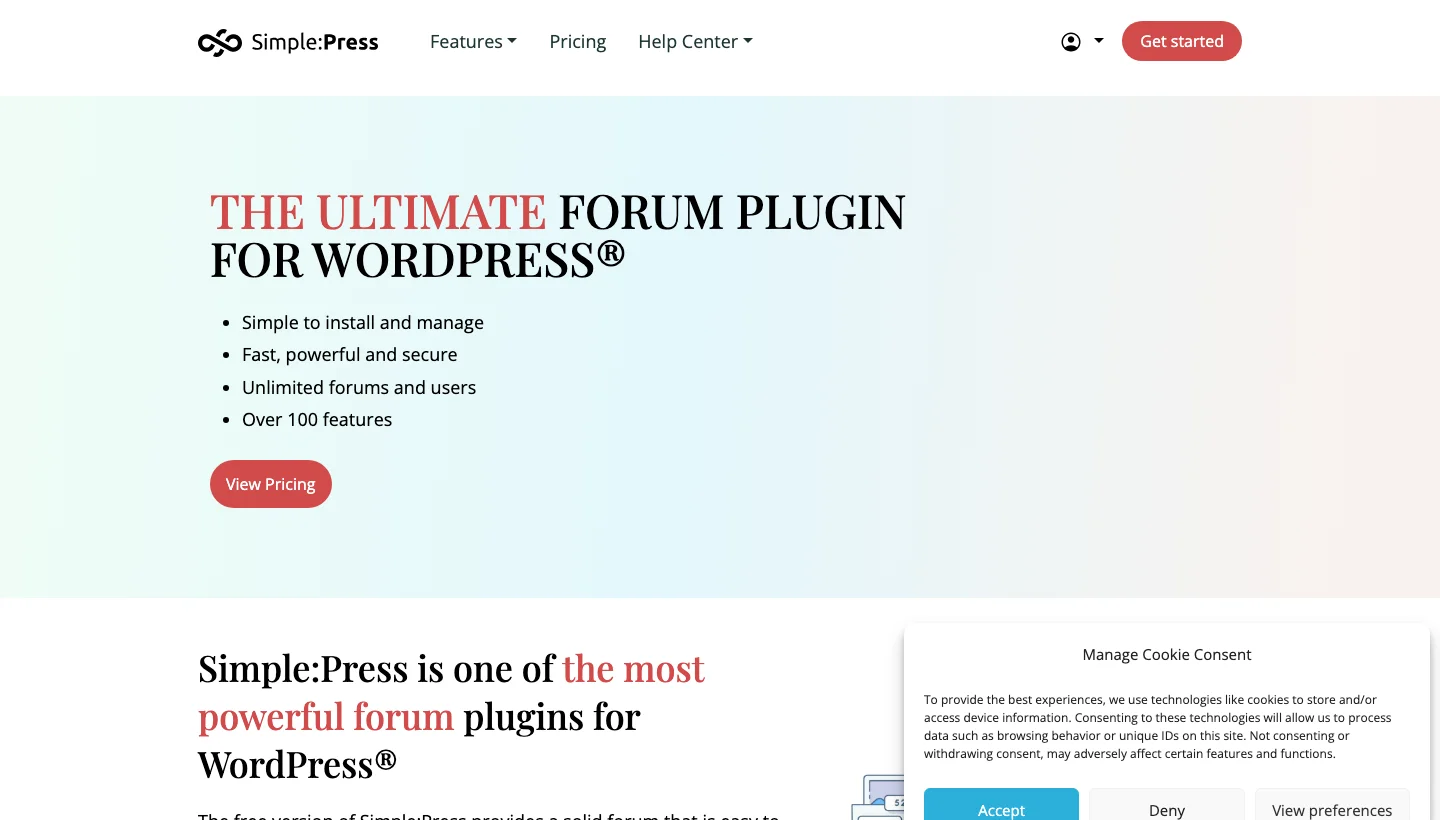
SimplePress is a well-established WordPress forum plugin with over a decade of development behind it. It offers a comprehensive feature set that sits between the simplicity of Asgaros and the complexity of wpForo, delivering multiple forum types, user group permissions, toolbar customization, and detailed moderation tools in a package that remains manageable for non-developers.
SimplePress uses its own database tables and a completely self-contained architecture, meaning it doesn’t depend on other plugins to function. This independence makes it a reliable standalone forum solution, particularly for membership sites, e-learning platforms, and community support forums.
Key Features:
- Multiple forum types: discussion, Q&A, announcement, sticky posts
- Granular user group and permission management
- Custom toolbar and forum layout configuration
- Rich text editor with media embedding
- Email notifications and digest subscriptions
- Forum statistics and member leaderboards
- WooCommerce integration for gated forum access
Pros:
- Standalone, no dependency on BuddyPress or other plugins
- Comprehensive permission system for complex community structures
- Long track record, battle-tested on production sites
- Good documentation and support resources
Cons:
- Interface feels less modern than newer forum plugins
- Premium add-ons required for advanced features
- Smaller developer community than bbPress or wpForo
Why Choose SimplePress?
SimplePress is the right choice for established WordPress sites that need a reliable, self-contained forum with solid permission management and a track record of production stability. If you’re running a membership site or e-learning platform where the forum is a secondary feature rather than the primary product, SimplePress delivers a full-featured forum without pulling in complex dependencies.
Why I Recommend SimplePress: SimplePress has earned its reputation through longevity and reliability. It’s not the flashiest forum plugin in this list, but for sites that need a stable, well-documented forum with decent permission controls, it delivers consistently. I recommend it to organizations that value reliability over cutting-edge features.
24. Paid Memberships Pro - The Free WordPress Membership Plugin with a Complete Ecosystem

Paid Memberships Pro is a free WordPress membership plugin that powers over 100,000 membership sites worldwide. Its core plugin handles multiple membership levels, content restriction, payment gateway integration (Stripe, PayPal, Braintree), and member management, all at no cost. A library of 80+ official add-ons extends it to cover virtually every membership community use case.
What distinguishes Paid Memberships Pro from other membership plugins is the depth and quality of its free tier. Unlike plugins that restrict core functionality to drive upgrades, PMP’s free core is genuinely production-ready. The business model relies on add-ons and the Plus plan for teams, rather than handicapping the free version.
Key Features:
- Unlimited membership levels with flexible pricing (one-time, recurring, trials)
- Content restriction by post type, category, or individual post
- Stripe, PayPal, and Braintree payment gateway support in core
- Member directory and member account pages
- Email sequences for onboarding new members
- 80+ official add-ons (BuddyPress integration, WooCommerce, bbPress, CoursePress)
- Developer-friendly with extensive hooks and filters
Pros:
- Genuinely powerful free core, most memberships sites won’t need paid add-ons
- 80+ official add-ons cover virtually every integration need
- Developer-friendly codebase with extensive documentation
- 100,000+ active installs, well-tested and reliable
Cons:
- Building a full-featured membership community requires selecting multiple add-ons
- No built-in social community features, needs BuddyPress or similar
- Interface is functional but not as polished as premium alternatives
Why Choose Paid Memberships Pro?
Paid Memberships Pro is the right choice for budget-conscious membership site owners who need a solid, reliable access control foundation without the subscription cost of MemberMouse or WishList Member. The free core is substantial enough for most use cases, and the add-on library ensures you can extend it precisely where you need to without paying for features you don’t use.
Why I Recommend Paid Memberships Pro: PMP has become my default membership plugin recommendation for new membership sites because the free tier is so capable. You can launch a complete membership community, content restriction, multiple levels, Stripe payments, without paying a license fee. The add-on quality is high, and the developer documentation is the best of any membership plugin I’ve worked with.
25. WishList Member - The Pioneer WordPress Membership Platform

WishList Member is one of the original WordPress membership plugins, first released in 2008. It has evolved significantly since then, now offering a complete membership platform with drip content scheduling, course management, integration with 30+ email platforms and payment gateways, and smart cancellation retention tools designed to reduce churn.
Its longevity in the market means it has native integrations with virtually every major WordPress plugin and third-party service that membership sites use, from WooCommerce and LearnDash to ActiveCampaign and ConvertKit. For operators who are deep in the WordPress ecosystem, WishList Member’s breadth of integrations often makes it the lowest-friction choice.
Key Features:
- Multiple membership tiers with content dripping
- Course and lesson management built in
- 30+ email platform integrations (Mailchimp, ActiveCampaign, ConvertKit, etc.)
- Smart cancellation flow with pause and downgrade options
- CoachKit for coaching-based communities
- WooCommerce integration for membership sales
- Detailed member activity and revenue reporting
Pros:
- Unmatched breadth of third-party integrations
- Built-in course management reduces plugin dependencies
- Smart cancellation retention tools recover significant revenue
- 15+ years of production use, extremely reliable
Cons:
- Premium-only pricing, no meaningful free tier
- Interface looks dated compared to newer membership plugins
- No built-in social community features
Why Choose WishList Member?
WishList Member is the right choice for established membership site operators who need the broadest possible compatibility with the tools they’re already using. If your business is deep in a specific email platform, payment processor, or LMS, WishList Member almost certainly has a native integration for it, reducing the custom development work required to build a cohesive membership community stack.
Why I Recommend WishList Member: WishList Member’s strength is its integration depth. In 15+ years, it has built native connections to more tools than any other WordPress membership plugin, which means less custom work for complex stacks. The cancellation retention flows are also genuinely effective, I’ve seen sites recover 20-30% of intended cancellations with a well-configured downgrade offer.
26. Restrict Content Pro - Clean WordPress Content Restriction and Membership Plugin
Restrict Content Pro is a straightforward, well-coded WordPress membership plugin originally developed by Pippin Williamson and now maintained by StellarWP. It provides clean content restriction, multiple subscription levels, payment gateway support, and member management with an emphasis on simplicity and developer-friendly code over feature maximalism.
Restrict Content Pro works well for straightforward membership communities where content restriction and subscription management are the primary requirements. Its tight integration with Easy Digital Downloads also makes it a natural fit for digital product businesses that want to add a membership layer alongside their product sales.
Key Features:
- Multiple membership levels with one-time and recurring billing
- Granular content restriction by post, page, or custom post type
- Stripe, PayPal, Braintree, and 2Checkout payment support
- Member discount codes and free trials
- Email notifications and member account management pages
- Integration with Easy Digital Downloads
- Developer-friendly with clean, well-documented code
Pros:
- Clean, simple codebase, easy to customize and extend
- Excellent integration with Easy Digital Downloads
- Strong developer documentation and hooks system
- Reliable and battle-tested over many years
Cons:
- Fewer features than MemberMouse or WishList Member for complex subscription scenarios
- No built-in social community or forum features
- Less active development than competing plugins in recent years
Why Choose Restrict Content Pro?
Restrict Content Pro is the right choice for developers and technical WordPress users who value clean, well-documented code over feature bloat. It’s particularly well-suited for digital product businesses running Easy Digital Downloads that want to add a subscription tier, and for developers who need a reliable, predictable foundation they can customize without fighting the plugin’s architecture.
Why I Recommend Restrict Content Pro: Restrict Content Pro earns respect for what it doesn’t try to do. It restricts content and manages subscriptions well, and it doesn’t overcomplicate either of those things. For developers building custom membership solutions where they’ll be writing integration code anyway, its clean architecture is a significant advantage over more complex alternatives.

How to Choose the Right Community Platform
Want full ownership with a free community engine?
Start with BuddyNext. It handles activity feeds, member profiles, groups, and messaging on your own WordPress hosting, no license fee required.
Building a learning community on WordPress?
Pair LearnDash with BuddyNext and Learnomy. This stack delivers course management, cohort learning, and social peer engagement in a fully self-hosted environment.
Need a token-gated or Web3 community?
Jetonomy is the only WordPress plugin purpose-built for NFT and token-based community access control.
Want a premium all-in-one community with a mobile app?
BuddyBoss is the most complete WordPress-native community platform, with the only built-in mobile app builder available for self-hosted communities.
Looking for a SaaS community with minimum setup?
Circle.so offers the best combination of modern UI, mobile apps, and creator-friendly features without requiring WordPress configuration expertise.
Need enterprise-scale alumni or association management?
Hivebrite is purpose-built for large organizational communities with mentoring programs, job boards, and event management at scale.
Want the best forum for SEO and organic discovery?
wpForo has the strongest SEO implementation of any WordPress forum plugin, use it when you want your community discussions to rank in search results.
Need a free membership plugin with solid access control?
Paid Memberships Pro offers the most generous free tier of any membership plugin, with a large add-on library for extending it when your community grows.
FAQs on WordPress Online Community Platforms
What is the best free WordPress community plugin?
BuddyNext and BuddyPress are the strongest free options. BuddyNext offers a complete community engine with activity feeds, member directories, groups, and private messaging at no cost. BuddyPress is the open-source foundation that most WordPress community plugins are built on top of.
Should I use a WordPress plugin or a SaaS community platform?
Use a WordPress plugin if data ownership, branding control, and cost predictability matter to you. Use a SaaS platform (Circle, Bettermode, Thinkific) if you want a polished, fully managed experience and don’t mind paying a monthly subscription for it. The key trade-off is control vs. convenience.
Can I build a token-gated community on WordPress?
Yes. Jetonomy by Wbcom Designs is built specifically for this. It connects to Ethereum, Solana, and other major blockchains to gate community access based on token or NFT ownership.
Which WordPress community plugin is best for online courses?
LearnDash combined with Learnomy and BuddyNext creates the most capable learning community stack on WordPress. LearnDash handles course delivery, Learnomy adds social learning features, and BuddyNext provides the community infrastructure.
What is the difference between BuddyPress and BuddyBoss?
BuddyBoss is a premium product built on BuddyPress’s foundation. It adds a polished modern UI, a built-in mobile app builder, enhanced gamification, and deeper LearnDash integration. BuddyPress is free and open-source; BuddyBoss starts at $228/year.
Which WordPress membership plugin has the best free tier?
Paid Memberships Pro offers the most capable free core of any membership plugin. Ultimate Member is also a strong free option focused on member profiles and directories rather than subscription management.
Can I build a media-sharing community (like Instagram) on WordPress?
Yes. WP MediaVerse by Wbcom Designs adds photo, video, and audio upload capabilities to a BuddyPress/BuddyNext community, with member media galleries, reactions, and activity feed integration.
Which forum plugin is best for SEO?
wpForo has the strongest SEO implementation of any WordPress forum plugin, with built-in schema markup, clean URL structures, breadcrumbs, and sitemap integration.
Is Circle.so better than BuddyBoss?
They serve different needs. Circle is a SaaS platform, easier setup, great for creators, no server management. BuddyBoss is WordPress-native, full data ownership, white-label mobile app, deeper WordPress integration. Circle wins on ease of use; BuddyBoss wins on ownership and customization.
What community platform is best for large organizations?
Hivebrite is purpose-built for enterprise communities, universities, professional associations, corporate alumni networks, that need mentoring programs, event management, job boards, and CRM-level member management at scale.
Related reading
- The Buddydrive Plugin
- Does Buddynext Scale Architecture
- More Than an Lms Community qa Events
- Unlocking The Power of Wordpress Building And Monetizing Engaging Online Communities With Reign Buddyx And Buddyx Pro
- Upcoming Trends in Community Building With Wordpress
- Memberships And Subscriptions in Community Platforms