

Every user has a burning question that they have every right to ask and as a business owner, you sure are wasting a substantial amount of the time of your support team and also your own by parroting the same answers to the same questions. More significantly, getting to ask questions and waiting for a reply delays the purchasing decision and can even result in making the potential consumers go cold over the purchase. You lose out on such impulsive buyers or it becomes a tussle against the support team of your rival as to who can answer first and finish the sale.
So to speak, FAQs offer the customers every detail that they are entitled to know at the very start, making you work less and achieve additional conversions.
What more do you want? In this blog, we will help you add FAQ segments to the portal by introducing you to the Best WordPress FAQ Plugins Of 2025. We have kept a combination of both free and premium WordPress (WP) plugins so that everyone finds something out there whatever the budget. This list follows no specific order and has been compiled so that it helps you pick up the right plugin and make your customer’s experience more positive.

Top WordPress FAQ Plugin
1. Helpie FAQ plugin

Helpie FAQ is an advanced WordPress FAQ plugin that lets you create FAQs with accordion and toggle options, and embed them anywhere on your website. It has a shortcode builder which you can use to customize and embed the FAQs. Using this plugin, you can allow users to submit FAQs directly from the FAQ section and also order the FAQs based on how many users have read them.
You can also create a FAQ section for your WooCommerce products using Helpie FAQ’s WooCommerce integration. It has a Gutenberg FAQ block and also can be used with Elementor page builder. It is the only FAQ plugin that gives the Insights feature to understand your customers better.
The Helpie WP FAQ plugin has been created by Helpie WP, the company behind the famous Helpie Knowledge Base plugin. The Helpie WP FAQ plugin has seamless integrations with the Helpie WP Knowledge Base plugin. When you combine both Helpie WP FAQ and Knowledge base plugins you can create an ultimate customer helpdesk portal.
2. Ultimate FAQ
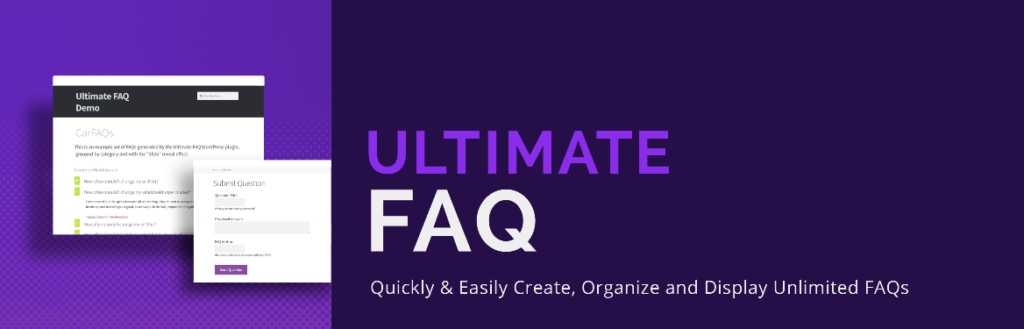
This WordPress FAQ plugin justifies its name as it allows the user to create unlimited FAQs and also categories. The Ultimate FAQ plugin helps you to closely monitor the engagement of the FAQ user and its integrated search bar permits the users to instantly view the questions they want to address. You can employ this plugin to create appealing accordion-style sections of the FAQ that appear in 5 layout modes: Default; block; list; colour blocks; and all answers displayed.
Equipped with various exclusive features, the plugin offers a ready stats dashboard displaying a summary of the FAQ, while its search form allows users to conveniently find the questions and the replies. The plugin also lets you export the FAQs to PDF for utilizing it offline. The free version contains a standard format but if you select the premium upgrade for $30, you receive more styling and customization potential, user-presented FAQ with proposed answers, WooCommerce compatibility drag-and-drop ordering of FAQs, and more.
3. HTML 5 Responsive FAQ
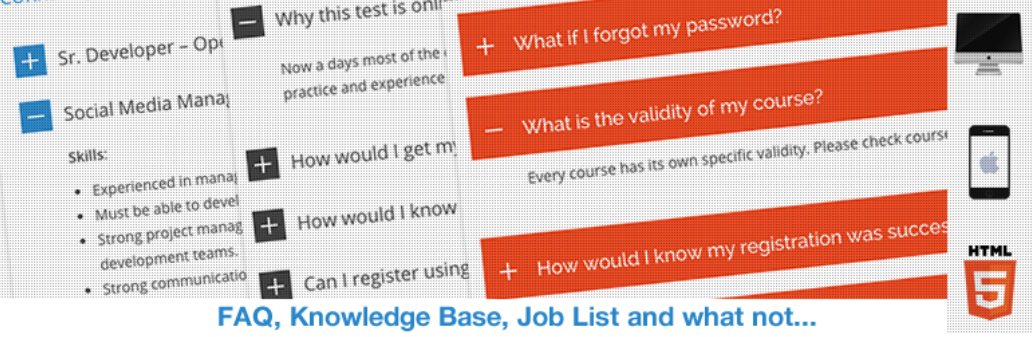
As is implied by the name of the plugin, it is mobile optimized and takes care that it appears stunning on small devices. Adding, creating and also handling several FAQs on the WordPress portal becomes very convenient with the HTML5 responsive FAQ plugin. The plugin allows you to frame FAQ questions and create a custom-designed FAQ section to be added to any segment of your portal like a page or post. You can even group identical FAQs under one section for improved user experience.
A WordPress plugin that is free of cost, HTML5 Responsive FAQ has more than 10,000 active installations and furnishes a variety of features. This plugin also provides options for customization of the appearance and experience of the FAQs that match your theme style. You can configure various settings for custom design of FAQs, create unlimited FAQs under multiple categories, and add personalized titles to every category. In addition, HTML5 is convenient to install as well as implement on WordPress portals.
Download the HTML 5 Responsive FAQ
4. Master Accordion (former WP Awesome FAQ

A simple plugin that can be used to design a FAQ page. Without any requirement for additional configurations, Master Accordion lets you create numerous FAQ items that have their title and also descriptions. There is no limit to post description and the questions are based on the category which is what many user desire while choosing their best WordPress FAQ plugin.
After the installation of the plugin, a custom type of post known as FAQ is created automatically, and for displaying the FAQs you have to apply the shortcode [faq] in the created page and the FAQ segment is ready to go operational. This plugin, however, does not offer any inbuilt customization settings, and you cannot alter anything without writing personalized CSS code. If you prefer the default accordion-style this plugin can be of great use to you.
5. Arconix FAQ

After designing your website if you are looking to add a FAQ plugin that entails no cost, then Arconix FAQ is fine as it integrates easily and you can supplement FAQs to any segment of the website by applying simple shortcodes. This plugin provides a convenient way to integrate FAQ items into the website. Applying custom post types you can create and add FAQ items to the portal by using simple shortcodes.
This plugin makes reading the FAQ page easy by showing or hiding the FAQs through an animated jQuery toggle, FAQ grouping, or accordion box. The questions can be displayed in groups after tagging them while making it, and even load them by keeping them closed or open as per your preference. For answers that tend to get extra long, there is a checkbox containing a “return to top” link below. You can visit the demo site of Acronix FAQ and get going.
6. WPWorx FAQ

One of the free WordPress FAQ plugins that is power-packed with features, WPWorx lets you create an FAQ bank on the website seamlessly and effectively. If you need FAQs for a customized post, this plugin supports it in a way that is responsive and SEO-compatible. You can utilize the shortcodes to incorporate the various FAQs into a single page and this plugin additionally supports Accordion as well as Toggle for easy navigation.
For a more user-compatible FAQ, WPWorx FAQ permits you to create Category names and sort out FAQs. Supporting simultaneously multiple sites this plugin is ideal for both a small portal or enterprise range multiple site ecosystem. This plugin becomes very responsive due to its feature of multiple languages and choices given to view trending questions. An interactive plugin that can easily be customized to create a FAQ page by your WordPress theme.
7. BWL Advanced FAQ Manager

A WordPress Premium FAQ plugin that designs an unlimited quantity of FAQs for WordPress-driven websites. It contains zero configuration elements so you can be free from bothering about any type of custom or complex configuration for using this plugin. BWL Advanced FAQ Manager utilizes the feature of WordPress custom posts to devise FAQs similar to ordinary WordPress posts. You can even classify the FAQs into FAQ Categories and Topics. Applying the shortcode, you can display the FAQ items, FAQ categories, and FAQ topics within any posts, pages or widget sections of the website.
This plugin contains an option panel which is user-friendly and lets you customize Display Settings, Reading and Advanced Settings, Font Settings, and personalized Theme Settings. The back-end of this FAQ plugin, allows you to conveniently add, delete, edit, and also arrange FAQ items. Its inbuilt Shortcode Editor offers the finest user experience and allows you to insert shortcodes into your pages or posts.
Download BWL Advanced FAQ Manager
8. Heroic FAQs

This WordPress FAQ plugin permits you to make and manage FAQs to assist in lessers customer queries and higher sales. It utilizes a drag-and-drop interface for seamless FAQ configuration. You can edit all the FAQs on a single screen with the FAQ builder and its Visual Editor helps to supplement rich content by inserting images, lists, videos, blockquotes, and everything that can convert visitors into consumers. You can select from 5 styles that are pre-defined and have unlimited configuration options, several icon options, premium support, and also animations.
Heroic FAQs have been created by Hero Themes, the brand behind the famous Knowledge Base WordPress theme and plugins. Their FAQ appears stunning on various devices and is optimized for mobile devices.
9. FAQ Plus
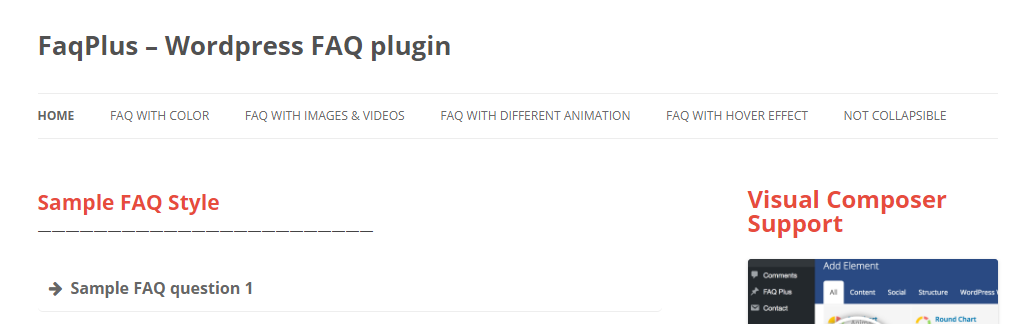
An advanced FAQ plugin that contains unlimited FAQs, countless colours and more than 25 animation effects, simple drag-and-drop ordering of FAQ, Font Awesome support besides more.
FAQPlus creates multiple FAQ sections based on your requirements and can also remove them. This plugin gives you the option of unlimited colours for the background and the text of the FAQ, a responsive layout where the FAQs can adjust every screen size. Moreover, you can insert videos, and images to the FAQ content and also embed videos. Here you also get a bunch of shortcodes that are utilized in your FAQ content so that it can be customized the way you want. Settings in FAQs can also be adjusted according to your requirements such as display mode, FAQ icons, and also set default FAQs.
FAQs can also be included in any WordPress page, post, or widget by adding the given shortcode. When you employ Visual Composer on your portal, this plugin is compliant and its FAQs can be designed with custom CSS for the tech enthusiasts. FAQPlus can be purchased from CodeCanyon for $19 while featuring future upgrades besides six months of developer support.
10. Spider FAQ Plugin

Spider FAQ comprises a ceaselessly flexible and user-interactive plugin to design informative and simple-to-access Q&A content having images and categories. The plugin is greatly customizable and among the finest FAQ tools available in the directory of WordPress plugins. This plugin enables designing various categories for organizing the questions and also offers searching possibilities for easy use. Generally, the FAQs of this plugin comprise extensive questions and answers on different topics.
Additionally, standard categories (an available post category) may also be added to the segment of FAQ categories. The commercial version of Spider FAQ includes 22 inbuilt themes, along with the option of building new themes from scratch. Intended to be SEO friendly, Spider FAQ permits developers to customize via a simple-to-use editor for displaying the order in which the questions appear on the FAQ page. Every FAQ permits the use of images and every question carries likes, hits, and dislikes.
11. Easy FAQs Plugin

Easy FAQs offers a quick and easy way to insert an FAQ section into your website to aid your customers obtain the answers they’re seeking. A well-documented FAQ page can provide users with the answers required by them without reading the exhaustive documentation. Easy FAQs allow you to achieve just that. The plugin is highly simple to use. You can include a list of your entire FAQs, a list of whole FAQs in one or more groups, or place a single FAQ on any post, page, or sidebar.
Easy FAQs plugin offers the simplest way to include customers’ FAQs in your website, immediately. Click on the Download button instantly to begin, and you can get a FAQs page within 15 minutes. The Easy WordPress FAQ plugin will acquire the styling from your Theme – so simply install, insert your FAQs and preview! You can add any tweaks required by you on the Settings page afterwards.
12. Quick and Easy FAQs

Quick and Easy FAQs is a plugin that provides what its name represents. A quick and easy way to add an FAQ page to a website. If you are looking for a subtle, simple yet eloquent FAQ plugin then this is the best bet. You can create all the FAQs that you need in a single place and then add them to the desired section of your website using a simple shortcode or Gutenberg blocks.
You can also create multiple FAQs and then list them, separated into groups, with a toggle button to make them appear when the site visitor presses on it. Apart from the toggle style, you can list FAQs in simple list style and accordion style as well. The plugin also supports RTL languages and a website builder called Visual Composer Plugin.
Download Quick and Easy Plugin

Final Thoughts on Best WordPress FAQ Plugins
These listed plugins can assist in building a stunning FAQ page for the website and the crucial factor is to utilize a plugin that blends both design and innovation which ultimately enhances the customer experience. Further, the plugins included in this list permit you to customize the design, insert a search bar for convenience, and organize questions. Few of the plugins even allow consumers to insert their queries and replies.
By and large, a well-designed FAQ can boost a healthy return, save you from a heavy workload, and help you to bring a sale closure as you now know what information your site users are looking for. For this mammoth task, we suggest you go for the Helpie WP FAQ plugin.
Interested Reads:
