

2D animation has been around for more than a hundred years, but only now is it really showing its full potential. Thanks to modern tools and technology, animators can go far beyond the old frame-by-frame approach and try out exciting new techniques. These days, the line between 2D and 3D animation is blurring, giving creators the chance to craft smoother, more dynamic, and visually stunning stories.
What’s even better is that today’s 2D animation software isn’t just built for big studios—it’s also accessible for independent artists, students, and hobbyists. Whether you want to create a short explainer video, a cartoon series, or even a full-length film, the right software gives you everything you need. From easy drawing tools and effects to audio syncing and real-time previews, these platforms make the whole process simpler and more enjoyable.
At the end of the day, having the right tools doesn’t just make animation easier—it sparks creativity. With the latest 2D animation software, anyone with a story to tell can bring their characters and ideas to life in ways that were once impossible.

Best 2D Animation Software
You have an idea of how the tale will go and a rough outline of the visuals, but now you can bring that idea to life in complex and original ways.
1. SVGator
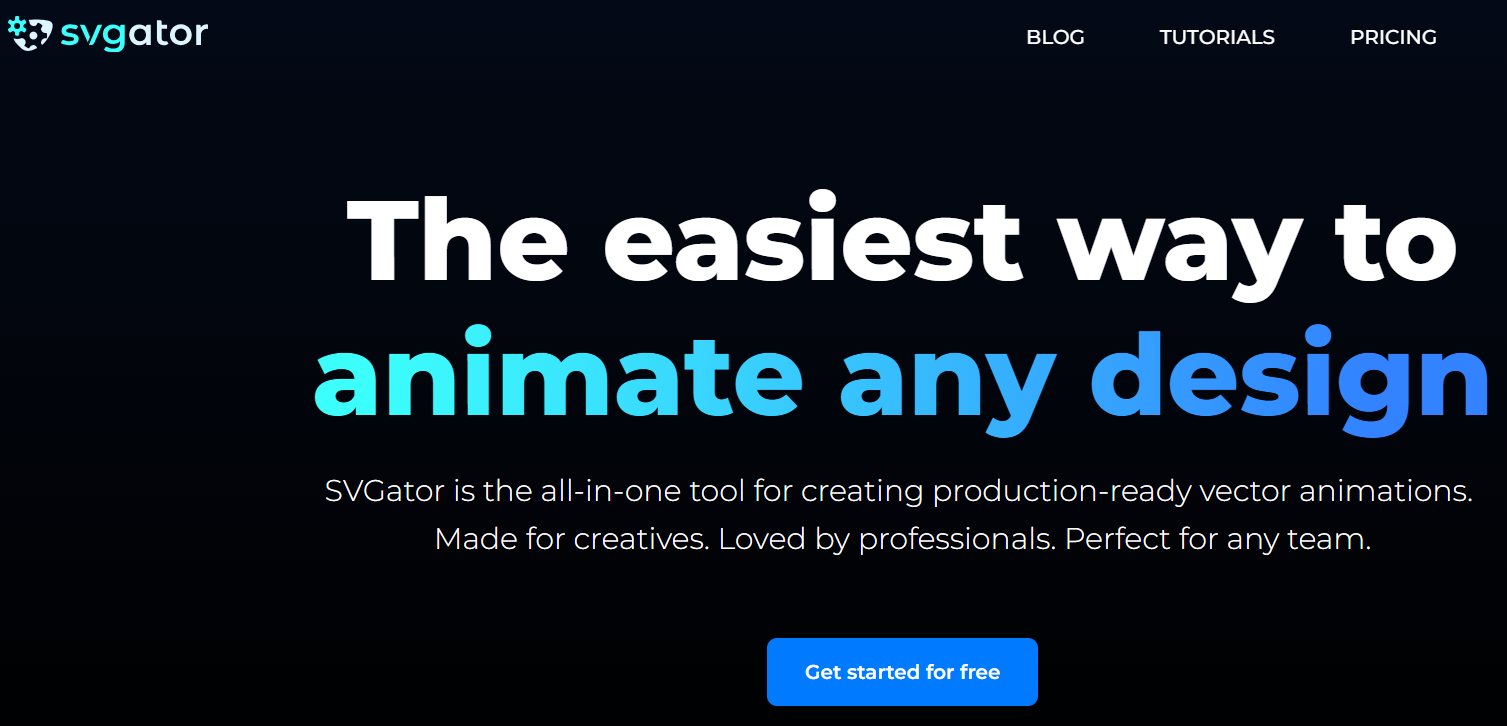
SVGator is a browser-based SVG animation tool that’s optimised for creating captivating motion graphics. The tool comes with an intuitive GUI that puts advanced animators at your fingertips, along with all the familiar graphic design features you’d expect in a no-code design software. Built for animating with keyframes on a timeline, without having to write a single line of code, makes this tool is perfect for breaking into the world of motion design, even as a beginner.
You can use the built-in vector creator and editor to start your project from scratch or tap into SVGator’s extensive library of static and animated drag & drop assets (created by the team’s in-house designers). To top it off, you get to export your projects in a variety of cross-platform formats, including .svg for the web, .dart, .js for mobile (Flutter/React Native), video (MP4, AVI, MOV, WebM, and MKV), animated image formats, such as GIF, Animated PNG, and more.
2. Animate CC
Adobe Animate is an animation solution that allows organisations to make and distribute interactive content such as 2D and 3D animations, drawings, and more. Designers may use the program to produce both raster and vector images, organise rich text operations, and add audio to animations.
You may choose from various predefined settings in seven distinct areas, such as social media, gaming, and learning. This application has full support for HTML5 canvas and WebGL outputs. In addition, it supports the development of Flash formats, the packaging of Adobe AIR applications, and other uses. There are also more complex animation presets in Animate, such as VR Panorama and VR 360. Both are tailored to the process of creating VR experiences on the Web with interactivity.
3. Blender

Blender’s excellent drawing tools and conventional stroke-based workflow make it a solid choice for 2D animation. Using its grease pencil tool, you can create stunning cutout animations and motion graphics. Blenders may also be used to merge 2D and 3D animations seamlessly. Blender’s Grease Pencil is the feature responsible for all this 2D yumminess. You can create vector drawings in 3D space that look like they were drawn in 2D.
In addition to animation, it has many other potential applications. For 2D work, there’s the Grease Pencil tool, and the Python API allows for scripting and customisation via add-ons. Hand-drawn art, motion graphics, and bone-rigged characters are all doable with Blender.
Also Read: Custom WordPress Development: Everything You Need To Consider
4. Open Toonz
Free and open-source 2d animation software OpenToonz is compatible with Windows and Mac computers. OpenToonz can compete with other paid animation software because of its extensive set of technical and professional-level features. The application may be used on several different systems and features many helpful capabilities. OpenToonz is open-source software that may be used for free in business and non-commercial endeavours.
OpenToonz provides a bone system for animation controls to facilitate the creation of fluid motions. Utilise the Skeleton Distortion layer to apply complex deformations to your bitmap artwork, or use cutout animation to control your vector artwork. Both amateur and expert animators may utilise it to their advantage. Because it is both strong and straightforward, it is also an excellent option for the classroom.
5. Pencil2D
For businesses interested in creating 2D hand-drawn animations with vector graphics and bitmap images, Pencil2D is a free and open-source animation application that can help. The platform provides a central location for designers to make changes to images, add or delete layers, and duplicate keyframes. Pencil2D’s flexible interface enables users to preview upcoming tasks, create animated cartoons, compare different drawings, edit videos, and adjust the size of the tool panel to suit their needs.
Pencil2D is licensed under the GNU General Public License, which makes it widely available for customisation by anyone. Pencil2D was developed by programmer Matthew Chang and his colleagues using code from a previous project named Pencil. If you’re starting out in the world of animation, a copy of Pencil2D is a must-have.
6. Moho Pro- 2D Animation Software
A two-dimensional animation program that uses vector graphics. The bitmap capabilities of Moho Pro are well-known, and it also has tools that make it possible to draw freehand. However, it is not user-friendly for newcomers and may require some practice before mastery. Both Microsoft Windows and Apple macOS can run Moho Pro. It’s not free, but you receive a complete 2D/3D animation studio for your efforts.
It has a robust rigging system that will make your models pop off the screen, and the Smart Bones feature will help your characters show more emotion in their emotions and movements. This program can also make personalised bitmap brushes. The output of a bitmap brush may be modulated by the user’s manipulation of its speed, pressure, and direction. You may need some time to get the hang of Moho Pro, and it is not designed with novices in mind.
7. SketchBook- 2D Animation Software
Concept artists, designers, and architects all rank SketchBook highly as a tool for sketching and painting. Autodesk SketchBook’s users may now produce professional-quality artwork thanks to the program’s user-friendly interface and high-quality sketching and painting capabilities. The user is also less likely to be distracted because the interface remains hidden until it is actually needed.
There are over a hundred preset brushes to choose from, and you can even make your own. Brushes for unique effects like smudging and glowing are included. Lines emerge more quickly and with no perceptible lag when sketching and drawing. The improved organisation makes it simpler to select the desired tool or switch between available tools.
8. Synfig Studio2D Animation Software
Synfig was built from the bottom up to be an efficient and effective industrial-strength vector-based 2D animation software tool capable of generating feature-film-level animation with fewer personnel and resources. Synfig’s interface will seem familiar to anyone who has used a dedicated animation program or any graphics program. Rectangle and ellipse generators, a bezier pen, a paint bucket, and other tools are available.
When it comes to creating complicated character puppets and other dynamic structures, Synfig Studio stands head and shoulders above other free and open-source animation tools because of its superior capabilities that allow you to link the properties of several layers. Although it has a high learning curve, Synfig Studio is a fantastic program for both novice and seasoned hobbyists once you become familiar with it.
Also Read: Most popular website design trends
9. Animaker

Entrepreneurs, classroom storytellers, content marketers, and HR teams may benefit from using Animaker, as it provides a platform for both novice and experienced users to create animated and live-action videos. Among the many things it can do is aid in the production of 2D animations, whiteboard films, infographic videos, vertical videos, GIFs, and YouTube thumbnails. With only a few clicks, users can easily make stunning animated videos.
After selecting and laying out the people, scripts, topics, and other things in the film, all that remains is to organise the numerous scenes methodically. Several customisation possibilities are available in Animaker, making it suitable for users of varying skill sets. Animaker’s various subscription tiers offer increasing levels of support.
Similarly, Animaker has already taken the necessary steps to eliminate the need for you to contact customer service. Animaker has been utilised for video production by companies such as Pepsi, Verizon, and Google.
Also Read: Web Design Trends
10. CrazyTalk Animator
CrazyTalk Animator, developed by Reallusion, is excellent 2D animation software for skilled artists and people who lack such abilities. Using the program, you can access a library of pre-made characters, effects, and animated movements that seem high-quality and professional. This application makes animation a breeze because of features like motion capture and auto lip synchronisation.
This is a lightweight program that can be picked up quickly. The character library allowed us to build one-of-a-kind actors by simply swapping out their heads and torsos for anything else. Essential capabilities of the system include 2D facial free-form deformation, intelligent motion retargeting, stretch animation, audio lip-syncing, and more.
Administrators may use CrazyTalk Animator’s pre-made human and animal character templates to quickly and easily construct multi-angled 2D characters, giving them 3D motion effects with the software’s Z-axis movement capabilities.
Also Read: 7 Best Survey Software
Digicel FlipBook is an excellent tool for learning the fundamentals of hand-drawn animation. The application has movable brushes and the capacity to edit 1,500 frames simultaneously. However, you’ll have to hand-craft your character libraries and environments because it doesn’t come with any pre-made options.
The interface of FlipBook has remained largely unchanged for over a decade, resembling a media player with additional drawing and painting tools, as well as camera features. With FlipBook, you may create classic frame-by-frame animation by scanning your drawings and colouring them digitally or by sketching directly into the program. It can also record individual frames, allowing you to create stop-motion animation if you want.
Also Read: Best WordPress Education Themes

Conclusion of 2D Animation Software
Producing high-quality 2D animated movies and getting the results you desire for your business is easier than ever with the large variety of tools at your disposal. Our goal was to compile a comprehensive list of the top 2D animation programs. In light of this information, it is recommended that you begin by using only one piece of software.
Interesting Reads:
Know All About Animation & Styles- A Crucial Part of Modern Web Design
