

The increased use of technology-based solutions is driving business profits for many. It encourages startups and entrepreneurs to easily enter the industry as the market barriers are slowly subsiding. And it leads to a competitive marketplace that is highly sensitive to technology changes and market redemption. And in times like these, customers are given the utmost importance to keep a business running. WordPress live chat plugins are one of these technologies that boost your business and attract more visitors to your website.

Customer Support: A Factor Driving Business Profits and Customer Engagement
In this fast-paced world, no one likes to wait. As customers expect faster replies and communication from businesses, email marketing tricks and automated email replies are not as useful as before. The time is to switch to faster, better, and more organised customer support tricks- and live chat has become the answer for online businesses.
As every business is becoming tech-savvy, they also hold their websites and mobile apps to serve customers anytime, anywhere. And live chat becomes an essential part of their websites if they want to increase customer engagement and drive business growth.
And as WordPress dominates 52% of the CMS market, most websites are built and managed using WordPress, where plugins can be installed to support every new business requirement and feature. Here are the five most-preferred and result-driven plugins that help maintain the live chat option on a WordPress website. You can easily analyse your live chat metrics and see which days and when such visitors visited your page. With this information at hand, you can ask the visitors if they need help in time before they decide to exit your page, ensuring you improve the user experience.
WordPress Live Chat Plugins for Businesses
Here are the excellent plugins to use when including a live chat option on your WordPress website to drive customer engagement through continuous monitoring and support.
1. Zendesk Chat

Pricing: Zendesk Chat offers a Lite plan that includes very basic functionalities and is free. However, the premium packages are designed keeping business requirements in mind and start from $14 an agent/month.
When thinking of adding a live chat box to your website, Zendesk chat is worth a check. Not only does it include multiple themes and layouts, but it also adds powerful data analytics functionality. Managing your live chat with customers becomes easier than ever with Zendesk, as it offers many chat triggers that help you converse more easily and effectively.
Moreover, if a business would like to add a chatbot when the representative is unavailable, Zendesk supports this requirement too. Depriving you of the best results and insights of the gathered customer data, allowing you to provide the best customer support 24/7, this plugin can drive business growth and answer all your customer support needs.
2. Pure Chat

Pricing: Pure Chat offers a free subscription that includes unlimited live chat support for up to three users. Their premium plans start at $39 per month.
Pure Chat provides the features of maintaining multiple chats with multiple users at the same time. Moreover, their user interface is entirely operator-centric; i.e., it makes it much easier to change and update the live chat metrics.
You can choose from a plethora of colour options, select your preferred theme and layout of the chatbox, add automated replies to frequently asked questions, and more- Pure Chat supports all these requirements. It includes an engagement hub in the chatbox, where the visitor can choose the medium of conversation —live chat, email, Twitter, phone, and many others.
Targeting the visitors based on their interests becomes easier as Pure Chat enables you to start interaction based on the time spent on a particular page by the visitor.
3. WP Live Chat Support

Pricing: WP Live Chat Support is a free plugin to use for including a live chat option. However, a user can opt for an advanced version with a one-time $49.95 fee to add more features to their live chat support.
WP Live Chat offers support for managing unlimited conversations with your customers and website visitors, all for free! This plugin comes with a predefined chat skin layout, and a user can choose the one suiting his/her requirements. Moreover, user targeting, conducting polls, and surveys to help understand your customers better are just a few of the excellent features offered.
The advanced version of the plugin comes for a one-time fee, where a user can upgrade to unlock more features, e.g., a website receiving queries for their developed solution, Uber clone, can opt for proactive chats, immediate and real-time typing, canned responses, and more to give an effective boost to their product sales.
4. LiveChat- WordPress Live Chat Plugins

Pricing: LiveChat provides a 30-day free trial to users. Afterwards, their premium plans start at $16 per user per month. Based on the business requirements, you can choose one from their premium packages.
LiveChat puts customer service and support at the centre when a business website integrates this plugin on its website. LiveChat comes with a 30-day free trial period to understand how this plugin works and help maximise the use of its functionalities.
It includes support for conducting a survey, asking for feedback after a chat, improving your customer support through automated responses, and more.
Moreover, irrespective of the availability of a live chat support agent, visitors can send support tickets anytime. You can share files, transfer chat to other agents, monitor the typing of visitors in real-time, and many more functions make this an ideal choice for every scale of business.
5. Drift- WordPress Live Chat Plugins

Pricing: Drift offers live chat support for free to its users. However, users can choose to add more advanced features and support by upgrading to paid plans, which start at $50 per month.
Drift provides support for enhancing your customer support efforts and enabling you to power up your sales. It primarily focuses on helping users to close sales they have started, and helps concentrate on website visitors based on their interests.
For example, suppose a website visitor lands on the pricing page multiple times. In that case, you can extend your support through live chat by sending them greetings and keep your progress updated by delivering and receiving emails when you are offline.
The advanced features of Drift include automated chat support, account-oriented marketing, automatic sales sequences, information generation, and more.
Moreover, Drift offers you a dedicated native and iOS app solution that can provide you with your incoming chat and message information anytime and anywhere.
6. Olark- WordPress Live Chat Plugins
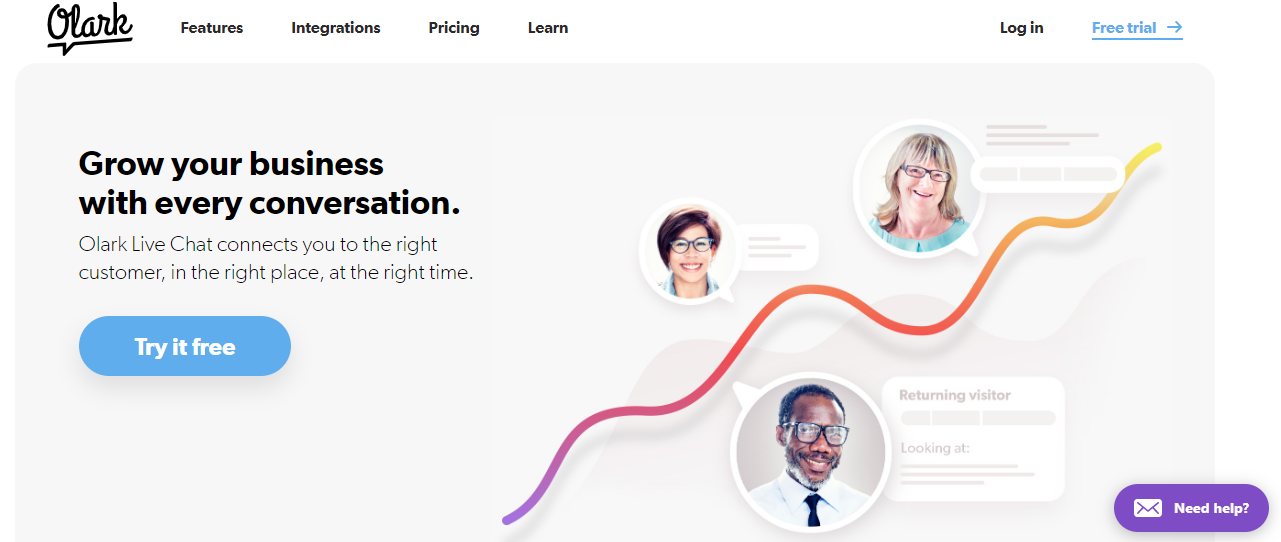
Pricing: You can use this plugin for free, but with limited features, so if you don’t care about any limitations and want to use other advanced features, then get the paid version. Olark gives you a 14-day live chat trial.
Olark is a live chat WordPress plugin that creates a simple and elegant chatbot for you. It is a powerful plugin that is fully responsive on all devices. You just have to install the Olark plugin on WordPress, and you are all set to create a chatbox. It is a fast-to-learn and easy-to-use plugin that is integrated with CRM and email marketing tools.
You can style your chatbox appearance and shortcode, save and search your chat transcript, customise your chat script, and more. You will get a customizable agent alert when visitors take a specific action. With Olark, you can set the greeting message for customers automatically. Control the visibility of the chatbox on pages.
You will receive a real-time report about your chats or a detailed summary in your inbox. You can even build an easy drag-and-drop editor.
7. Tidio- WordPress Live Chat Plugins
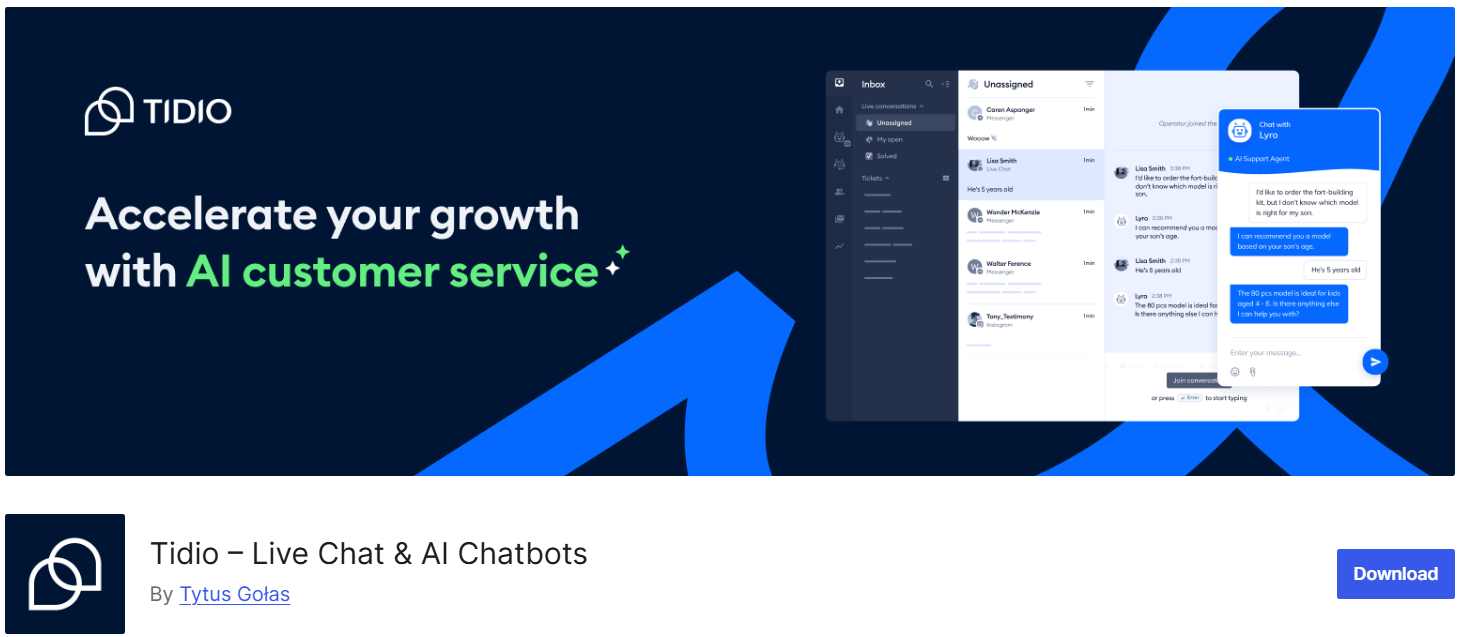
Pricing: Tidio is free for up to 2 agents; after that, it offers paid plans in three versions: starter, team, and scale. Also, you will get 7 days of free trials.
It is a mobile-friendly plugin that provides Email and Facebook Messenger support. After installing Tidio, your website visitors will be converted into loyal customers. With the help of this plugin, you can find out who is visiting your website and which page they are on.
Customise the Tidio plugin according to your website layout. It is responsive to any device, like a mobile phone, tablet, or desktop. You can access each conversation from a panel, and now you can reply to all your conversations in one place.
Tidio has a drag-and-drop option to create a perfect chatbox for your website. You don’t have to spend money and time creating a chatbox by coding; install it in WordPress.
8. WP Social Chat- WordPress Live Chat Plugins
Pricing: WP Social Chat has a free version with limited features. For more advanced features, you need to upgrade the plan, which is between $30 $90. A free trial is also available for this plugin.
WP Social Chat plugin lets your customers directly connect with your WhatsApp accounts from the WordPress website. You can even set the pre-set message for the automatic reply. This plugin helps your visitor start a conversation on WhatsApp, where they are already comfortable, and it also increases customer loyalty.
WP Social chat has more than 100,000 active installations currently. And it’s a paid plan that provides you with unlimited agent access. You can target your visitors with a chatbox on all pages. WP Social Chat plugin is GDPR compatible.
9. Support Board- WordPress Live Chat Plugins
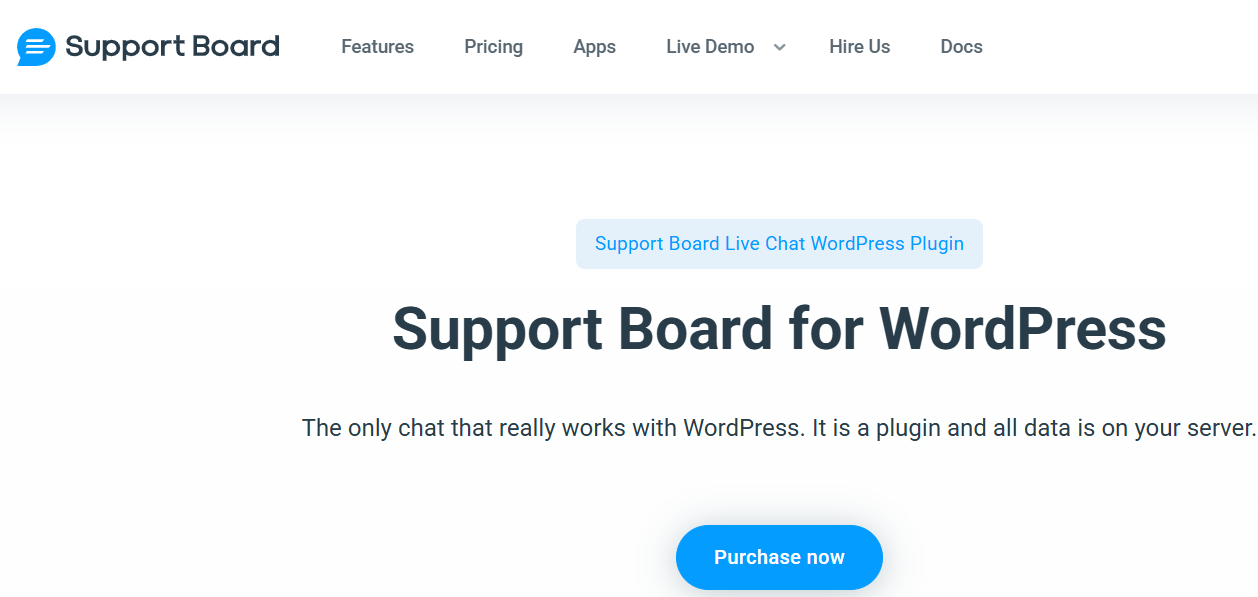
Pricing: Support Chat Box has a one-time fee structure that is $59, but if you need other extensions, it will cost you extra.
Support Board is compatible with many WordPress features and multiple networks. You can easily install it in a WordPress setup within minutes. Support Board helps you to build a out with your visitors and solve their queries through a great conversation in the chatbox. You can even collect the visitor’s data for email marketing.
It has all the necessary features required while adding a chat box to a website. You can respond to your messages directly from the WordPress website. Set notifications on Desktop, Browser, and Mobile Devices so you will not miss any messages from your visitors.
10. Formilla Live Chat- WordPress Live Chat Plugins

Pricing: Their monthly premium plan is $24.99, and you can try this before purchasing the plan as a 14-day free trial. You can also start it for free if you don’t want to upgrade the plan.
Whenever a visitor visits your website, it tracks them with real-time monitoring of what they are visiting. If they are not going anywhere and are confused, you can use Formilla live chat to help them with where to go.
Formilla live chat also supports personalised live chat, so you can target customers by their location and language and customise the chat box according to them. It makes your customers more comfortable on your website.
Summing Up
There are many live chat plugins available in the market to use. However, these plugins have proven their ability to work efficiently and are gaining increasing popularity in the market. The free support of these plugins includes all the necessary functions to manage your interaction with customers efficiently.
Based on a business’s expenditure limits, it can opt for the best one that suits its needs. While chatbots and the use of artificial intelligence-enabled solutions are powering up customer insights, live chat is the best way to collect customer data.
By analysing this collected data, a business can serve its customers efficiently and improve its sales and customer support strategies.
Author Bio
Deep is an aspiring entrepreneur and blogger, leading 75+ startups on the right path with their information-admiring content. He crafts content on topics including on-demand services, such as Uber clones, finances, technology trends, and many more.
Interesting Reads:
