

Popups might seem intrusive, but when used strategically, they can dramatically increase engagement, subscriptions, and sales. For WordPress websites, the right pop-up plugin can transform your site into a powerful marketing tool without compromising user experience.
WordPress Popup Plugins allow you to create timely, targeted messages for visitors—whether it’s an email opt-in, discount offer, or announcement. In 2025, pop-up plugins go beyond simple displays; they include advanced targeting, analytics, and A/B testing to maximize effectiveness.
This guide explores the 10 Best WordPress Popup Plugins of 2025, highlighting key features, pros and cons, and use cases so you can choose the plugin that fits your website goals.

What Are WordPress Popup Plugins?
Simply put, WordPress Popup Plugins are tools that allow website owners to display pop-ups on their site. Popups can be triggered by user actions, timing, or page interactions. They can collect emails, promote offers, show notifications, or even conduct surveys.
While WordPress itself doesn’t include native pop-up functionality, these plugins fill the gap by providing customizable templates, display rules, and integrations with marketing platforms. Essentially, they let you communicate with your audience in a visually engaging and controlled way.
Why Use a WordPress Popup Plugin?
Popups are not just marketing tools—they’re engagement multipliers. They help increase email lists, reduce bounce rates, and highlight promotions effectively.
Here’s why your 2025 website needs one:
- Increase conversions: Guide visitors toward subscriptions, purchases, or sign-ups.
- Targeted messaging: Show relevant content based on user behavior.
- Lead generation: Collect emails effortlessly and grow your marketing list.
- Customizable designs: Match popups to your brand aesthetics.
- Analytics & testing: Measure performance and optimize campaigns.
Using popups thoughtfully allows you to balance user experience with marketing impact, ensuring popups enhance rather than annoy.
How to Choose the Right WordPress Popup Plugin
Not all plugins are created equal. Choosing the right WordPress Popup Plugin requires considering functionality, performance, and scalability.
- Ease of use: Drag-and-drop builders make creating pop-ups simple.
- Trigger options: Time delay, exit intent, scroll-based triggers, or click triggers.
- Design flexibility: Templates, animations, and style options.
- Integration: Email marketing tools like Mailchimp, HubSpot, or ConvertKit.
- Performance: Lightweight plugins prevent slow page loading.
- Pricing: Free vs. premium versions for advanced features.
Selecting a plugin that matches your technical expertise and marketing goals ensures smoother implementation and better ROI.
10 Best WordPress Popup Plugins of 2025
Here’s our curated list of the top pop-up plugins that combine design, functionality, and performance:
1. OptinMonster – Conversion-Focused Powerhouse
OptinMonster is widely regarded as the ultimate tool for lead generation. It’s perfect for businesses looking to capture emails and grow their audience effectively.
With advanced targeting and behavior triggers, it ensures your pop-ups reach the right visitors at the right time.

Key Features:
- Drag-and-drop popup builder.
- Exit-intent and scroll triggers.
- A/B testing and analytics.
- Integrates with all major email marketing platforms.
Pros:
- Highly conversion-oriented.
- Advanced targeting options.
- Reliable performance on large sites.
Cons:
- Premium pricing.
- It might be complex for beginners.
2. Popup Maker – Flexible and Customizable
Popup Maker is known for its flexibility. Unlike some plugins, it’s not limited to email opt-ins—it can display banners, notices, or even embedded content.
Its open-ended customization options make it ideal for developers and agencies managing multiple client websites.
Key Features:
- Unlimited popups.
- Multiple triggers, including click and scroll.
- Conditional display rules.
- Integrates with WooCommerce and Ninja Forms.
Pros:
- Extremely flexible.
- Developer-friendly.
- Supports any type of content.
Cons:
- Interface can feel overwhelming.
- Some advanced features require extensions.
3. Elementor Pro Popups – Design-Centric Plugin
Elementor Pro brings pop-up functionality directly into its page builder. Users can design fully custom pop-ups with the same drag-and-drop interface they use for their pages.
It’s perfect for visually-focused websites or designers who want complete creative control.
Key Features:
- Full design freedom with Elementor editor.
- Display conditions and triggers.
- Mobile and device-specific layouts.
- Integration with marketing tools and forms.
Pros:
- Full visual customization.
- Seamless with Elementor-built websites.
- Device-specific popups.
Cons:
- Requires Elementor Pro subscription.
- Limited if not using Elementor.
4. Hustle – Marketing-Focused Popup Tool
Hustle combines popups, slide-ins, and embedded forms. It’s designed for marketers who want to capture emails, grow social followings, or promote offers.
Its performance-focused design ensures minimal impact on page load speed.
Key Features:
- Popups, slide-ins, and embedded forms.
- Exit-intent and timed triggers.
- Social sharing and email capture.
- Analytics dashboard.
Pros:
- Lightweight and fast.
- Multiple pop-up types.
- Great free version.
Cons:
- Advanced targeting requires a premium plan.
- Limited template options.
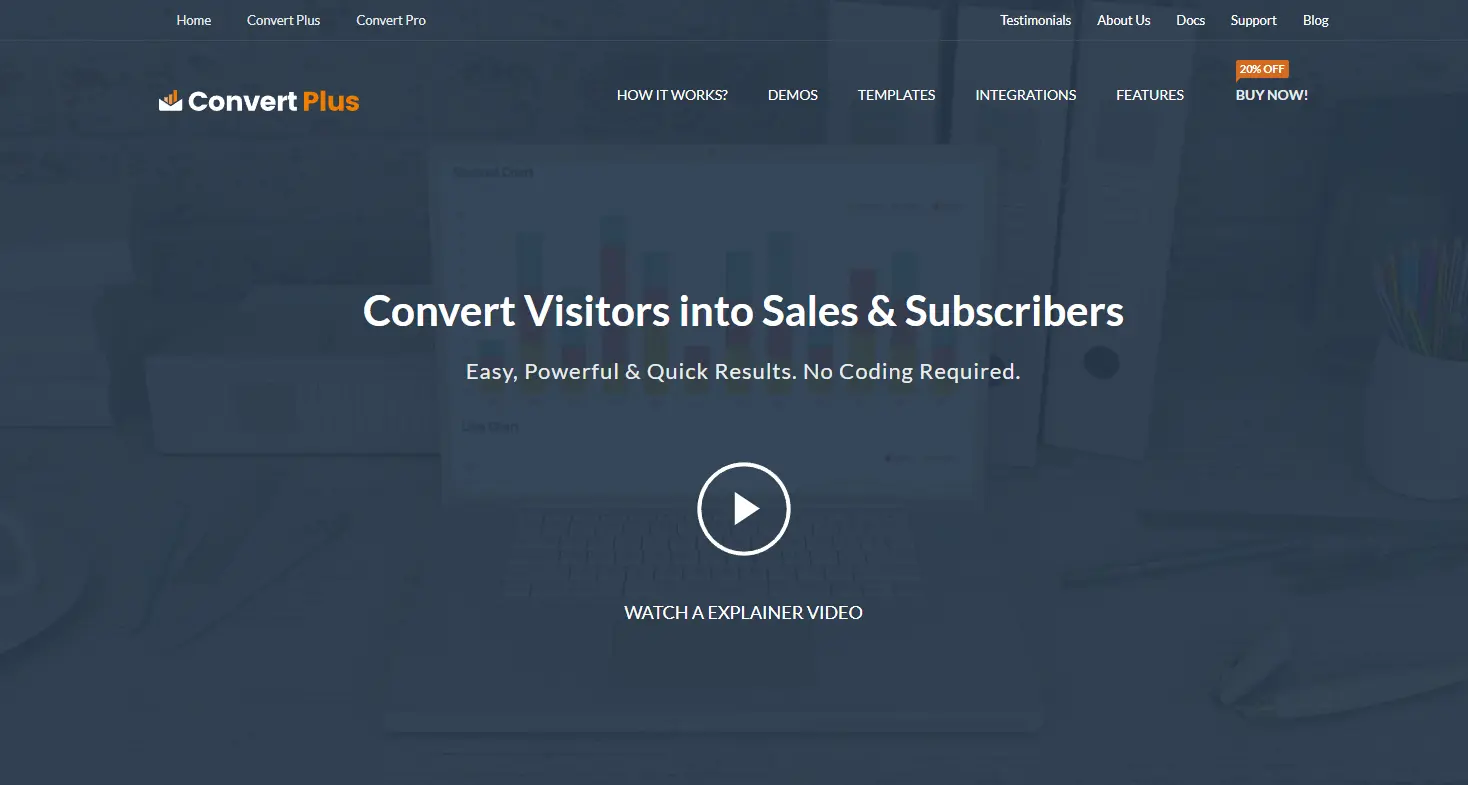
5. ConvertPlus – Multi-Purpose Popup Builder
ConvertPlus excels at creating popups, info bars, slide-ins, and opt-in forms. Its focus on flexibility and targeting makes it ideal for businesses of all sizes.
The plugin also includes a library of pre-made templates to speed up design.
Key Features:
- Drag-and-drop builder.
- Exit-intent, scroll, and click triggers.
- Over 100 pre-designed templates.
- Integrates with email marketing platforms.
Pros:
- Versatile for multiple marketing campaigns.
- Easy to set up.
- Pre-made templates save time.
Cons:
- Premium required for full features.
- May feel heavy on large sites.
6. Icegram – Lightweight and Effective
Icegram is a straightforward plugin for creating popups, notification bars, and toast messages. Its lightweight design ensures fast loading.
It’s ideal for small businesses and bloggers who want simple, effective pop-ups without complex setups.
Key Features:
- Multiple pop-up types: lightbox, header, and footer bars.
- Targeting by pages and posts.
- Email integration.
- A/B testing is available in the premium version.
Pros:
- Lightweight and fast.
- Easy to use.
- Free version available.
Cons:
- Advanced analytics require a premium.
- Design customization is limited in the free version.
7. Thrive Leads – Conversion-Focused Builder
Thrive Leads is part of the Thrive Suite and is highly optimized for conversion. Its advanced targeting and A/B testing make it perfect for marketers aiming to maximize email sign-ups.
Key Features:
- Popups, ribbons, slide-ins, and more.
- Advanced targeting and triggers.
- A/B testing for pop-up optimization.
- Integrates with all major email services.
Pros:
- Optimized for conversions.
- Flexible pop-up types.
- Strong analytics.
Cons:
- Premium plugin only.
- Steeper learning curve.
8. Layered Popups – Creative Multi-Layer Popups
Layered Popups stands out with its animation and layered design features. Users can combine images, text, videos, and forms into engaging multi-layer popups.
It’s ideal for websites aiming for high visual impact.
Key Features:
- Multi-layer pop-up design.
- Animation effects.
- Integration with email marketing tools.
- Trigger options include exit-intent and timed display.
Pros:
- Highly creative pop-ups.
- Engaging with visitors.
- Extensive template library.
Cons:
- Premium plugin.
- It can slow down older websites.
9. Popup Builder – Versatile and Lightweight
Popup Builder offers multiple popup types and is easy to customize. Its simplicity and lightweight code make it suitable for performance-conscious sites.
Key Features:
- Lightbox, HTML, image, and video popups.
- Timed, scroll, and click triggers.
- User role targeting.
- Analytics and tracking are available in the premium version.
Pros:
- Lightweight and fast.
- Supports multiple content types.
- Easy to configure.
Cons:
- Analytics require a premium.
- Limited pre-designed templates.
10. Sumo – Marketing Suite with Popups
Sumo offers popups as part of a larger marketing toolkit, including email capture, social sharing, and analytics. Its free tier is generous, making it popular among small businesses.
Key Features:
- Popups, welcome mats, scroll boxes.
- Email integration.
- Analytics dashboard.
- Targeting by page, time, or behavior.
Pros:
- The free version is robust.
- Multiple marketing tools in one suite.
- Easy to use.
Cons:
- Premium required for advanced targeting.
- Can feel heavy on large sites.
Comparison Table – Best WordPress Popup Plugins (2025)
| Plugin Name | Best For | Key Feature | Price Range | Ease of Use |
|---|---|---|---|---|
| OptinMonster | Conversion-focused | Advanced targeting & triggers | Premium | Moderate |
| Popup Maker | Flexible & developer | Unlimited popups | Free/Premium | Moderate |
| Elementor Pro Popups | Design-focused | Drag-and-drop full design | Premium | Easy |
| Hustle | Marketing campaigns | Popups, slide-ins, email capture | Free/Premium | Easy |
| ConvertPlus | Multi-purpose popups | Pre-designed templates | Premium | Easy |
| Icegram | Small businesses | Lightweight & simple | Free/Premium | Easy |
| Thrive Leads | Conversion-focused | A/B testing & advanced targeting | Premium | Moderate |
| Layered Popups | Creative popups | Multi-layer animation | Premium | Moderate |
| Popup Builder | Lightweight sites | Multiple content types | Free/Premium | Easy |
| Sumo | Marketing suite | Email & pop-up marketing | Free/Premium | Easy |
Best Practices for Popups
- Use triggers wisely: Avoid annoying visitors with instant popups.
- Segment your audience: Display relevant messages for specific users.
- A/B test: Continuously optimize pop-ups for conversion.
- Mobile optimization: Ensure popups are responsive and non-intrusive.
- Clear call-to-action: Make the purpose of the pop-up obvious.
Common Mistakes to Avoid
- Overloading pages with multiple pop-ups.
- Ignoring exit-intent triggers.
- Using generic or low-value content.
- Neglecting mobile user experience.
- Not testing popups with different browsers and devices.
The Future of WordPress Popup Plugins
In 2025, expect AI-driven targeting, personalization, and advanced behavioral analytics. Popups will increasingly adapt in real-time based on user behavior, browsing history, and preferences, making them smarter and less intrusive.

Closing Remarks
Popups remain one of the most effective tools for engagement and conversions when used strategically. With the 10 Best WordPress Popup Plugins of 2025, website owners can choose from simple, lightweight solutions to feature-rich marketing suites.
From OptinMonster’s conversion-focused approach to Layered Popups’ creative designs, there’s a plugin for every website type. Implementing the right tool ensures your popups enhance user experience while boosting leads, sales, and engagement.
Interested Reads:
Reign Theme – Customizer Setting & Branding Options
