

Creating a thriving online community has never been more important, or more achievable. With the right WordPress Community Plugins, you can transform a standard website into a dynamic social hub featuring member profiles, activity streams, groups, messaging, forums, directories, and engagement tools that keep users connected. Whether you’re building a private membership group, a social networking platform, an online learning community, or a professional network, WordPress offers the flexibility and control you need to bring people together.
The challenge is choosing the best solution for your goals. WordPress now provides a wide range of powerful community plugins, each built for different types of social experiences. Some deliver full social networking functionality, while others specialise in forums, membership-driven engagement, or profile-based interactions. In this updated 2026 guide, we break down the most reliable and feature-rich options to help you build vibrant, scalable, and user-friendly online communities.
Let’s begin with the platform that started it all.

What is an Online Community?
A few weeks back, I was having a discussion with my friend about the value of online communities. Most people would say that they are essential for business and marketing, but just what does “community” mean in this context?
I don’t think there is one definition of the word that fits all situations. Online communities can be as small or large as you want them to be:
Small: a forum site such as WordPress or TypePad, where users post questions with answers from other users
Large: A Facebook group, LinkedIn Group, Twitter chats, etc.
Also Read: Setup WooCommerce Membership To Create A Membership Community Using BuddyPress & BuddyX
Importance of Online Communities
In March 2007, a survey by Nielsen found that 61% of teens and 29% of adults are actively using social networks. This number continues to rise every year as new websites emerge for sharing photos, videos, or audio clips with other members of the community. These sites are called “social networks”. They allow users to create profiles that describe them and their interests. Social networks like MySpace, Friendster, Bebo, Facebook, Orkut, and LiveJournal are some examples. Users can also join groups within these sites that share common interests or hobbies.
One of the major advantages of having an online community is that everyone has access to the same information at the same time. If someone wants to know anything, s/he only need to log into his/her account to view the information. One disadvantage is that the community grows larger and larger each day. Another downside of this approach is that many people don’t go through the effort to contribute. There is a huge difference between contributing your thoughts on a blog versus being part of a real-life community. For those who do not have the time, tools, or skills to participate, we have come up with several ways to encourage user participation. These include:
- Create an incentive (i.e., points) for users to make contributions.
- Provide easy access to resources needed to support community creation and management.
- Use a variety of means to monitor discussions and ensure quality content.
What Community Tools are required for a proper run?
Online Communities require robust plugins that satisfy the expectations of the members. You need those tools to boost engagement in your online community.
For example, if your goal is to build a community around a project at work, then having a discussion board would be ideal. On the other hand, if your main goal is to get more people to subscribe to your newsletter, then you’ll probably need help from e-mail marketing experts.
You’re not required to understand how these tools function, but you must know what they can do for your product so you can get the maximum benefit out of them.
Some of those tools are:
- Membership tools, i.e., sign up, log in, and create a profile.
- Activity stream to engage your members with advanced features like hashtags, reactions, comments, and likes.
- Private messaging, friend or follower plugins to provide a better social network experience.
- Sub-communities or micro-communities convey small group activities within a large community.
Also Read: Reign WordPress Social Network Theme – BuddyBoss Platform Support
The Best WordPress Community Plugin
1. BuddyPress- WordPress Community Plugins

BuddyPress remains the most widely used open-source community plugin for WordPress, perfect for building full social networking platforms. It offers essential community features such as user profiles, activity feeds, friendships, notifications, and groups.
With continuous development and a massive ecosystem of BuddyPress add-ons, BuddyPress is ideal for any type of community, schools, membership platforms, intranets, eLearning environments, and niche social networks. It integrates seamlessly with bbPress for forums and works with hundreds of community-focused themes like BuddyX and plugins.
Key Features
- User profiles with custom fields
- Activity streams for members and groups
- Private messaging and notifications
- Public, private, and hidden groups
- Member directories and search
- Strong add-on ecosystem for extended features
BuddyPress is a dependable choice if you want full ownership, flexibility, and long-term scalability.
2. BuddyBoss Platform
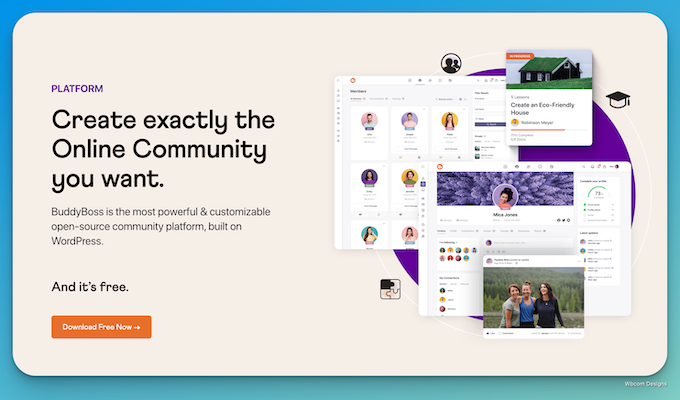
BuddyBoss Platform builds on BuddyPress and takes community-building to a professional level. It enhances core social features with modern layouts, advanced engagement tools, media uploads, reactions, group upgrades, and improved profile structures.
BuddyBoss is widely used by coaches, membership websites, course creators, and businesses seeking a polished, premium community experience. It also offers optional mobile app integration, helping you extend your community beyond the web.
Key Features
- Modern UI for profiles, feeds, groups, and directories
- Advanced engagement tools such as reactions and mentions
- Group types, discussions, and group messaging
- Media uploads, including photos, videos, and documents
- Seamless integrations with LearnDash and WooCommerce
- Mobile app availability through BuddyBoss App services
BuddyBoss is the best choice for creators and organisations wanting an enterprise-level community experience.
3. PeepSo- WordPress Community Plugins
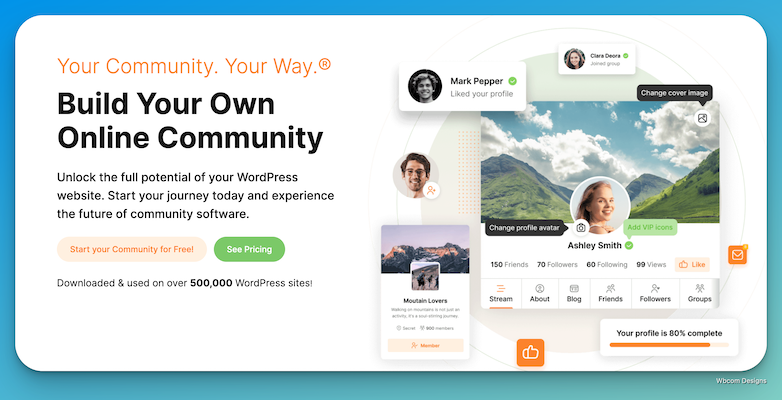
PeepSo is a modern and lightweight WordPress community plugin that delivers a clean, professional social networking experience. It includes modules for user profiles, real-time activity streams, groups, messaging, friendships, reactions, and more.
Its modular add-on system allows you to build a community as simple or as advanced as you want. Paired with community-focused themes like Reign PeepSo, it provides a sleek and intuitive user experience.
Key Features
- Customizable profiles and activity streams
- Groups, messaging, friends, and reactions
- Post moderation and reporting tools
- Video, photo, and document uploads
- Unlimited colours, layouts, and typography options
- GDPR-friendly data handling
PeepSo is ideal for users who want a ready-to-launch, modern social network without heavy customisation.
Also Read: 17 Best WP Community Plugins
4. FluentCommunity- WordPress Community Plugins

FluentCommunity is one of the newest and fastest-growing WordPress community plugins, designed by the team behind FluentCRM and FluentForms. It focuses on performance, user experience, and deep integration with the Fluent ecosystem.
This plugin provides modern profiles, activity feeds, messaging, and community tools in a lightweight framework. With its native connections to FluentCRM and marketing automation, FluentCommunity is an excellent solution for creators and businesses building communities around courses, memberships, or customer engagement.
Key Features
- Fast, modern activity feeds and user profiles
- Private messaging and notifications
- Community moderation tools
- Smooth integration with FluentCRM workflows
- Theme-friendly layouts
- Lightweight and focused on performance
FluentCommunity is ideal for marketers, educators, and membership websites wanting a modern social platform tied closely to automation tools.
5. Ultimate Member
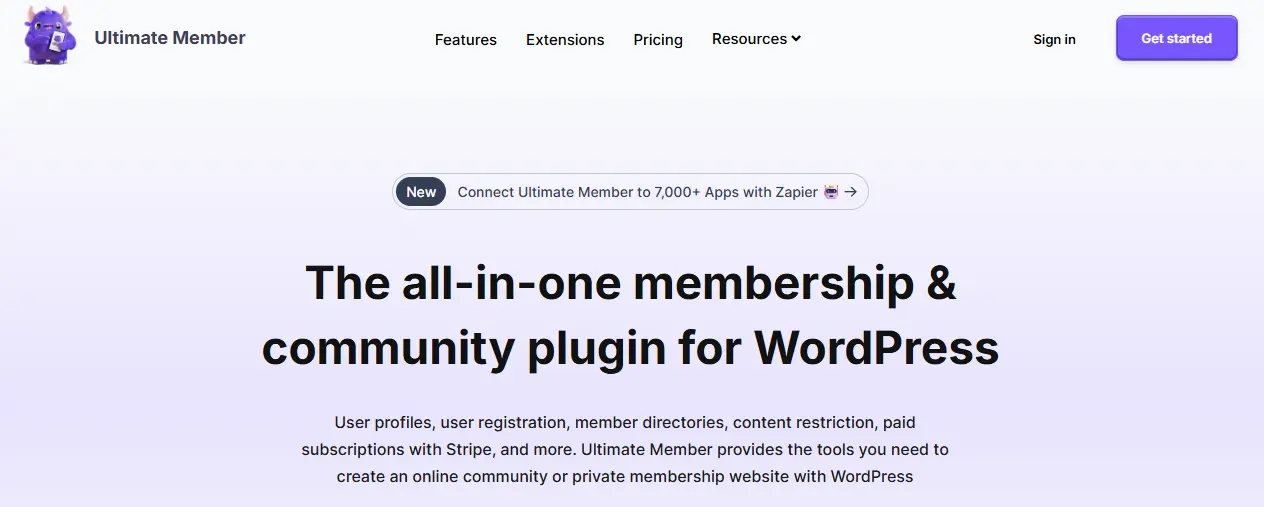
Ultimate Member remains a popular choice for building profile-based communities, membership directories, and user-driven websites. While not a full social networking plugin by default, its extensions enable messaging, user reviews, following systems, and private content.
Its biggest strength lies in its flexible registration, custom fields, and role management, making it ideal for websites where user identity and directories are central.
Key Features
- Front-end registration and login
- Custom user roles and access control
- Beautiful profile and member directory layouts
- Conditional logic for fields and forms
- Messaging and social features via extensions
- Content restriction and privacy tools
Ultimate Member is best for user directories, membership communities, and profile-centred websites.
6. Youzify (formerly Youzer)
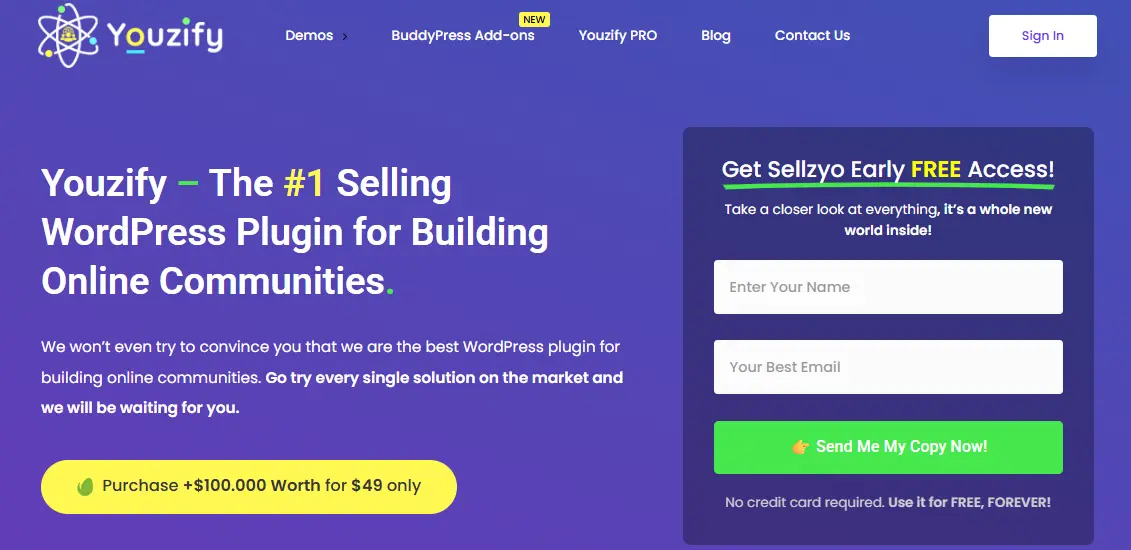
Youzify is a premium BuddyPress enhancement plugin that transforms standard BuddyPress communities into visually engaging social platforms. It includes advanced profile layouts, directory templates, widgets, social walls, badges, and more.
While not a standalone community plugin, Youzify is perfect for BuddyPress and BuddyBoss users wanting stronger design and user engagement tools.
Key Features
- Modern profile and directory templates
- Social walls and engagement widgets
- Verified badges and member types
- Activity reactions and emojis
- Custom profile tabs and layouts
- Integration with BuddyPress and BuddyBoss
Youzify is ideal for community owners who want an improved interface and better user experience on top of BuddyPress.
7. bbPress- WordPress Community Plugins
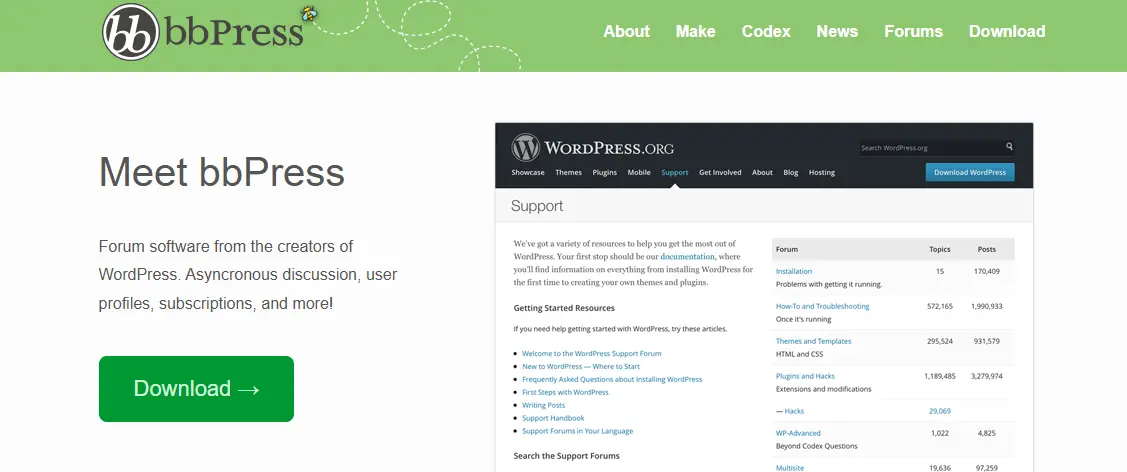
bbPress remains the most popular forum plugin for WordPress, perfect for adding discussion boards to your community. Built by the WordPress team, it offers clean code, fast performance, and easy integration with BuddyPress.
Key Features
- Lightweight discussion forums
- Topics, replies, and threaded discussions
- Compatible with BuddyPress groups
- Easy moderation and spam management
- Works with any well-coded theme
bbPress is ideal if your community centres around discussions, support forums, or Q&A interactions.
8. WPForo Forum Plugin- WordPress Community Plugins
WPForo is a powerful modern forum plugin offering multiple layouts, advanced moderation, and built-in SEO tools. It’s excellent for communities that want a visually appealing forum system rather than traditional text-based boards.
Key Features
- Multiple forum layouts (Q&A, threaded, classic)
- Built-in member rankings and badges
- Advanced moderation and spam tools
- Real-time notifications
- SEO-enhanced forum structure
WPForo is perfect for discussion-driven communities needing a customizable and feature-rich forum platform.
9. MemberPress Communities (via Add-ons)
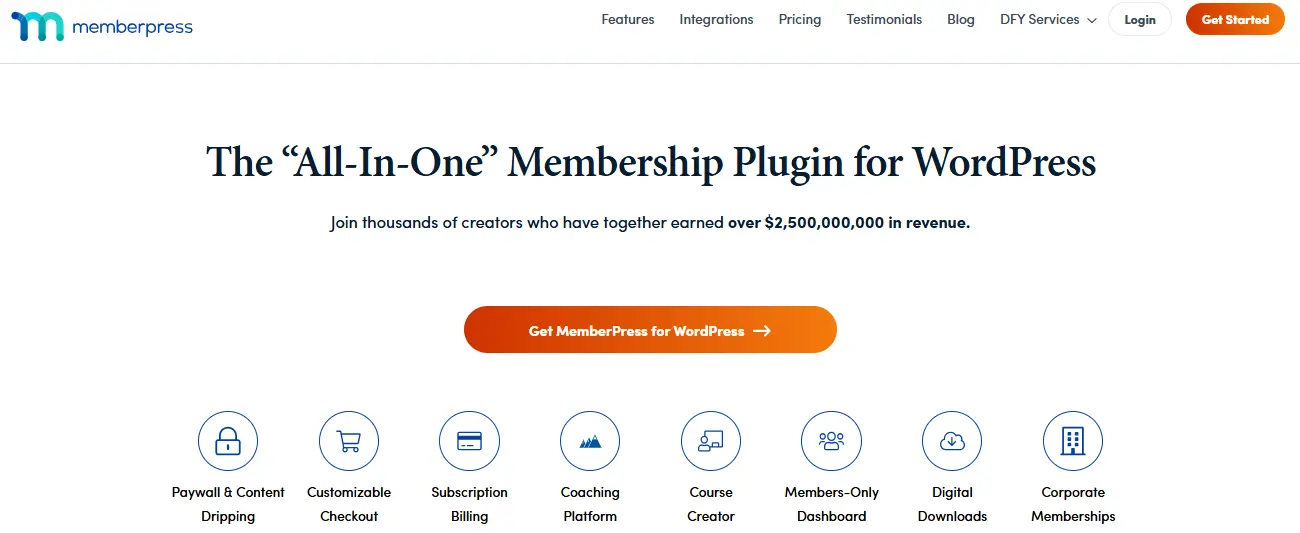
MemberPress is known primarily as a membership plugin, but its add-ons allow you to create community features such as private groups, protected content, and discussion areas. While not a full social platform, it is excellent for membership-first websites that want basic community engagement features.
Key Features
- Member-only content areas
- Private groups and discussion spaces
- Integration with bbPress for community forums
- Role-based content control
- Flexible monetisation and subscriptions
MemberPress works well for paid communities built around exclusive content and member interaction.
10. ProfileGrid- WordPress Community Plugins
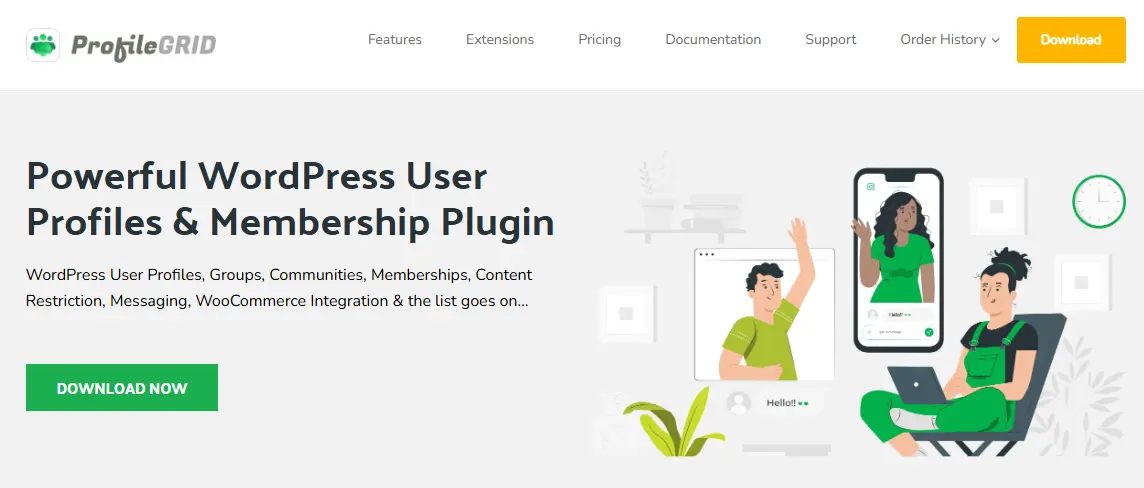
ProfileGrid is a user profile and community plugin that supports groups, messaging, forums, and membership. It’s ideal for small-to-medium communities that require flexible group structures and user-controlled spaces.
Key Features
- User profiles and editable fields
- Private messaging
- User groups with privacy controls
- Blog submissions and front-end posting
- WooCommerce and membership integrations
ProfileGrid is a good choice for communities centred around user groups and collaborative content.
Also Read: 15 Best Free Forum Plugins to Create WordPress Community Website

Try Reign Theme DemoBuy Reign BuddyPress Theme and Reign addons bundle to create a highly engaging Community Platform Today!
Wrapping It Up: Your WordPress Community Starts Here
A powerful community can transform your website into something far more meaningful, a place where users connect, collaborate, and keep coming back. The right WordPress community plugin isn’t just about features. It’s about building trust, sparking engagement, and giving people a reason to stay.
Whether you’re launching a members-only hub, a niche social network, or a student-driven learning space, each plugin on this list brings something unique to the table. Some are built for speed. Others focus on rich profiles or seamless integrations. But all of them help turn visitors into loyal members.
Start with your goals. Define the experience you want your users to have. Then choose the plugin that gets you closest, without the extra bloat. Build small. Test fast. Grow naturally.
Because the best online communities don’t feel like websites. They feel like home.
Frequently Asked Questions
1. What is a WordPress community plugin?
A WordPress community plugin adds features like user profiles, activity feeds, messaging, groups, and forums to your website. These tools help you create interactive online communities directly inside WordPress.
2. Which WordPress plugin is best for creating a social network?
BuddyPress and BuddyBoss Platform are the top choices for building full social networking websites. PeepSo and FluentCommunity are also strong alternatives for modern, visually clean community experiences.
3. Can I create private or membership-only communities with WordPress?
Yes. Plugins like BuddyPress, BuddyBoss, Ultimate Member, and MemberPress allow you to build private or paid communities with access controls, restricted content, and customizable user roles.
4. Do WordPress community plugins support messaging and groups?
Most advanced community plugins, such as BuddyPress, BuddyBoss, PeepSo, and FluentCommunity, include features like private messaging, groups, discussion threads, notifications, and community moderation tools.
5. Do I need a special theme for a WordPress community website?
While not required, using a community-optimised theme improves design, layout, and user experience. Themes like BuddyX and Reign offer layouts specifically built for BuddyPress, BuddyBoss, and PeepSo, ensuring better performance and compatibility.
Interesting Reads:
Six Ways An Online Community Forum Benefits Your Business
Set up Paid Memberships Pro to Create a Membership Community Using BuddyPress & BuddyX Theme
