

As workplace communication continues to evolve in 2025, many users are seeking modern, flexible, and user-friendly tools that go beyond what Microsoft Teams and Skype offer. While both platforms offer solid video conferencing, messaging, and collaboration features, they can feel bulky, outdated, or restrictive—especially for startups, freelancers, educators, or global teams seeking more customisation and smoother interfaces. Whether you’re managing remote teams, teaching virtual classes, or simply connecting with clients and collaborators, several platforms now offer excellent Alternatives to Microsoft Teams and Skype—often with faster performance, easier integrations, and better pricing.

Best Alternatives to Microsoft Teams and Skype
Here are the top options to consider in 2025.
1. Zoom
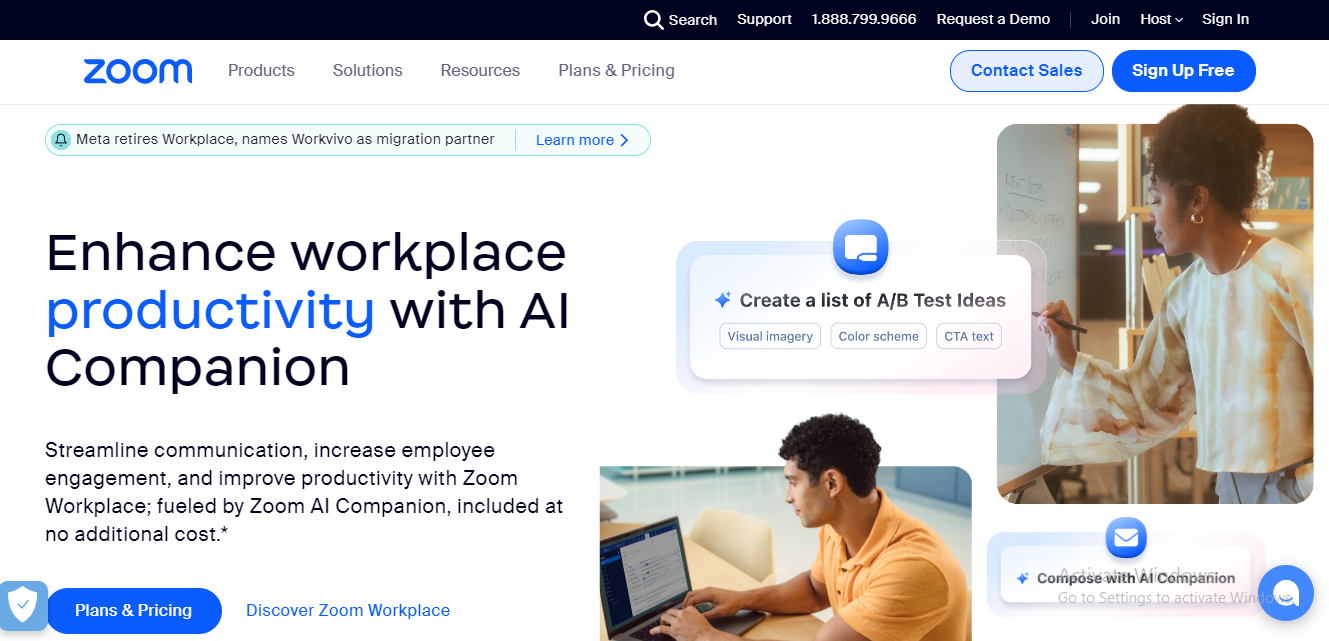
Zoom remains one of the most popular video conferencing tools, known for its high-quality calls, breakout rooms, and webinar features. It’s easy to use and integrates with productivity apps like Google Calendar, Slack, and Notion.
Unlike Skype or Teams, Zoom focuses entirely on meetings and offers fewer distractions from unrelated tools. It suits educators, business teams, and creators looking for simple, scalable video meetings.
2. Google Meet- Alternatives to Microsoft Teams and Skype
Google Meet integrates seamlessly with Google Workspace, allowing users to launch meetings from Gmail or Calendar with a single click. It provides high-quality video, real-time captions, screen sharing, and mobile access.
If you already use Google tools, Google Meet feels natural and lightweight compared to Teams’ extensive feature set. It works well for teams that prioritise ease of access and fast setup.
3. Slack

Slack provides one of the most versatile communication platforms for real-time messaging, voice/video calls, and file sharing. With robust integration support, custom bots, and channels, it helps teams stay organised without feeling cluttered.
Compared to Teams, Slack offers more intuitive navigation and better third-party app integration. It’s ideal for fast-moving companies and remote teams that need consistent, transparent communication.
4. Discord
Originally built for gamers, Discord has evolved into a powerful communication tool for communities, creators, and businesses. It supports voice/video calls, screen sharing, and real-time chat across topic-based channels.
Discord delivers low-latency performance and deep customisation options for servers. Many freelancers and distributed teams use it for its flexibility and informal feel—making it a modern replacement for Skype or Teams in less traditional workspaces.
Also Read: 10 Best Online Communication Tools For Teams
5. Jitsi Meet
Jitsi Meet provides an entirely free and open-source video conferencing platform, requiring no accounts or downloads. You can launch a secure meeting instantly and share a link with participants.
It serves as a lightweight alternative to both Teams and Skype, especially for users who prioritise privacy, speed, and simplicity. You can self-host it or use the free public instance for quick meetings.
6. Zoho Cliq
Zoho Cliq is part of the broader Zoho ecosystem, offering real-time messaging, audio/video calls, task management, and integrations in a single unified workspace. Its minimalist interface makes it easy to adopt, and it integrates seamlessly with Zoho CRM, Projects, and more.
If your team already uses Zoho or you’re looking for a cost-effective and straightforward communication solution, Cliq serves as a reliable daily collaboration tool.
7. Wire- Alternatives to Microsoft Teams

Wire is a secure messaging and calling platform designed with privacy in mind. It offers end-to-end encryption, file sharing, voice/video conferencing, and team messaging with a sleek UI.
Compared to Skype or Teams, Wire focuses on secure and compliant communication for organisations with strict data handling requirements. It’s popular among legal teams, NGOs, and businesses in regulated industries.
How to Switch from Skype to Microsoft Teams
If you’re planning to migrate from Skype to Microsoft Teams, follow these steps to make the transition seamless:
- Download and install Microsoft Teams: Start by installing the desktop or mobile app from Microsoft’s official site.
- Sign in with your Microsoft Account: Use the same Microsoft account you used with Skype to carry over contacts and settings where possible.
- Import or Re-add Contacts: Microsoft Teams may auto-detect some contacts, but you can also manually invite others to your organisation or team.
- Set Up Your Teams and Channels: Create dedicated teams and channels to replicate your Skype chat groups or communication threads.
- Explore Collaboration Features: Start sharing files, hosting video calls, and utilising integrated apps within Teams for enhanced productivity.
How to Move Skype Data to Microsoft Teams
While Microsoft does not offer a direct migration tool for all Skype chat history and media, you can follow these steps to keep key data accessible:
- Manually Back Up Chat History: Open Skype, go to settings and export your chat data as a file from the Privacy menu.
- Store Files and Attachments: Download any important shared files to a secure cloud storage or shared drive.
- Recreate Important Conversations: If needed, copy summaries or messages into Teams channels, Notes, or shared documents.
- Invite Contacts to Teams: Send personalised invites to contacts or groups to continue conversations on Microsoft Teams.
While Teams and Skype share some integration features, the platforms operate independently. Organising your data early helps ensure a smooth handover.

Alternatives to Microsoft Teams and Skype
While Microsoft Teams and Skype remain widely used, they don’t fit every organisation’s needs. If you’re looking for a faster, simpler, or more secure platform, the alternatives above offer flexibility, scalability, and smoother collaboration experiences.
Choose Zoom or Google Meet for focused video conferencing. Consider using Slack or Discord if you want a powerful, always-on messaging environment. Prefer open-source and privacy? Jitsi Meet and Wire lead the way. And if you use Zoho, Cliq keeps your communication in sync with your tools.
With the right alternative, you can streamline communication and enhance team collaboration—regardless of your size, industry, or work style.
Interesting Reads:
Skype Contact Button Plugins For WordPress
