

When people visit your WordPress website, they want to find what they’re looking for quickly. If your site has a lot of content or products, users can feel lost. That’s where filter plugins come in—they help people narrow down their choices and find exactly what they need.
Think of filters like shelves in a store. Instead of looking through everything, customers can go straight to the category they want. These plugins work the same way on your site.
Here, you’ll learn why filters matter, how they improve your site, and a list of the best plugins you can use. Whether you run an online store, a blog, or a portfolio, there’s something here for you.
Start Your WordPress Project With Us Today!
Why filtering is important for WordPress websites
When your site has hundreds of posts or products, finding the right one can be hard for visitors. Filters help break down the content into smaller sections so users don’t feel overwhelmed.
For example, someone shopping for a red dress in a specific size doesn’t want to scroll through every item. With filters, they can select the color and size they want and see only relevant results.
Filtering keeps people on your site longer because they can find what they need faster. That’s good for your business and better for your visitors.
Benefits of using filter plugins: UX, navigation, SEO
A good filter plugin improves how people experience your website. If users can easily find what they need, they’re more likely to come back or make a purchase.
Filters also make it easier to browse your content. Whether it’s blog posts, products, or services, filters help people go directly to what matters most to them.
Better filtering can even help your site’s visibility in search engines. Search engines understand your content structure better when it’s neatly organized, which can lead to better rankings.
The 12 Best WordPress Filter Plugins (2025 Edition)
1. FacetWP

FacetWP is a powerful tool that helps users filter through large amounts of content smoothly. It’s especially good for websites with lots of products or posts.
It works great with WooCommerce stores and websites that use custom post types or big databases. You can create filters for price, category, tags, and more.
One cool thing about FacetWP is that it uses AJAX. That means users don’t have to reload the page every time they apply a filter, making things faster and more seamless.
2. Filter Everything
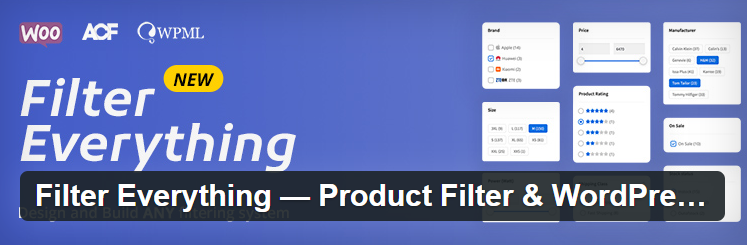
This plugin is perfect if your website is focused more on content than products. It lets visitors filter posts, custom post types, categories, and tags.
If you’re using the Gutenberg block editor, you’ll be happy to know that it works smoothly with it. That means you can easily add filters while designing your pages.
It’s a simple yet effective way to help readers find the blog posts or information they’re looking for without scrolling endlessly.
3. WOOF – WooCommerce Products Filter
WOOF is one of the most used filter plugins for WooCommerce stores. It helps your customers sort products by size, color, brand, and more.
It comes with helpful features like shortcodes and widgets, so you can place filters wherever you want on your site. It also uses AJAX, which keeps the user experience smooth.
If you’re running an online shop, this plugin can make a big difference in how easily shoppers find what they want.
4. Search & Filter
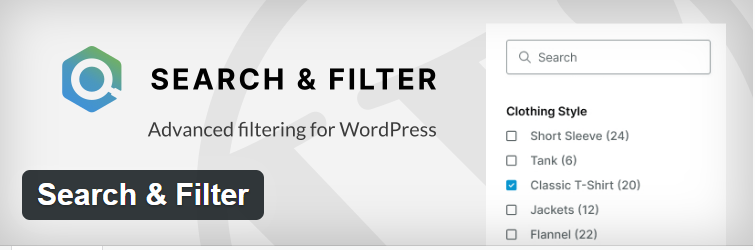
This plugin gives you full control over how users search and filter your content. It works well for blog posts, products, or custom post types.
You can combine search bars with multiple filter options. It also integrates with tools like ACF (Advanced Custom Fields) and WPML for multilingual sites.
It’s a strong choice if you want more detailed filtering without making things complicated for your visitors.
5. Themify – WooCommerce Product Filter
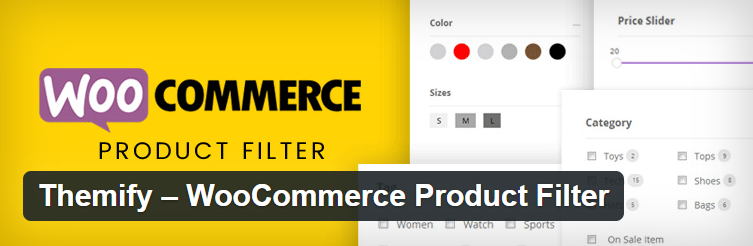
Themify’s product filter plugin is simple to use and looks great on any website. It’s ideal for those who prefer an easy setup with a clean design.
The drag-and-drop filter builder helps you create filters without writing any code. You just choose the options you want, and it builds the filters for you.
It’s great for smaller shops or anyone who wants filters that just work without too much hassle.
6. YITH WooCommerce Ajax Product Filter
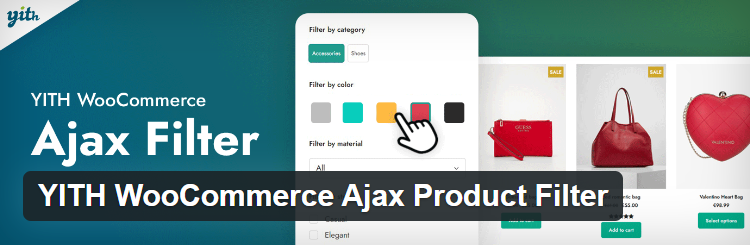
This plugin is built especially for WooCommerce and is very easy to set up. It helps your customers filter products in real time using AJAX.
You can start with the free version, which covers basic needs, or go for the premium version with more filter types and layouts.
It’s reliable and works well even if you’re not a tech expert.
7. Product Filter by WBW

This filter plugin has a visual editor that makes setting up filters easy. You can create filters using product categories, tags, and custom attributes.
It’s ideal for WooCommerce stores that want a better shopping experience. The layout is clean, and users can quickly find what they’re looking for.
It’s flexible enough for both small and large shops.
8. Content Views
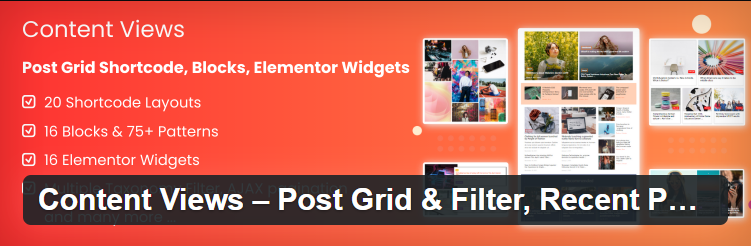
Content Views is perfect for filtering blog posts and pages. It lets you display content in grid or list format with sorting options.
You can show posts based on categories, tags, or other filters. It works well even if you have many pages or articles.
It’s a simple solution for making your content easier to explore.
9. Relevanssi

Relevanssi improves your site’s search and makes filtering more accurate. It replaces the default WordPress search engine with a smarter one.
It finds content based on what users really want, not just keywords. You can also use it along with other filter plugins for better results.
It’s especially useful for large websites with a lot of content.
10. SearchIQ

SearchIQ makes your site smarter by showing real-time search suggestions as users type. It’s a cloud-based plugin that helps users find content faster.
It also includes filtering options and analytics, so you can see what people are searching for. That helps you improve your content based on user behavior.
It’s a great tool for busy sites that want fast and intelligent search features.
11. Ivory Search

Ivory Search is a flexible search plugin that also supports filtering. It’s easy to use and works well for beginners who want more than the basic search bar.
You can control what users can search for—like posts, pages, or products—and add filters to make it even better.
It’s a simple yet powerful tool to improve your site’s search experience.
12. Advanced AJAX Product Filters

This plugin is built for WooCommerce and comes with many filter layouts like checkboxes, dropdowns, and sliders.
It lets users filter by product category, price, rating, or any custom field. AJAX support keeps things quick and smooth without reloading pages.
It’s a solid choice for online stores that want to offer more filtering options.
How to Choose the Right Filter Plugin for Your Site
Before picking a plugin, think about what kind of site you have. Is it a store, blog, or portfolio? Some plugins are better for e-commerce, while others fit content websites.
Also consider how many visitors your site gets and how fast it loads. Some plugins are heavier than others and may affect speed.
Try out the free version first if possible, or test a demo. Make sure it works with your current theme and page builder.
Final Thoughts
Adding filters to your website can make a huge difference in how easy it is to use. Visitors will appreciate the smoother experience and quicker results.
Choose a plugin that matches your site’s needs and style. A good filter plugin not only helps users but also supports your site’s growth.
Don’t forget to check out related tools and comparisons to make the best choice for your site.
Interesting Reads:
Best WordPress Search Filter Plugins
Filter Activity with the BuddyPress Activity Filter Plugin
Advanced Ajax Product Filters Plugins For WooCommerce Store Visitors
