

Everyone should understand what spyware is and how it threatens online privacy. If you run a WordPress website, this awareness becomes even more important. Spyware attacks are becoming more advanced, and staying informed is the first step toward protecting your site.
Below are some key points about spyware and how it affects WordPress websites. These basics will help you manage your site better and strengthen your security strategy going forward.

1. Infections Can Go Unnoticed
One of the biggest problems with spyware is that it often slips into your website without any warning. Many types of malicious software are designed to stay hidden so they can use your site to spread infections to unsuspecting visitors.
Because of this, a site can look completely normal on the surface while harmful code works quietly in the background.
Why This Is a Risk
- Spyware blends in with normal site activity
- Visitors can get infected without realizing it
- Attacks continue spreading as long as the threat remains undetected
2. Spyware Can Affect Phones Too
Many people think spyware only targets desktops or laptops. But today, more people browse the web on mobile devices than ever before. Because of this shift, most new spyware is built to attack smartphones and tablets as well.
Spyware can infect mobile devices through compromised websites, unsafe downloads, or malicious pop-ups. This means your WordPress site must stay clean and secure, especially if most of your visitors use their phones to access it.
Yes, Phones Can Be Infected
- Mobile browsers are common entry points
- Infected sites can compromise both Android and iPhone users
- Attacks on phones are often harder to notice
Removing Spyware From an iPhone
It is possible to remove spyware from an iPhone, similar to how you remove infections from a computer. But prevention is always the best approach.
3. Installing Updates Helps Prevent Many Security Issues
Keeping WordPress updated should be one of your top priorities. Updates are essential for strong security and help stop spyware from getting into your website or internal systems.
Every new WordPress release includes:
- Security patches
- Bug fixes
- Performance improvements
- New or improved features
These updates close loopholes that hackers often use to inject spyware or other malicious code.
Why You Should Update Immediately
- Old versions contain known vulnerabilities
- Hackers target outdated sites first
- Delaying updates increases your risk of attack
- Quick updates help keep your site stable and secure
Also Read: WordPress Security Plugins, For Keeping Your Site Safe
4. Performance Problems Arise From Spyware Interference
While spyware often tries to operate quietly in the background, there are still clear signs you can watch for—performance issues being one of the most common.
A noticeable slowdown is usually the biggest giveaway. When spyware infects your WordPress site, it consumes server resources to carry out its hidden activities. This extra load strains your hosting environment, causing sluggish page speeds, downtime, or unexpected spikes in resource usage.
Hackers simply can’t conceal the fact that spying on your site or attempting to infect visitors’ devices requires server power. That’s why consistent monitoring is essential. Keep an eye on unusual traffic patterns, unexplained resource consumption, or sudden performance dips. Visitors will judge your site harshly if pages aren’t loading quickly, so optimizing the underpinnings rather than allowing problems to persist unchecked is wise.
Also Read: How to Avoid Copyright violation When Designing a Website
5. Spam is also associated with compromised WordPress sites
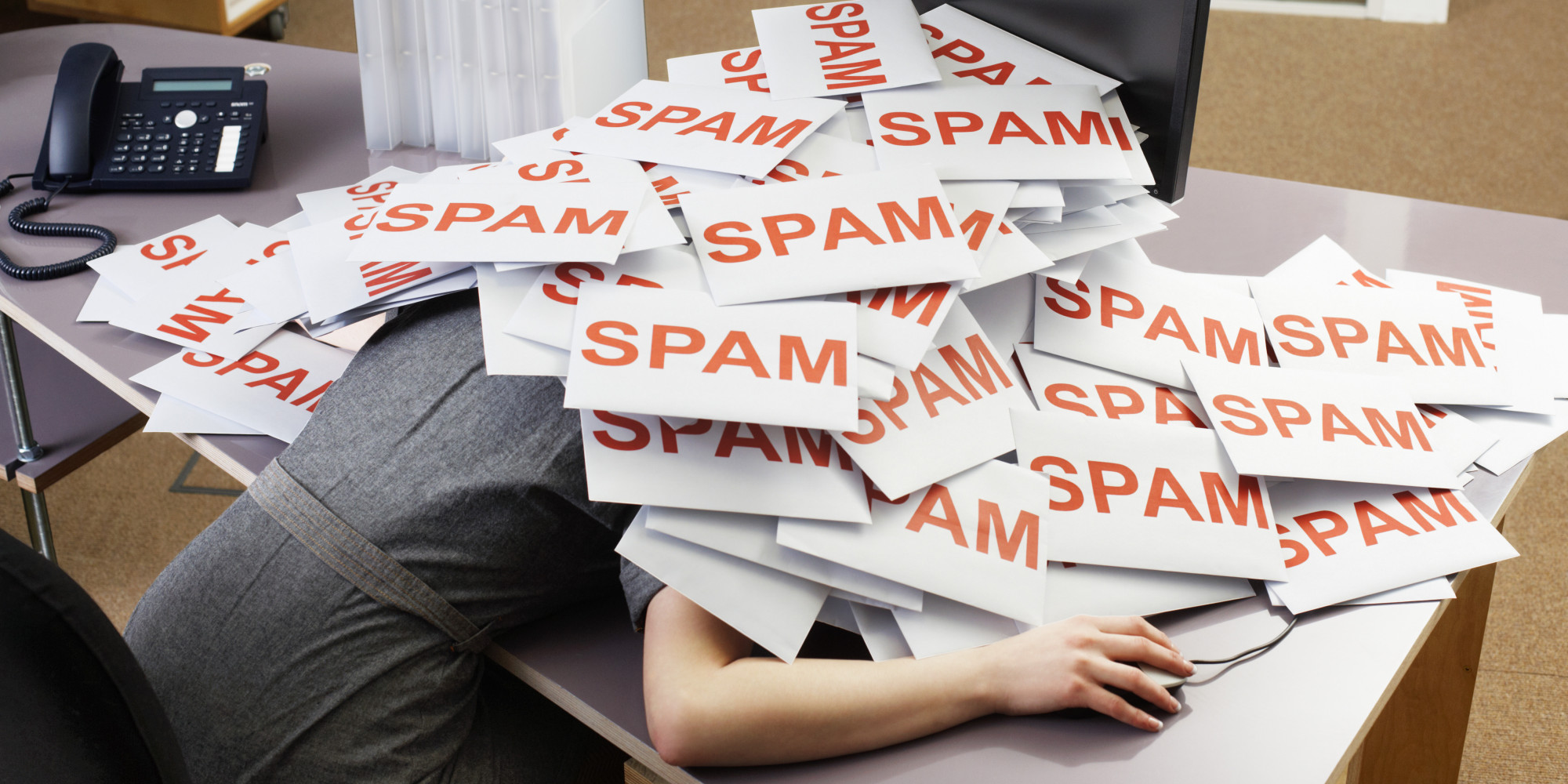
You don’t just need to think about visitors getting infected with spyware by visiting your site, but also about how your resources can be further turned against the victims of cybercrime.
One common complication is that of a compromised server being monopolized for use as a spam email hub, from which phishing campaigns can be launched.
There are various downsides to this, including the fact that it might get your site and IP address blacklisted by search engines, meaning that all of your SEO efforts will be wasted.
Also Read: Why Having An SEO Strategy Is Crucial For Your Website?
6. Stolen data may lead to regulatory repercussions

Depending on where your website operates, you may be subject to strict data protection regulations that hold you accountable for safeguarding user information. That means you’re legally obligated to take every reasonable step to prevent private data from being accessed, stolen, or misused—whether through spyware or any other security threat.
Ignoring these responsibilities can expose you to hefty fines and long-lasting reputational damage. Even if the breach wasn’t intentional, being found negligent is enough to erode trust among your audience.
And trust, once lost, is incredibly difficult to rebuild. Many websites struggle to fully recover from security scandals, even when the owners were not directly involved in malicious activity.

Know About Spyware-Wrapping up
The worst mistake a WordPress site owner can make is becoming complacent. Spyware and other forms of malware evolve constantly, and assuming your website is “safe enough” only increases your risk over time.
Staying protected starts with awareness. Understand the threats, monitor your site regularly, and take action the moment something feels off. When you stay proactive—updating software, strengthening security, and watching for unusual activity—you drastically reduce the chances of spyware slipping through the cracks. Make security a daily habit, not an afterthought. Your website, your visitors, and your reputation depend on it.
Interesting Reads:
Conversion Rate Optimization – 3 Reasons To Scale-Up Your Business
Top 6 Reading Progress Bar WordPress Plugins (Free and Premium)
