

Running a WooCommerce store means dealing with constant changes. New orders, customer data, payments, product updates, and inventory adjustments happen every minute. Unlike a regular WordPress site, even a small data loss in a WooCommerce store can result in missing orders, incorrect stock levels, unhappy customers, and revenue loss. That’s why backups are not just a safety measure for WooCommerce sites. They are a business necessity.
While many WordPress backup plugins exist, not all of them are suitable for WooCommerce. An effective WooCommerce backup plugin must handle frequent database changes, support incremental or real-time backups, and restore data safely without overwriting recent orders. In this updated 2026 guide, we list the best WooCommerce backup plugins that are reliable, actively maintained, and designed to protect online stores of all sizes.
Let’s explore the WooCommerce backup plugins you can trust to keep your store secure this year.

Why WooCommerce Stores Need Specialized Backup Plugins
WooCommerce stores are dynamic by nature. Orders, customer accounts, transactions, and product stock can change multiple times per hour. A basic backup plugin that runs once a day may miss critical data, especially during high-traffic sales or promotions.
Specialized WooCommerce backup plugins are designed to:
- Protect order and customer data
- Support incremental or real-time backups
- Avoid restoring outdated database records
- Minimize downtime during restores
- Handle large databases efficiently
Choosing the right plugin ensures your store can recover quickly from hacks, server failures, Update conflicts or human errors without losing sales data.
What to Look for in a WooCommerce Backup Plugin
Before choosing a backup plugin for your store, make sure it includes the following features:
- WooCommerce-safe backups that handle orders and transactions properly
- Incremental or real-time backups to reduce data loss
- Easy restore options without overwriting new orders
- Offsite cloud storage for added security
- Low server load to prevent performance issues
- Active development and support
With these criteria in mind, here are the best WooCommerce backup plugins for 2026.
Best WooCommerce Backup Plugins
1. BlogVault

BlogVault is widely regarded as the best overall WooCommerce backup plugin. It uses incremental backups and stores data offsite, ensuring minimal impact on your server while protecting every change made to your store.
Key Features
- Real-time and incremental backups for WooCommerce
- Offsite cloud storage
- One-click restore without data loss
- Built-in staging environment
- WooCommerce-aware restores
Best For
Medium to large WooCommerce stores, high-traffic sites, and businesses that cannot afford order loss.
Pricing: Starts at around $89 per year.
2. Jetpack VaultPress Backup
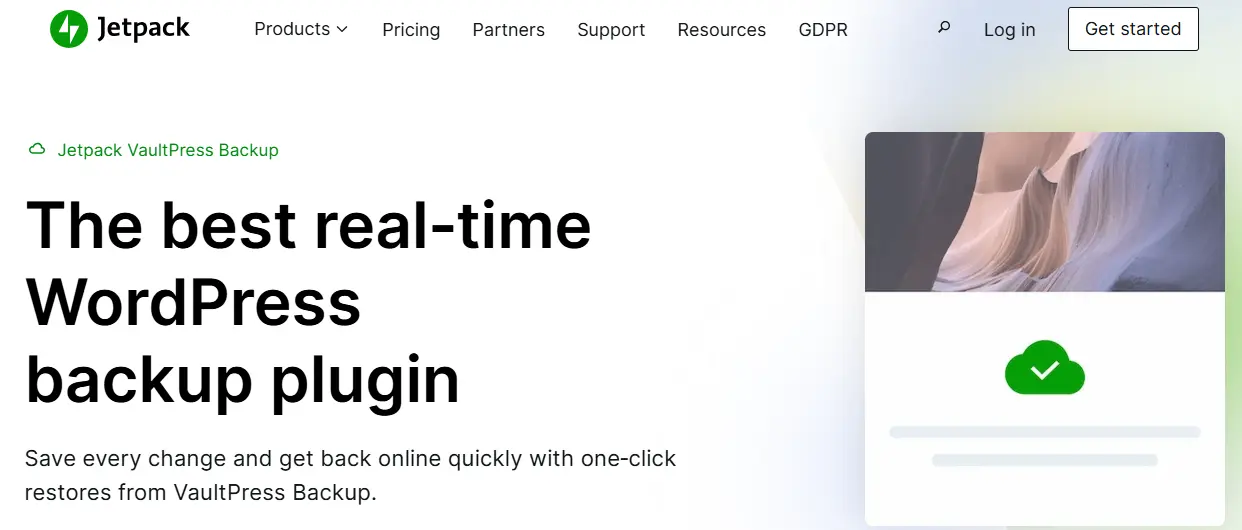
Jetpack VaultPress Backup, developed by Automattic, offers real-time backups specifically well-suited for WooCommerce stores. Every order and update is backed up instantly, making it one of the safest options for active shops.
Key Features
- Real-time incremental backups
- One-click restores
- Offsite cloud storage
- Seamless WooCommerce compatibility
- Optional malware scanning
Best For
Store owners who want a fully automated, hands-off backup solution.
Pricing: Starts around $60 per year for daily backups. Real-time backups cost more.
3. UpdraftPlus (Premium)

UpdraftPlus is one of the most popular WordPress backup plugins, and its premium version offers WooCommerce-friendly features such as incremental backups and advanced scheduling.
Key Features
- Scheduled and on-demand backups
- Incremental backups (Premium)
- Cloud storage integrations
- Easy restore and migration tools
- Large user base and strong support
Best For
Small to mid-sized WooCommerce stores are looking for a trusted and flexible backup solution.
Pricing: Premium starts at $70 per year.
4. WPvivid Backup Plugin
WPvivid is a powerful and modern backup plugin that offers excellent WooCommerce compatibility, even in its free version. It includes backups, staging, and migration features in a clean interface.
Key Features
- Full and partial backups
- Cloud storage support
- Staging environment
- Automatic cleanup of old backups
- WooCommerce-compatible restores
Best For
Budget-conscious store owners who still want advanced features.
Pricing: Free. Premium starts at $49 per year.
5. BackupBuddy
BackupBuddy has been a long-standing solution for WordPress backups and works reliably with WooCommerce when configured correctly. It offers full-site backups, scheduled automation, and migration tools.
Key Features
- Complete WooCommerce store backups
- Scheduled backups
- Integrated migration and restore tools
- Offsite storage via BackupBuddy Stash
- Email notifications
Best For
Store owners and agencies managing multiple WooCommerce websites.
Pricing: Starts at $99 per year.
6. Duplicator Pro
Duplicator Pro is known for migrations and cloning, but it also functions as a reliable backup solution for WooCommerce stores, especially during store moves or staging setups.
Key Features
- Full-site backup packages
- Scheduled backups (Pro)
- Cloud storage support
- Drag-and-drop restores
- Multisite compatibility
Best For
Developers and store owners who frequently migrate or clone WooCommerce sites.
Pricing: Starts at $69 per year.
7. Solid Backups
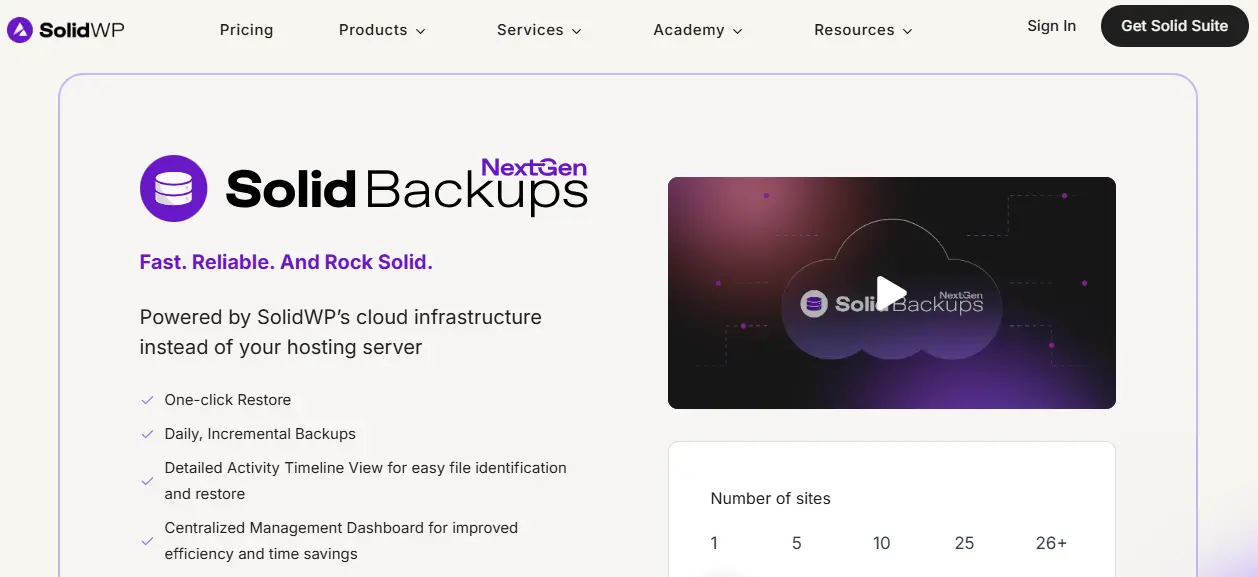
Solid Backups, formerly iThemes Backup, focuses on secure and stable backups and integrates well with WooCommerce when paired with Solid Security tools.
Key Features
- Automated scheduled backups
- Secure offsite storage
- Fast restore options
- Strong compatibility with managed hosting
- Optional security integration
Best For
Businesses that want backups aligned closely with WordPress security practices.
Pricing: Starts at $99 per year.
8. Total Upkeep
Total Upkeep offers an interesting approach by creating automatic restore points before updates. If a plugin or theme update breaks your WooCommerce store, you can instantly roll back.
Key Features
- Automatic backups before updates
- One-click rollback
- Error detection triggers
- Site cloning tools
- Encryption support
Best For
Store owners who frequently update WooCommerce extensions and themes.
Pricing: Free. Premium starts at $30 per year.
9. All-in-One WP Migration (with Backup Extensions)
All-in-One WP Migration is best known for migrations, but with its backup extensions, it becomes a reliable full-store backup solution.
Key Features
- Full-site exports including WooCommerce data
- Drag-and-drop restores
- Cloud storage extensions
- Multisite support (Premium)
- Hosting-friendly architecture
Best For
Store owners who prefer simple full-site backups stored locally or in the cloud.
Pricing: Free plugin. Backup extensions start at $69.
10. BackWPup

BackWPup is a dependable free backup plugin that supports WooCommerce stores at a basic level. While it lacks real-time backups, it is still useful for small shops.
Key Features
- Database and file backups
- Cloud storage support
- Automated scheduling
- Simple configuration
- Active maintenance
Best For
Small WooCommerce stores with low order volume.
Pricing: Free. Premium starts at $69 per year.
WooCommerce Backup Plugins Comparison (2026)
| Plugin | WooCommerce Safe | Backup Type | Cloud Storage | Easy Restore | Staging | Best For |
|---|---|---|---|---|---|---|
| BlogVault | Yes | Real-time / Incremental | Built-in | Yes | Yes | High-traffic & enterprise stores |
| Jetpack VaultPress Backup | Yes | Real-time | Built-in | Yes | No | Fully automated backups |
| UpdraftPlus (Premium) | Yes | Incremental | Yes | Yes | Limited | Small to mid WooCommerce stores |
| WPvivid | Yes | Incremental | Yes | Yes | Yes | Budget-friendly, feature-rich |
| BackupBuddy | Yes | Scheduled | Yes | Yes | Yes | Agencies & multiple stores |
| Duplicator Pro | Yes | Scheduled | Yes | Yes | Yes | Migrations & cloning |
| Solid Backups | Yes | Scheduled | Yes | Yes | No | Security-focused stores |
| Total Upkeep | Partial | Scheduled | Yes | Rollback-based | No | Safe updates & rollback |
| All-in-One WP Migration | Partial | Manual / Scheduled | Add-on | Yes | No | Simple full-site exports |
| BackWPup | Basic | Scheduled | Yes | Limited | No | Small WooCommerce shops |
Which WooCommerce Backup Plugin Should You Choose?
The right WooCommerce backup plugin depends on your store size, order volume, and how critical real-time data protection is for your business.
If your store processes frequent orders or runs sales campaigns, BlogVault or Jetpack VaultPress Backup are the safest choices. Their real-time or incremental backups ensure that every order, customer update, and transaction is protected without putting extra load on your server.
For small to mid-sized WooCommerce stores, UpdraftPlus Premium and WPvivid offer a strong balance between affordability and functionality. These plugins support incremental backups, cloud storage, and easy restores, making them ideal for growing businesses.
If you regularly migrate stores, create staging environments, or manage multiple WooCommerce sites, Duplicator Pro and BackupBuddy provide excellent tools for cloning, moving, and restoring stores safely.
For store owners who want protection specifically during plugin or theme updates, Total Upkeep is a smart option. Its rollback feature helps recover your site instantly if an update breaks your store.
Ultimately, the best WooCommerce backup plugin is one that fits your workflow, runs reliably in the background, and lets you restore your store quickly when something goes wrong. Investing in a dependable backup solution today can save you significant time, revenue, and stress in the future.

Final Thoughts
Backing up a WooCommerce store is not just about protecting files. It is about safeguarding orders, customer data, and revenue. With constant transactions and database changes, WooCommerce requires a backup solution that understands how online stores work and restores data safely without overwriting critical information.
In 2026, plugins like BlogVault and Jetpack VaultPress Backup stand out for stores that need real-time or incremental protection, while UpdraftPlus Premium and WPvivid offer excellent value for growing businesses. Tools such as Duplicator Pro and BackupBuddy are ideal for store migrations and staging, and Total Upkeep adds an extra layer of safety during updates.
No matter the size of your store, choosing a WooCommerce-compatible backup plugin ensures peace of mind and business continuity. Pair your backup strategy with reliable hosting, regular updates, and secure themes to keep your store stable, recoverable, and ready for growth in the years ahead.
Frequently Asked Questions (FAQs)
1. Why do WooCommerce stores need a special backup plugin?
WooCommerce stores handle frequent changes like orders, customer data, and transactions. A standard WordPress backup plugin may overwrite recent orders during restore, while WooCommerce-aware plugins protect this dynamic data safely.
2. Are hosting backups enough for WooCommerce websites?
Hosting backups are useful, but they are often limited, infrequent, and difficult to restore quickly. Dedicated WooCommerce backup plugins provide better control, faster restores, and order-safe recovery.
3. What is the difference between real-time and scheduled backups?
Real-time backups save changes instantly as they happen, making them ideal for active stores. Scheduled backups run at set intervals and may miss recent orders if something goes wrong between backups.
4. Can I restore my WooCommerce store without losing recent orders?
Yes, but only if you use a WooCommerce-compatible backup plugin that supports incremental or real-time backups. These plugins restore data intelligently without overwriting new orders.
5. Which is the best WooCommerce backup plugin for high-traffic stores?
For high-traffic WooCommerce stores, BlogVault and Jetpack VaultPress Backup are the best options due to their real-time or incremental backup capabilities and minimal server impact.
6. Do free backup plugins work well with WooCommerce?
Free plugins can work for small stores with low order volume, but they often lack real-time backups and advanced restore options. Growing stores should consider premium solutions.
7. How often should I back up my WooCommerce store?
If your store receives frequent orders, real-time or hourly backups are recommended. For smaller stores, daily backups may be sufficient.
Interesting Reads:
10 Best WordPress Membership Plugins 2026
UpdraftPlus Review 2025: Is It Still the Best WordPress Backup Plugin?
