

Managing cookies on your website isn’t just about compliance—it’s about trust. Visitors want to know how their data is being used, and global privacy laws like GDPR, CCPA, and ePrivacy Directive make cookie management a necessity. Without the right tools, you risk confusing users, hurting credibility, and even facing legal issues.
This is where WordPress Cookie Plugins come into play. These plugins make it easy to display consent banners, control tracking scripts, and log user preferences. More importantly, they allow you to strike the perfect balance between transparency and user experience.
In this article, we’ll walk you through the 11 Best WordPress Cookie Plugins in 2026. Each plugin has unique features, pros, and cons to help you choose the right one for your website.

What Are WordPress Cookie Plugins?
Before diving into our top picks, let’s clarify what these tools actually do. WordPress Cookie Plugins are designed to help websites comply with cookie regulations by managing user consent and controlling which cookies load. They typically display banners, pop-ups, or notifications asking visitors to accept or reject cookies.
Beyond consent, these plugins often handle more advanced tasks such as cookie categorization, consent logging, geolocation targeting, and integration with third-party tools like Google Analytics or Facebook Pixel.
In short, they act as guardians of user privacy while ensuring your website runs smoothly and legally.
Why Use a WordPress Cookie Plugin in 2026?
With privacy concerns growing and laws evolving, relying on manual cookie management is no longer sustainable. A cookie plugin ensures that your site is not only compliant but also user-friendly.
Here are the main reasons to use one:
- Compliance: Meet GDPR, CCPA, LGPD, and other regional privacy laws.
- Transparency: Show users exactly what data is being collected.
- Control: Allow visitors to accept, reject, or customise cookie preferences.
- Trust building: Transparency improves credibility and user confidence.
- Automation: Many plugins update automatically as laws change.
By using a reliable plugin, you safeguard your website from potential fines while enhancing the overall user experience.
How to Choose the Right Cookie Plugin
Not every plugin suits every website. While some are lightweight and simple, others offer enterprise-grade compliance tools. Here’s how to choose:
- Ease of use: Can you set it up without coding?
- Customisation: Does it match your brand’s style?
- Compliance coverage: Is it GDPR-only, or does it cover multiple laws?
- Integration: Does it work with tools like Google Analytics or Facebook Pixel?
- Consent management: Can users opt in/out of specific categories?
- Price: Is there a free version, or will you need premium features?
Now that you know what to look for, let’s explore the top WordPress Cookie Plugins this year.
11 Best WordPress Cookie Plugins in 2026
Here’s our expert-curated list of the most effective tools available right now.
1. CookieYes – Popular and Trusted
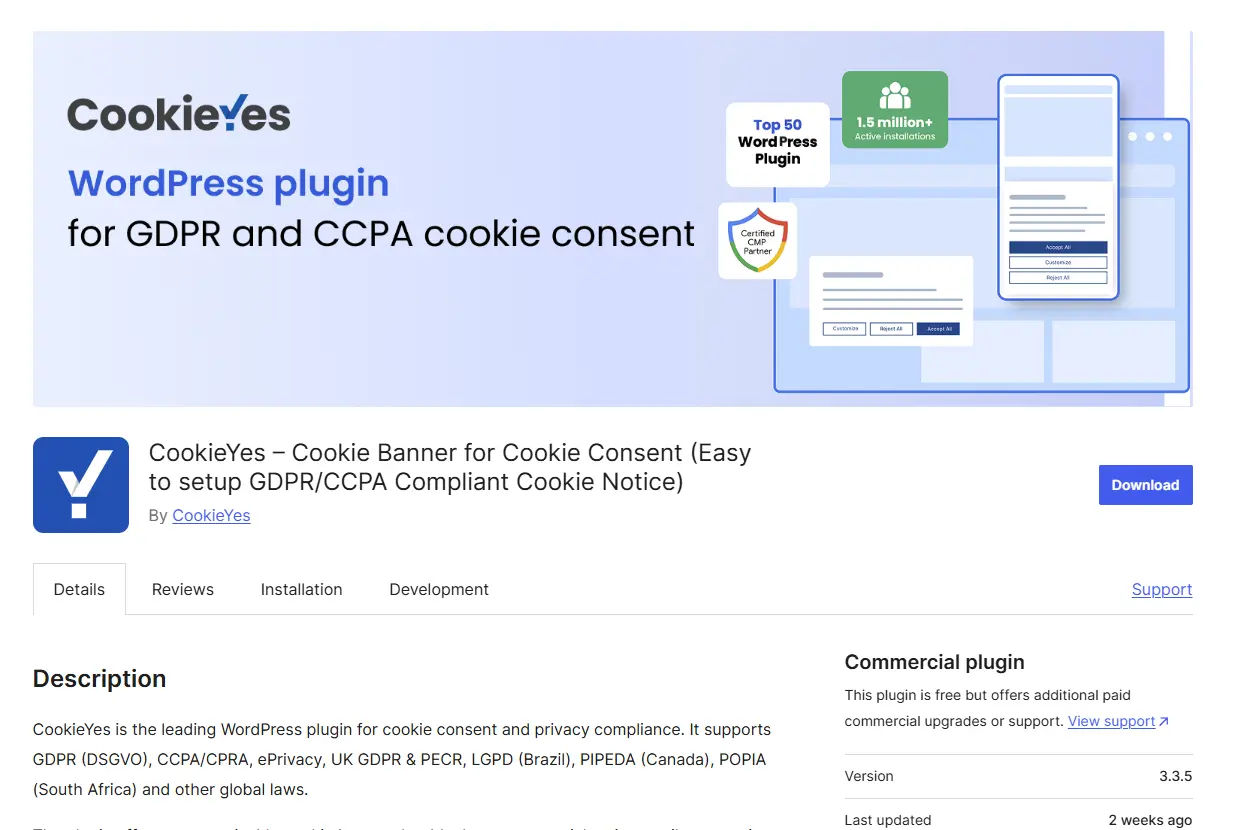
CookieYes continues to be one of the most downloaded cookie plugins. Its strength lies in simplicity and reliability. With GDPR, CCPA, and LGPD compliance built in, it automatically generates cookie banners and consent logs.
For beginners, it’s one of the easiest tools to install and configure. Plus, it integrates seamlessly with Google Consent Mode v2, making it future-proof.
Key Features:
- Customizable cookie banner.
- Consent logging for audits.
- Supports multiple languages.
- Integration with Google Consent Mode.
Pros:
- Easy to set up.
- Great for multilingual sites.
- Strong compliance coverage.
Cons:
- Advanced features require a premium plan.
- Banner design flexibility is limited.
2. Complianz – Complete Compliance Suite
Complianz stands out because it’s not just a cookie plugin—it’s a full privacy management solution. It generates cookie policies, privacy policies, and legal documents tailored to your region.
In 2026, it remains a favourite among agencies and businesses that need everything in one place. The geolocation feature ensures visitors see the correct consent banner depending on their region.
Key Features:
- Cookie scan and categorisation.
- Legal policy generator.
- Geolocation targeting.
- Integration with analytics and marketing tools.
Pros:
- Covers multiple laws globally.
- Detailed documentation.
- Geolocation ensures accurate compliance.
Cons:
- Complex setup for beginners.
- Premium plan required for advanced tools.
3. Cookiebot by Usercentrics – Enterprise-Grade Compliance
Cookiebot is built for businesses that need ironclad compliance. It automatically scans your website, categorises cookies, and generates consent banners based on visitor location.
Large organisations prefer Cookiebot because it offers enterprise features like monthly audits and dynamic consent. It also integrates with consent mode for accurate tracking.
Key Features:
- Automatic cookie scanning.
- Dynamic consent management.
- Monthly compliance reports.
- Geolocation-based banners.
Pros:
- Highly reliable for large sites.
- Detailed scanning and reporting.
- Works seamlessly with enterprise tools.
Cons:
- It can feel overwhelming for small websites.
- Pricing increases with traffic.
4. WPConsent – Self-Hosted Privacy-First Solution
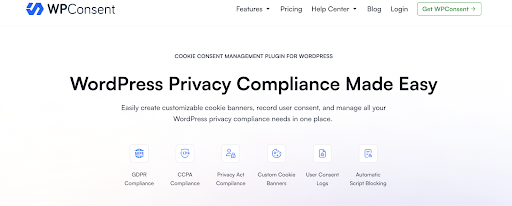
WPConsent is a privacy-focused cookie consent plugin developed by the team behind WPBeginner, part of the Awesome Motive family that also creates MonsterInsights, WPForms, and OptinMonster. If you’re already using MonsterInsights for analytics, WPConsent automatically detects and blocks its tracking cookies until visitors give consent. Consent records are stored directly in your WordPress database instead of third-party servers, so you get full ownership of the privacy compliance data.
Key Features:
- Self-hosted data storage
- IAB TCF 2.2 and Google Consent Mode v2 support
- Automatic script blocking for WordPress plugins
- AI-powered multi-language auto-translation
Pros:
- Privacy data stays under your control
- Faster page load (no external API calls)
- One-time setup without recurring dependencies
Cons:
- Fewer third-party integrations than cloud alternatives
- Initial setup may take longer than simpler plugins
5. iubenda Cookie Solution – Legal Expertise Built-In
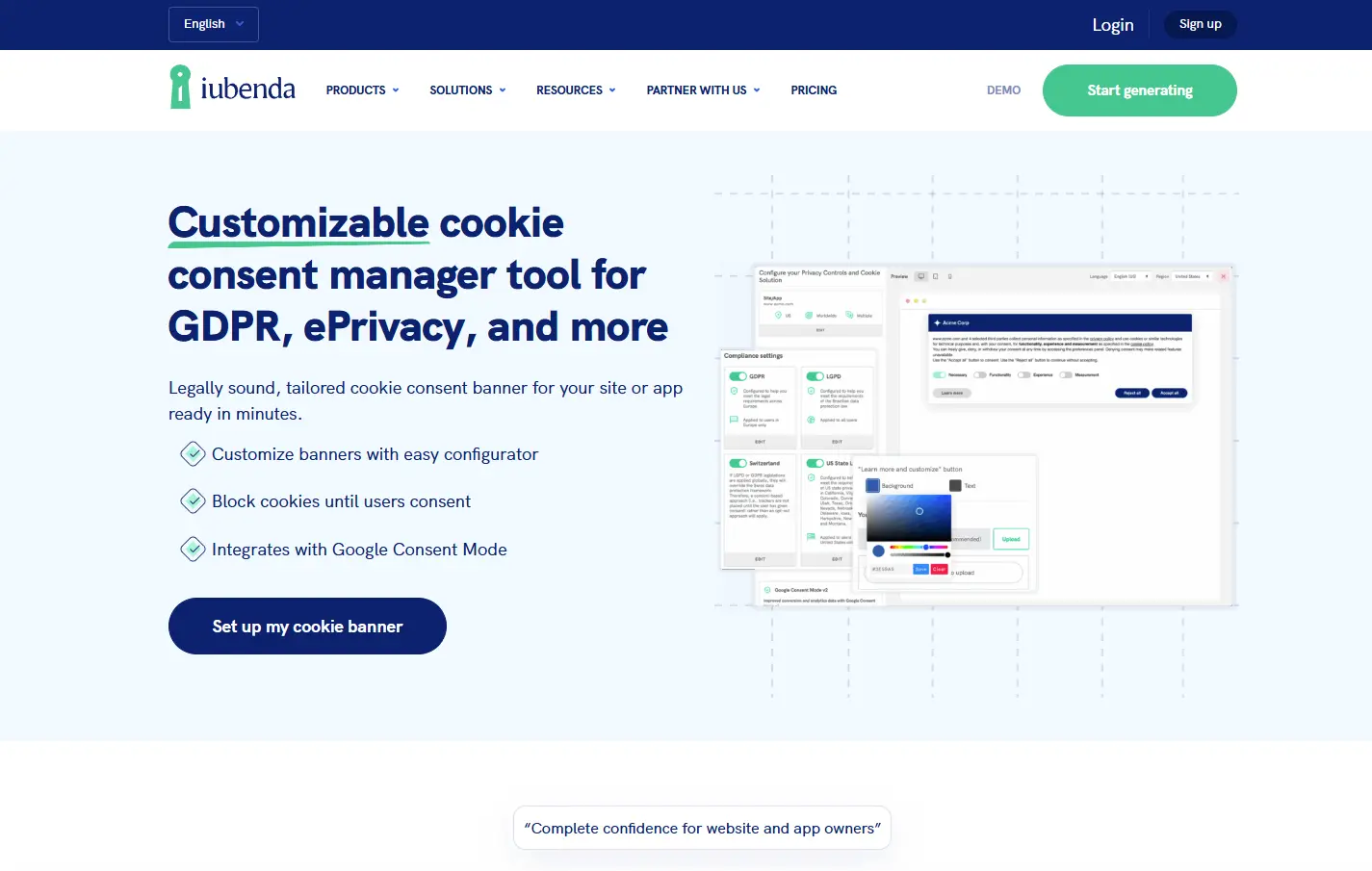
iubenda is known for providing legal tools tailored for websites. Its cookie plugin is integrated with a full compliance platform, including privacy policies and terms of service.
The standout feature is automation: iubenda updates legal documents automatically as regulations change.
Key Features:
- Automatic cookie blocking.
- Customizable consent banner.
- Integration with iubenda privacy policies.
- Auto-updating legal texts.
Pros:
- Managed by legal experts.
- Automated updates keep you compliant.
- Scales with business needs.
Cons:
- Premium-focused solution.
- Requires account setup on iubenda.
6. Real Cookie Banner – Customizable and Detailed
Real Cookie Banner lives up to its name with endless customisation options. It lets you design banners that perfectly fit your website’s style while still meeting legal requirements.
It’s ideal for websites that prioritise user experience and brand consistency without sacrificing compliance.
Key Features:
- Drag-and-drop banner design.
- Pre-built templates for quick setup.
- Consent logging.
- Integration with popular plugins.
Pros:
- Highly customizable.
- User-friendly builder.
- Great for brand-conscious sites.
Cons:
- May require a premium for advanced layouts.
- Setup takes longer than basic plugins.
7. Cookie Notice & Compliance – Lightweight and Reliable
This plugin is perfect if you want a lightweight solution without unnecessary complexity. It provides a simple banner and ensures compliance with the most common regulations.
Despite being minimal, it offers enough flexibility to cover small to medium-sized websites effectively.
Key Features:
- Customizable notification bar.
- Consent acceptance or rejection.
- Multilingual support.
- Works well with caching plugins.
Pros:
- Lightweight and fast.
- Free to use.
- Straightforward setup.
Cons:
- Lacks advanced compliance features.
- Not ideal for enterprise-level sites.
8. Moove GDPR Cookie Compliance – Elegant and Professional
Moove offers a sleek, modern design that stands out. It’s not just about compliance—it’s about creating a professional look for your site.
It also supports granular control, allowing visitors to enable or disable specific categories like marketing or analytics cookies.
Key Features:
- Sleek design templates.
- Category-based consent.
- Consent expiration and renewal.
- Compatible with WPML.
Pros:
- Beautiful user interface.
- Advanced control for visitors.
- Works with most caching tools.
Cons:
- Limited free features.
- Best suited for premium users.
9. Termly – Cloud-Based Compliance Platform
Termly provides more than a plugin—it’s a compliance-as-a-service solution. It connects with Termly’s cloud dashboard, where you manage cookie policies and banners.
For businesses managing multiple sites, Termly simplifies compliance by centralising everything in one dashboard.
Key Features:
- Cloud-based cookie management.
- Automatic policy updates.
- Customizable banners.
- Integration with legal documents.
Pros:
- Centralized dashboard.
- Automatically updates with laws.
- Good for agencies managing clients.
Cons:
- Requires a Termly account.
- Limited offline functionality.
10. WP AutoTerms – Beyond Cookies
While not strictly a cookie plugin, WP AutoTerms deserves a spot because it handles privacy, terms, and cookies in one package. For small sites, it’s an all-in-one compliance solution.
It’s beneficial for bloggers and entrepreneurs who want a quick compliance setup without juggling multiple plugins.

Key Features:
- Cookie consent notice.
- Generate terms and privacy policies.
- Automatic updates.
- Lightweight design.
Pros:
- All-in-one compliance.
- Quick setup for small sites.
- Free version covers basics.
Cons:
- Limited customisation.
- Not specialized for complex cookie management.
11. Osano – Enterprise-Ready Compliance
Osano is designed for businesses that take compliance seriously. While it’s more of a full privacy management platform, its WordPress integration makes it a solid choice for enterprise websites.
It offers advanced consent management, global compliance coverage, and integrations with major marketing tools.
Key Features:
- Enterprise compliance coverage.
- Geolocation consent management.
- Consent logging and reporting.
- Integration with marketing and analytics tools.
Pros:
- Built for enterprise use.
- Scales easily across multiple sites.
- Comprehensive compliance support.
Cons:
- Expensive compared to others.
- Overkill for small websites.
12. GDPR Cookie Consent – Flexible and User-Friendly
Formerly known as Cookie Consent by WebToffee, this plugin has been redesigned to handle modern compliance needs. It offers customizable banners and granular consent options.
Its biggest advantage is flexibility—you can style banners to match your brand while still meeting legal requirements.
Key Features:
- Banner and pop-up options.
- Category-based consent.
- Consent logs and reports.
- WPML compatibility.
Pros:
- Flexible designs.
- Regular updates.
- Compatible with multilingual setups.
Cons:
- The free version is limited.
- Documentation could be more detailed.
Comparison Table – Best WordPress Cookie Plugins (2026)
| Plugin Name | Best For | Key Feature | Price Range | Ease of Use |
|---|---|---|---|---|
| CookieYes | Beginners | Auto banners + Consent logs | Free/Premium | Easy |
| Complianz | Agencies/Businesses | Full compliance suite | Free/Premium | Moderate |
| Cookiebot by Usercentrics | Enterprises | Auto scans + Dynamic consent | Premium | Moderate |
| GDPR Cookie Consent | Flexible Sites | Customizable banners | Free/Premium | Easy |
| iubenda Cookie Solution | Legal-Focused Sites | Automated legal updates | Premium | Moderate |
| Real Cookie Banner | Custom Designs | Drag-and-drop builder | Free/Premium | Easy |
| Cookie Notice & Compliance | Lightweight Websites | Simple consent bar | Free | Very Easy |
| Moove GDPR Compliance | Professional Sites | Elegant design templates | Free/Premium | Easy |
| Termly | Multi-Site Management | Cloud compliance dashboard | Premium | Moderate |
| WP AutoTerms | Small Websites | All-in-one compliance | Free/Premium | Easy |
| Osano | Enterprise Websites | Enterprise compliance suite | Premium | Advanced |
Best Practices for Cookie Compliance
- Always test banners: Ensure they work across devices.
- Update regularly: Laws and plugin updates change frequently.
- Be transparent: Write clear, easy-to-understand cookie policies.
- Log consent: Keep records in case of audits.
- Don’t overload users: Provide simple choices without overwhelming them.
Common Mistakes to Avoid
- Hiding cookie banners: Non-compliance risks and penalties.
- Over-customisation: Avoid making banners too complex.
- Ignoring region-specific laws: GDPR and CCPA requirements differ.
- Failing to block cookies: Don’t load tracking scripts before consent.
The Future of WordPress Cookie Plugins
Looking ahead, expect AI-driven compliance tools that automatically adjust based on regional laws, real-time consent tracking, and integrations with blockchain for transparent data logging.
The best WordPress Cookie Plugins in 2026 are already moving toward automation, global compliance, and seamless integration with analytics and marketing tools.

Closing Remarks
Managing cookies isn’t optional—it’s mandatory. But it doesn’t have to be complicated. With the right WordPress Cookie Plugin, you can stay compliant, build trust, and provide a better user experience.
From the simplicity of CookieYes to the enterprise-grade power of Osano, there’s a solution for every website. The key is to pick a plugin that matches your scale, audience, and compliance needs. By doing so, you’ll future-proof your site and earn the confidence of your visitors.
Interesting Reads:
