

Email marketing is one of the most powerful tools you can use as a WooCommerce store owner because it allows you to build stronger customer relationships, boost brand loyalty, and drive repeat purchases that ultimately increase sales. While WooCommerce does come with a built-in email system, it’s primarily designed for transactional emails, such as order confirmations, password resets, and shipping updates. Although these are essential, they don’t cover the marketing side of things. To truly connect with your customers and grow your store, you need a system that lets you send individual marketing bulk emails that still feel personal and relevant to each recipient. This is where the concept of individualised bulk emails comes in—rather than sending the same generic message to everyone, you can tailor your emails with customer-specific details like their name, purchase history, or browsing behaviour, making each communication more meaningful and engaging. By doing this, you can increase open rates, encourage more clicks, and ultimately inspire customers to take action, whether it’s completing a purchase, returning to browse your store, or exploring a new product. In this guide, we’ll walk you through everything you need to know—from understanding how WooCommerce emails work and their limitations to why personalised bulk emails matter and step-by-step instructions for setting them up—so you can make email marketing a key driver of your store’s growth.

WooCommerce Emails 101: What You Get Out of the Box
By default, WooCommerce sends transactional emails, such as:
- Order confirmation emails
- Shipping notifications
- Password reset links
- Account-related updates
These are essential for customer trust, but they’re not designed for marketing campaigns like promotions, newsletters, or cart recovery.
Transactional vs Marketing Emails
Transactional Emails
- Triggered automatically by customer actions (orders, password resets).
- High open rates since customers expect them.
- Functional, but not promotional.
Marketing Emails
- Sent strategically for promotions, offers, updates, or re-engagement.
- Require personalisation, segmentation, and compliance (opt-ins, unsubscribe links).
- Drive sales, conversions, and brand loyalty.
👉 WooCommerce handles transactional emails well, but for marketing emails, you need extra tools.
Also Read: Store Multilingual: Translate Products, Categories & Checkout
Why WooCommerce Alone Isn’t Enough
Using WooCommerce’s default system for marketing leads to limitations:
- Only one email field per customer (no segmentation).
- Generic templates with little personalisation.
- Hosting restrictions limit how many emails you can send.
- wp_mail() function often pushes emails into spam folders.
That’s why most store owners integrate WooCommerce with email marketing tools.
Why Individualised Bulk Emails Work Better
Instead of blasting one generic message to everyone, individualised bulk emails let you send campaigns in bulk while still making them personal.
Benefits:
- Higher open rates → Personalised subject lines grab attention.
- Better engagement → Customers interact more with relevant content.
- Stronger ROI → Targeted campaigns outperform generic blasts.
Also Read: How to Set Up WooCommerce for Dropshipping (Step-by-Step)
Personalisation in Action
Here are easy ways to personalise your WooCommerce emails:
- Name-based greetings → “Hi Sarah” instead of “Hi Customer.”
- Order-based personalisation → “Your headphones are on the way—don’t forget the matching case!”
- Behavioural triggers → Discounts for shoppers who viewed a product but didn’t buy.
- Geographic targeting → Free shipping offers for certain locations.
Common Use Cases for Bulk Marketing Emails
- Welcome emails → Greet new customers with a discount or introduction.
- Cart recovery campaigns → “You left something behind—complete your purchase today.”
- Seasonal promotions → Black Friday, Christmas, or festival offers.
- Product recommendations → Based on purchase history.
- VIP offers → Exclusive deals for loyal customers.
Also Read: WordPress Multi-Vendor Marketplace Ecommerce Themes
Step 1: Improve Email Deliverability- Individual Marketing Bulk Emails
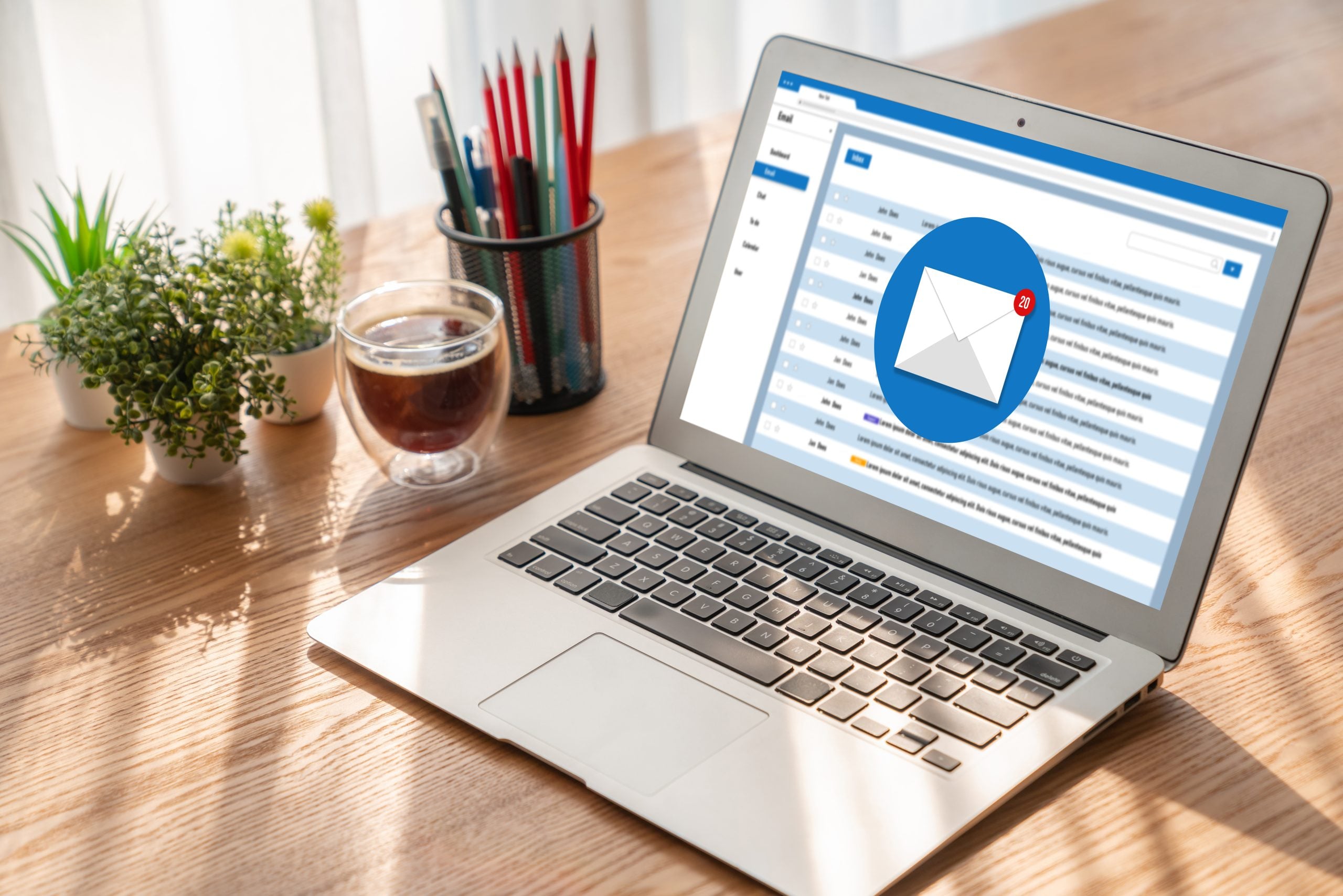
Before sending campaigns, ensure your emails actually land in inboxes.
Why wp_mail() Isn’t Enough
- WooCommerce uses WordPress’s wp_mail() function.
- Lacks authentication → emails often land in spam.
The Fix: Use SMTP
SMTP plugins route emails through trusted servers.
Recommended plugins:
- WP Mail SMTP → Beginner-friendly, works with Gmail, Outlook, SendGrid.
- Mailtrap → Great for testing and avoiding spam.
Don’t forget to configure:
- Professional sender email (your domain, not Gmail).
- SPF, DKIM, and DMARC authentication records.
- Proper headers to improve trust.
Step 2: Choose the Right Email Marketing Tool

WooCommerce’s native email system needs help. Popular plugins and integrations include:
- MailPoet → Easy to use, built for WooCommerce, great for small businesses.
- FluentCRM → Self-hosted, no recurring fees, supports advanced segmentation.
- Klaviyo → Powerful external service, great analytics, perfect for scaling.
- Mailchimp for WooCommerce → Popular, integrates with multiple platforms.
👉 If you’re starting out, go with MailPoet or FluentCRM. For scaling stores, choose Klaviyo or Mailchimp.
Also Read: How a Shopify Quiz Builder Can Elevate Your Customer Engagement Strategy
Step 3: Send Your First Individualised Campaign
Here’s the process:
Segment your audience
- Example: “Customers who purchased in the last 90 days.”
Set up your email tool
- Connect to SMTP for reliable delivery.
Write personalised content
- Use merge tags like {first_name} or product recommendations.
Test your email
- Send test campaigns and preview on desktop + mobile.
Schedule smartly
- Midweek mornings often perform best, but experiment with your audience.
Also Read: Micro-Marketing Campaign: What Is It & How Do I Launch One?
Troubleshooting Common Issues- Individual Marketing Bulk Emails
- Are emails not sending? → Check your SMTP settings.
- Emails in spam? → Fix authentication (SPF/DKIM/DMARC).
- Plugin conflicts? → Disable one plugin at a time to identify issues.
- Hitting free limits? → Upgrade plans or use multiple SMTP relays.
Best Practices for WooCommerce Bulk Emails
- Segment instead of blasting → Target based on behaviour, location, order history.
- A/B test subject lines → See what drives more opens.
- Stay compliant → Add unsubscribe links, honour opt-ins.
- Optimise for mobile → Over 60% of emails are read on smartphones.
- Track performance → Measure open rates, click-throughs, and conversions.
Also Read: Email Deployment: Expert Strategies and Best Practices for Seamless Campaigns
When to Seek Professional Help- Send Individual Marketing Bulk Emails
Sometimes, you’ll need expert support for:
- Complex conditional emails (per product/category).
- Integration with external CRMs (HubSpot, Zoho, Salesforce).
- Advanced deliverability troubleshooting.
- Scaling bulk campaigns to thousands of customers.
FAQs
1. How do I send bulk emails to WooCommerce customers?
Install a plugin like MailPoet, FluentCRM, or Mailchimp, and connect it with SMTP.
2. Can I send personalised mass emails?
Yes—use merge tags like {first_name} and segmentation.
3. Why aren’t my WooCommerce emails sending?
Most often, it is SMTP misconfiguration or hosting restrictions.
4. Can I send unlimited bulk emails?
Many free plugins have caps. Use SMTP services or upgrade to premium.
5. What’s the best free tool for bulk WooCommerce emails?
MailPoet works great for small lists. FluentCRM offers more flexibility.
Why Individualised Emails Are a Game-Changer
WooCommerce’s built-in emails are great for the basics like order confirmations and shipping updates, but when it comes to real marketing, they simply aren’t enough. If you want to truly grow your store and build long-term customer relationships, you need to move beyond generic transactional emails and start sending individualised bulk emails that feel personal and relevant to each customer. Personalised email marketing lets you address your shoppers by name, recommend products based on their browsing or purchase history, and send timely offers that resonate with their unique needs—making every message feel like it was written just for them. With the right setup—such as configuring SMTP for reliable deliverability, choosing a powerful email marketing plugin, and using smart segmentation—you can transform email from a simple communication tool into one of your strongest revenue drivers. The key is to start small by building your first campaigns, personalise as much as possible, experiment with different subject lines and content, and analyse your results to keep improving. Over time, these efforts will not only boost your open and click-through rates but also drive repeat purchases, increase customer loyalty, and create a steady stream of revenue for your WooCommerce store. Done right, individualised bulk emails can turn casual shoppers into loyal fans who look forward to hearing from your brand.
Interesting Reads:
Top Email Marketing Tools for WordPress That Increase Sales
ActiveCampaign vs Mailchimp vs Flodesk : Best Email Marketing Tools Comparison
